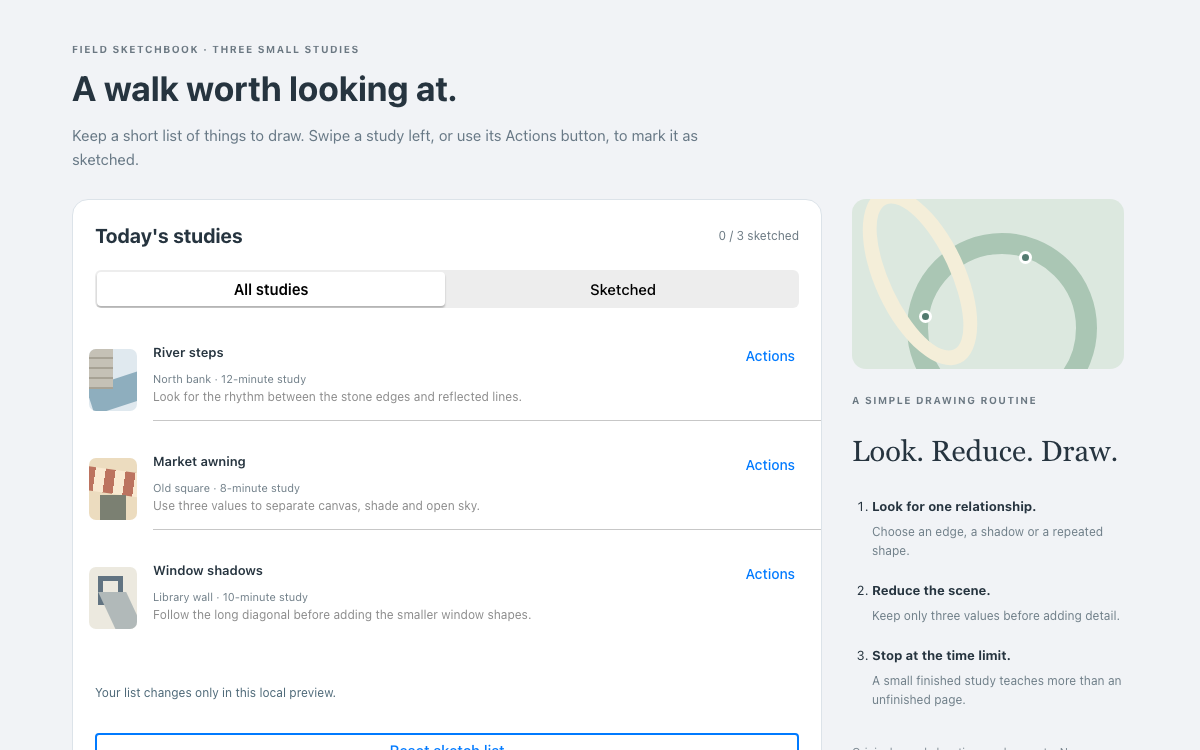
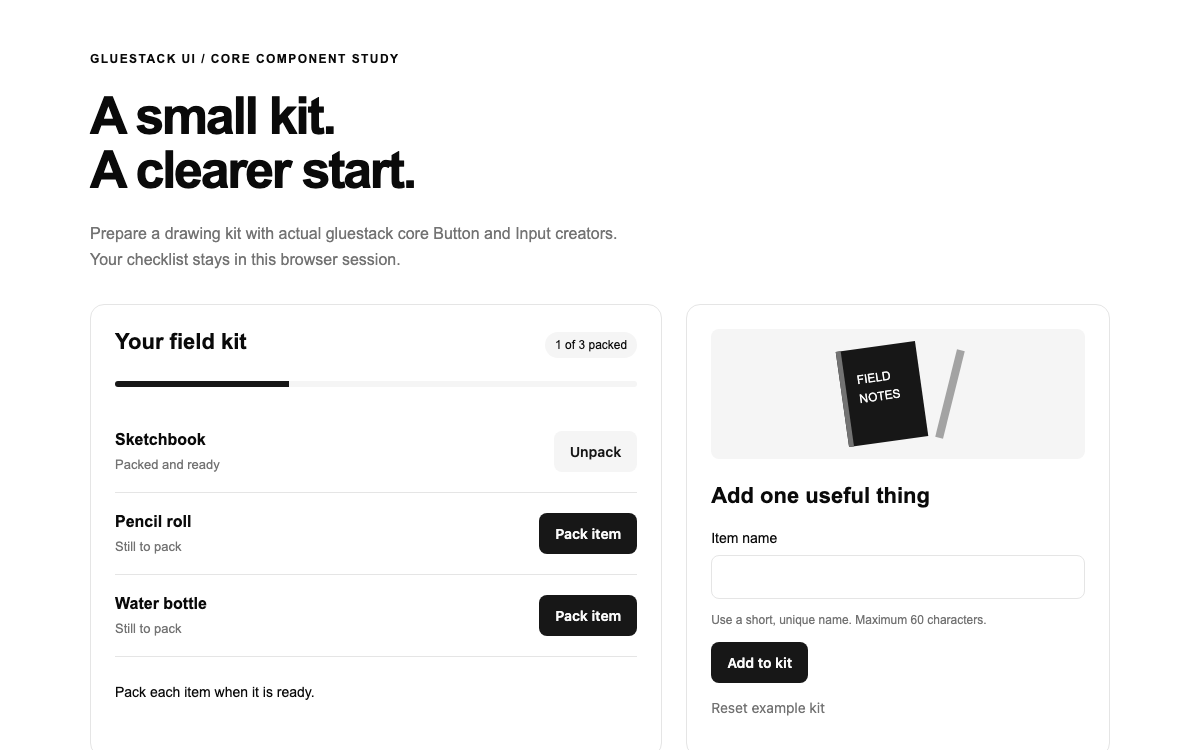
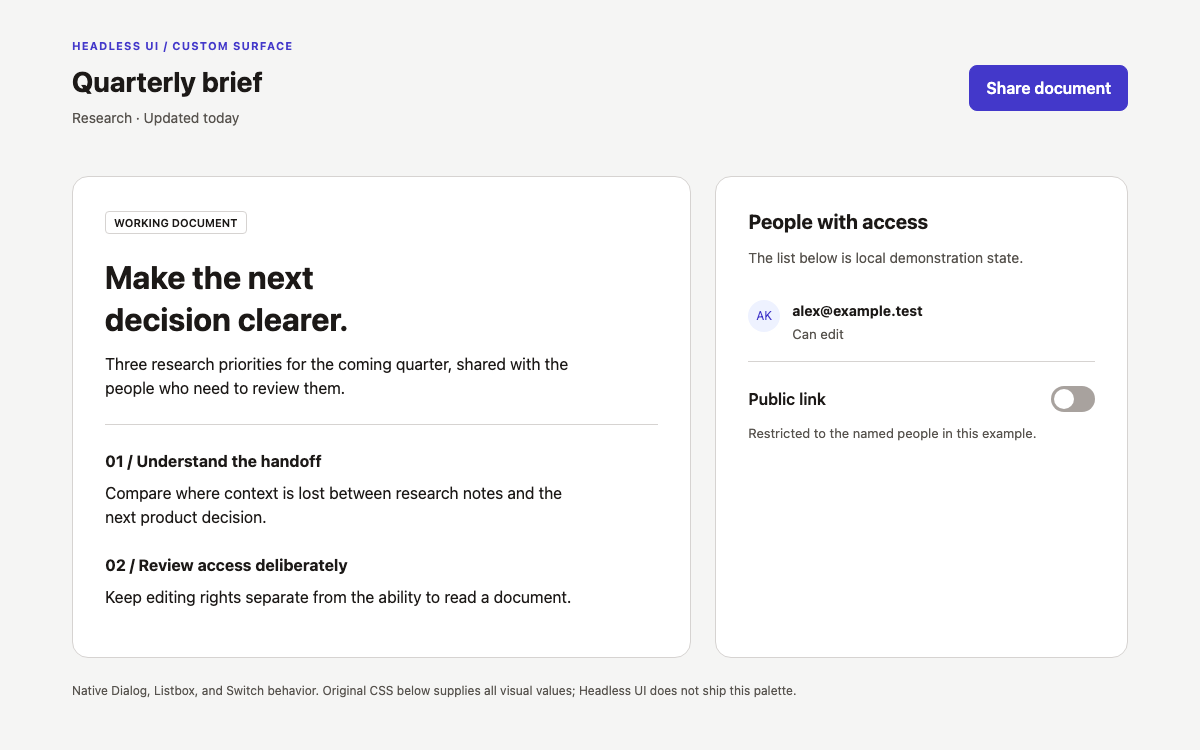
이 페이지는 이메일용 Foundation와는 다릅니다. 브라우저 폼, JavaScript 유효성 검사, 모달을 사용하며, 마크업은 이메일 템플릿이 아닙니다. 오프라인 예제는 실제 6.9.0 파일을 포함하고, 해당 컴포넌트를 정적으로 흉내 내는 대신 간단한 자체 스크립트를 추가합니다.
참조 표에는 설치된 Sass 설정의 항목이 나와 있습니다. 기본 팔레트에는 기본 색상 #1779ba, 보조 색상 #767676, 성공 색상 #3adb76, 경고 색상 #ffae00, 알림 색상 #cc4b37이 포함됩니다. 이 색상은 프레임워크의 색상 역할을 나타냅니다. 따뜻한 느낌의 소책자 표지는 자체 팔레트를 사용하는 독창적인 CSS 아트워크입니다.
달러 기호로 시작하는 설정은 컴파일 시 입력되는 값입니다. 브라우저의 style 속성에 지정할 수 있는 CSS 사용자 지정 속성이 아닙니다. 프레임워크 테마를 변경하려면 Sass를 빌드하거나, 화면별로 조정하려면 컴파일된 스타일시트 뒤에 범위를 명확히 지정한 일반 CSS를 추가하세요. 이 예제에서는 후자의 방법으로 제목, 폼 안쪽 여백, 배경을 조정합니다.
Foundation의 기본값은 브라우저 기준 글꼴 크기 100%, 본문 줄 높이 1.5, Helvetica Neue/Helvetica/Roboto/Arial 글꼴 스택입니다. 전역 모서리 반경은 0이므로 최신 컴포넌트 키트보다 각진 형태가 기본으로 적용됩니다. 입력란, 콜아웃, 확인 폼에도 별도의 큰 모서리 반경을 적용하지 않고 이 특성을 유지합니다.
이 애플리케이션은 페이지 제목에 글꼴 크기 38px, 줄 높이 1.15를 적용하고 모바일에서는 글꼴 크기를 30px로 줄입니다. 도입 문구의 글꼴 크기는 18px입니다. 굵은 글자를 겹쳐 배치하고 단순한 원을 더한 일러스트로 인쇄물이라는 맥락을 드러내며, 폼은 안정적인 흰색 작업 영역으로 유지합니다. 이는 모두 페이지별로 선택한 설정이며, 제공된 CSS에 전체 목록이 있습니다.
grid-container 안에 grid-x grid-margin-x 행을 배치합니다. 두 셀에는 각각 medium-7과 medium-5를 지정하여 640px 초과 화면에서 12개 열을 폼과 소책자 미리보기에 나눠 사용합니다. 해당 브레이크포인트보다 작은 화면에서는 문서 내 순서대로 세로로 쌓입니다. 중첩된 Pages/Proof copies 행에는 small-6 셀을 사용해 좁은 화면에서도 작은 숫자 입력란 두 개가 나란히 표시되도록 합니다.
Foundation는 margin 그리드와 padding 그리드를 모두 지원합니다. 이 예제에서는 한 행에 두 유형을 섞지 않고, 컨테이너 내부의 margin 거터를 일관되게 사용합니다. 브레이크포인트 맵에는 Sass에서 사용할 xlarge와 xxlarge도 있지만, 기본 breakpoint-classes 설정으로 생성되는 너비 클래스는 small, medium, large입니다. 맵에 항목이 있다고 해서 컴파일된 파일에 해당 유틸리티 클래스가 모두 포함되는 것은 아닙니다.
폼에서는 data-abide와 novalidate, data-validate-on=submit을 사용해 버튼을 클릭할 때 change 이벤트에 따라 오류 표시가 재배치되지 않도록 합니다. 각 form-error span은 data-form-error-for를 통해 해당 입력란을 가리킵니다. data-abide-error가 지정된 alert 콜아웃은 폼 전체의 오류 요약을 제공합니다. 필수 제목과 사전 점검 체크박스 오류 외에 숫자 유효성 검사기도 두 가지 명시적으로 처리합니다.
소책자 유효성 검사기는 4에서 200 사이의 4로 나누어떨어지는 정수를 허용합니다. 부수 유효성 검사기는 1에서 10 사이의 정수를 허용합니다. 초기화 전에 두 검사기를 Foundation.Abide.defaults.validators에 등록하고 data-validator로 참조합니다. 테스트한 흐름에서는 기본 step 속성만으로 소책자 페이지 수의 증분을 강제할 수 없었으므로 이에 의존하지 않습니다. 4페이지라는 가정은 이 예제에만 해당하며 모든 인쇄 작업에 적용되는 것은 아닙니다.
forminvalid.zf.abide 이벤트가 발생하면 애플리케이션은 data-invalid가 지정된 첫 번째 입력란에 포커스를 둡니다. 이렇게 하면 알림 콜아웃이 전체 문제를 설명하는 동안 사용자는 수정할 입력란으로 바로 이동할 수 있습니다. 입력란의 오류 안내는 aria-describedby로 연결되므로, 이름이 지정되지 않은 입력란 옆에 빨간색 표시만 띄우는 방식이 아닙니다.
전체 이벤트 흐름은 JavaScript 예제에서 확인할 수 있습니다. 존재하지 않는 엔드포인트로 브라우저가 이동하지 않도록 일반 submit 이벤트를 방지합니다. formvalid.zf.abide 이벤트에서만 보류 중인 스냅샷을 만들고 검토 창을 엽니다. 검토 창을 제출 버튼에 직접 연결하면 유효성 검사 결과를 건너뛰게 되므로 이 점이 중요합니다.
모달에는 data-reveal이 지정되어 있으며, aria-labelledby를 통해 제목과 연결됩니다. 유효한 폼 이벤트가 발생하면 보류 중인 객체를 만들고 textContent로 정의 목록을 구성합니다. Reveal은 Foundation API를 통해 열리며 모달 동작을 제공하고, data-close 버튼이나 확인 처리기를 통해 닫힙니다.
계속 편집을 선택하면 기록을 남기지 않고 대화상자를 닫습니다. 로컬 확인 기록을 선택하면 닫기 전에 같은 보류 중인 값을 상태 콜아웃에 씁니다. 닫기 아이콘에는 명시적인 레이블이 있습니다. 애플리케이션에는 파일 업로드나 인쇄 주문 기능이 없으므로, 확인 메시지도 파일이 업로드되었거나 인쇄 주문이 생성되었다고 안내하지 않습니다.
[email protected]과 [email protected]을 설치한 다음 컴파일된 CSS, Foundation JavaScript, jQuery를 로컬 에셋에 복사합니다. 페이지별 조정용 스타일시트보다 먼저 기본 스타일시트를 불러옵니다. jQuery를 먼저, Foundation를 두 번째로, 애플리케이션 스크립트를 세 번째로 불러오세요. defer를 사용하면 문서 파싱이 끝난 뒤에도 이 순서가 유지됩니다.
$(document).foundation()을 호출하기 전에 사용자 지정 유효성 검사기를 등록하세요. 초기화 후 등록하면 피할 수 있는 타이밍 의존성이 생깁니다. 현재 예제는 재현성을 위해 컴파일된 전체 런타임을 사용합니다. 프로덕션 번들에서는 플러그인과 해당 종속 항목을 선택할 수 있지만, 마크업에 관련 데이터 속성을 남겨 둔 채 Abide나 Reveal을 제거해서는 안 됩니다.
Foundation 디자인 시스템의 사전 검수는 로컬에서 내리는 결정이지, 프로덕션 승인이 아닙니다
사전 검사는 로컬 결정이며 프로덕션 승인이 아닙니다
도표와 페이지 수 규칙은 교정 맥락을 구체적으로 보여 주지만, 특정 인쇄소의 제작 사양은 아닙니다. 예제에서는 실제 제약 조건을 제작 업체에 확인하라고 명시합니다. 사본 수는 이 예제에 한정된 로컬 제한이며, 재고나 가격 정보가 아닙니다.
실제 제출 흐름을 구현하려면 파일 검사, 서버 측 유효성 검사, 추적 가능한 접수 응답이 필요합니다. Foundation는 인터페이스 기본 요소를 제공할 수 있지만, 이러한 도메인 검사는 애플리케이션에서 구현해야 합니다. 이 경계를 명확히 하면 오해를 부르는 성공 메시지를 그대로 물려받지 않고도 유효성 검사 및 검토 패턴을 재사용할 수 있습니다.
XY Grid, 명시적인 양식 오류, 사전 검수 확인란, 콜아웃 및 Reveal 확인 창.
html
<main class="grid-container proof-desk"><header><p class="eyebrow">FOUNDATION / PRINT PROOF DESK</p><h1>Check the job before it leaves the desk.</h1><p class="lead">A local proof checklist built with XY Grid, Abide and Reveal.</p></header><div class="grid-x grid-margin-x"><section class="cell medium-7"><form id="proof-form" data-abide data-validate-on="submit" novalidate><div data-abide-error class="alert callout" style="display:none" role="alert"><p>Check the marked fields before reviewing this proof.</p></div><label for="job">Job title<input id="job" type="text" required pattern=".*\S.*" placeholder="Autumn studio booklet" aria-describedby="job-error"></label><span class="form-error" id="job-error" data-form-error-for="job">Enter a job title.</span><div class="grid-x grid-margin-x"><div class="cell small-6"><label for="pages">Pages<input id="pages" data-validator="booklet" type="number" value="16" min="4" max="200" step="4" required aria-describedby="pages-error"></label><span class="form-error" id="pages-error" data-form-error-for="pages">Use a multiple of four, from 4 to 200.</span></div><div class="cell small-6"><label for="copies">Proof copies<input id="copies" data-validator="copies" type="number" value="2" min="1" max="10" required aria-describedby="copies-error"></label><span class="form-error" id="copies-error" data-form-error-for="copies">Use a whole number from 1 to 10.</span></div></div><label for="stock">Paper stock<select id="stock"><option>Uncoated / warm white</option><option>Coated / bright white</option><option>Recycled / natural</option></select></label><fieldset class="fieldset"><legend>Preflight check</legend><input id="bleed" type="checkbox" required aria-describedby="bleed-error"><label for="bleed">Bleed and safe area have been checked</label><span class="form-error" id="bleed-error" data-form-error-for="bleed">Complete the preflight check.</span></fieldset><div class="button-group"><button type="submit" class="button">Review proof</button><button type="reset" class="button hollow secondary">Reset</button></div></form><div id="result" class="callout secondary" role="status">No proof recorded. This preview does not submit a print order.</div></section><aside class="cell medium-5"><div class="paper-preview" aria-label="Original booklet cover illustration"><span>STUDIO<br>NOTES</span><div class="paper-circle"></div><strong>08 / AUTUMN</strong></div><div class="callout"><h2 class="h5">Why four-page increments?</h2><p>This example assumes folded booklet signatures. It is a local preflight rule, not a universal printing requirement.</p><p>Confirm production constraints with the actual printer before using this pattern.</p></div></aside></div></main><div class="reveal" id="proof-review" data-reveal aria-labelledby="review-title"><h2 id="review-title">Review the proof details</h2><dl id="proof-summary"></dl><p>This confirms only the local example. No file is uploaded and no print order is created.</p><button id="confirm" class="button">Record local proof</button><button class="button hollow secondary" data-close>Keep editing</button><button class="close-button" data-close aria-label="Close review" type="button"><span aria-hidden="true">×</span></button></div>
제공된 app.js는 초기화 전에 Abide 유효성 검사기를 등록하고 유효한 양식 이벤트에 Reveal을 연결합니다. 원본 CSS은 style.css로 저장하세요. 로컬 미리보기에는 동일한 종속 항목이 인라인으로 포함되어 있습니다. HTML 래퍼에는 전체 본문 마크업이 들어 있습니다. 제공된 상호작용 예제와 CSS 예제는 여기에 참조된 파일명으로 저장하세요.
html
<!-- npm install [email protected][email protected]
mkdir -p assets
cp node_modules/foundation-sites/dist/css/foundation.min.css assets/
cp node_modules/foundation-sites/dist/js/foundation.min.js assets/
cp node_modules/jquery/dist/jquery.min.js assets/ -->
<!doctype html><html lang="en"><head>
<meta charset="utf-8"><meta name="viewport" content="width=device-width,initial-scale=1">
<title>Proof desk</title>
<link rel="stylesheet" href="assets/foundation.min.css">
<link rel="stylesheet" href="style.css">
<script src="assets/jquery.min.js" defer></script>
<script src="assets/foundation.min.js" defer></script>
<script src="app.js" defer></script></head>
<body><main class="grid-container proof-desk"><header><p class="eyebrow">FOUNDATION / PRINT PROOF DESK</p><h1>Check the job before it leaves the desk.</h1><p class="lead">A local proof checklist built with XY Grid, Abide and Reveal.</p></header><div class="grid-x grid-margin-x"><section class="cell medium-7"><form id="proof-form" data-abide data-validate-on="submit" novalidate><div data-abide-error class="alert callout" style="display:none" role="alert"><p>Check the marked fields before reviewing this proof.</p></div><label for="job">Job title<input id="job" type="text" required pattern=".*\S.*" placeholder="Autumn studio booklet" aria-describedby="job-error"></label><span class="form-error" id="job-error" data-form-error-for="job">Enter a job title.</span><div class="grid-x grid-margin-x"><div class="cell small-6"><label for="pages">Pages<input id="pages" data-validator="booklet" type="number" value="16" min="4" max="200" step="4" required aria-describedby="pages-error"></label><span class="form-error" id="pages-error" data-form-error-for="pages">Use a multiple of four, from 4 to 200.</span></div><div class="cell small-6"><label for="copies">Proof copies<input id="copies" data-validator="copies" type="number" value="2" min="1" max="10" required aria-describedby="copies-error"></label><span class="form-error" id="copies-error" data-form-error-for="copies">Use a whole number from 1 to 10.</span></div></div><label for="stock">Paper stock<select id="stock"><option>Uncoated / warm white</option><option>Coated / bright white</option><option>Recycled / natural</option></select></label><fieldset class="fieldset"><legend>Preflight check</legend><input id="bleed" type="checkbox" required aria-describedby="bleed-error"><label for="bleed">Bleed and safe area have been checked</label><span class="form-error" id="bleed-error" data-form-error-for="bleed">Complete the preflight check.</span></fieldset><div class="button-group"><button type="submit" class="button">Review proof</button><button type="reset" class="button hollow secondary">Reset</button></div></form><div id="result" class="callout secondary" role="status">No proof recorded. This preview does not submit a print order.</div></section><aside class="cell medium-5"><div class="paper-preview" aria-label="Original booklet cover illustration"><span>STUDIO<br>NOTES</span><div class="paper-circle"></div><strong>08 / AUTUMN</strong></div><div class="callout"><h2 class="h5">Why four-page increments?</h2><p>This example assumes folded booklet signatures. It is a local preflight rule, not a universal printing requirement.</p><p>Confirm production constraints with the actual printer before using this pattern.</p></div></aside></div></main><div class="reveal" id="proof-review" data-reveal aria-labelledby="review-title"><h2 id="review-title">Review the proof details</h2><dl id="proof-summary"></dl><p>This confirms only the local example. No file is uploaded and no print order is created.</p><button id="confirm" class="button">Record local proof</button><button class="button hollow secondary" data-close>Keep editing</button><button class="close-button" data-close aria-label="Close review" type="button"><span aria-hidden="true">×</span></button></div>
</body></html>
프로젝트를 위한 프롬프트
에이전트 프롬프트
제공된 Foundation 6.9.0 인쇄 교정 데스크와 XY Grid 마크업, Abide 유효성 검사기 및 Reveal 흐름을 바탕으로 시작하세요. 정수 및 4의 배수 페이지 수 검사와 제출 시 유효성 검사를 유지하고, 레이블과 오류 연결 관계를 보존하세요. 교정 정보가 유효할 때만 기본 Reveal 검토 창을 열고, 취소와 로컬 확인은 별도로 처리하세요. 전체 초기화 코드와 원본 레이아웃 CSS을 유지하세요. 유효성 검사기를 시각적 오류 클래스만으로 대체하거나 인쇄 주문이 접수된 것처럼 표시하지 마세요.
05
Foundation 디자인 시스템 출처 및 범위
jQuery 3.7.1과 함께 사용하는 사이트용 Foundation 6.9.0. 인쇄 규칙과 삽화는 예제를 위해 제작했습니다. 파일 업로드나 인쇄 주문 기능은 구현되어 있지 않습니다.