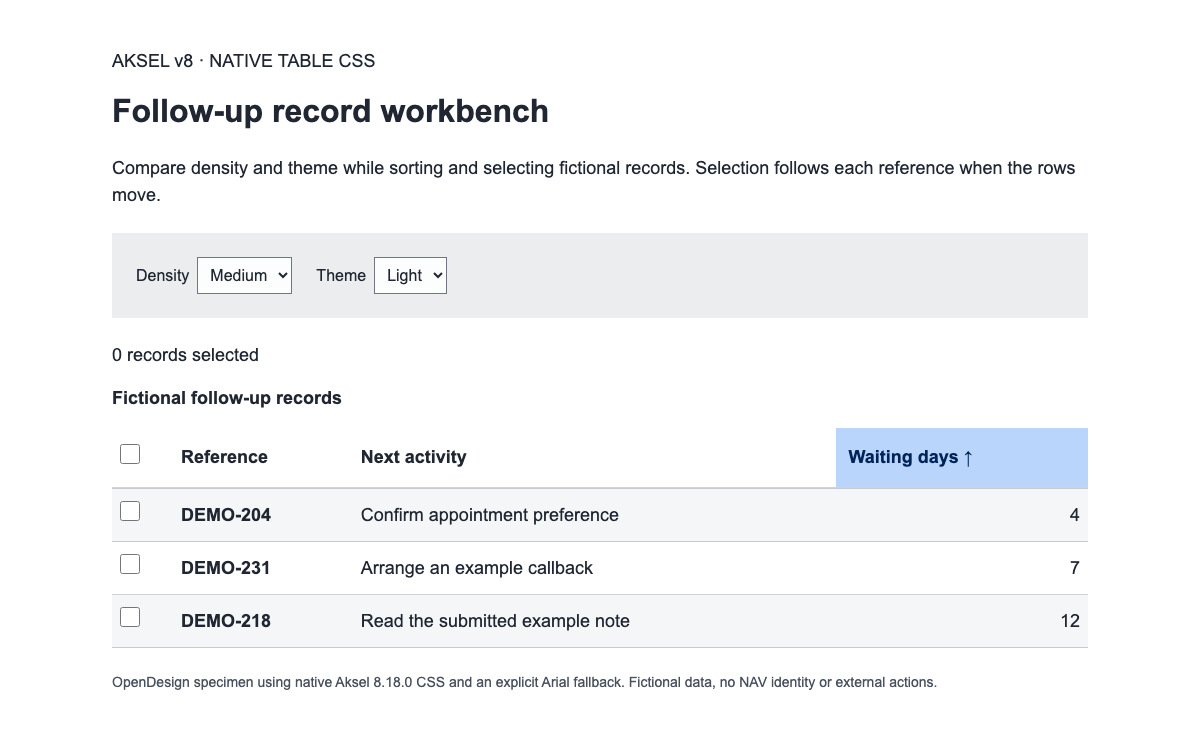
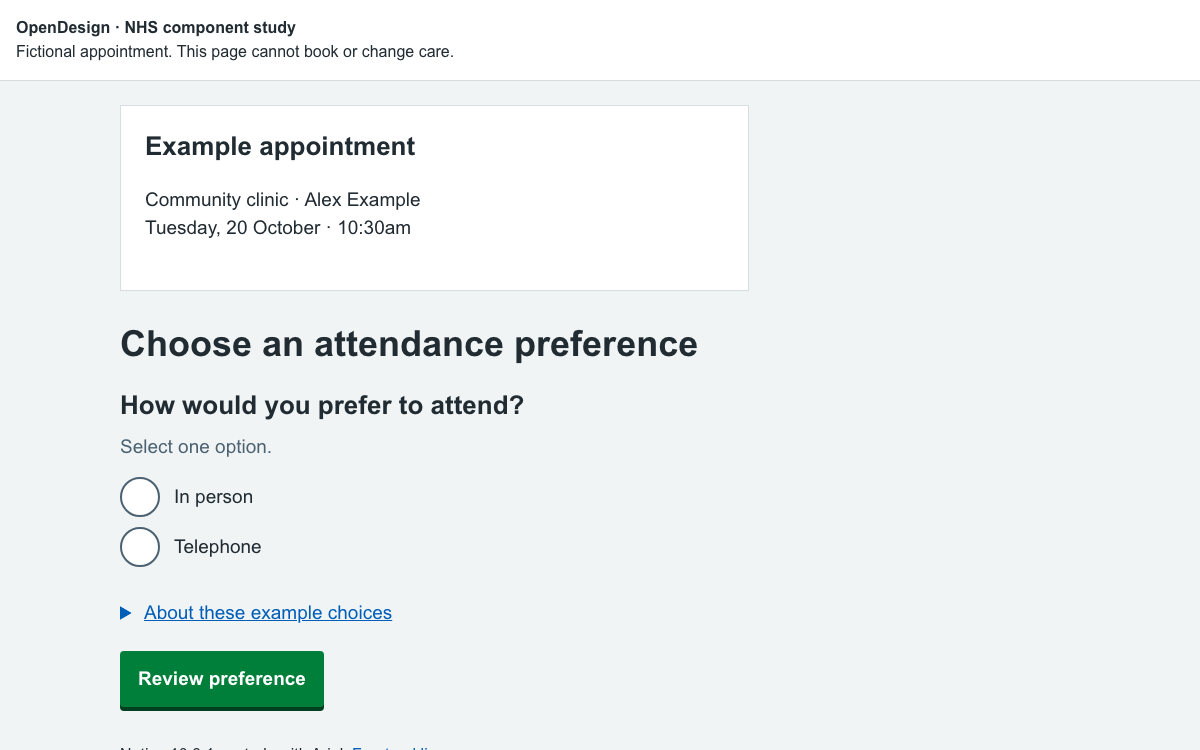
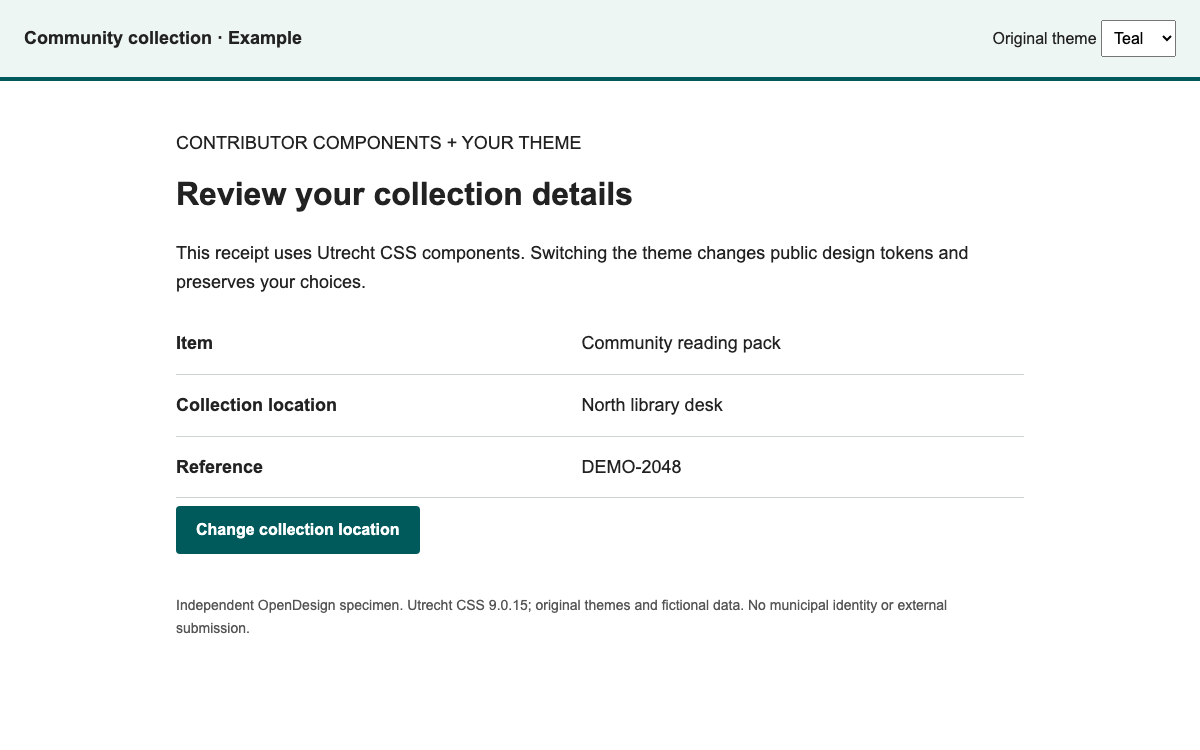
Forty-Two는 Michigan Engineering의 디자인 시스템이자 지원되는 WordPress 테마입니다. 공식 개요에서는 요소, 컴포넌트, 컴포넌트 그룹을 소개하며, 편집기의 블록과 패턴에 대응시킵니다. 이 테마는 Communications & Marketing 또는 CAEN 호스팅 방식으로 Engineering 소속 학과와 조직에 제공됩니다. 모든 프로젝트에서 설치할 수 있는 범용 npm 패키지처럼 소개해서는 안 됩니다.
이 예시는 문서에 소개된 인물 디렉터리 개념을 투명하게 해석해 구현한 것입니다. 공개된 웹 팔레트와 가상의 프로필을 사용하지만, 레이아웃과 필터링 코드는 독자적으로 작성했습니다. 승인을 받은 기관 사이트에서는 이 데모를 맞춤형 HTML 블록에 복사해 동등한 구현이라고 가정하지 말고, 지원되는 테마와 현재 패턴을 사용해야 합니다.
Maize와 Blue는 기본 아이덴티티를 구성합니다. 웹 팔레트에는 Base Puma Black, Base White, Hyperlink Blue를 포함한 이름 있는 파란색 계열이 추가됩니다. 보조 색상은 기본 색상을 뒷받침하는 용도이지, 모든 학문 분야에 서로 다른 강렬한 배경색을 지정하라는 뜻은 아닙니다. 이 예시는 헤더에 아이덴티티 색상을 사용하고 결과 영역에는 절제된 중성색을 적용합니다.
웹 시스템 팔레트와 일반 브랜드 페이지는 A2 Amethyst를 비롯한 일부 보조 색상 값이 다릅니다. 참고 표에는 웹 시스템 전용 자료의 값을 사용했습니다. 테마 기본값에서 벗어나는 경우에도 대비를 확인해야 합니다. 공식 명칭이 있는 색상이라고 해서 어떤 배경에서든 작은 글자에 적합한 것은 아닙니다.
Engineering 타이포그래피 가이드에서는 웹용 기본 글꼴로 Roboto와 Open Sans를 지정하며, 본문에는 Open Sans를 사용합니다. Playfair Display는 인쇄물용으로 설명되어 있으므로 웹 제목에 반드시 세리프 글꼴을 사용해야 한다는 근거가 되지 않습니다. 이 미리보기는 대체 글꼴로 Arial을 명시적으로 사용합니다. 본문 17px과 제목 크기는 Forty-Two 타이포그래피 토큰을 임의로 만들어 낸 값이 아니라 시연용 선택 사항입니다.
작성 지침에서는 페이지 제목, 섹션 제목, 앵커 레이블, 프로모션 제목과 캡션에 문장형 대소문자 표기를 권장합니다. 사람 디렉터리에도 적합한 방식입니다. 홍보 문구보다 명확한 이름, 직책, 연구 분야 설명이 더 많은 정보를 전달하기 때문입니다. 실제 사이트에서는 기관 명칭을 정확하게 사용하고, 프로필에 검증되지 않은 자격이나 경력을 추가하지 마세요.
공식 교육 인덱스에는 People 설정, 직책 또는 연구 분야 추가, 그리고 Query Sort와 Sidebar라는 두 가지 필터 레이아웃이 포함되어 있습니다. 이는 인물 정보와 분류가 목록 페이지마다 수동으로 복제하는 블록이 아니라 관리되는 콘텐츠임을 보여 줍니다. 현재 플러그인의 정확한 속성은 공개 자료에서 확인하지 못했으므로, 이 가이드에서는 쇼트코드 이름이나 쿼리 키를 임의로 만들지 않습니다.
독립적으로 구현한 예시에서 각 인물은 직책 하나와 연구 분야 하나를 가집니다. 두 필터는 함께 적용됩니다. 의도적으로 간소화한 이 데이터 모델에서는 교집합을 명확하게 확인할 수 있습니다. Faculty와 Robotics를 선택하면 결과가 없고, Research staff와 Robotics를 선택하면 한 명이 표시됩니다. 실제 분류 체계는 더 다양할 수 있지만, 인터페이스를 만들기 전에 AND/OR 동작을 명확히 정해야 합니다.
자바스크립트
// Original local filter composition; not a Forty-Two plugin API.
const matches = (person, role, area) =>
  (role === 'all' || person.role === role) &&
  (area === 'all' || person.area === area);
// Apply both conditions; clearing one filter must preserve the other.
// Announce the result count and offer recovery when the intersection is empty.
필터를 변경하면 표시되는 프로필과 결과 수를 알리는 라이브 영역이 업데이트됩니다. 포커스는 선택 메뉴에 그대로 유지되므로 키보드 사용자는 매번 컨트롤로 돌아가지 않고도 옵션을 비교할 수 있습니다. 결과 없음 메시지는 해당 조합에 결과가 없음을 설명하고, 어느 한 필터를 바꾸거나 두 필터를 모두 지우도록 안내합니다.
필터를 지우면 기본값과 전체 프로필이 복원된 후 첫 번째 필터로 포커스가 이동합니다. 프로필은 일관된 순서를 유지합니다. 이렇게 하면 디렉터리에서 필터를 바꿀 때마다 인물이 사라지는 동시에 예상치 않게 순서까지 바뀌는 미묘한 문제를 방지할 수 있습니다. 여기 사용된 이름과 설명은 가상이며, 실제 대학의 임용이나 소속을 암시하지 않습니다.
Research staff를 선택하고 디렉터리가 프로필 하나로 좁혀지는지 확인하세요.
Faculty와 Robotics를 함께 선택한 뒤, 결과 없음 상태의 복구 메시지를 확인하세요.
교육 자료에는 전문가, 행사, 쿼리 루프, 최근 게시물, 인물 패턴이 포함되어 있습니다. 연결되지 않은 텍스트 상자를 조합해 비슷한 모양의 그리드를 만들기보다 콘텐츠 모델에 맞는 패턴을 사용하세요. 인물 패턴을 사용하면 인물 레코드와 해당 정보를 표시하는 디렉터리 사이의 관계를 유지할 수 있습니다.
이전 Accordion Item은 지원 중단된 항목으로 명시되어 있습니다. 과거 교육 자료에 등장한다고 해서 새 구현에 권장되는 것은 아닙니다. 기존 페이지에서 이전 블록을 사용하고 있다면 교체하기 전에 현재 교육 사이트와 지원되는 유지 관리 절차를 확인하세요. 표현 방식을 바꾸더라도 의미 있는 콘텐츠와 기존 목적지는 유지해야 합니다.
인물 레코드: 이름, 직책, 연구 분야, 프로필 콘텐츠는 지원되는 콘텐츠 구조에 포함하세요.
패턴: 목록이나 프로모션 섹션에는 현재 문서화된 구성을 사용하세요.
탐색: 페이지를 게시한 뒤 부수적으로 처리할 일이 아니라, 탐색 링크를 지속적으로 관리해야 하는 콘텐츠로 다루세요.
공식 새 페이지 체크리스트에 따르면 페이지를 게시해도 자동으로 탐색할 수 있게 되지는 않습니다. 상위 페이지를 지정한 다음, 페이지를 필요한 헤더, 하위 탐색, 역할·연구 분야 필터 또는 푸터에 연결하세요. 문서에 안내된 편집자 작업 흐름에서는 Appearance, Editor, Navigation을 차례로 열고, 적절한 메뉴를 선택한 뒤 페이지를 추가하고 목록 보기에서 위치를 조정합니다.
승인된 Forty-Two 프로젝트에서는 이 편집자 워크플로가 구체적인 통합 경로입니다. 이 자료에는 공개 SDK 명령이 따로 없습니다. 설정 블록에서 지원되는 호스팅 경로를 안내하고 교육 자료를 연결하며, 완전한 로컬 코드 예제는 별도로 독립 학습용이라고 표시되어 있습니다.
Engineering의 접근성 지침에 따르면 기본 Forty-Two 구성 요소는 접근성 있는 대비를 고려해 설계되지만, 색상을 변경하면 그 이점이 사라질 수 있습니다. 프로필 콘텐츠에도 의미 있는 제목, 유용한 링크 레이블, 정확한 이미지 대체 텍스트, 이해하기 쉬운 빈 상태가 필요합니다. 미리보기에서는 반응형 레이아웃과 필터 동작을 확인하지만, 기관의 규정 준수를 인증하지는 않습니다.
원래 미리보기에는 Block M, 대학 서명 또는 실제 교직원 데이터가 사용되지 않습니다. 기관 로고는 인증된 브랜드 채널을 통해 배포되며, 이 교육용 색상과는 별도의 정체성 시스템에 속합니다. 실제 Engineering 사이트는 지원되는 브랜드 및 게시 절차를 따라야 하며, 독립 프로토타입은 자체 성격을 정직하게 밝혀야 합니다.
// Original local filter composition; not a Forty-Two plugin API.
const matches = (person, role, area) =>
  (role === 'all' || person.role === role) &&
  (area === 'all' || person.area === area);
// Apply both conditions; clearing one filter must preserve the other.
// Announce the result count and offer recovery when the intersection is empty.
<!doctype html><html lang="en"><meta charset="utf-8"><meta name="viewport" content="width=device-width,initial-scale=1"><title>Research collaborators</title><style>*{box-sizing:border-box}body{margin:0;color:#131516;background:#fafafa;font:17px/1.6 Arial,sans-serif}header{background:#00274c;color:#fafafa;border-top:8px solid #ffcb05;padding:32px}h1{font-size:36px;line-height:1.15;margin:8px 0 16px}h2{font-size:23px;line-height:1.25;margin:0 0 8px}main,header>div{max-width:1040px;margin:auto}.layout{display:grid;grid-template-columns:220px 1fr;gap:32px;padding:32px}label{display:block;font-weight:bold;margin:0 0 8px}select,button{font:inherit;padding:10px;width:100%;border:1px solid #00274c;margin-bottom:24px;background:white;color:#00274c}button{cursor:pointer;font-weight:bold}button:focus-visible,select:focus-visible{outline:3px solid #00274c;outline-offset:3px}article{padding:24px 0;border-top:1px solid #e9e9e9}article p{margin:8px 0}.role{color:#1e406b;font-weight:bold}.topic{display:inline-block;background:#e9e9e9;padding:4px 10px;font-size:14px}#empty{border-left:6px solid #ffcb05;padding:16px;background:white}footer{font-size:14px;padding:24px 32px;border-top:1px solid #e9e9e9}[hidden]{display:none!important}@media(max-width:700px){.layout{grid-template-columns:1fr;padding:24px;gap:8px}header{padding:24px}h1{font-size:30px}.filters{display:grid;grid-template-columns:1fr 1fr;gap:12px}.filters button{grid-column:1/-1;margin-bottom:8px}select{margin-bottom:8px}}</style><header><div><small>INDEPENDENT RESEARCH DIRECTORY</small><h1>Find a collaborator</h1><p>Explore fictional profiles by role and research area.</p></div></header><main><div class="layout"><aside class="filters" aria-label="Filter people"><div><label for="role">Role</label><select id="role"><option value="all">All roles</option><option value="faculty">Faculty</option><option value="staff">Research staff</option></select></div><div><label for="area">Research area</label><select id="area"><option value="all">All areas</option><option value="energy">Energy</option><option value="robotics">Robotics</option><option value="materials">Materials</option></select></div><button id="reset">Clear filters</button></aside><section aria-label="Matching people"><p id="count" role="status">3 people</p><article data-role="faculty" data-area="energy"><h2>Avery Chen</h2><p class="role">Faculty</p><p>Studies ways to make community energy systems easier to understand and maintain.</p><span class="topic">Energy</span></article><article data-role="staff" data-area="robotics"><h2>Jordan Ellis</h2><p class="role">Research staff</p><p>Supports experiments in human-centred robotics and field testing.</p><span class="topic">Robotics</span></article><article data-role="faculty" data-area="materials"><h2>Samira Patel</h2><p class="role">Faculty</p><p>Explores how durable materials can support repair and reuse.</p><span class="topic">Materials</span></article><div id="empty" hidden><h2>No matching people</h2><p>Try another role or research area, or clear both filters.</p></div></section></div><footer>OpenDesign interpretation of Forty-Two’s documented people-directory concept and web palette. Fictional profiles; Arial fallback, original layout and filtering. Not the university’s WordPress theme or an official directory.</footer></main><script>const role=document.querySelector('#role'),area=document.querySelector('#area');function filter(){let n=0;document.querySelectorAll('article').forEach(a=>{a.hidden=!((role.value==='all'||role.value===a.dataset.role)&&(area.value==='all'||area.value===a.dataset.area));if(!a.hidden)n++});document.querySelector('#count').textContent=n+' '+(n===1?'person':'people');document.querySelector('#empty').hidden=n!==0}role.onchange=area.onchange=filter;document.querySelector('#reset').onclick=()=>{role.value=area.value='all';filter();role.focus()};</script></html>
공개 패키지 설치가 아니라 기관 테마를 도입하는 방법입니다. 독립 실행형 HTML 예제는 완전하며 로컬에서 실행됩니다. Sources의 완전한 실행 예제 ZIP에는 미리보기에 필요한 정확한 의존성과 전체 문서도 포함되어 있습니다. 압축을 푼 디렉터리에서 python3 -m http.server 8080을 실행한 다음 http://localhost:8080/michigan-forty-two.html을 여세요. 모듈 기반 예제는 file://로 열지 마세요.
text
Supported institutional adoption:
1. Confirm the site is a Michigan Engineering department or unit project.
2. Arrange a Forty-Two WordPress site through Communications & Marketing or CAEN web publishing.
3. Use the Training site to select an existing block/pattern and create page stubs.
4. Build People content with the supported role/research-area structure and the current People pattern.
5. Connect the page to the intended navigation and filters in Appearance > Editor.
6. Preview real content, contrast and narrow layouts before publishing through the institution's process.

Independent study:
Open the complete HTML example below locally. It does not install or reproduce the institution's theme.
프로젝트를 위한 프롬프트
에이전트 프롬프트
승인된 Michigan Engineering 사이트에서는 지원되는 Forty-Two WordPress 테마와 최신 People 패턴을 사용하세요. 역할과 연구 분야는 지속적으로 관리하는 분류 체계로 유지하고, 웹 전용 팔레트와 문서화된 타이포그래피를 사용하며, 새 페이지를 탐색 메뉴에 연결하세요. 독립 프로토타입에는 독자적인 레이아웃과 런타임을 사용했다고 표시하고, 가상의 인물을 사용하며, 기관 로고는 사용하지 마세요. 명확한 교차 필터링과 빈 상태에서의 복구 기능을 구현하세요.
05
Michigan Forty Two 디자인 시스템 출처 및 범위
독립적인 OpenDesign 구현 예시입니다. 지원되는 Forty-Two WordPress 테마와 플러그인의 정확한 내부 구현은 포함되지 않으며, 모든 프로필은 가상 인물입니다.