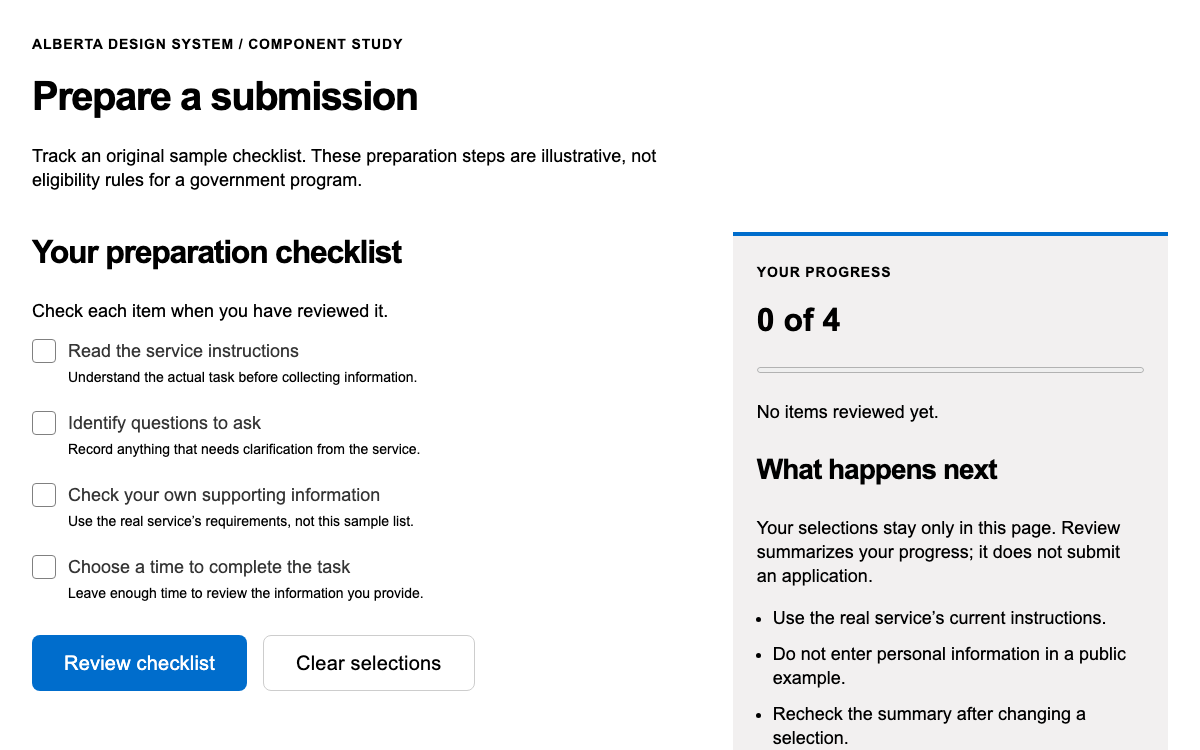
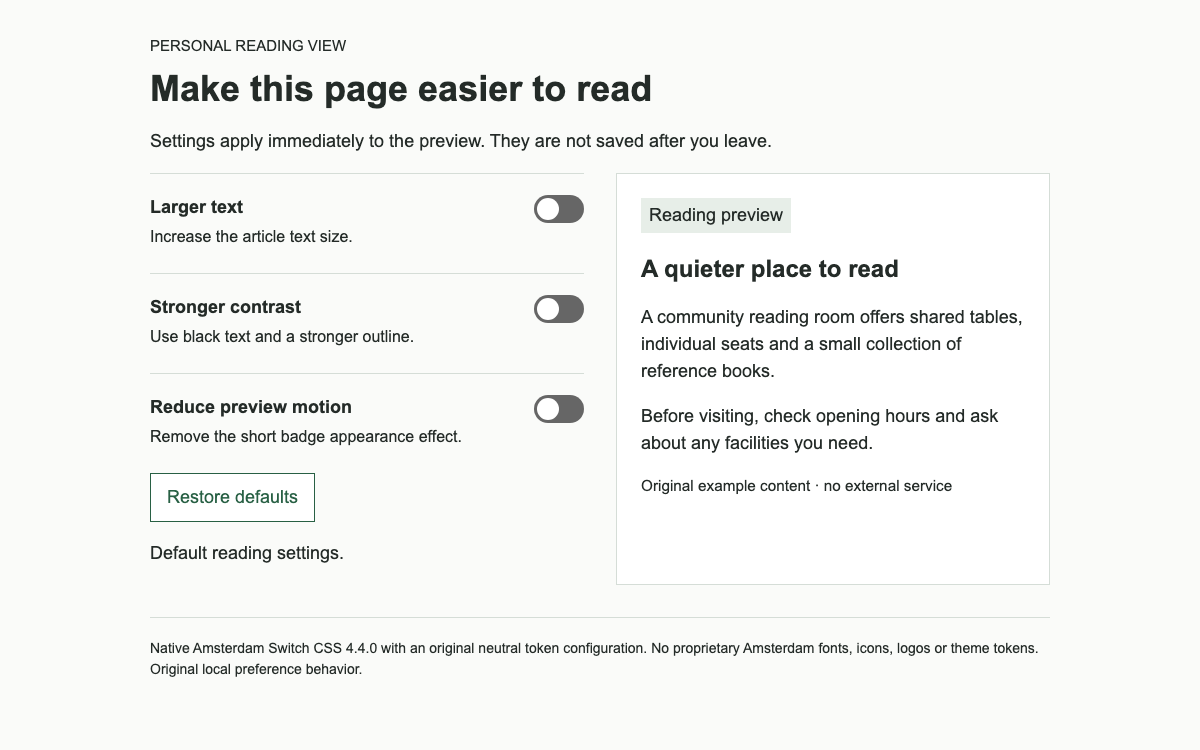
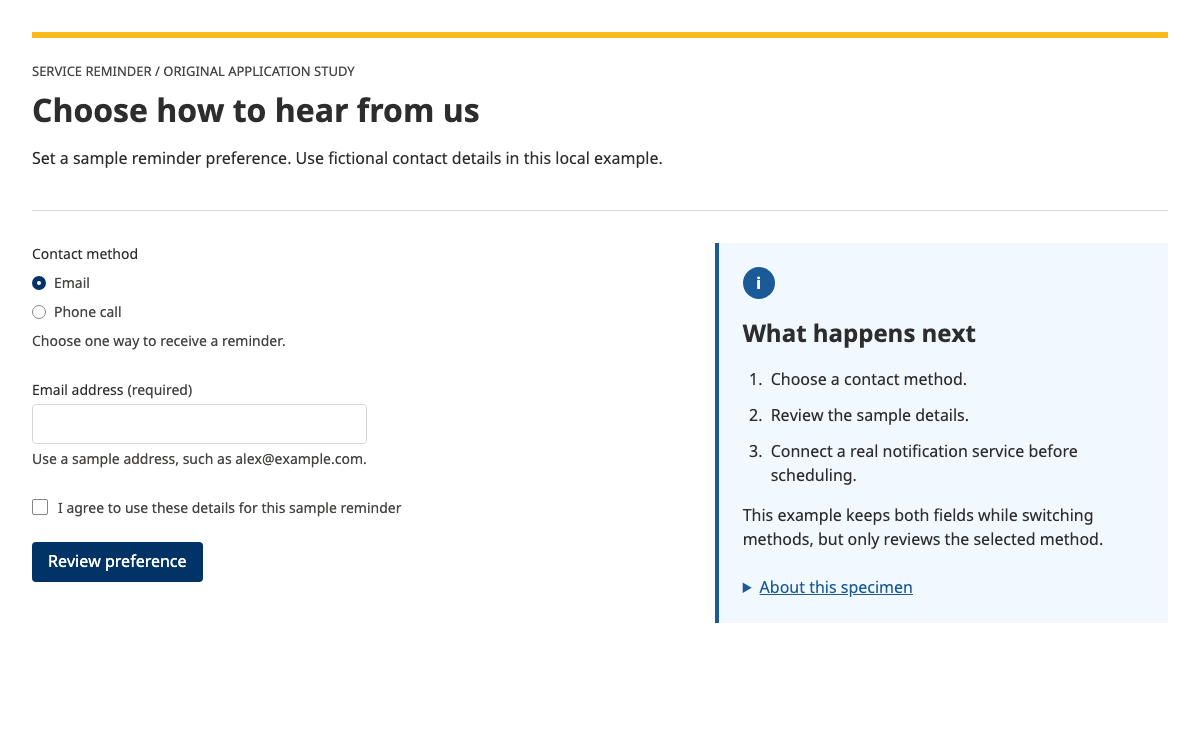
AgDS는 Emotion으로 스타일을 적용하는 React 라이브러리입니다. Core는 애플리케이션을 감싸고 초기화 스타일, CSS 변수 및 테마 설정을 제공합니다. 선택한 테마는 @ag.ds-next/react/ag-branding에서 가져오며, Core와는 별개입니다. 모든 컴포넌트에 가상의 provider prop을 지정하는 방식이 아닙니다.
독립형 예시는 문서화된 토큰과 작업 상태를 명시적으로 해석한 HTML/CSS 구현입니다. React 라이브러리를 실행한다고 주장하지 않습니다. 상태 머신은 종속 항목 동작을 살펴보는 데 유용하며, 전체 React 예제는 실제 구현에 사용할 컴포넌트 경로를 제공합니다.
AgDS는 플랫폼 UI 글꼴, Helvetica, Arial을 대체 글꼴로 포함하는 시스템 글꼴 스택을 사용합니다. 문서화된 글꼴 크기 척도는 xs 14px, sm 16px, md 20px, lg 24px이며, 더 큰 역할은 모바일에서 크기가 달라집니다. xl은 28→32px, xxl은 32→40px, xxxl은 40→48px입니다.
타이포그래피 처리 과정에서 줄 높이는 4px 그리드에 맞춰집니다. 모든 글꼴 크기에 임의의 비율을 곱하는 대신 컴포넌트의 fontSize 및 lineHeight 역할을 사용하세요. 미리보기에서는 sm 본문 크기, 모바일 32px/그보다 큰 화면 40px 제목을 사용하며, 다운로드한 글꼴은 사용하지 않습니다.
색상 참조에는 서로 짝을 이루는 전경색, 배경색, 테두리색 및 시스템 역할이 정의되어 있습니다. 밝은 테마의 텍스트 색상은 #313131, 보조 텍스트 색상은 #626262, 액션 색상은 #00558b입니다. 어두운 팔레트에서는 액션 색상이 #9ee8ff로 바뀝니다. 액션 색상은 상호작용이 가능함을 나타내므로, 열 수 없는 작업에 임의의 장식용 색상으로 사용해서는 안 됩니다.
미리보기에는 밝은 팔레트와 밑줄이 있는 파란색 액션 링크가 사용됩니다. 차단된 작업은 이유를 설명하는 텍스트로 표시하며, 클릭해도 아무 반응이 없는 파란색 컨트롤로 나타내지 않습니다. 완료 상태는 문구와 녹색 스타일로 표현하며, 색상만으로 상태를 전달하지 않습니다.
실제 TaskList는 항목과 선택적 ordered 플래그를 받습니다. 각 항목에는 레이블과 상태가 있습니다. href가 있으면 탐색 링크가 되고, href를 생략하면 onClick 버튼으로 사용할 수 있습니다. 사용 가능한 상태 값은 todo, doing, done, doneRecently, blocked, notRequired입니다.
여러 작업이 포함된 트랜잭션에 이 구조를 사용하세요. 특히 여러 세션에 걸쳐 이어서 진행하는 작업에 적합합니다. 단일 필드에는 작업 목록이 필요하지 않습니다. 예시에서는 상품 준비와 경로 준비가 각각 별도의 선행 조건이며, 두 작업을 모두 완료해야 검토 항목을 이용할 수 있습니다. 이는 로컬 데모의 규칙이며 수입 적격 여부를 판단하는 기준이 아닙니다.
todo는 작업을 시작할 수 있음을 의미합니다.
blocked는 선행 조건 때문에 시작할 수 없음을 의미합니다. 이유를 함께 제공하세요.
notRequired는 해당 작업이 더 이상 적용되지 않음을 의미하며, 완료된 상태와는 다릅니다.
애플리케이션은 두 완료 값에 따라 검토를 시작할 수 있는지 계산합니다. 배지 레이블만 바꾸는 것으로는 충분하지 않습니다. 활성화 핸들러에서도 같은 규칙을 적용해야 합니다. 예시에서 사용할 수 없는 검토 항목은 활성화된 링크가 아닙니다. 선행 작업을 완료하면 개수가 갱신되고, 두 선행 작업을 모두 완료한 경우에만 검토가 활성화됩니다.
문서에 정의된 doneRecently 상태는 목록으로 돌아온 뒤 잠시 표시되는 피드백입니다. 미리보기에서는 방금 완료한 항목을 잠시 강조한 다음 완료 상태로 전환합니다. 재설정하면 선행 조건의 상태가 복원되어 서버나 계정 없이도 이 전환을 반복해서 확인할 수 있습니다.
작업 위의 간결한 요약에는 가상의 레코드, 상품 및 참조 번호가 표시됩니다. 이러한 속성은 하나의 레코드에 관한 것이므로 정의 목록이 적합합니다. React 구현에서는 SummaryList, SummaryListItem, SummaryListItemTerm, SummaryListItemDescription을 사용해 문서에 정의된 동일한 구조를 구현할 수 있습니다.
현재 진행 중인 준비 패널은 작업 목록 아래의 일반 문서 흐름 안에 표시됩니다. 이 패널은 데모에서 완료가 무엇을 의미하는지 설명한 뒤 사용자가 직접 확인하도록 합니다. 패널이 열리면 제목에 포커스가 이동하고, 완료되면 목록 제목으로 돌아갑니다. 증빙 자료를 업로드하거나, 라이선스를 검증하거나, 신고서를 제출하는 것처럼 동작하지 않습니다.
기존 클라이언트 렌더링 React 애플리케이션에서는 @ag.ds-next/react와 해당 React 및 Emotion 피어 의존성을 설치한 다음, 여기에 제시된 Core 조합을 사용하세요. 임의로 추정한 전역 CSS 파일은 필요하지 않습니다. 라이브러리가 Emotion으로 스타일을 생성합니다.
Next.js App Router에서 서버 렌더링 중 Emotion 스타일을 수집하고 삽입하려면 공식 RootStyleRegistry 통합이 필요합니다. 문서에서 해당 레지스트리와 Core 래퍼를 제공합니다. 클라이언트 전용 예시는 서버 렌더링의 올바른 동작을 입증하지 않으므로, 링크된 레지스트리도 별도의 통합 방식에 포함해야 합니다.
React 패키지와 Emotion 의존성을 설치합니다.
Core와 선택한 테마로 애플리케이션을 감쌉니다.
애플리케이션 상태를 바탕으로 TaskList 항목을 렌더링하고 핸들러에서 선행 조건을 적용합니다.
전체 문서에 레이아웃, 컨트롤 및 초기화가 포함되어 있습니다. 링크된 예시 아카이브의 압축을 풀면 정확한 상대 경로의 벤더 에셋을 얻을 수 있습니다. 그런 다음 HTTP로 제공하세요.
html
<!doctype html><html lang="en"><meta charset="utf-8"><meta name="viewport" content="width=device-width,initial-scale=1"><title>AgDS task dependencies</title><style>*{box-sizing:border-box}body{margin:0;color:#313131;font:16px/1.5 -apple-system,BlinkMacSystemFont,'Segoe UI',Helvetica,Arial,sans-serif}main{max-width:62rem;padding:48px 24px;margin:auto}h1{font-size:40px;line-height:1.2;margin:16px 0 24px}h2{font-size:24px;line-height:1.3}header{border-bottom:4px solid #00558b;padding-bottom:24px}.meta{display:flex;flex-wrap:wrap;gap:24px}dt{font-weight:bold}dd{margin:4px 0 0}.tasks{padding:0;list-style:none;margin:24px 0}.task{padding:24px 0;border-bottom:1px solid #d3d3d3;display:grid;grid-template-columns:1fr auto;gap:8px 24px}.task button{background:none;border:0;padding:0;text-decoration:underline;color:#00558b;font-family:inherit;font-size:18px;font-weight:700;line-height:1.5;text-align:left;cursor:pointer}.task p{grid-column:1/-1;margin:0;color:#626262}.status{font-size:14px;border:1px solid #808080;padding:2px 8px;align-self:start;white-space:nowrap}.task[data-state=doneRecently]{background:#e5fff6}.task[data-state=done] .status,.task[data-state=doneRecently] .status{color:#00754e}.task[data-state=blocked]{color:#626262}.panel{padding:24px;background:#f5f5f5;border-left:4px solid #00558b}.panel h2{margin-top:0}.action{font-family:inherit;font-size:16px;font-weight:700;line-height:1.5;background:#00558b;color:#fff;border:2px solid #00558b;padding:10px 16px;cursor:pointer}.reset{font:inherit;padding:10px 16px;background:white;border:2px solid #00558b;color:#00558b;margin-top:24px}button:focus-visible,h2:focus{outline:3px solid #9263de;outline-offset:4px}small{display:block;color:#626262;margin-top:24px;font-size:14px}[hidden]{display:none!important}@media(max-width:767px){main{padding:24px 16px}h1{font-size:32px}.task{grid-template-columns:1fr}.status{justify-self:start}.meta{gap:16px}.panel{padding:16px}}
</style><main><header><p>AGDS PATTERN · FICTIONAL PREPARATION RECORD</p><h1>Prepare an example consignment</h1><dl class="meta"><div><dt>Reference</dt><dd>PREP-1042</dd></div><div><dt>Example commodity</dt><dd>Dried botanical samples</dd></div><div><dt>Service mode</dt><dd>Local demonstration</dd></div></dl></header><h2 id="list-heading" tabindex="-1">Preparation tasks</h2><p id="count" role="status">0 of 2 prerequisites complete</p><ol class="tasks" id="tasks"></ol><section class="panel" id="panel" hidden><h2 id="panel-heading" tabindex="-1"></h2><p id="panel-description"></p><button class="action" id="complete" type="button">Mark example check complete</button></section><button class="reset" type="button" id="reset">Reset example</button><small>OpenDesign interpretation of AgDS tokens and task semantics; not native React rendering. No regulatory eligibility decision or submission is made.</small></main><script>
let done=[false,false],recent=-1,current=-1,reviewed=false,timer;const names=['Check commodity description','Check collection route','Review preparation record'];const descriptions=['Confirm that the fictional record says dried botanical samples. In a real service, this task would open the actual commodity questions.','Confirm that this example uses a local demonstration route. This does not check an actual transport route or import condition.','Both preparation checks are complete. This local review confirms only that the example tasks were visited; it does not submit a declaration.'];const tasks=document.querySelector('#tasks'),panel=document.querySelector('#panel');function render(){tasks.replaceChildren();for(let n=0;n<3;n++){const blocked=n===2&&!done.every(Boolean),complete=n<2?done[n]:reviewed;const state=blocked?'blocked':recent===n?'doneRecently':complete?'done':current===n?'doing':'todo';let li=document.createElement('li');li.className='task';li.dataset.state=state;let trigger=document.createElement(blocked?'strong':'button');trigger.textContent=names[n];if(!blocked){trigger.type='button';trigger.onclick=()=>{current=n;panel.hidden=false;document.querySelector('#panel-heading').textContent=names[n];document.querySelector('#panel-description').textContent=descriptions[n];document.querySelector('#complete').textContent=n===2?'Finish local review':'Mark example check complete';render();document.querySelector('#panel-heading').focus()}}let s=document.createElement('span');s.className='status';s.textContent={blocked:'Cannot start yet',done:'Completed',doneRecently:'Completed',doing:'In progress',todo:'Not started'}[state];li.append(trigger,s);if(blocked){let p=document.createElement('p');p.textContent='Complete both preparation checks before review.';li.append(p)}tasks.append(li)}document.querySelector('#count').textContent=done.filter(Boolean).length+' of 2 prerequisites complete'+(reviewed?' · Local review completed':'')};document.querySelector('#complete').onclick=()=>{if(current<2)done[current]=true;else reviewed=true;recent=current;current=-1;panel.hidden=true;render();document.querySelector('#list-heading').focus();clearTimeout(timer);timer=setTimeout(()=>{recent=-1;render()},2000)};document.querySelector('#reset').onclick=()=>{clearTimeout(timer);done=[false,false];recent=current=-1;reviewed=false;panel.hidden=true;render()};render();
</script></html>
Sources에서 완전한 예시를 다운로드하세요. README에 정확한 로컬 실행 명령이 안내되어 있습니다.
벤더 경로는 이 문서에 대한 상대 경로로 유지하세요. 아카이브에는 이 미리보기에 사용된 에셋이 모두 포함되어 있습니다.
04
Agriculture 디자인 시스템 에이전트 설정
구현 시작점
네이티브 패키지 메타데이터와 가져오기 경로는 소스에서 확인했습니다. 네이티브 의존성을 임시로 설치하려 했지만 완료되지 않았습니다. 독립 실행형 미리보기는 명시적인 해석이며, 네이티브 React 빌드라고 주장하지 않습니다. Sources에 있는 완전한 작동 예시 ZIP에는 정확한 미리보기 의존성과 전체 문서도 포함되어 있습니다. 압축을 푼 디렉터리에서 python3 -m http.server 8080을 실행한 다음 http://localhost:8080/agriculture-agds.html을 여세요. 모듈을 사용하는 예시는 file://로 열지 마세요.
bash
npm install @ag.ds-next/[email protected] @emotion/react @emotion/cache react react-dom
# Existing client-rendered React app: use the complete Core/TaskList example above.
# Next.js App Router: additionally integrate the official RootStyleRegistry.
프로젝트를 위한 프롬프트
에이전트 프롬프트
여러 작업이 포함된 준비 트랜잭션에는 AgDS Core와 TaskList를 사용하세요. todo, doing, done, doneRecently, blocked, notRequired를 명시적으로 모델링하세요. 배지 텍스트만이 아니라 애플리케이션 로직에서 선행 조건을 적용하세요. 반응형 간격 속성, 시스템 글꼴 스택, 전경색 및 배경색 역할을 사용하세요. 레코드 요약을 계속 표시하고 차단된 작업은 이유를 설명하세요. 정부 로고, 근거 없이 만들어 낸 규제 판단, 가짜 제출 성공 메시지는 사용하지 마세요.
05
Agriculture 디자인 시스템 출처 및 범위
가상의 상품 준비 데이터를 사용한 교육용 서비스 패턴 예시입니다. 규제상 적격 여부를 판단하거나 트랜잭션을 제출하지 않습니다. 기관 식별 표시는 사용하지 않습니다. 네이티브 React API 예시와 해석된 미리보기를 명확히 구분합니다.