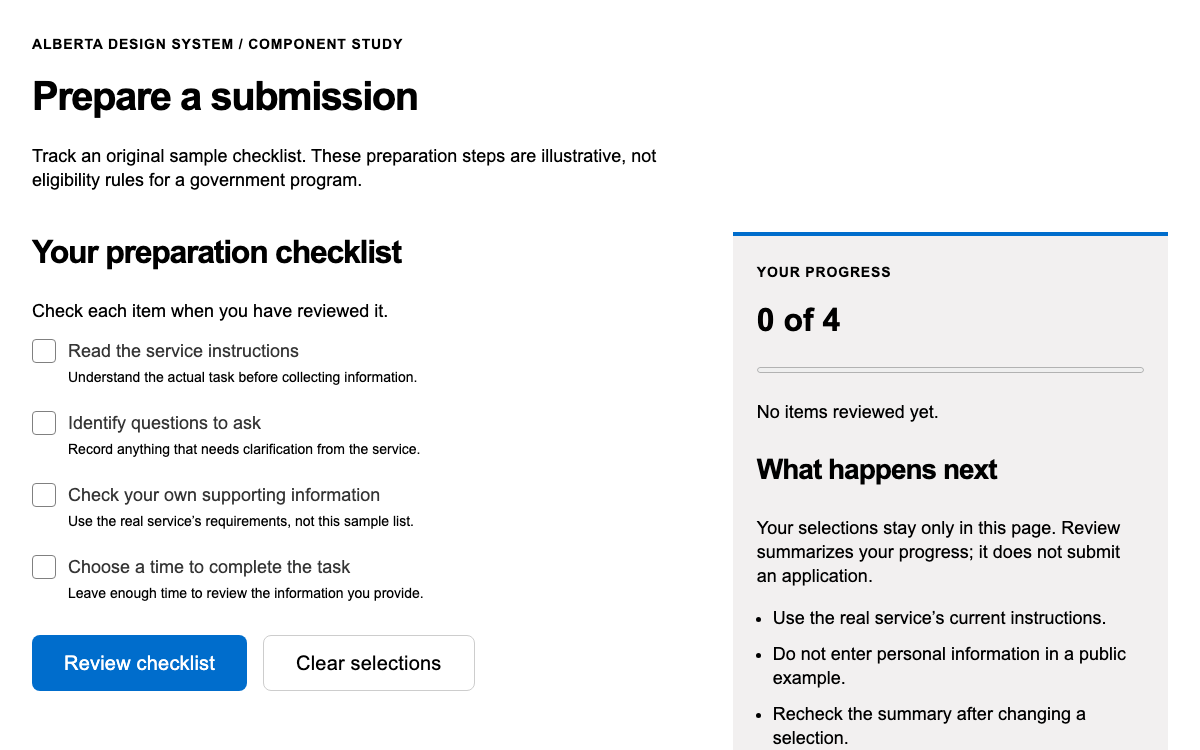
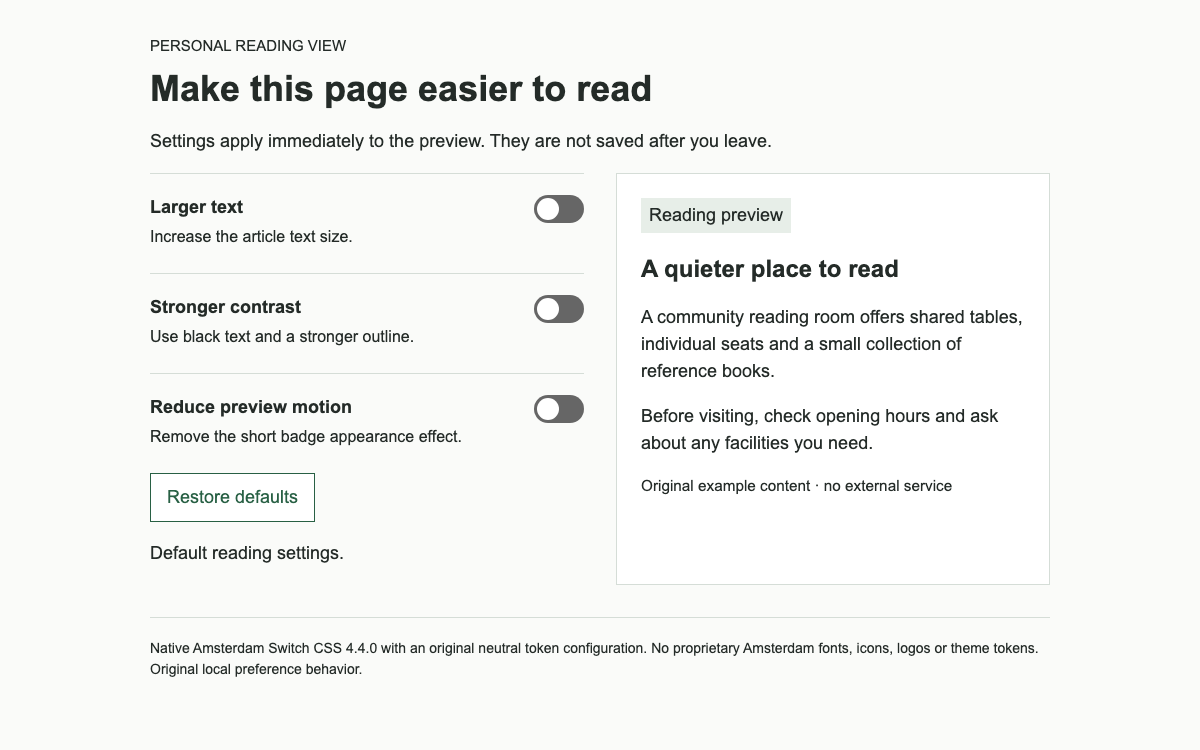
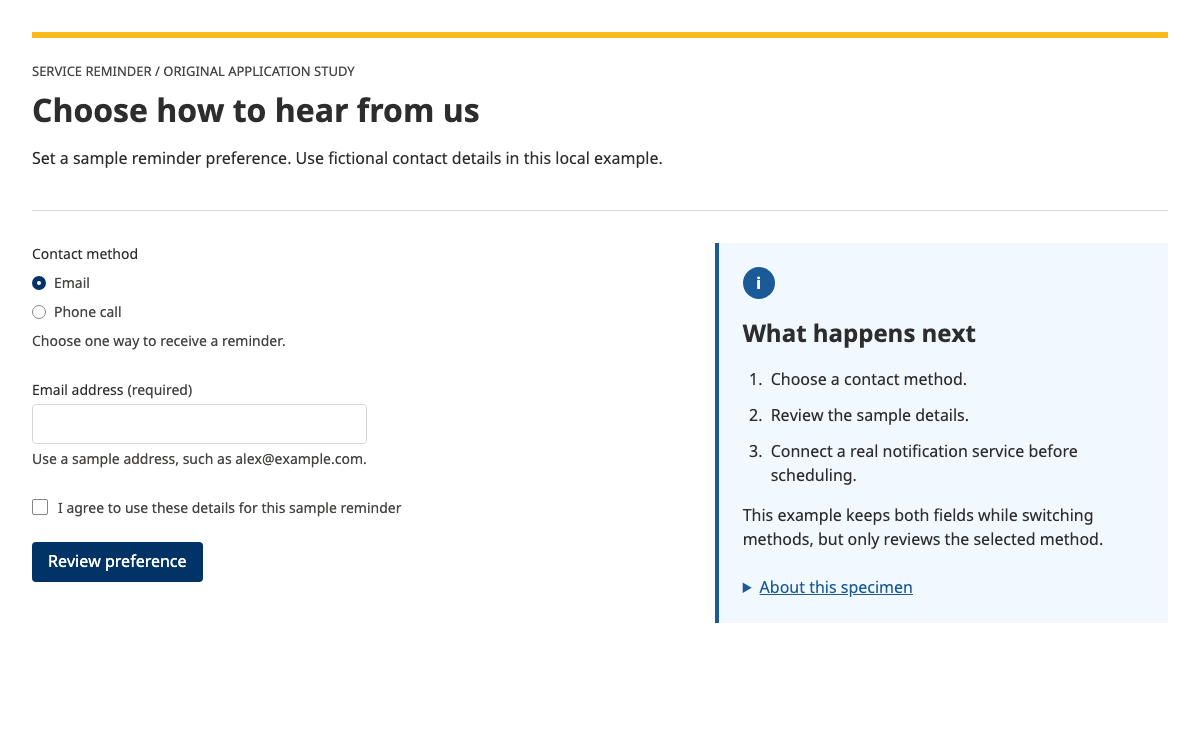
Build longer service transactions with AgDS’s concrete spacing, responsive props and TaskList status model. Try a preparation workflow whose review step unlocks only when prerequisites are complete.
Original HTML/CSS/JS interpretation of AgDS token values and TaskList status semantics; not native React rendering. · Implementation reference
02
Agriculture Design System Design Reference
AgDS official token/component documentation and @ag.ds-next/react 1.35.4 metadata. Preview is a documented HTML/CSS interpretation; actual React imports are supplied separately.
AgDS is a React library styled through Emotion. Core wraps the application and supplies reset styles, CSS variables and theme configuration. The selected theme import comes from @ag.ds-next/react/ag-branding; it is separate from Core rather than an invented provider prop on every component.
The standalone specimen is an explicit HTML/CSS interpretation of documented tokens and task states. It does not claim to run the React library. Its state machine is useful for examining dependency behaviour; the complete React example provides the actual component route for implementation.
AgDS uses a system font stack, including the platform UI font, Helvetica and Arial fallbacks. The documented type scale runs xs 14px, sm 16px, md 20px and lg 24px, with larger roles changing on mobile: xl 28→32px, xxl 32→40px and xxxl 40→48px.
Line heights are aligned to a 4px grid through the typography machinery. Use the component’s fontSize and lineHeight roles instead of multiplying every font by an arbitrary ratio. The preview uses the sm body size, a 32px mobile/40px larger heading, and no downloaded font.
Agriculture Design System Spacing and responsive props
Numbers represent rem-based tokens
A gap of 1.5 in AgDS means 24px at the standard root size; it does not mean 1.5px. The documented spacing sequence includes 0.25=4px, 0.5=8px, 0.75=12px, 1=16px, 2=32px and 3=48px. FormStack uses 2 for field gaps, while larger fieldset groups use 3.
Responsive props accept named breakpoint objects. Box padding={{xs:1,md:3}} starts with 16px and increases to 48px at 768px. Omitted intermediate keys inherit the preceding value. This is more explicit than a series of unrelated CSS overrides.
Agriculture Design System Foreground follows background
Use light and dark roles together
The colour reference defines paired foreground, background, border and system roles. Light text is #313131, muted text #626262 and action #00558b. Dark action becomes #9ee8ff against the dark palette. An action colour identifies interactivity and should not be used as arbitrary decoration on a task that cannot be opened.
The preview uses the light palette and a blue action link with an underline. Blocked work appears as text with an explanation, rather than a blue control that silently refuses clicks. Completion is expressed in words and a green treatment; colour alone never carries the status.
The real TaskList accepts items and an optional ordered flag. Each item has a label and status; href produces navigation, while omitting href permits an onClick button. The available status values are todo, doing, done, doneRecently, blocked and notRequired.
Use this structure for transactions with multiple tasks, especially work resumed across sessions. A single field does not need a task list. In the specimen, commodity and route preparation are separate prerequisites; the review item is unavailable until both are complete. This is a local demonstration rule, not an import eligibility decision.
todo means the task can be started.
blocked means prerequisites prevent starting; give the reason.
notRequired means the task no longer applies; it is different from being completed.
Agriculture Design System Dependencies and recent work
A status badge does not enforce a rule
The application computes whether review can start from two completion values. Changing a badge label is insufficient: the activation handler must enforce the same rule. The specimen’s unavailable review item is not an enabled link. Completing a prerequisite updates the count and unlocks review only when both prerequisites are satisfied.
The documented doneRecently status is temporary feedback after returning to a list. The preview highlights a just-completed item briefly before settling into completed. Reset restores the prerequisite state, making the transition repeatable without a server or account.
Agriculture Design System Context beside the task list
Keep the example record visible
A compact summary above the tasks identifies the fictional record, commodity and reference. Those attributes describe one record, so a definition list is appropriate. In a React implementation, SummaryList, SummaryListItem, SummaryListItemTerm and SummaryListItemDescription provide the documented equivalent.
The active preparation panel remains in normal flow under the task list. It explains what completion means in this demo, then offers a deliberate confirmation. The panel heading receives focus on opening, and completion returns to the list heading. It does not pretend to upload evidence, validate a licence or submit a declaration.
For an existing client-rendered React application install @ag.ds-next/react with its React and Emotion peers, then use the Core composition shown here. No guessed global CSS file is required: the library generates styles with Emotion.
Next.js App Router requires the official RootStyleRegistry integration to collect and insert Emotion styles during server rendering. The documentation supplies that registry and a Core wrapper. A client-only example does not prove server-rendering correctness, so treat the linked registry as part of that distinct integration path.
Install the React package and Emotion dependencies.
Wrap the application with Core and the chosen theme.
Render TaskList items from application state and enforce dependencies in handlers.
For server rendering, integrate the documented style registry and check hydration.
The full document includes its layout, controls and initialization. Extract the linked example archive to obtain the exact relative vendor assets, then serve it over HTTP.
html
<!doctype html><html lang="en"><meta charset="utf-8"><meta name="viewport" content="width=device-width,initial-scale=1"><title>AgDS task dependencies</title><style>*{box-sizing:border-box}body{margin:0;color:#313131;font:16px/1.5 -apple-system,BlinkMacSystemFont,'Segoe UI',Helvetica,Arial,sans-serif}main{max-width:62rem;padding:48px 24px;margin:auto}h1{font-size:40px;line-height:1.2;margin:16px 0 24px}h2{font-size:24px;line-height:1.3}header{border-bottom:4px solid #00558b;padding-bottom:24px}.meta{display:flex;flex-wrap:wrap;gap:24px}dt{font-weight:bold}dd{margin:4px 0 0}.tasks{padding:0;list-style:none;margin:24px 0}.task{padding:24px 0;border-bottom:1px solid #d3d3d3;display:grid;grid-template-columns:1fr auto;gap:8px 24px}.task button{background:none;border:0;padding:0;text-decoration:underline;color:#00558b;font-family:inherit;font-size:18px;font-weight:700;line-height:1.5;text-align:left;cursor:pointer}.task p{grid-column:1/-1;margin:0;color:#626262}.status{font-size:14px;border:1px solid #808080;padding:2px 8px;align-self:start;white-space:nowrap}.task[data-state=doneRecently]{background:#e5fff6}.task[data-state=done] .status,.task[data-state=doneRecently] .status{color:#00754e}.task[data-state=blocked]{color:#626262}.panel{padding:24px;background:#f5f5f5;border-left:4px solid #00558b}.panel h2{margin-top:0}.action{font-family:inherit;font-size:16px;font-weight:700;line-height:1.5;background:#00558b;color:#fff;border:2px solid #00558b;padding:10px 16px;cursor:pointer}.reset{font:inherit;padding:10px 16px;background:white;border:2px solid #00558b;color:#00558b;margin-top:24px}button:focus-visible,h2:focus{outline:3px solid #9263de;outline-offset:4px}small{display:block;color:#626262;margin-top:24px;font-size:14px}[hidden]{display:none!important}@media(max-width:767px){main{padding:24px 16px}h1{font-size:32px}.task{grid-template-columns:1fr}.status{justify-self:start}.meta{gap:16px}.panel{padding:16px}}
</style><main><header><p>AGDS PATTERN · FICTIONAL PREPARATION RECORD</p><h1>Prepare an example consignment</h1><dl class="meta"><div><dt>Reference</dt><dd>PREP-1042</dd></div><div><dt>Example commodity</dt><dd>Dried botanical samples</dd></div><div><dt>Service mode</dt><dd>Local demonstration</dd></div></dl></header><h2 id="list-heading" tabindex="-1">Preparation tasks</h2><p id="count" role="status">0 of 2 prerequisites complete</p><ol class="tasks" id="tasks"></ol><section class="panel" id="panel" hidden><h2 id="panel-heading" tabindex="-1"></h2><p id="panel-description"></p><button class="action" id="complete" type="button">Mark example check complete</button></section><button class="reset" type="button" id="reset">Reset example</button><small>OpenDesign interpretation of AgDS tokens and task semantics; not native React rendering. No regulatory eligibility decision or submission is made.</small></main><script>
let done=[false,false],recent=-1,current=-1,reviewed=false,timer;const names=['Check commodity description','Check collection route','Review preparation record'];const descriptions=['Confirm that the fictional record says dried botanical samples. In a real service, this task would open the actual commodity questions.','Confirm that this example uses a local demonstration route. This does not check an actual transport route or import condition.','Both preparation checks are complete. This local review confirms only that the example tasks were visited; it does not submit a declaration.'];const tasks=document.querySelector('#tasks'),panel=document.querySelector('#panel');function render(){tasks.replaceChildren();for(let n=0;n<3;n++){const blocked=n===2&&!done.every(Boolean),complete=n<2?done[n]:reviewed;const state=blocked?'blocked':recent===n?'doneRecently':complete?'done':current===n?'doing':'todo';let li=document.createElement('li');li.className='task';li.dataset.state=state;let trigger=document.createElement(blocked?'strong':'button');trigger.textContent=names[n];if(!blocked){trigger.type='button';trigger.onclick=()=>{current=n;panel.hidden=false;document.querySelector('#panel-heading').textContent=names[n];document.querySelector('#panel-description').textContent=descriptions[n];document.querySelector('#complete').textContent=n===2?'Finish local review':'Mark example check complete';render();document.querySelector('#panel-heading').focus()}}let s=document.createElement('span');s.className='status';s.textContent={blocked:'Cannot start yet',done:'Completed',doneRecently:'Completed',doing:'In progress',todo:'Not started'}[state];li.append(trigger,s);if(blocked){let p=document.createElement('p');p.textContent='Complete both preparation checks before review.';li.append(p)}tasks.append(li)}document.querySelector('#count').textContent=done.filter(Boolean).length+' of 2 prerequisites complete'+(reviewed?' · Local review completed':'')};document.querySelector('#complete').onclick=()=>{if(current<2)done[current]=true;else reviewed=true;recent=current;current=-1;panel.hidden=true;render();document.querySelector('#list-heading').focus();clearTimeout(timer);timer=setTimeout(()=>{recent=-1;render()},2000)};document.querySelector('#reset').onclick=()=>{clearTimeout(timer);done=[false,false];recent=current=-1;reviewed=false;panel.hidden=true;render()};render();
</script></html>
Download the complete example from Sources. Its README gives the exact local launch command.
Keep vendor paths relative to this document; the archive includes the complete assets used by this preview.
04
Agriculture Design System Agent Setup
Implementation Starting Point
Native package metadata and imports are source-verified. A temporary native dependency install was attempted but did not finish; standalone preview is an explicit interpretation, not a claimed native React build. The complete working-example ZIP in Sources also provides the exact preview dependencies and full document. Extract it, run python3 -m http.server 8080 in that directory, then open http://localhost:8080/agriculture-agds.html. Do not open module-based examples through file://.
bash
npm install @ag.ds-next/[email protected] @emotion/react @emotion/cache react react-dom
# Existing client-rendered React app: use the complete Core/TaskList example above.
# Next.js App Router: additionally integrate the official RootStyleRegistry.
A Prompt for Your Project
Agent Prompt
Use AgDS Core and TaskList for a multi-task preparation transaction. Model todo, doing, done, doneRecently, blocked and notRequired explicitly. Enforce prerequisites in application logic, not only badge text. Use responsive spacing props, the system font stack and foreground/background colour roles. Keep a summary of the record visible and explain blocked work. Avoid government logos, invented regulatory decisions or fake submission success.
05
Agriculture Design System Sources and Scope
Educational service-pattern example with fictional commodity preparation data. It does not determine regulatory eligibility or submit a transaction. No agency identity marks. Native React API examples and interpreted preview are explicitly distinguished.