
Generate a landing page you can ship
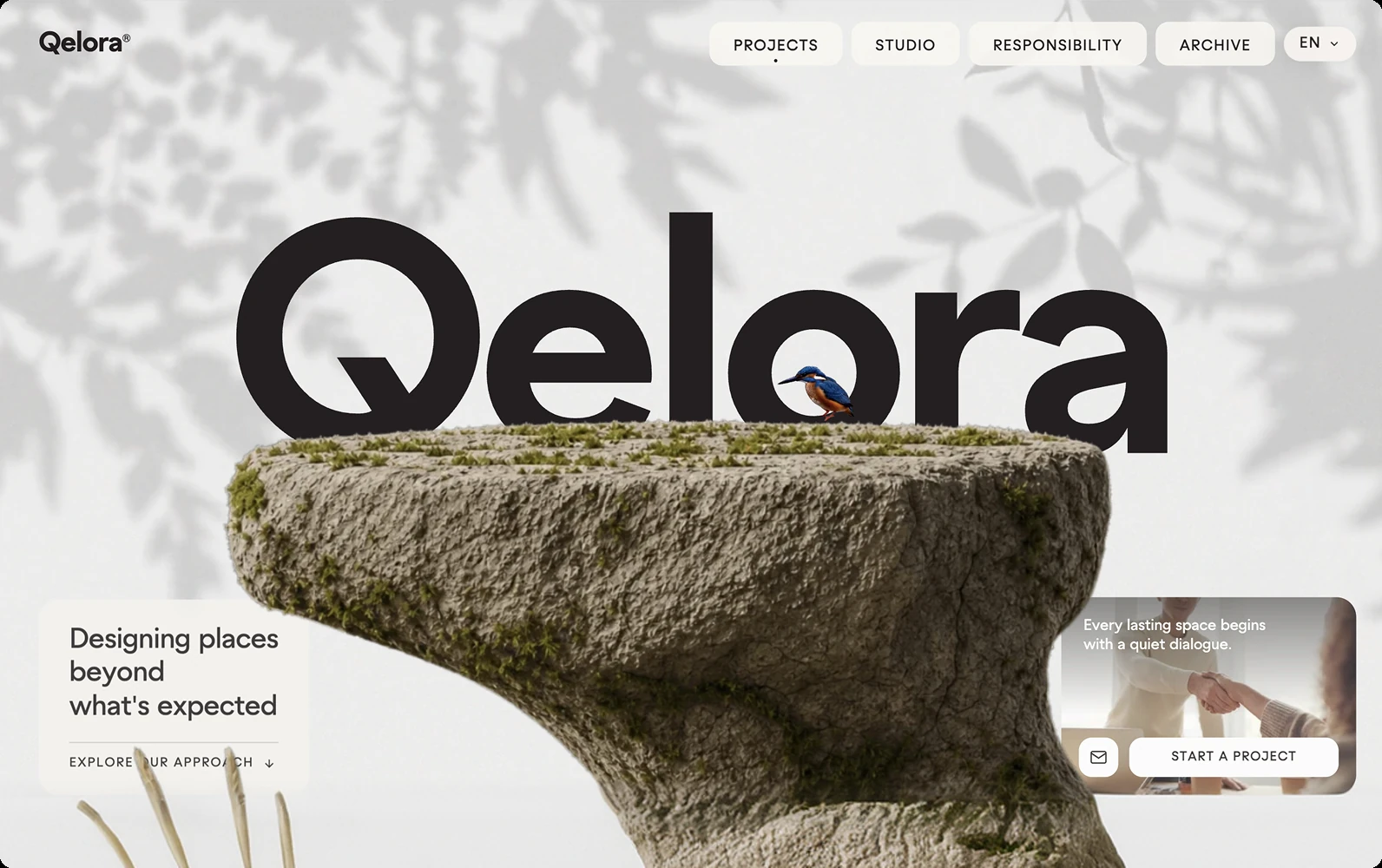
Describe the offer and let your agent generate a real, responsive landing page — hero, features, pricing, waitlist, on brand. Then keep going: the same artifact becomes shipped code you deploy, in the agent you already run.
In one line
Most AI landing page builders lock your page inside their editor and meter it per seat. OpenDesign generates the landing page inside your coding agent and carries it from prompt to shipped code — real sections, your brand, no export step, no per-seat meter.
How the AI landing page generator works
- 01
Describe the page
Tell your agent what to build in plain language — "a launch page for a note-taking app: hero, three features, pricing, and a waitlist form." OpenDesign loads the landing-page skill so the agent lays out real sections with clear hierarchy.
- 02
Generate a responsive page
The agent assembles the page from reusable sections and design tokens, so spacing, type, and color stay consistent and it looks right on every screen. You get a coherent, on-brand landing page — not a template you fight to customize.
- 03
Refine and add conversion
Adjust copy, sections, and calls to action in conversation — "tighten the hero," "add social proof," "wire the waitlist form." The artifact updates in place instead of being regenerated from scratch.
- 04
Ship the code you own
Because the page lives in your project, the design and the deployed page share one source of truth. The output is HTML/code you own and can host anywhere — no vendor lock-in, no redraw between design and launch.
What you can generate
-
Product launch pages
Hero, features, pricing, and a waitlist — generated as a coherent page, then taken to code.
-
SaaS marketing pages
Feature and pricing layouts you can generate, theme, and ship on your own domain.
-
Waitlist & coming-soon
Single-purpose capture pages with a working form and clear call to action.
-
Event & campaign pages
Time-boxed campaign layouts wired and on brand from the first pass.
-
App download pages
Mobile-first pages that show the product and drive installs.
-
Any visual taste
Editorial, soft, or bold — carry one coherent style end to end.
OpenDesign vs. typical AI landing page builders
| What you need | With OpenDesign | Typical AI landing page builders |
|---|---|---|
| Generate from a prompt | One prompt in the agent you already have open | Sign up for a separate website builder, generate in their cloud |
| Real, responsive sections | Built from a reusable design system, consistent across breakpoints | A locked template you customize inside their editor |
| Design to code | Same artifact becomes shipped code — host it anywhere | Page lives on their platform; export is limited or paywalled |
| Own the output | Plain files and code in your repo, fully yours | Hosted for you; you rent the page, not own it |
| Cost & lock-in | Open source, bring your own keys, runs locally | Per-seat or per-page subscription, vendor-hosted |
Every one started as a prompt and rendered to a real, responsive artifact. Pick a template close to your idea, describe your variation, and the agent adapts it — from landing page to shipped code.
AI landing page generator FAQ
-
01 Is the AI landing page generator free?
Yes. OpenDesign is open source and runs inside the coding agent you already use with your own provider keys — there is no per-seat or per-page meter on the landing page generator itself.
-
02 Can I host the page anywhere?
Yes. The output is real HTML and code in your project, so you can deploy it to any host — there is no platform lock-in and no rented page that disappears when you stop paying.
-
03 Are the pages responsive and on brand?
Yes. The agent builds from a reusable design system, so the page stays consistent across breakpoints and matches your brand — and you refine it by talking instead of wrestling a template.
-
04 Which agents does it work with?
OpenDesign works with Claude Code, Codex, Cursor Agent, Gemini CLI, and a dozen more first-party adapters. You bring your own provider keys; nothing is hosted for you.
Generate your first landing page tonight
Star the repo, install OpenDesign, and turn your next launch idea into a real, responsive landing page — and then into shipped code — in the agent you already use.