

Dashboards from a description, not a drag-and-drop builder
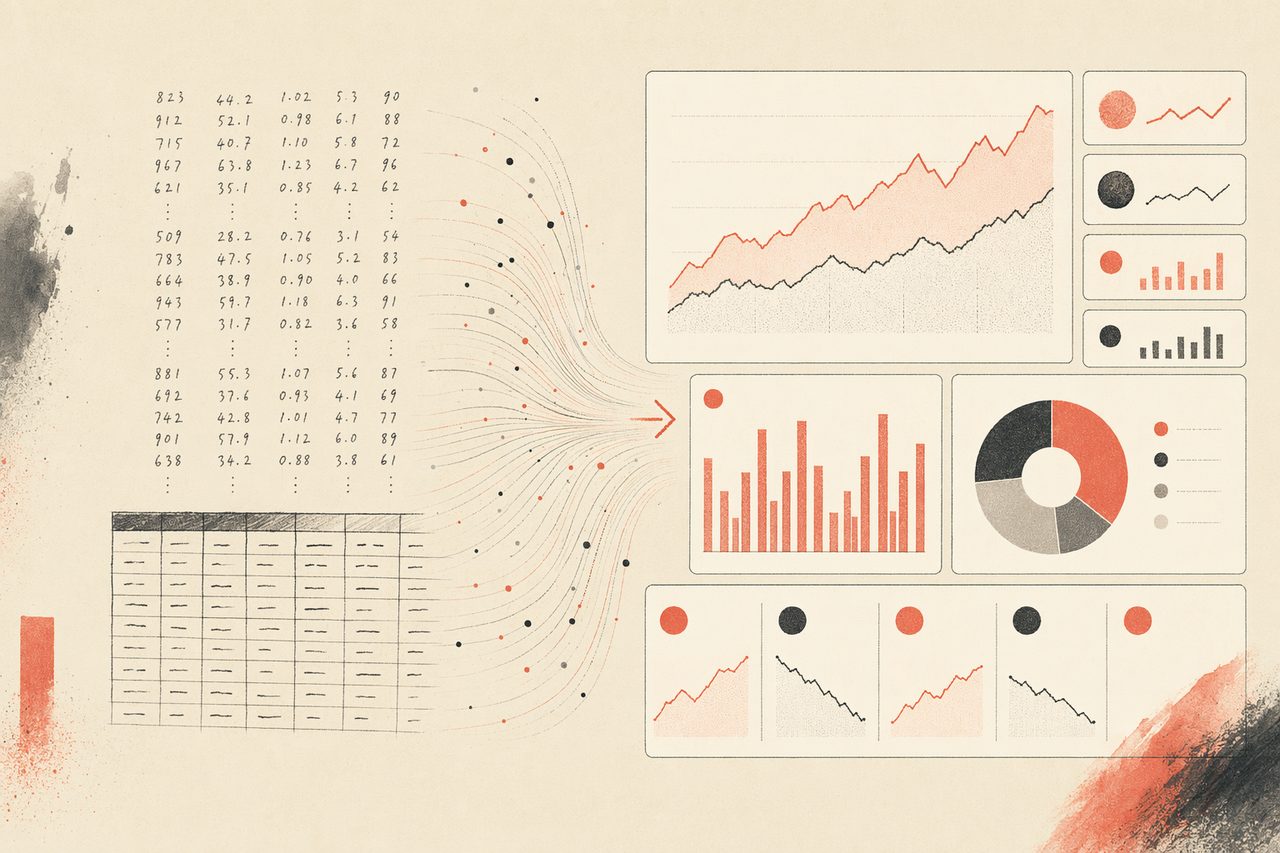
Tell your agent what to show and how it should feel. OpenDesign supplies the chart patterns, layout system, and visual language so you get a coherent, presentable dashboard — not a wall of default-styled widgets.
In one line
OpenDesign turns a plain-language spec of your metrics into a styled dashboard your agent renders to HTML — versioned in your repo, hostable anywhere, with no per-seat BI subscription.
How dashboards work with OpenDesign
- 01
Describe the metrics
List what matters — "weekly active users, revenue by plan, churn, and a 30-day trend." The agent loads the dashboard skill so it knows to lay out KPI cards, charts, and a table rather than a single block of text.
- 02
Pick the chart patterns
OpenDesign ships chart and layout templates, so trends become line charts, breakdowns become bars, and ratios become the right visual — consistent typography and spacing throughout instead of mismatched defaults.
- 03
Wire in your data
Point the dashboard at a CSV, a JSON endpoint, or paste sample rows. It renders to self-contained HTML that updates when the data does — open it in any browser, drop it on any static host.
- 04
Refine and ship
Adjust by talking to the agent — "group revenue by region, move the KPI row to the top." The artifact lives in your project, so the dashboard is reviewable and versioned like any other code.
What you can build
Dashboard
Admin / analytics dashboard in a single HTML file. Fixed left sidebar, top bar with user/search, main grid of KPI cards and one or two charts. Use when the brief asks for a "dashboard", "admin", "analytics", or "control panel" screen.
Github Dashboard
GitHub repository analytics dashboard — stars, forks, contributors, issues, pull requests, recent activity, and top contributors. Use when the brief asks for a GitHub repo dashboard, open-source growth report, repository health page, or GitHub analytics view.
Data Visualization Report
Turns CSV, Excel, or JSON data into a polished visual report page.
Finance Report
Quarterly / monthly financial report — masthead with KPIs, revenue and burn charts, P&L summary table, top-line highlights, and an outlook paragraph. Use when the brief mentions "financial report", "Q3 report", "MRR review", "P&L", or "财报".
 prototype Read full prompt →
 Last30days
Recent community and social trend research over the last 30 days. Use when the brief asks what people are saying now, recent sentiment, community reactions, social proof, launch reaction, trend scan, or last-30-days context.
Flowai Live Dashboard Template
Team-management dashboard skill in the FlowAI aesthetic — three tabs (Team Members, Team Details, Activity Log), KPI stat row, member table, role distribution bar chart, online presence and activity sparklines, and a top-contributors panel, all in a single self-contained HTML file with light/dark theming, hoverable chart tooltips, click-to-zoom panels, and CSV export. Use when the brief asks for a team / workspace admin dashboard, an interactive admin dashboard with charts, or names FlowAI.
Dashboards with OpenDesign vs. the old way
| What you need | With OpenDesign | BI tools / hand-coded |
|---|---|---|
| Go from metrics list to layout | One prompt; the agent lays out cards, charts, and tables | Drag widgets one by one, or write chart code from scratch |
| Consistent visual system | Chart patterns and spacing from a reusable design system | Default widget styles, or styled by hand per chart |
| Connect data | CSV / JSON / pasted rows, rendered to live HTML | Vendor connectors or bespoke data plumbing |
| Hosting & sharing | Self-contained HTML on any static host, no account | Viewer needs a seat in the BI vendor |
| Review & versioning | Lives in your repo; diffable like code | Locked inside the vendor, no real diff |
| Cost & lock-in | Open source, bring your own keys, runs locally | Per-seat subscription, vendor-hosted |
Real dashboards rendered from a prompt and a data source. Start from one close to yours and describe the metrics you track.
Dashboard FAQ
-
01 Do I need a BI tool like Tableau or Looker?
No. OpenDesign renders dashboards to HTML inside your coding agent. You describe the metrics and point it at your data; there is no separate BI platform to license or learn.
-
02 Where does the data come from?
A CSV, a JSON endpoint, or rows you paste in. The dashboard is plain HTML and JavaScript, so you control exactly where it reads from — nothing is proxied through a hosted service.
-
03 Can non-technical teammates view it?
Yes. The output is a self-contained web page. Anyone with the link or file can open it in a browser — no account, no seat.
-
04 Which agents can I use?
Claude Code, Codex, Cursor Agent, Gemini CLI, and a dozen more first-party adapters. You bring your own provider keys.
Build your dashboard tonight
Star the repo, install OpenDesign, and turn your metrics into a dashboard you can host anywhere — in the agent you already use.