

On-brand graphics, generated and laid out for you
Describe the card or cover you need. OpenDesign composes it with real type, grid, and your brand colors — then renders to HTML you can export as an image, instead of wrestling a design app or a generic template.
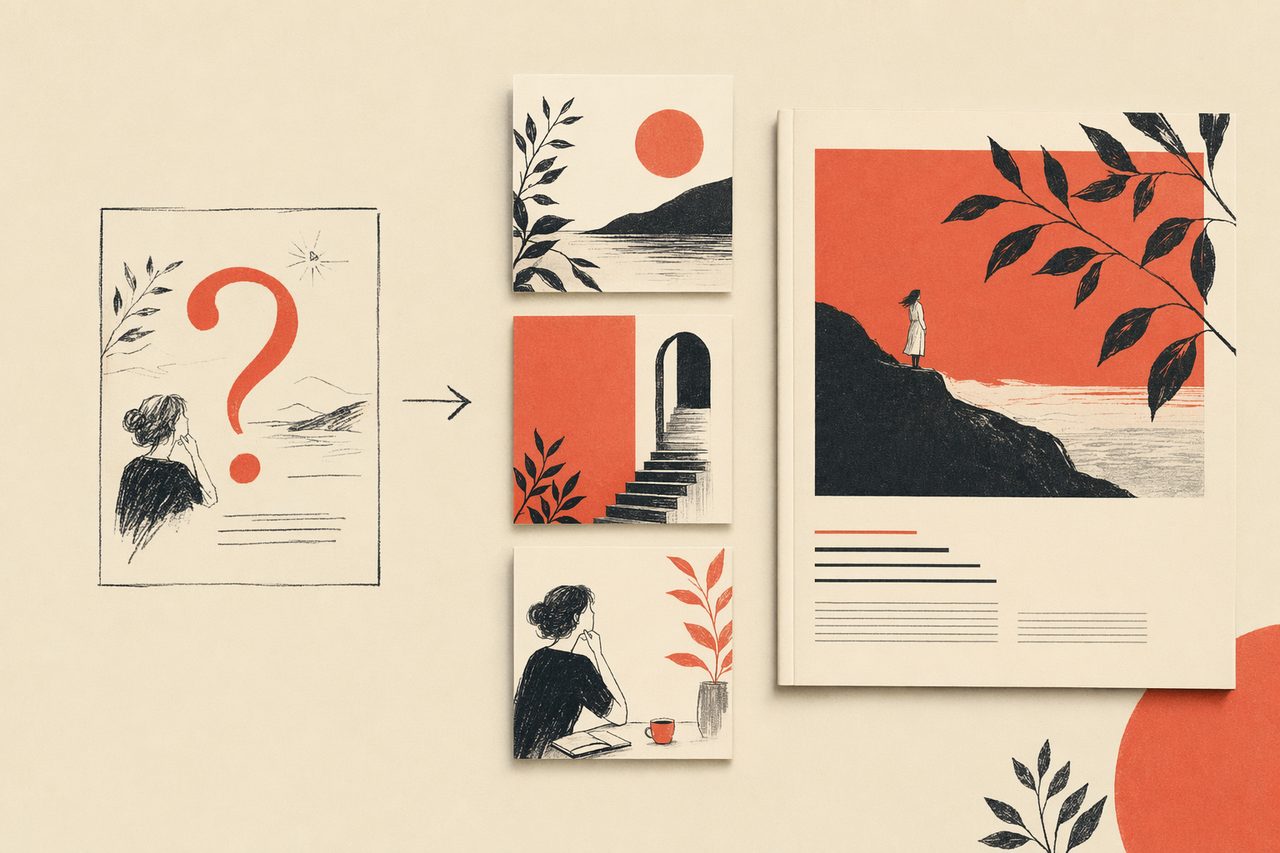
In one line
OpenDesign turns a prompt into a typeset, on-brand graphic your agent renders to HTML and exports to PNG — repeatable, versioned, and free of per-seat design tools.
How graphics work with OpenDesign
- 01
Describe the graphic
Say what it is — "a Twitter card for our launch with the headline and a quote." The agent loads the right skill so it composes a laid-out graphic, not a plain text block.
- 02
Apply the brand system
OpenDesign pulls your colors, type, and spacing from a reusable design system, so every card matches the rest of your brand instead of looking like a one-off.
- 03
Render and export
The graphic renders to HTML at the exact dimensions you need — social card, cover, banner — then exports to PNG. Crisp text, real layout, no manual nudging.
- 04
Reuse the recipe
Because it is a template, the next graphic is one prompt away — change the headline, keep the layout. Series of cards stay perfectly consistent.
What you can make
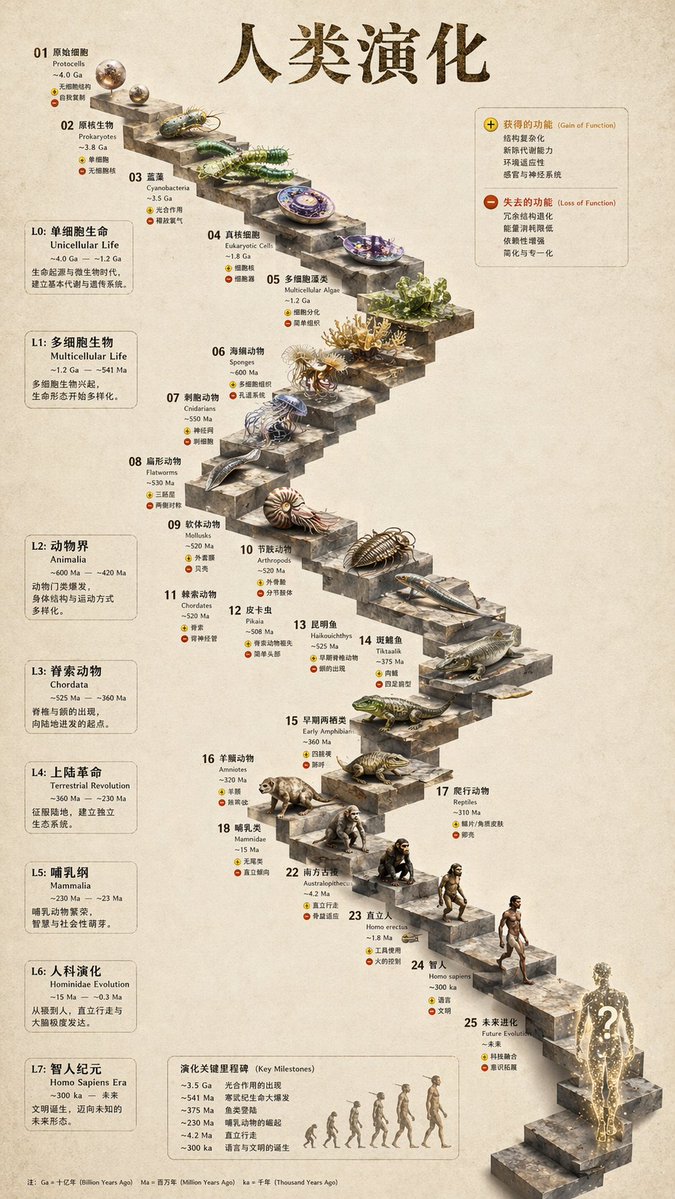 image Read full prompt →
 3D Stone Staircase Evolution Infographic
Transforms a flat evolutionary timeline into a realistic 3D stone staircase infographic with detailed organism renders and structured side panels.
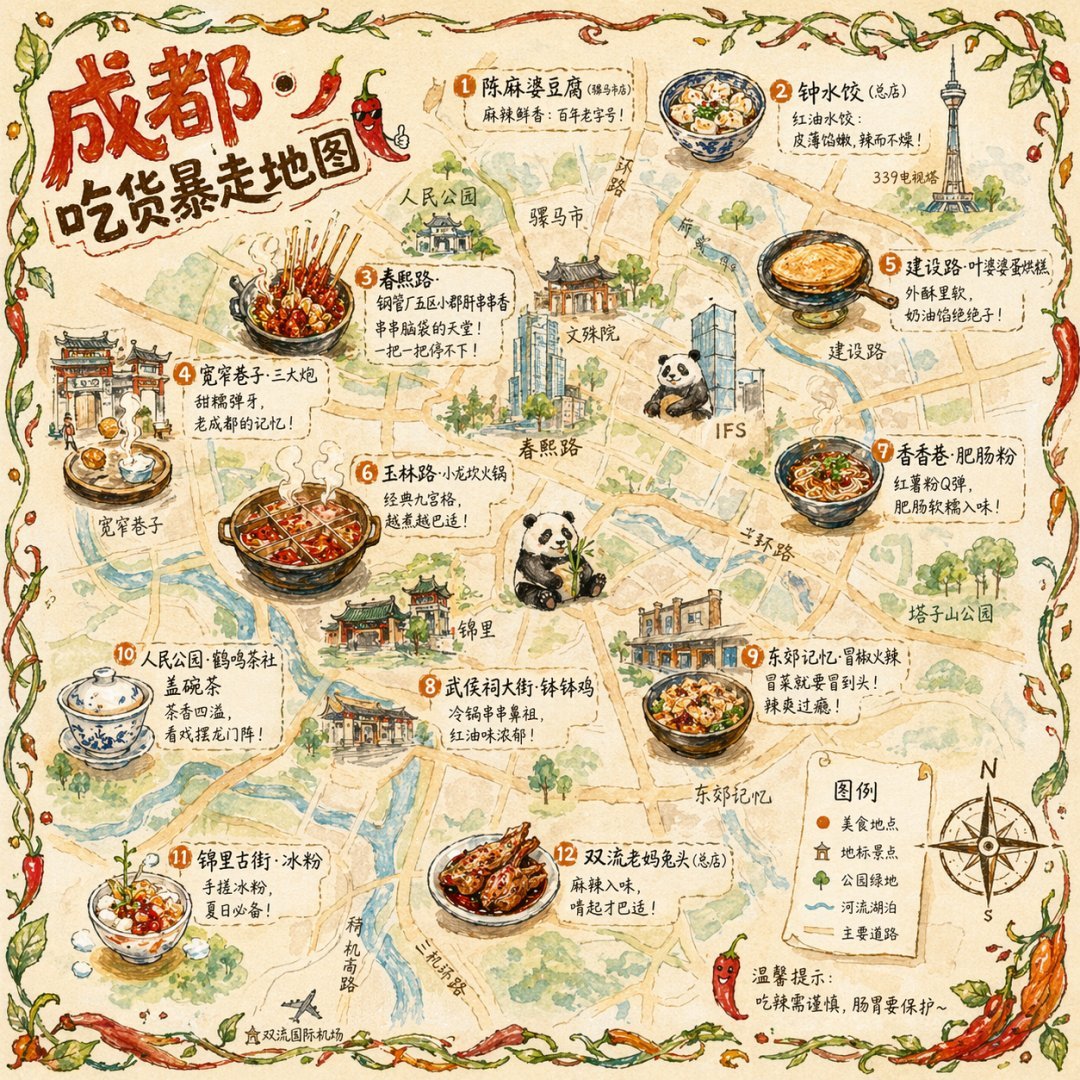 image Read full prompt →
 Illustrated City Food Map
Generates a hand-drawn, watercolor-style tourist map featuring numbered local food specialties, landmarks, and a legend.
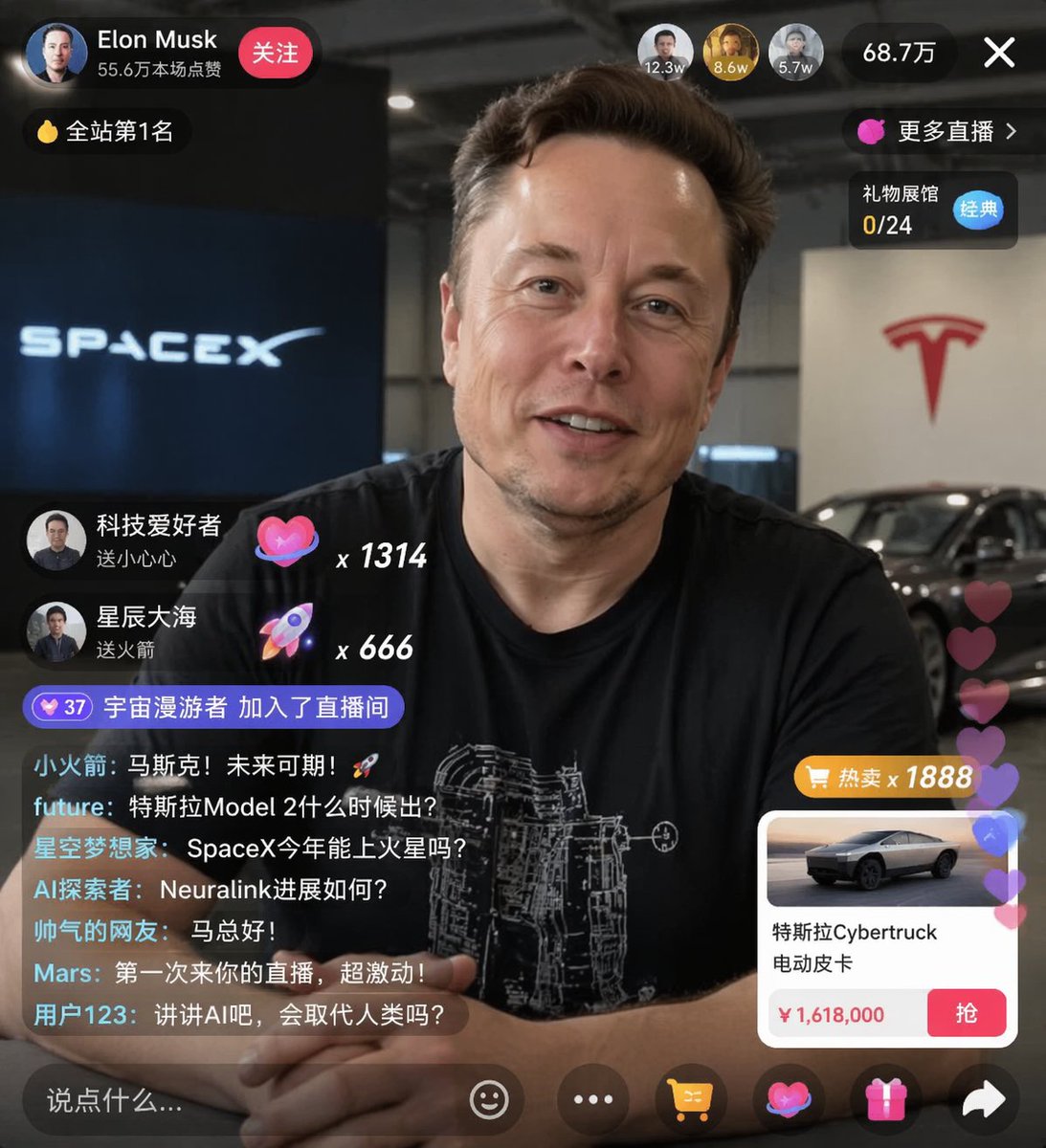 image Read full prompt →
 E-commerce Live Stream UI Mockup
Generates a realistic social media live stream interface overlaying a portrait, featuring customizable chat messages, gift popups, and a product purchase card.
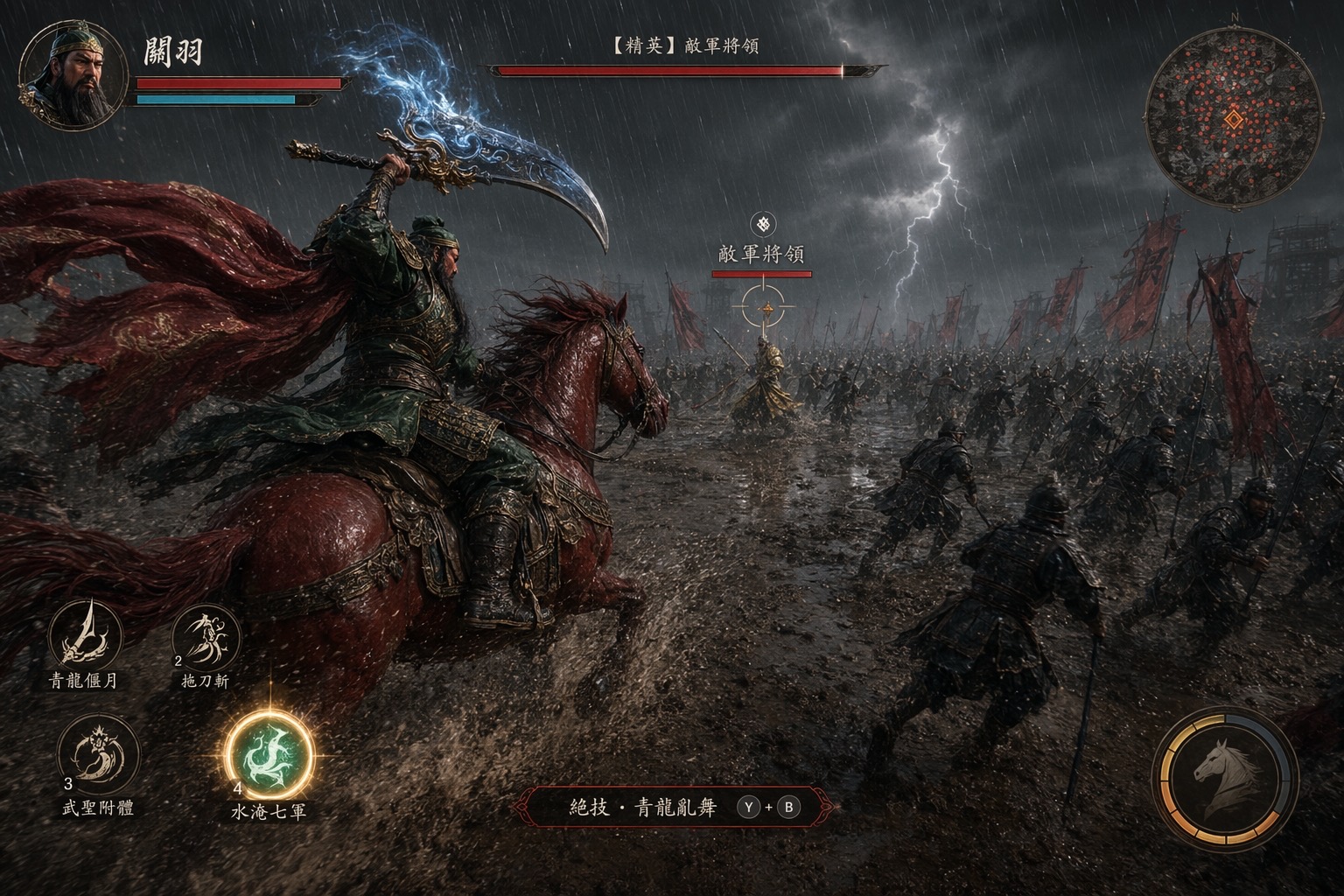 image Read full prompt →
 Game Screenshot - Three Kingdoms ARPG: Guan Yu Slaying Yan Liang
An in-game action-RPG screenshot of the iconic Three Kingdoms scene where Guan Yu rides his Red Hare warhorse through a torrential-rain battlefield and charges toward the enemy general Yan Liang. Rendered in the cinematic photoreal style of Black Myth: Wukong, Unreal Engine 5, third-person tracking camera from behind-and-left of the mounted hero. Full boss-fight HUD (portrait, minimap with dense enemy dots, skill hotbar with a finisher prompt, floating boss HP bar on the enemy general) turns the scene into a AAA ARPG combat moment. Tuned for gpt-image-2 at 16:9.
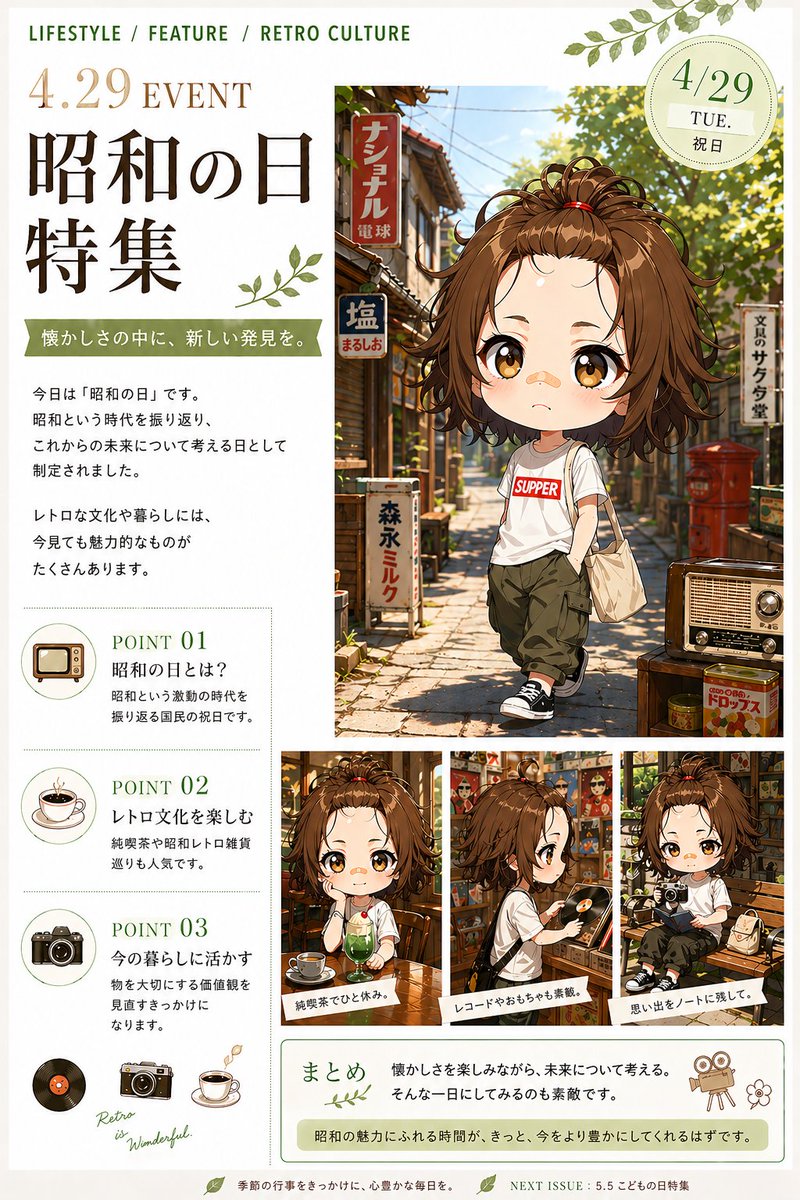 image Read full prompt →
 Social Media Post - Showa Day Retro Culture Magazine Cover
A warm editorial-style Japanese holiday feature page combining anime character art, nostalgic Showa-era street imagery, and magazine-style informational layout for seasonal cultural promotions.
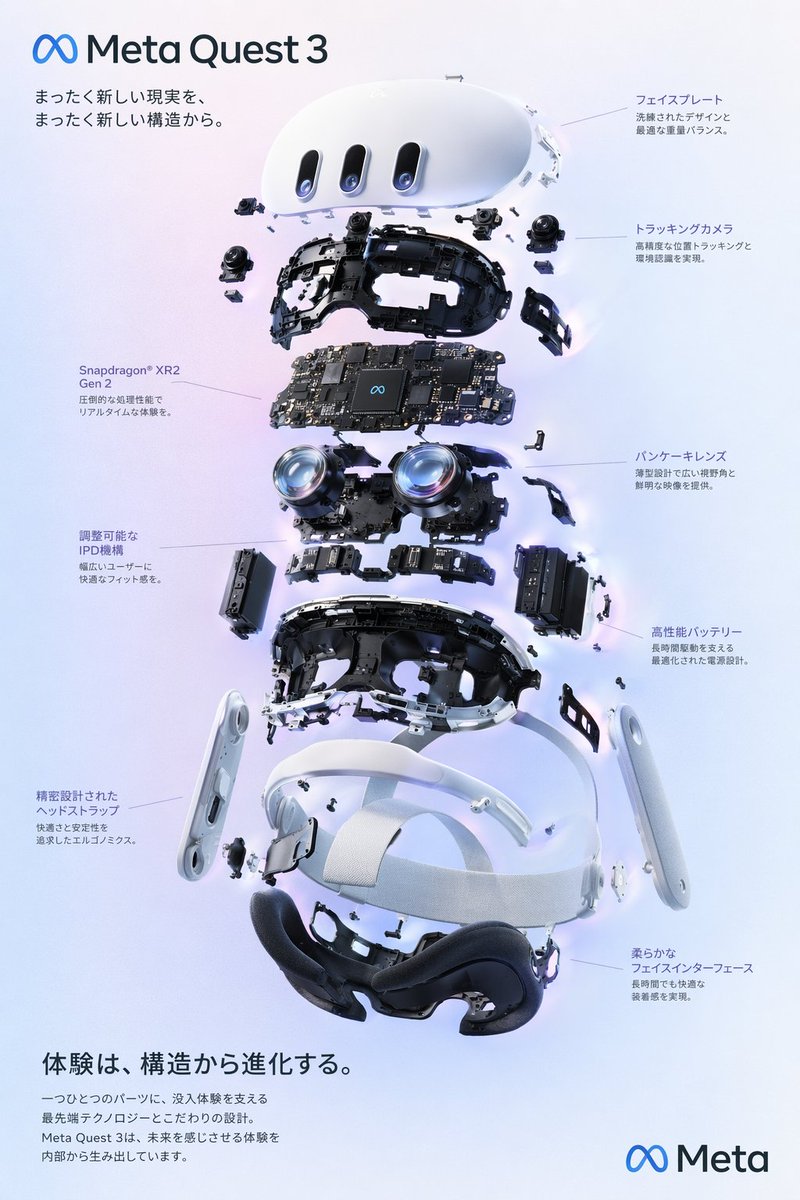 image Read full prompt →
 VR Headset Exploded View Poster
Generates a high-tech exploded view diagram of a VR headset with detailed component callouts and promotional text.
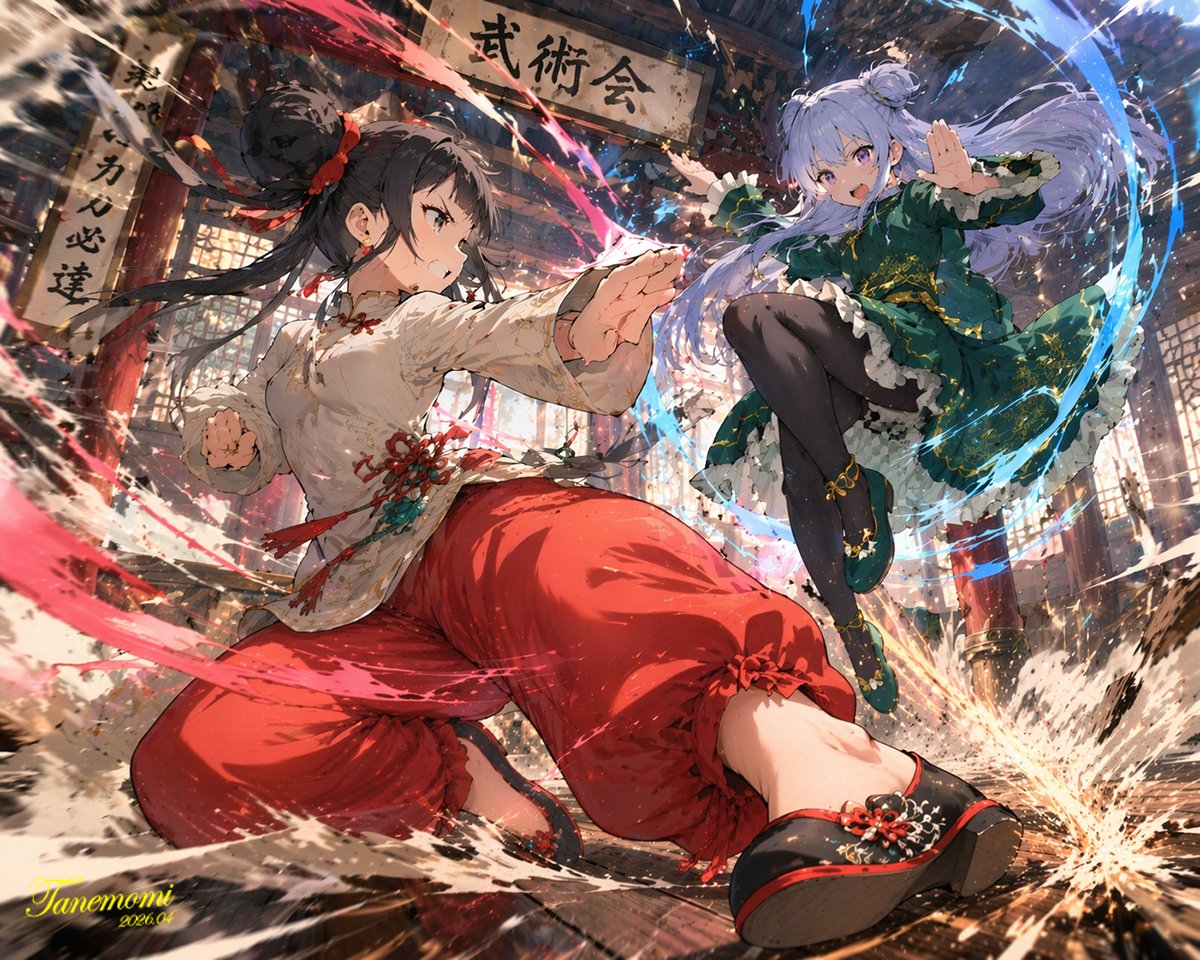 image Read full prompt →
 Anime Martial Arts Battle Illustration
Generates a dynamic, high-impact anime illustration of two female characters fighting in a traditional dojo with elemental energy effects.
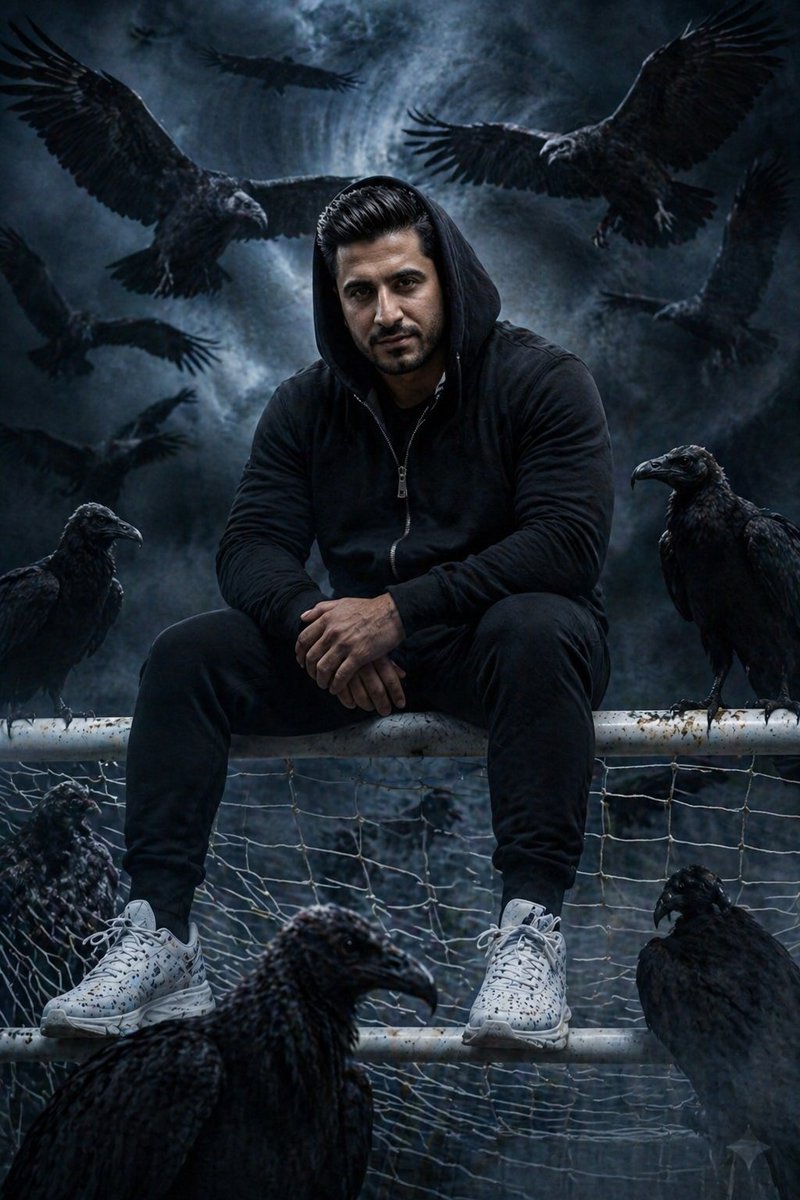 image Read full prompt →
 Profile / Avatar - Cinematic South Asian Male Portrait with Vultures
A detailed cinematic portrait of a young South Asian man in a moody, dark fantasy setting surrounded by vultures and ravens.
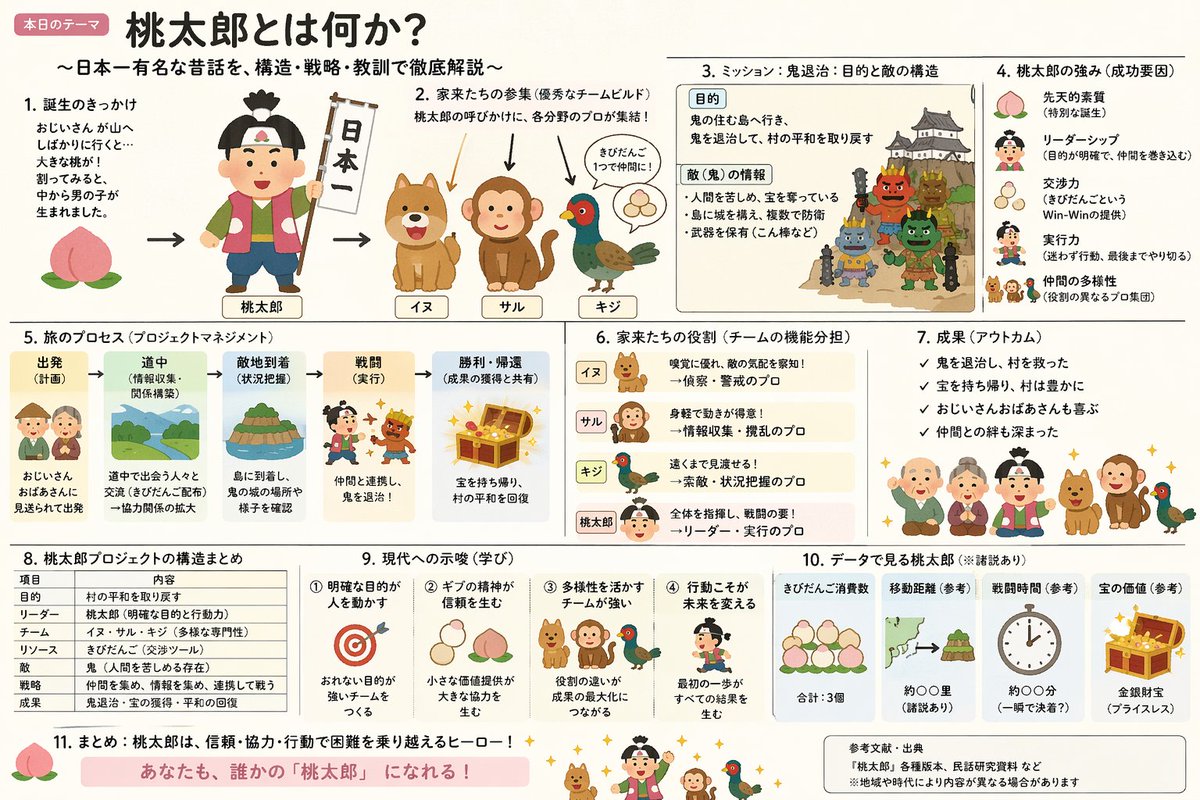 image Read full prompt →
 Momotaro Explainer Slide in Hybrid Style
A prompt that combines the simple, warm aesthetic of Irasutoya illustrations with the high-information density characteristic of Japanese government slides.
Graphics with OpenDesign vs. the old way
| What you need | With OpenDesign | Design apps / generic templates |
|---|---|---|
| Go from idea to laid-out graphic | One prompt; the agent composes type and layout | Open an app, place every element by hand |
| Stay on brand | Colors and type from a reusable design system | Re-pick brand styles per file, or drift off-brand |
| Consistent series | Same template, new copy — perfectly aligned set | Re-align each variant manually |
| Export | HTML at exact dimensions, exported to PNG | Manual canvas sizing and export settings |
| Repeatable | A prompt-driven recipe in your repo | A one-off file you recreate each time |
| Cost & lock-in | Open source, bring your own keys, runs locally | Per-seat design tool or template marketplace |
Real cards and covers rendered from a prompt. Pick one close to what you need and swap in your copy.
Image FAQ
-
01 Is this an AI image generator like Midjourney?
No. OpenDesign composes graphics with real layout and typography — your headline, your brand, exact dimensions — and renders to HTML you export as PNG. It is design composition, not pixel generation.
-
02 Can I make a consistent series of cards?
Yes. Because each graphic is a template, you keep the layout and change the copy, so a whole series stays perfectly aligned and on-brand.
-
03 What sizes can it produce?
Any — the graphic renders at the exact dimensions you specify, from a square social card to a wide banner, then exports to PNG.
-
04 Which agents can I use?
Claude Code, Codex, Cursor Agent, Gemini CLI, and more first-party adapters, with your own provider keys.
Make your next graphic tonight
Star the repo, install OpenDesign, and turn a prompt into an on-brand graphic — in the agent you already use.