

HTML to PPT, in your agent
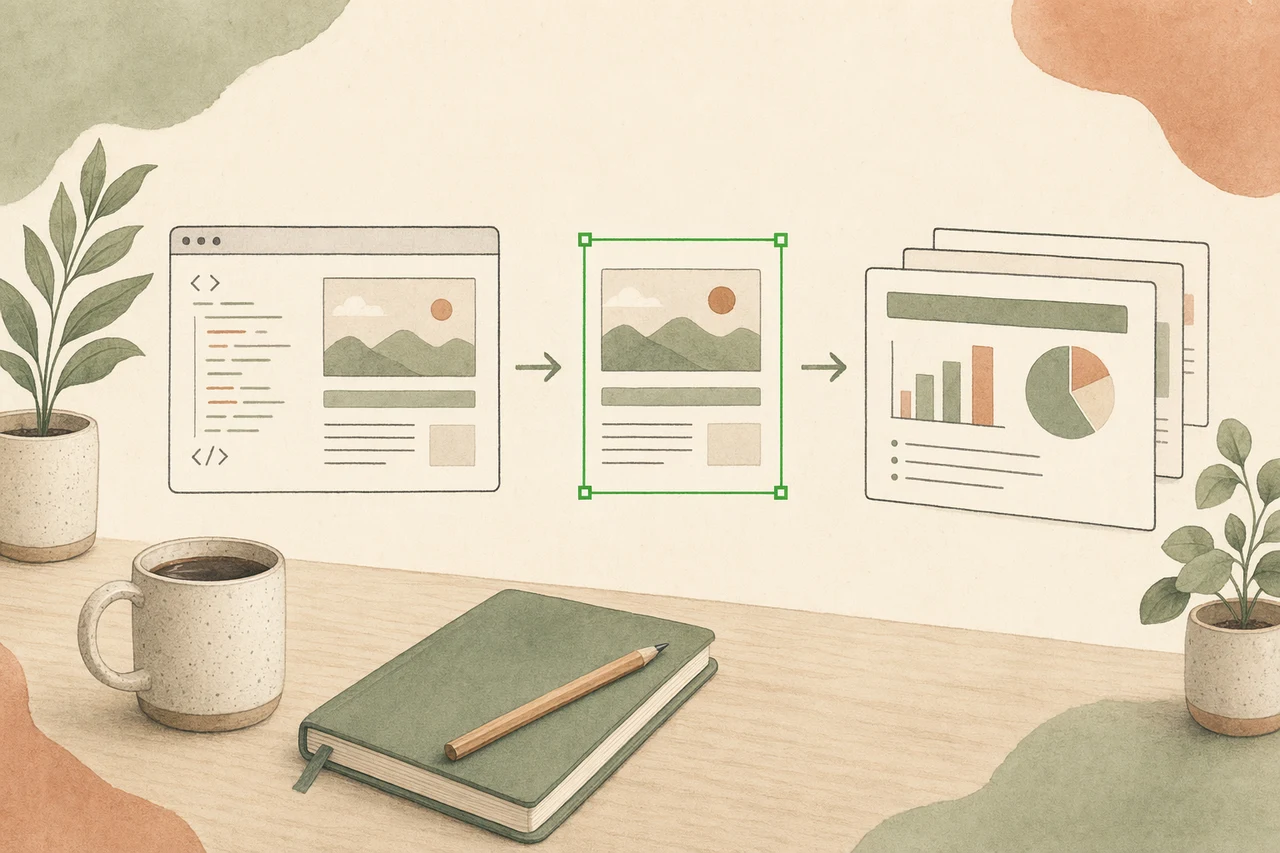
Have an HTML page, a markdown doc, or just a prompt? Let your coding agent build it into a clean HTML deck and export a real, editable PowerPoint — native shapes and text you can keep editing, not a screenshot per slide. The HTML is the source; the .pptx is yours to present, hand off, and own.
In one line
Most HTML-to-PPT converters flatten your page into static slide images you cannot edit. OpenDesign builds the deck as HTML inside your coding agent and exports a real, editable .pptx — native text and shapes, your design system, no per-seat meter, no vendor lock.
How HTML to PPT works
- 01
Start from HTML, a doc, or a prompt
Point your agent at an HTML page, a markdown doc, or just describe the deck. OpenDesign loads the right skill so the agent reads structure and intent — headings, sections, data — not just raw markup.
- 02
Build a clean HTML deck
The agent lays the content out as an HTML deck on a real design system — consistent type, grid, and color — using ready themes (pitch deck, product launch, editorial, technical) instead of a wall of untitled boxes.
- 03
Export an editable .pptx
OpenDesign’s pptx-generator turns the HTML deck into a real PowerPoint — native shapes, editable text, and charts you can still change — with an HTML-to-PPTX fidelity audit, not a flat image per slide.
- 04
Own and hand off the slides
The HTML and the .pptx land in your repo, fully yours. Open the .pptx in PowerPoint or Keynote, present from the browser, or keep iterating in the agent — no cloud lock-in, no redraw between the HTML and the deck.
What you can turn into a deck
-
HTML page to PPT
Turn an HTML page or export into an editable PowerPoint deck.
-
Markdown to PPT
Hand your agent a markdown doc and get a clean deck plus a .pptx.
-
Prompt to deck
Describe the talk; the agent drafts the slides and exports .pptx.
-
Pitch decks
Investor and sales decks with a strong narrative and clean data slides.
-
Presenter mode
Reveal-style HTML decks that also export to editable PowerPoint.
-
Any visual taste
Editorial, bold, or minimal — the theme carries all the way to the .pptx.
OpenDesign vs. typical HTML-to-PPT converters
| What you need | With OpenDesign | Typical HTML-to-PPT converters |
|---|---|---|
| Start point | HTML, a doc, or a prompt — in the agent you already run | Paste HTML into a separate cloud converter |
| Slide quality | Clean HTML deck from a real design system + ready themes | A literal render of your page, box by box |
| Editable output | Real .pptx — native, editable text & shapes | Flat slide images you cannot change |
| Iterate after export | Refine by talking; regenerate and re-export any time | A frozen, one-time file |
| Own the output | HTML + .pptx files in your repo, fully yours | Locked to their editor or export credits |
| Cost & lock-in | Open source, bring your own keys, runs locally | Per-file or per-credit subscription, vendor-hosted |
Slide templates you can start from
Real decks rendered by OpenDesign, ready to export to an editable .pptx. Pick a theme close to your content, describe your variation, and the agent builds the deck — then hands you the PowerPoint you own.
Write an Annual Marketing Plan like a World-Class CMO
OpenDesign's FY26 marketing plan: brand-to-pipeline — audience, offer, channel mix, and the launch calendar that ties creative to growth. Built as a decision-grade marketing & GTM deck for CMO, growth lead, founder.
Write a Board Pre-Read like a Fortune-500 Board Chair
OpenDesign's FY26 board pre-read: the open-core bet, growth vs burn, and the one decision the board must approve. Built as a decision-grade corporate strategy deck for board, CEO, CFO.
Write a Demo Day Pitch like a Top Accelerator Partner
OpenDesign's demo-day pitch: hook, traction, moat, and the raise — built to make a partner sit up by page three. Built as a decision-grade fundraising pitch deck for accelerator partners, angels.
Pitch a Team Rollout like a Strategic Account Executive
OpenDesign Teams: a launch-and-adoption proposal for a mid-market design team weighing a switch from closed cloud tools. Built as a decision-grade B2B sales deck for design team lead, IT.
Give an Engineering Tech Talk like a Staff Developer-Advocate
OpenDesign internals: how the agent stream, sandbox, and artifacts work — an engineering deep-dive talk. Built as a decision-grade AI literacy deck for engineers, dev community.
Write a Staff-Engineer Promotion Case like a Calibration-Committee Insider
A staff-engineer promotion packet — scope, the proof moments, the artifacts, and the impact that clears the bar. Built as a decision-grade career deck for manager, calibration committee.
Write a Series A Growth Story like a Tier-1 VC Partner
OpenDesign's Series A growth story: the traction curve, the expansion motion, and why it's venture-scale. Built as a decision-grade fundraising pitch deck for Series A partners.
Build an Editorial Design System like a Magazine Art Director
A type-and-color system for a culture magazine relaunch — the grid, the tri-tone palette, and the layout kit. Built as a decision-grade design craft deck for editorial & design team.
HTML to PPT FAQ
-
01 How does OpenDesign turn HTML into a PPT?
Your coding agent builds the content into a clean HTML deck, then OpenDesign’s pptx-generator skill exports it to a real, editable .pptx — native shapes and text, audited for HTML-to-PPTX fidelity, not a flat image per slide.
-
02 Can I convert HTML to an editable PowerPoint?
Yes. The .pptx has native, editable text and shapes you can keep changing in PowerPoint or Keynote — not screenshots. You can also keep iterating the source deck in your agent and re-export any time.
-
03 Does it work with Claude Code?
Yes — "claude html to ppt" is exactly this workflow. Drive it with Claude Code, or Codex, Cursor Agent, Gemini CLI, and more. You bring your own provider keys; nothing is hosted for you.
-
04 Is it free?
Yes. OpenDesign is open source and runs inside the coding agent you already use with your own keys — there is no per-file or per-credit meter on the HTML-to-PPT workflow.
-
05 What’s the difference from generating slides?
Generating a deck usually starts from a prompt or outline; HTML to PPT starts from HTML or markdown you already have and focuses on the editable .pptx export. Both use the same OpenDesign deck engine — see the slides use case for the outline-first flow.
Turn your next HTML deck into an editable PPT
Star the repo, install OpenDesign, and turn HTML — or a prompt — into a clean deck and a real, editable .pptx, in the agent you already use.