

From spec to front-end, no handoff in between
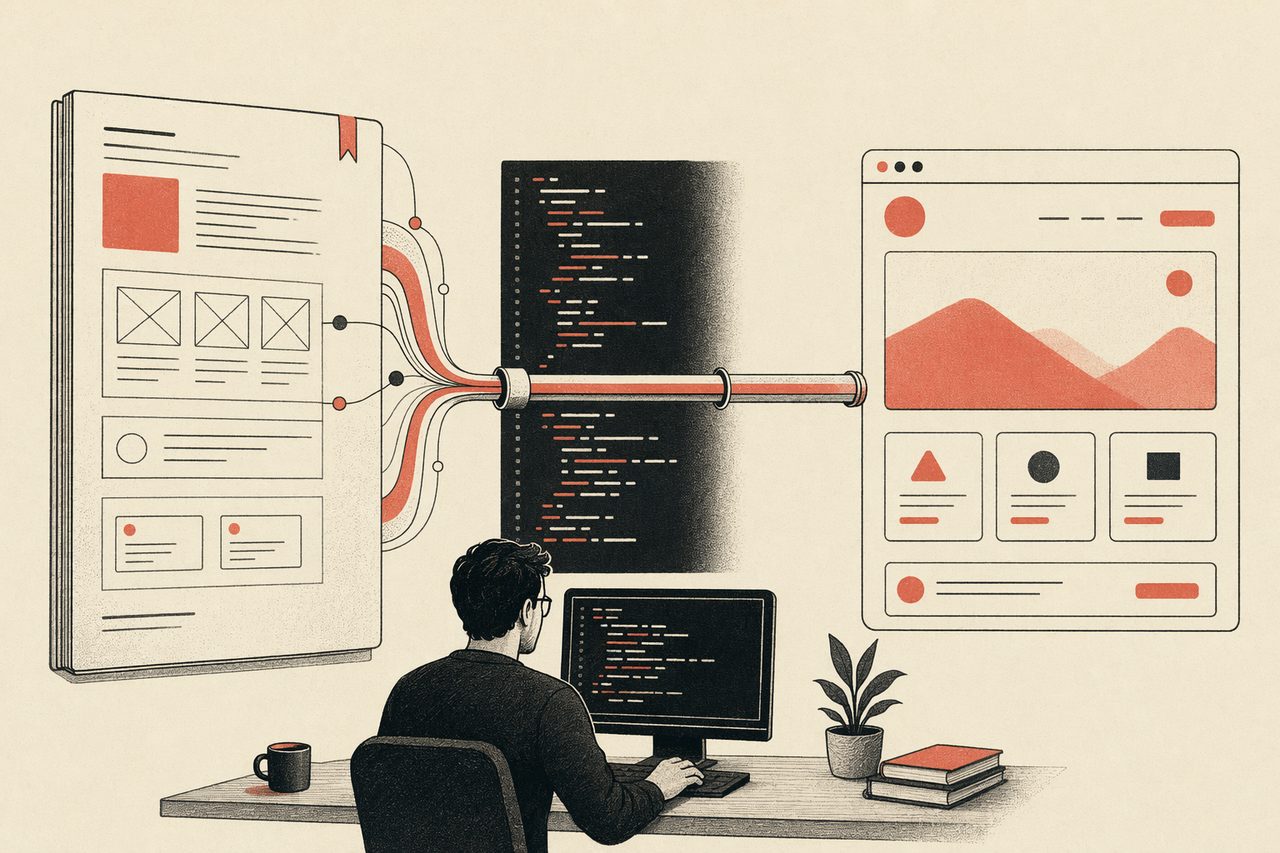
Point your agent at a DESIGN.md and a description; it writes on-system, real front-end code — components, screens, dashboards — straight in your project. No redlines, no “waiting on design.”
In one line
OpenDesign closes the designer-to-engineer gap by making the design system machine-readable: the same agent that writes your code applies the system and renders real UI.
How an engineer uses OpenDesign
- 01
Read the system, not a redline
The DESIGN.md lives in the repo. Your agent reads it the way it reads the rest of the codebase — no exported specs to interpret.
- 02
Generate on-system UI
Describe the screen or component; the agent writes front-end that already matches the system. Prototypes, admin dashboards, internal tools — in minutes.
- 03
It is already your code
Output is HTML / framework code in your repo, reviewable in a PR. No translation step between “the design” and “the build.”
What an engineer can generate
Docs Page
A documentation page — inline-start nav, scrollable article body, inline-end table of contents. Use when the brief mentions "docs", "documentation", "guide", "API reference", or "tutorial".
Eng Runbook
An engineering runbook — service overview, alerts table, dashboards links, common procedures with copy-pasteable commands, on-call rotation, and an incident-response checklist. Use when the brief mentions "runbook", "ops doc", "on-call guide", "SRE doc", or "运维手册".
Turn an Incident Retro into a Learning Deck like a Platform VP
OpenDesign's incident retro: the daemon-restart data bug, the root cause, the fix, and the systemic follow-ups. Built as a decision-grade product management deck for engineering, SRE, leadership.
Give an Engineering Tech Talk like a Staff Developer-Advocate
OpenDesign internals: how the agent stream, sandbox, and artifacts work — an engineering deep-dive talk. Built as a decision-grade AI literacy deck for engineers, dev community.
Data Visualization Report
Turns CSV, Excel, or JSON data into a polished visual report page.
Kanban Board
Kanban / task board with columns (To do / In progress / In review / Done), draggable-looking cards, assignee avatars, swimlanes, and a top filter bar. Use when the brief mentions "kanban", "task board", "sprint board", "trello", "看板".
Front-end with OpenDesign vs. the handoff way
| What you need | With OpenDesign | Design-to-dev handoff |
|---|---|---|
| Get a design to build from | A DESIGN.md your agent reads directly | A Figma file you re-interpret by hand |
| Match the system | Enforced automatically at generation time | Eyeball it against a spec, drift creeps in |
| Build internal tools / dashboards | Prompt → on-system front-end in the repo | Wait for a designer, then build it twice |
| Review | It is code — diff it in a PR | Pixel-compare against a mockup |
| Cost & lock-in | Open source, in your repo, runs locally | A design tool the whole team must license |
Real, on-system front-end generated straight in the repo. Pick one close to what you are building and describe it.
Engineering FAQ
-
01 Do I still need a designer?
For brand and direction, yes. But for building on-system UI and internal tools, the agent reads the DESIGN.md and writes the front-end — no handoff round-trip.
-
02 What does it output?
Real HTML / framework code in your repo, reviewable in a PR — not a mockup you reimplement.
-
03 How does it stay on system?
The DESIGN.md is the source of truth; the agent applies it at generation time, so output matches without manual pixel-checking.
-
04 Which agents can I use?
Claude Code, Codex, Cursor Agent, Gemini CLI and more first-party adapters, with your own provider keys.
Generate your next UI tonight
Star the repo, install OpenDesign, and turn a DESIGN.md into front-end — in the agent you already use.