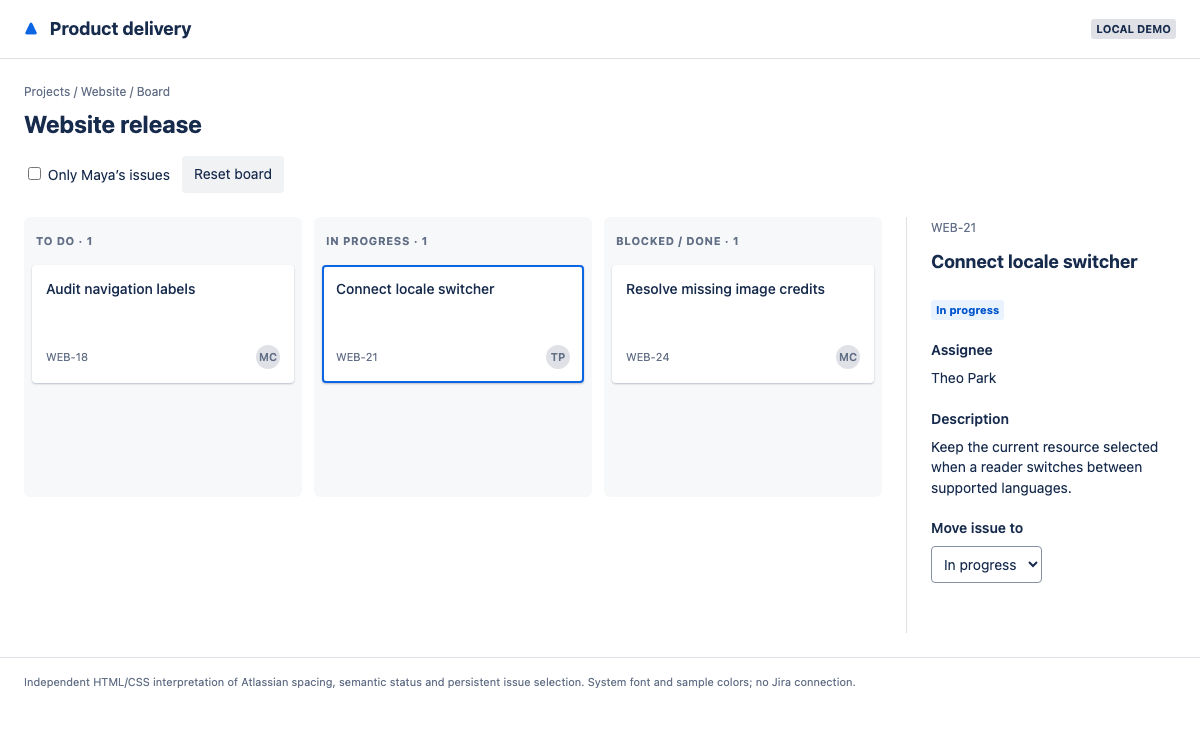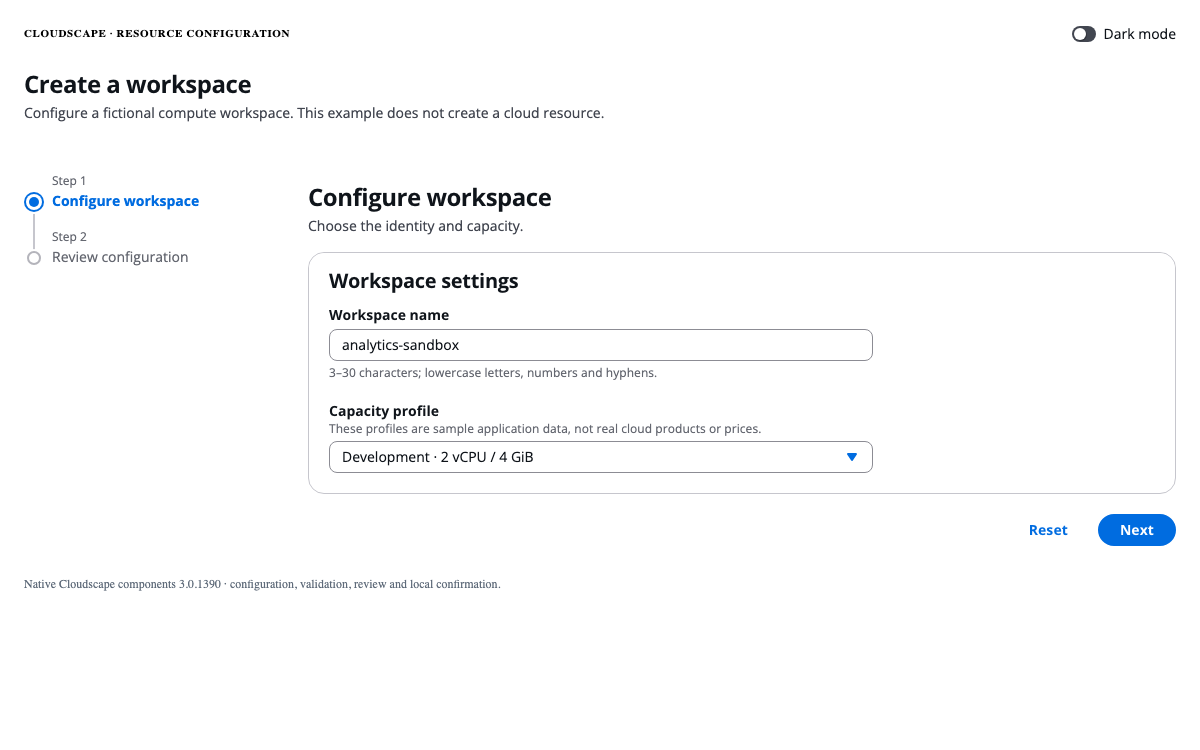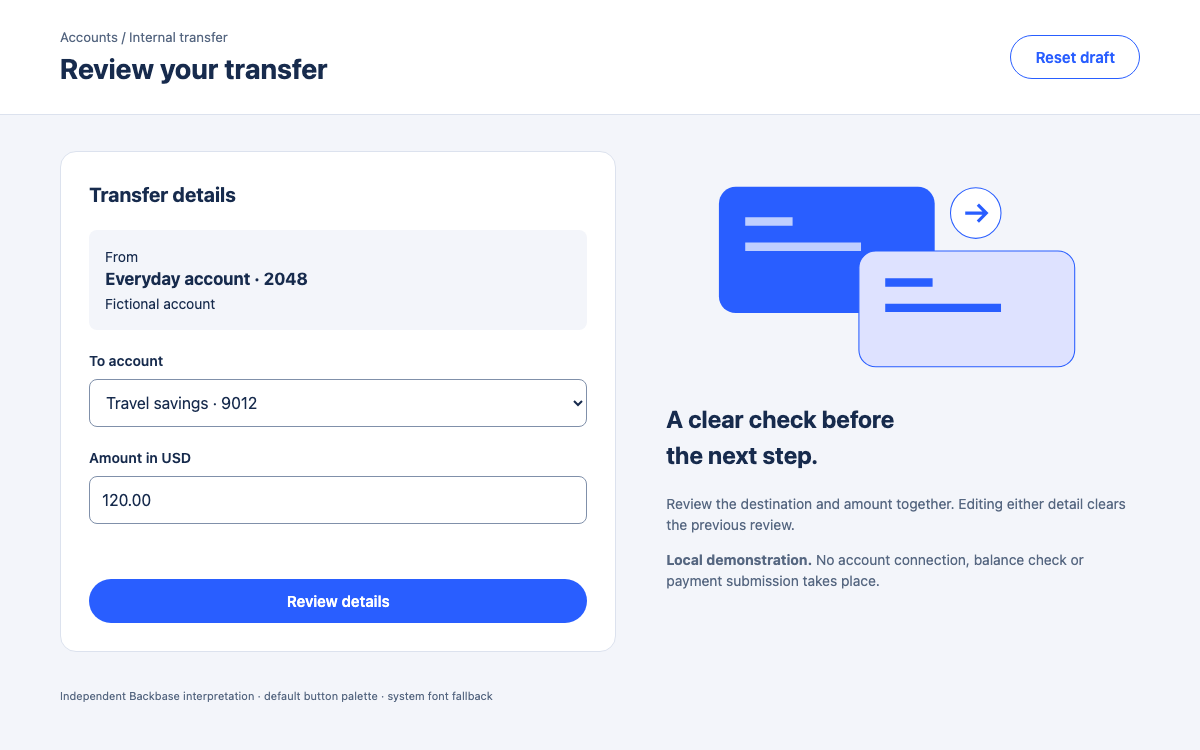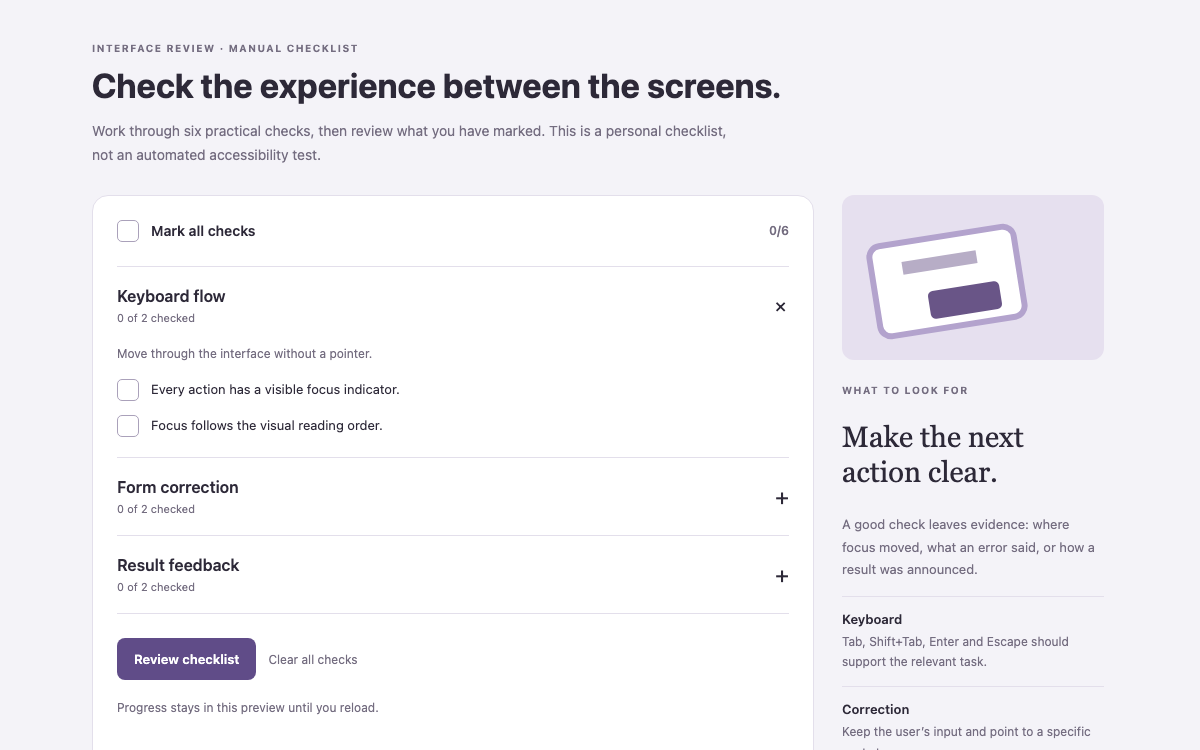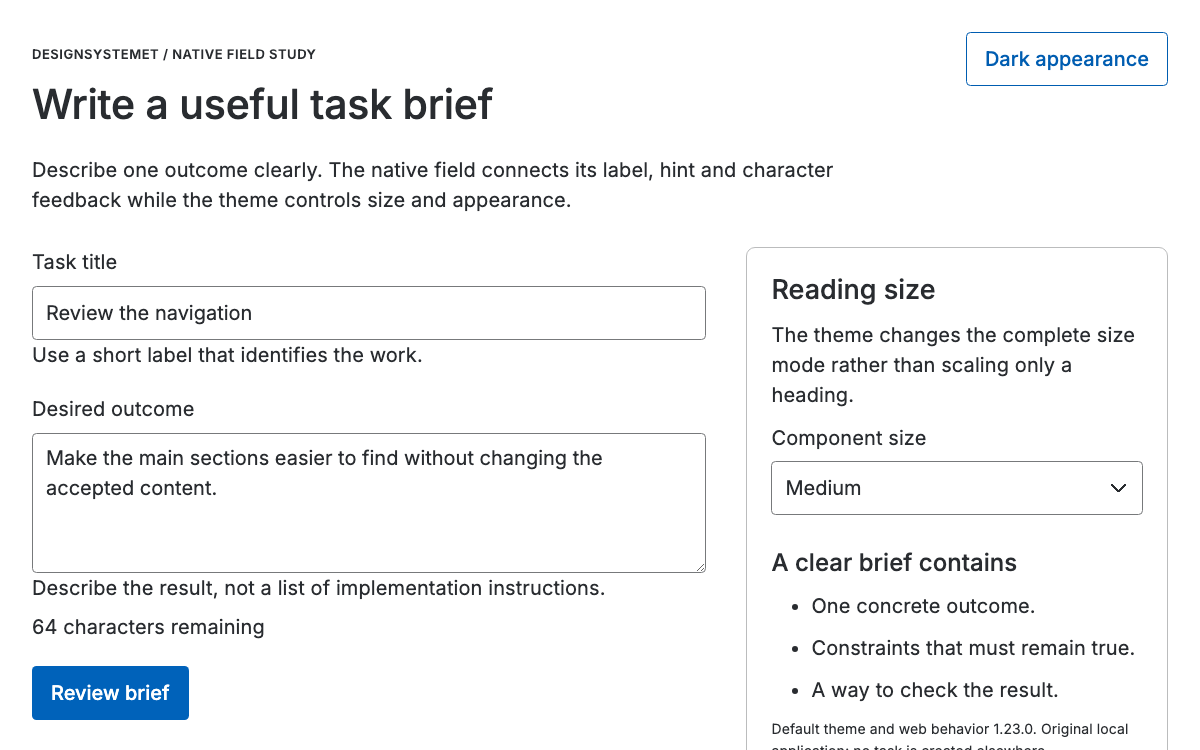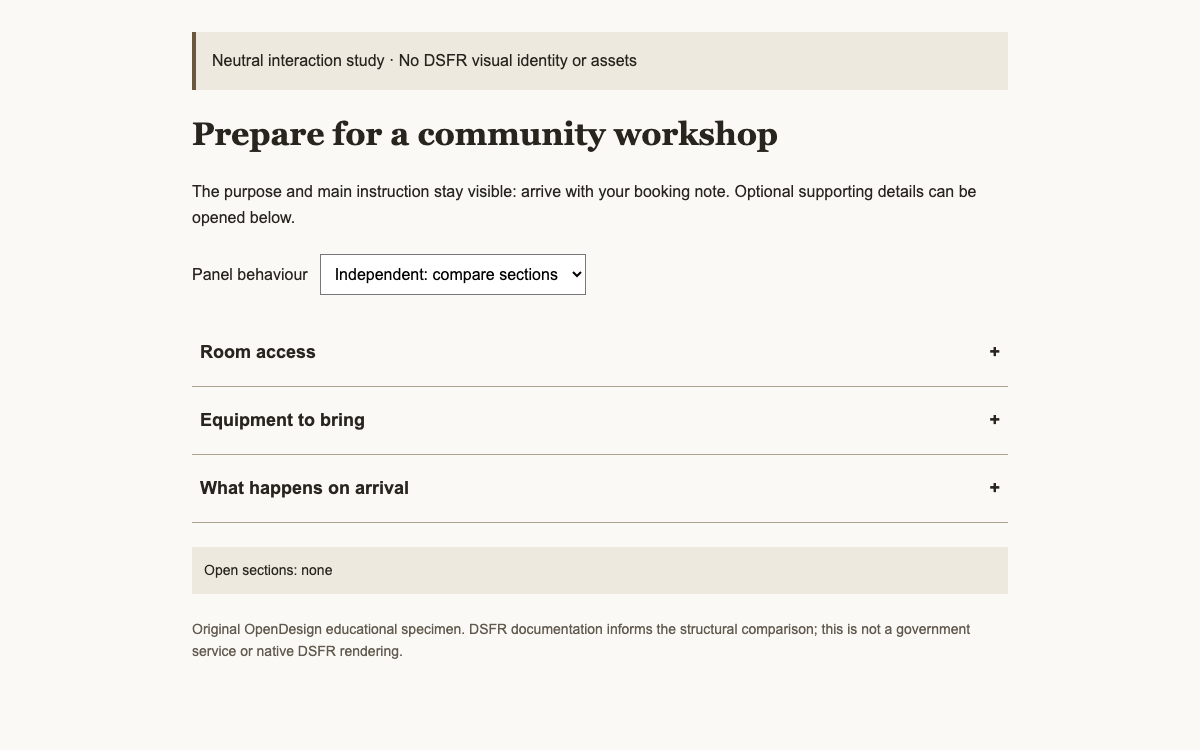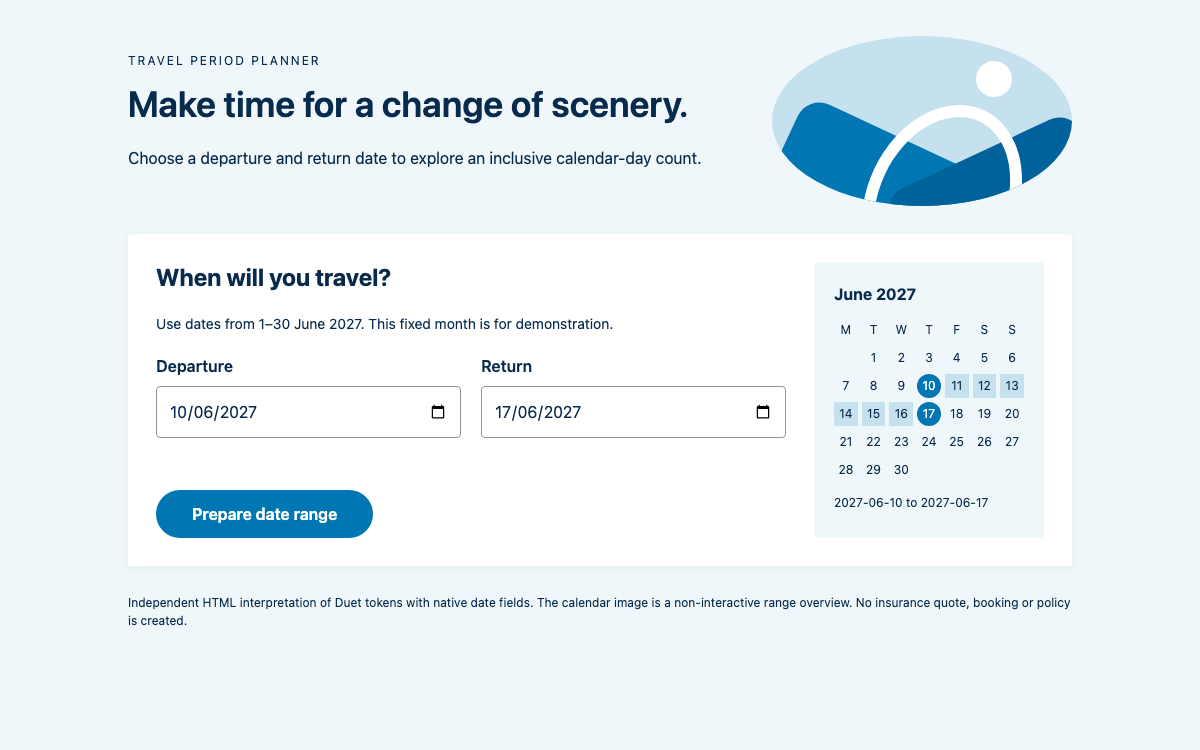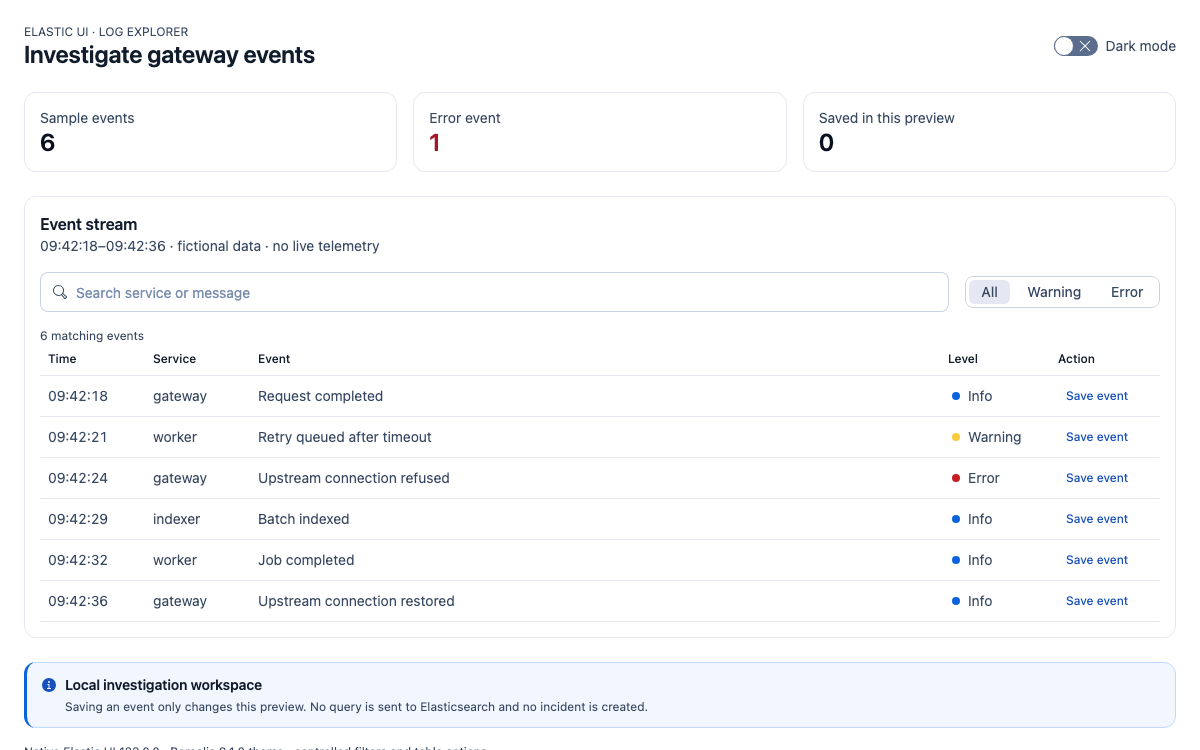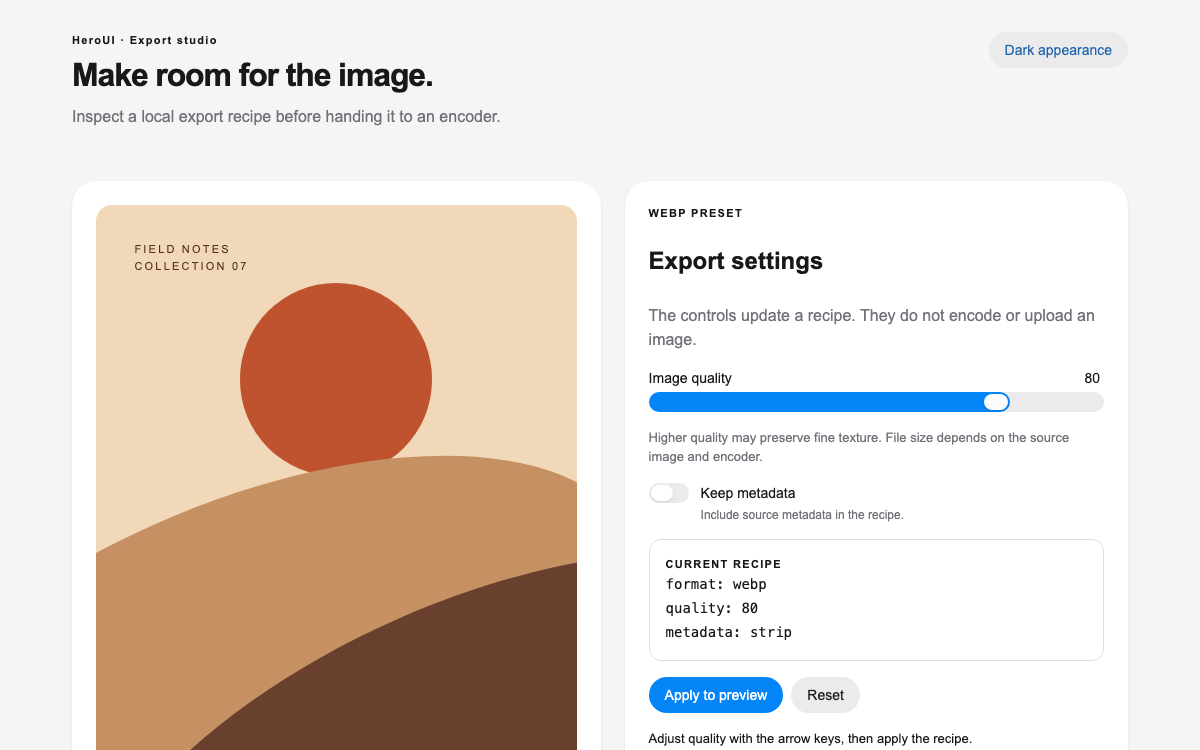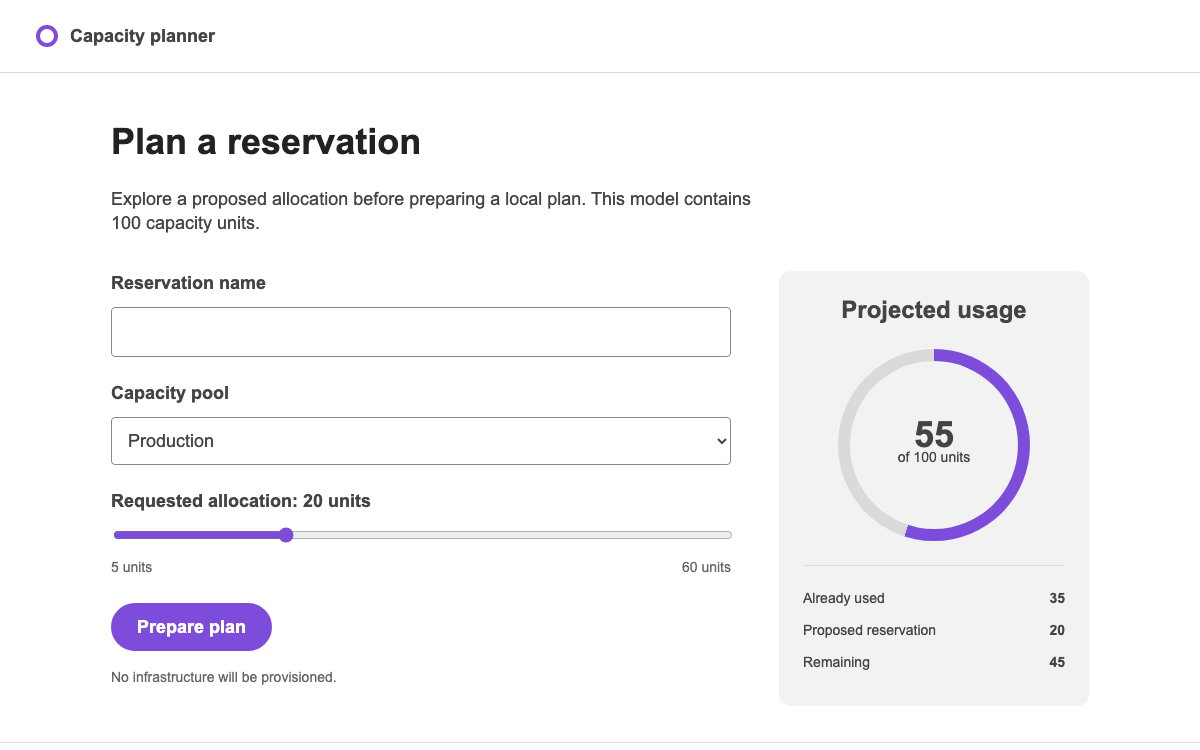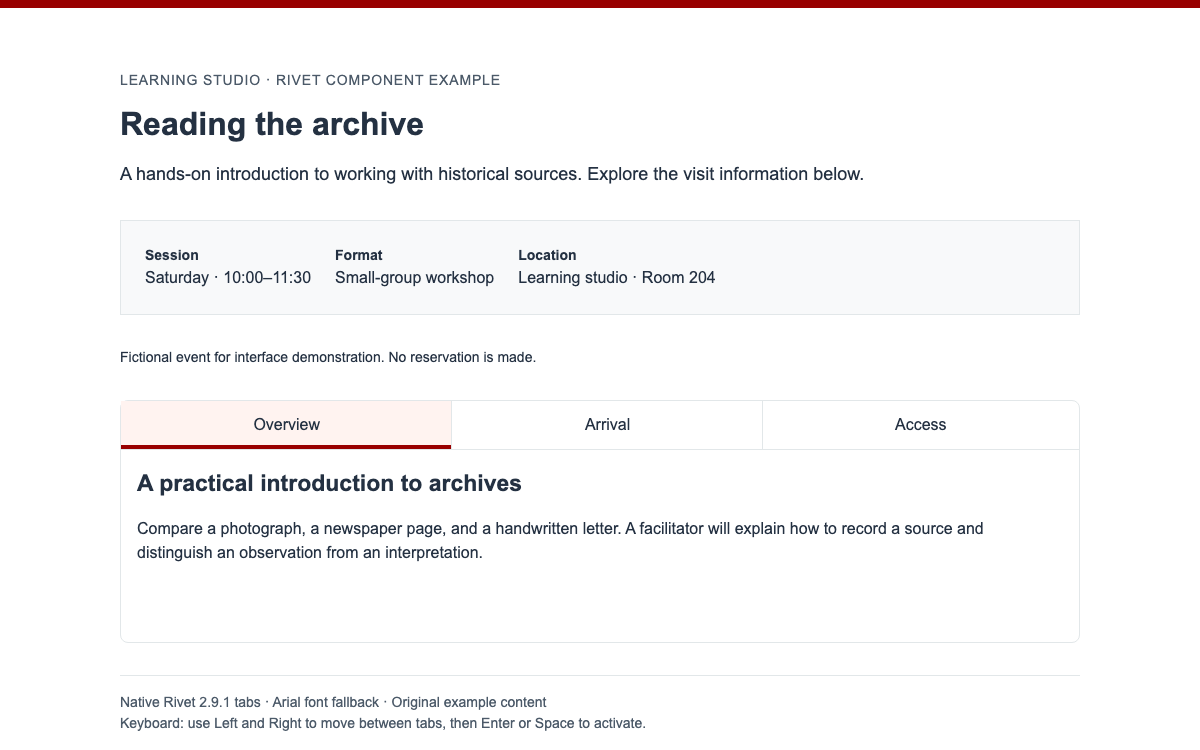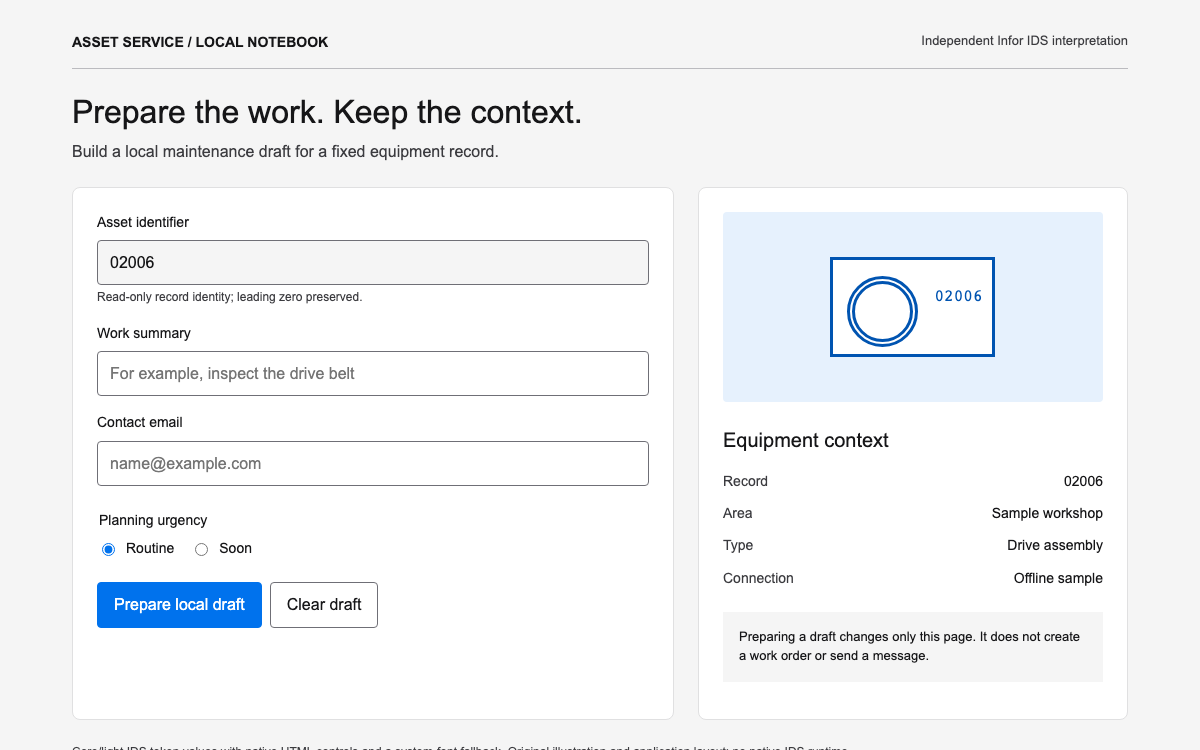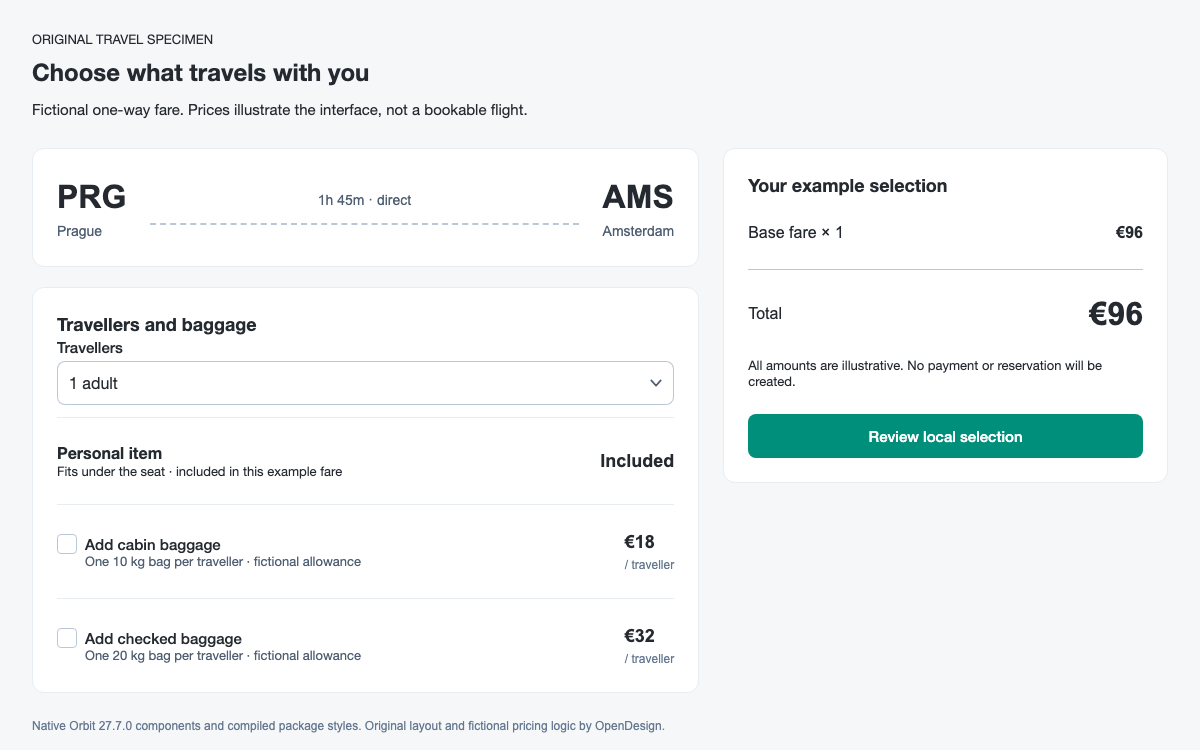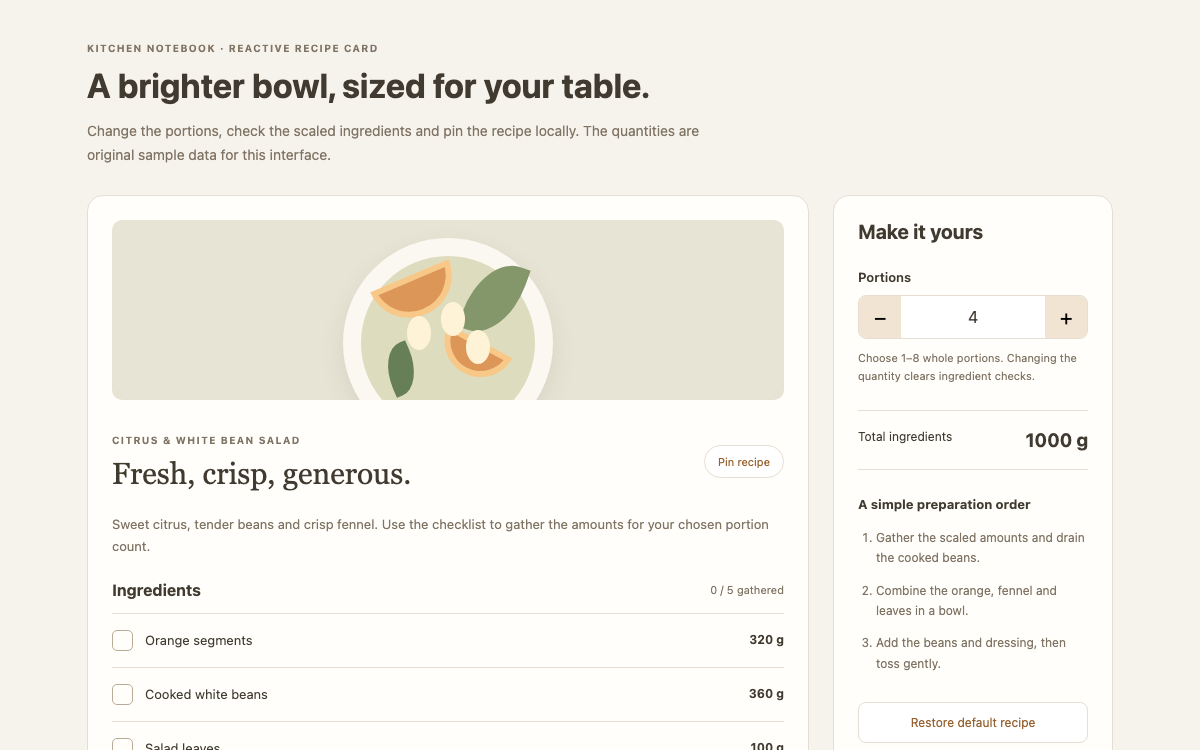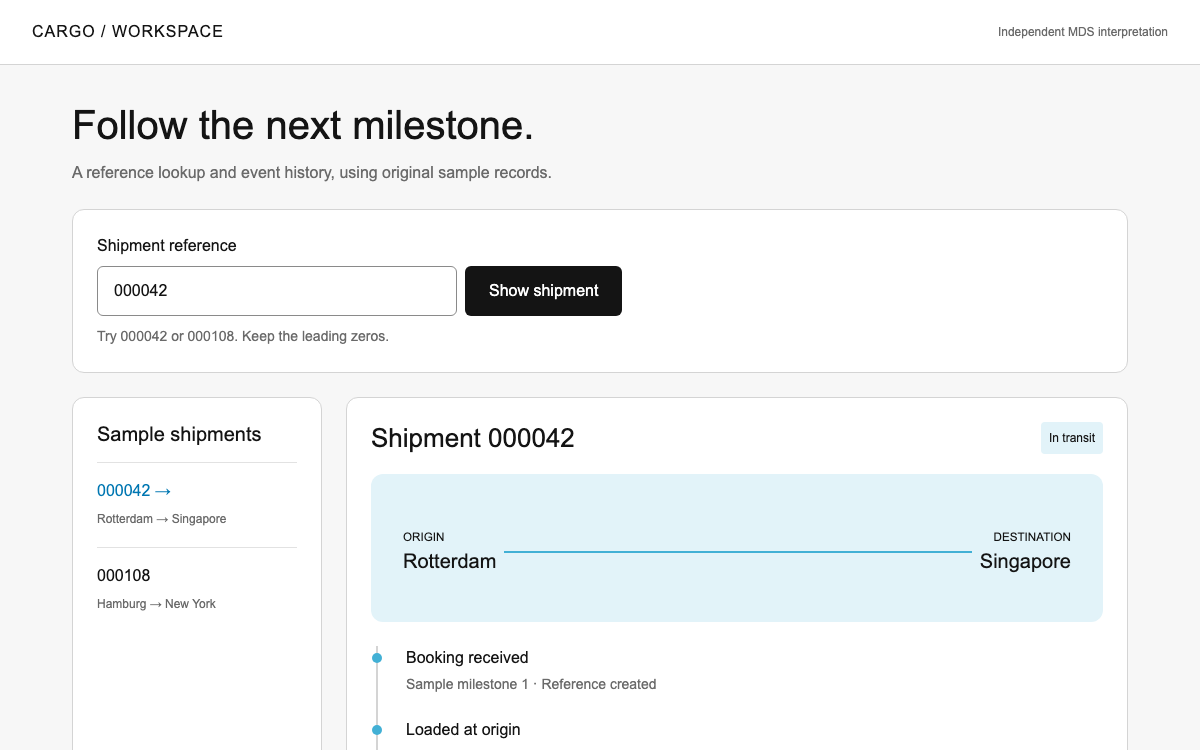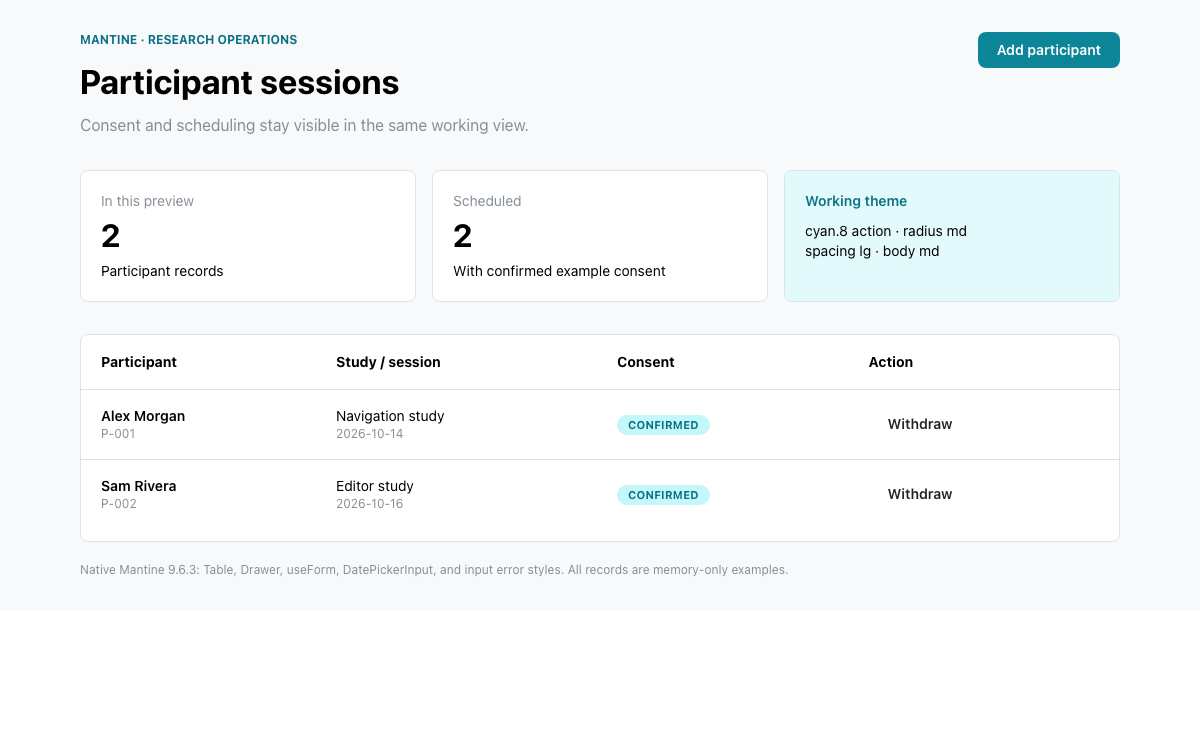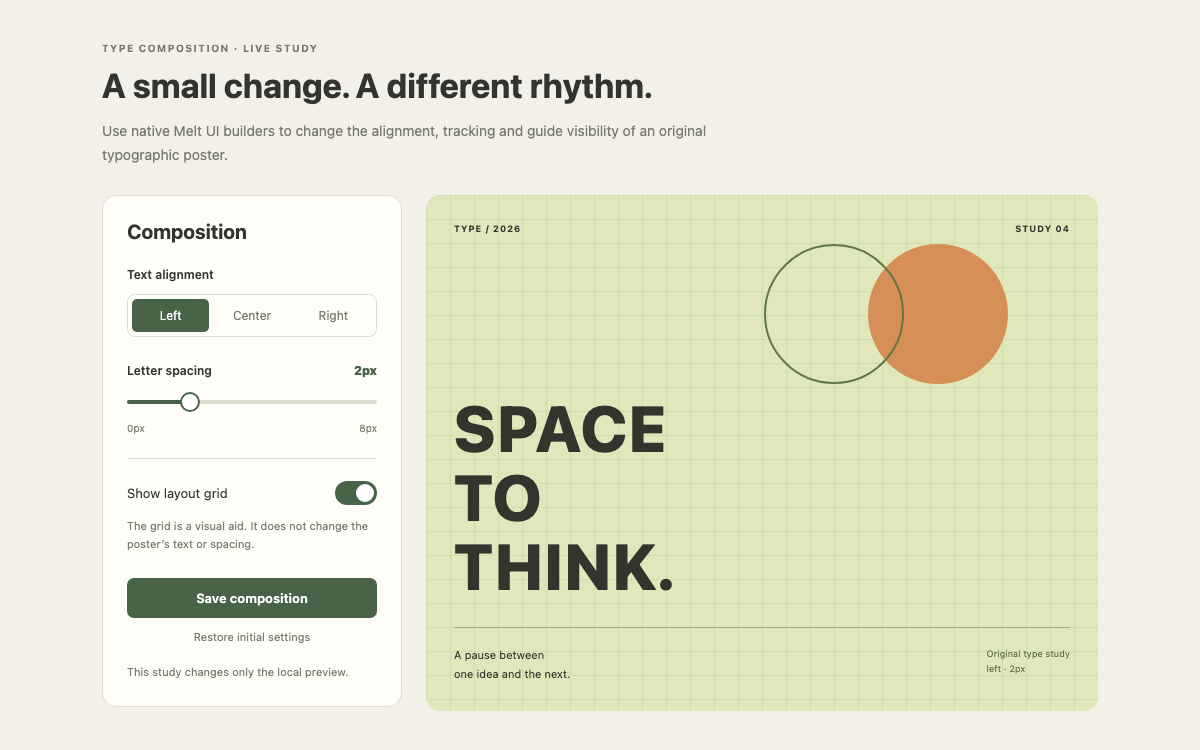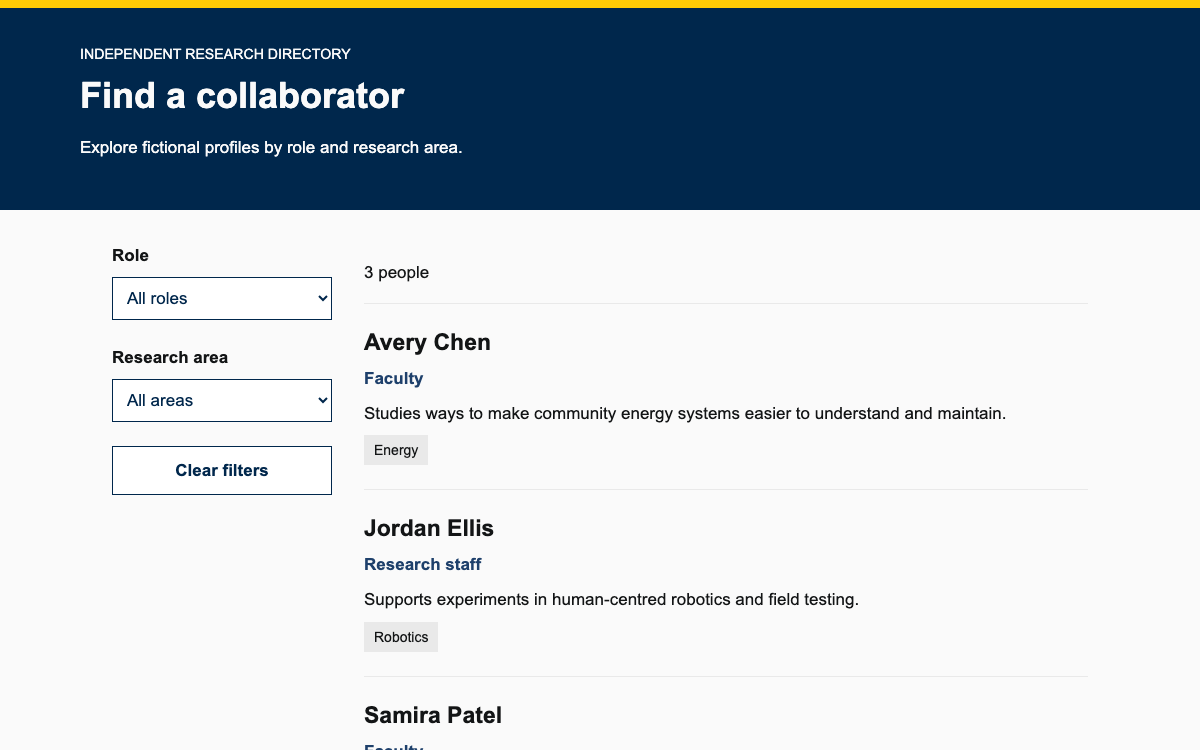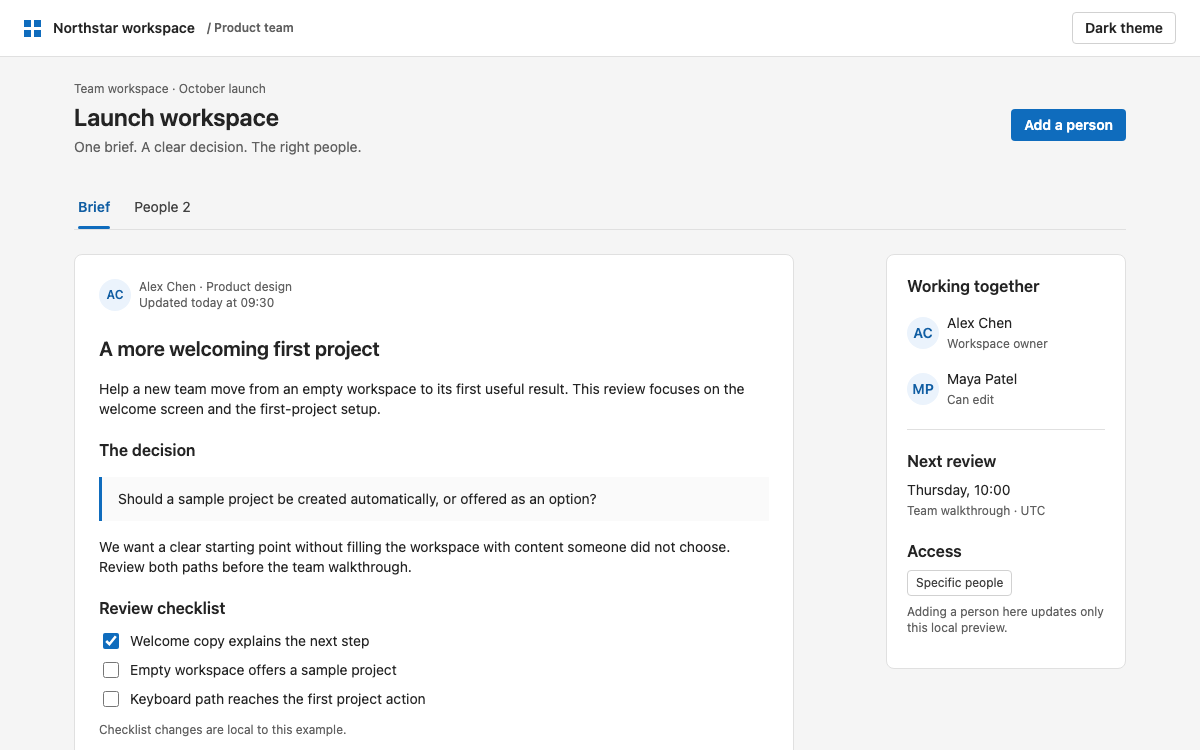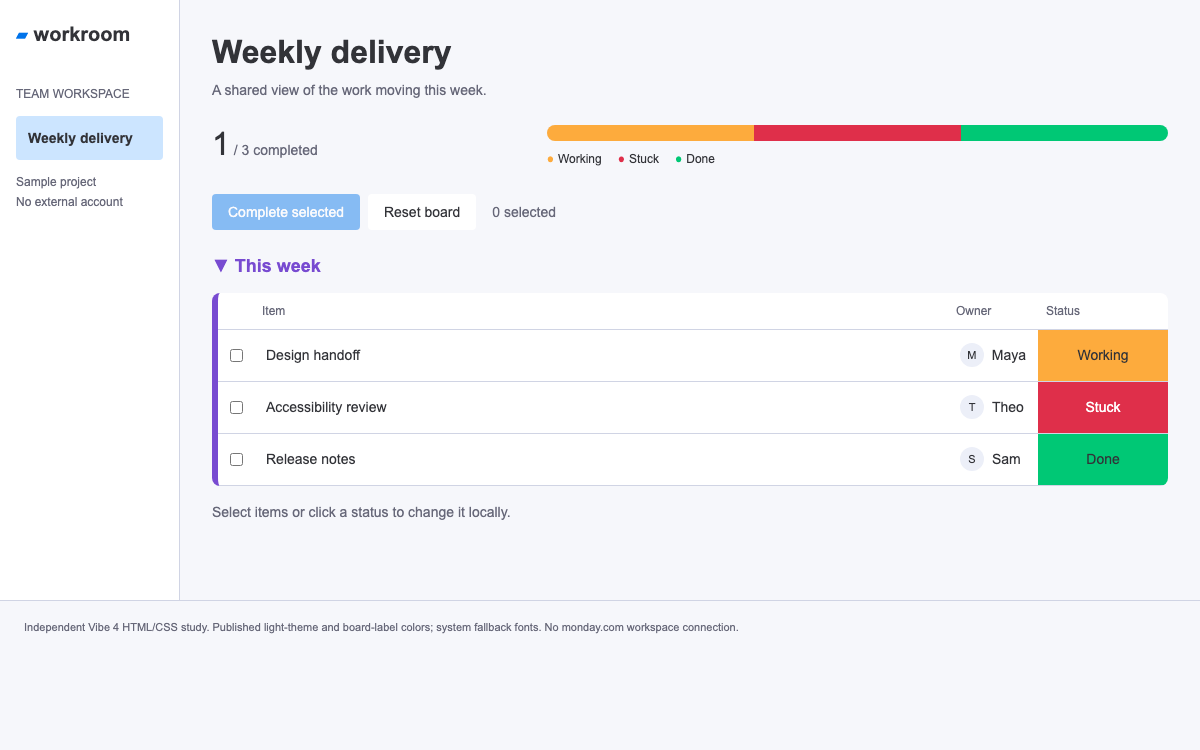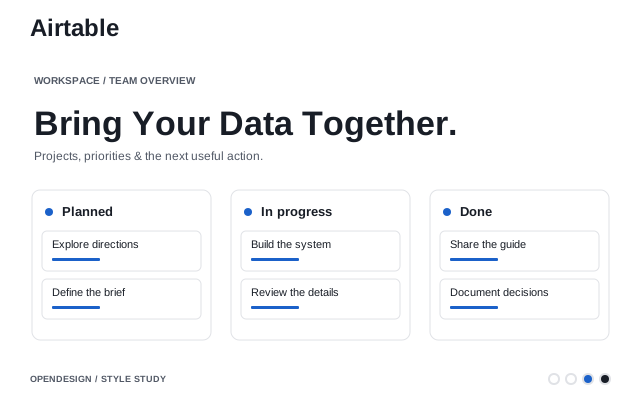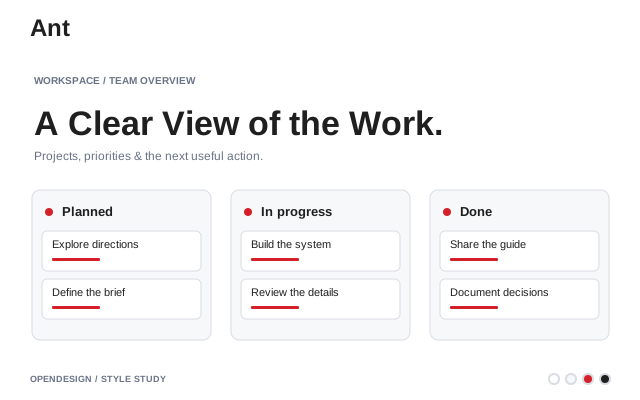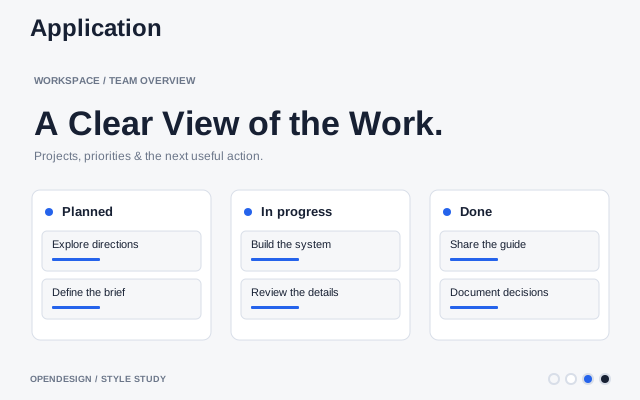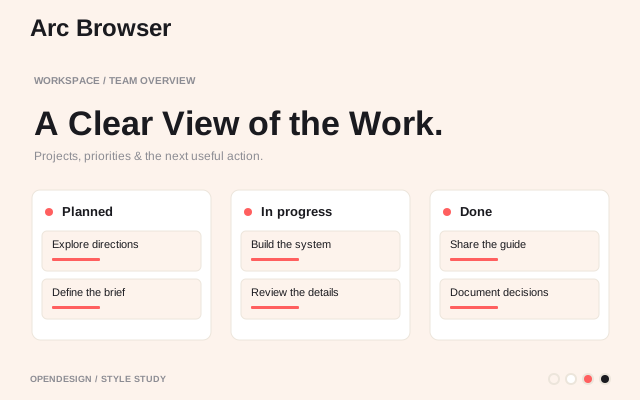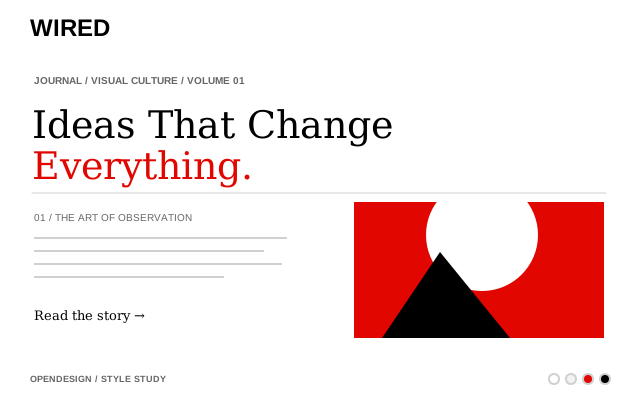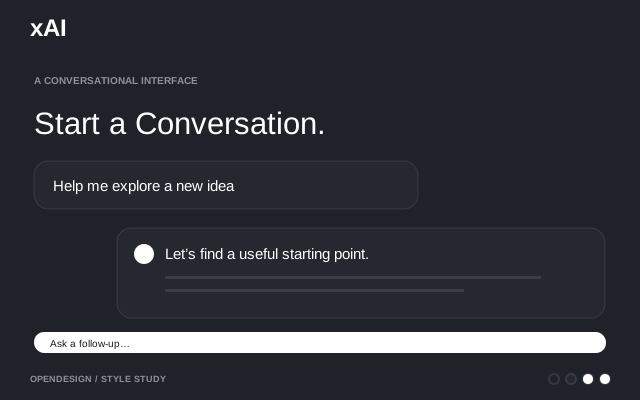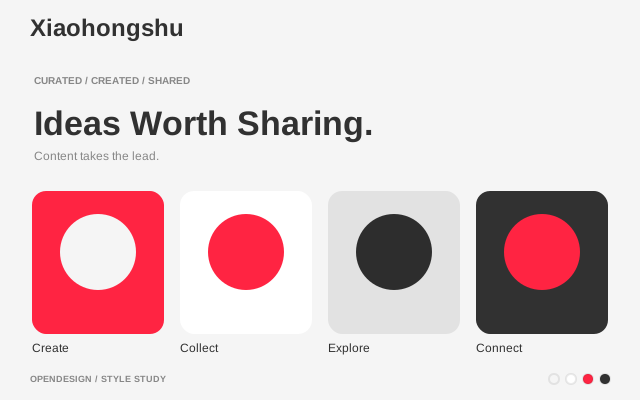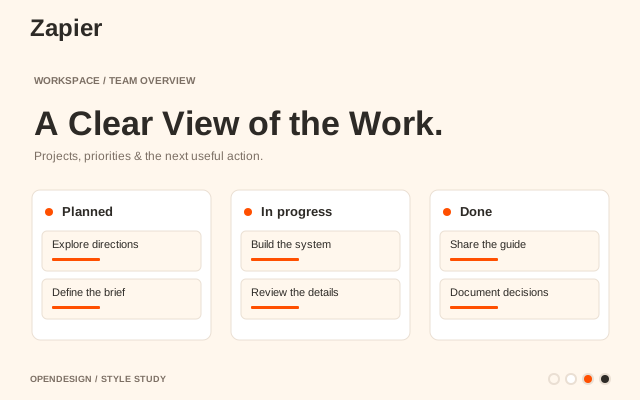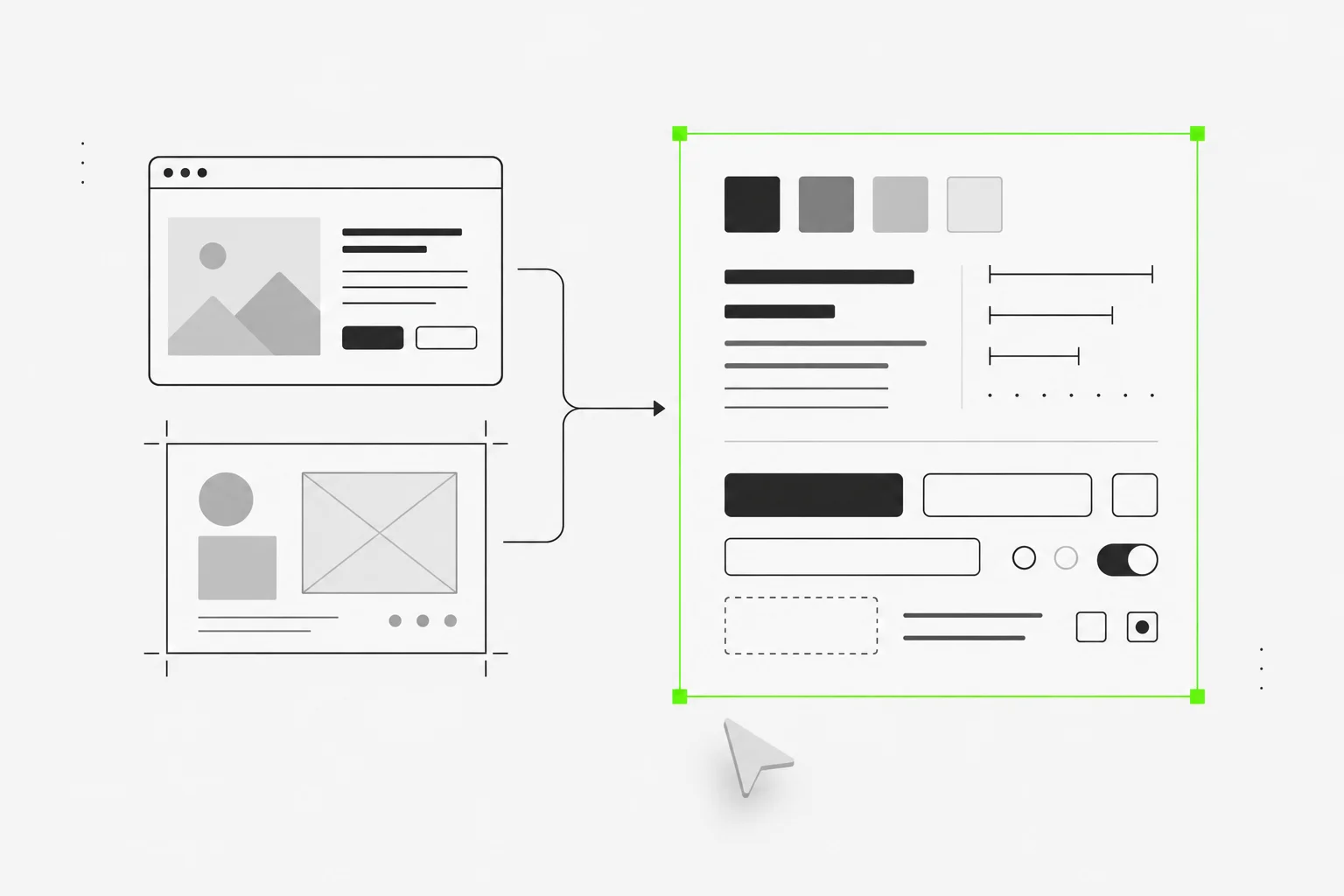

One design system, applied to everything your agent makes
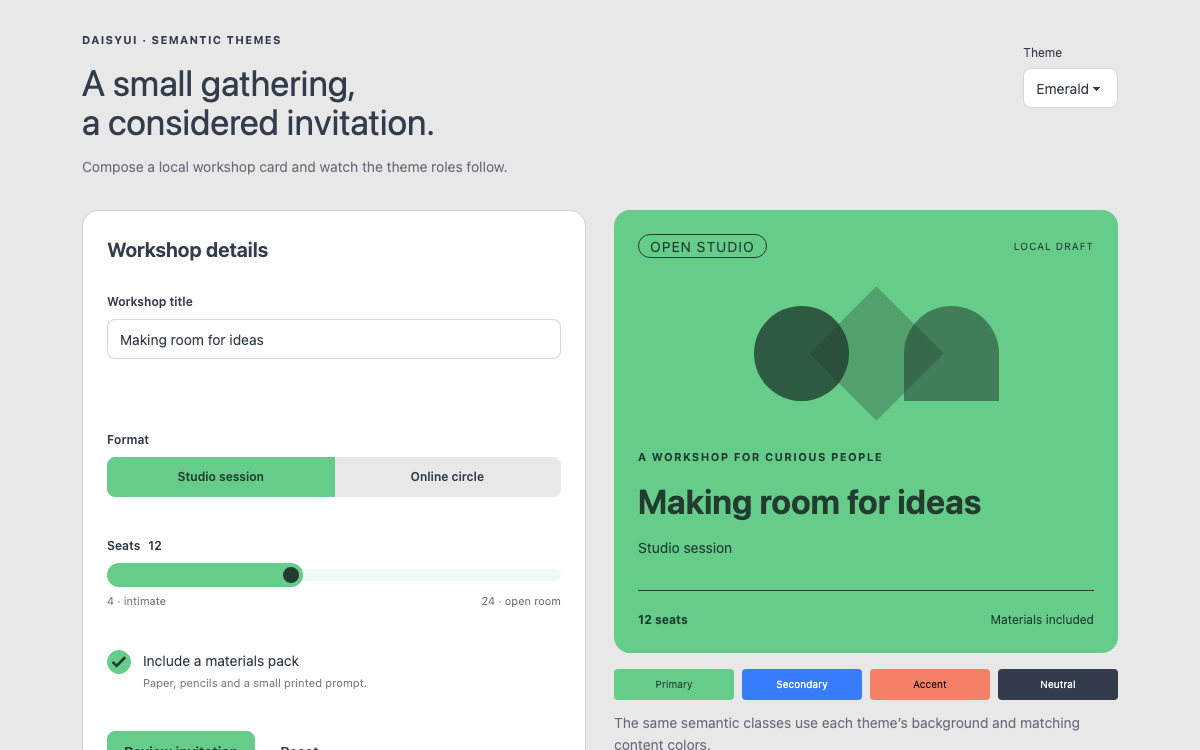
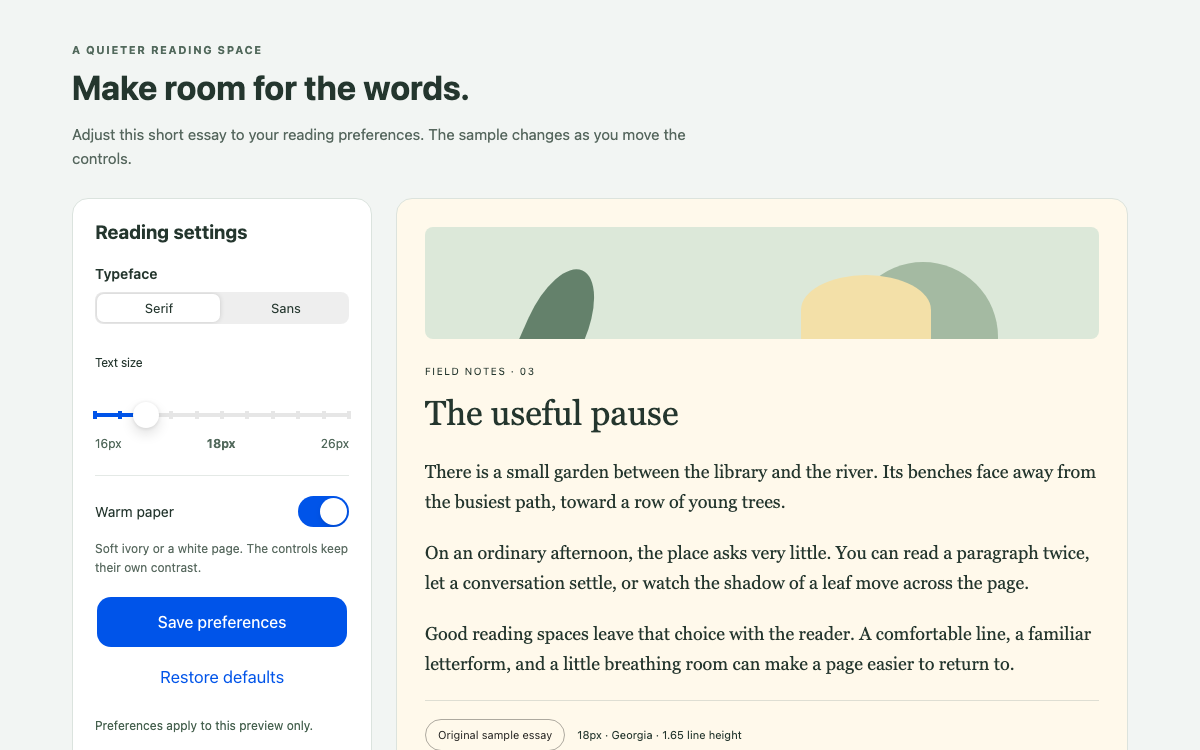
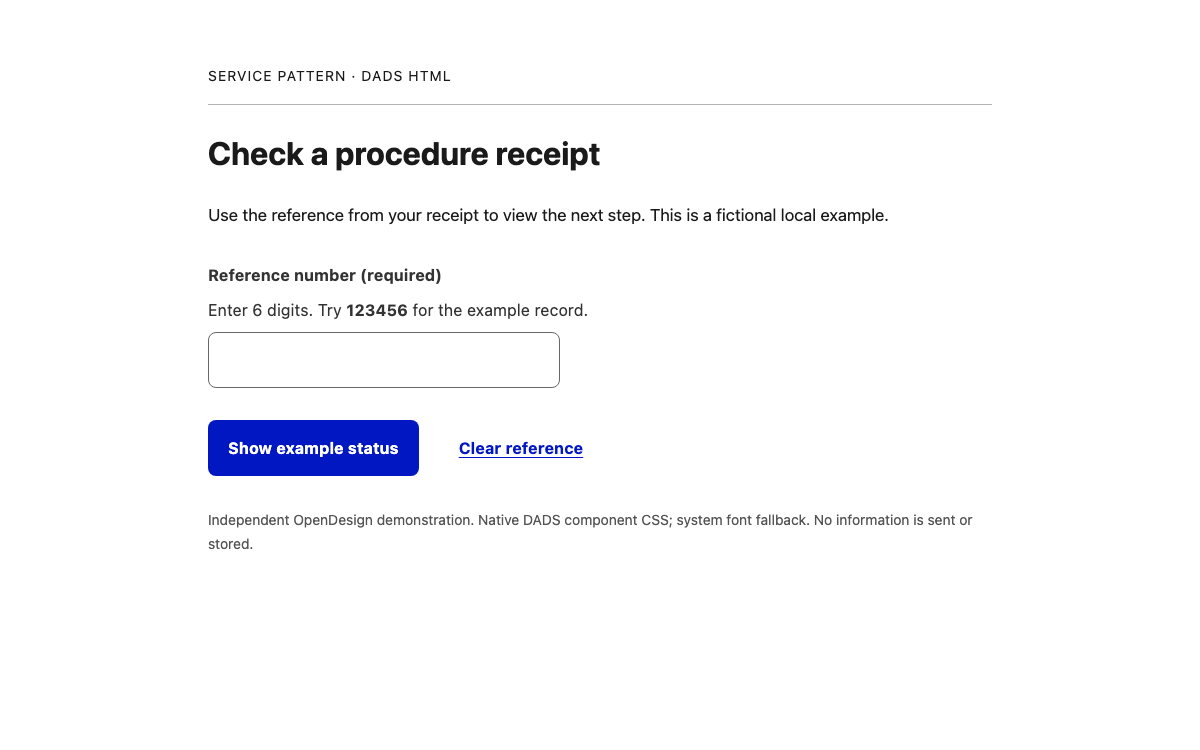
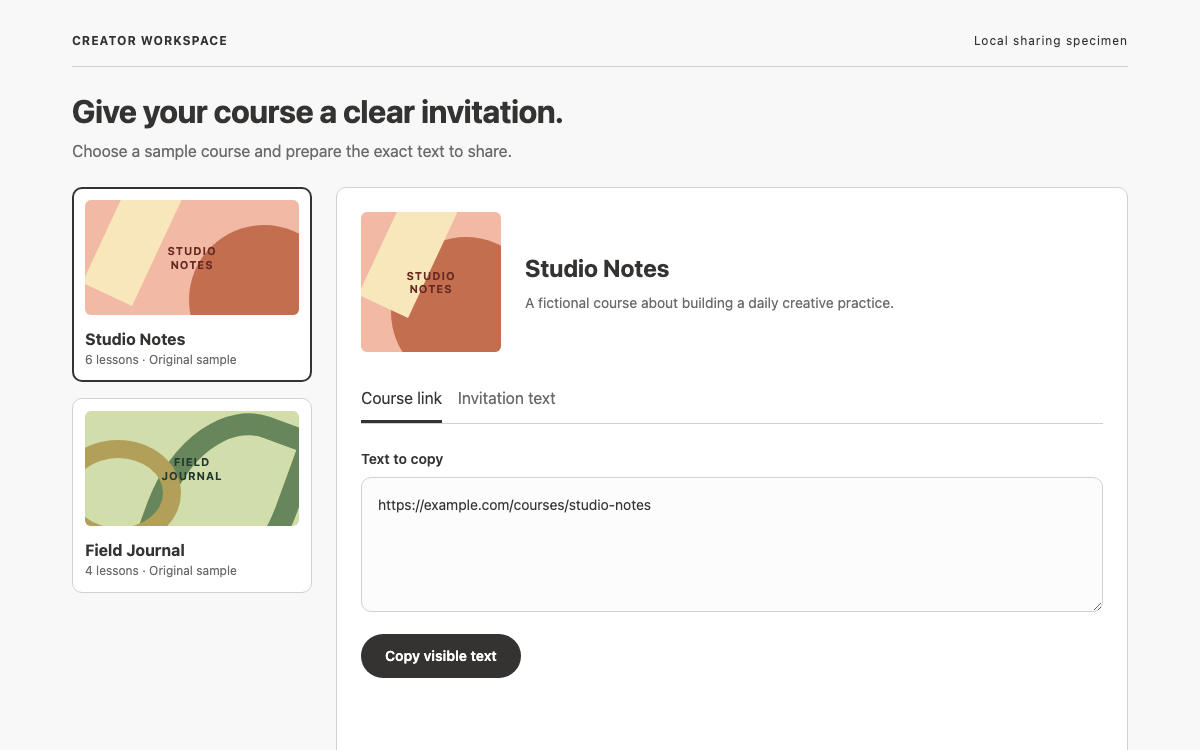
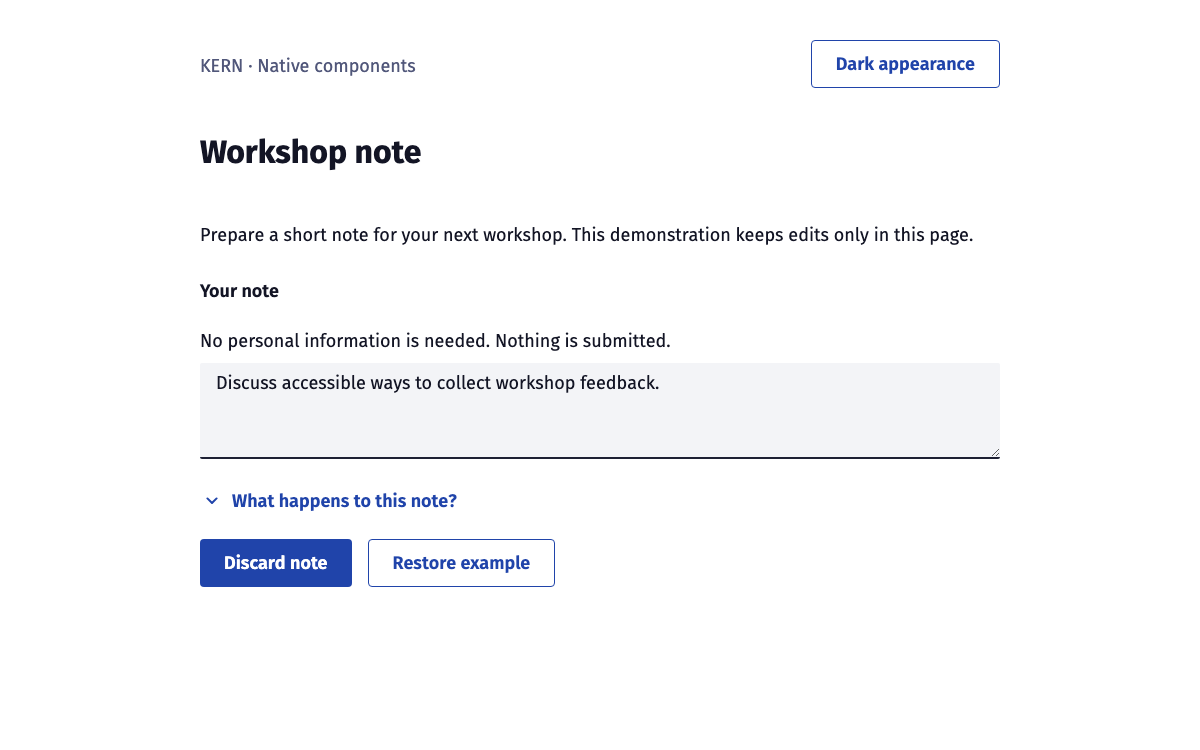
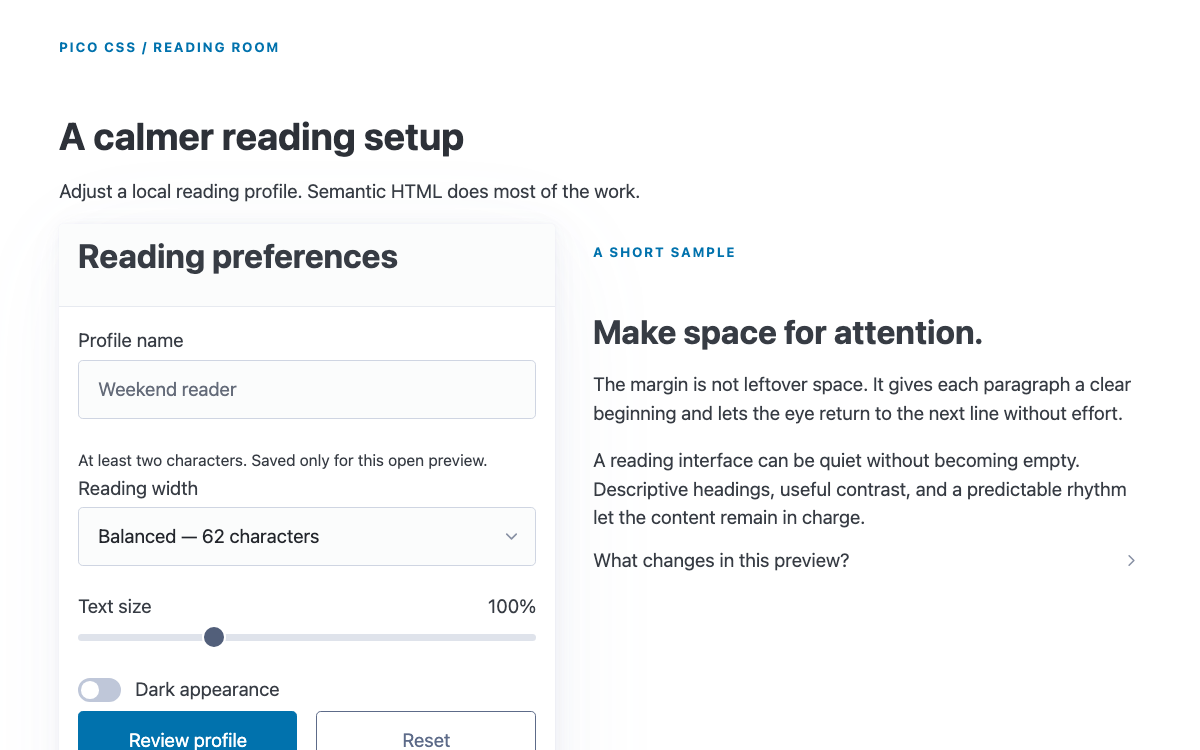
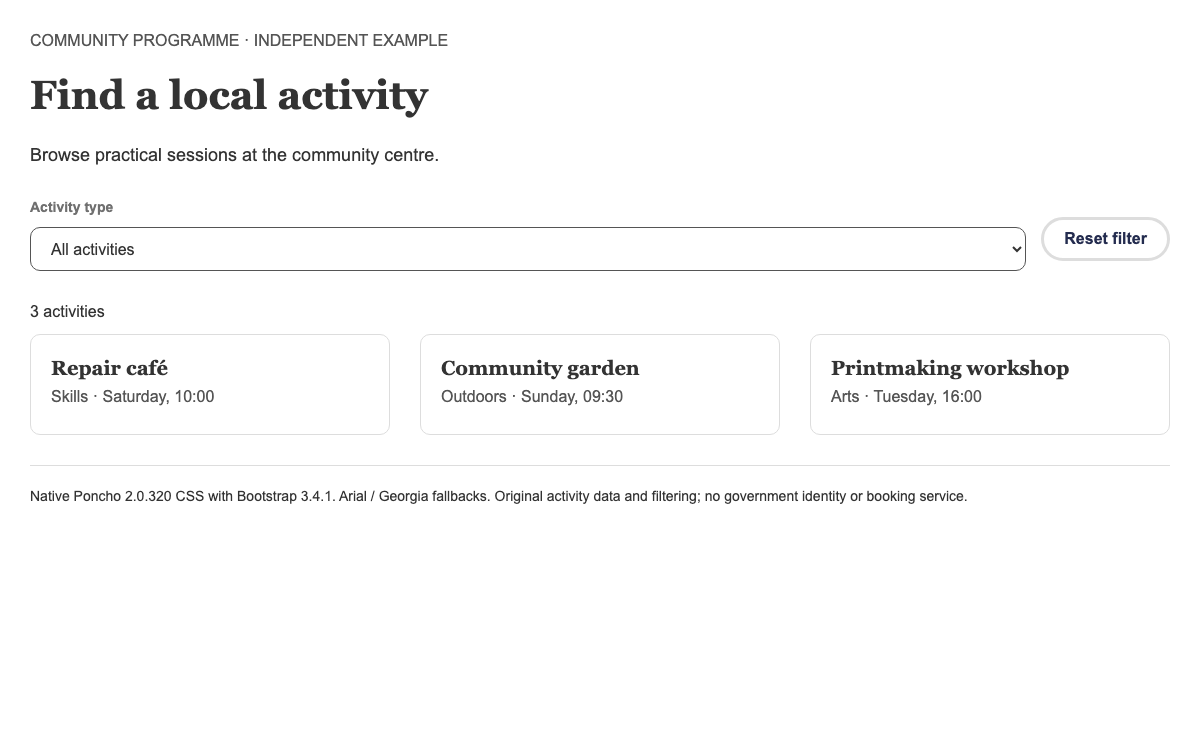
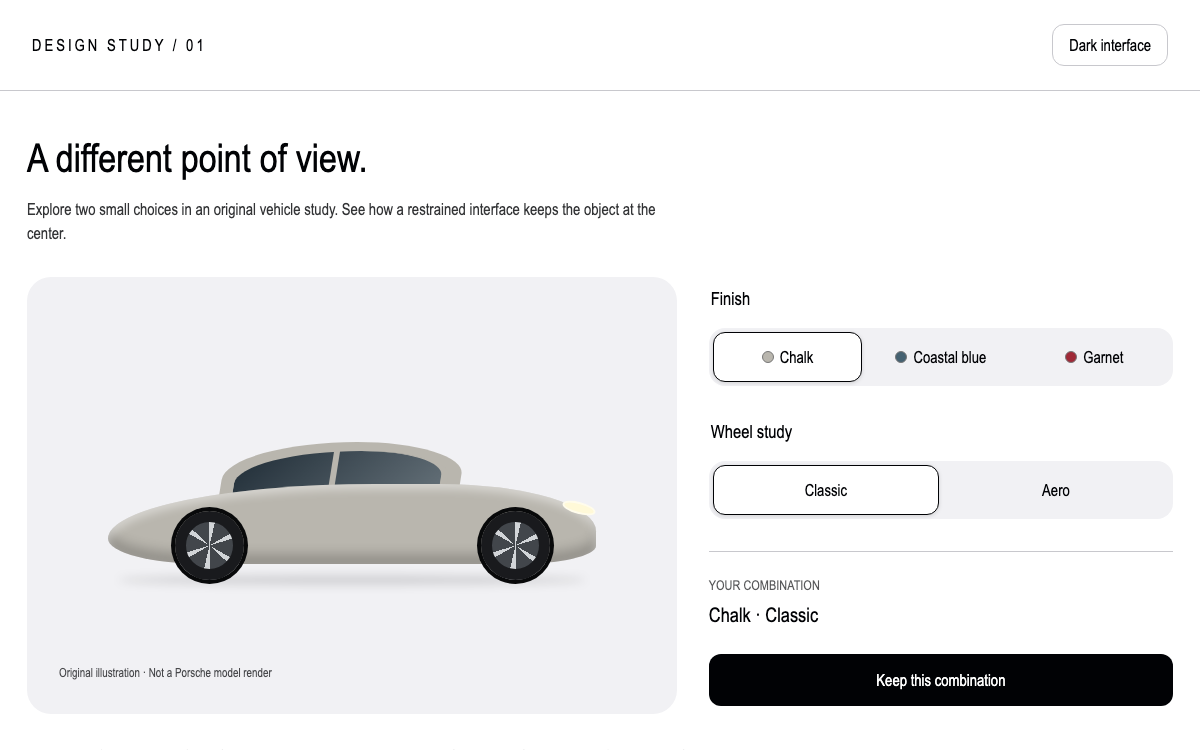
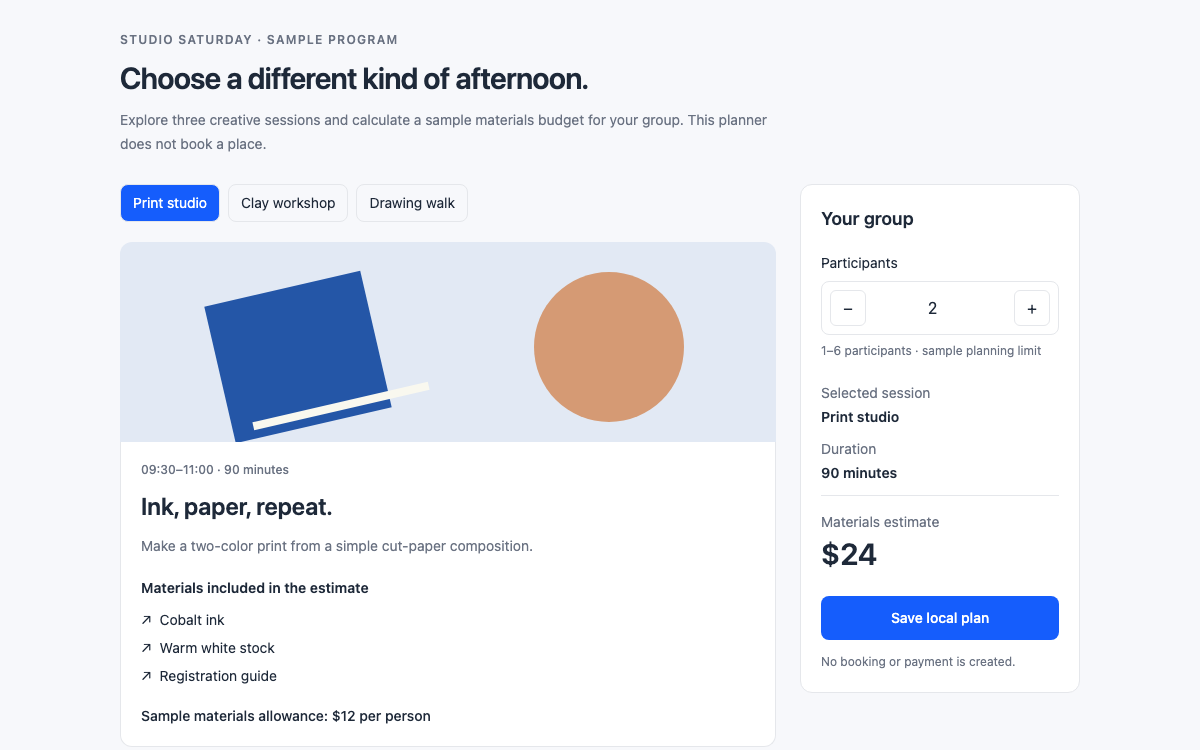
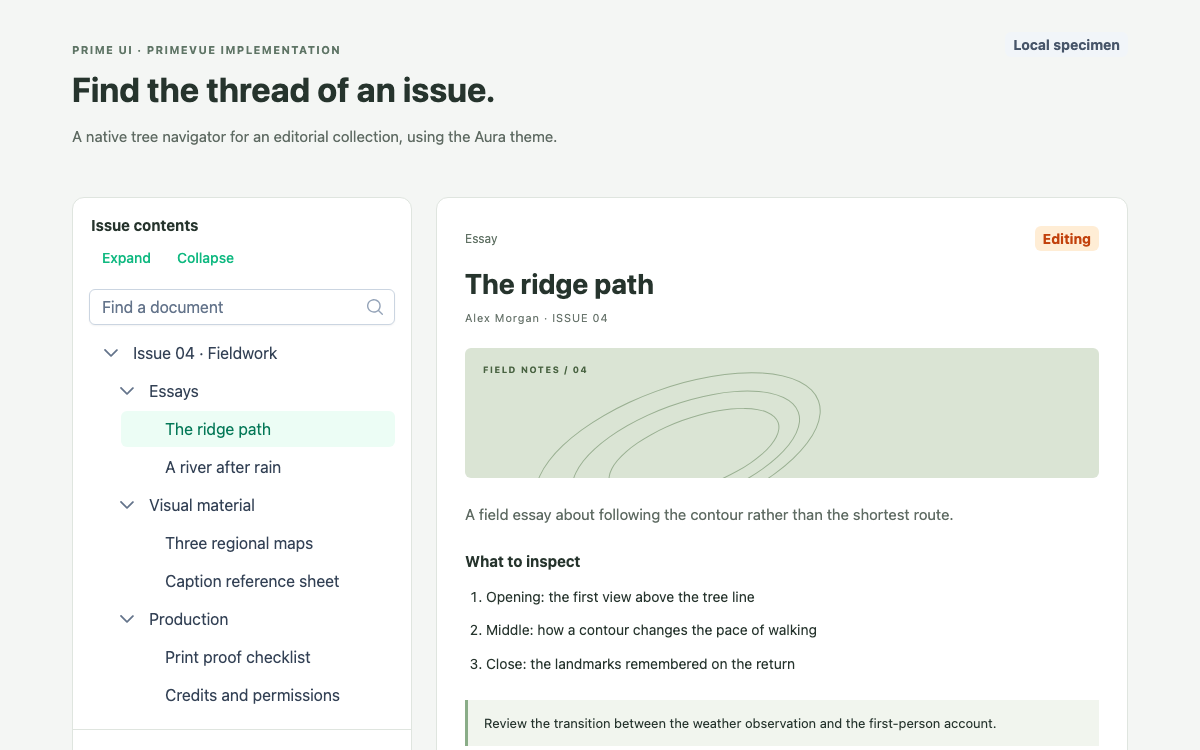
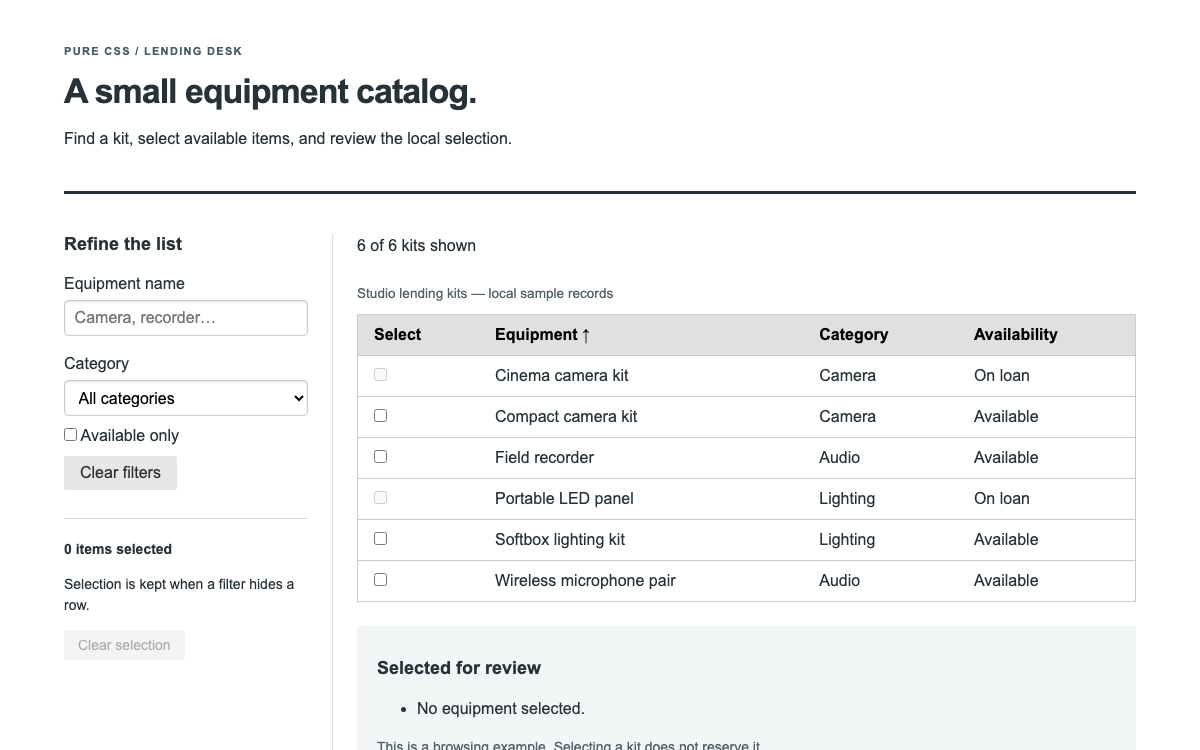
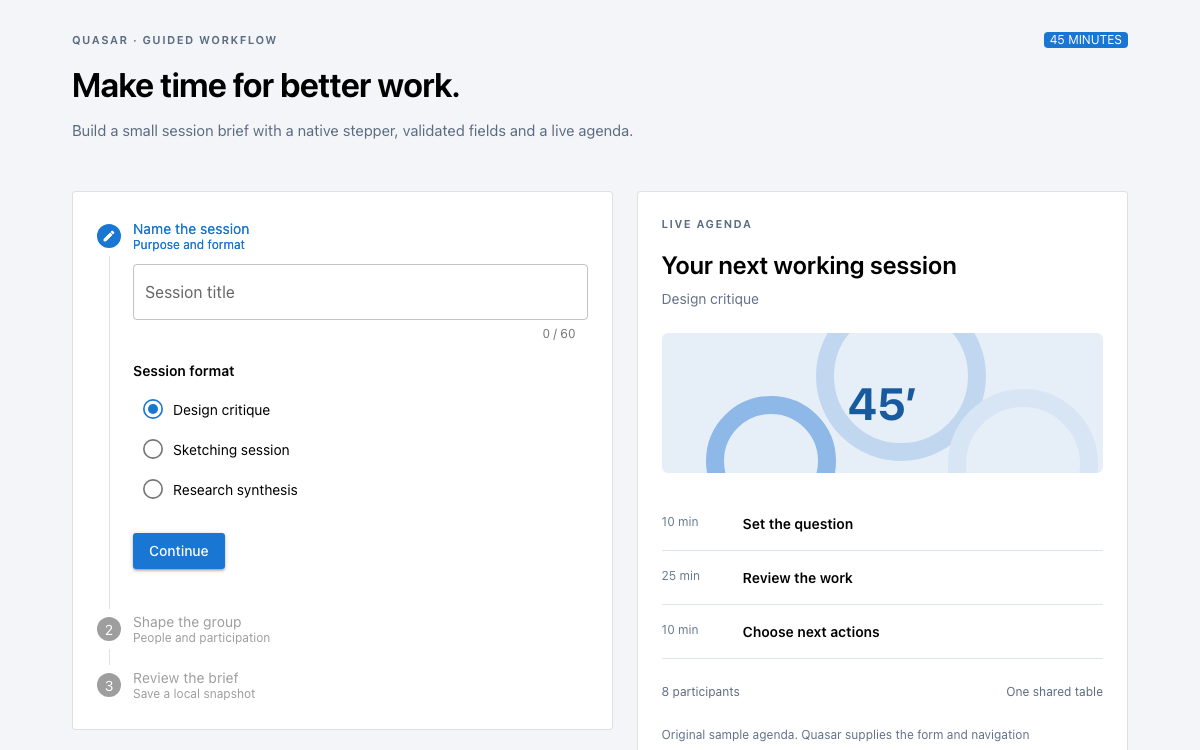
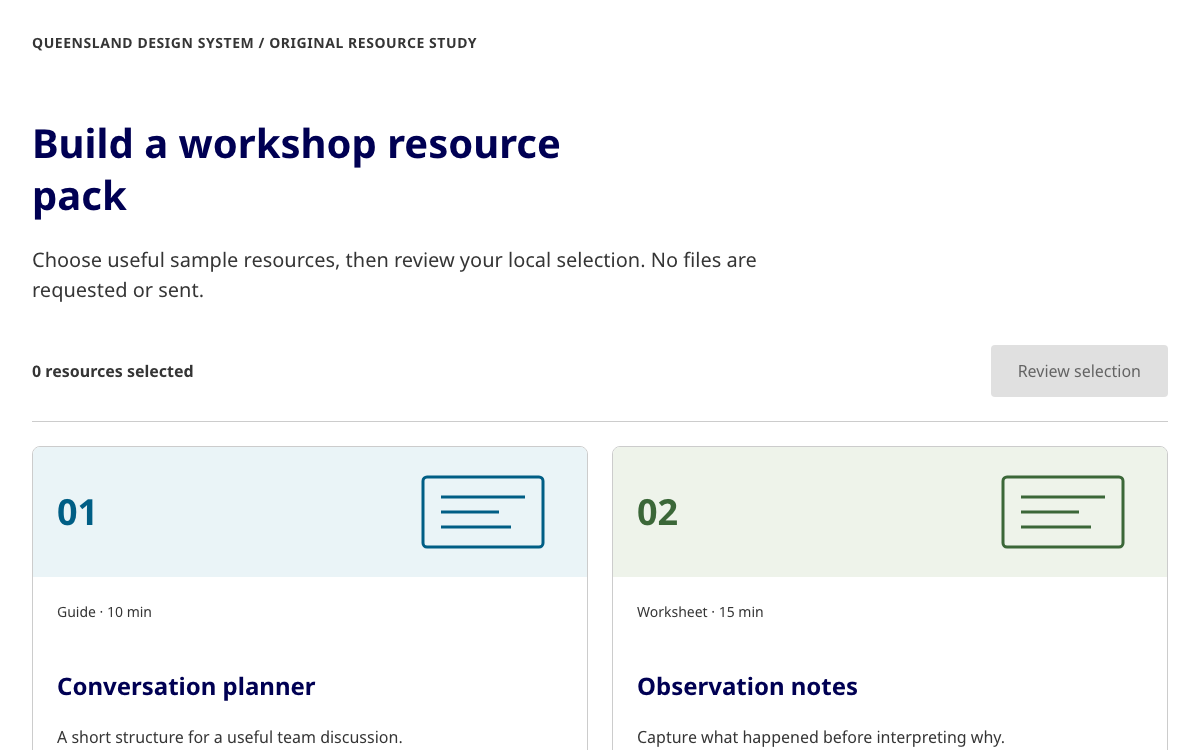
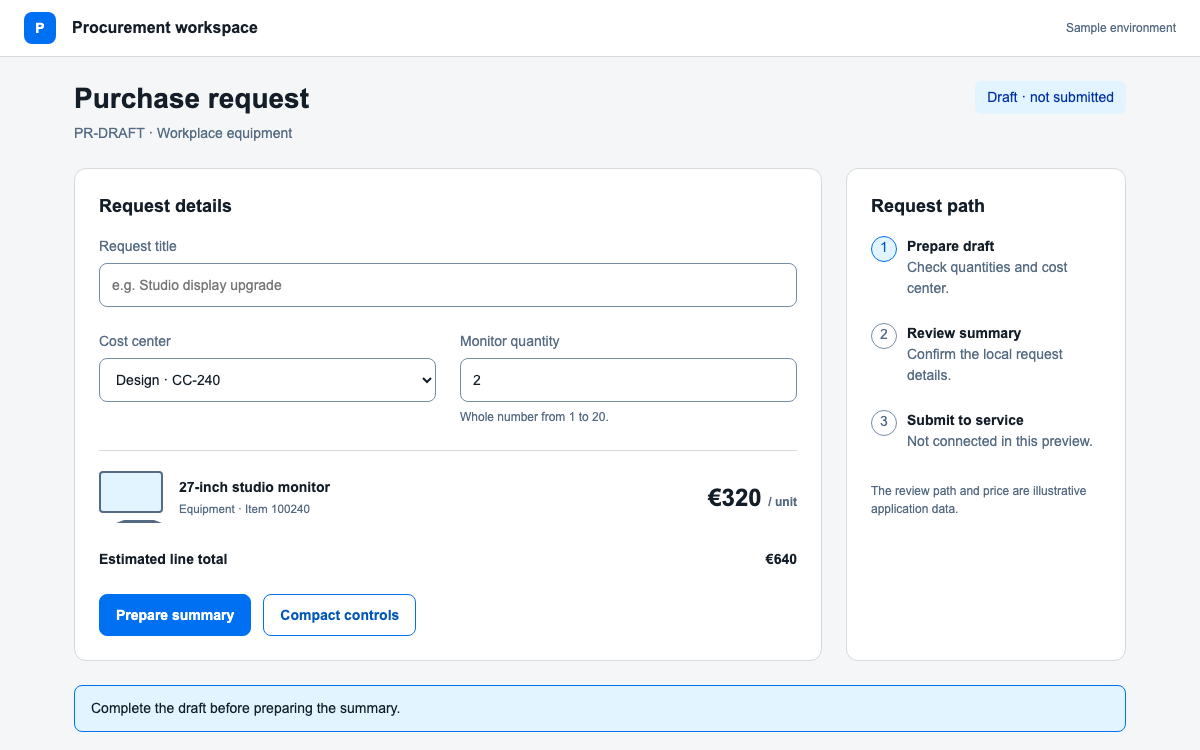
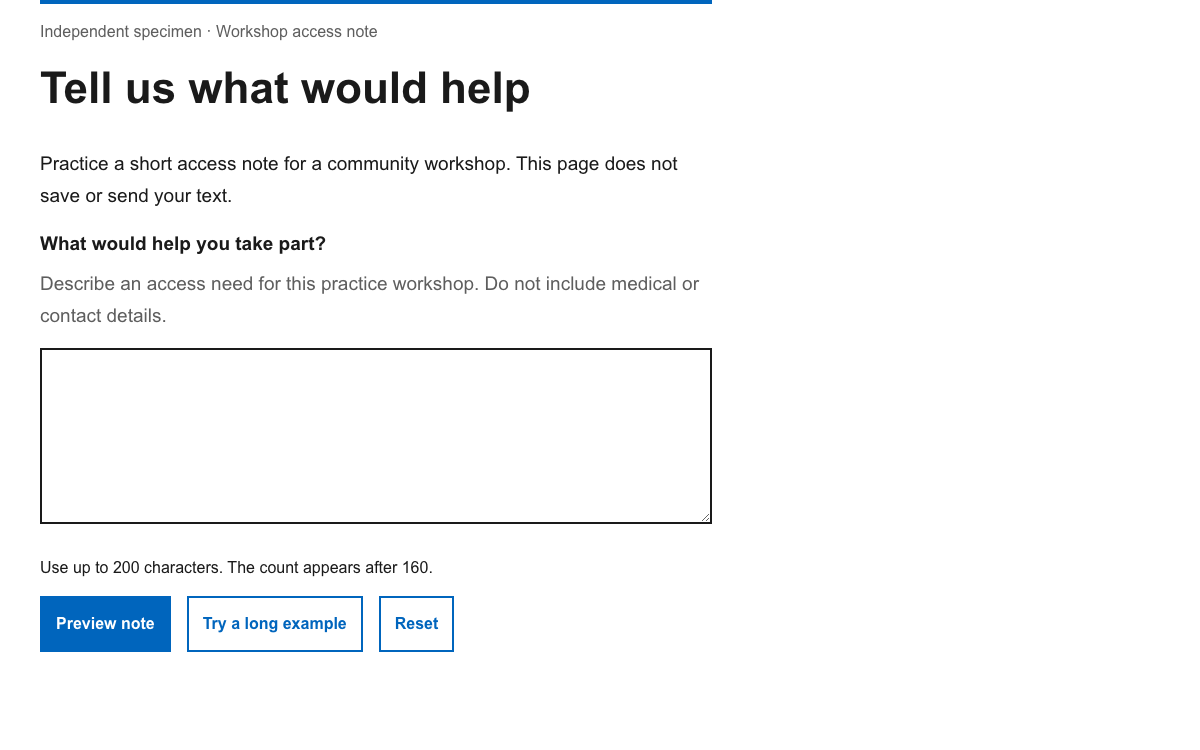
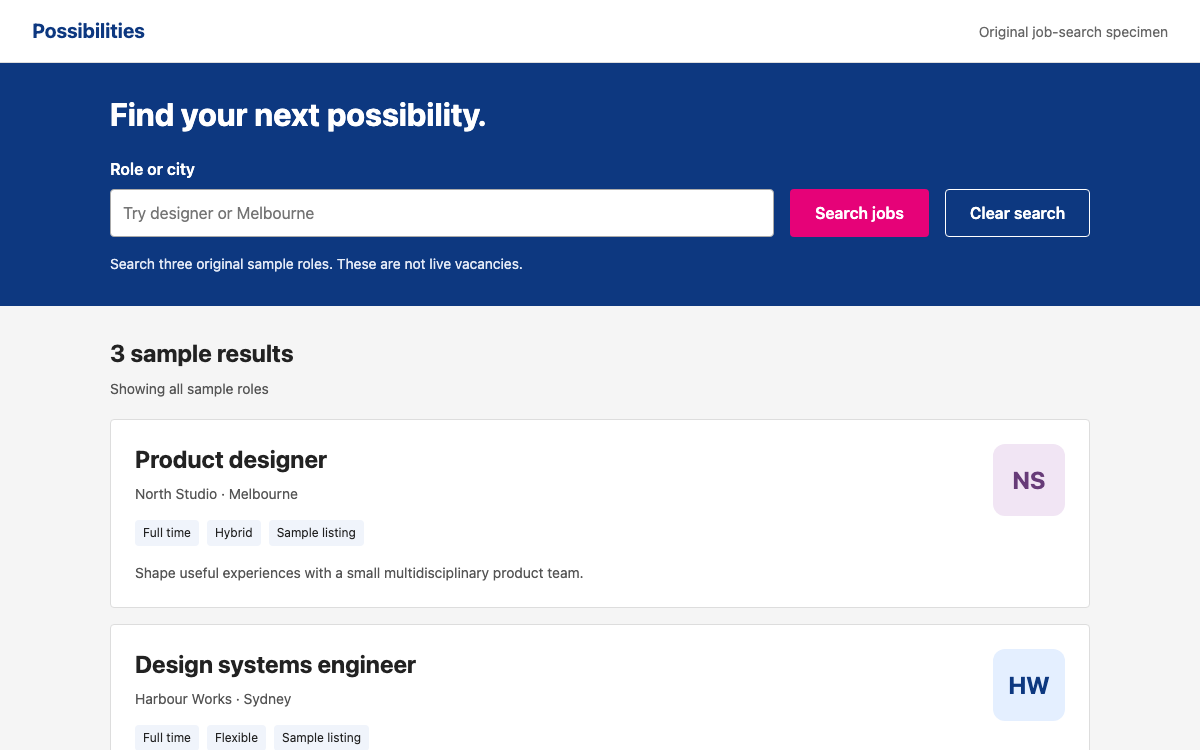
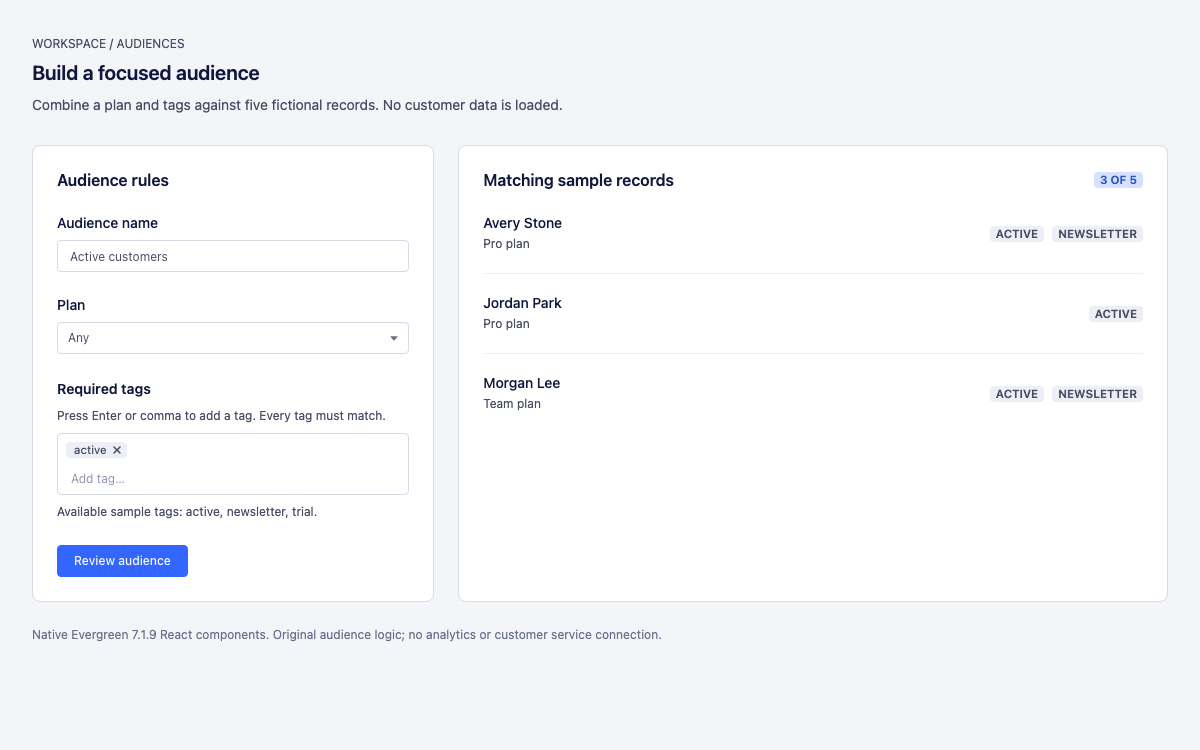
Define your brand once and Open Design carries it into every output — prototypes, decks, dashboards, graphics. The system lives in your repo as a DESIGN.md the agent reads, so consistency is automatic, not manual.
In one line
Open Design captures your brand as a portable design system your agent applies to every artifact — defined once in your repo, enforced everywhere, with no central design tool to gate-keep it.
How design systems work with Open Design
- 01
Capture the system
Describe your brand — colors, type, spacing, voice — or point the agent at an existing site to extract it. Open Design writes it into a DESIGN.md that lives in your project.
- 02
Start from a proven base
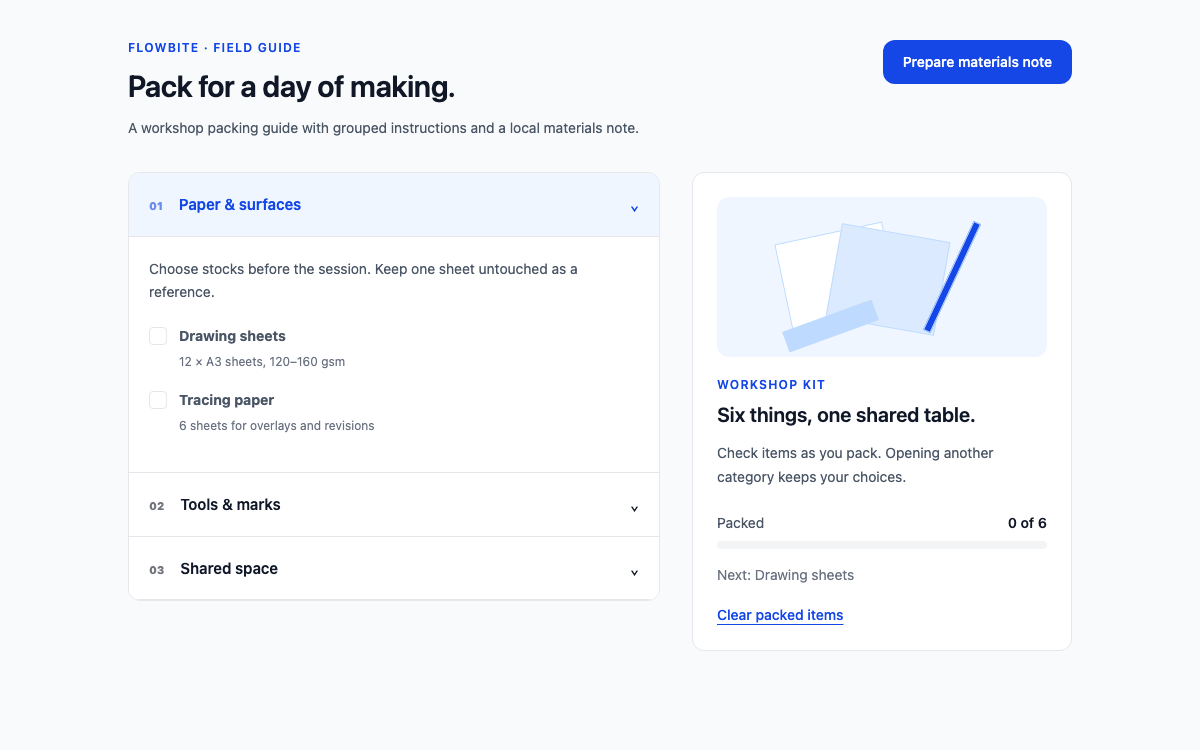
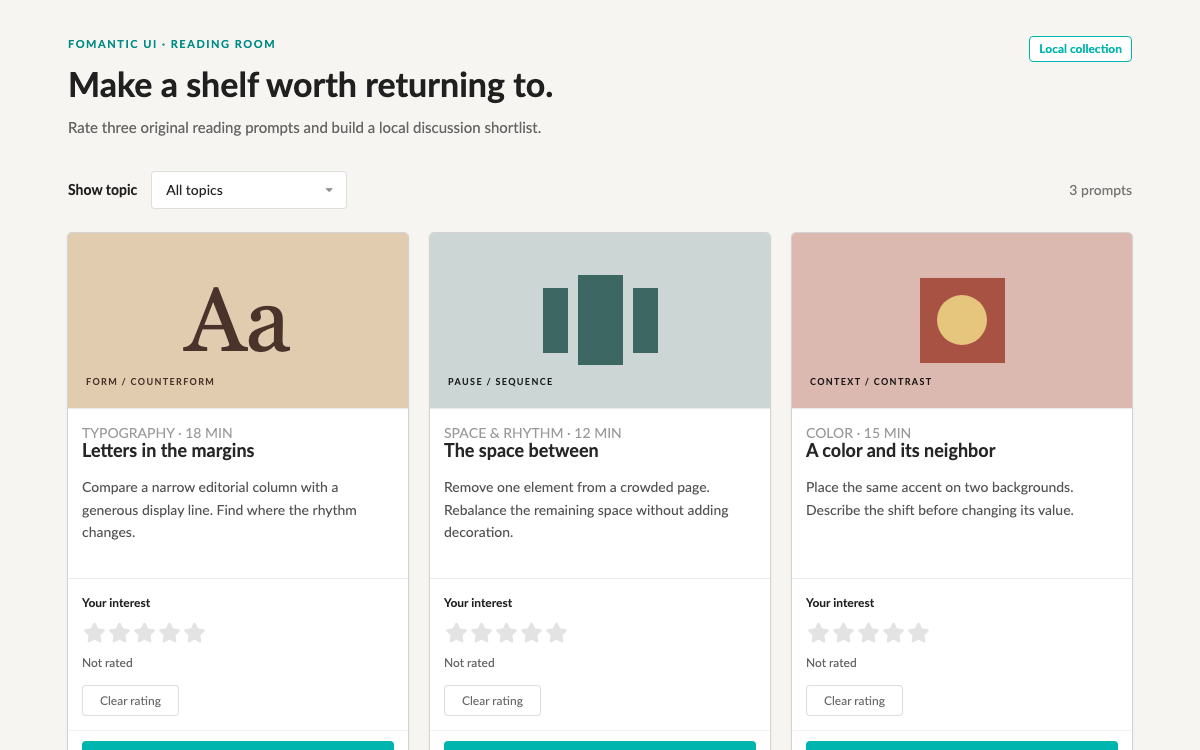
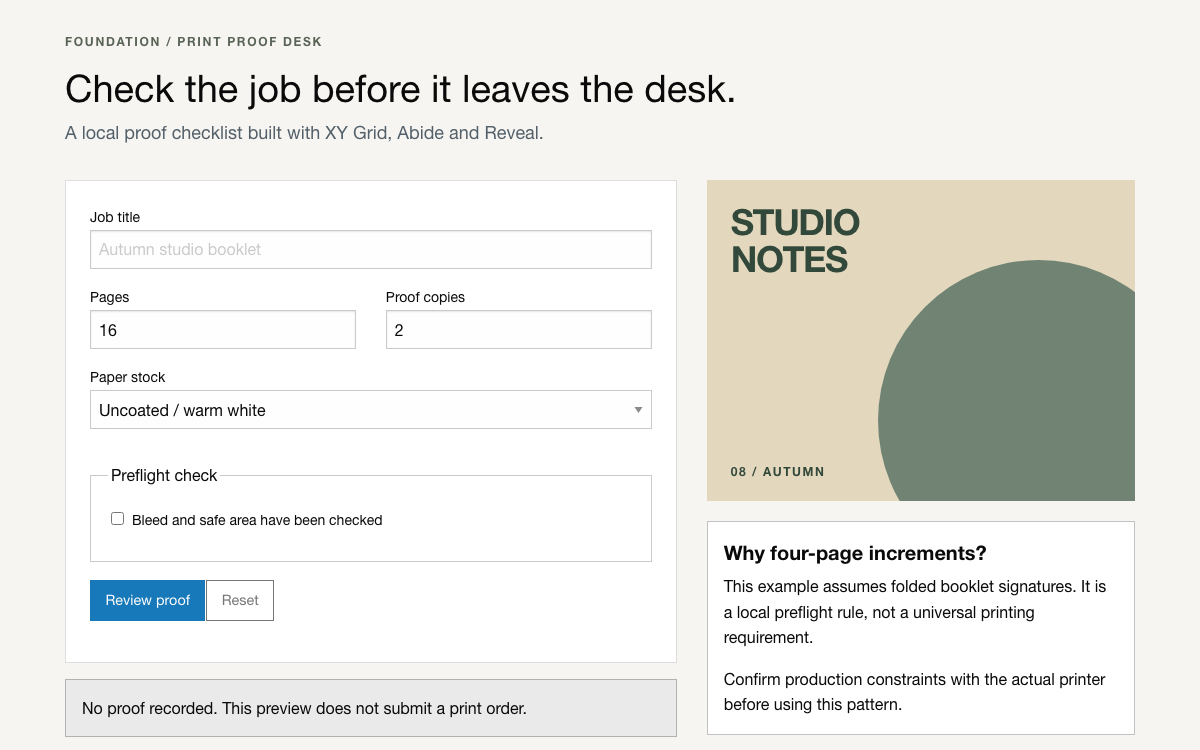
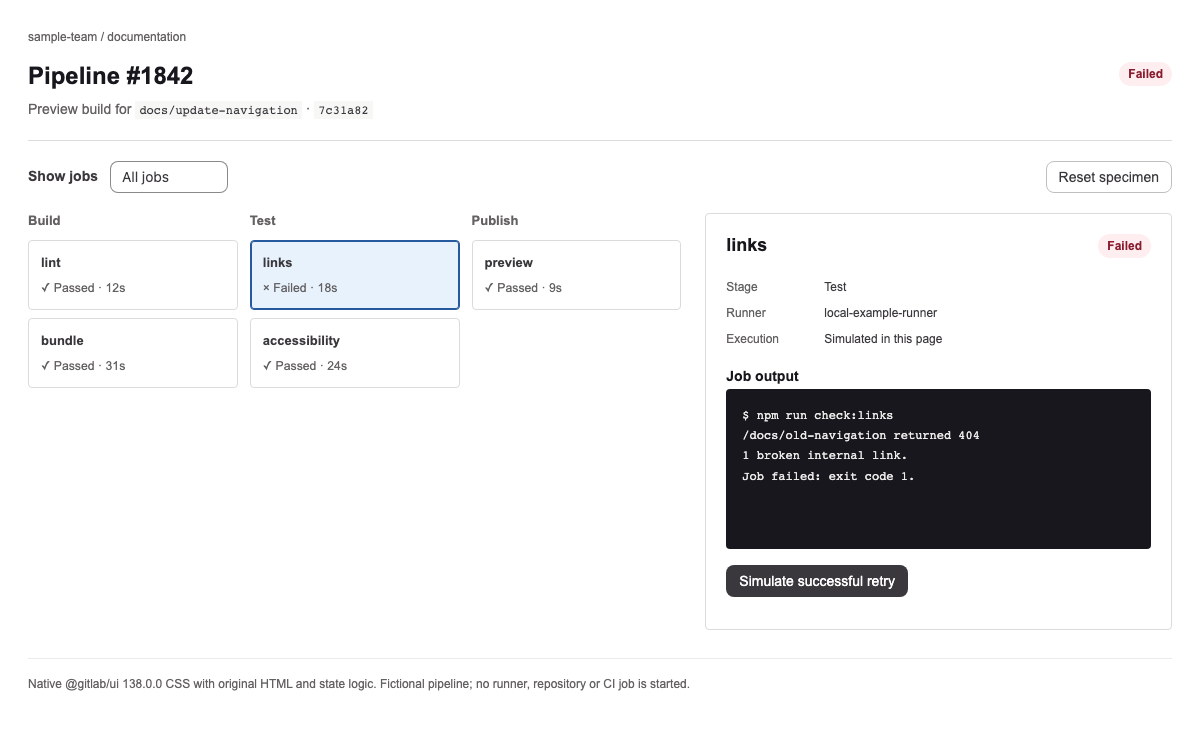
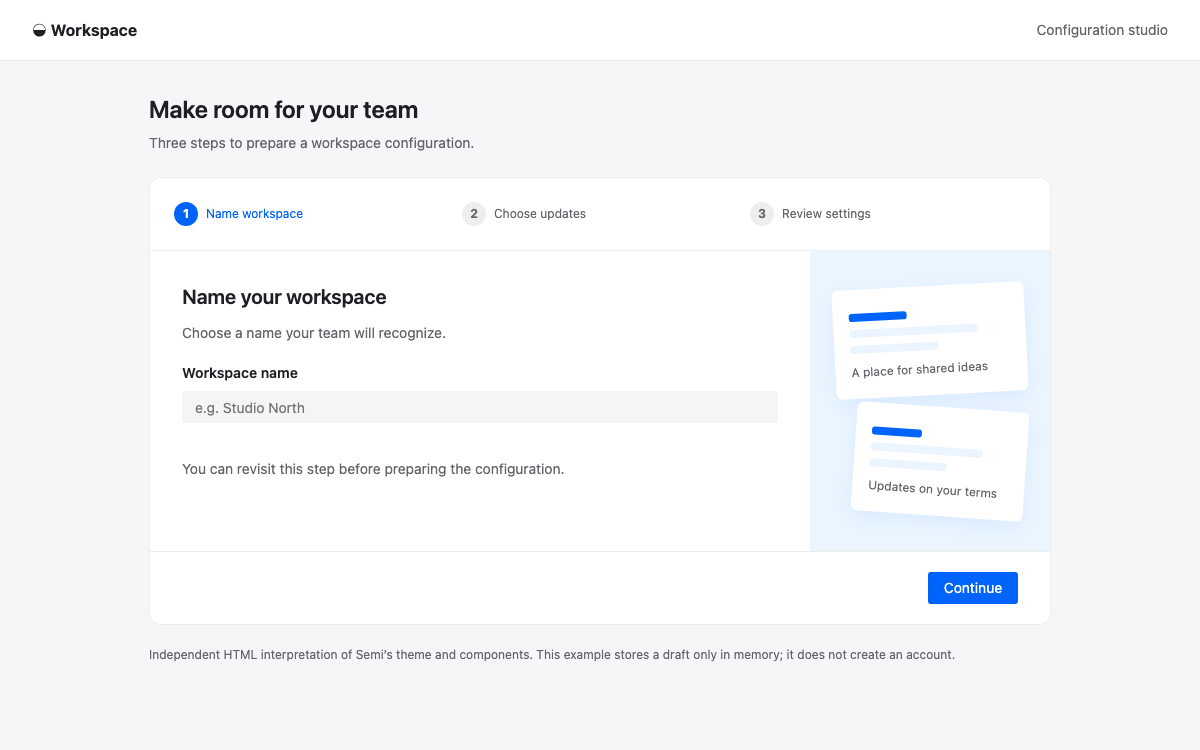
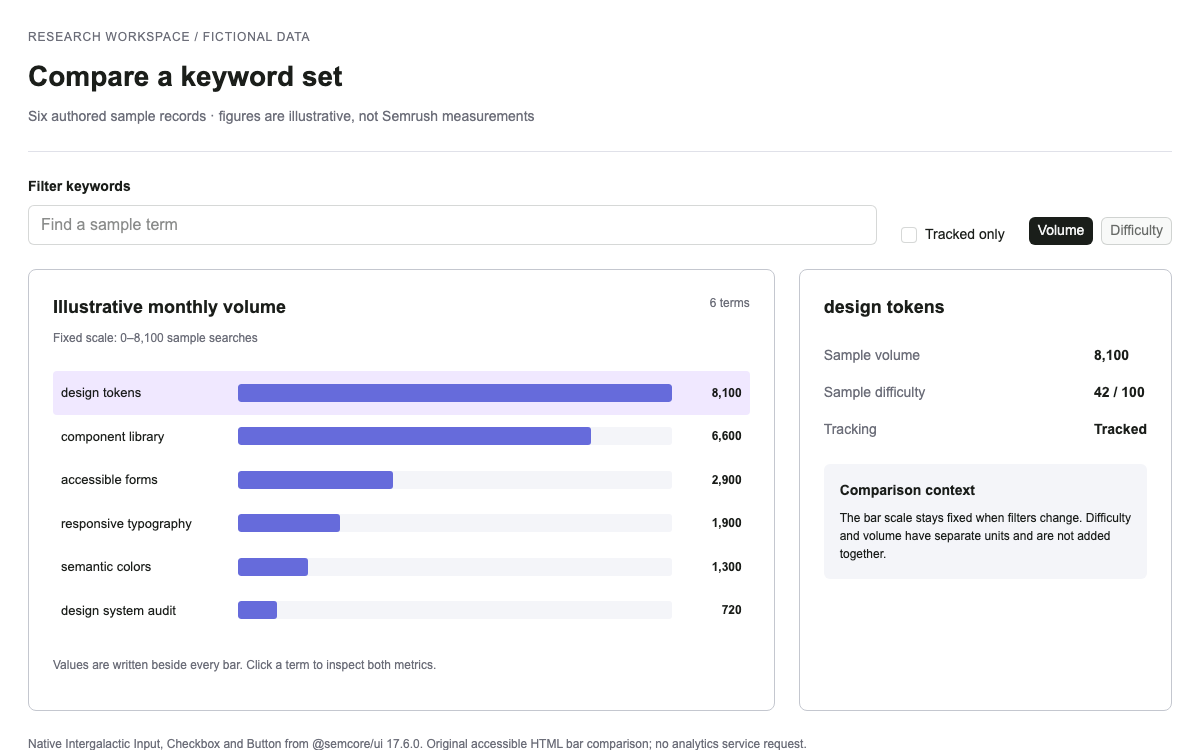
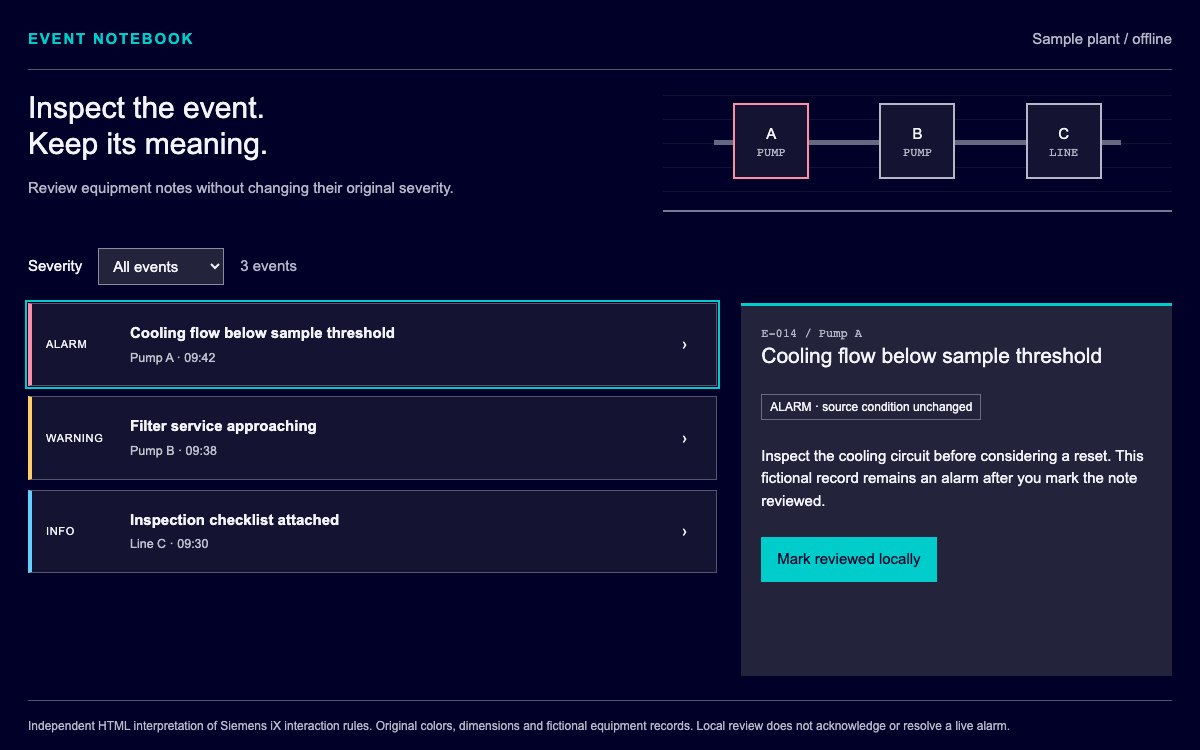
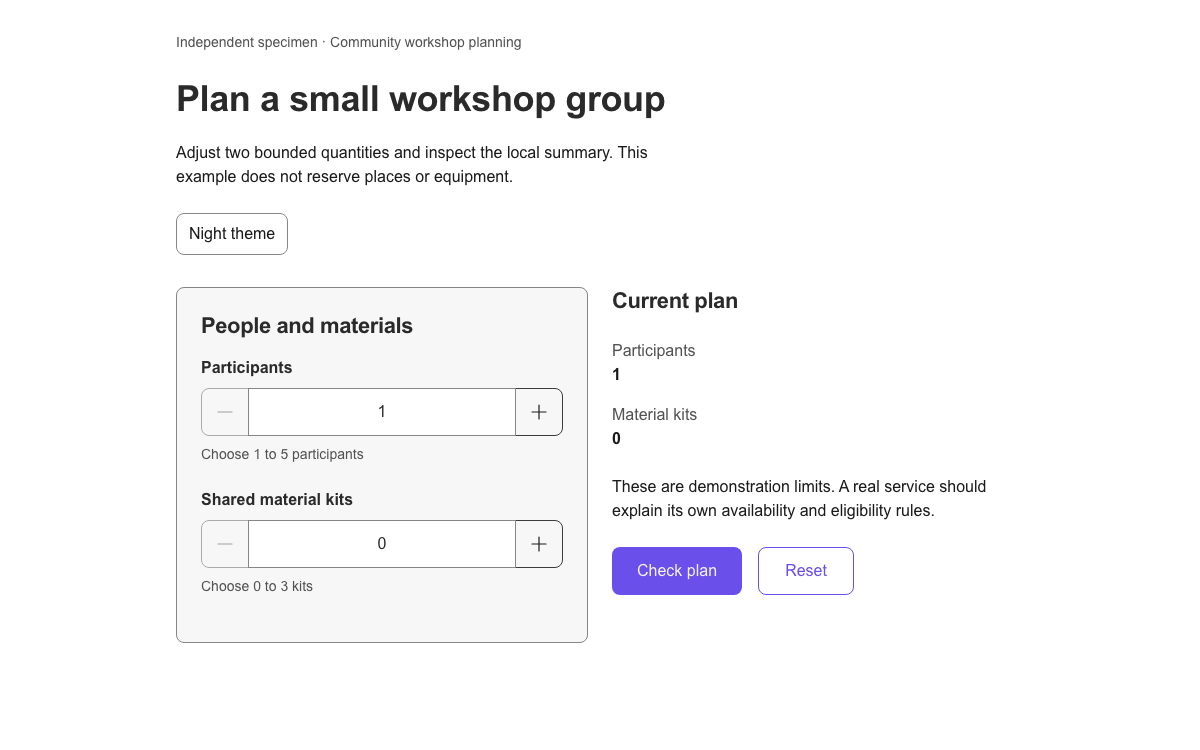
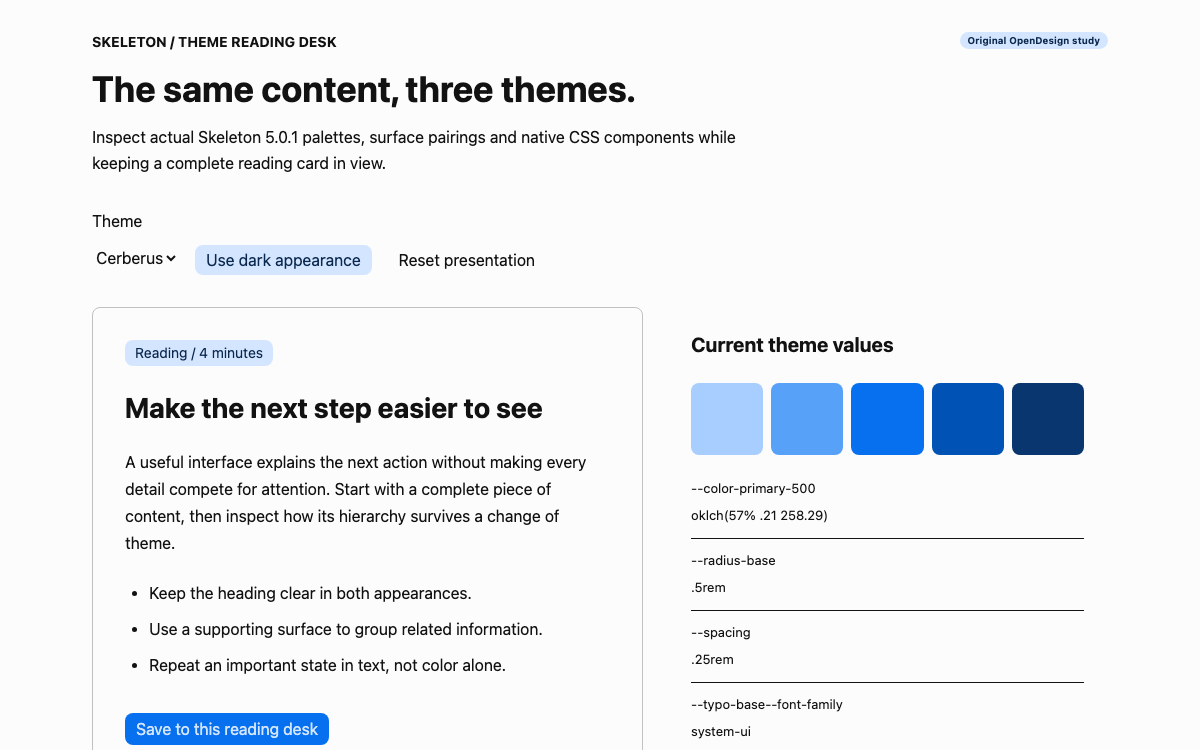
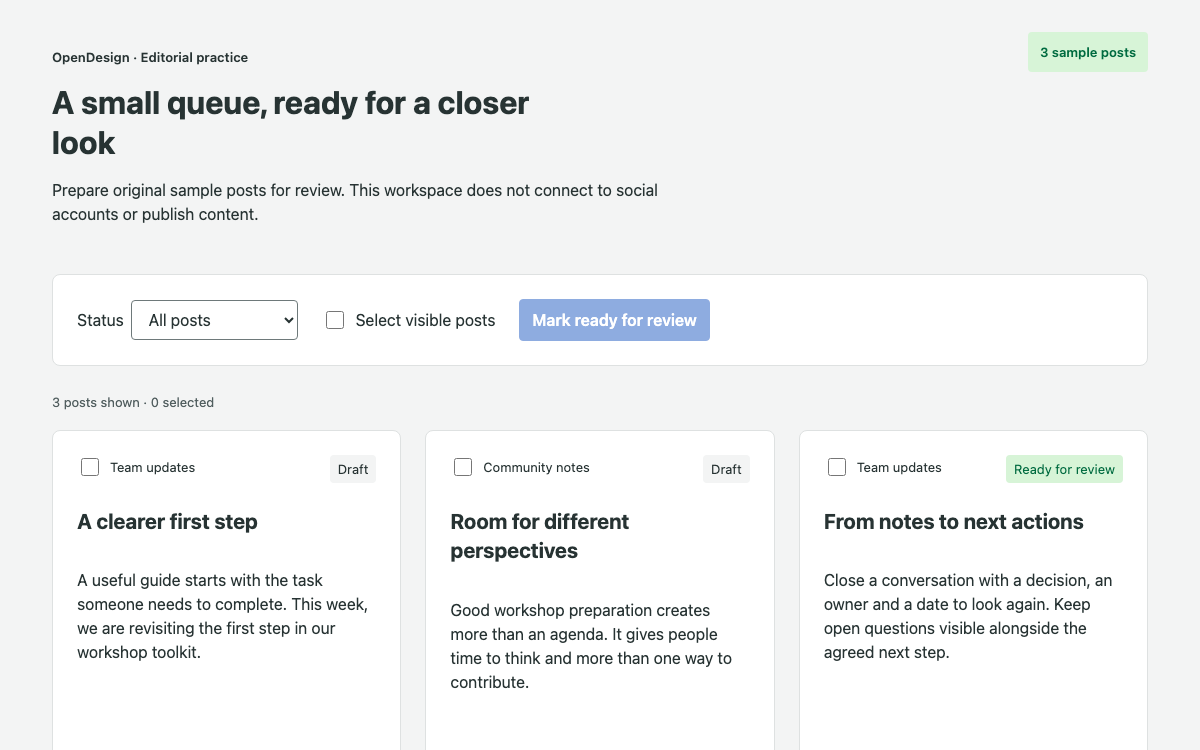
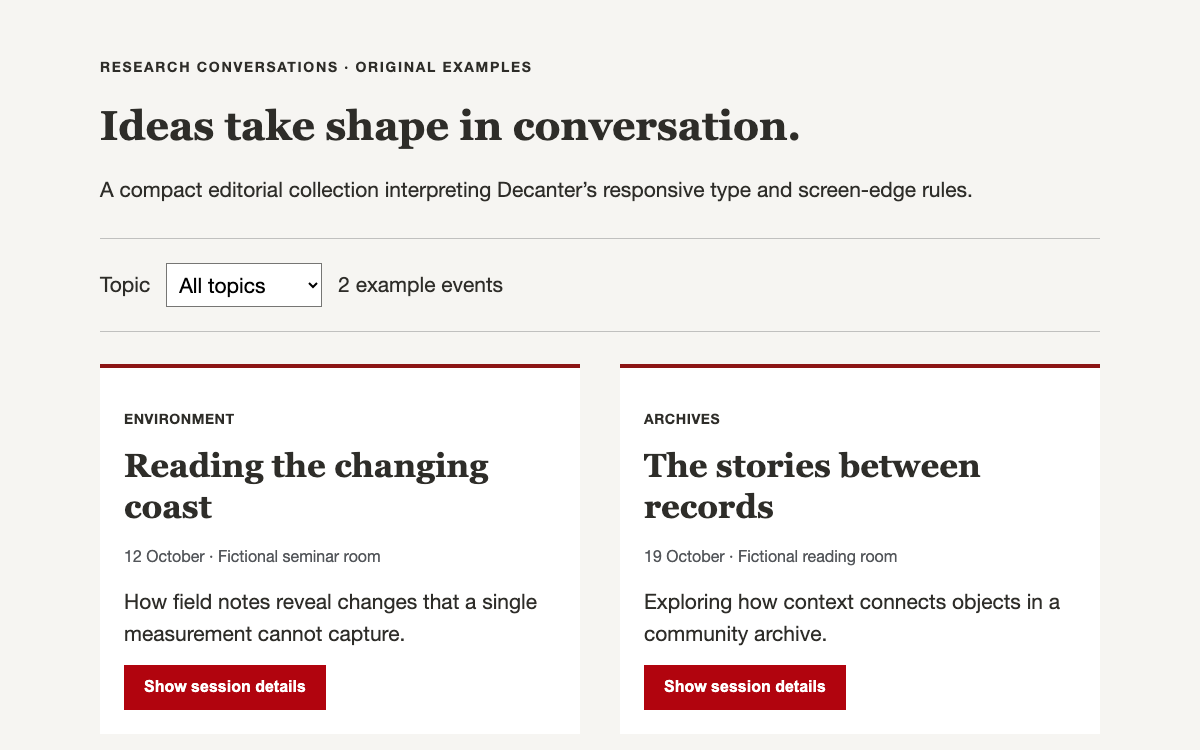
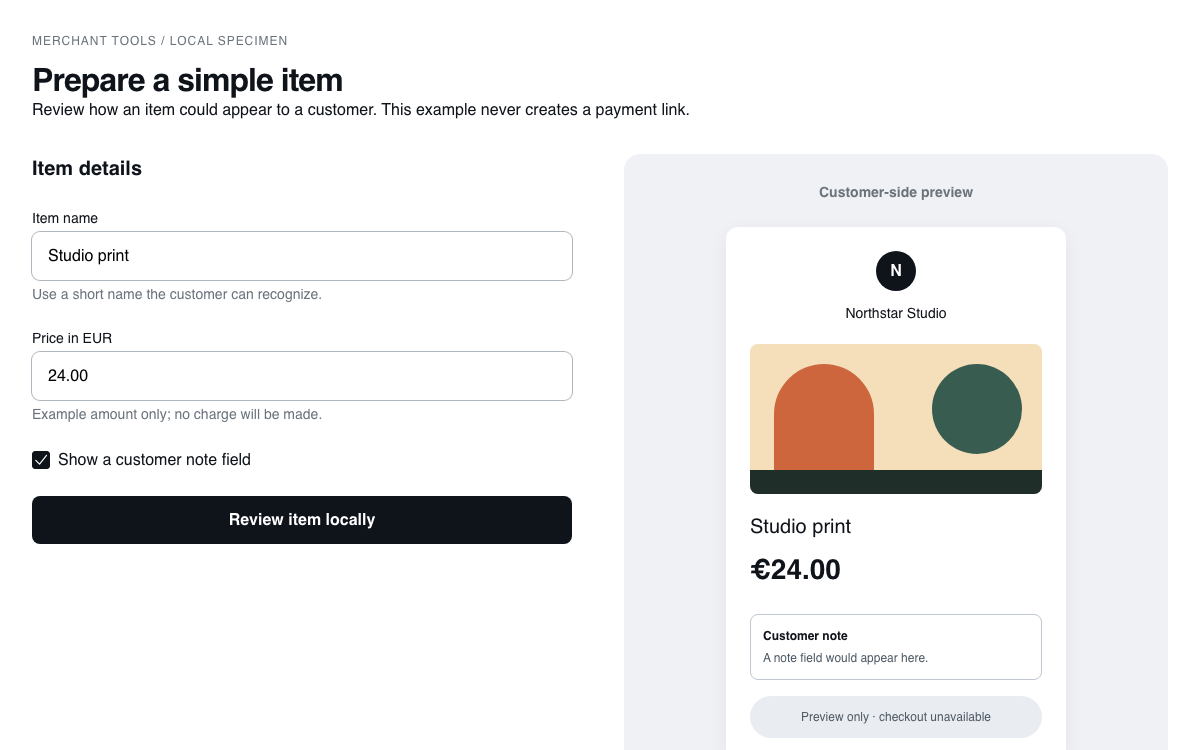
Open Design ships 140+ reference design systems — from Apple and Linear to editorial and brutalist. Fork one close to your brand instead of starting from a blank page.
- 03
Apply it everywhere
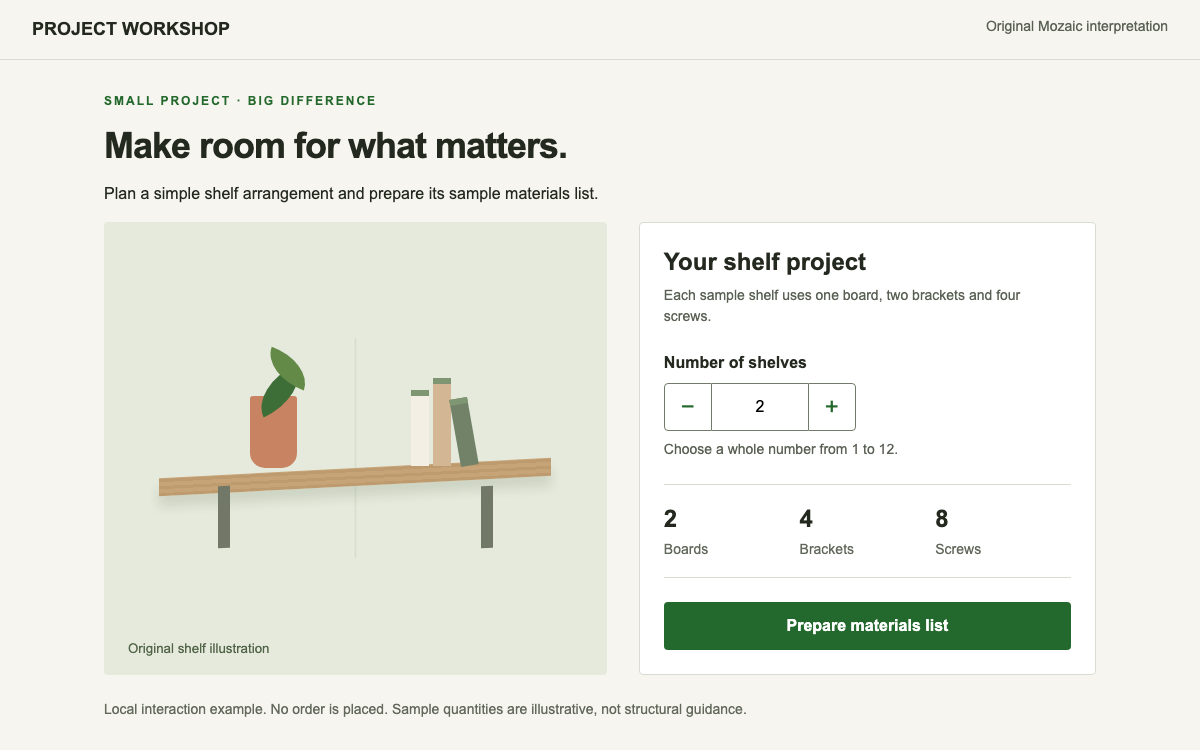
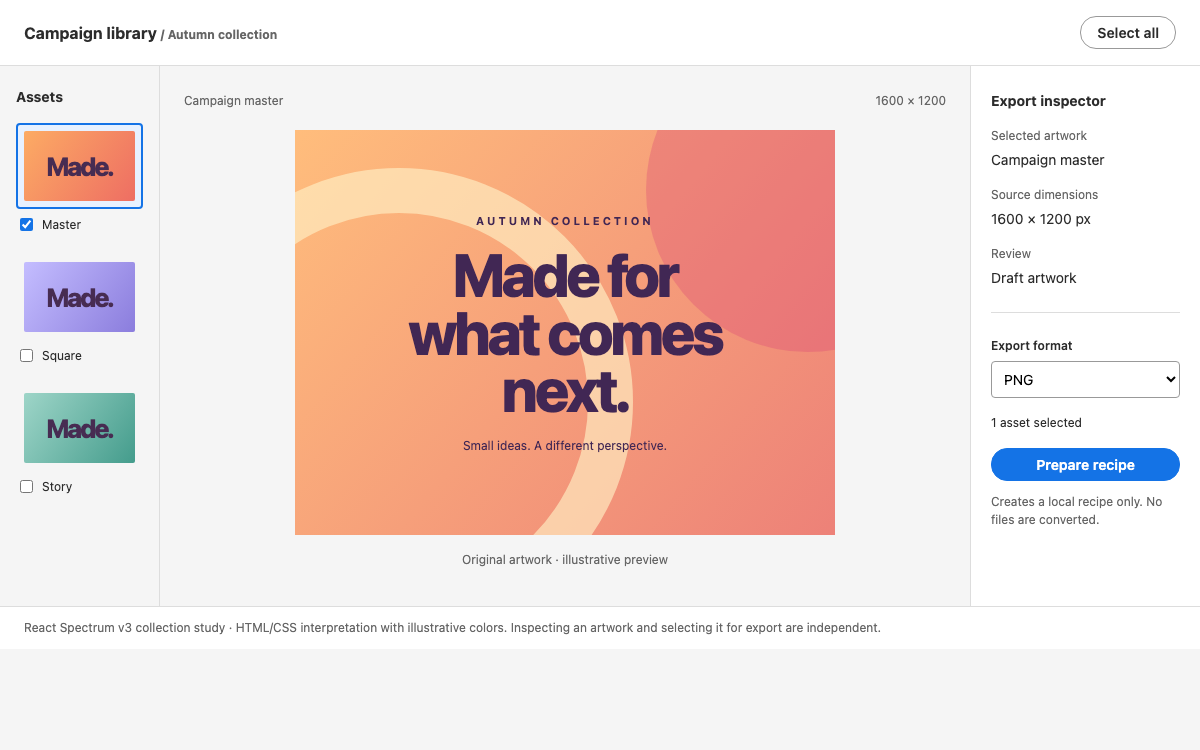
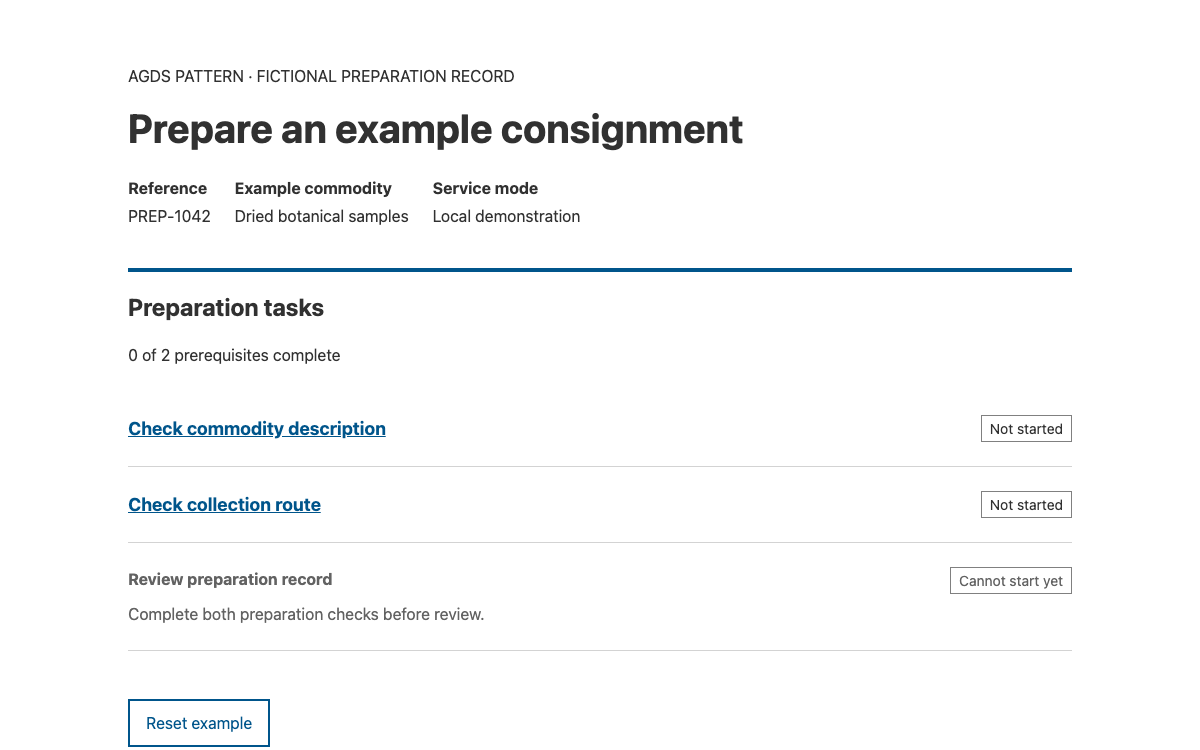
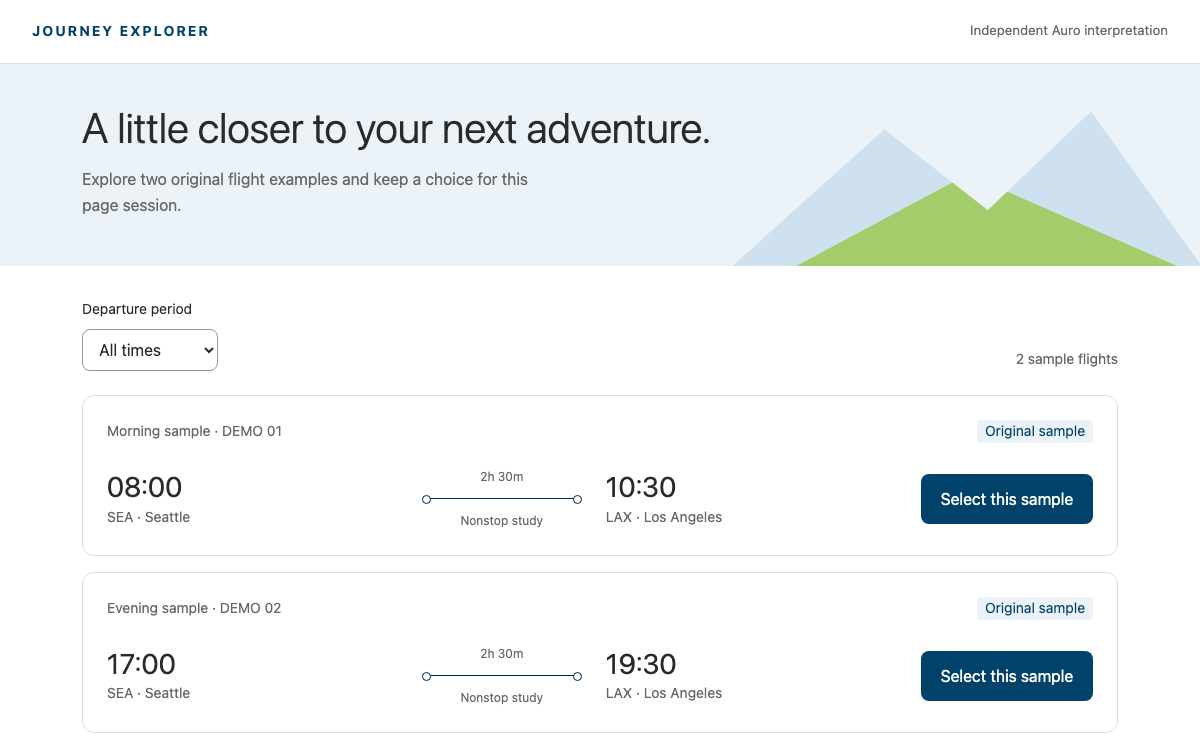
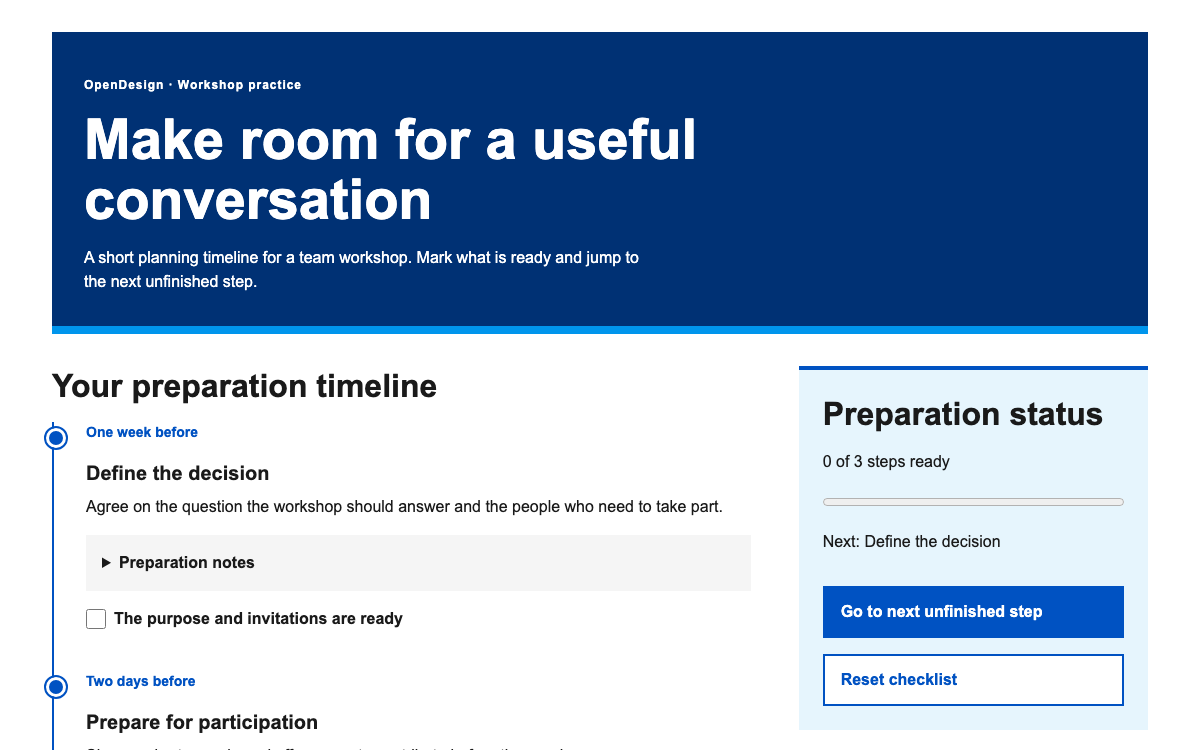
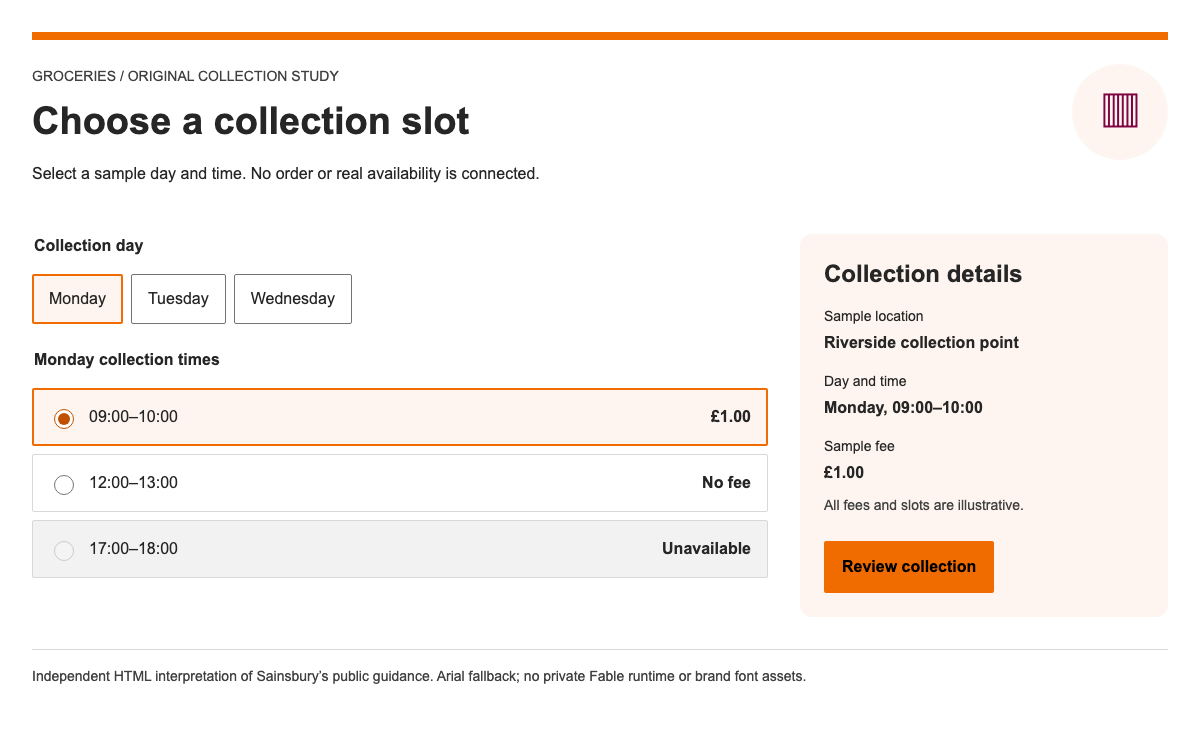
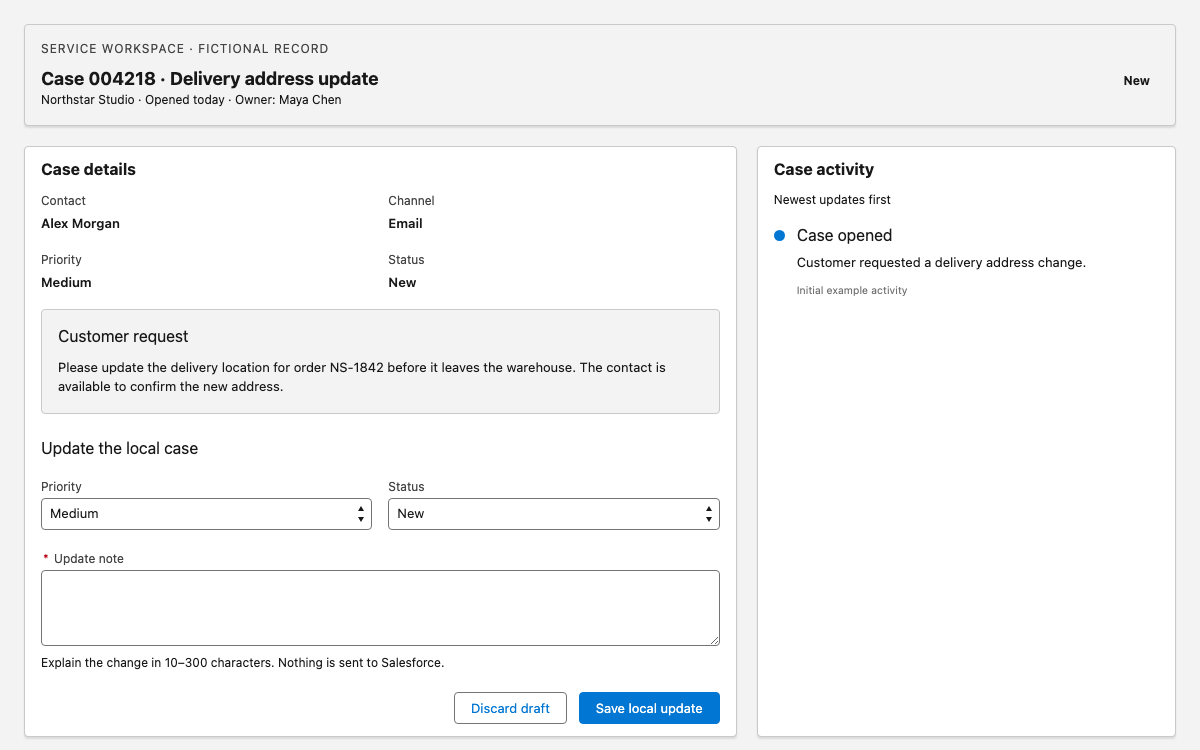
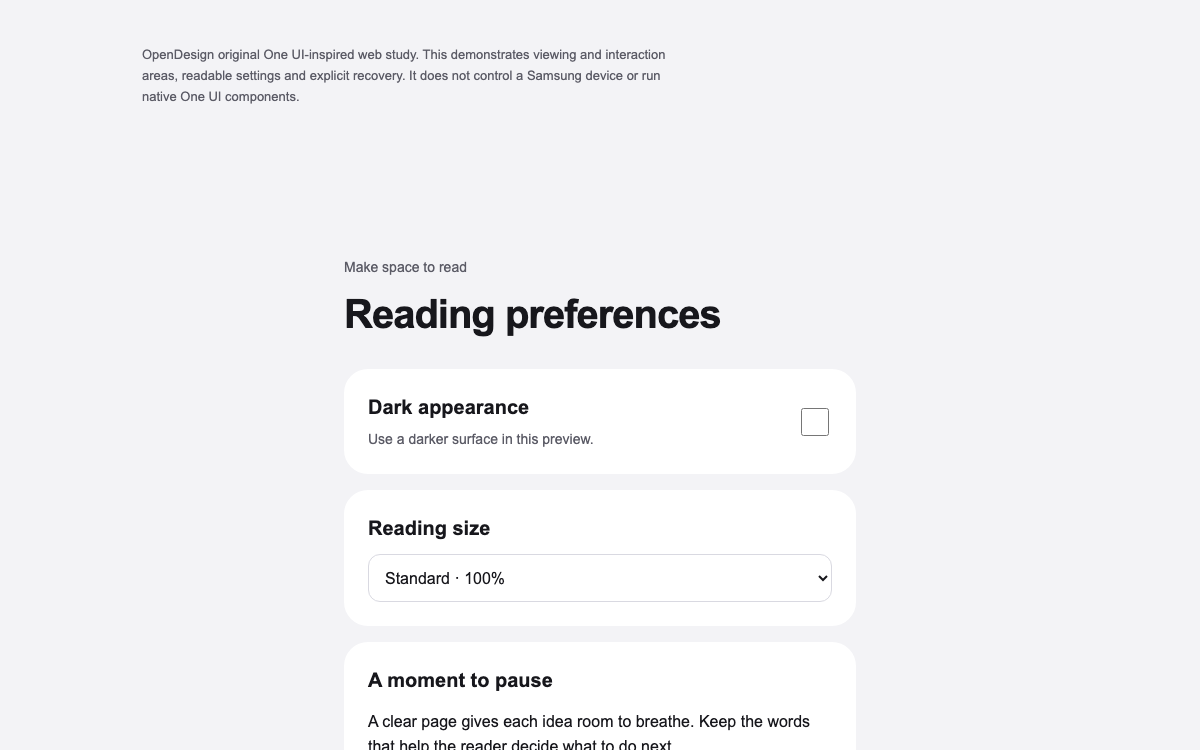
Every other skill reads the same system, so a prototype, a deck, and a dashboard all share one visual language — without you re-specifying it each time.
- 04
Evolve it in one place
Change the system and the next render reflects it everywhere. Because it is a file in your repo, design decisions are reviewed and versioned like code.
Systems you can start from
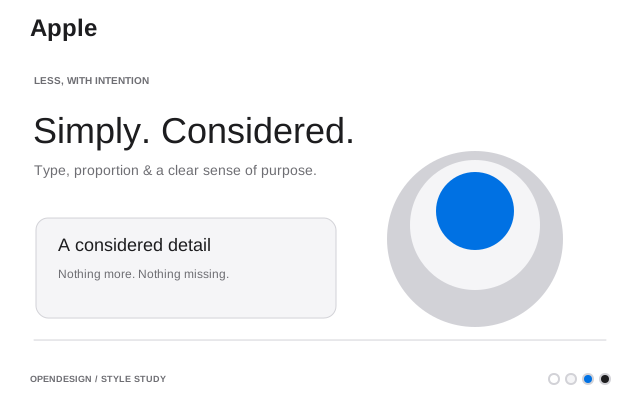
- Apple Media & Consumer
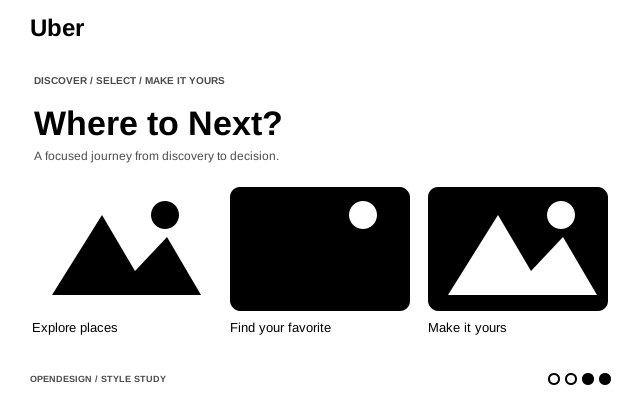
Consumer electronics. Premium white space, SF Pro, cinematic imagery.
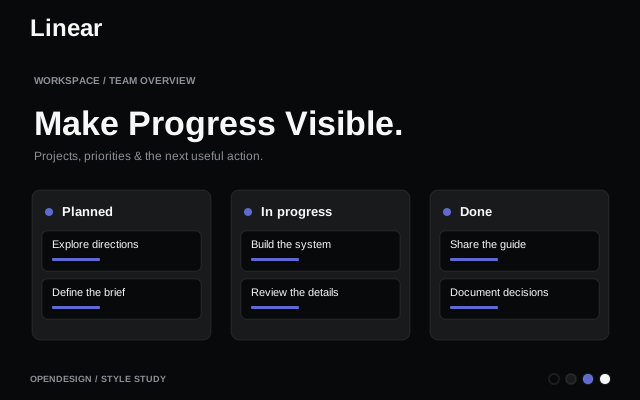
- Linear Productivity & SaaS
Project management. Ultra-minimal, precise, purple accent.
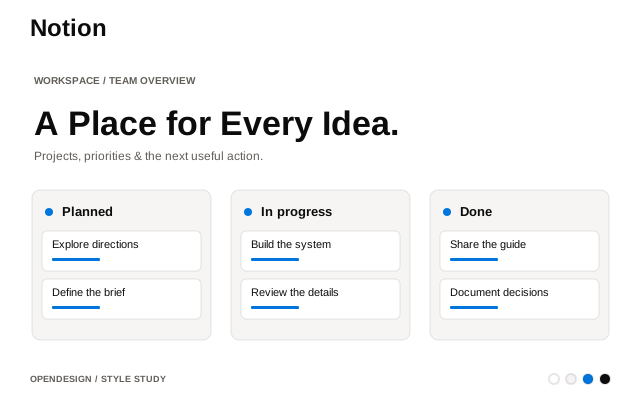
- Notion Productivity & SaaS
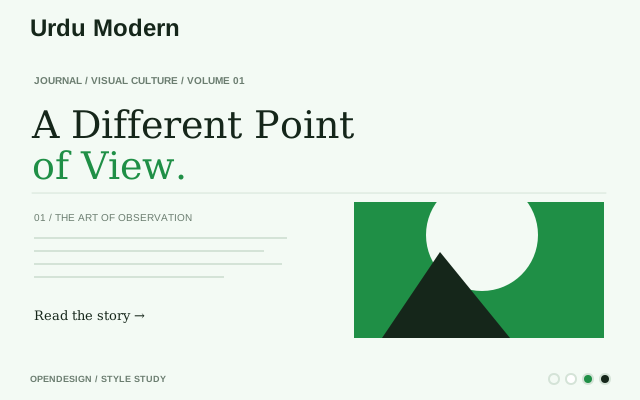
All-in-one workspace. Warm minimalism, serif headings, soft surfaces.
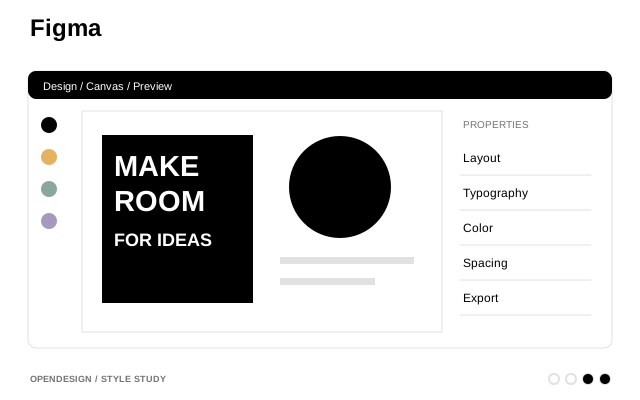
- Figma Design & Creative
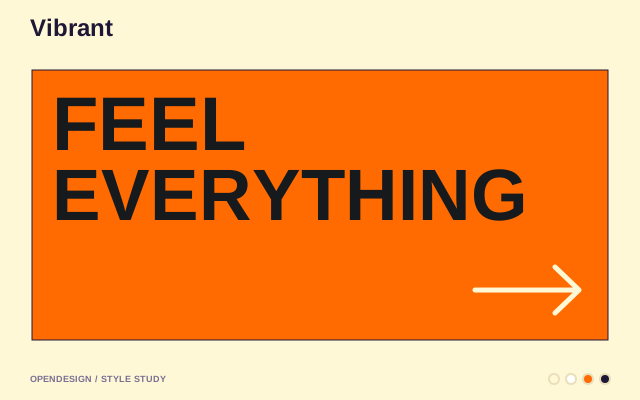
Collaborative design tool. Vibrant multi-color, playful yet professional.
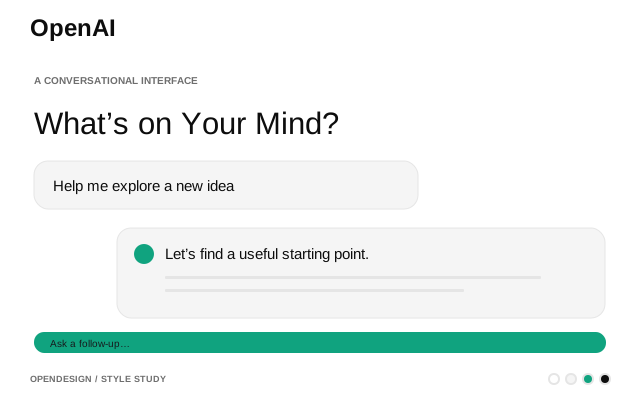
- OpenAI AI & LLM
Calm, near-monochrome system anchored in deep teal-black with generous white space and editorial typography.
- GitHub Developer Tools
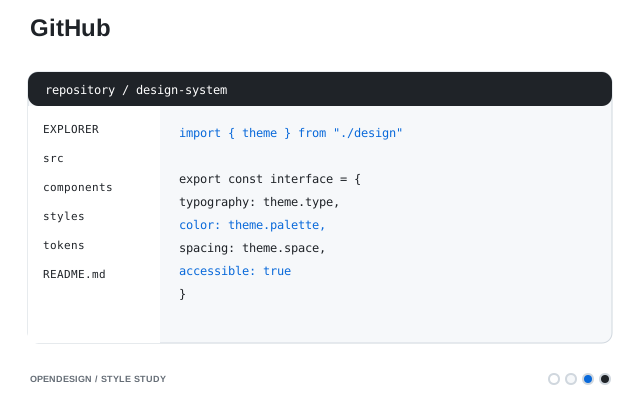
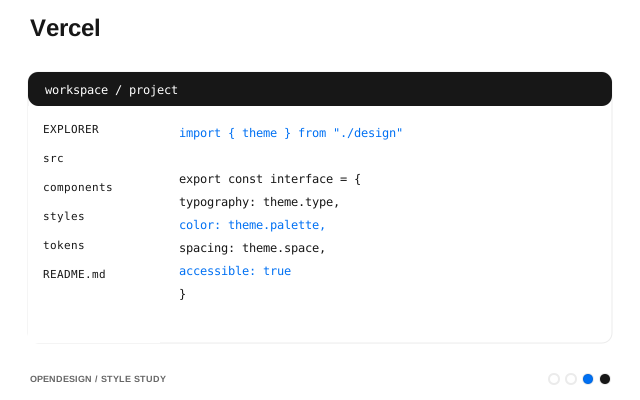
Code-forward platform. Functional density, blue-on-white precision, Primer foundations.
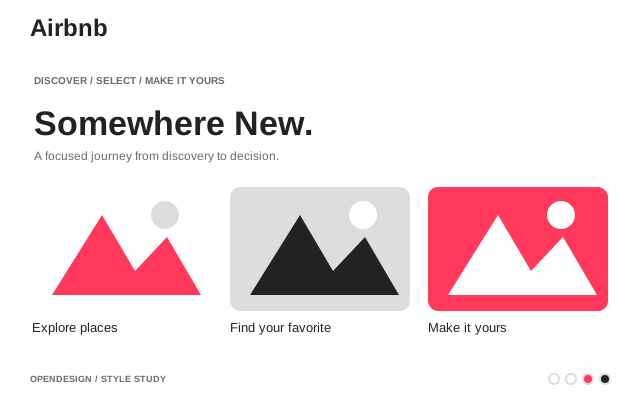
- Airbnb E-Commerce & Retail
Travel marketplace. Warm coral accent, photography-driven, rounded UI.
- Vercel Developer Tools
Frontend deployment. Black and white precision, Geist font.
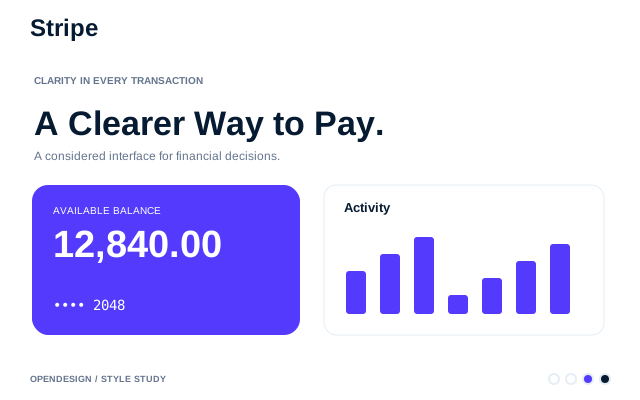
- Stripe Fintech & Crypto
Payment infrastructure. Signature purple gradients, weight-300 elegance.
Design systems with Open Design vs. the old way
| What you need | With Open Design | Design-tool libraries / style guides |
|---|---|---|
| Define the system | ●A DESIGN.md the agent reads, forked from 140+ references | A static style guide or a tool-bound library |
| Apply across artifact types | ●Same system feeds prototypes, decks, dashboards, graphics | Re-implemented per tool and per file |
| Keep everything consistent | ●Automatic — every skill reads one source | Manual discipline; drifts over time |
| Evolve the brand | ●Edit once; next render updates everywhere | Hunt-and-replace across files and tools |
| Review & versioning | ●Lives in your repo, diffable like code | Buried in a design tool, hard to audit |
| Cost & lock-in | ●Open source, portable, runs locally | Locked to a design-tool subscription |
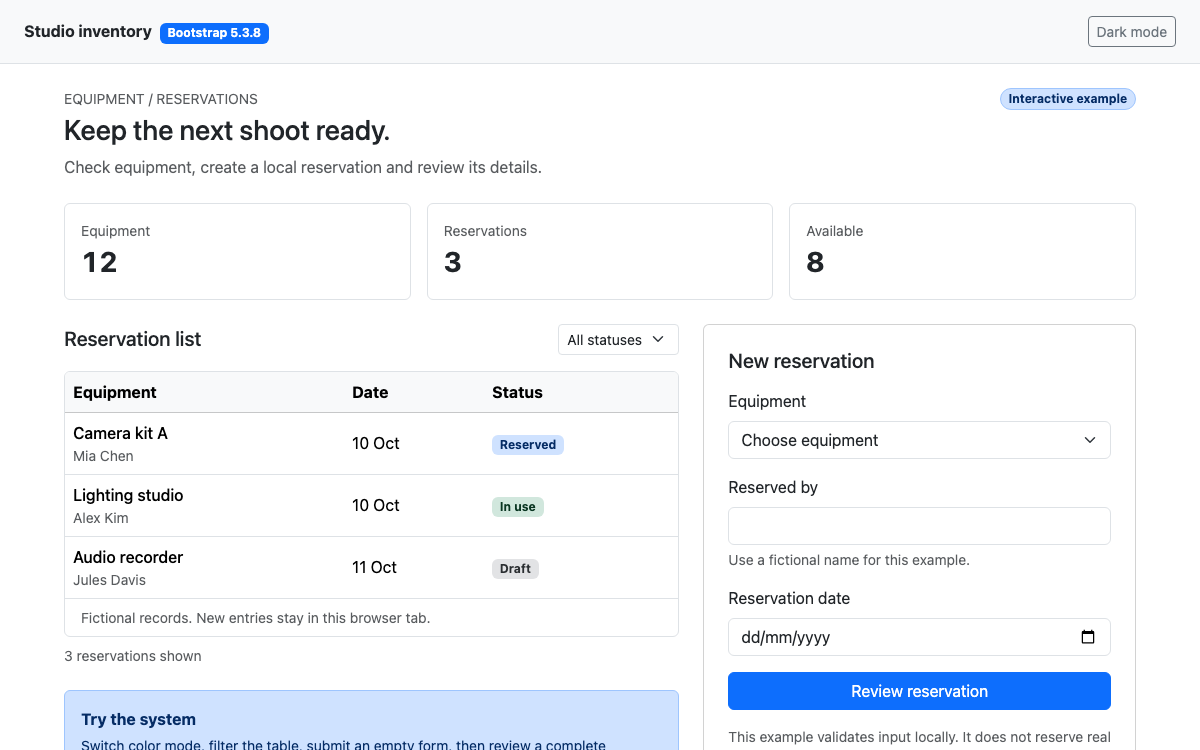
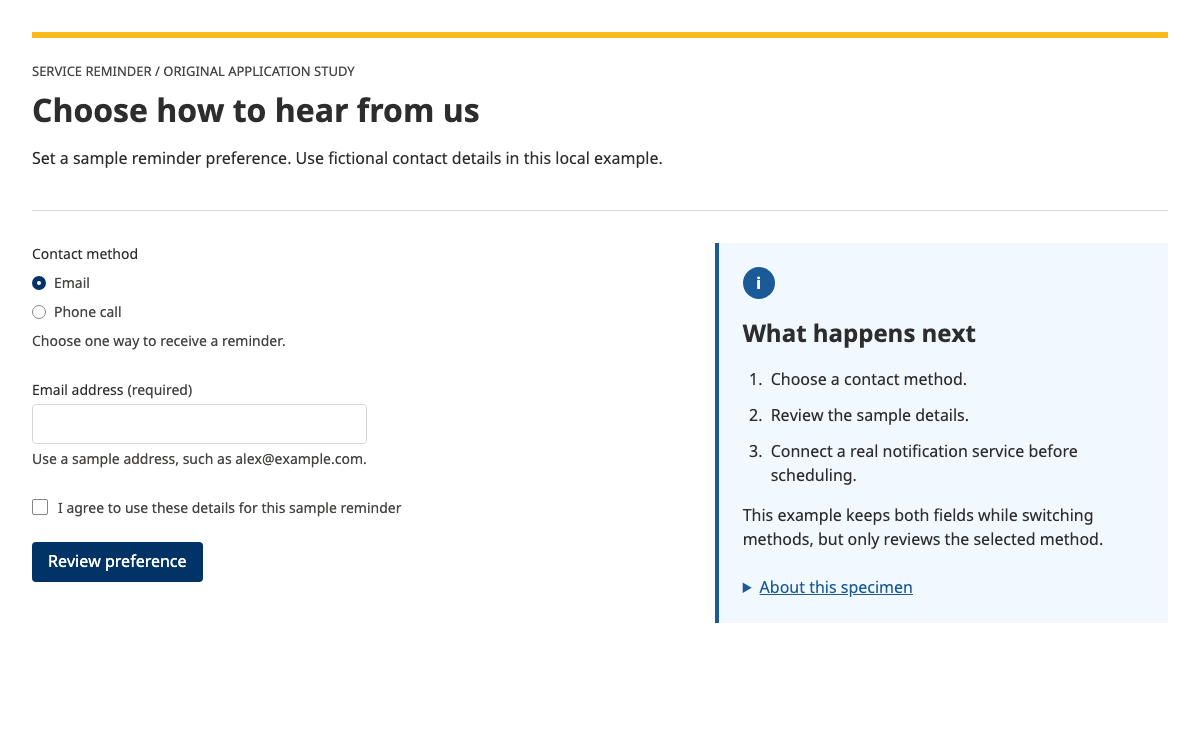
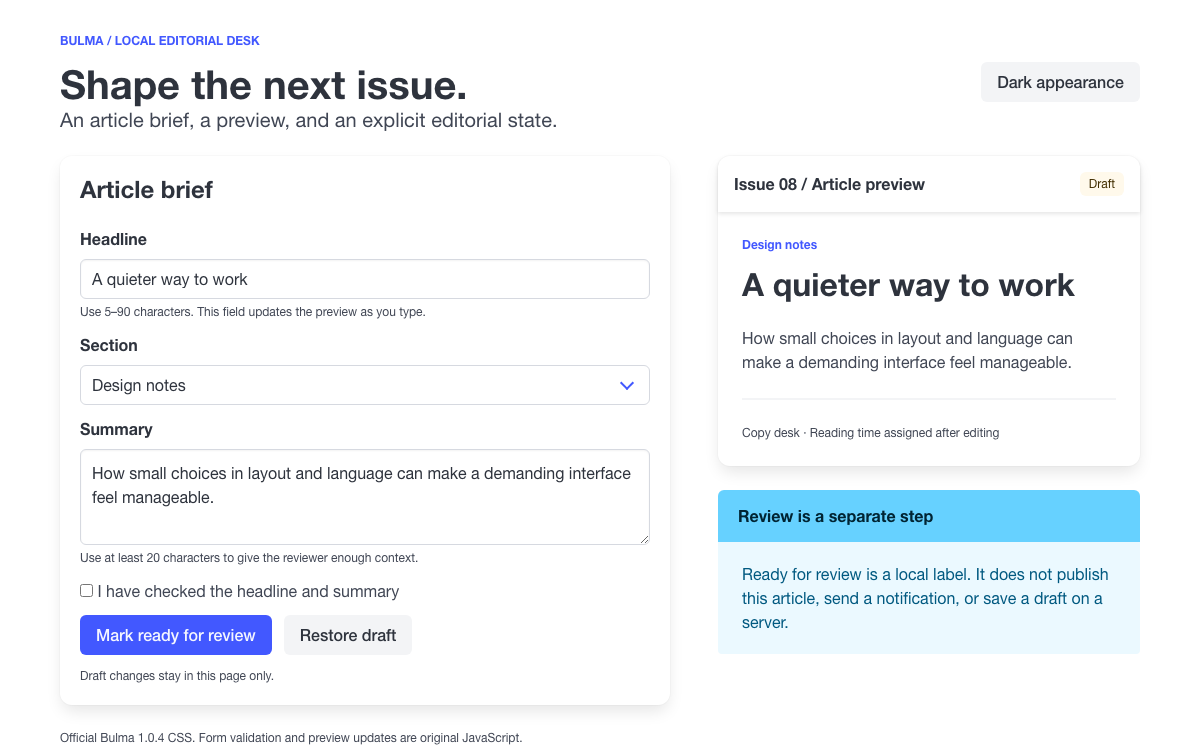
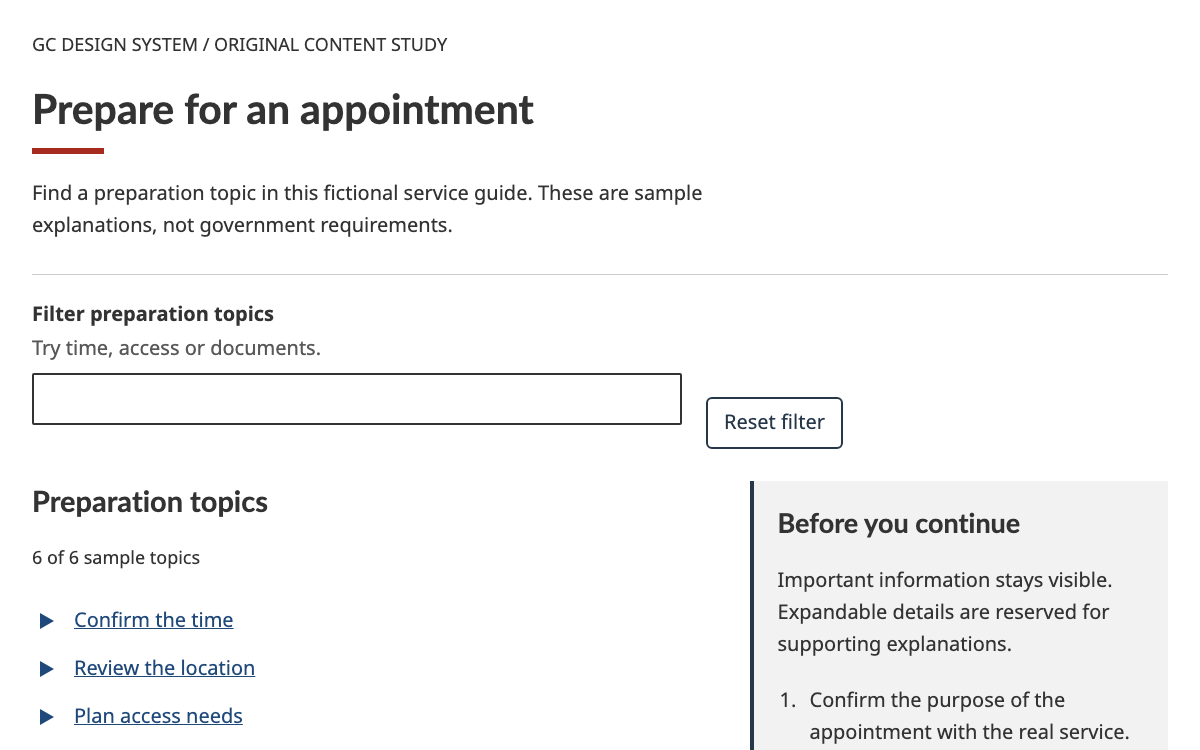
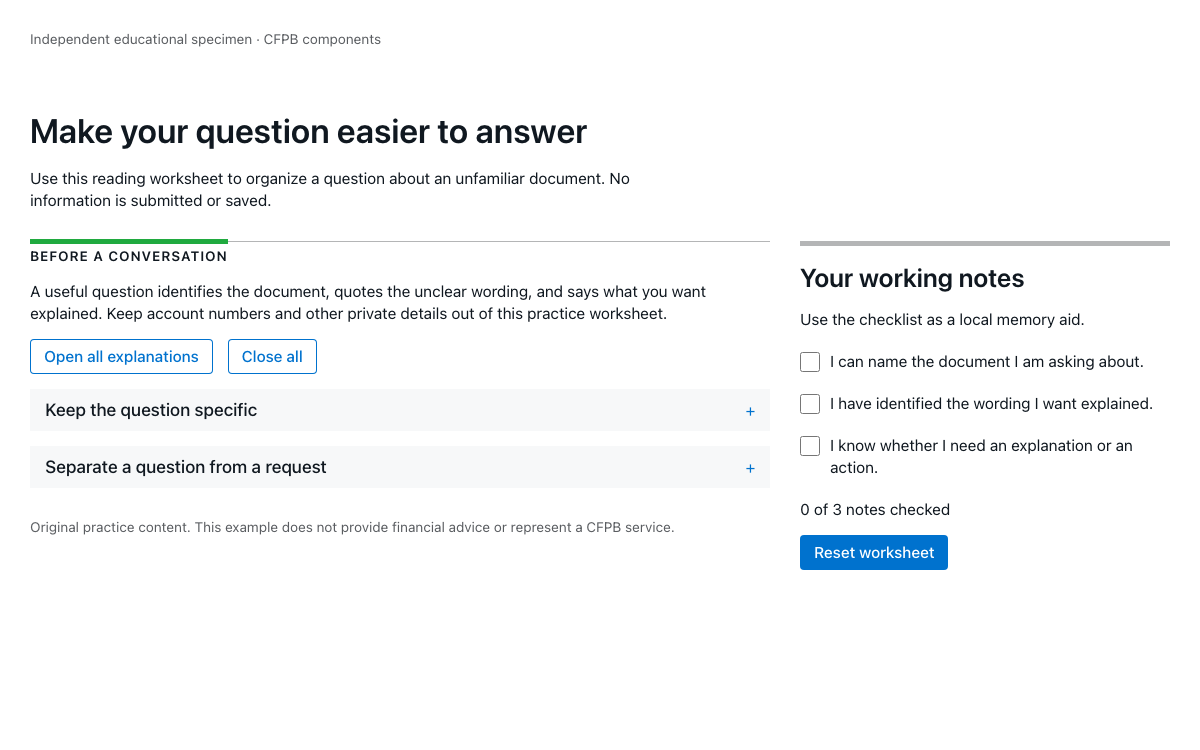
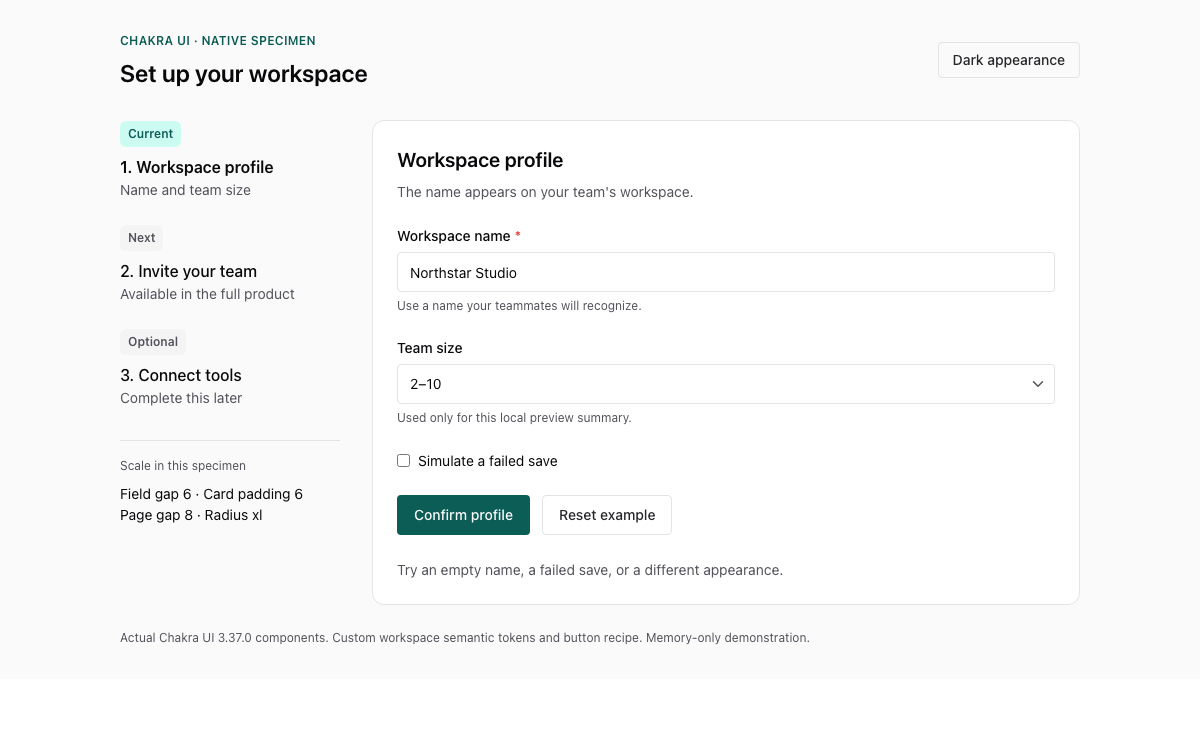
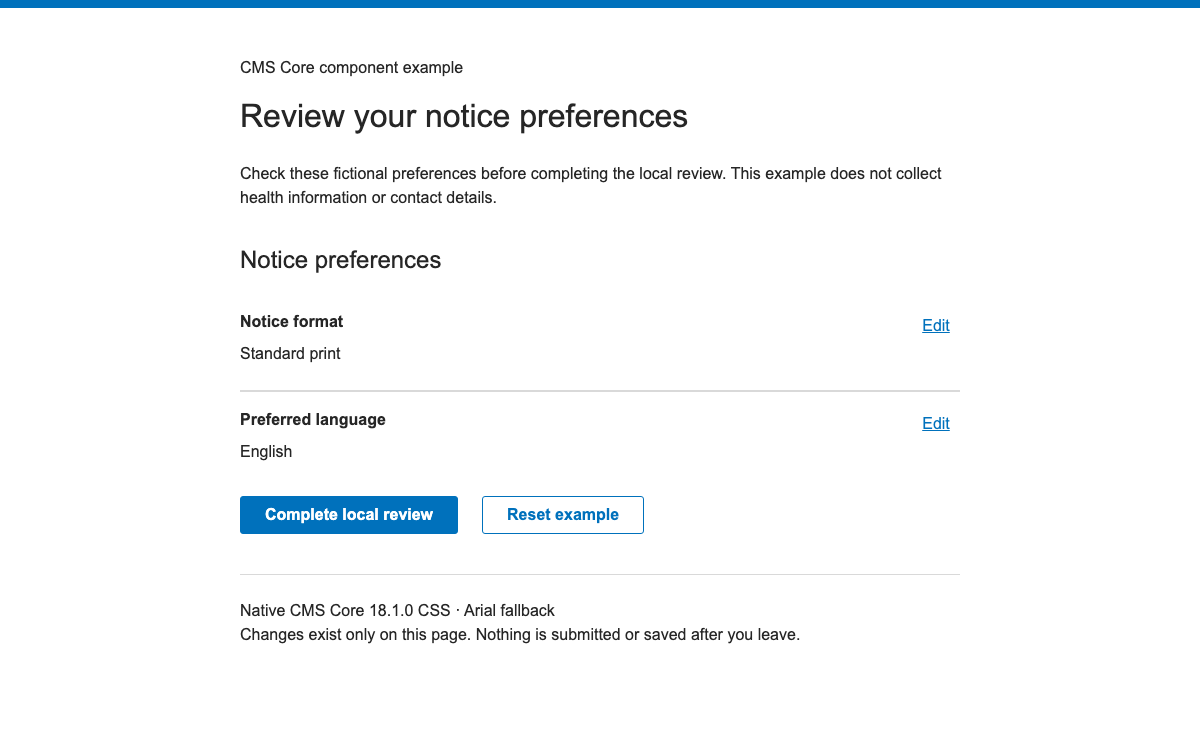
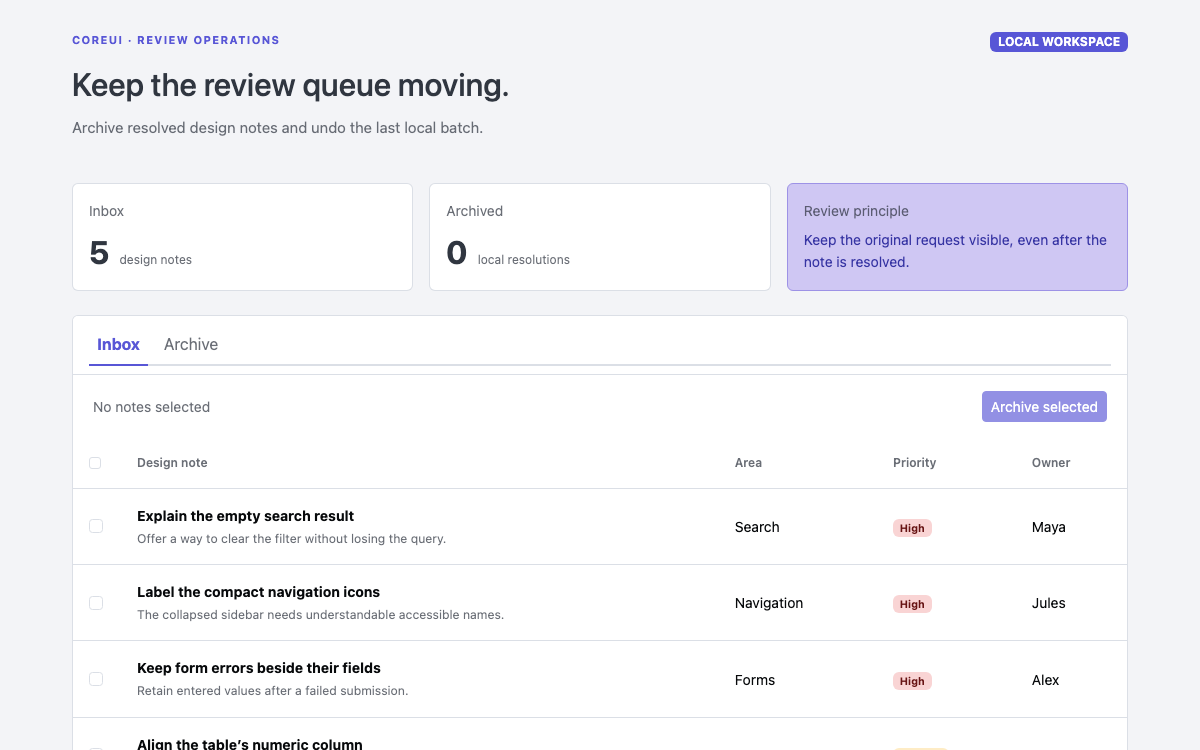
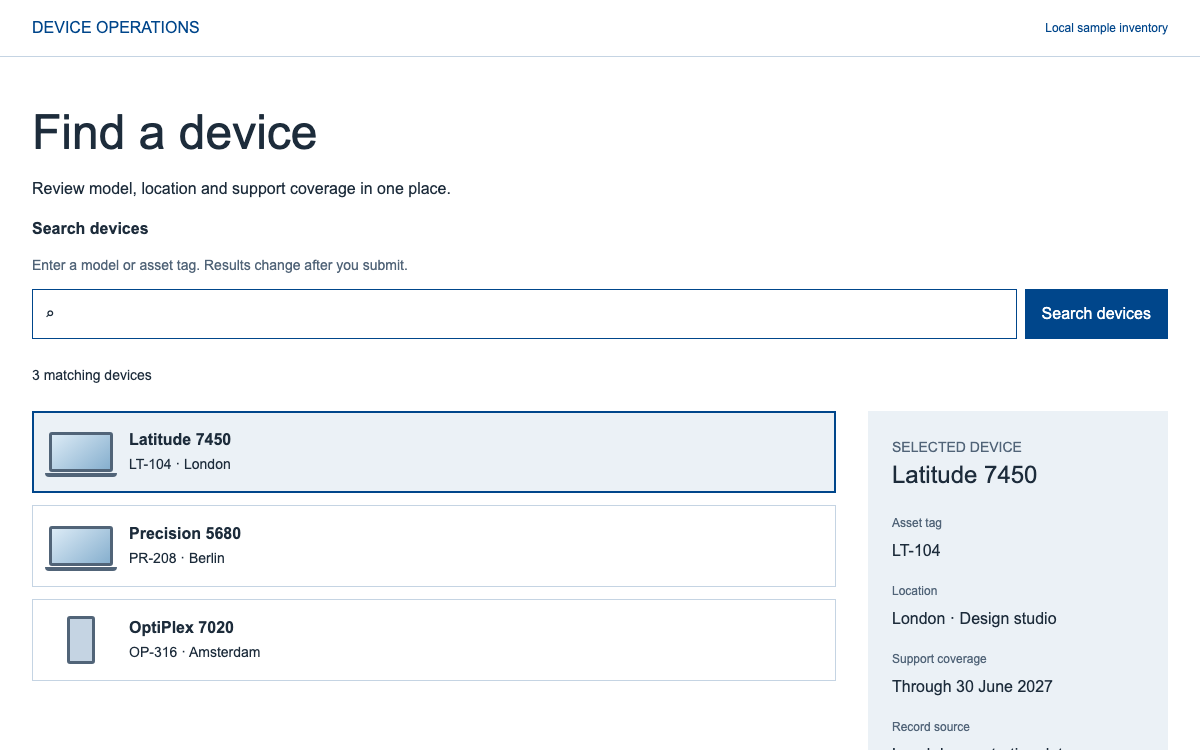
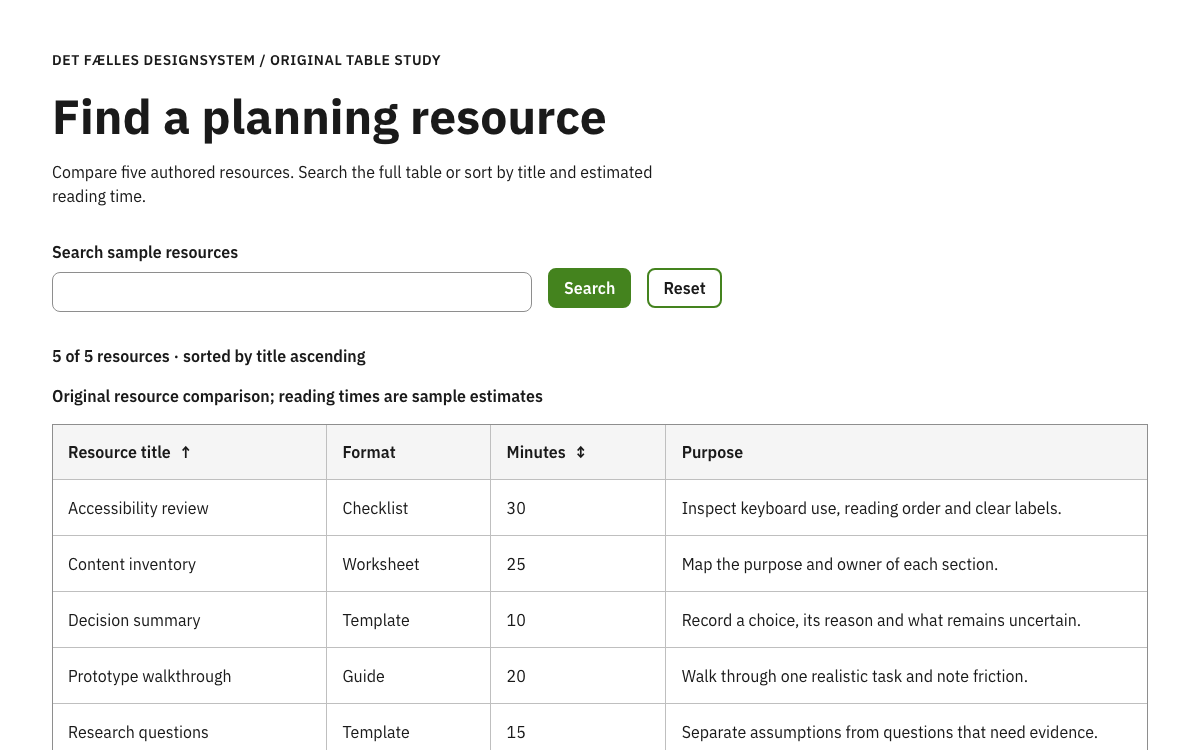
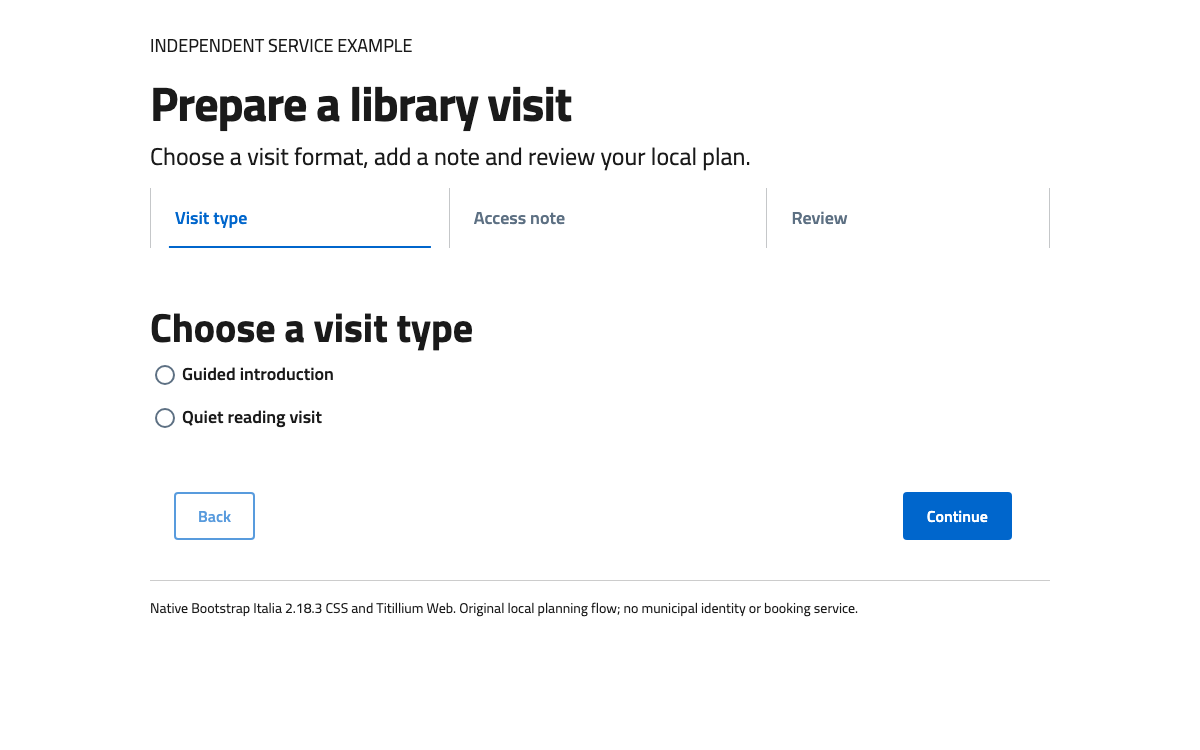
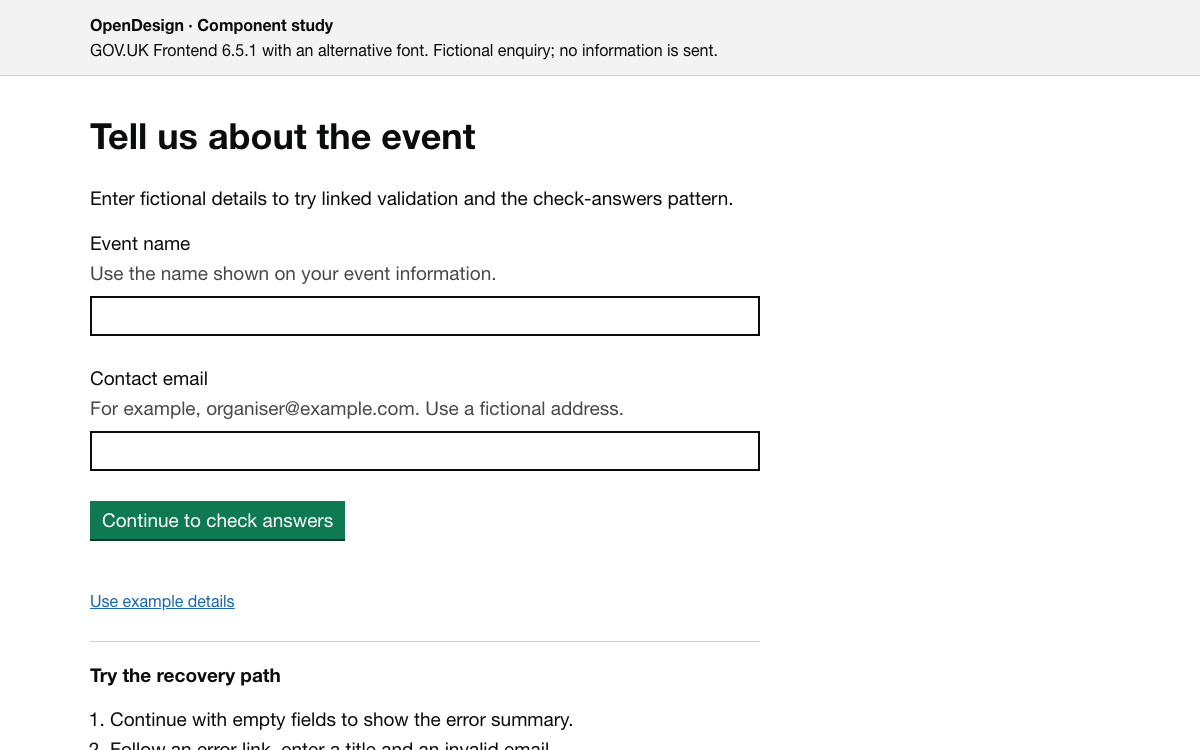
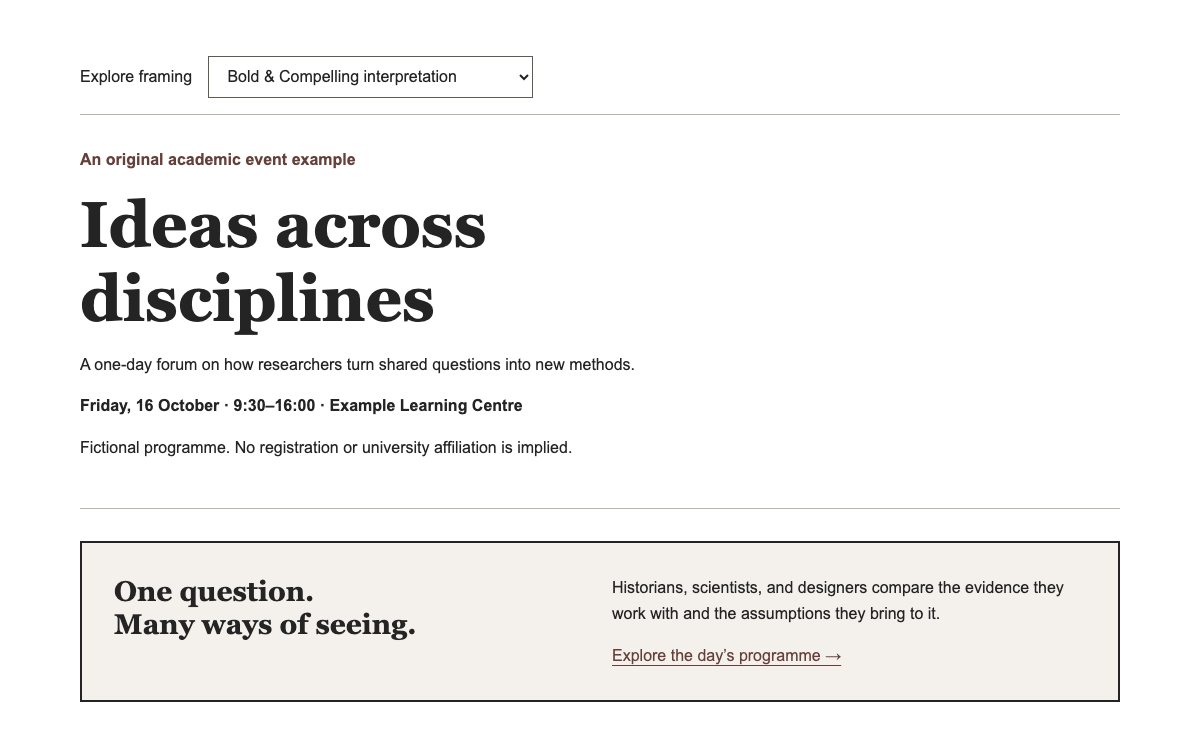
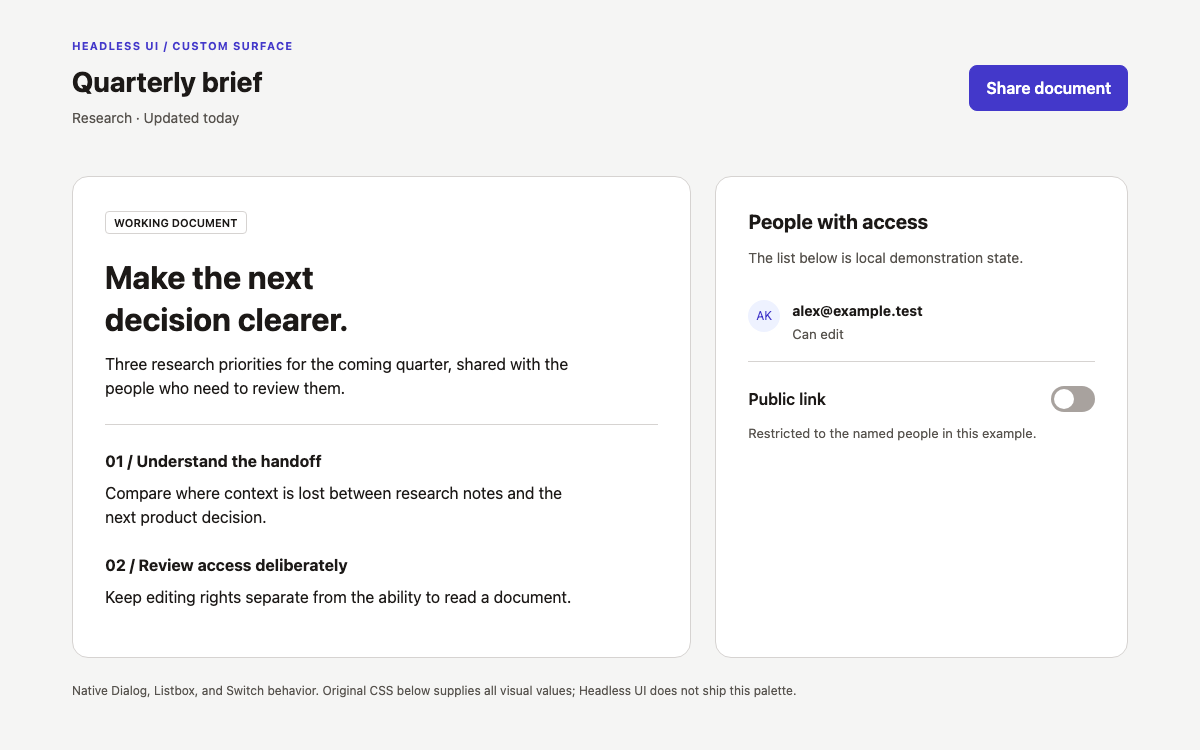
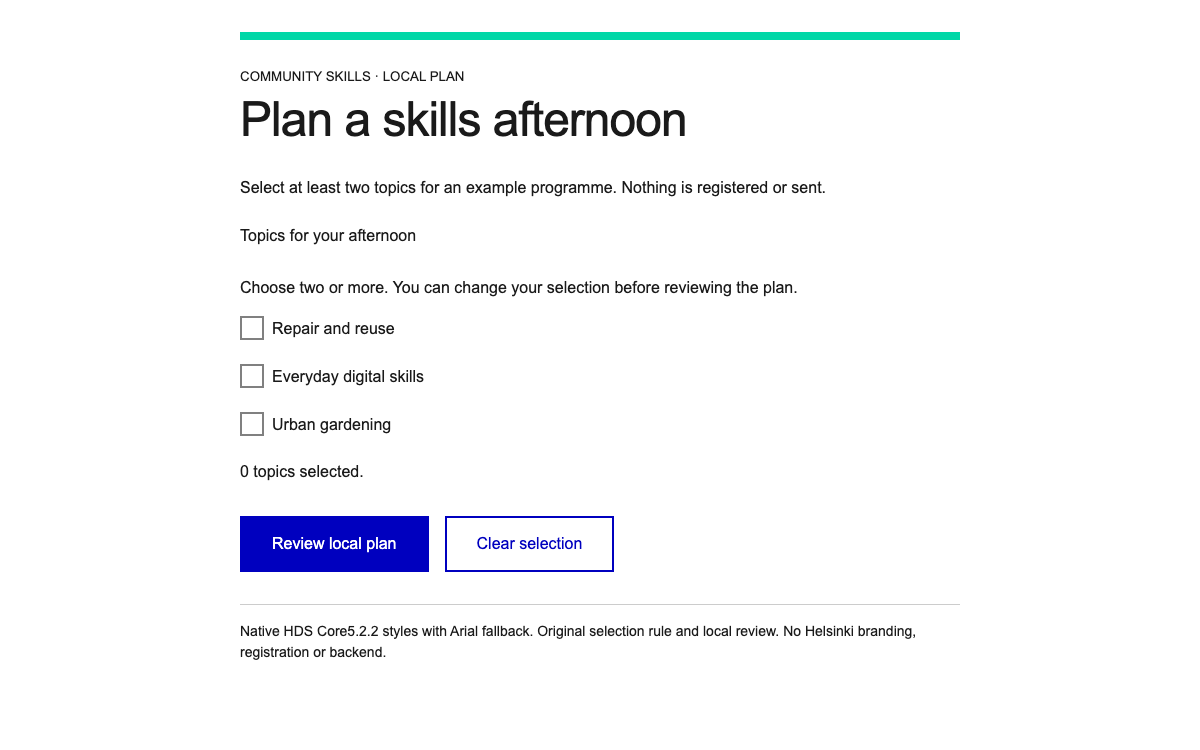
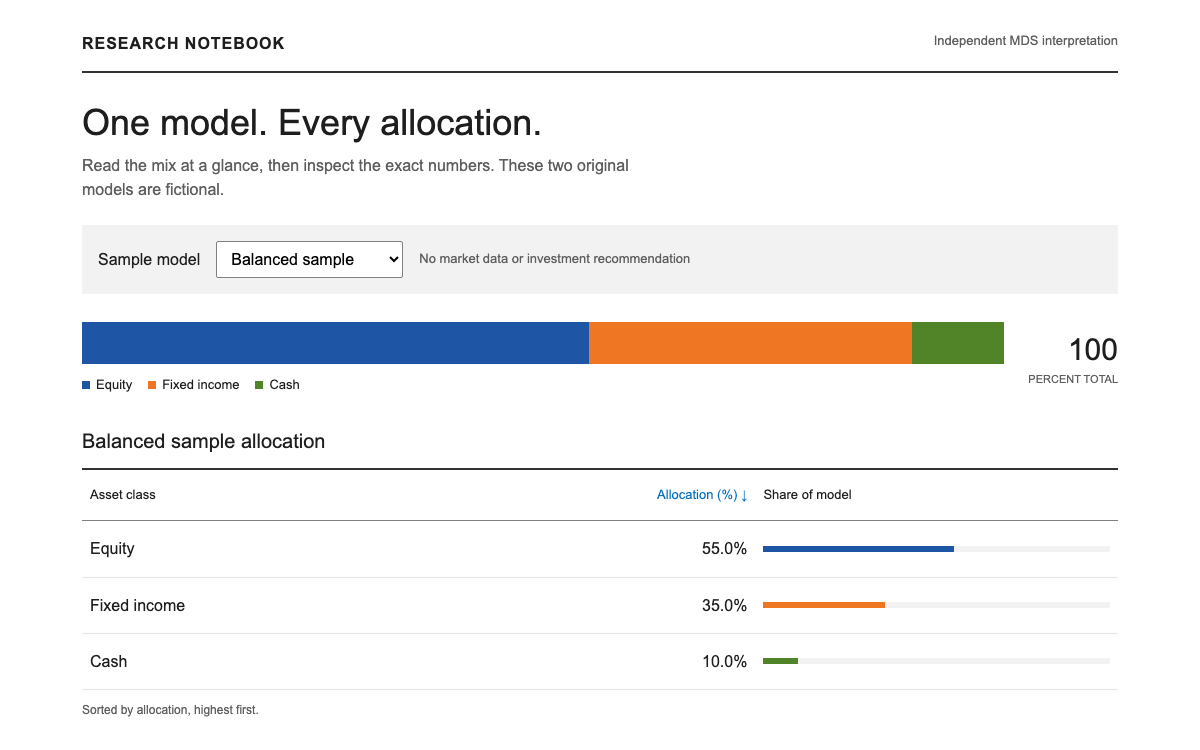
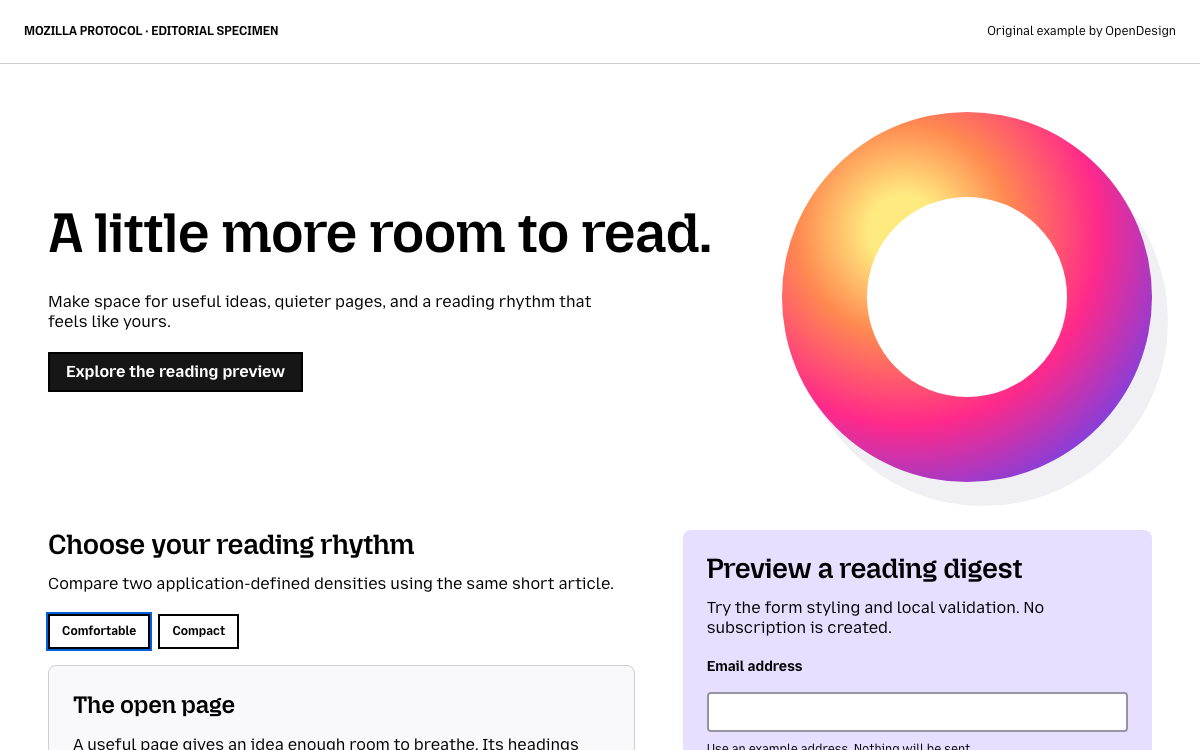
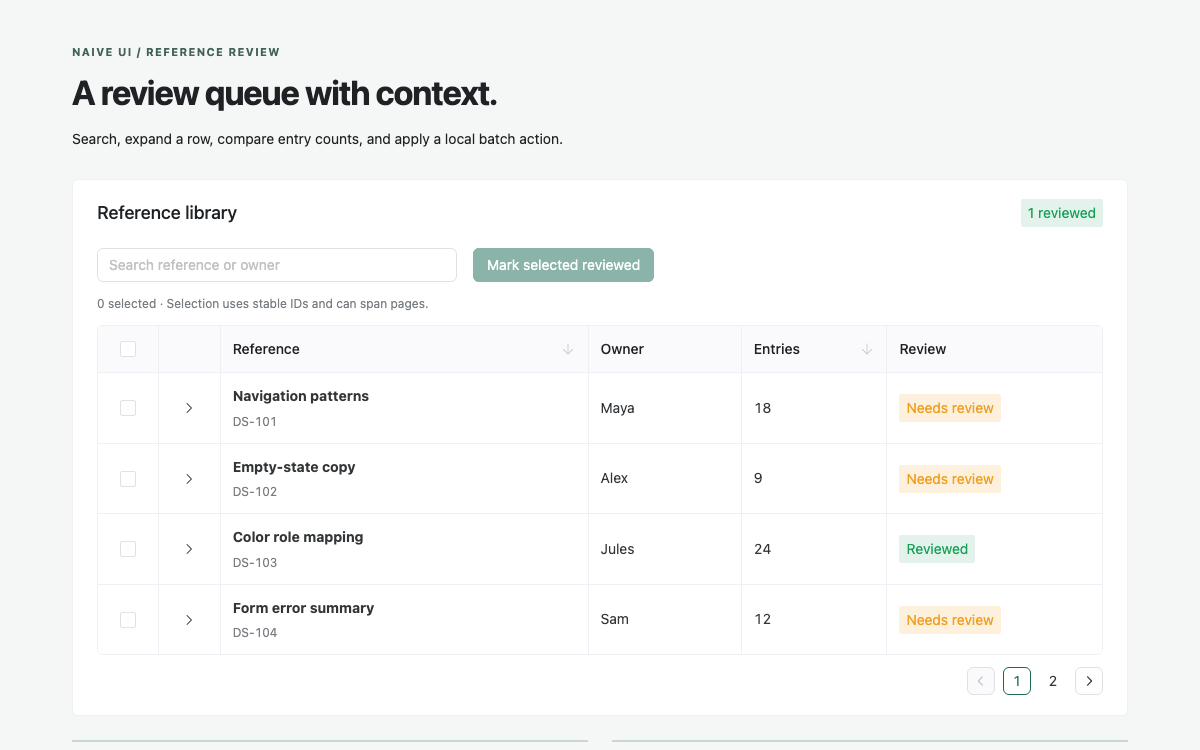
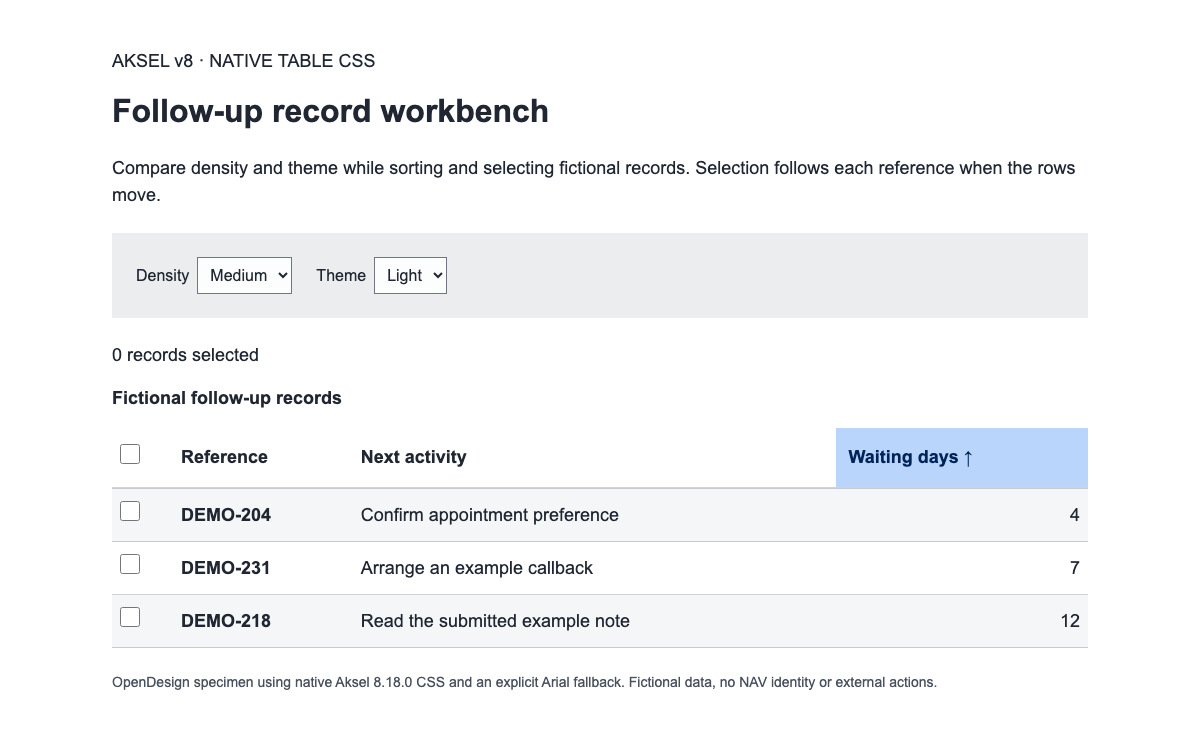
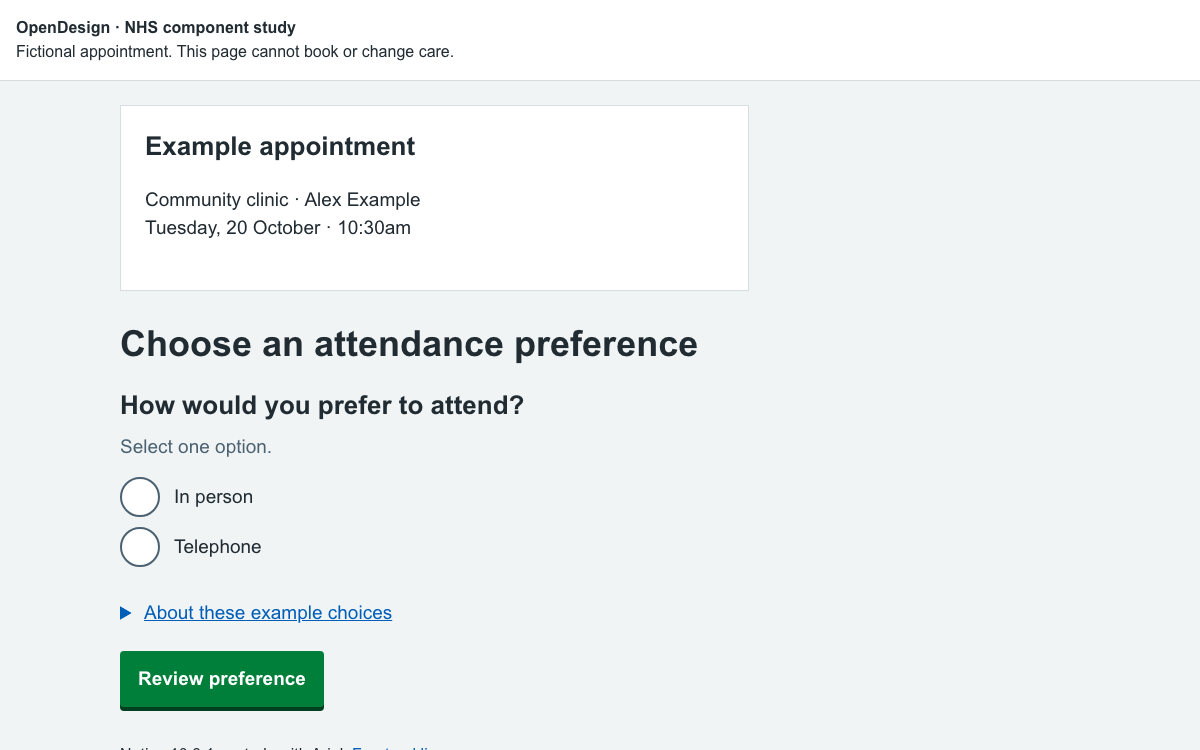
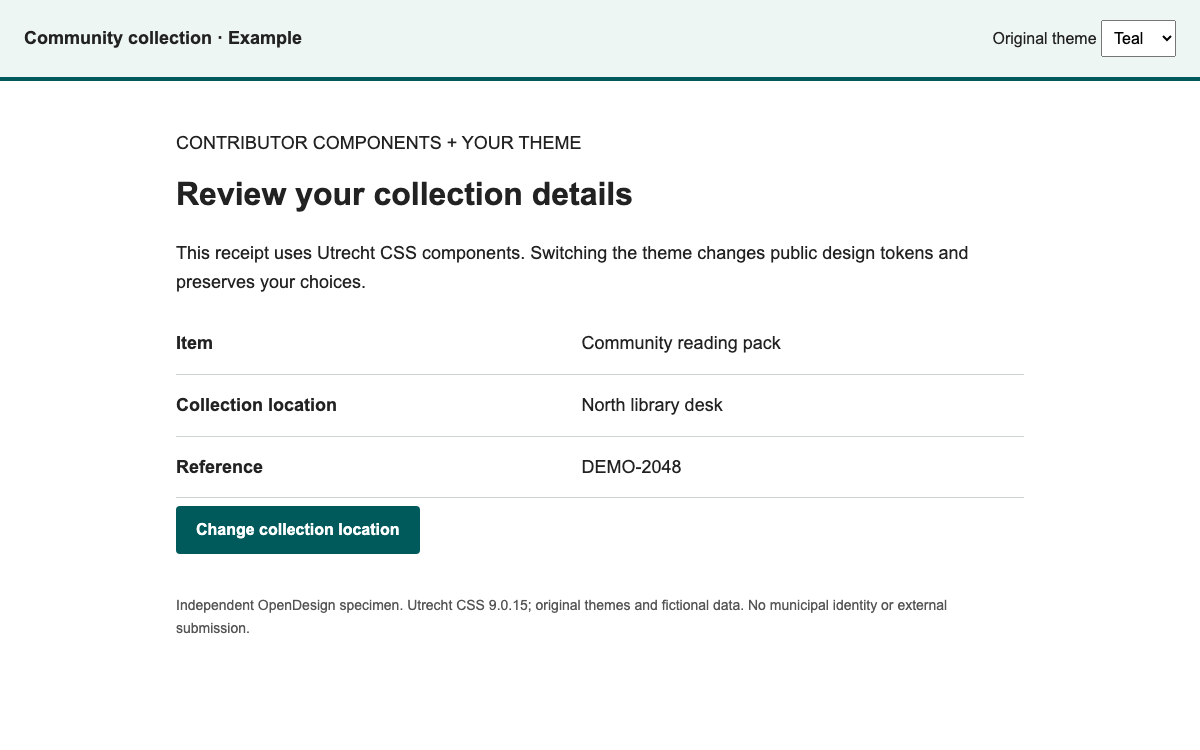
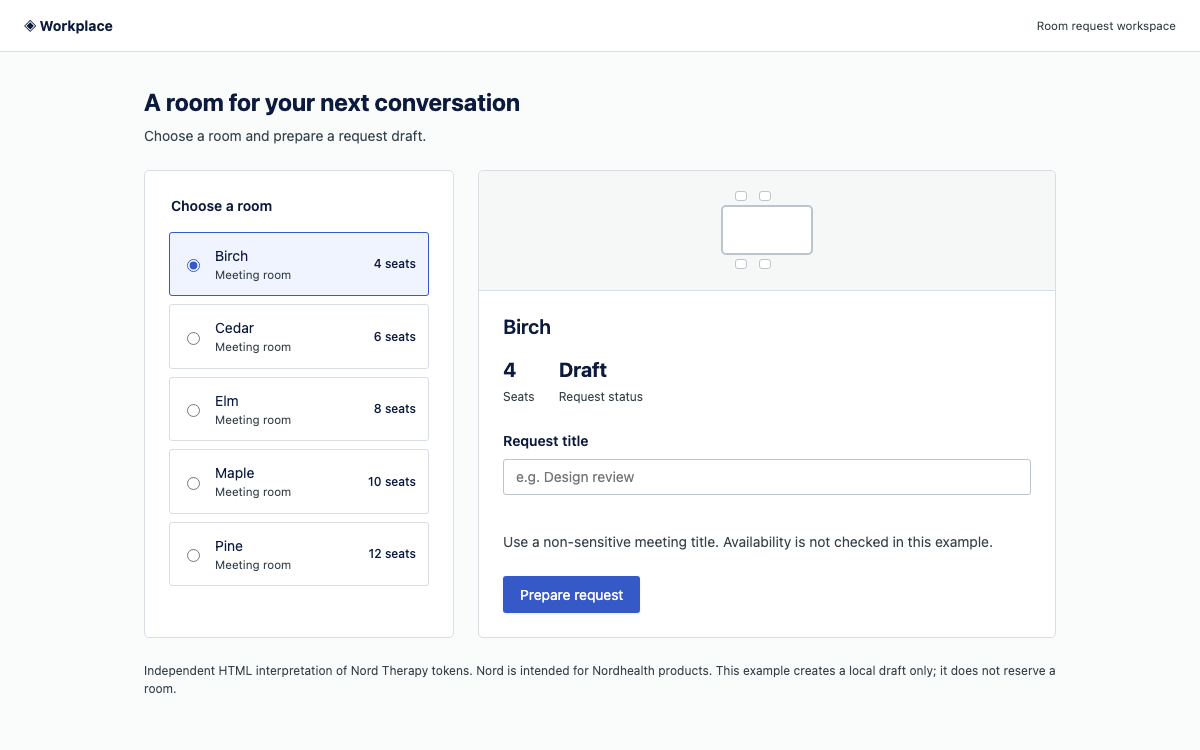
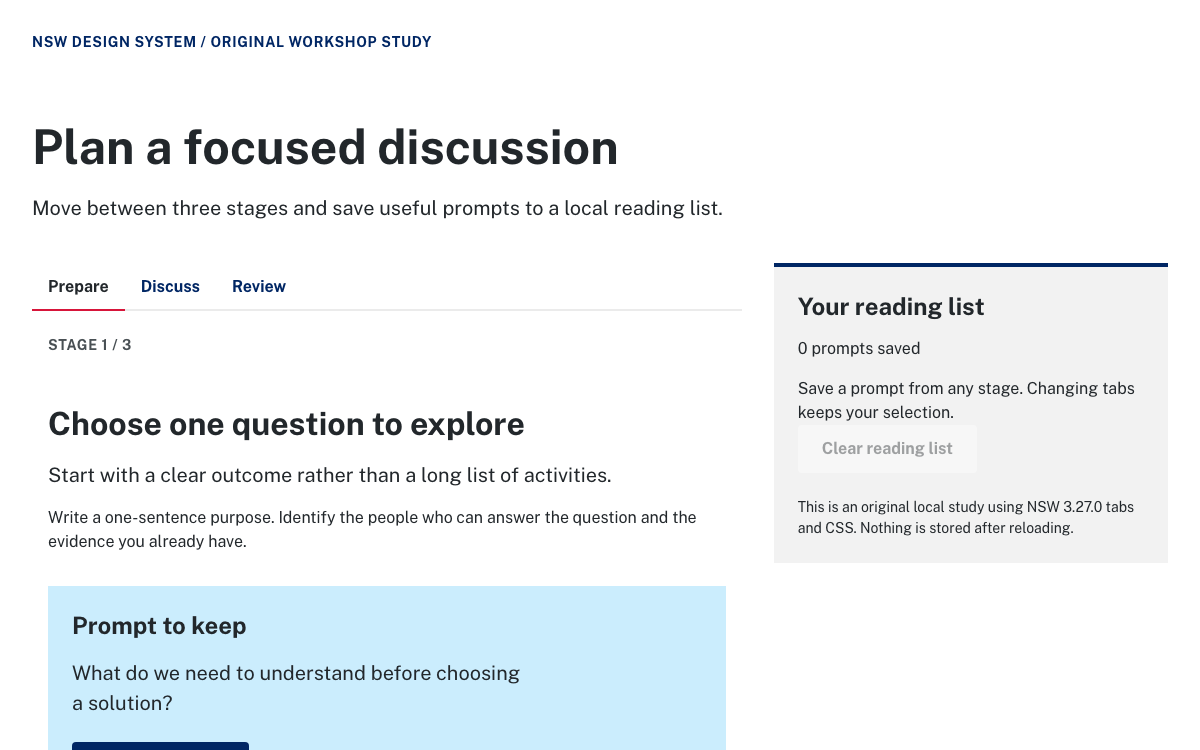
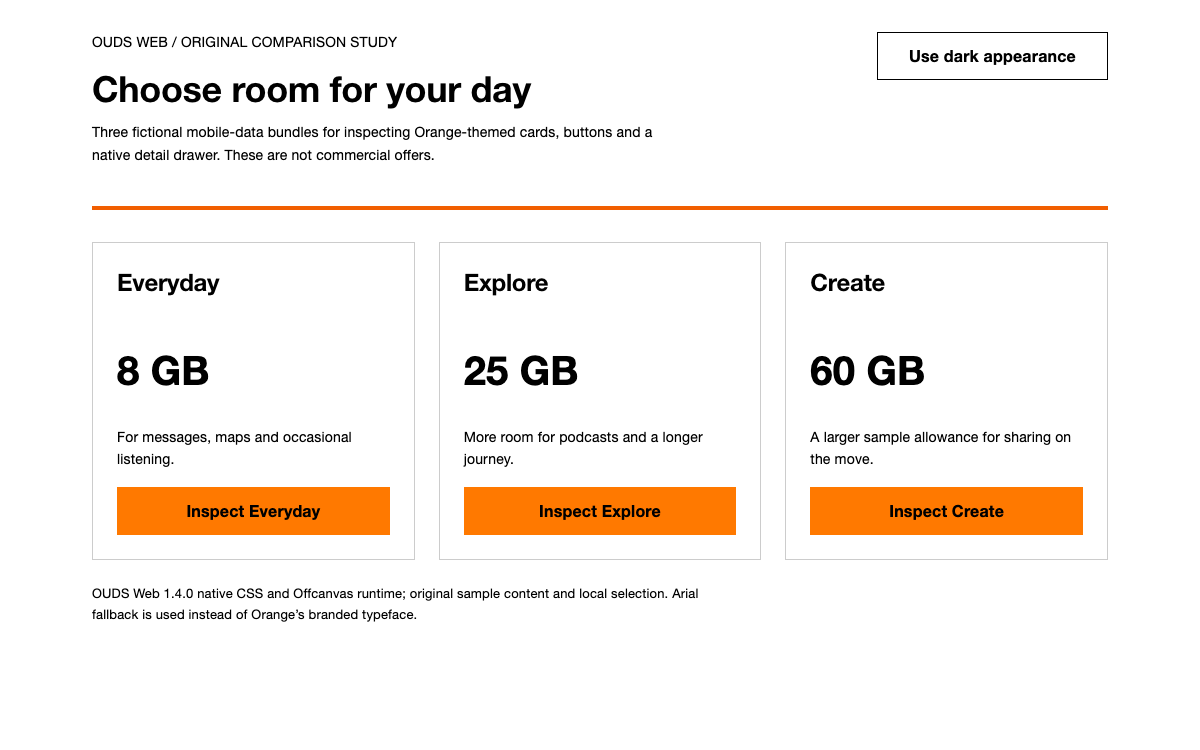
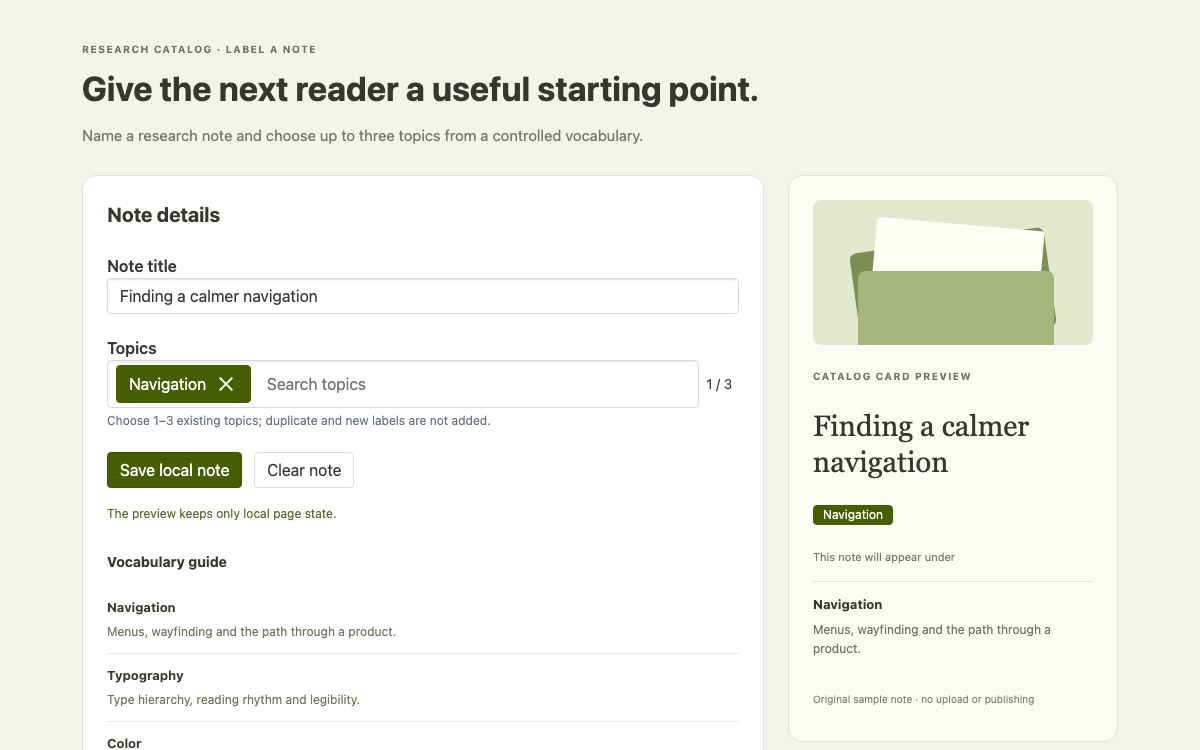
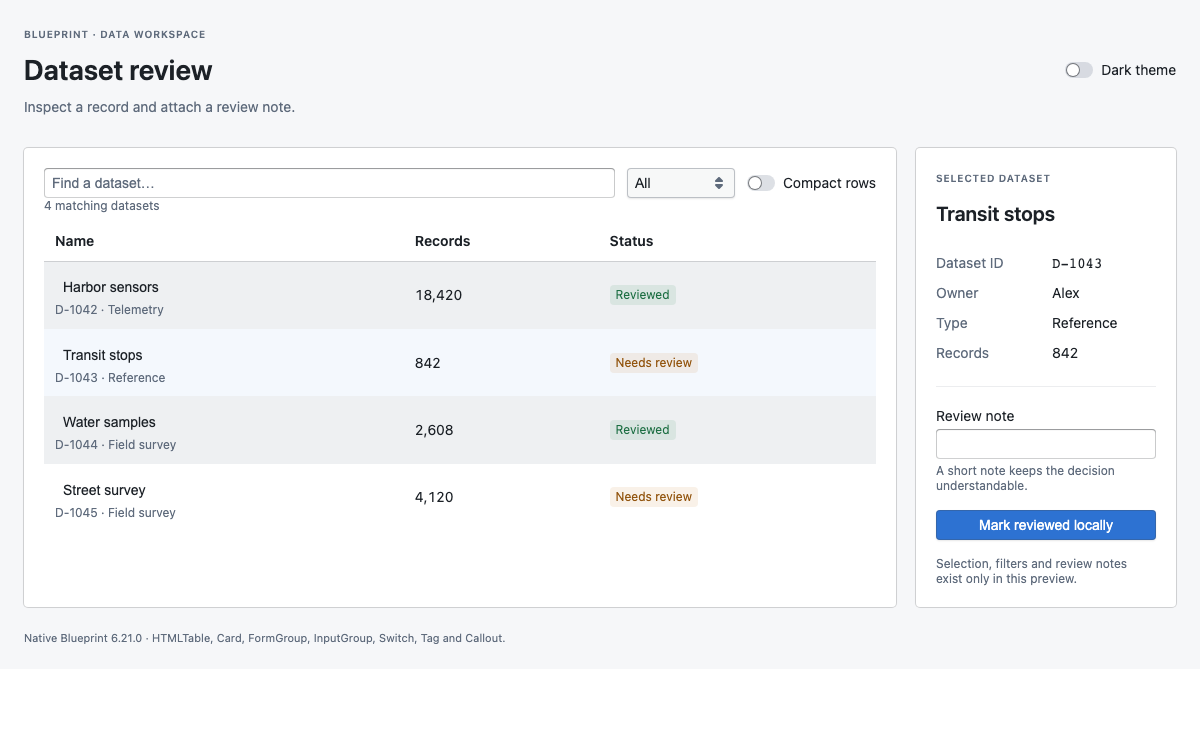
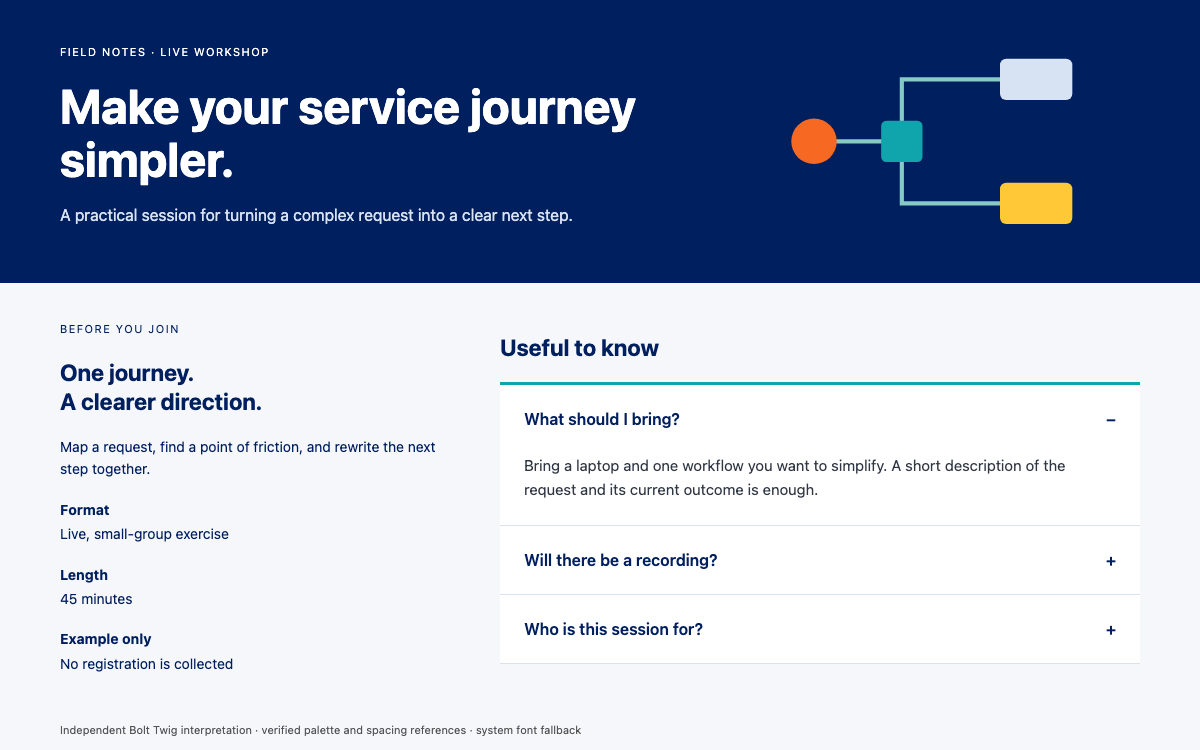
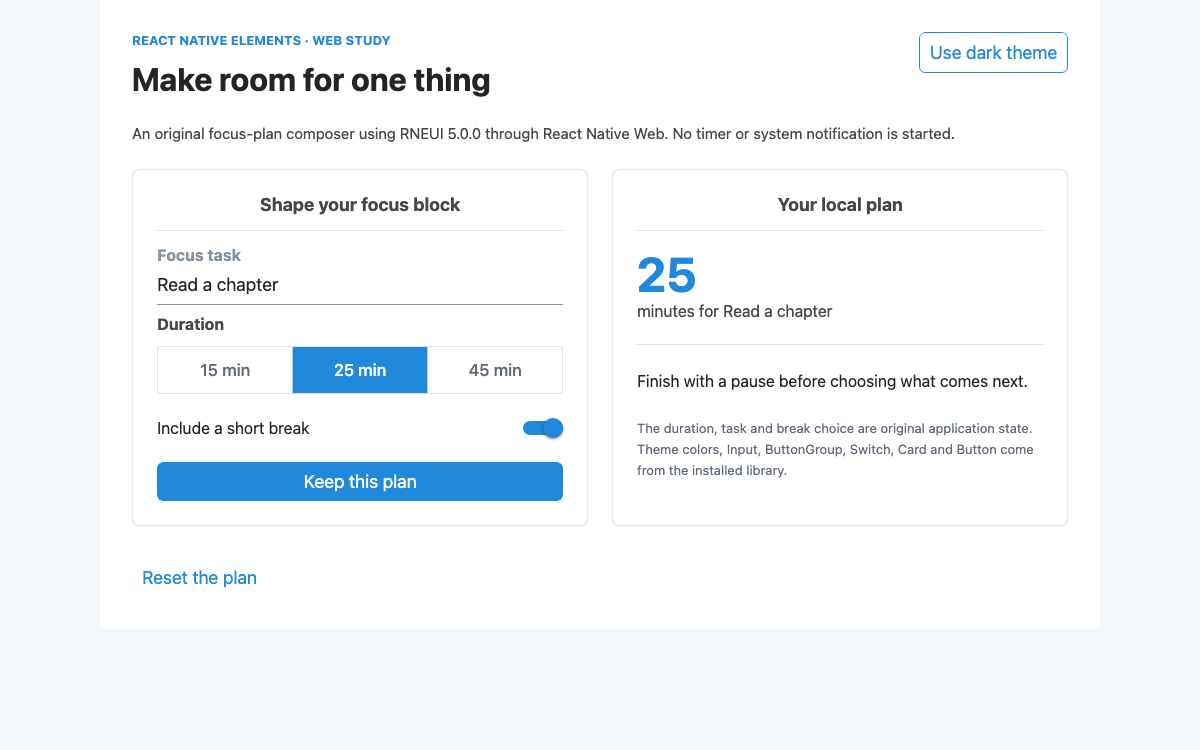
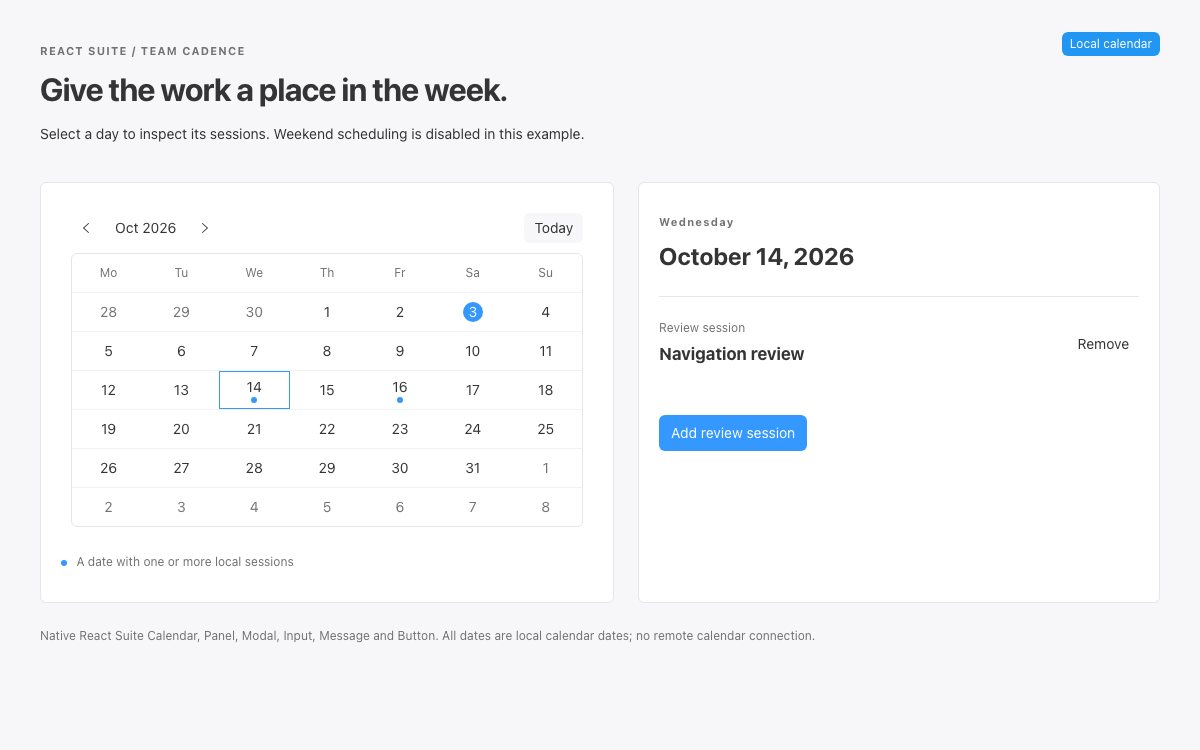
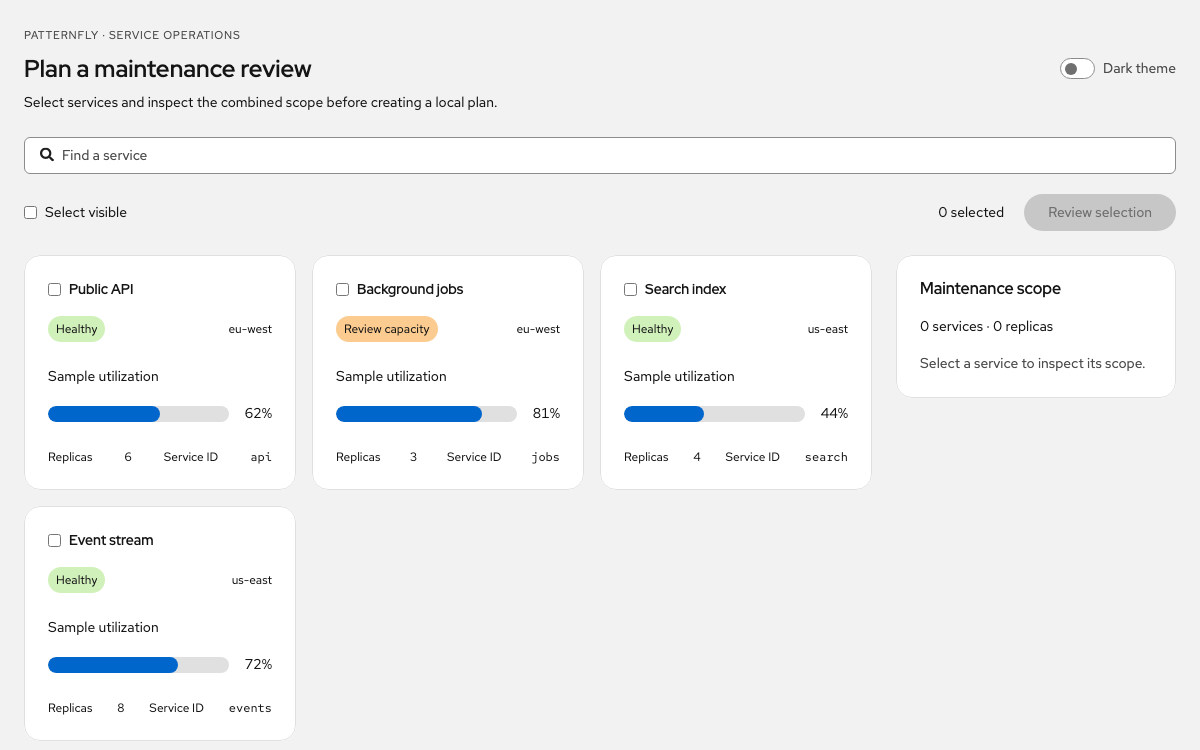
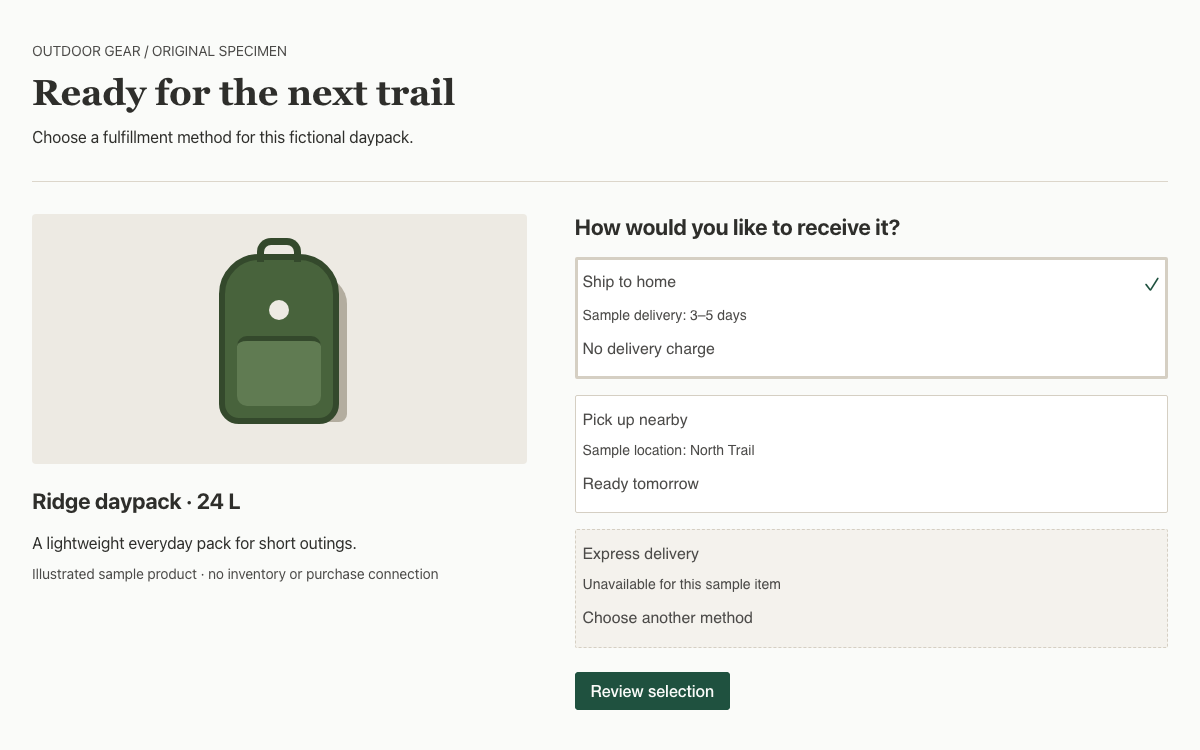
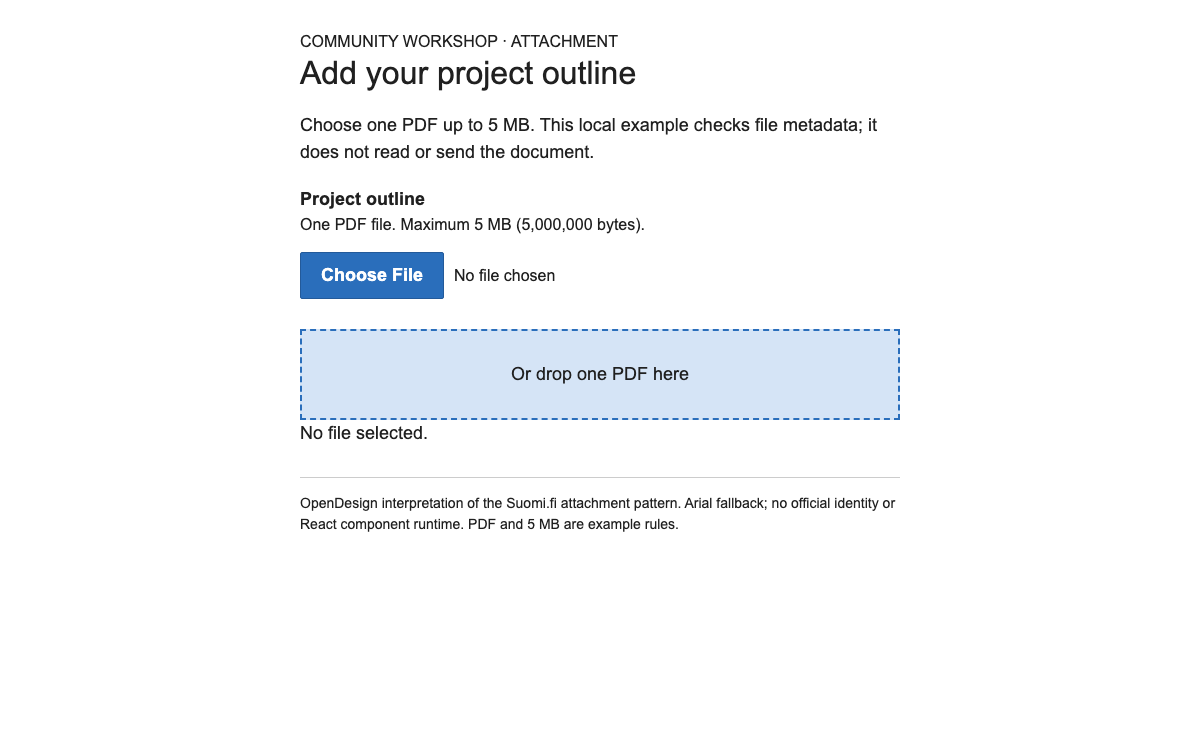
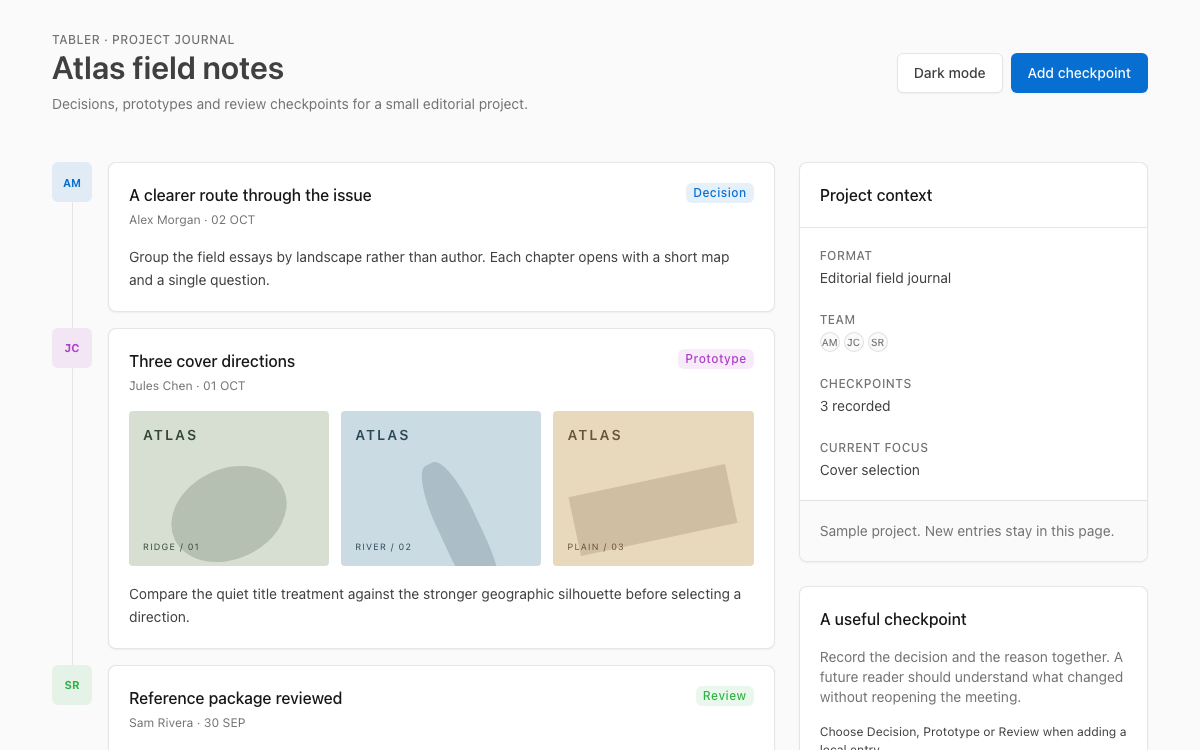
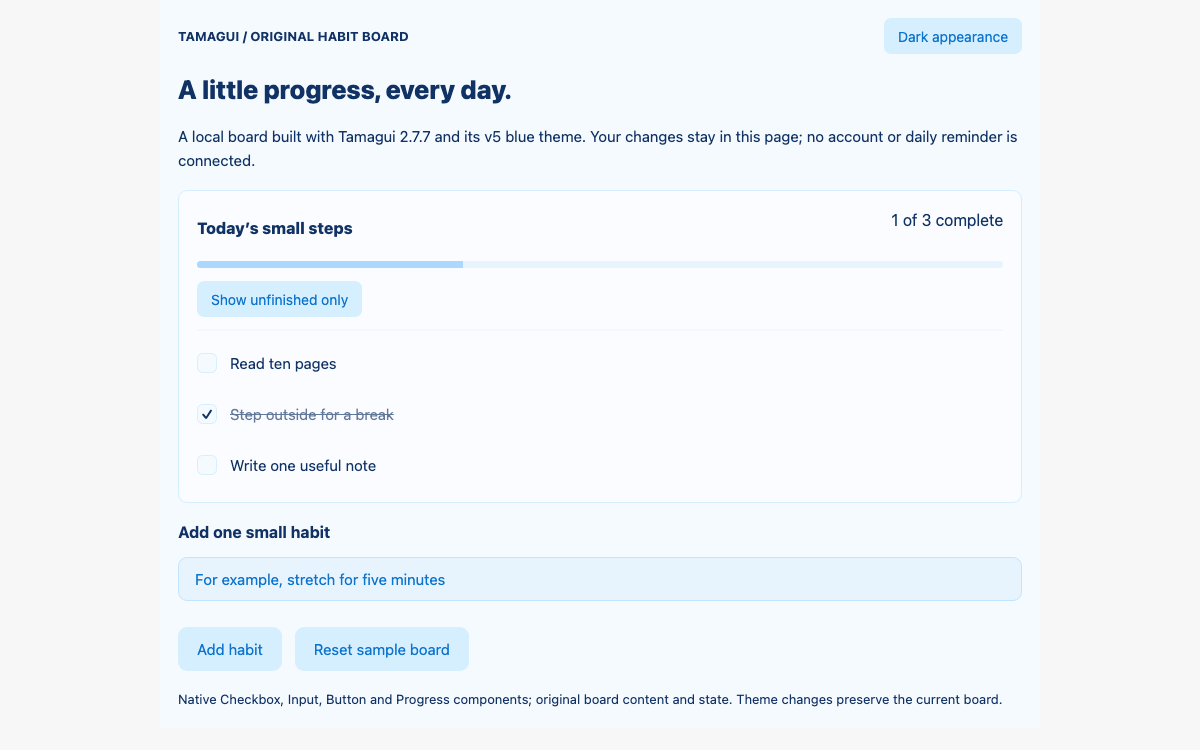
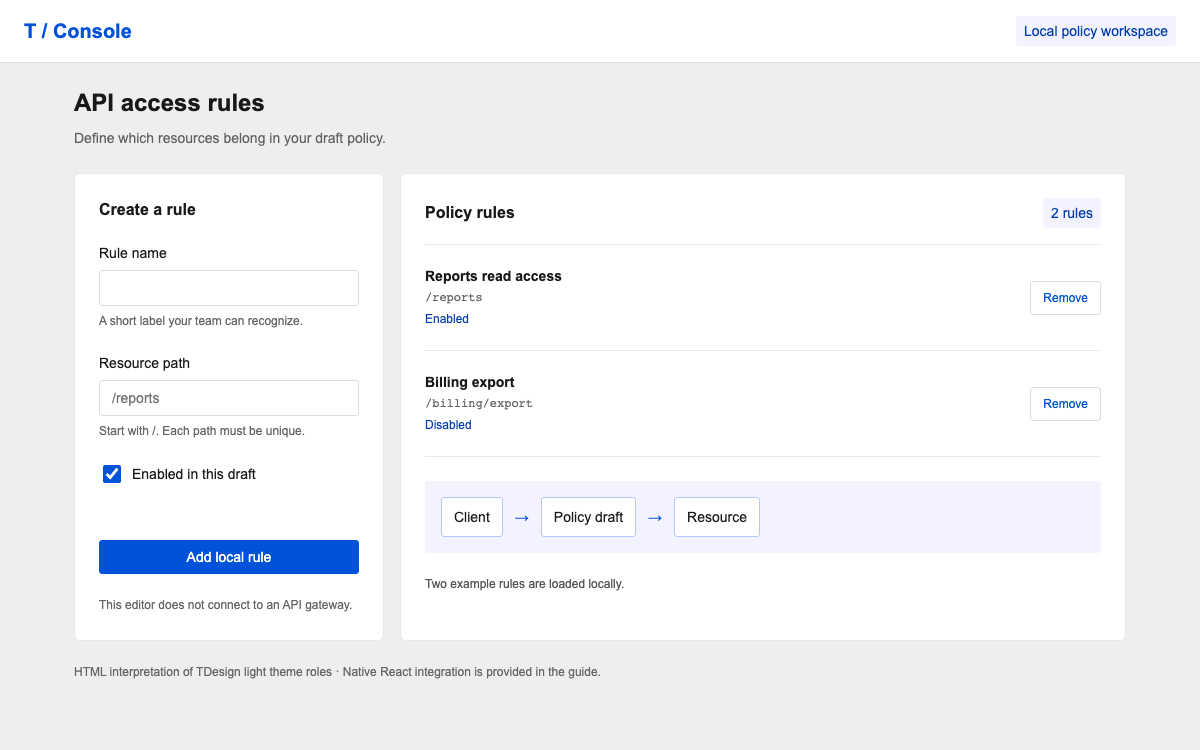
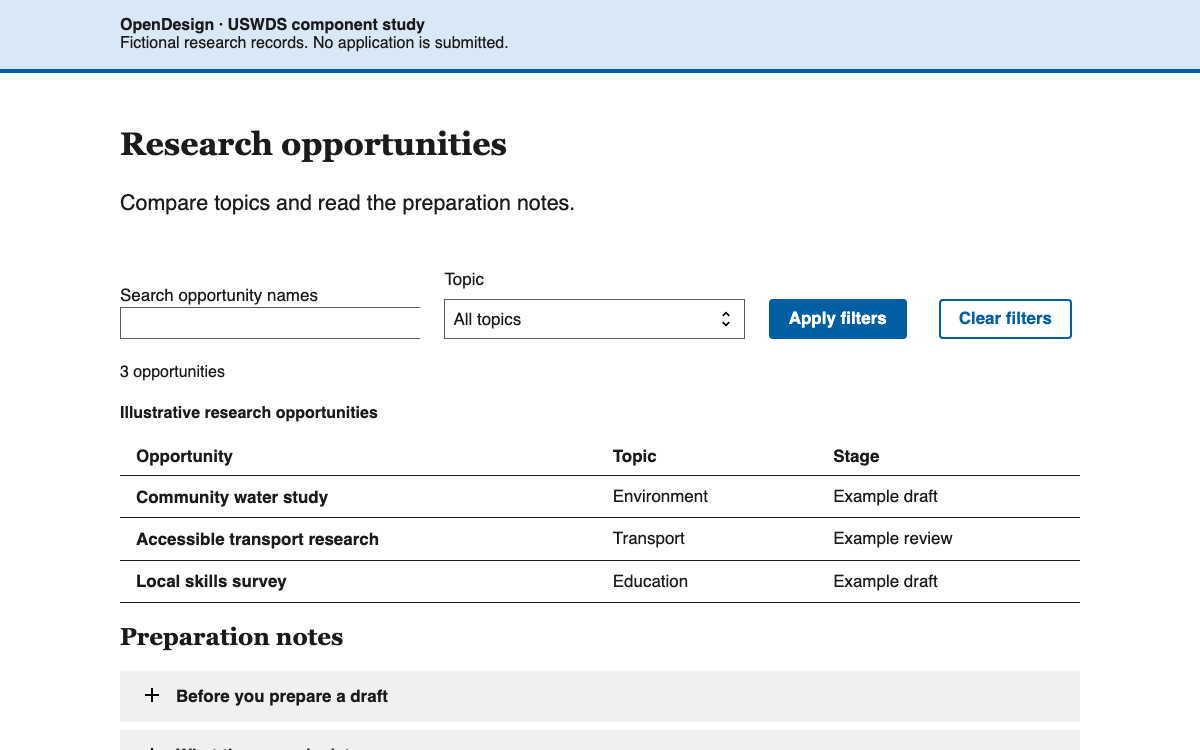
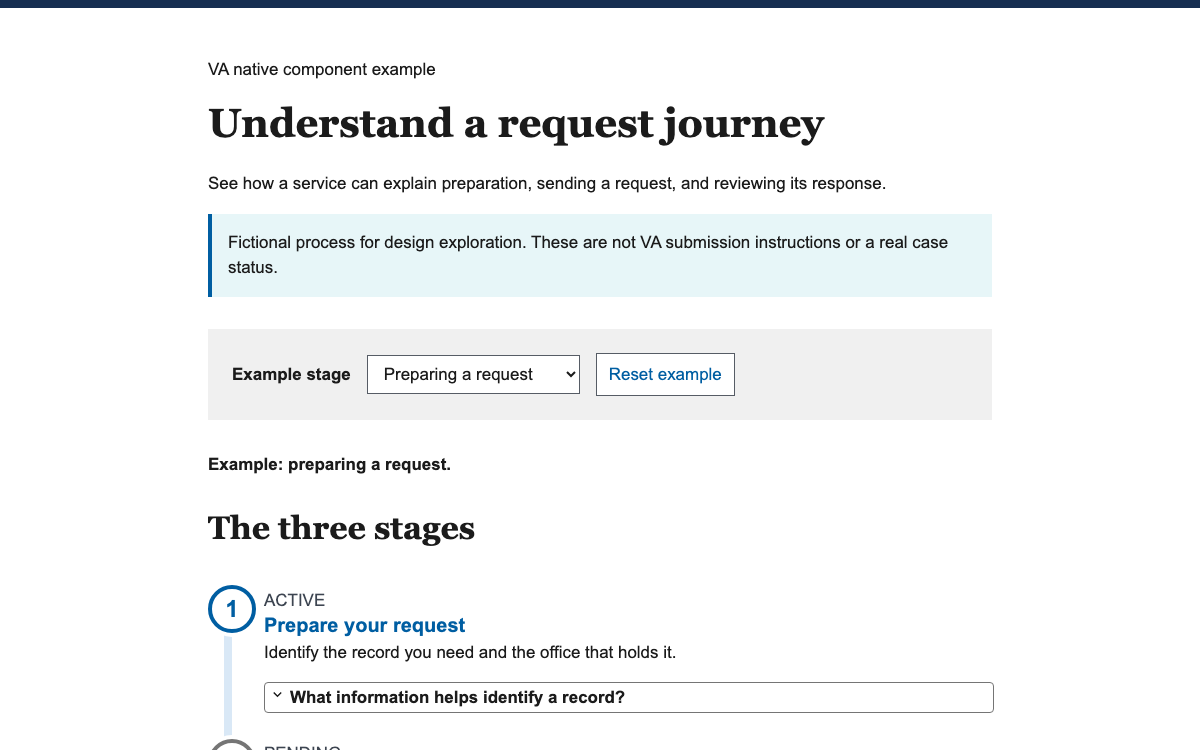
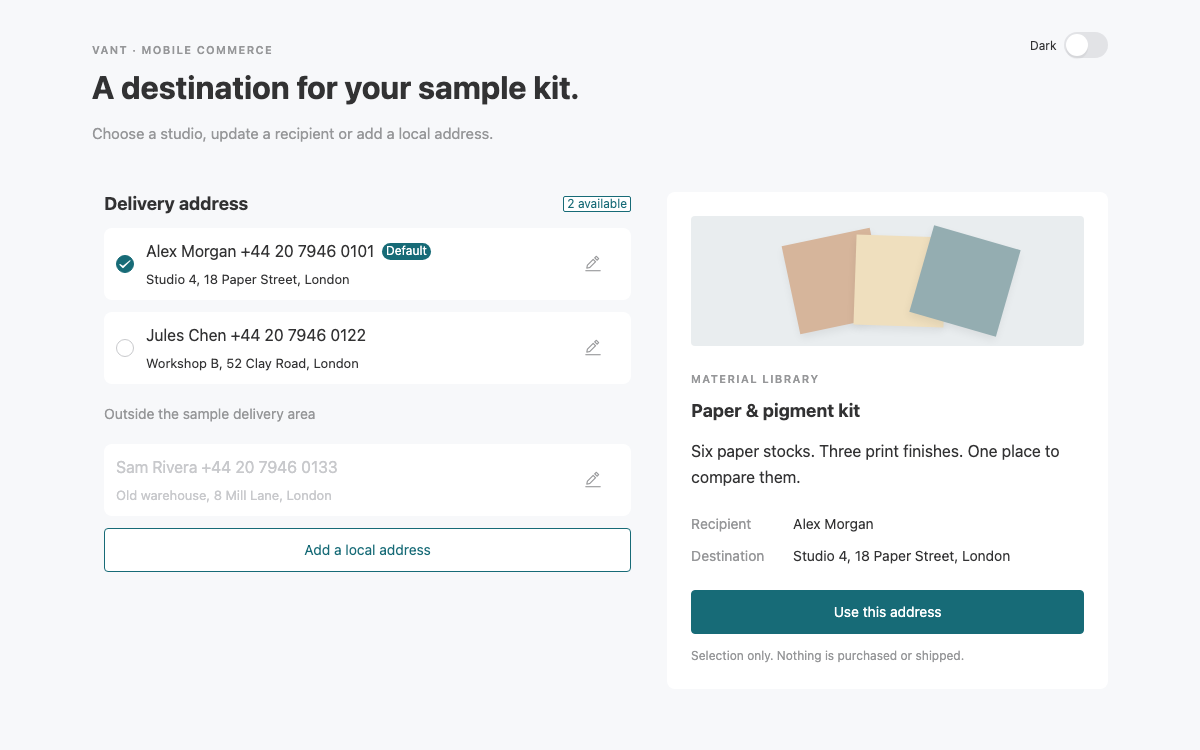
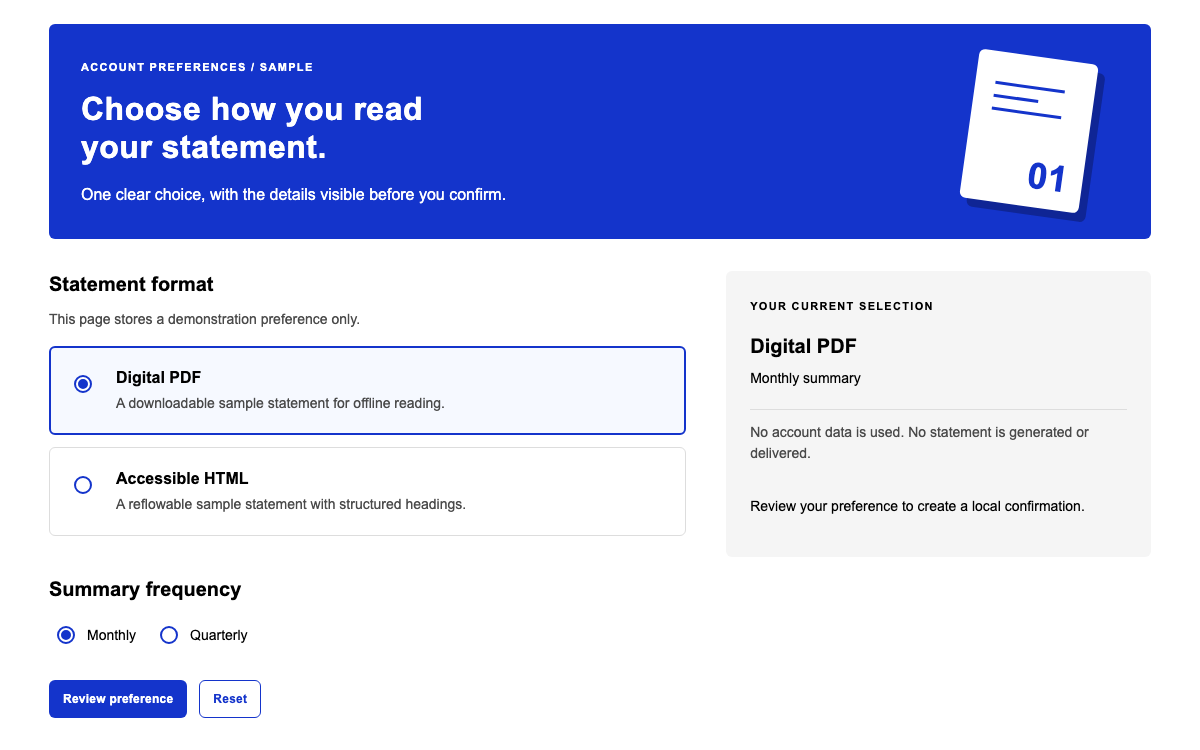
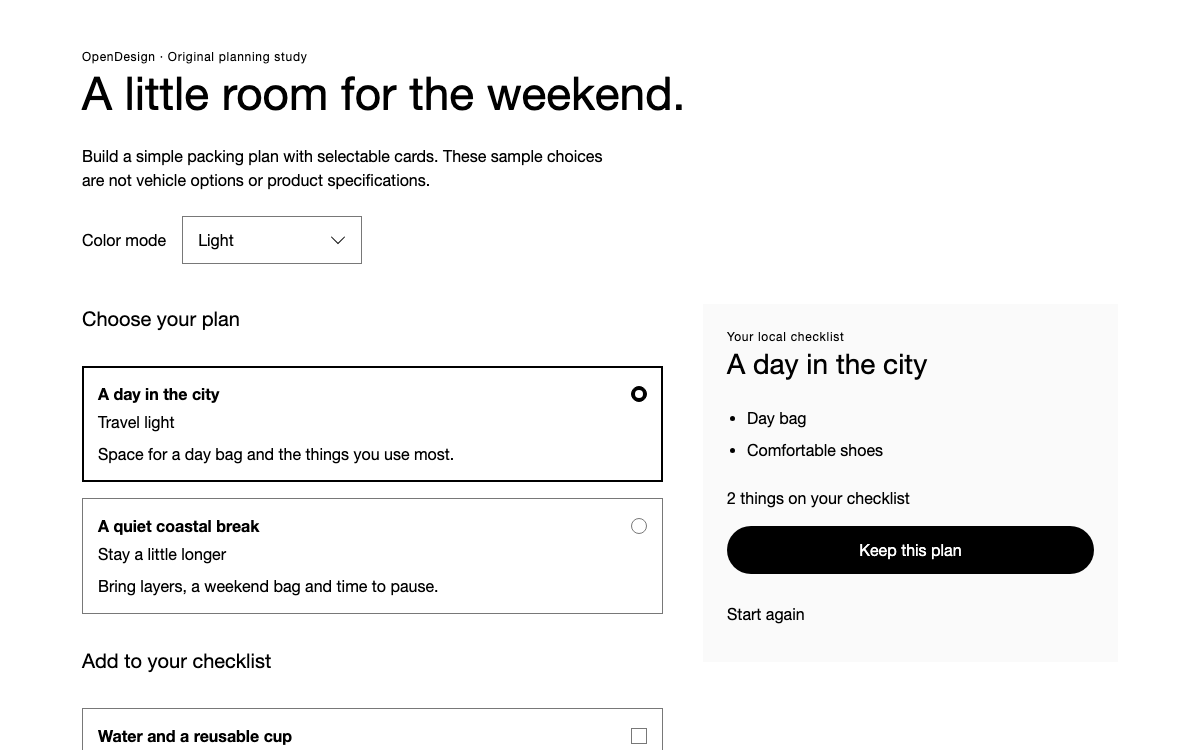
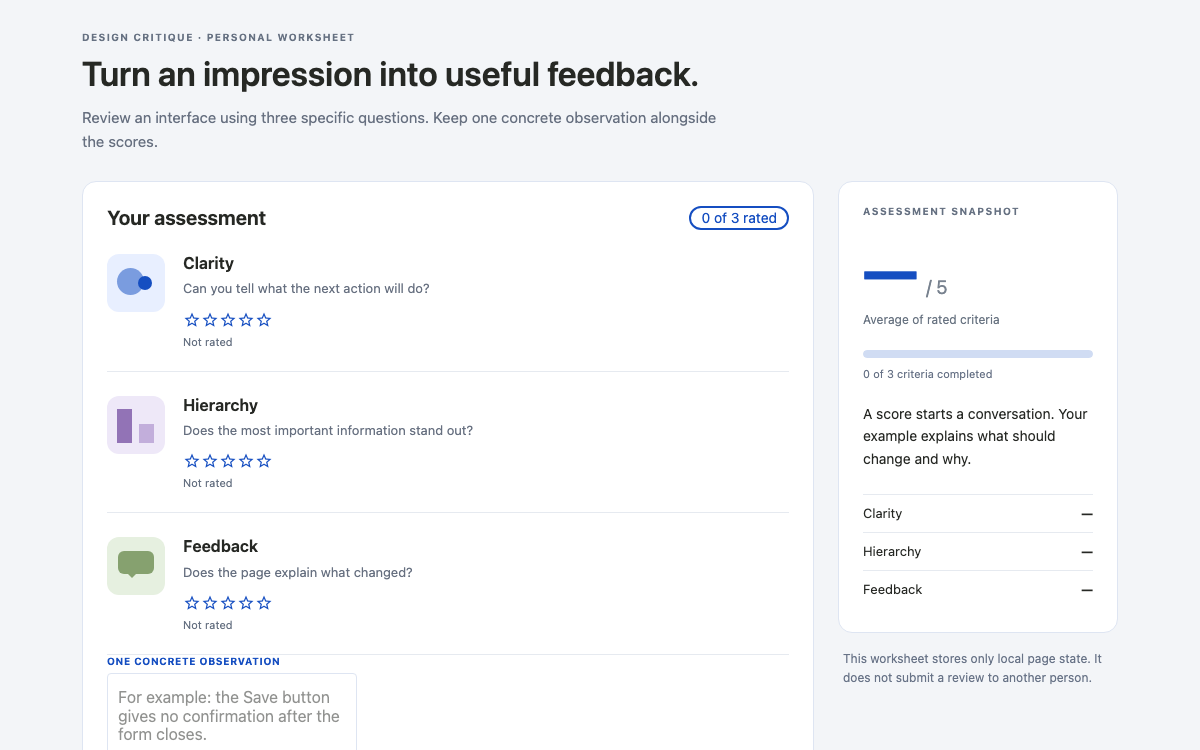
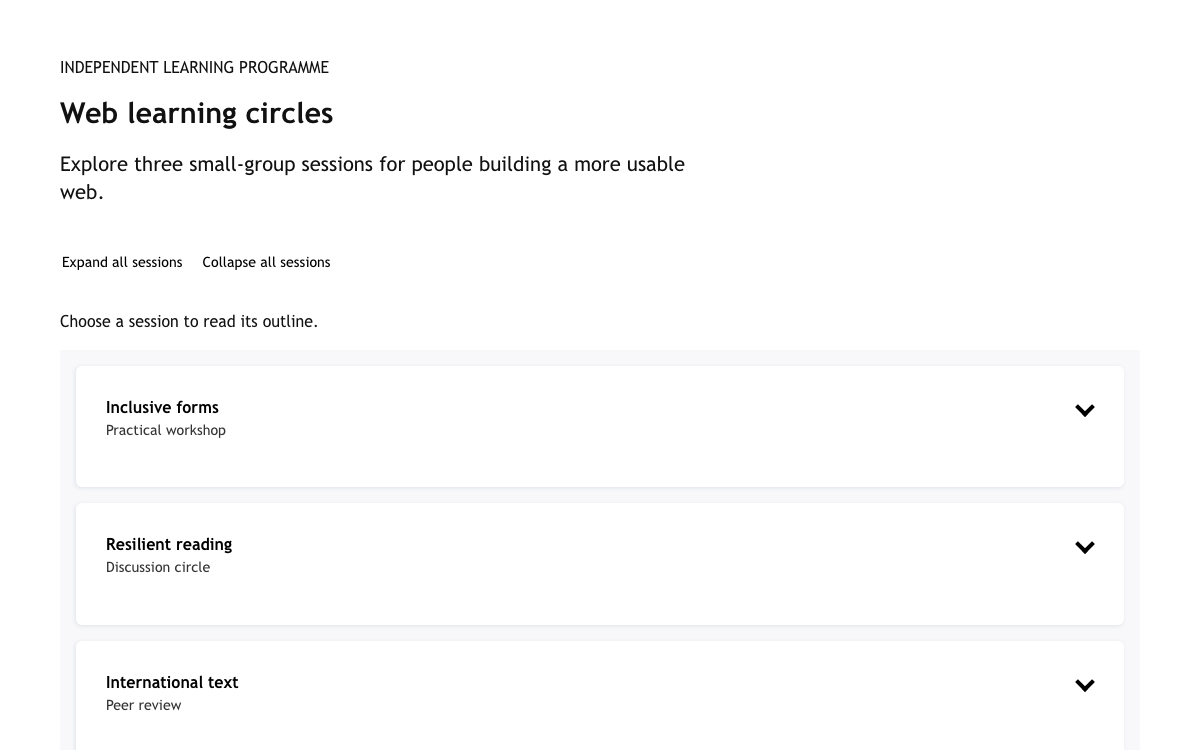
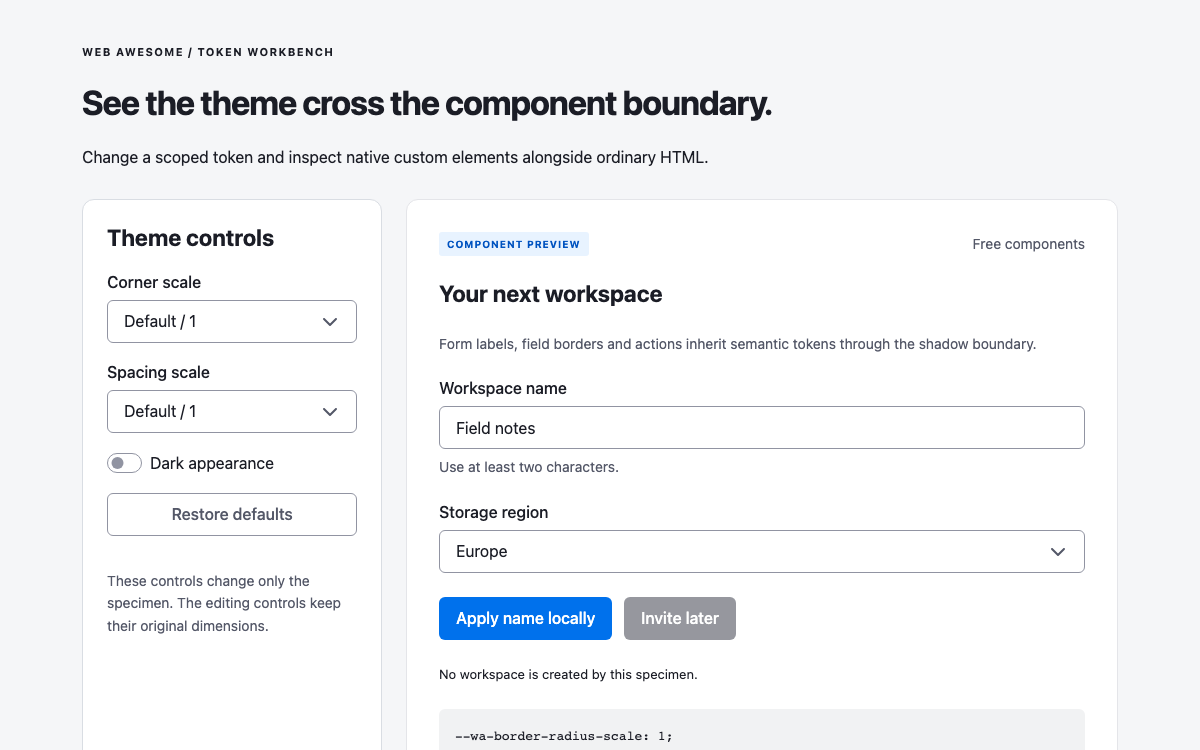
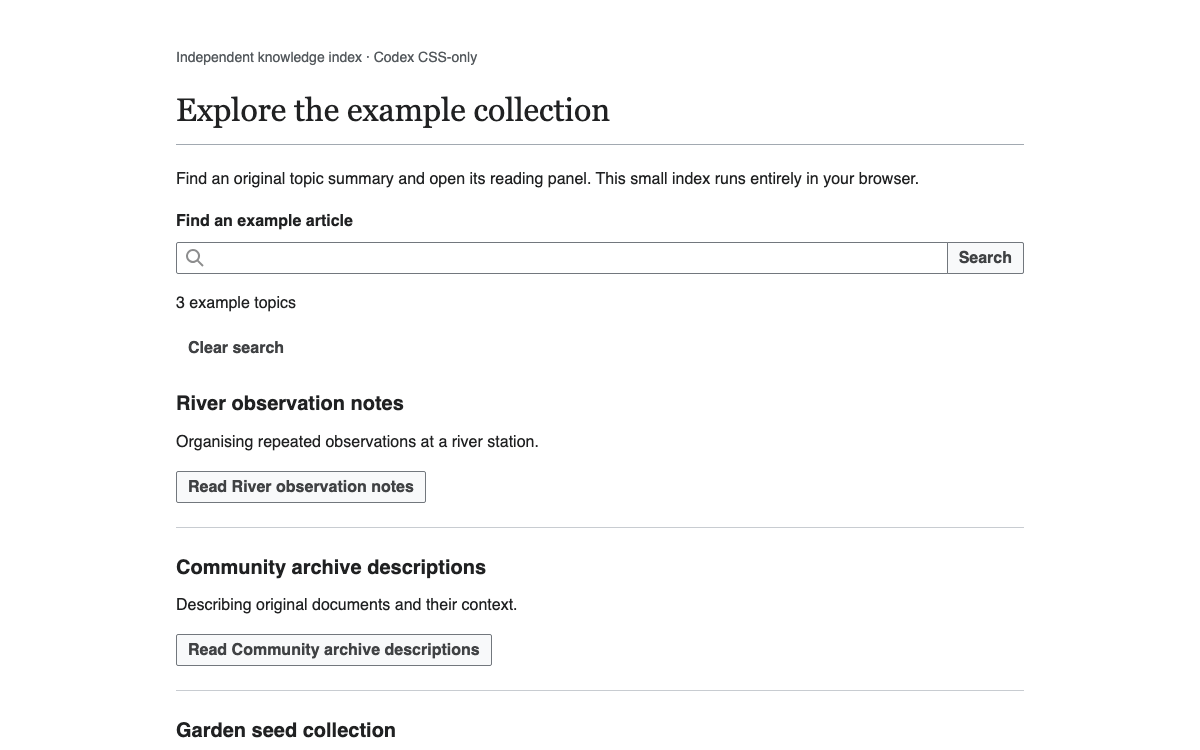
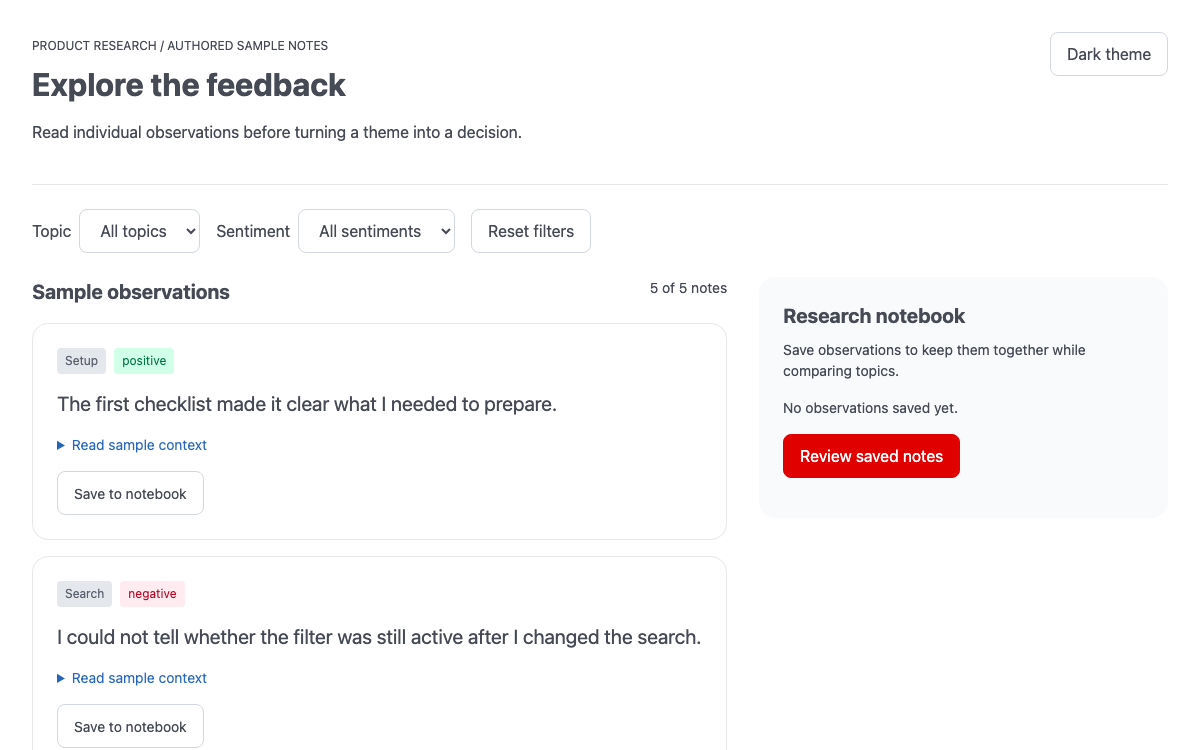
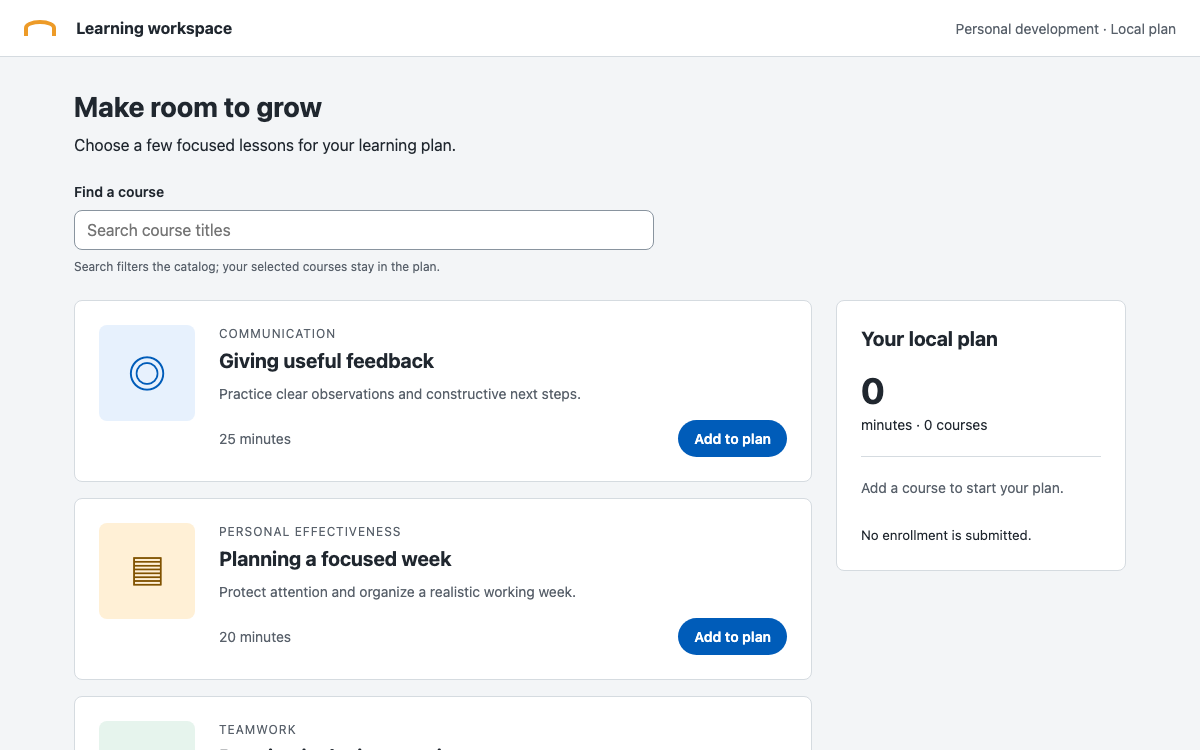
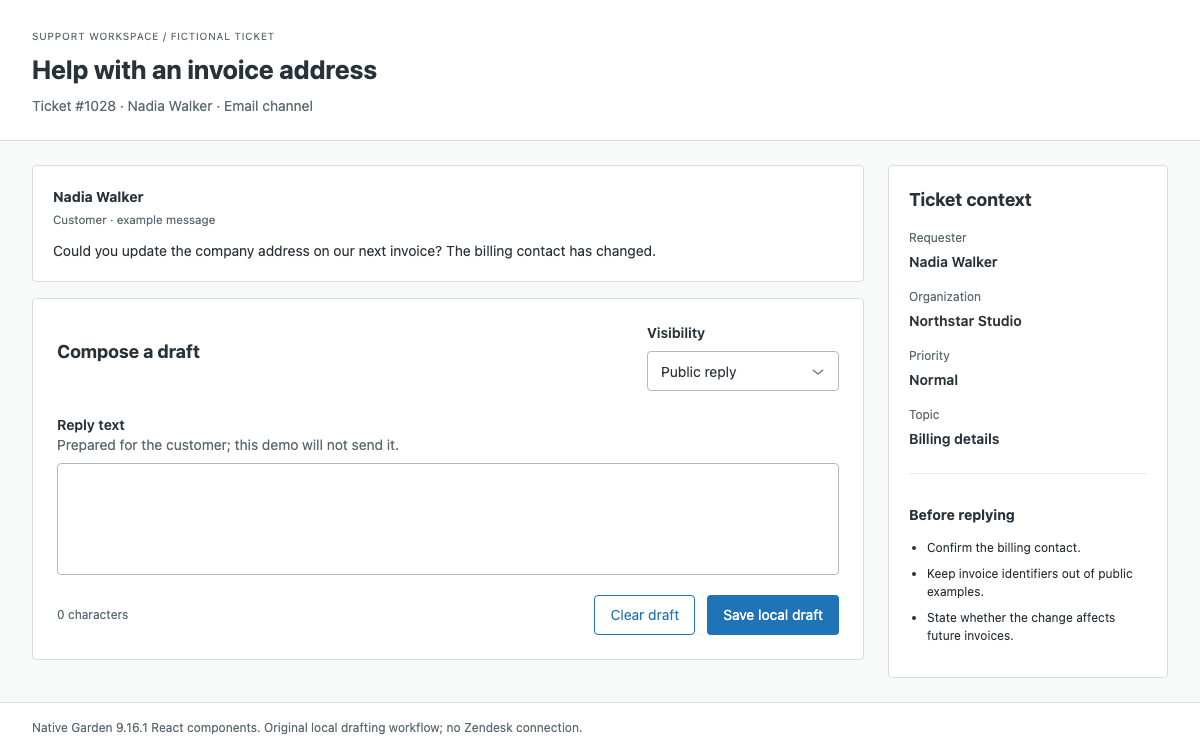
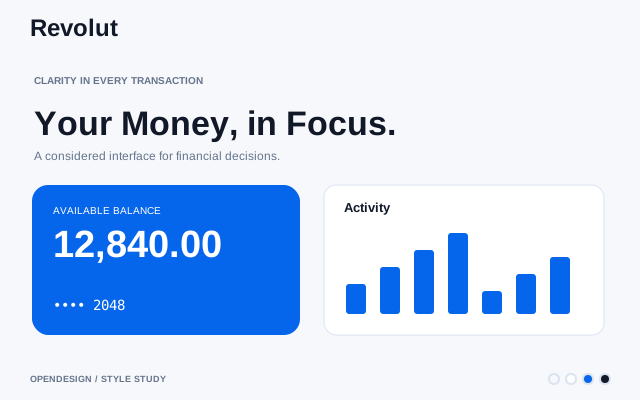
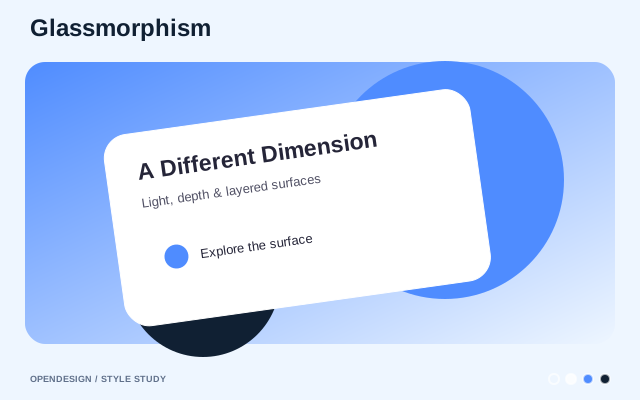
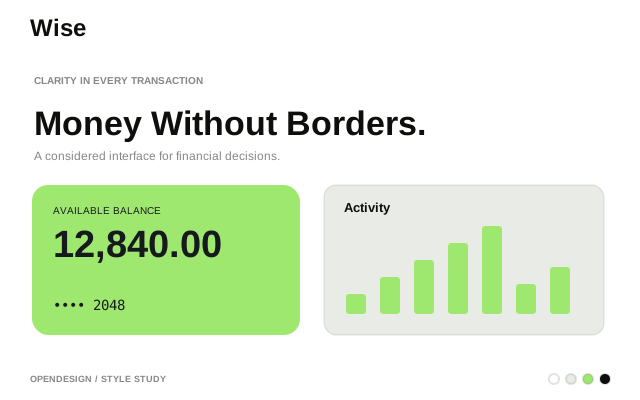
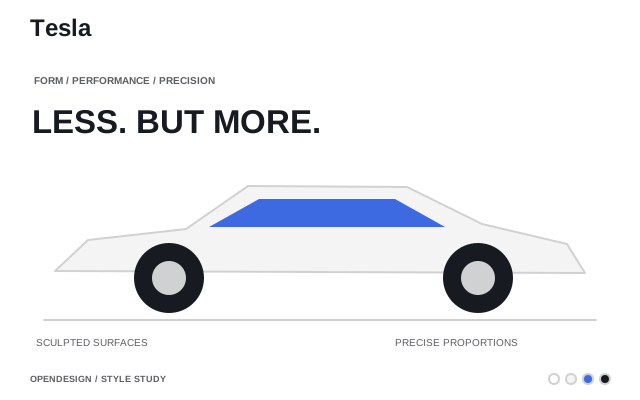
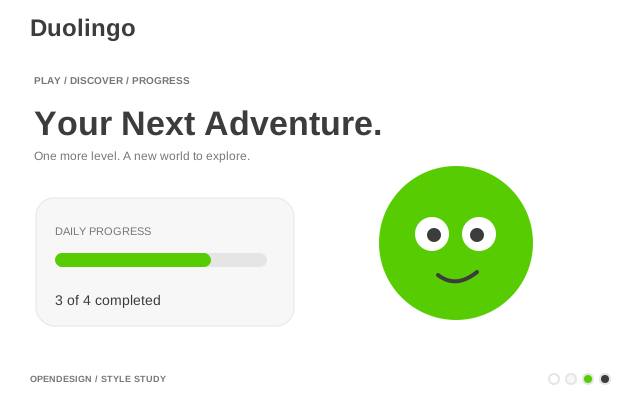
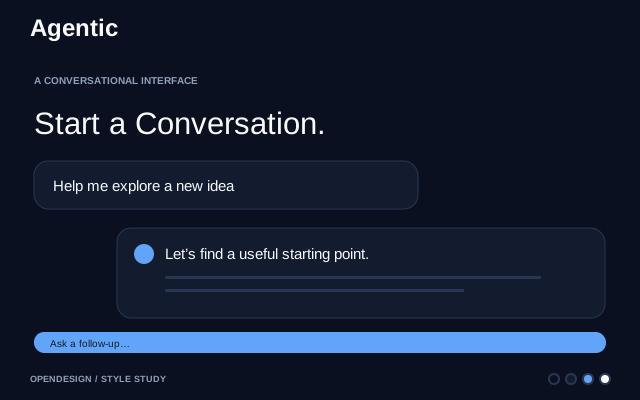
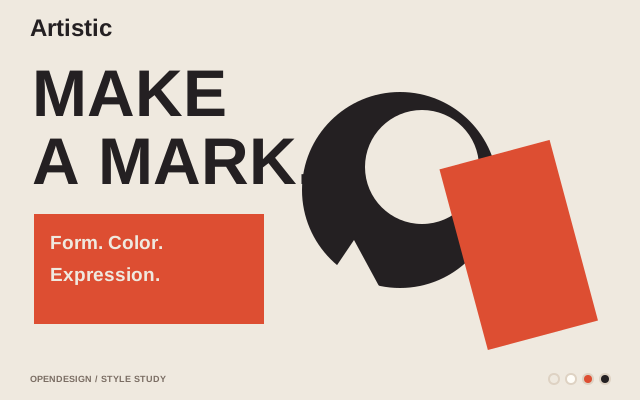
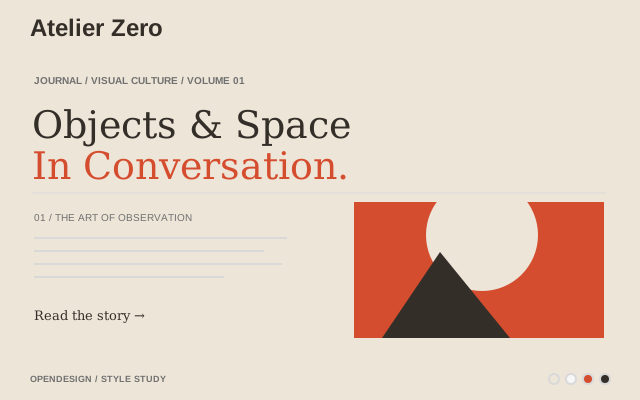
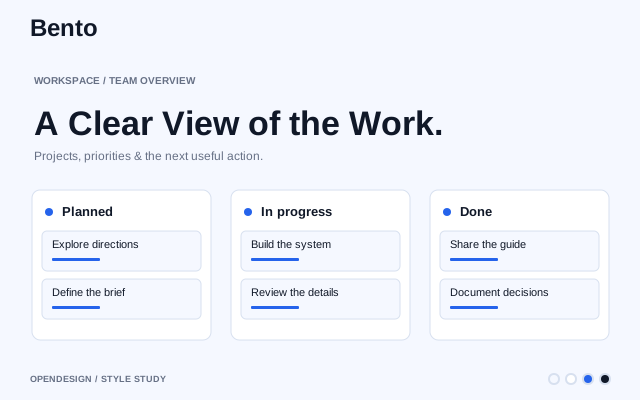
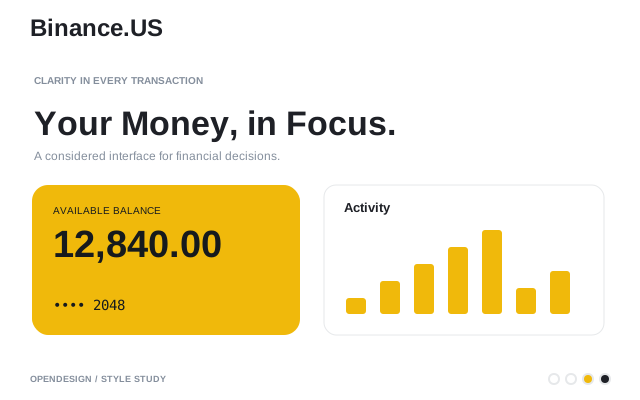
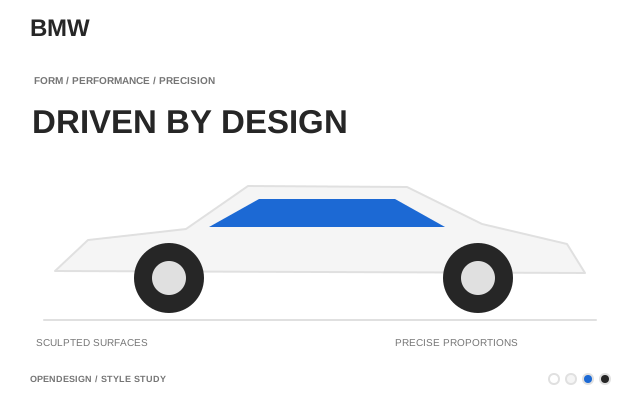
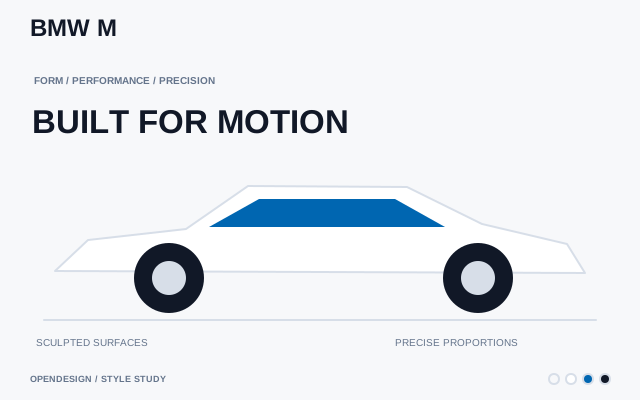
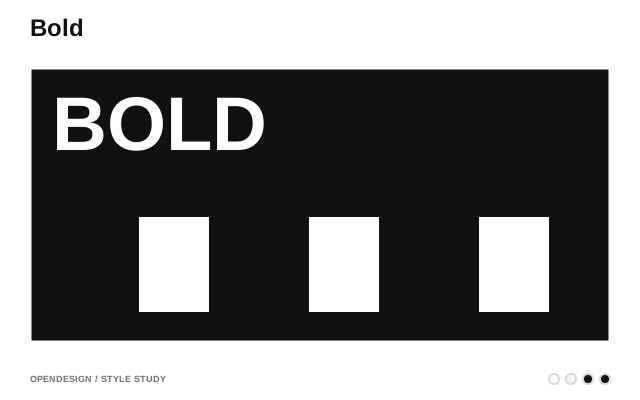
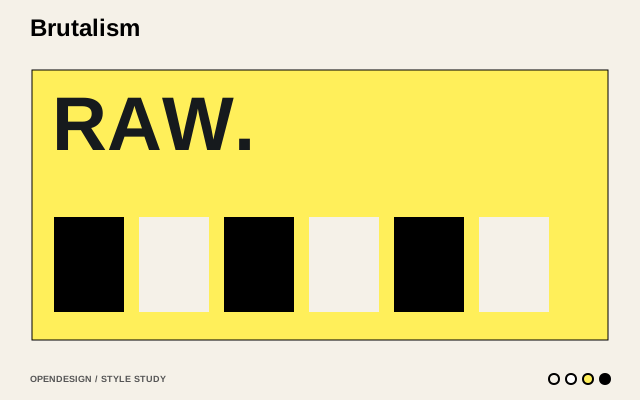
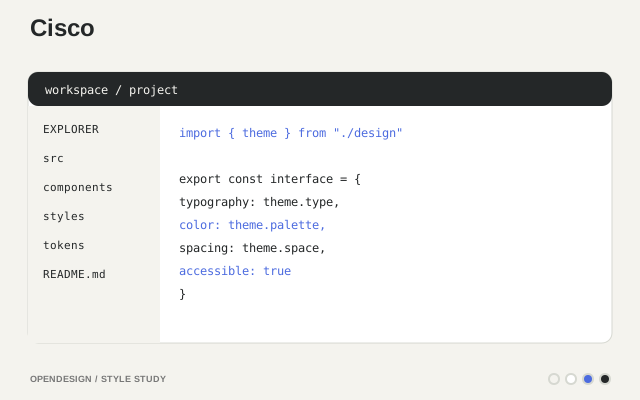
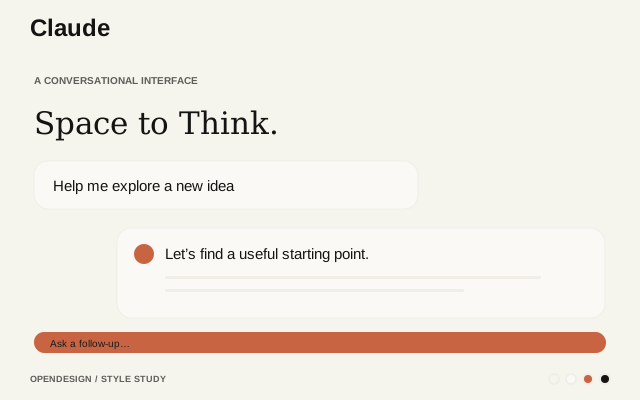
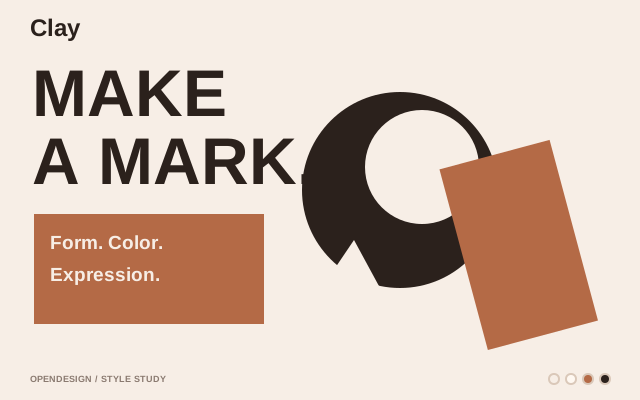
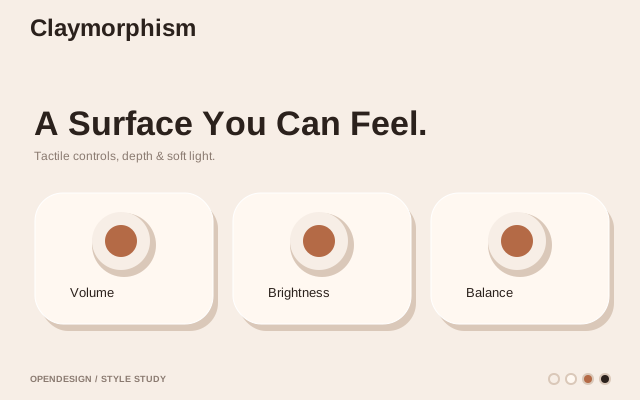
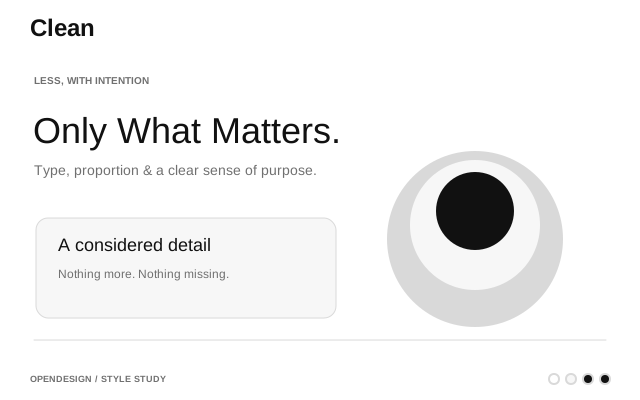
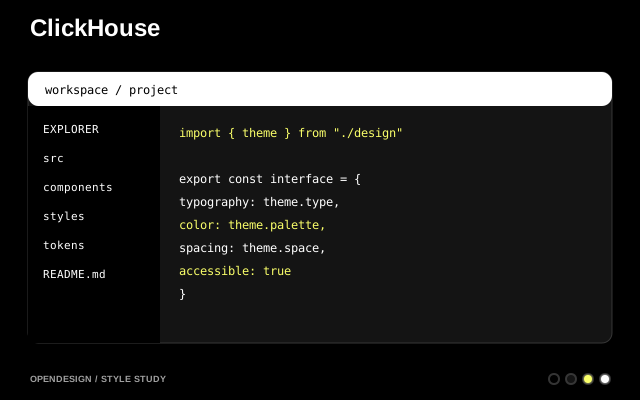
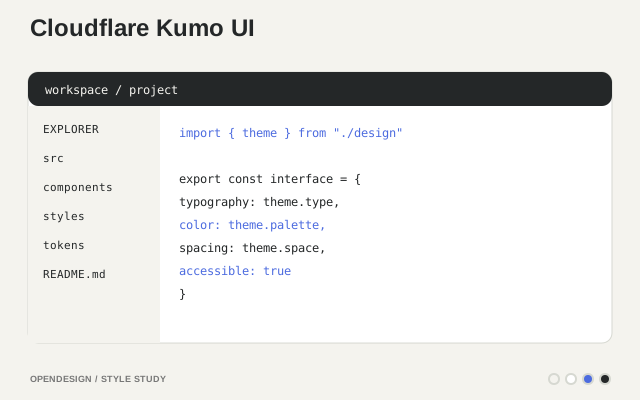
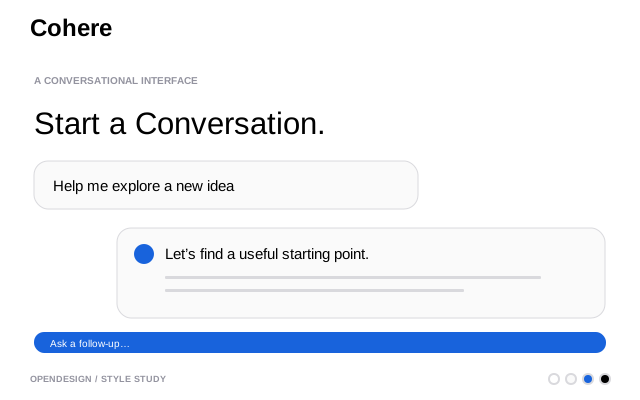
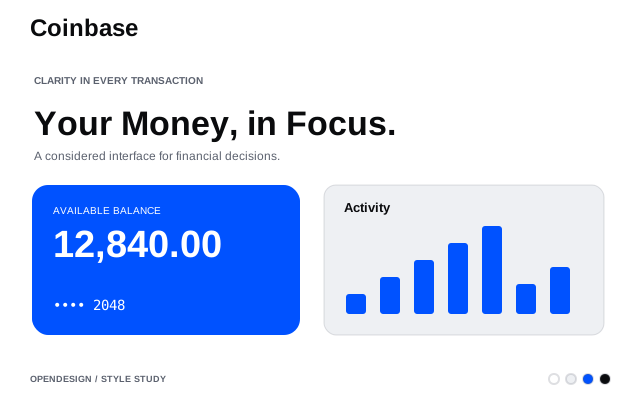
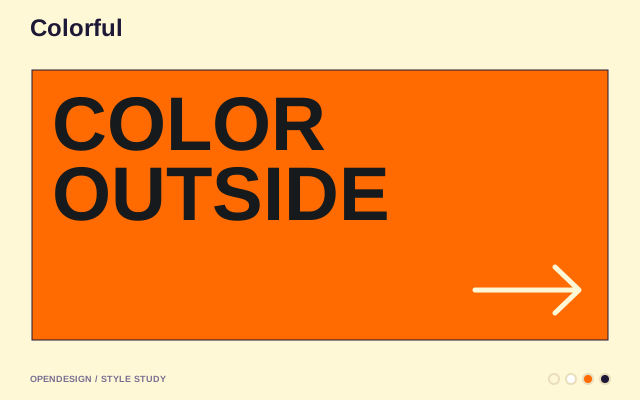
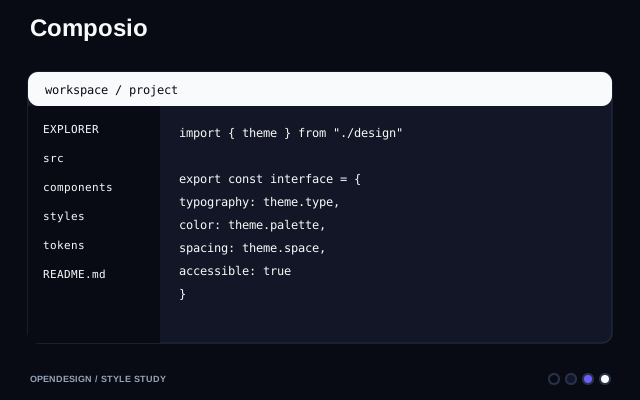
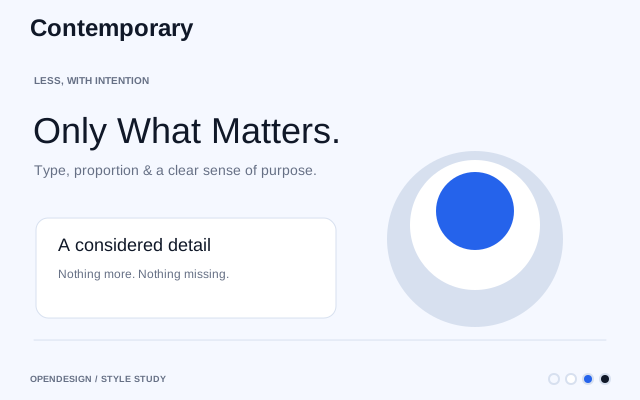
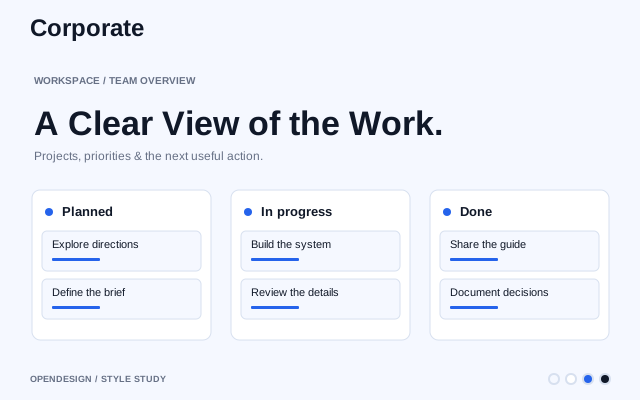
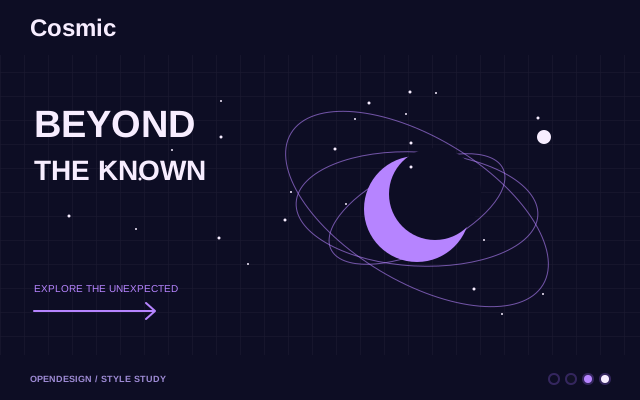
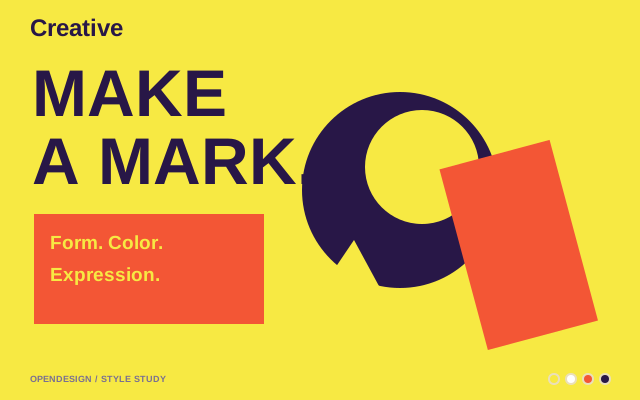
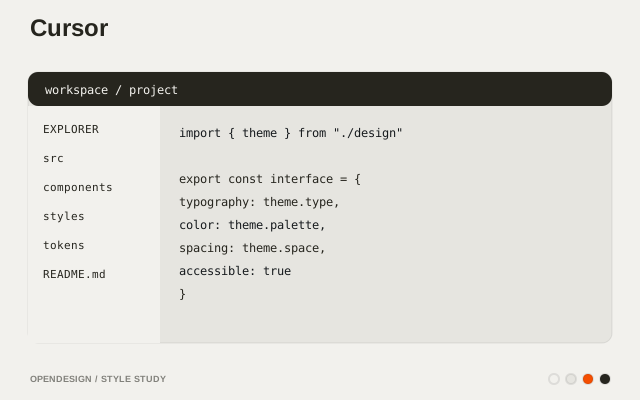
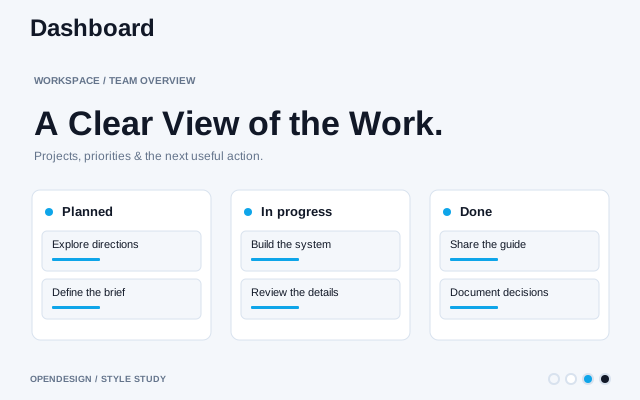
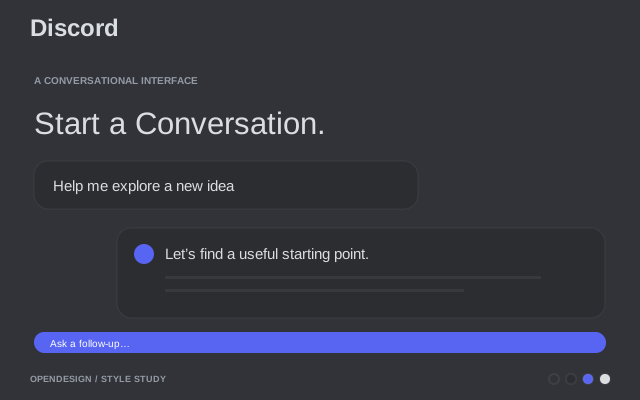
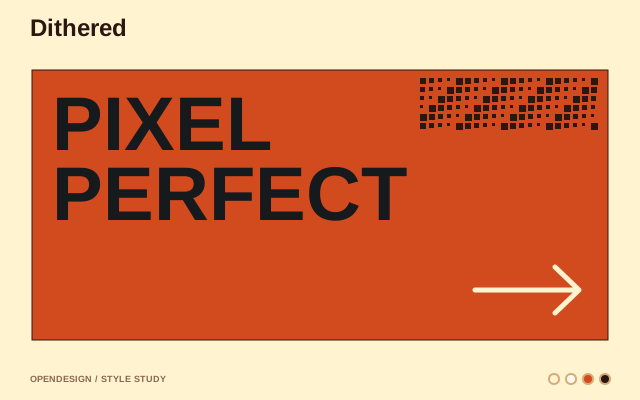
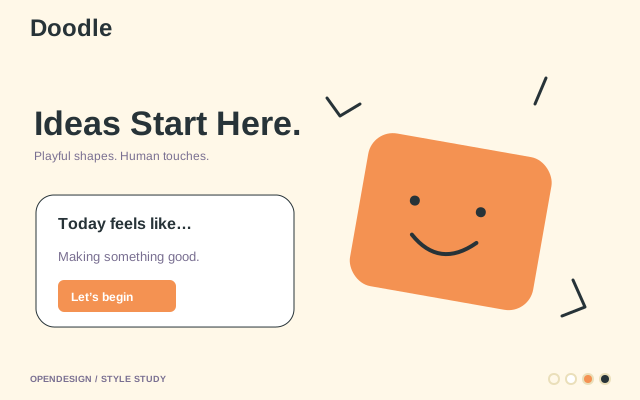
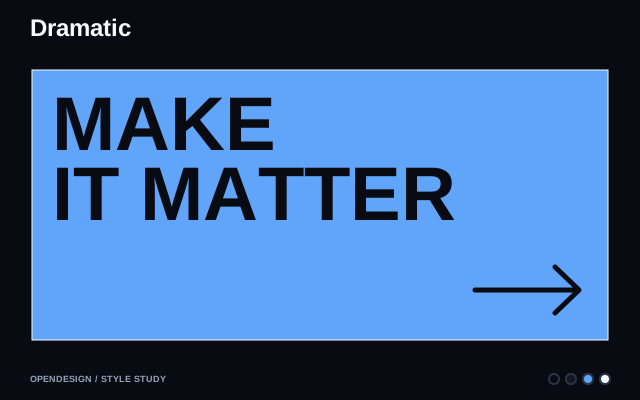
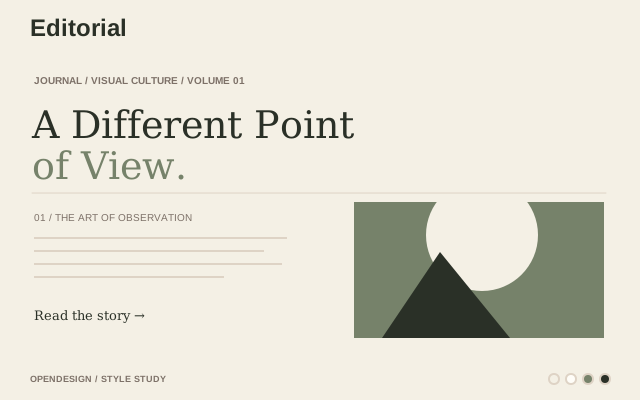
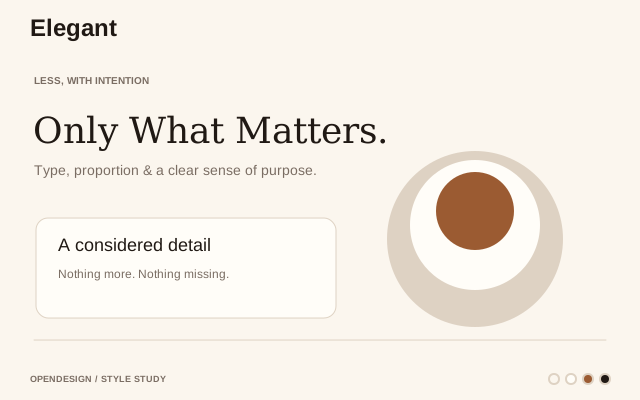
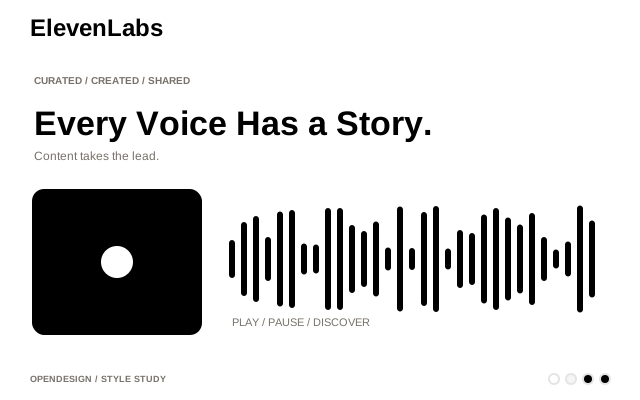
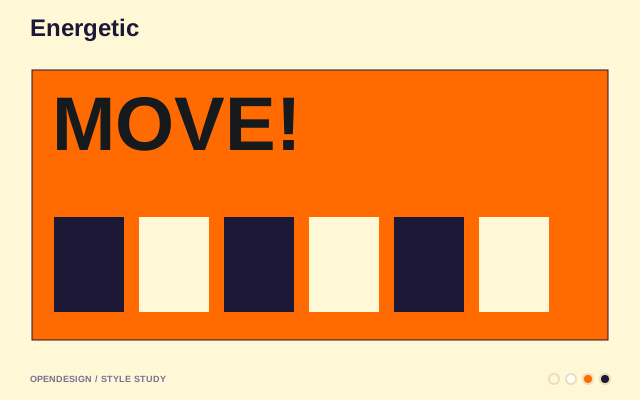
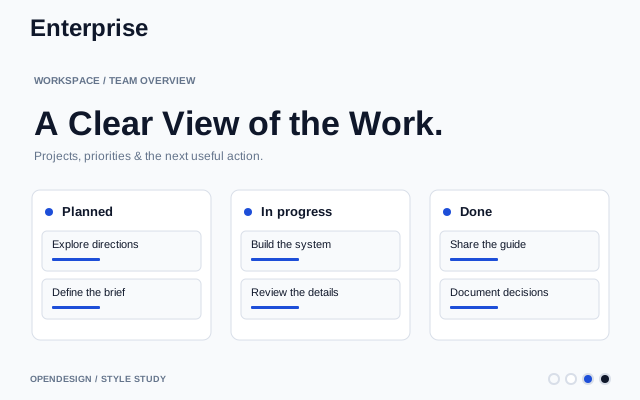
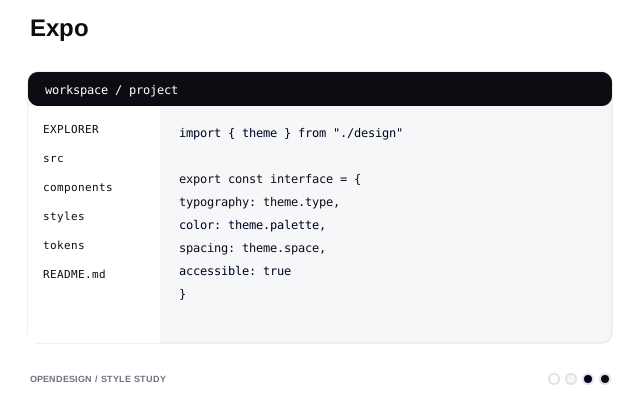
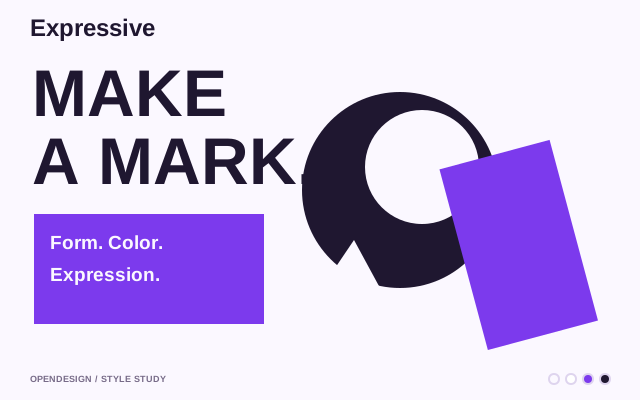
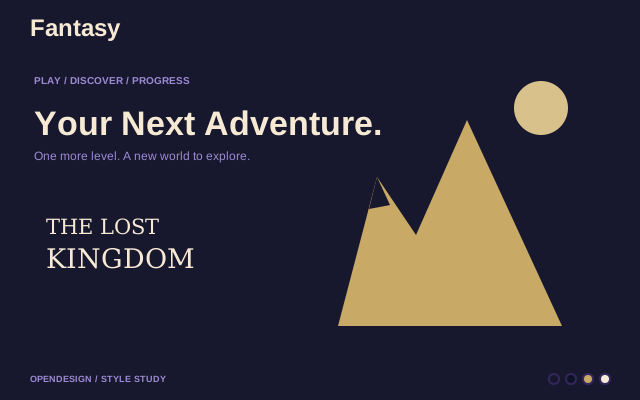
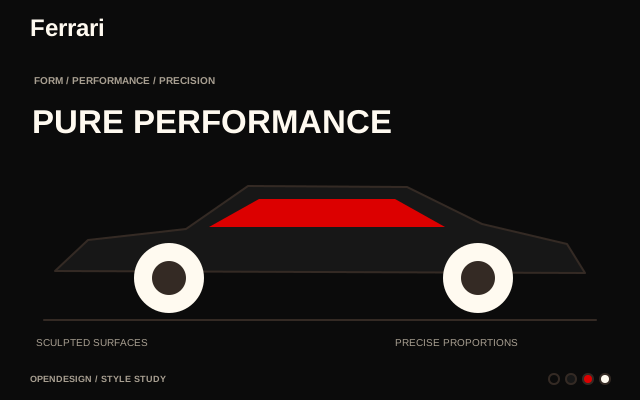
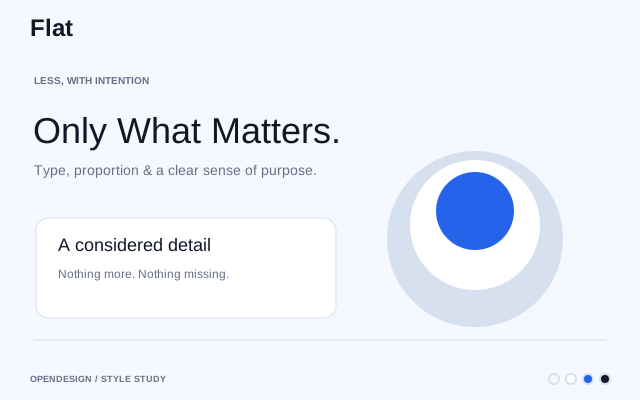
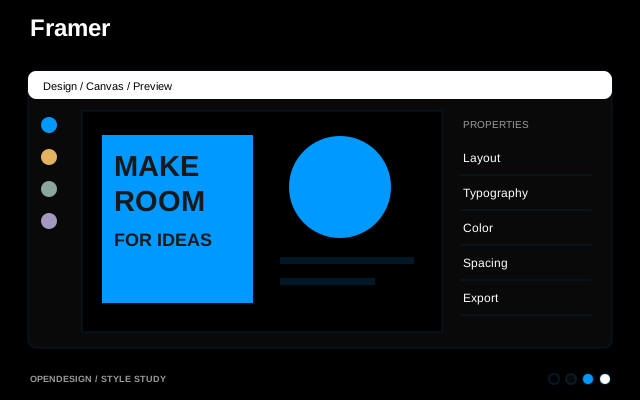
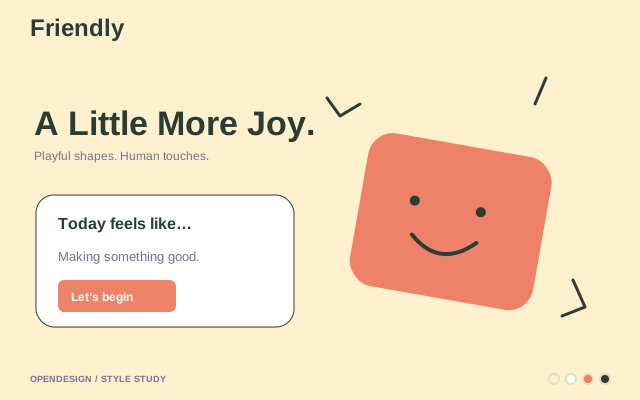
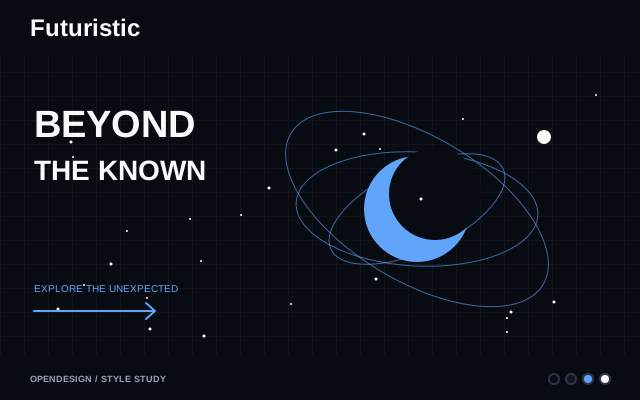
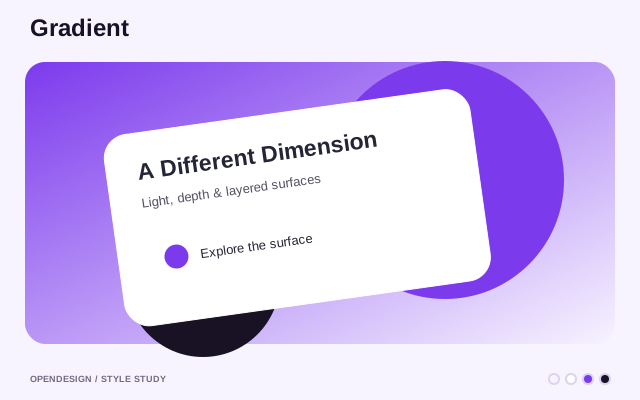
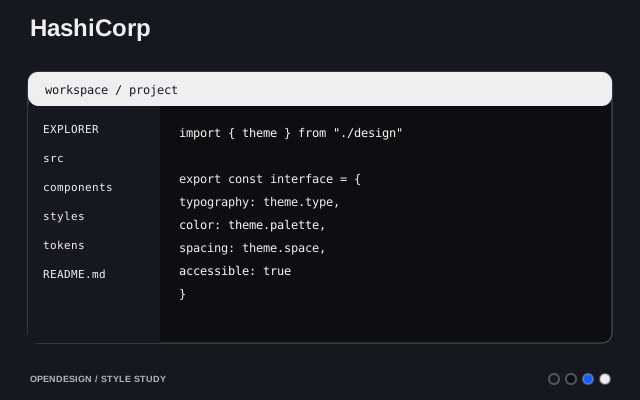
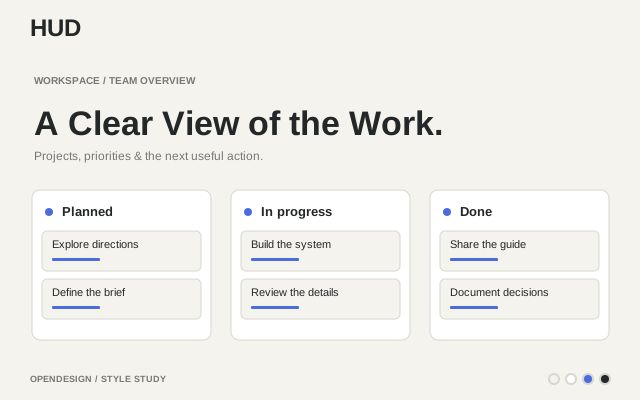
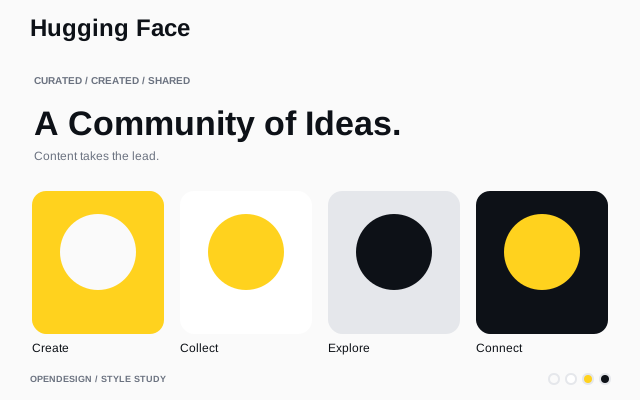
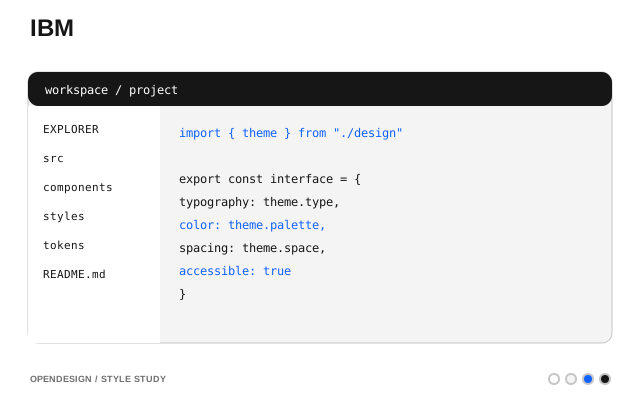
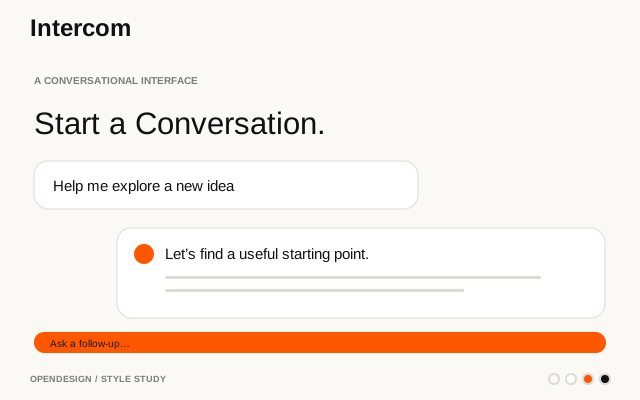
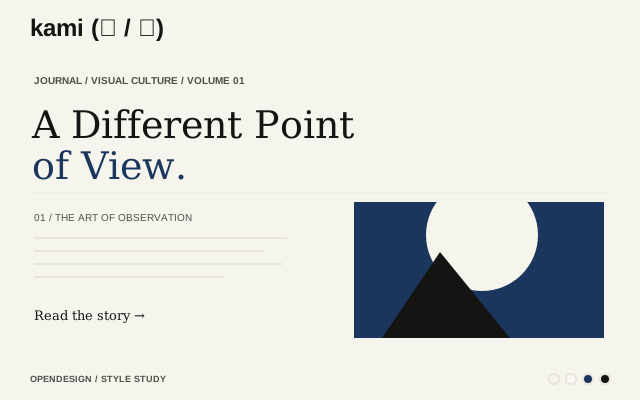
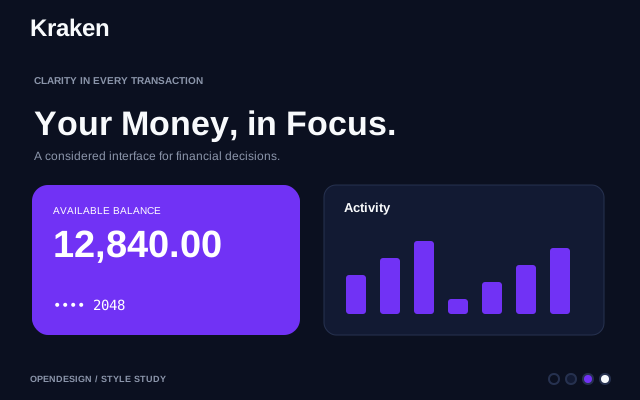
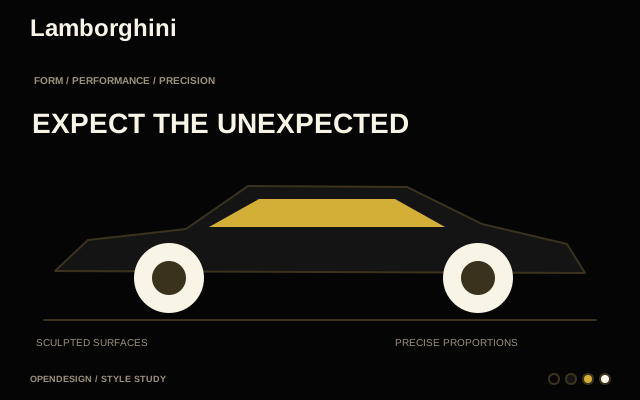
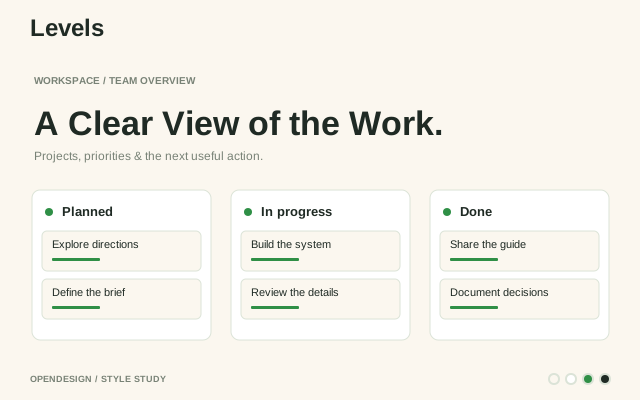
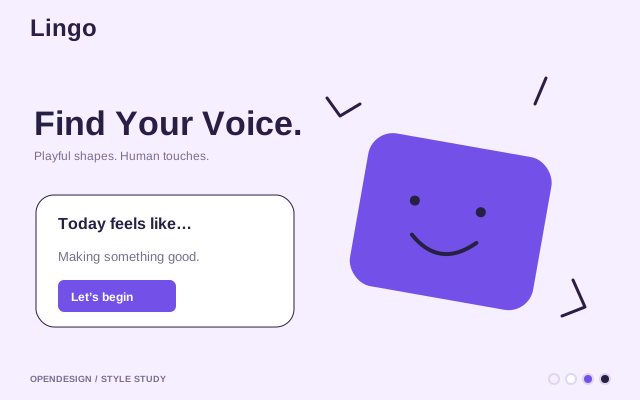
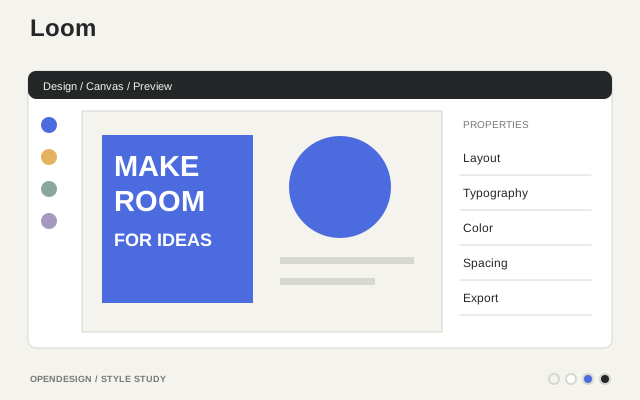
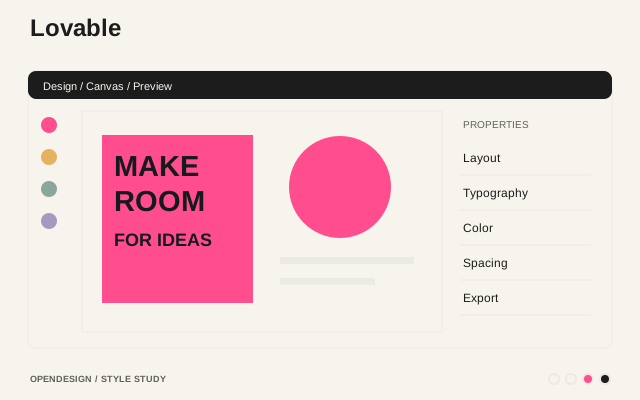
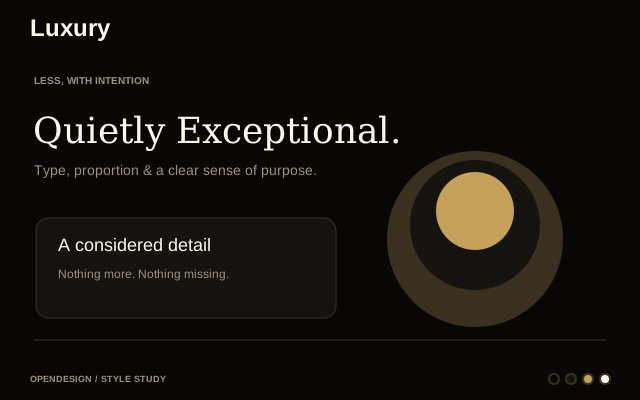
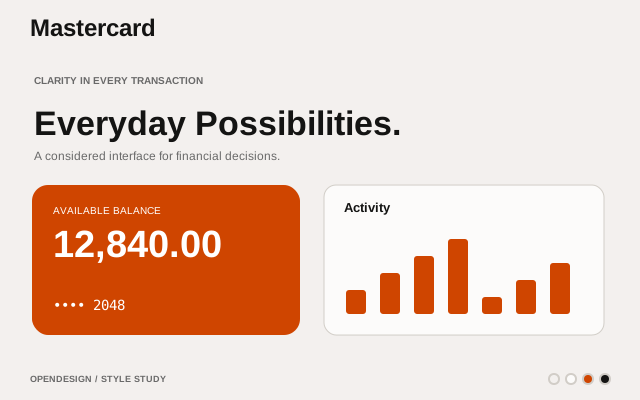
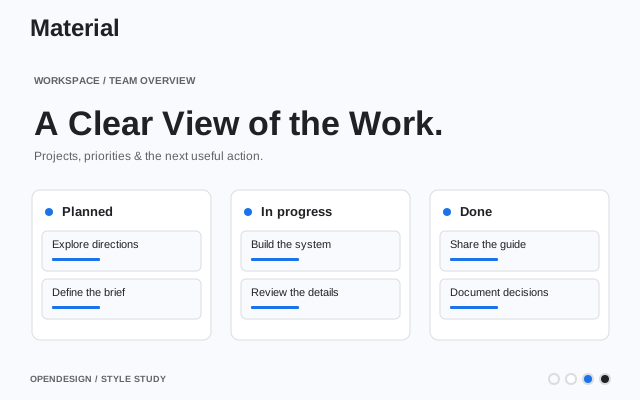
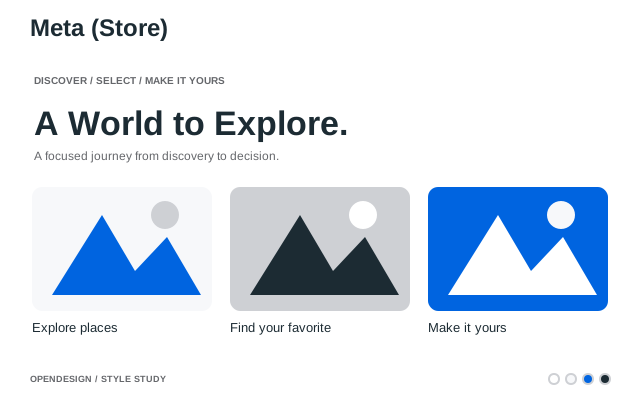
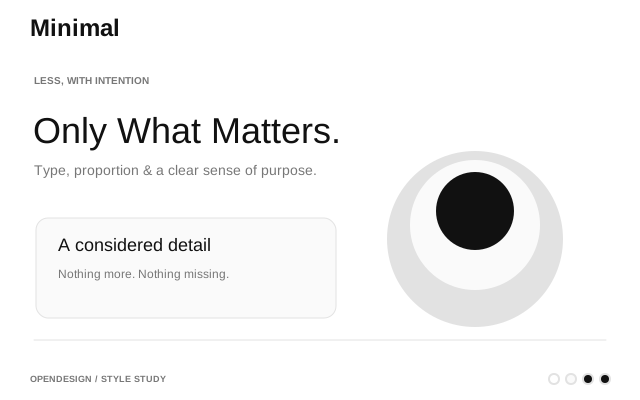
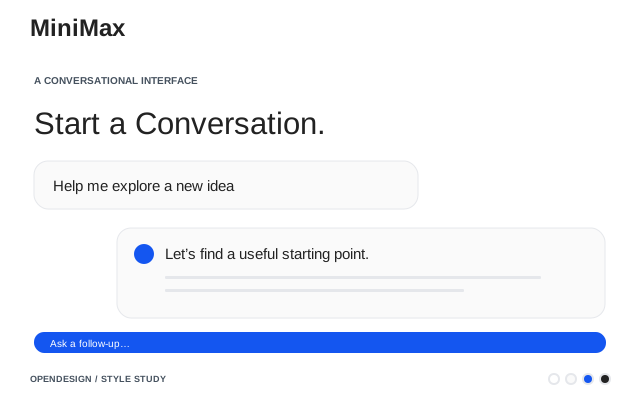
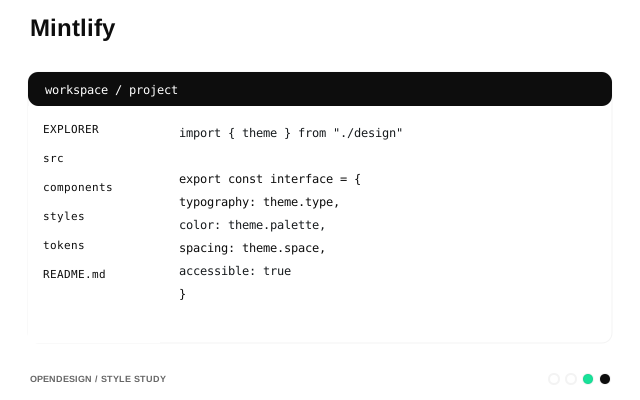
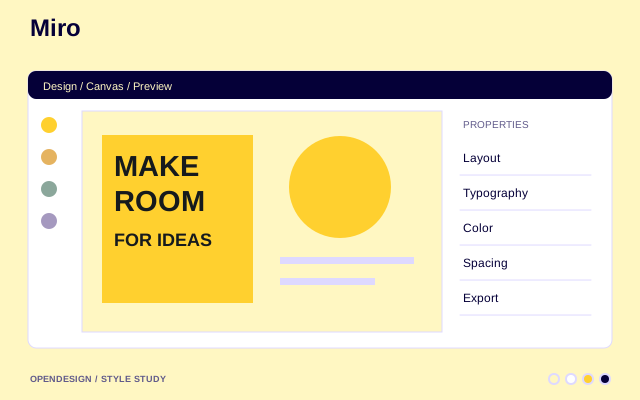
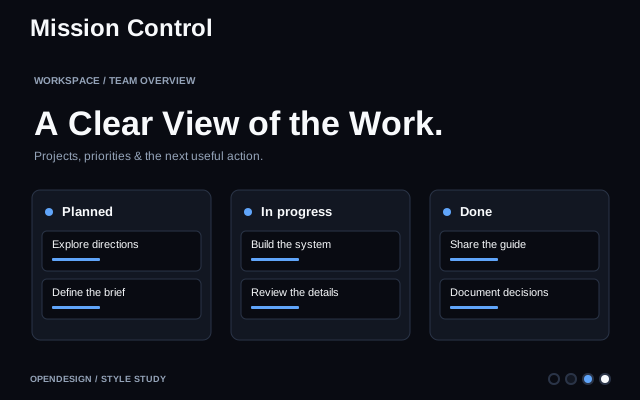
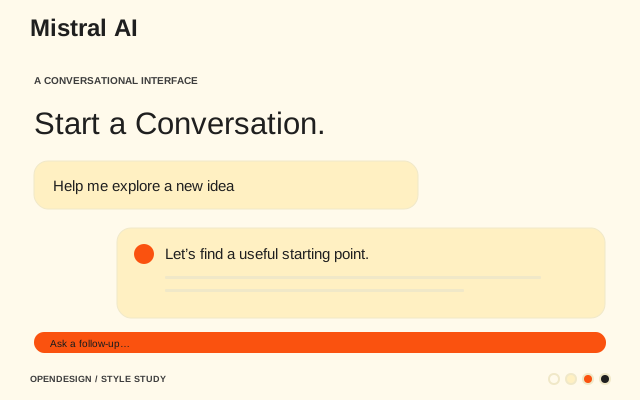
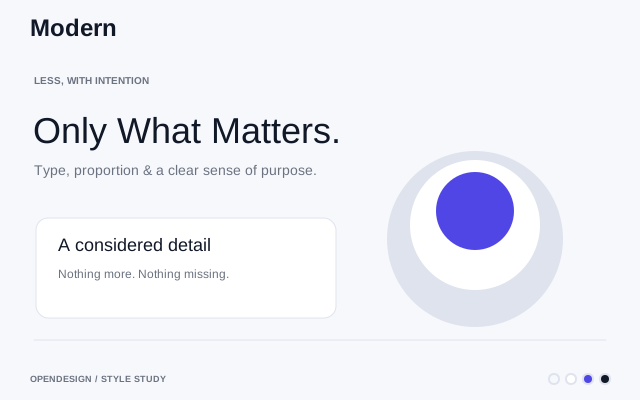
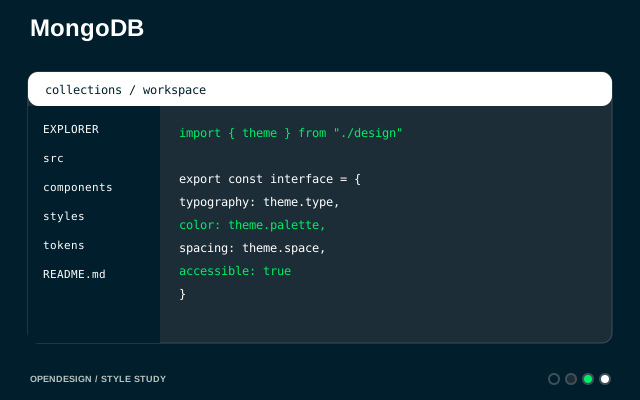
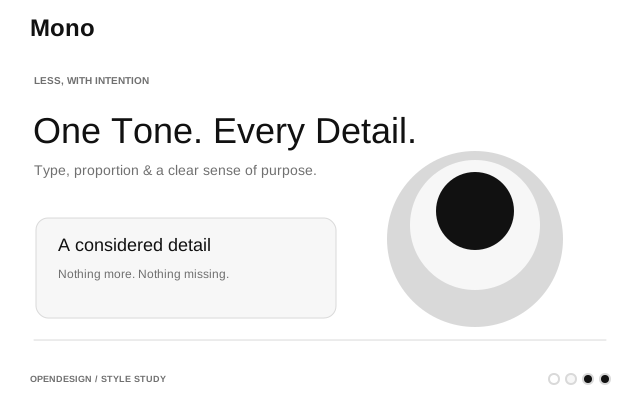
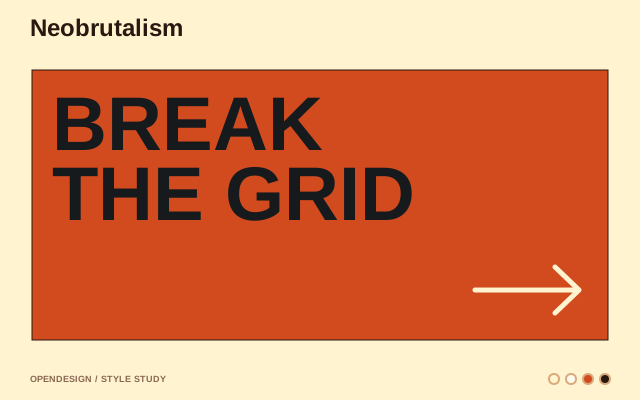
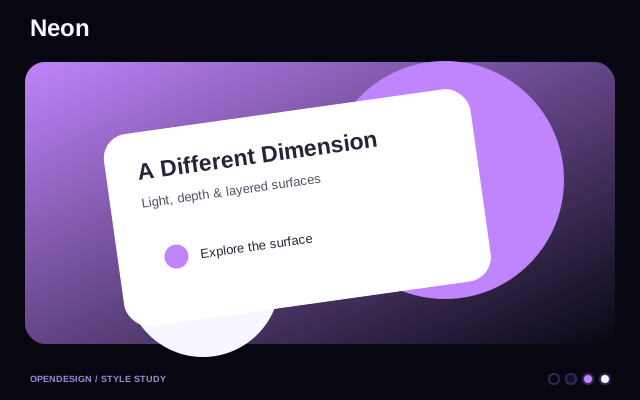
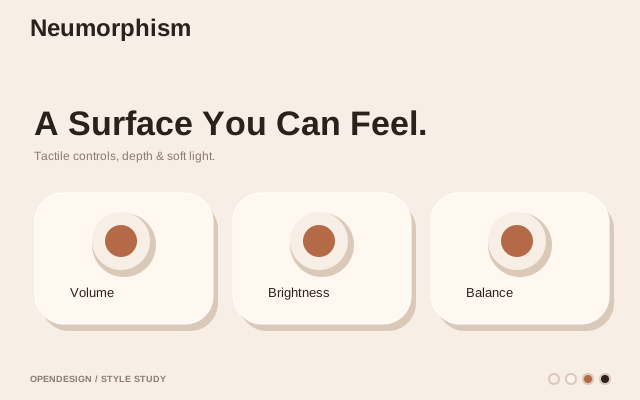
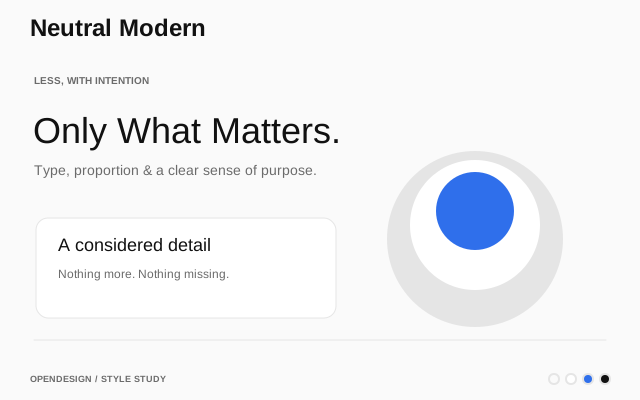
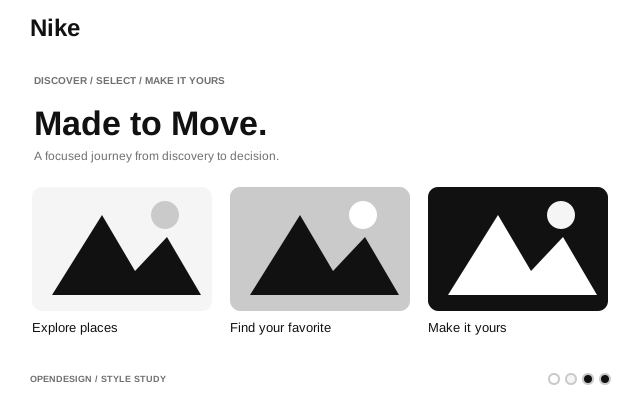
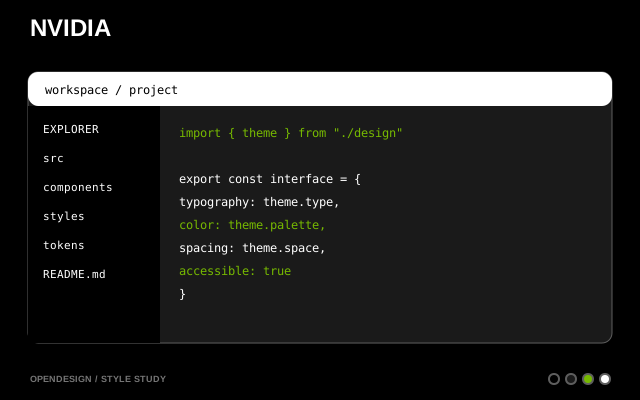
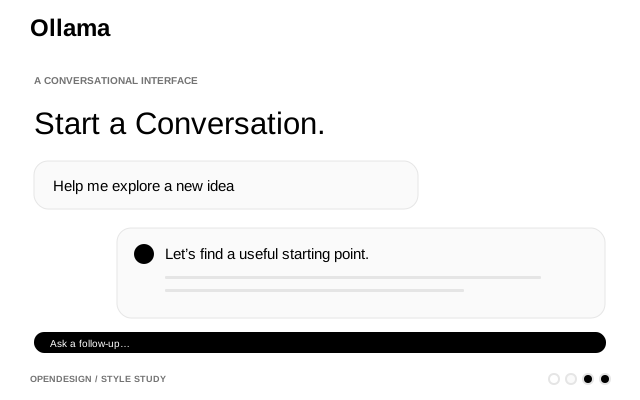
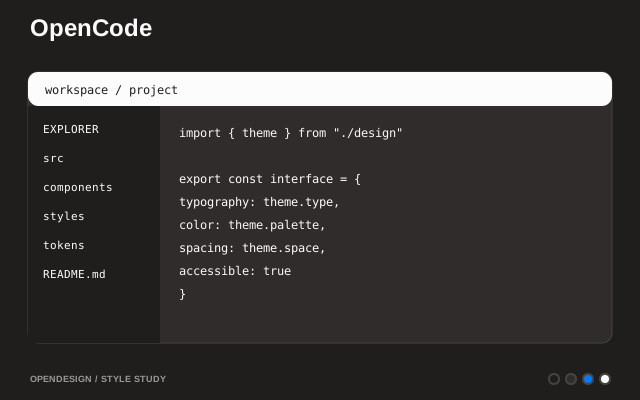
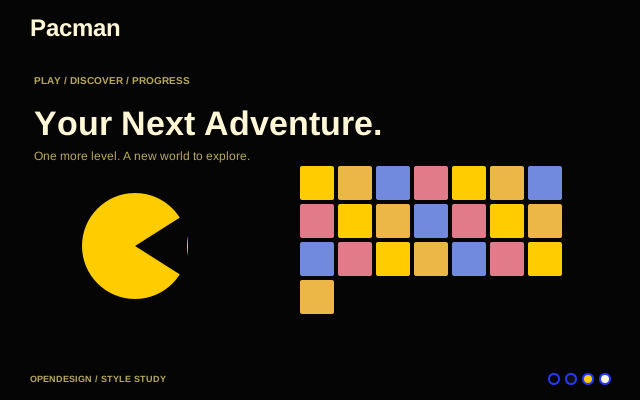
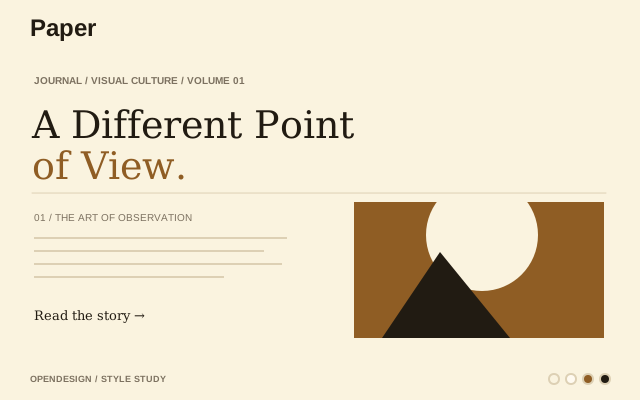
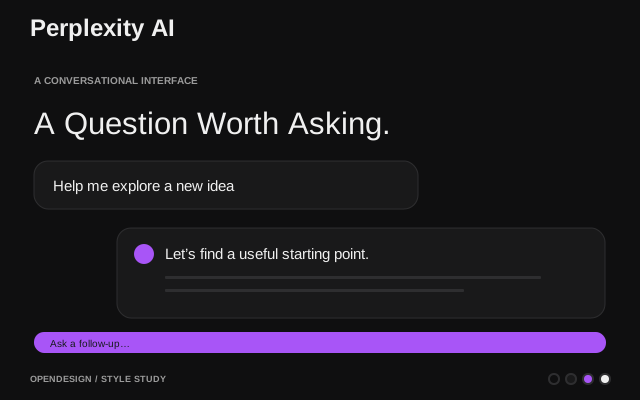
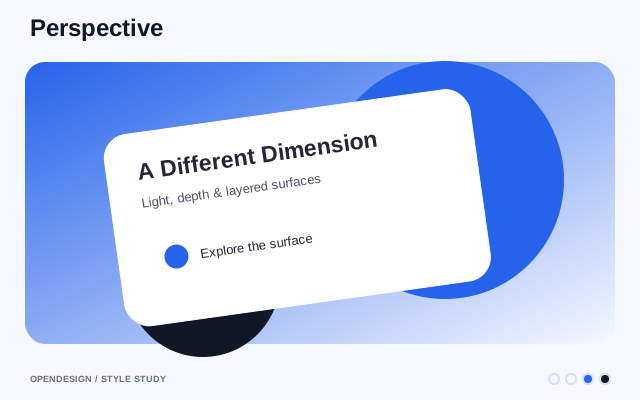
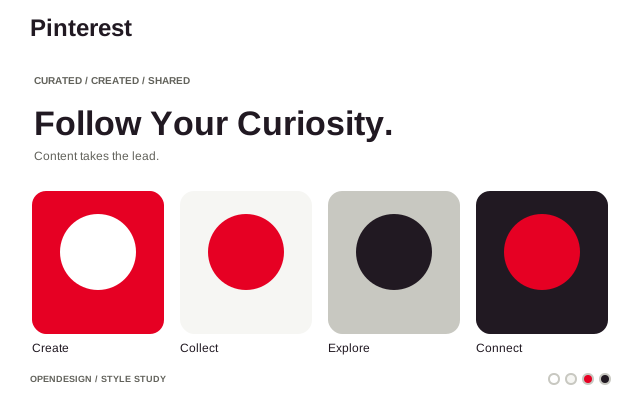
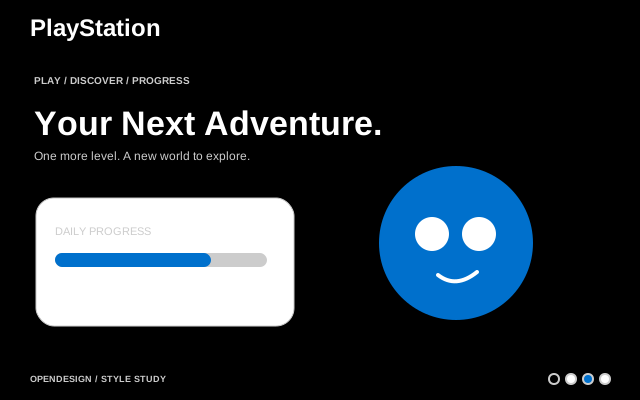
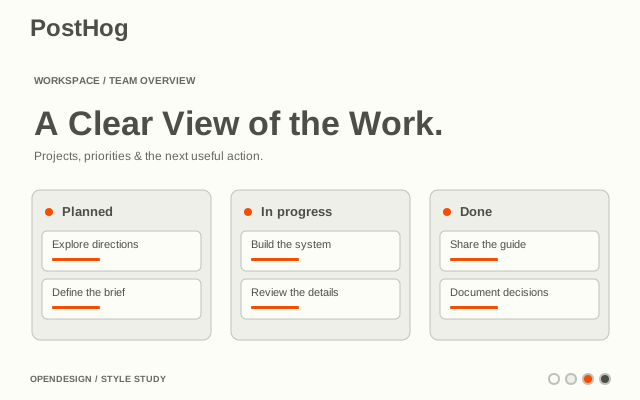
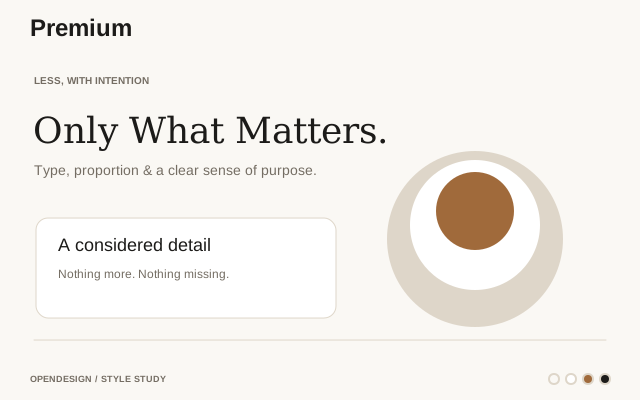
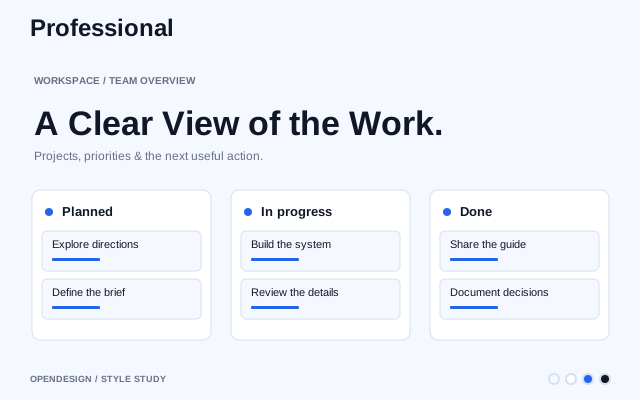
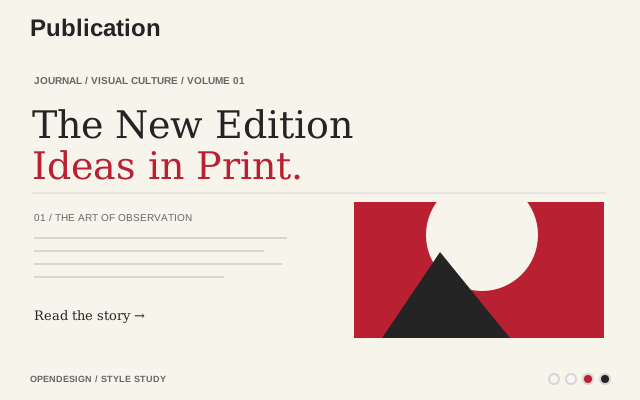
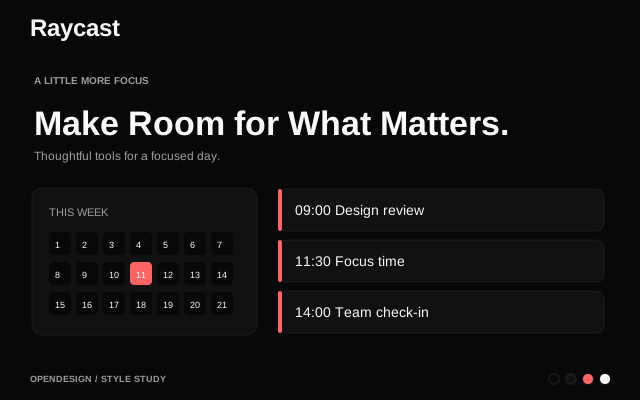
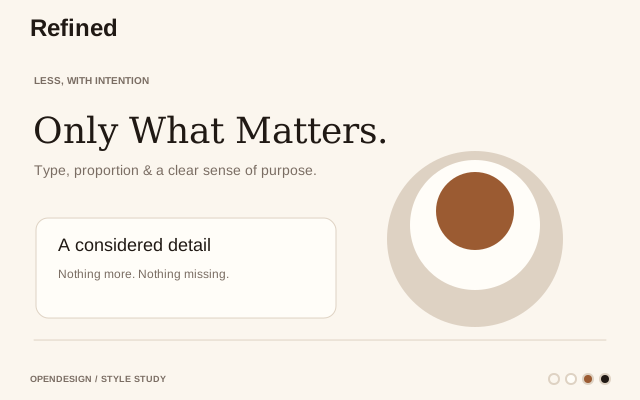
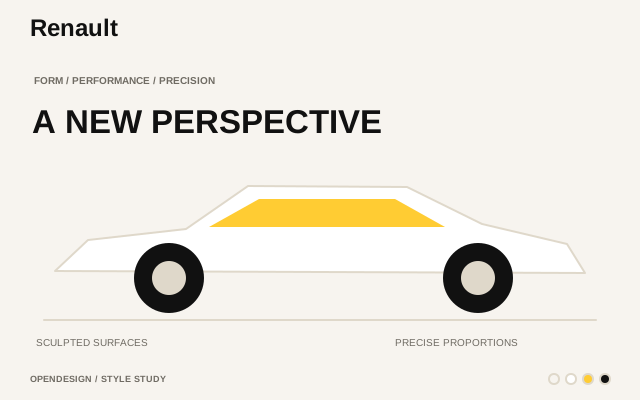
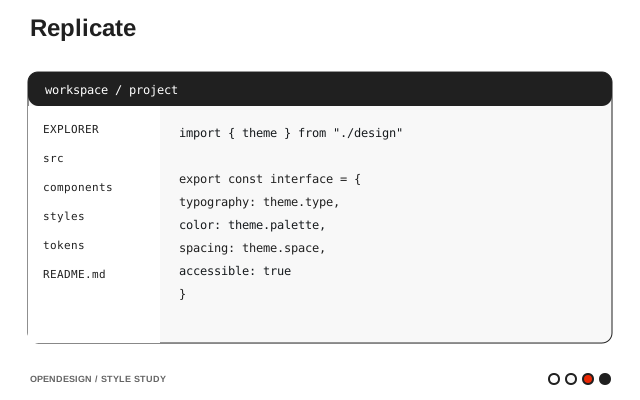
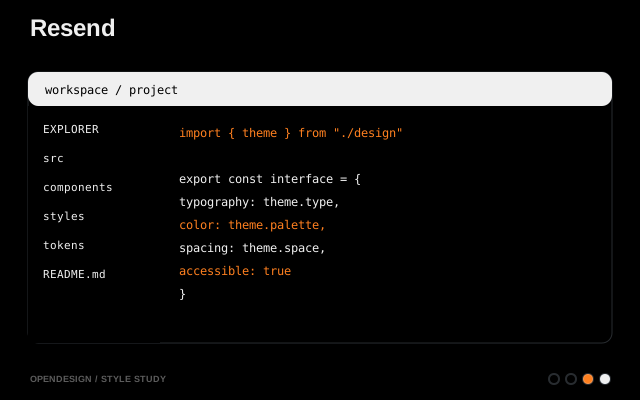
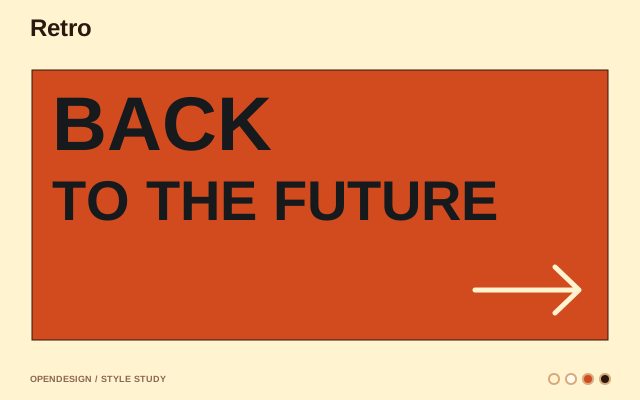
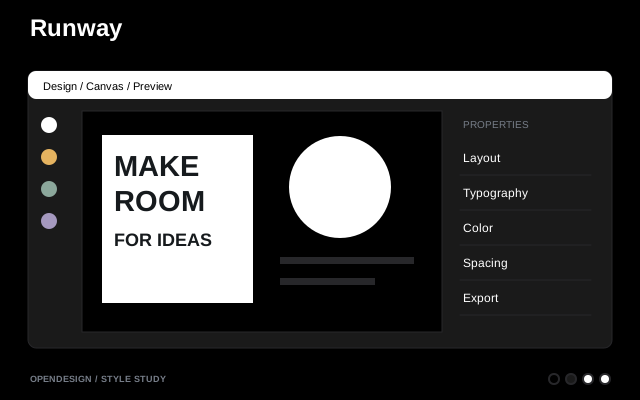
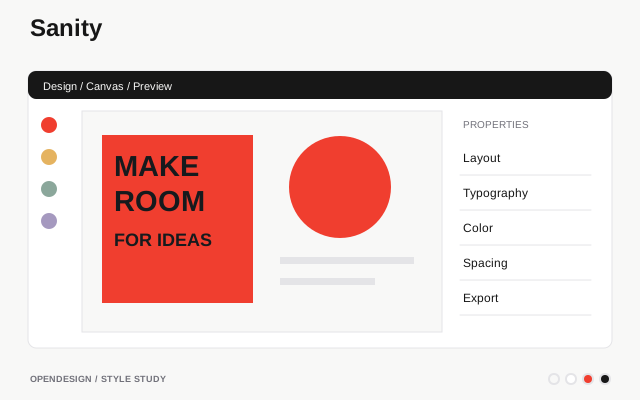
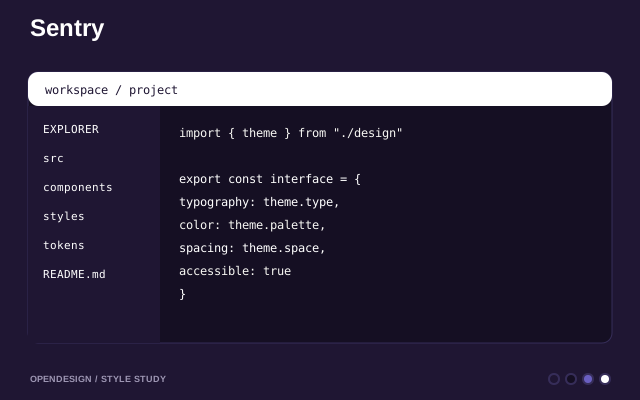
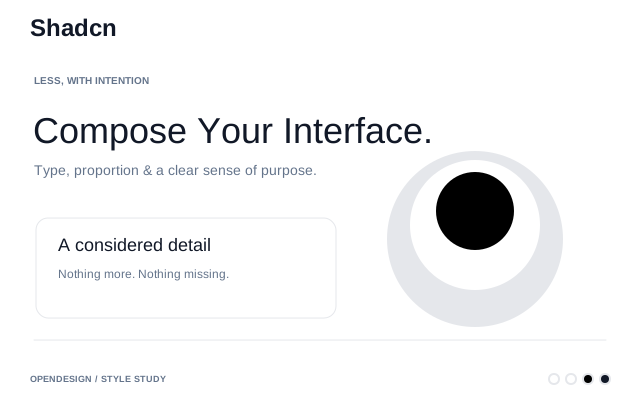
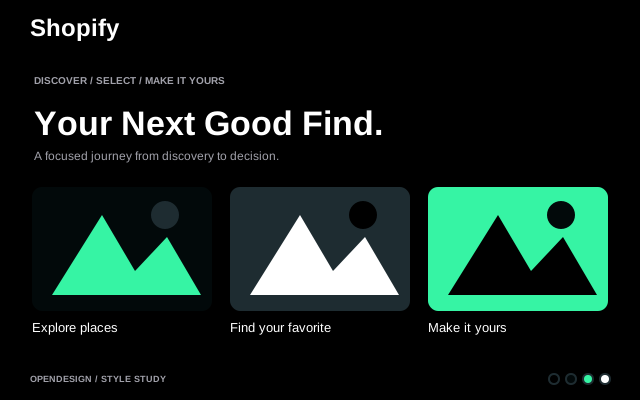
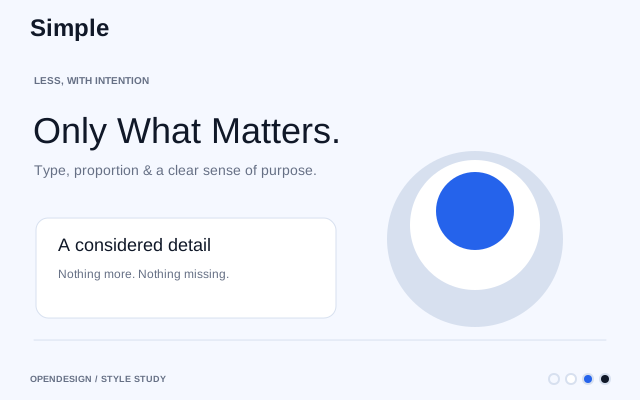
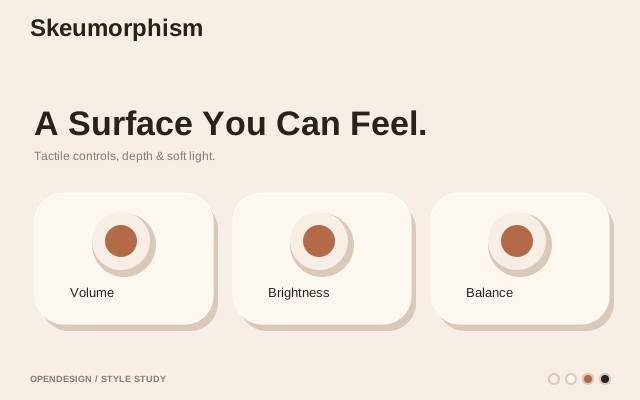
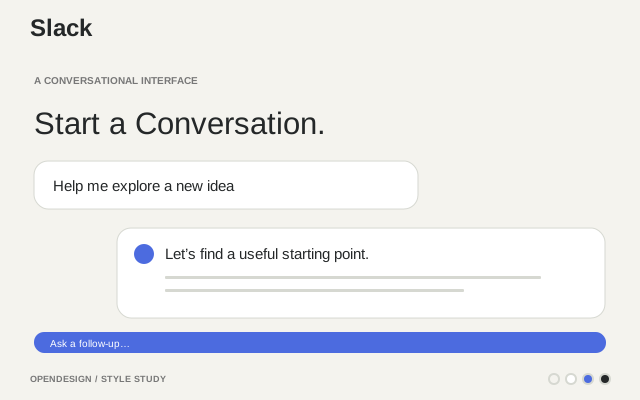
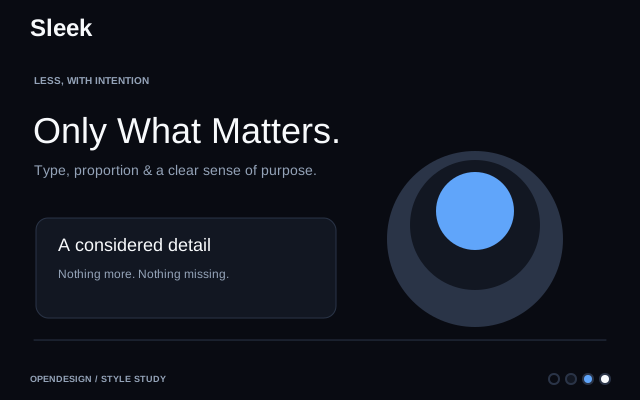
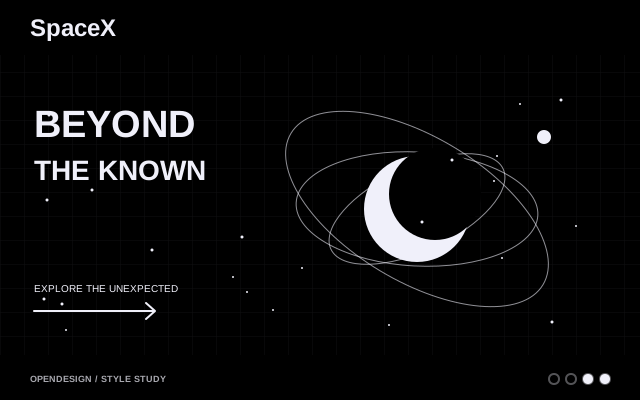
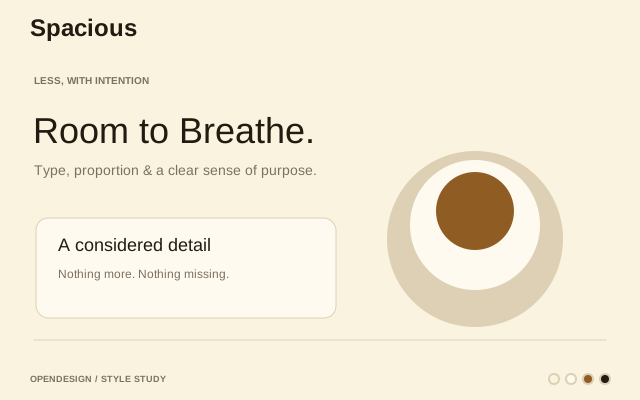
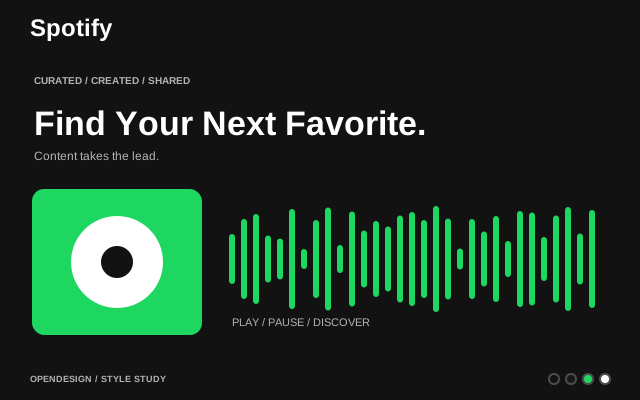
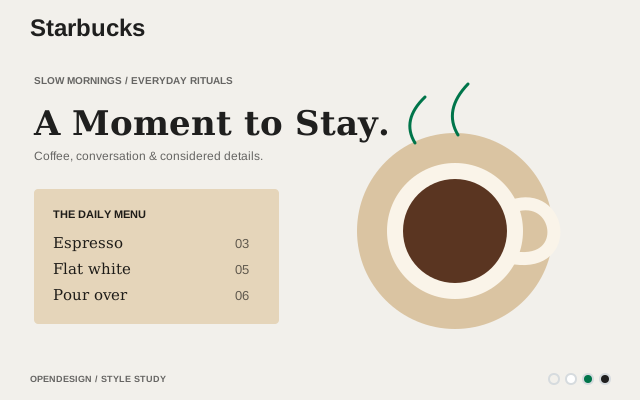
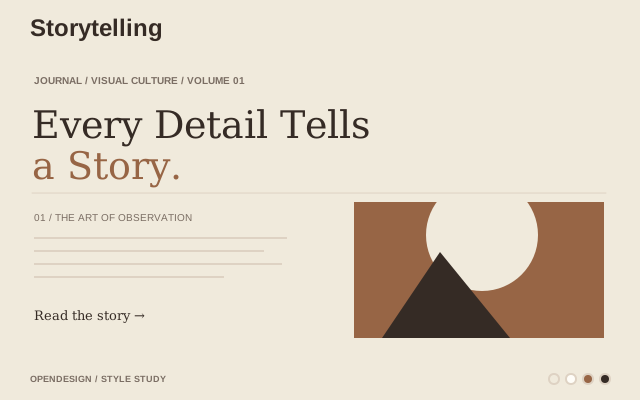
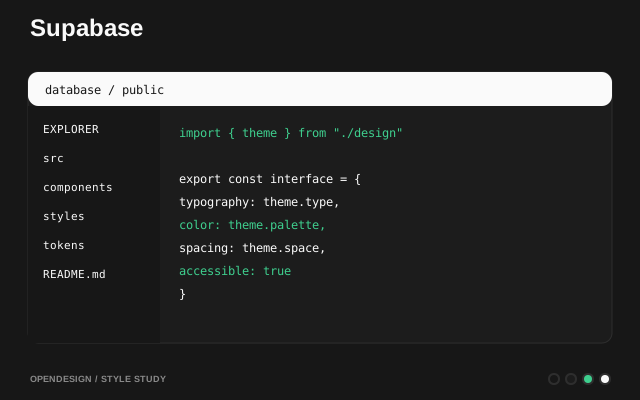
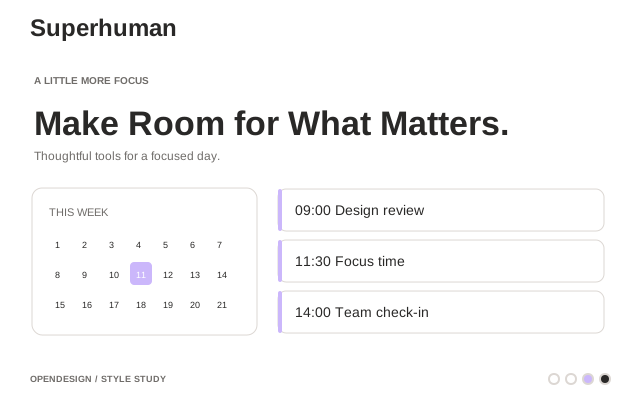
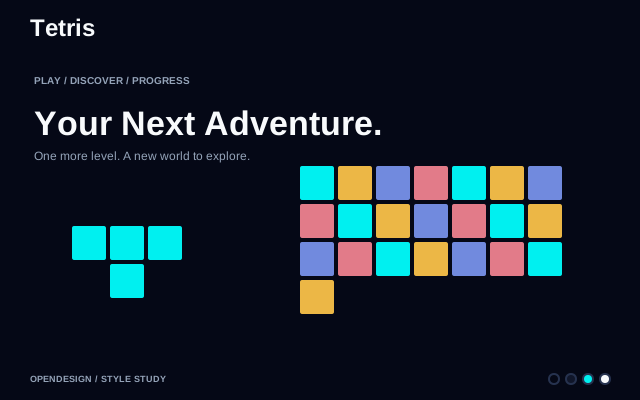
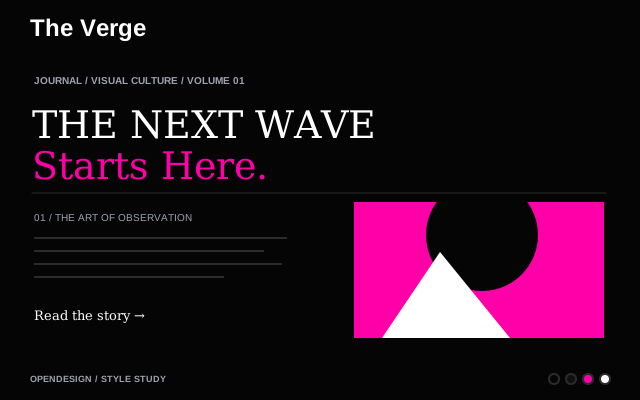
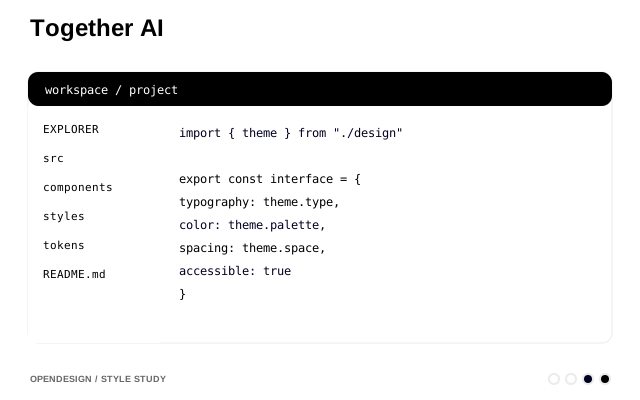
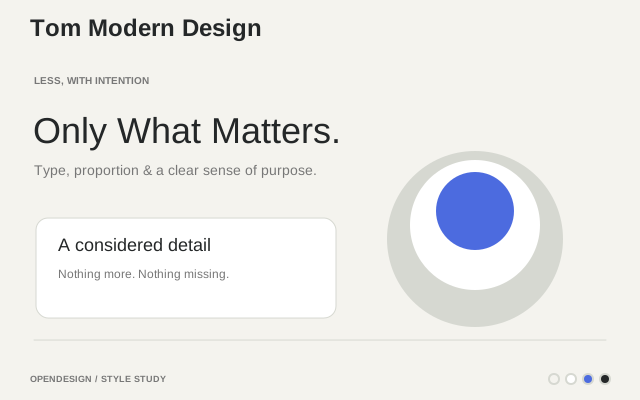
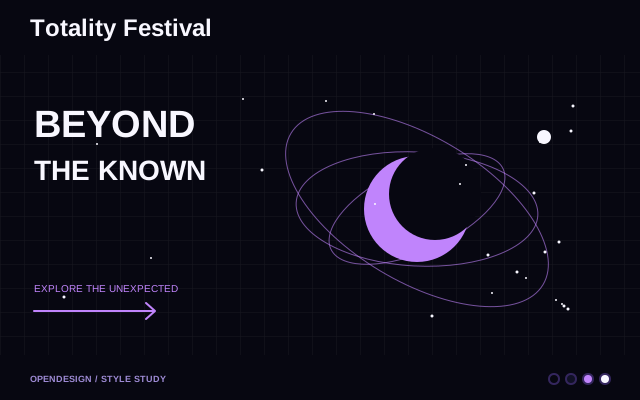
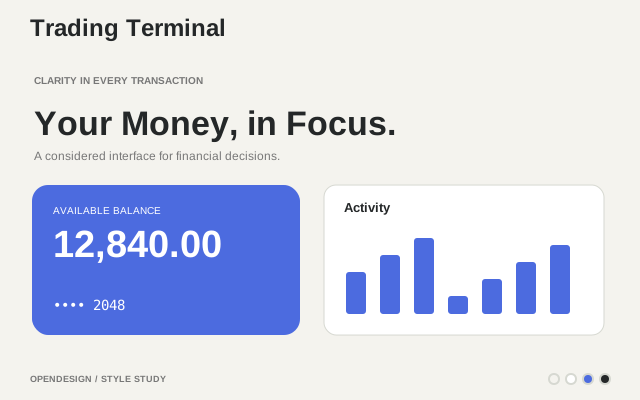
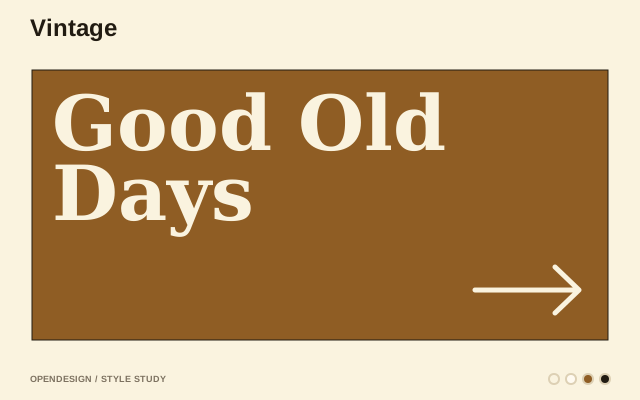
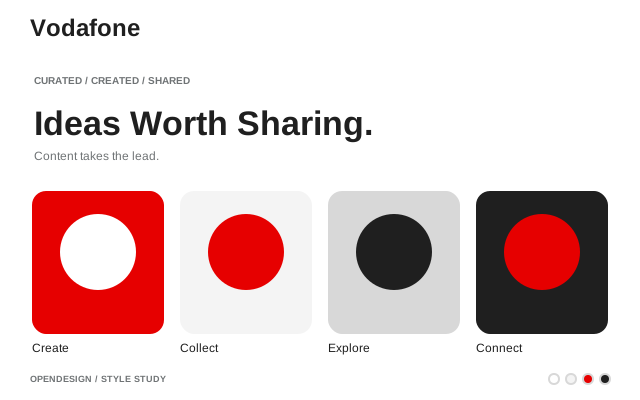
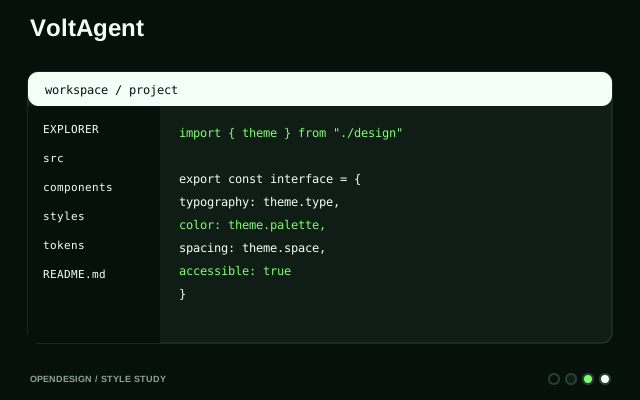
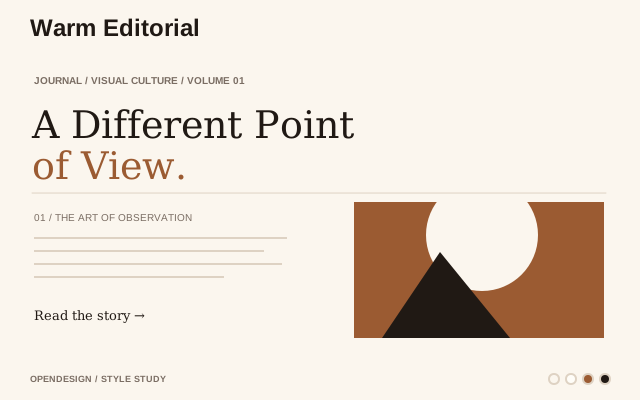
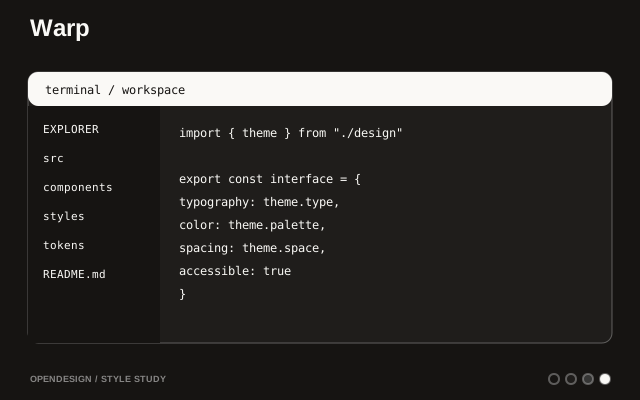
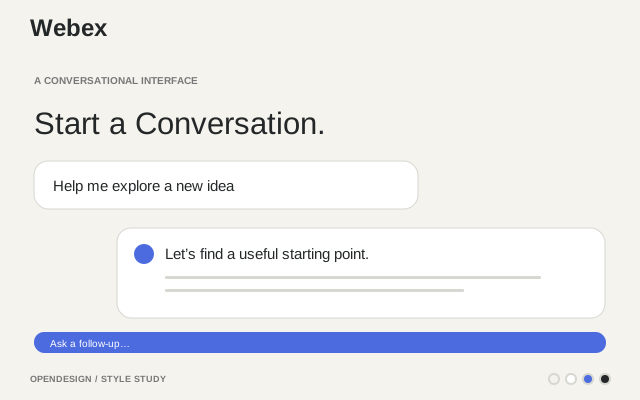
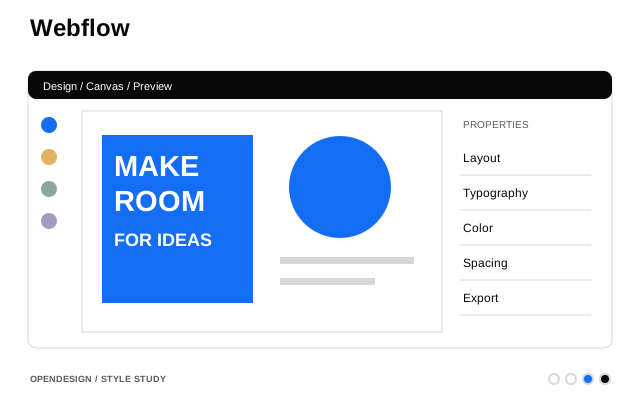
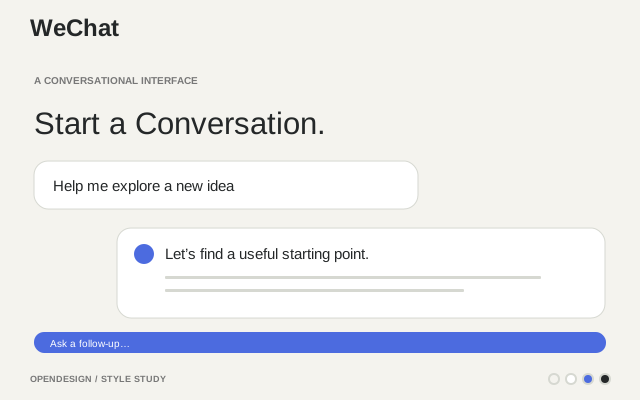
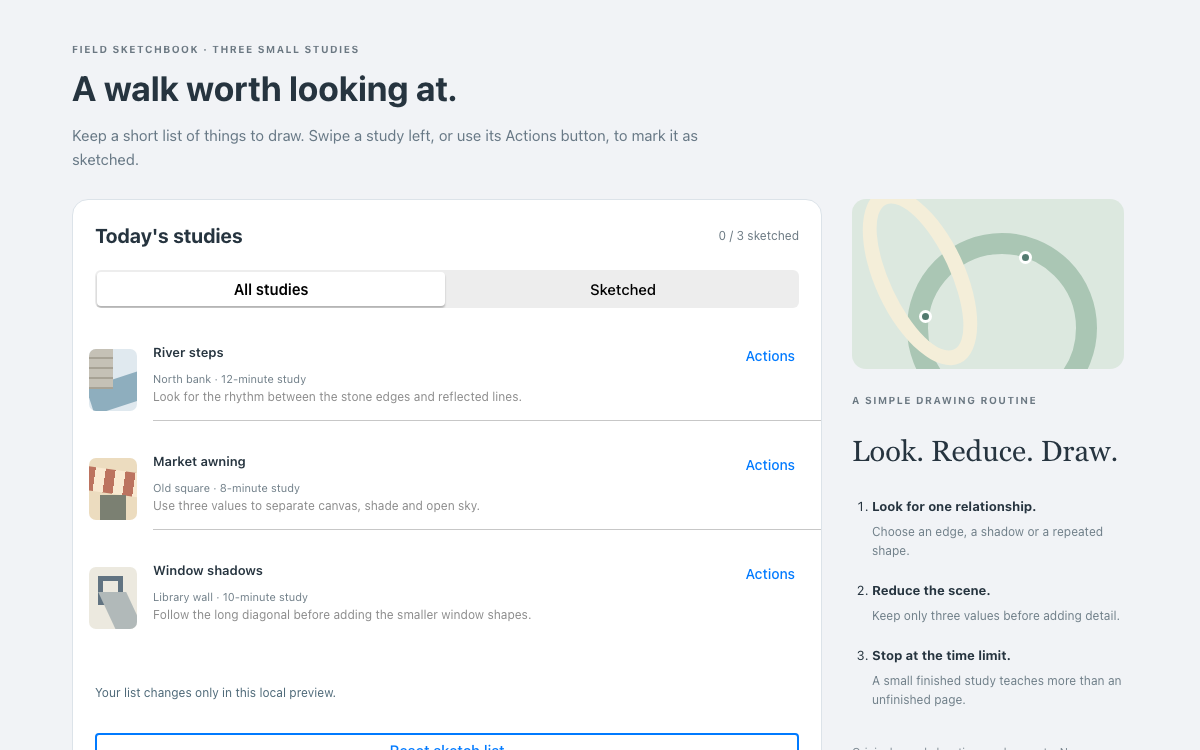
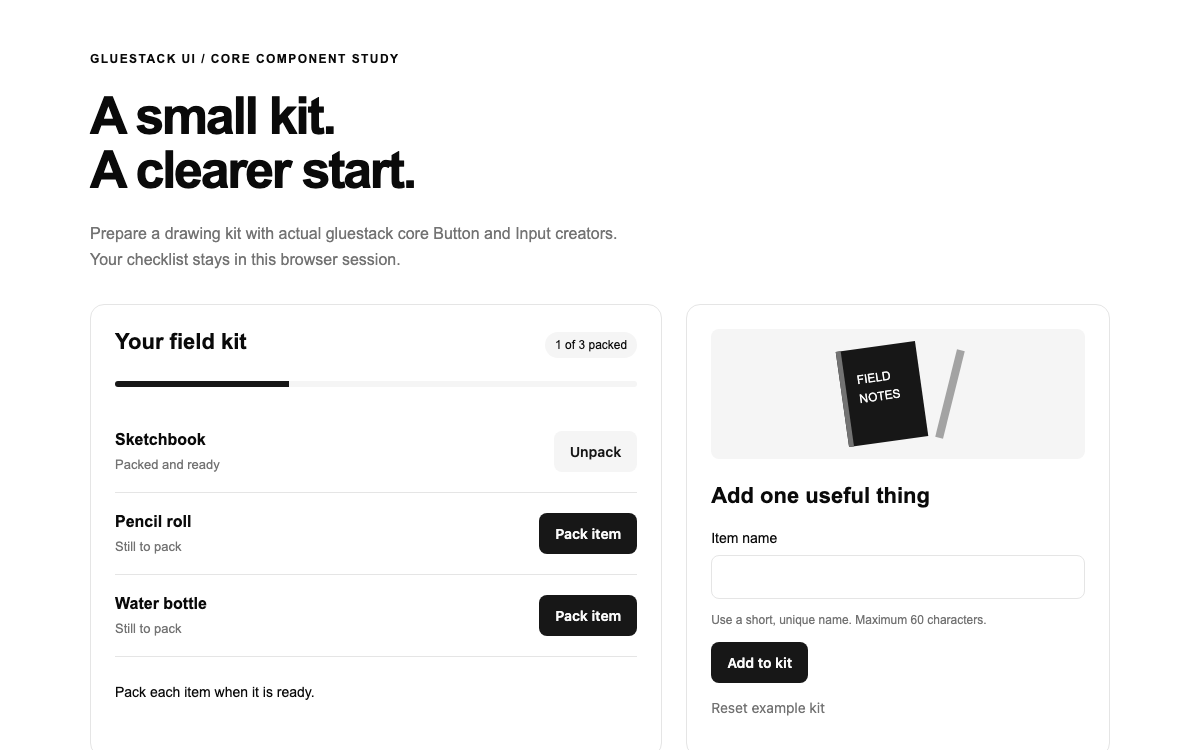
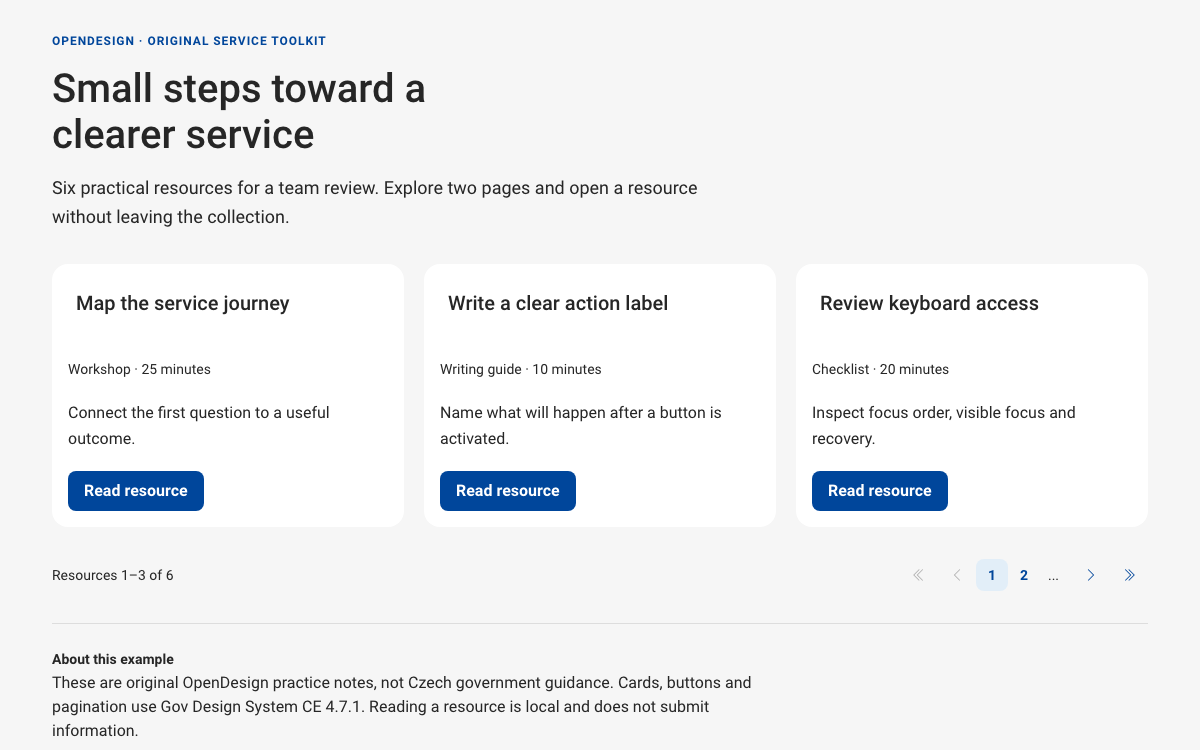
A few of the 140+ reference systems you can fork as a starting point. Pick one close to your brand and adapt it.
Design System FAQ
-
01 What exactly is the design system here?
A DESIGN.md file in your repo that captures colors, type, spacing, components, and voice. Every Open Design skill reads it, so your brand is applied automatically to whatever the agent produces.
-
02 Do I have to start from scratch?
No. Open Design ships 140+ reference design systems you can fork — from Apple and Linear to editorial and brutalist — then adapt to your brand.
-
03 How does it stay consistent across decks, dashboards, and prototypes?
Because all of those skills read the same DESIGN.md. Define the system once and consistency is automatic instead of something you police by hand.
-
04 Which agents can I use?
Claude Code, Codex, Cursor Agent, Gemini CLI, and more first-party adapters, with your own provider keys.
Define your design system tonight
Star the repo, install Open Design, and give your agent one brand to apply everywhere — in the agent you already use.