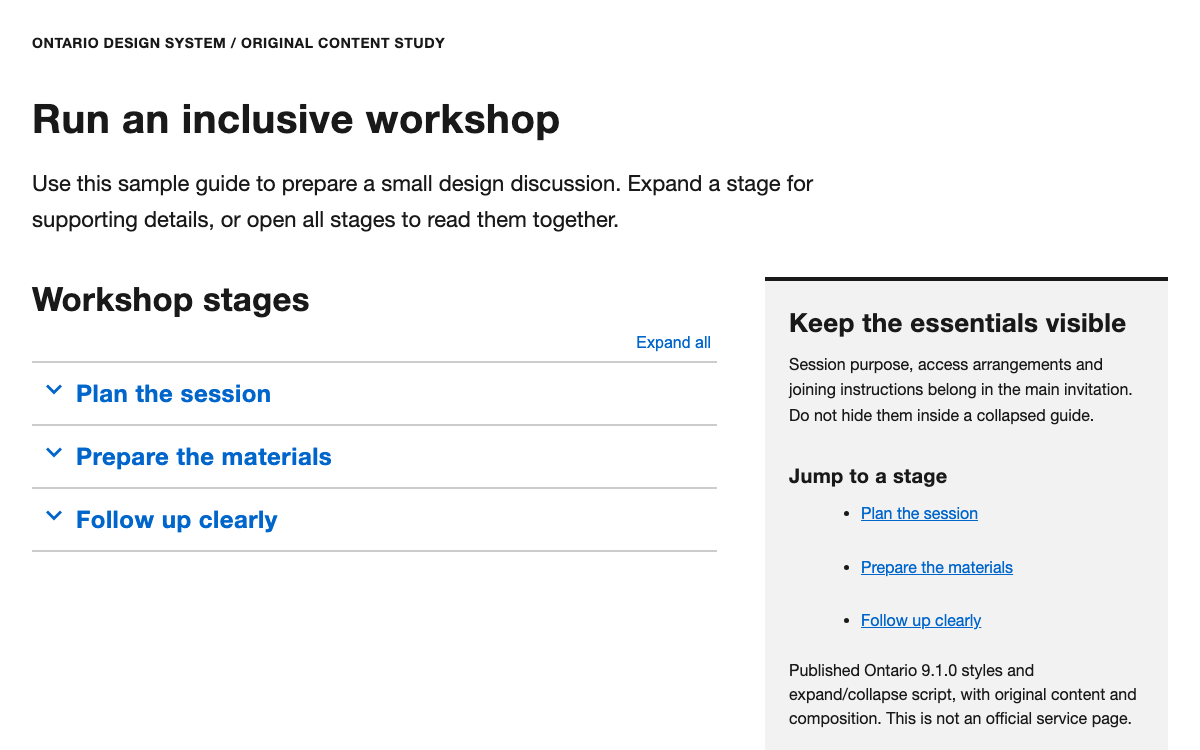
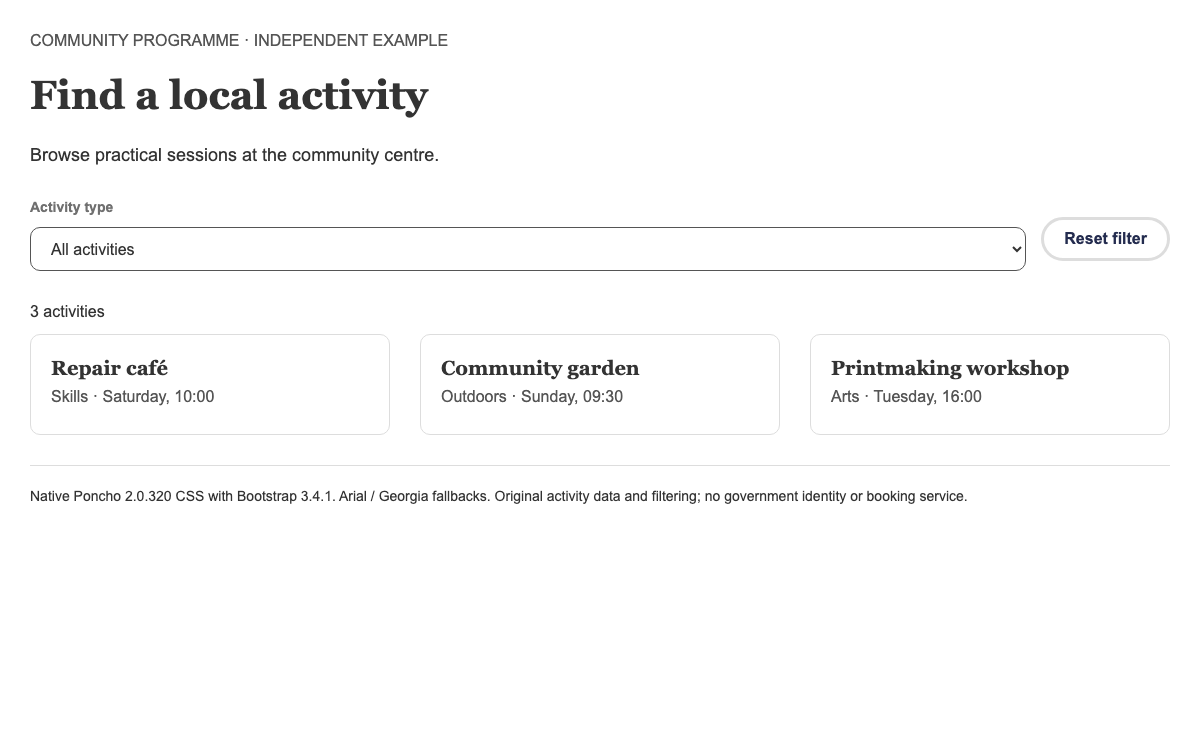
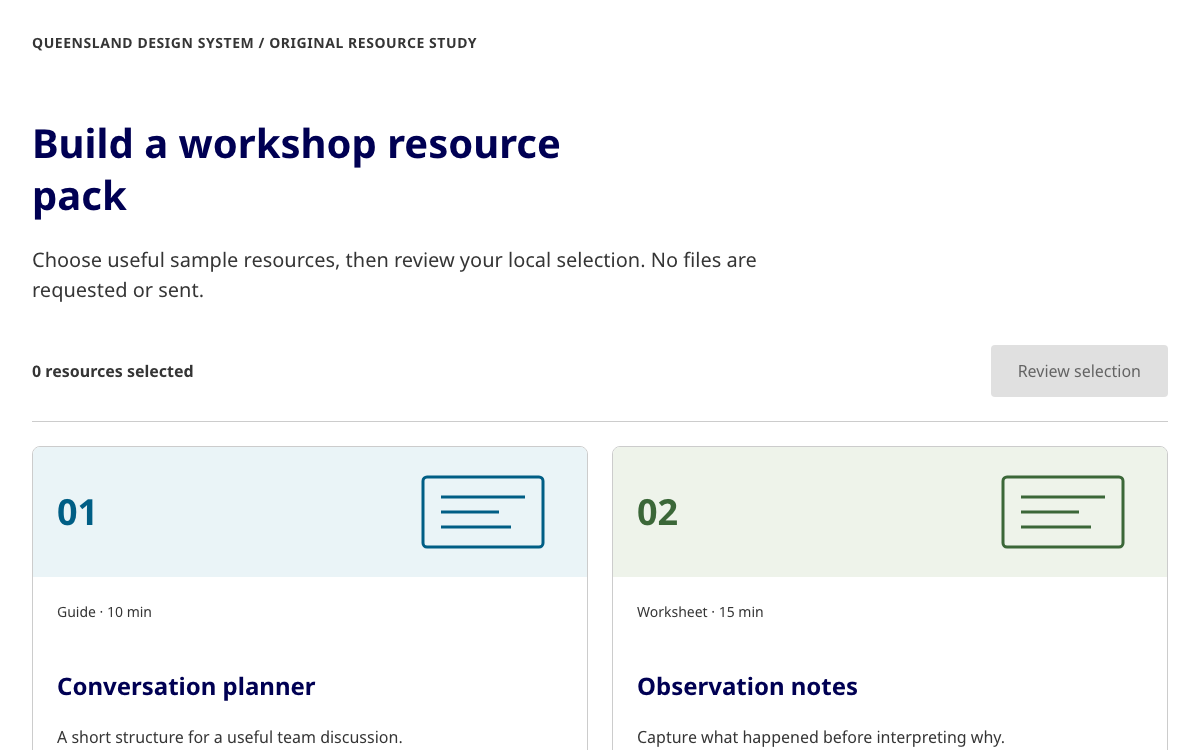
Build a survey answer that cannot contradict itself: native ONS checkboxes, mutually exclusive responses, exact type and color references, and a complete local review flow.
Native ONS 73.13.1 Checkbox and Mutually Exclusive CSS/JavaScript. Original question, app validation/review and explicit Arial fallback. · Implementation reference
02
ONS Design System Design Reference
ONS Design System 73.13.1 compiled CSS, JavaScript and Sass variables, checked against the public service manual. Native Checkbox and Mutually Exclusive behavior is used in the specimen. Arial substitutes for OpenSans in the standalone example; the production copy recipe includes packaged fonts. The travel question and local review are original demonstration content.
ONS serves statistical collection as well as information publishing. For a questionnaire, mutually exclusive responses are a data-quality issue: a user must not send both a travel method and an answer saying no journey took place. The native Mutually Exclusive component links those options and explains deselection to assistive technology.
The specimen asks an original library-travel question and offers a local answer preview. It deliberately avoids ONS identity graphics and makes no claim that the answers are collected. A production survey would need its own consent, retention, routing and server validation.
The primary family is Open Sans, with stylistic set 1 chosen for distinctive letterforms. The native Sass type matrix has fixed small and large values rather than an invented continuous scale. Body text remains 18px with 28px leading. The main large class moves from 32/44 to 48/56 at the medium breakpoint.
A single-question page can place its h 1 inside the fieldset legend so the group’s accessible name and visible title agree. Do not create a second unrelated h 1 above it. The example keeps the service context as a smaller paragraph and the choice instruction beneath the legend.
The standalone demo explicitly uses Arial so that it has no missing-font requests. The installation recipe copies fonts alongside the CSS; this is necessary if the adopter wants the published OpenSans face rather than a fallback.
ONS assigns semantic variables to primitive colors. Text is black, ordinary links Ocean Blue and the primary button Leaf Green. Sun Yellow is the focus color. Ruby Red communicates errors, but the error message must still say which action is needed. A green Continue button is not a promise that the answer has already passed validation.
The local questionnaire uses the native checkbox border and selected treatment. It does not paint every answer as a separate marketing card. A short neutral top rule separates the independent specimen from the question without reproducing the ONS masthead.
Keep the native visible focus treatment on both checkbox input and action button.
Use the written instruction “Select all that apply” before regular options.
Separate the opposing answer with “Or” so its difference is visible before interaction.
The twelve-column grid expresses widths through classes such as ons-col-8@m. At 740px and above, that class occupies eight columns; below it, the same element fills the available content width. The local example uses that native column so the long question wraps at a readable measure instead of stretching across the whole desktop.
The standard container has a 64.6256rem maximum in the inspected release and 1rem horizontal padding. The public grid guide additionally describes an 8px baseline and 16/24px gutters around its 600px spacing boundary. Keep those concepts separate from the 740px medium column breakpoint; they are not a single universal mobile switch.
The answer review replaces the question within the same column, and Change answers returns to the existing controls. Values stay in memory without a route change or network request.
The executable spacing utilities are more granular than the 8px baseline sentence: xs, s, m, l and xl bottom margins are 12,16,20,24 and 32px at a 16px root. The reference therefore lists actual utility values separately from the grid guidance.
A checkbox uses ons-checkbox__input and an associated ons-checkbox__label inside ons-checkbox. The input keeps its ordinary name and value attributes so native form semantics still work. The broader ons-checkboxes__item structure supplies the spacing and hit area expected by the stylesheet.
The regular choices share ons-js-exclusive-group-item. The final choice uses ons-js-exclusive-option instead, with data-deselect-message explaining the effect. The live-region span must be present with both adjective attributes: it is not decorative extra markup. Removing it would break the native controller’s assumptions.
This source example is complete for three ordinary options and one opposing response. Adapt the nouns and values to a real question; do not merely rename an unrelated validation control as “exclusive.”
html
<fieldset class="ons-fieldset"><legend class="ons-fieldset__legend"><h1 class="ons-fieldset__legend-title">How did you travel to your local library last week?</h1></legend>
<div class="ons-js-mutually-exclusive ons-mutually-exclusive">
<p class="ons-checkboxes__label">Select all that apply</p><div class="ons-checkboxes__items"><span class="ons-checkboxes__item"><span class="ons-checkbox"><input type="checkbox" id="walk" name="travel" value="walk" class="ons-checkbox__input ons-js-checkbox ons-js-exclusive-group-item"><label class="ons-checkbox__label" for="walk" id="walk-label">Walk or wheel</label></span></span><br><span class="ons-checkboxes__item"><span class="ons-checkbox"><input type="checkbox" id="cycle" name="travel" value="cycle" class="ons-checkbox__input ons-js-checkbox ons-js-exclusive-group-item"><label class="ons-checkbox__label" for="cycle" id="cycle-label">Cycle</label></span></span><br><span class="ons-checkboxes__item"><span class="ons-checkbox"><input type="checkbox" id="bus" name="travel" value="bus" class="ons-checkbox__input ons-js-checkbox ons-js-exclusive-group-item"><label class="ons-checkbox__label" for="bus" id="bus-label">Bus or tram</label></span></span><br></div>
<p class="ons-checkboxes--mutually-exclusive__item ons-u-mt-s"><span class="ons-checkboxes__label ons-u-fs-r--b" aria-hidden="true">Or</span><span class="ons-checkbox"><input type="checkbox" id="none" name="travel" value="none" class="ons-checkbox__input ons-js-checkbox ons-js-exclusive-option" data-deselect-message="Selecting this will uncheck all other options"><label class="ons-checkbox__label" for="none" id="none-label"><span class="ons-u-vh">Or, </span>I did not visit the library</label></span></p>
<span class="ons-js-exclusive-alert ons-u-vh" role="alert" aria-live="polite" data-group-adjective="deselected" data-option-adjective="deselected"></span></div></fieldset>
The library owns which opposing options are cleared. The example’s small application handler only checks that at least one answer exists before displaying a local review. With no selection, it reveals a written error and focuses the linked message. The error link goes directly to the first choice, where the user can act.
The controller tracks cached hasValue state in addition to the DOM checkbox value. Resetting with checked=false alone could leave that cache stale. The reset action therefore clicks each checked input, letting the native listeners update their model, then returns focus to the question. This is a concrete integration concern that cannot be checked by looking at the stylesheet.
The review uses a list of the selected labels. Change answers preserves the controls and their selection. No success panel claims that a survey response has been received, because there is no server behind this specimen.
The npm package includes compiled assets, Sass sources, Nunjucks macros and a base page template. This preview takes the compiled HTML route: copy the official CSS and main.js, reproduce the documented markup, then load the script after the body content. The script initializes matching component hooks when the DOM is ready.
A server-rendered project can instead use the Nunjucks macro files from components. The Checkbox macro accepts its checkbox array, labels, descriptions, error configuration and mutuallyExclusive configuration. Setting dontWrap transfers fieldset responsibility to the enclosing question component; it is not a way to omit the accessible group name.
If selecting individual Sass files, import the system variables, helpers, utilities, base and objects first, then the component rules and any component dependencies. The full compiled CSS avoids that dependency selection for this small standalone specimen.
Pin the package version and serve css, scripts and fonts under one stable local asset directory.
Choose compiled HTML for a static page or configure Nunjucks macro paths for a server-rendered application.
Keep CSS, JavaScript and markup from the same release, and recheck mutual exclusion after an upgrade.
Select Walk and Bus, then select “I did not visit.” Both previous choices should clear. Next select Cycle: the opposing answer must clear while Cycle remains checked. Repeat using Space on the focused inputs and inspect the announcement region rather than assuming a visual tick proves all behavior.
Continue with no selection to exercise the error, then review a valid answer and return with Change answers. Finally reset after a contradictory-answer sequence and make another selection; this catches stale native-controller state. At 390px the question and all labels must remain readable without horizontal page scrolling.
These tests verify the local interaction, not a production survey’s data submission, accessibility certification or statistical question quality. A real service still needs server validation of contradictory values and research on whether the response categories are complete.
The full document includes its layout, controls and initialization. Extract the linked example archive to obtain the exact relative vendor assets, then serve it over HTTP.
html
<!doctype html><html lang="en"><meta charset="utf-8"><meta name="viewport" content="width=device-width,initial-scale=1"><title>ONS survey question specimen</title><link rel="stylesheet" href="vendor/ons-73.13.1/css/main.css"><style>body,input,button,select,textarea{font-family:Arial,sans-serif!important}body{margin:0}main{padding-top:32px;padding-bottom:32px}.specimen{border-top:4px solid var(--ons-color-ocean-blue);padding-top:16px}.actions{display:flex;gap:24px;align-items:center;flex-wrap:wrap;margin-top:32px}[hidden]{display:none!important}.error{border-left:4px solid var(--ons-color-errors);padding:16px;margin:24px 0;color:var(--ons-color-errors)}.quiet{color:var(--ons-color-text-light)}fieldset{min-width:0}.ons-checkbox__label{max-width:100%}</style><main class="ons-container"><p class="ons-u-fs-s specimen">Independent specimen · Original library survey</p><div class="ons-grid"><div class="ons-grid__col ons-col-8@m"><section id="question"><p class="quiet">Travel · Question 1 of 1</p><div id="error" class="error" tabindex="-1" hidden><strong>Select a travel method or tell us you did not visit.</strong><p><a href="#walk">Go to the answer choices</a></p></div><form id="survey" novalidate><fieldset class="ons-fieldset"><legend class="ons-fieldset__legend"><h1 class="ons-fieldset__legend-title">How did you travel to your local library last week?</h1></legend>
<div class="ons-js-mutually-exclusive ons-mutually-exclusive">
<p class="ons-checkboxes__label">Select all that apply</p><div class="ons-checkboxes__items"><span class="ons-checkboxes__item"><span class="ons-checkbox"><input type="checkbox" id="walk" name="travel" value="walk" class="ons-checkbox__input ons-js-checkbox ons-js-exclusive-group-item"><label class="ons-checkbox__label" for="walk" id="walk-label">Walk or wheel</label></span></span><br><span class="ons-checkboxes__item"><span class="ons-checkbox"><input type="checkbox" id="cycle" name="travel" value="cycle" class="ons-checkbox__input ons-js-checkbox ons-js-exclusive-group-item"><label class="ons-checkbox__label" for="cycle" id="cycle-label">Cycle</label></span></span><br><span class="ons-checkboxes__item"><span class="ons-checkbox"><input type="checkbox" id="bus" name="travel" value="bus" class="ons-checkbox__input ons-js-checkbox ons-js-exclusive-group-item"><label class="ons-checkbox__label" for="bus" id="bus-label">Bus or tram</label></span></span><br></div>
<p class="ons-checkboxes--mutually-exclusive__item ons-u-mt-s"><span class="ons-checkboxes__label ons-u-fs-r--b" aria-hidden="true">Or</span><span class="ons-checkbox"><input type="checkbox" id="none" name="travel" value="none" class="ons-checkbox__input ons-js-checkbox ons-js-exclusive-option" data-deselect-message="Selecting this will uncheck all other options"><label class="ons-checkbox__label" for="none" id="none-label"><span class="ons-u-vh">Or, </span>I did not visit the library</label></span></p>
<span class="ons-js-exclusive-alert ons-u-vh" role="alert" aria-live="polite" data-group-adjective="deselected" data-option-adjective="deselected"></span></div></fieldset><div class="actions"><button class="ons-btn" type="submit"><span class="ons-btn__inner">Review answer</span></button><button id="reset" type="button" class="ons-btn ons-btn--secondary"><span class="ons-btn__inner">Reset</span></button></div></form><p class="ons-u-mt-l ons-u-fs-s quiet">Practice only. Your selection stays in this page and is not submitted.</p></section><section id="review" hidden><h1 tabindex="-1">Review your answer</h1><h2 class="ons-u-fs-m">Travel to the library last week</h2><ul id="answer"></ul><p>No response has been sent. Return to the question to change your selection.</p><button id="change" class="ons-btn ons-btn--secondary"><span class="ons-btn__inner">Change answers</span></button></section></div></div></main><script src="vendor/ons-73.13.1/scripts/main.js"></script><script>const form=document.querySelector('#survey'),q=document.querySelector('#question'),r=document.querySelector('#review'),err=document.querySelector('#error'),checks=[...form.querySelectorAll('input[type=checkbox]')];form.onsubmit=e=>{e.preventDefault();const chosen=checks.filter(x=>x.checked);if(!chosen.length){err.hidden=false;err.focus();return}err.hidden=true;document.querySelector('#answer').replaceChildren(...chosen.map(x=>{let li=document.createElement('li');li.textContent=document.querySelector('label[for="'+x.id+'"]').textContent.replace(/^Or, /,'');return li}));q.hidden=true;r.hidden=false;r.querySelector('h1').focus()};document.querySelector('#change').onclick=()=>{r.hidden=true;q.hidden=false;checks[0].focus()};document.querySelector('#reset').onclick=()=>{checks.filter(x=>x.checked).forEach(x=>x.click());err.hidden=true;checks[0].focus()};window.demoReady=true;</script></html>
Download the complete example from Sources. Its README gives the exact local launch command.
Keep vendor paths relative to this document; the archive includes the complete assets used by this preview.
04
ONS Design System Agent Setup
Implementation Starting Point
Native 73.13.1 compiled CSS and JavaScript run in the local specimen. Arial is an explicit local fallback; production copy instructions include packaged OpenSans fonts. The complete working-example ZIP in Sources also provides the exact preview dependencies and full document. Extract it, run python3 -m http.server 8080 in that directory, then open http://localhost:8080/ons.html. Do not open module-based examples through file://.
bash / html
npm install --save-exact @ons/[email protected]
mkdir -p public/vendor/ons
cp -R node_modules/@ons/design-system/css public/vendor/ons/
cp -R node_modules/@ons/design-system/scripts public/vendor/ons/
cp -R node_modules/@ons/design-system/fonts public/vendor/ons/

<!-- In your page head -->
<link rel="stylesheet" href="/vendor/ons/css/main.css">
<!-- Place the compiled component markup in the body. -->
<!-- Immediately before </body>; initializes matching component hooks -->
<script src="/vendor/ons/scripts/main.js"></script>
A Prompt for Your Project
Agent Prompt
Build an independent ONS73.13.1 survey specimen using the native Checkbox and Mutually Exclusive hooks, associated fieldset/legend, ordinary answer group and one opposing response. Include the required live region and deselection attributes. Serve matching native CSS and main.js; do not write a substitute exclusivity controller. Add local empty validation and answer review with preserved edits, no server receipt claim. Reset through native events so cached state stays consistent. Use ons-col-8@m and the verified type/semantic color rules without official identity marks.
05
ONS Design System Sources and Scope
Independent implementation specimen with original survey wording. Native code is MIT-licensed; ONS identity and content licensing are separate. No answers are transmitted, persisted or presented as official statistics.