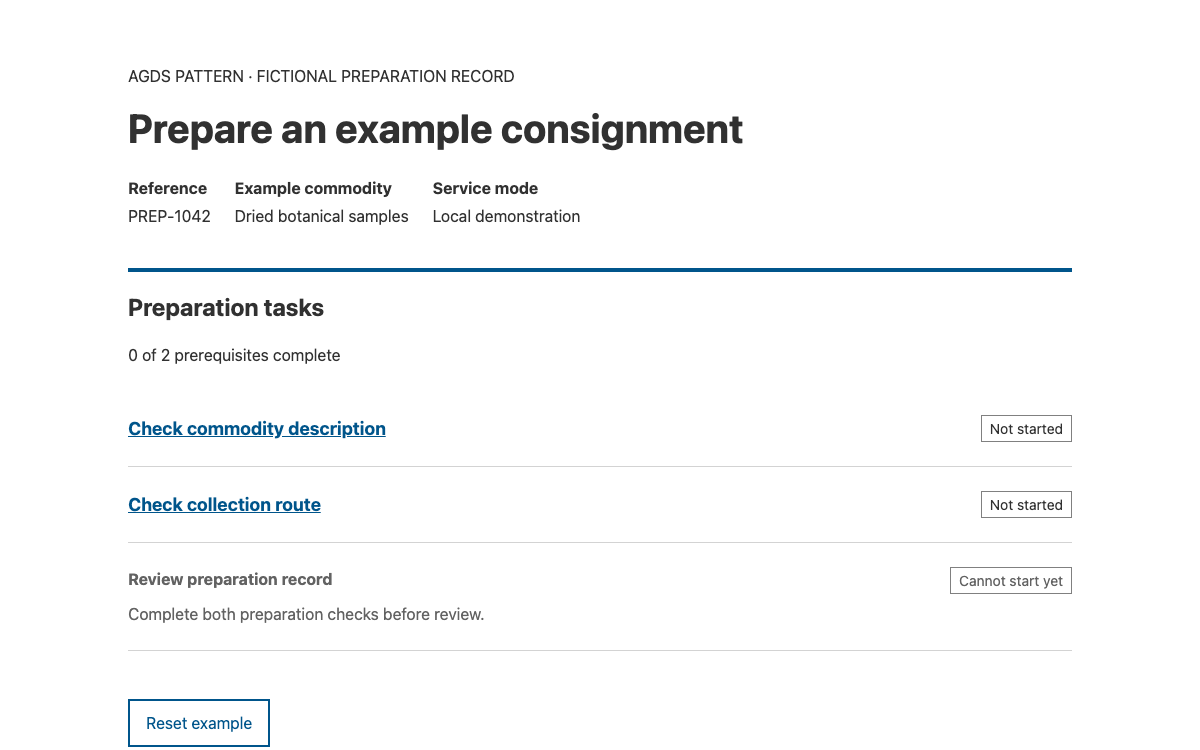
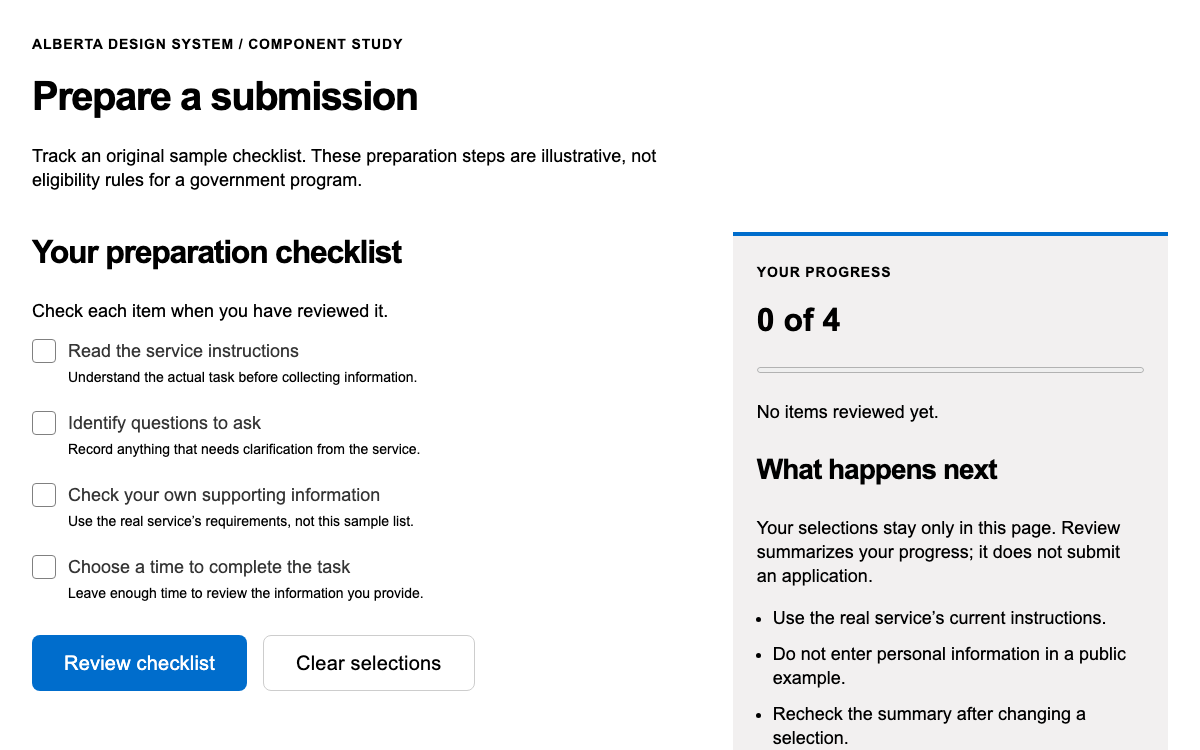
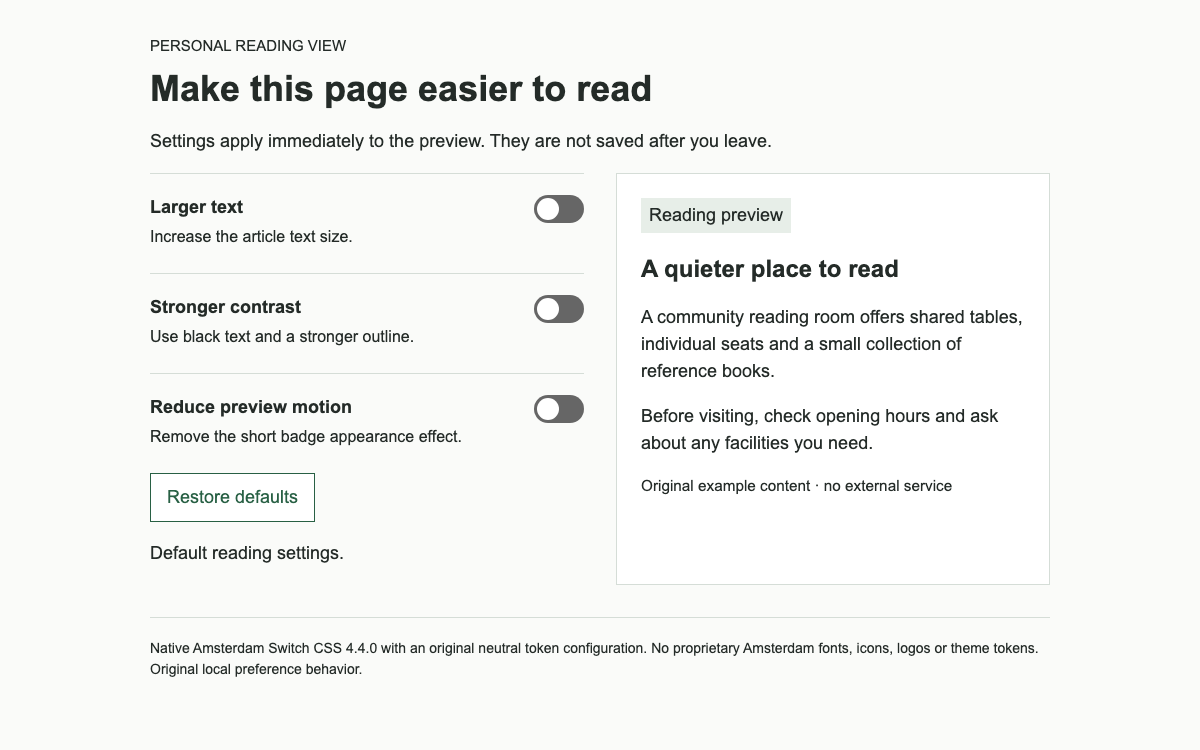
Use Codex’s real SearchInput anatomy, action hierarchy and reading-oriented tokens. Search a local article index, inspect a result and return to the same reading position.
Codex 2.7.0 native CSS-only SearchInput/buttons with original local filtering and reading-panel logic. · Implementation reference
02
Codex Design System Design Reference
@wikimedia/codex 2.7.0 native CSS and current official token/component reference. Standalone preview uses the documented CSS-only route; content width and result-panel layout are application choices.
Codex provides Vue components and documented CSS-only component structures. The live specimen chooses the latter: its search control uses the exact wrapper, text-input and end-button classes documented by Codex, with a local application script filtering three original article summaries. The separate Vue example shows the equivalent package imports.
A CSS-only search does not become a predictive combobox just because it resembles one. This example submits a query and renders a result list. It does not use the ARIA listbox pattern or claim to implement TypeaheadSearch.
The font-family-base token resolves to sans-serif; the available system-sans stack is a separate role. Codex also exposes a serif heading-main role rooted in Linux Libertine with Georgia, Times and other fallbacks. The preview uses a serif article heading and sans controls without downloading fonts.
The reference below separates font-size-medium at 1rem from line-height-medium at 1.625rem. The unitless line-height-content value is intended for user-generated content; it is not a blanket instruction to replace every component’s internal line height. Let native input and button CSS retain its own control metrics.
Codex spacing-100 is 16px, spacing-150 is 24px and spacing-200 is 32px. The scale also contains explicit exceptions: spacing-30 is 5px and supports vertical control padding for the default 32px control height. Rounding every space to an 8px grid would erase a documented component decision.
The example makes its result list full width below 640px, using the documented tablet boundary. It has an application-selected maximum reading width of 56rem. The desktop breakpoint is 1120px and desktop-wide is 1680px; these thresholds describe viewport categories rather than an automatic grid supplied to every application.
Codex differentiates action from button weight. A progressive action advances a process, while primary weight identifies the main action in its view. A neutral normal button is suitable for searching this local index; a quiet control can clear it without competing with the results.
The compiled CSS contains fallback colours for its custom properties, including base text #202122 and progressive #36c. The preview uses native component CSS for these states. Its pale result-panel background is application layout, not a newly invented Codex status token.
The CSS-only structure requires .cdx-search-input--has-end-button on the root, an .cdx-search-input__input-wrapper, a .cdx-text-input with its start-icon modifier, and a button with .cdx-search-input__end-button. Omitting the wrappers loses the joined geometry and icon alignment.
The visible label names the search scope. The icon span is decorative and hidden from accessibility APIs. The form handles Enter and button activation through one submit listener; the count is announced through a polite status region after the results update. Empty input restores all local examples.
Use SearchInput for finding content on a page.
Use TypeaheadSearch when predictive navigation suggestions are required.
Use Lookup when choosing an option as a form value.
Each result has a named heading, a short original description and a button that opens the local reading panel. The panel is an application composition, not a Codex Dialog: it remains in normal document flow, has no modal backdrop and does not trap focus.
Opening an example moves focus to the panel heading. Closing it returns focus to the button that opened it. Searching again closes the previous detail and recalculates the result count, so a stale article never appears to be part of a new query. A no-match query produces visible explanatory text and an explicit clear action.
The component documentation exposes left-to-right and right-to-left examples. Codex is used in a multilingual knowledge ecosystem, so application layout should use logical inline/block spacing rather than assuming every icon and reading action sits on the left. The specimen’s custom layout uses margin-inline and padding-inline where directional meaning matters.
Search here runs only on submit. That avoids treating intermediate IME composition text as a completed query. A production autocomplete would need composition-aware input handling, asynchronous cancellation and a correct menu interaction model; the CSS-only local specimen deliberately claims none of those features.
The verified package is @wikimedia/codex 2.7.0 and exposes dist/codex.style.css as its style entry. The CSS-only demo needs no Vue runtime because all of its controls are native HTML and the small local script owns filtering and reading-panel state. The Vue variant imports CdxSearchInput and CdxButton when framework-managed state is useful.
The code bundle is GPL-2.0-or-later and its licence accompanies the local assets. The examples do not copy Wikipedia identity or article content. Before connecting an actual search endpoint, add separate handling for network failure, loading and stale responses rather than relabelling the local empty-result state.
Install the pinned package or copy its stylesheet with the licence.
Render the documented CSS-only structure or use the exported Vue components.
Attach query/result logic in the application and preserve search semantics.
Verify keyboard focus and narrow layouts with actual translated content.
The full document includes its layout, controls and initialization. Extract the linked example archive to obtain the exact relative vendor assets, then serve it over HTTP.
html
<!doctype html><html lang="en"><meta charset="utf-8"><meta name="viewport" content="width=device-width,initial-scale=1"><title>Codex knowledge search</title><link rel="stylesheet" href="vendor/codex-2.7.0/codex.style.css"><style>*{box-sizing:border-box}body{font:16px/1.625 sans-serif;color:#202122;margin:0}main{max-width:56rem;margin:auto;padding:32px 24px}h1{font:normal 32px/1.3 Georgia,serif;border-bottom:1px solid #a2a9b1;padding-bottom:12px}h2{font-size:20px;margin:0 0 8px}label{display:block;font-weight:700;margin-bottom:8px}.top{font-size:14px;color:#54595d}.result{padding:24px 0;border-bottom:1px solid #c8ccd1}.result p{margin:8px 0 16px}.tools{display:flex;align-items:center;gap:16px;justify-content:space-between}.reading{padding:24px;background:#f8f9fa;border:1px solid #a2a9b1;margin-block:24px}.reading h2:focus{outline:2px solid #36c;outline-offset:4px}small{display:block;margin-top:32px;color:#54595d;font-size:14px}[hidden]{display:none!important}@media(max-width:639px){main{padding:24px 16px}.tools{align-items:stretch;flex-direction:column}.result .cdx-button{width:100%}}
</style><main><p class="top">Independent knowledge index · Codex CSS-only</p><h1>Explore the example collection</h1><p>Find an original topic summary and open its reading panel. This small index runs entirely in your browser.</p><form id="article-search" role="search">
  <label for="query">Find an example article</label>
  <div class="cdx-search-input cdx-search-input--has-end-button">
    <div class="cdx-search-input__input-wrapper">
      <div class="cdx-text-input cdx-text-input--has-start-icon">
        <input id="query" class="cdx-text-input__input" type="search">
        <span class="cdx-text-input__icon cdx-text-input__start-icon" aria-hidden="true"></span>
      </div>
    </div>
    <button type="submit" class="cdx-button cdx-search-input__end-button">Search</button>
  </div>
</form>
<p id="result-count" role="status"></p><div class="tools"><p id="empty" hidden>No matching topics. Try “river” or clear the search.</p><button type="button" class="cdx-button cdx-button--weight-quiet" id="clear">Clear search</button></div><div id="results"></div><section class="reading" id="reading" hidden><h2 id="reading-title" tabindex="-1"></h2><p id="reading-text"></p><button type="button" class="cdx-button" id="close">Close reading panel</button></section><small>Original example content. Wikimedia Codex 2.7.0 controls; application-owned results and inline panel. No external search request.</small></main><script>
const data=[{title:'River observation notes',text:'A field notebook can record water level, weather and observation time together. Repeated observations from the same location help readers compare conditions without confusing a new measurement with a changed method.',summary:'Organising repeated observations at a river station.'},{title:'Community archive descriptions',text:'An archive description records what an item is, when it was created and how it relates to other items. A clear description distinguishes an original document from a later copy and identifies uncertain dates without hiding that uncertainty.',summary:'Describing original documents and their context.'},{title:'Garden seed collection',text:'A seed record can distinguish the plant name, collection date and storage method. Keeping those attributes separate makes it easier to compare batches, while a free-text note preserves observations that do not fit a controlled field.',summary:'Keeping plant, date and storage information readable.'}];let opener;const results=document.querySelector('#results'),query=document.querySelector('#query'),reading=document.querySelector('#reading'),count=document.querySelector('#result-count');function render(){reading.hidden=true;results.replaceChildren();const found=data.filter(d=>(d.title+' '+d.summary).toLowerCase().includes(query.value.trim().toLowerCase()));count.textContent=found.length+' example topics';document.querySelector('#empty').hidden=found.length>0;for(const d of found){let a=document.createElement('article');a.className='result';let h=document.createElement('h2');h.textContent=d.title;let p=document.createElement('p');p.textContent=d.summary;let b=document.createElement('button');b.type='button';b.className='cdx-button';b.textContent='Read '+d.title;b.onclick=()=>{opener=b;document.querySelector('#reading-title').textContent=d.title;document.querySelector('#reading-text').textContent=d.text;reading.hidden=false;document.querySelector('#reading-title').focus()};a.append(h,p,b);results.append(a)}}document.querySelector('form').onsubmit=e=>{e.preventDefault();render()};document.querySelector('#clear').onclick=()=>{query.value='';render();query.focus()};document.querySelector('#close').onclick=()=>{reading.hidden=true;opener?.focus()};render();
</script></html>
Download the complete example from Sources. Its README gives the exact local launch command.
Keep vendor paths relative to this document; the archive includes the complete assets used by this preview.
04
Codex Design System Agent Setup
Implementation Starting Point
The native stylesheet is verified locally in the standalone preview. The Vue code is a separate integration example, not the runtime of that preview. The complete working-example ZIP in Sources also provides the exact preview dependencies and full document. Extract it, run python3 -m http.server 8080 in that directory, then open http://localhost:8080/wikimedia-codex.html. Do not open module-based examples through file://.
bash
npm install @wikimedia/[email protected]
# CSS-aware entry for CSS-only HTML:
# import '@wikimedia/codex/dist/codex.style.css';
# For the Vue example, add Vue to the existing Vue application:
# import { CdxSearchInput, CdxButton } from '@wikimedia/codex';
A Prompt for Your Project
Agent Prompt
Build a local knowledge index with Codex 2.7.0 CSS-only SearchInput and buttons. Keep the documented end-button wrappers, an explicit search label and native form submission. Show a result count, no-match message and clear action. Open result details inline, focus their heading and return focus to the initiating button on close. Do not claim TypeaheadSearch or modal semantics. Use official font and spacing roles while identifying the content width as an application choice.
05
Codex Design System Sources and Scope
Independent OpenDesign example with original summaries. No Wikipedia content or identity is copied. CSS-only controls are native Codex; search filtering and the inline reading panel are application code.