

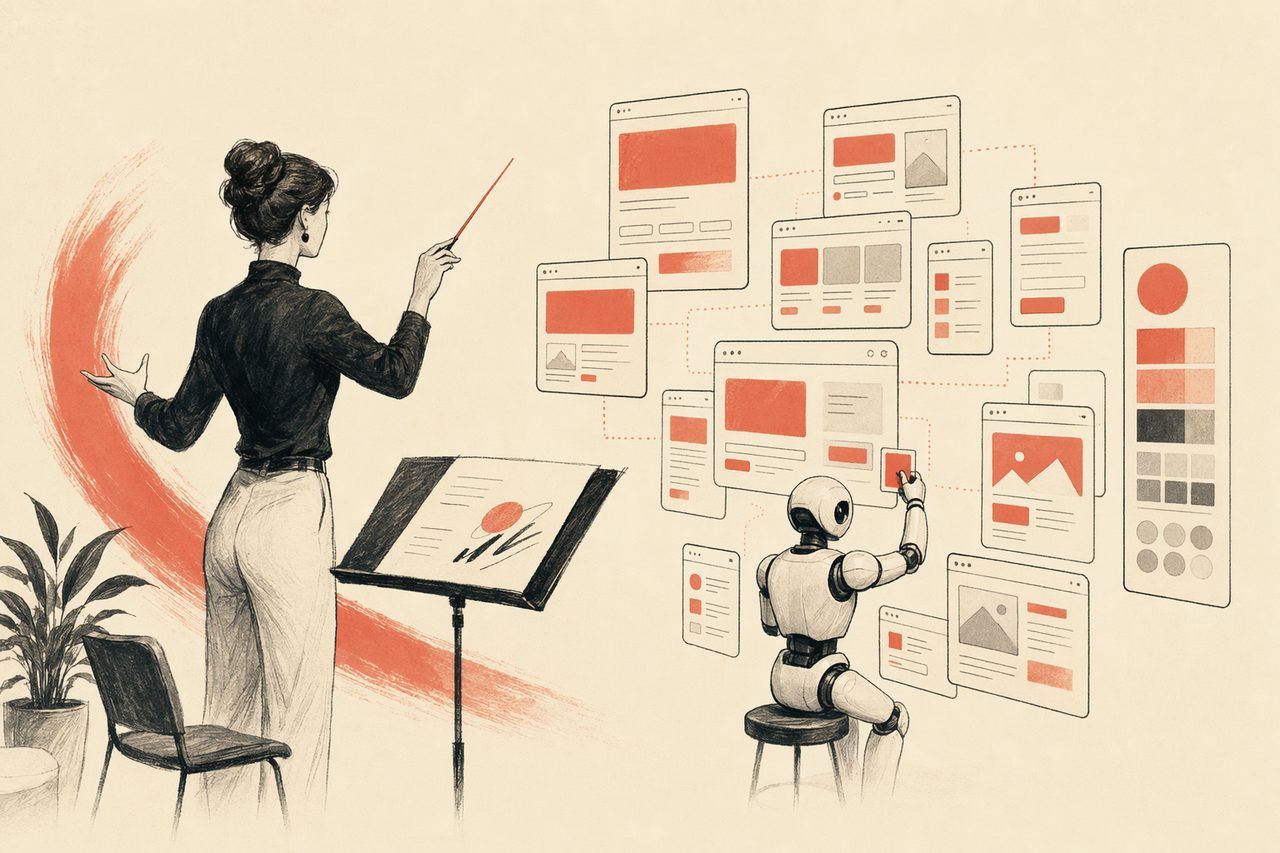
Direct the design — let the agent do the production
You set the system and the standard; the agent renders the screens, the states, the variants, the high-fidelity comps. Less pushing rectangles, more deciding what good looks like.
In one line
OpenDesign is the production assistant that never tires: you define the design system and call the taste; the agent generates the rest, on system, in your repo.
How a designer uses OpenDesign
- 01
Encode your system
Turn your brand into a DESIGN.md — type scale, color, spacing, components, voice. This is the source of truth the agent obeys.
- 02
Generate the long tail
Every screen, state, and variant you would otherwise hand-build — the agent renders them on system, so the boring 80% is done in minutes.
- 03
Direct and refine
Critique in language — “tighten the spacing, make the empty state warmer.” You keep final say; the agent does the iterations.
What a designer can direct
Web Prototype Taste Editorial
Editorial-minimalist web prototype. Warm monochrome canvas, serif display + grotesque body, 1px hairline borders, muted pastel chips, generous macro-whitespace, ambient micro-motion. Distilled from Leonxlnx/taste-skill `minimalist-skill`.
Web Prototype Taste Brutalist
Swiss industrial-print web prototype. Newsprint canvas, monolithic black grotesque, viewport-bleeding numerals, hairline grid dividers, hazard-red accent, ASCII syntax decoration. Distilled from Leonxlnx/taste-skill `brutalist-skill` (Swiss Industrial Print mode).
Mobile Onboarding
A multi-screen mobile onboarding flow rendered as three phone frames side by side — splash, value-prop, sign-in. Status bar, swipe dots, primary CTA. Use when the brief mentions "mobile onboarding", "iOS onboarding", "phone signup", or "移动端引导".
Wireframe Sketch
A hand-drawn wireframe exploration — graph-paper background, marker / pencil tone, multiple tab labels for variants, sticky-note annotations, scribbled chart placeholders, hatched fills. Reads like a designer's whiteboard before any pixels are committed. Use when the brief asks for "wireframe", "sketch wireframe", "hand-drawn", "lo-fi", "whiteboard", "草稿", or "手绘原型".
Web Prototype Taste Soft
Apple-tier soft web prototype. Silver/cream canvas, double-bezel cards, button-in-button CTAs, generous squircle radii, spring motion, ambient mesh. Distilled from Leonxlnx/taste-skill `soft-skill` + sections 4–8 of `taste-skill`.
Image Poster
Single-image generation skill for posters, key art, and editorial illustrations. Defaults to gpt-image-2 but is provider-agnostic — the same workflow drives Flux, Imagen, or Midjourney via the active upstream tooling. Output is one or more PNG/JPEG files saved to the project folder.
Designing with OpenDesign vs. the manual way
| What you need | With OpenDesign | Manual design tooling |
|---|---|---|
| Build a design system | A DESIGN.md the agent applies everywhere | A library you maintain by hand per tool |
| Produce variants & states | Generated on system from a prompt | Duplicate frames and tweak each one |
| High-fidelity comps | Rendered to real HTML, not a flat mockup | Pixel work that engineering rebuilds anyway |
| Stay consistent | One system, automatically enforced | Manual discipline; drifts over time |
| Handoff | Artifact is code — no translation gap | Spec docs and redlines |
High-fidelity, on-system work the agent produced from direction. Pick one close to your style and refine it.
Designer FAQ
-
01 Does this replace me?
No — it replaces the toil. You set the system and the taste; the agent does the repetitive production so you spend time on the decisions only you can make.
-
02 How do I keep control of the look?
Your DESIGN.md is the contract. The agent renders within it, and you critique in language until it is right.
-
03 Is the output editable / real?
It is real HTML/CSS, not a flat export — so it carries straight into production instead of being rebuilt.
-
04 Which agents can I use?
Claude Code, Codex, Cursor Agent, Gemini CLI and more first-party adapters, with your own provider keys.
Direct your next design tonight
Star the repo, install OpenDesign, and let the agent handle production while you call the taste — in the agent you already use.