

Make the idea clickable before the kickoff
Describe the flow and your agent renders a real, clickable prototype you can put in front of stakeholders today — so reviews discuss the actual thing, not a paragraph in a doc.
In one line
OpenDesign gives a PM a design-free way to make ideas tangible: prompt-to-prototype for alignment and briefs, without spending the team’s design budget.
How a PM uses OpenDesign
- 01
Describe the flow
Write the user journey in plain language — the screens, the states, the happy path. No wireframing tool required.
- 02
Get a clickable prototype
The agent renders navigable screens you can actually click through — far clearer than a slide or a doc for a stakeholder review.
- 03
Align and hand off
Share the link, gather feedback on the real thing, then pass the prototype to design/eng as a precise, shared starting point.
What a PM can put in front of people
Pm Spec
Product spec / PRD as a single page — problem, success metrics, scope, user stories, design notes, rollout plan, open questions. Use when the brief mentions "PRD", "spec", "product spec", "feature brief", or "需求文档".
Team Okrs
OKR tracker page — quarter banner, three objectives with their key results as progress bars, owner avatars, status pills, and a "this quarter at a glance" sidebar. Use when the brief mentions "OKRs", "key results", "objectives", or "目标".
Write an Operating Review like a Disciplined COO
OpenDesign's operating review: growth, burn, and the concrete path to sustainability without losing the open ethos. Built as a decision-grade corporate strategy deck for leadership team.
Device 3D Showcase
Static iPhone and MacBook 3D-style showcase with real HTML embedded on screens, glass-lens refraction, and 360-degree turntable composition.
Run a Metrics Standup like a Data-Driven Ops Lead
OpenDesign's weekly metrics standup: this week's numbers, the one anomaly, and the single decision it forces. Built as a decision-grade data & finance deck for ops & growth team.
Meeting Notes
Meeting notes page — title bar with attendees, agenda checklist, decisions block, action items table with owners + dates, and a "next meeting" footer. Use when the brief mentions "meeting notes", "minutes", "1:1 notes", "all-hands recap", or "会议纪要".
PM work with OpenDesign vs. waiting on design
| What you need | With OpenDesign | Without it today |
|---|---|---|
| Make an idea tangible | Prompt → clickable prototype yourself | File a design ticket and wait for bandwidth |
| Align stakeholders | They click the real flow | They read a doc and imagine it differently |
| Brief the team | A concrete prototype as the spec | A wall of text and back-and-forth |
| Iterate before build | Change it in a prompt, re-share | Another round on the design queue |
| Cost | Open source, in the agent you already use | Design hours spent on throwaway concepts |
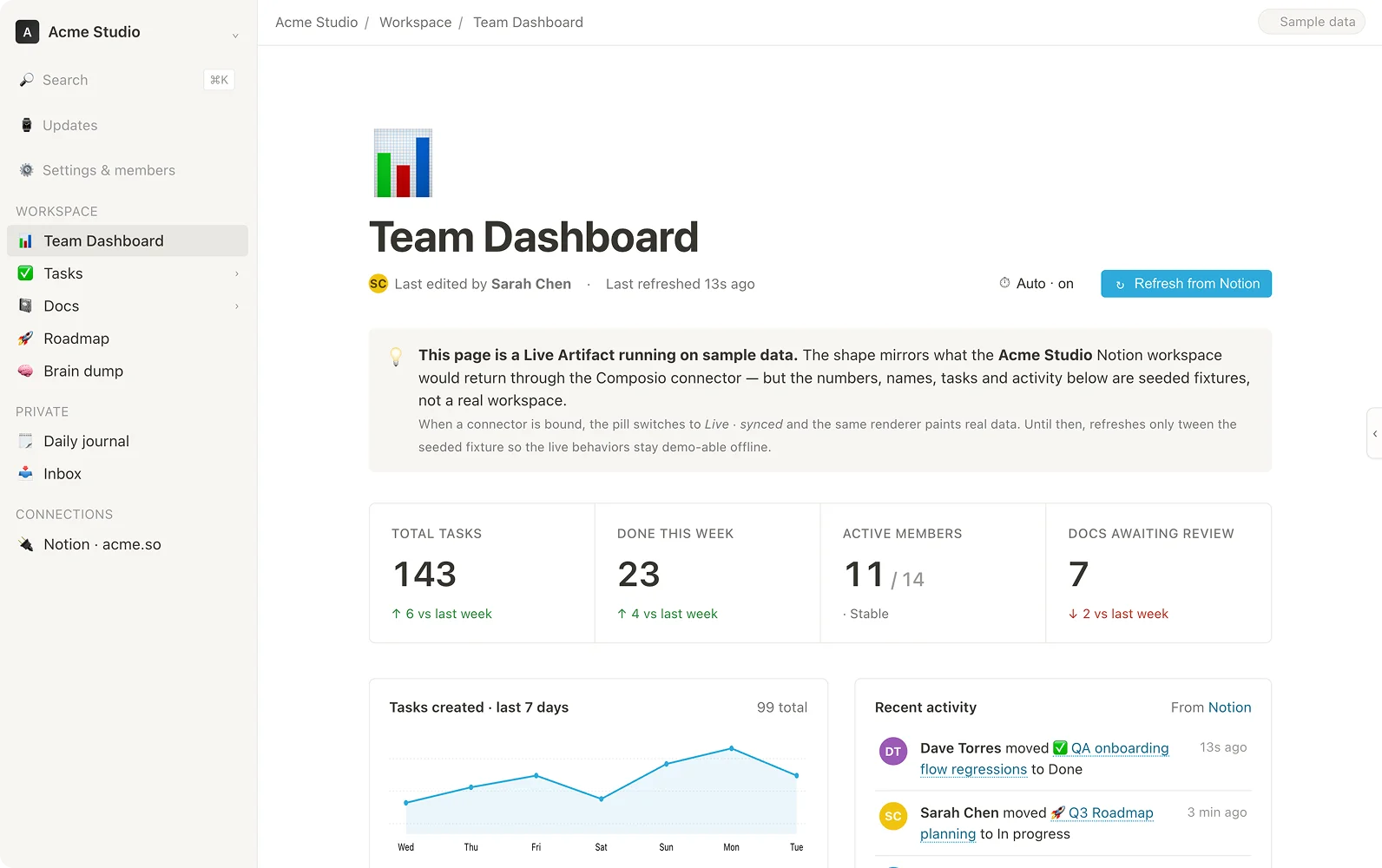
Clickable flows rendered from a description, ready for a stakeholder review. Pick one close to your idea and describe it.
Product manager FAQ
-
01 I can’t design — is this for me?
Yes. You describe the flow in words; the agent makes it clickable. It is for communicating and aligning, no design tool required.
-
02 Is it a real prototype or a mockup?
Real and clickable — navigation and states work, so stakeholders react to the actual experience.
-
03 Does it replace design?
No — it gives design and eng a precise, shared starting point instead of a text spec, and saves design bandwidth for the work that needs it.
-
04 Which agents can I use?
Claude Code, Codex, Cursor Agent, Gemini CLI and more first-party adapters, with your own provider keys.
Make your idea clickable tonight
Star the repo, install OpenDesign, and turn your next spec into something people can click — in the agent you already use.