New Product. Lasting Impression.
Show what makes your product worth noticing, with a launch video that brings its key features and details to life.



Opus 5.5 quality. 1/10 the cost.
Create on-brand motion graphics with frame-level control and shared team context.
Better results. Less rework. Lower cost.
Show what makes your product worth noticing, with a launch video that brings its key features and details to life.
Show what makes your product worth noticing, with a launch video that brings its key features and details to life.
Show what makes your product worth noticing, with a launch video that brings its key features and details to life.
Showcase your product’s appearance, features, and everyday uses in videos for product pages and social ads.
Showcase your product’s appearance, features, and everyday uses in videos for product pages and social ads.
Turn articles, processes, and technical concepts into easy-to-follow videos with animated diagrams and step-by-step explanations.
OpenDesignClient revisions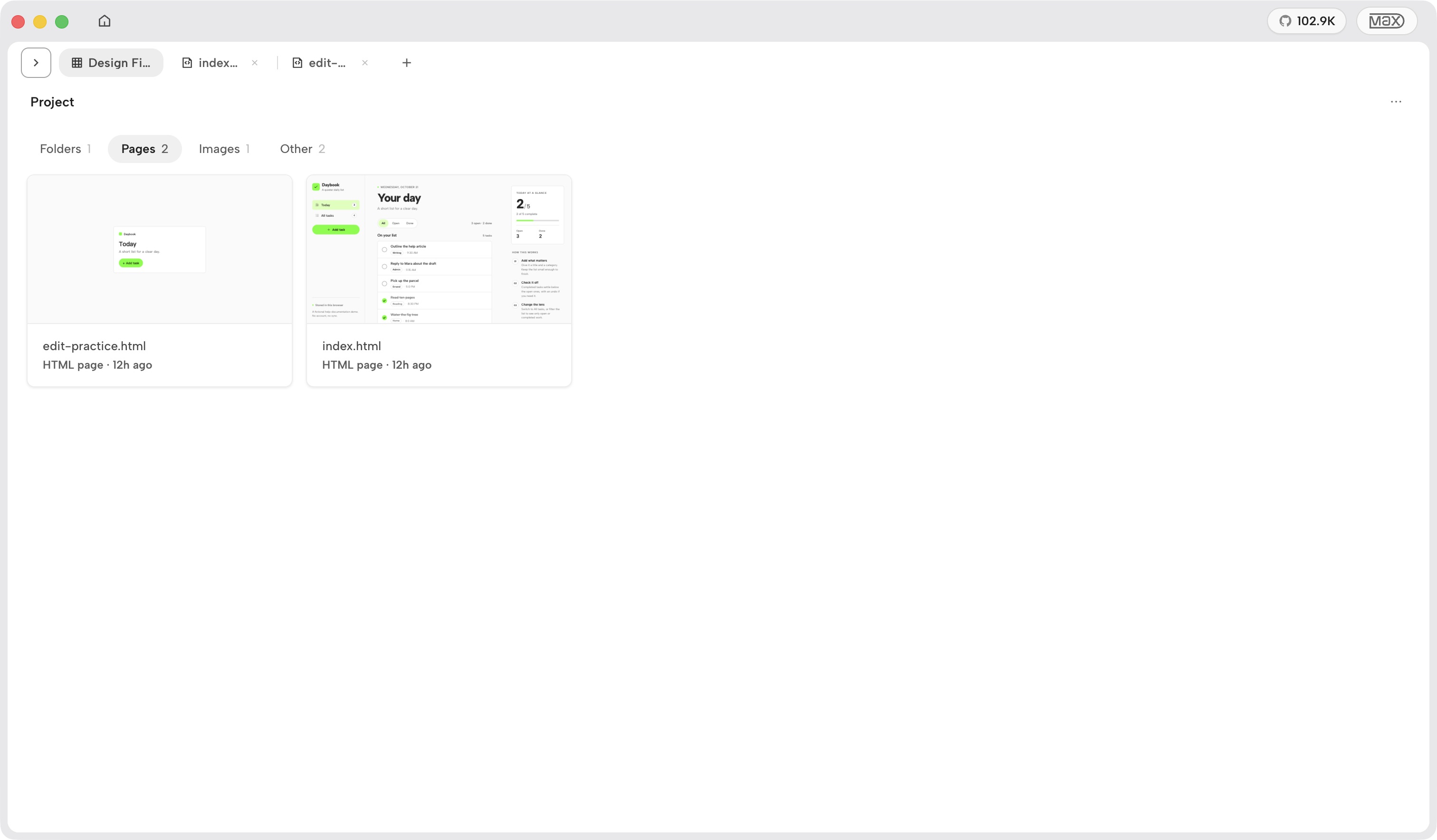
Reuse your production workflow across clients. Apply each client’s assets and brand guidelines, then refine the design, motion, and timing to fit the brief.
OpenDesignLaunch brief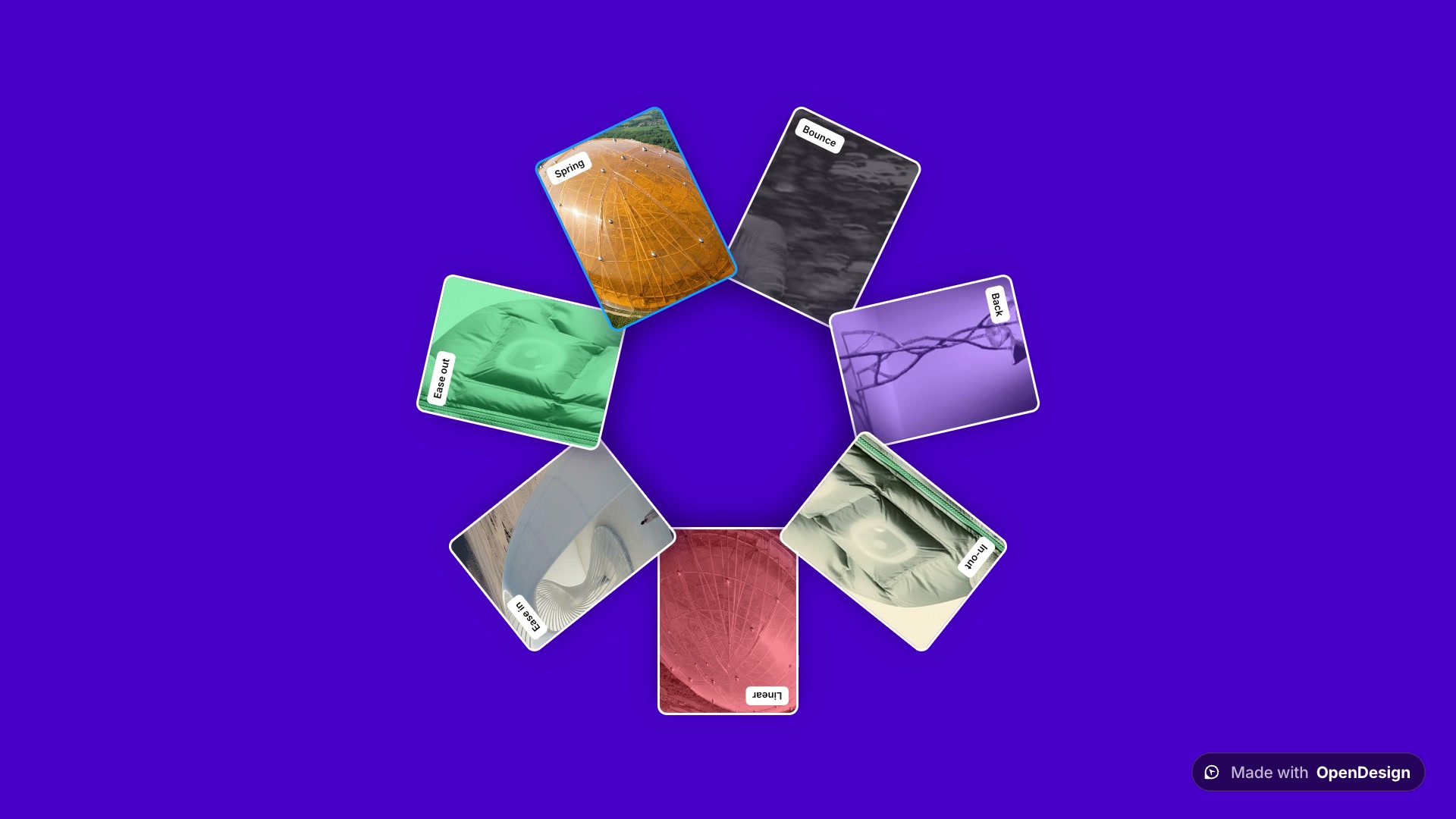 Product screens1920 × 1080
Introduce the product, show the key feature, and end with the launch message.
Turn technical descriptions into launch videos people can understand. Use real product screens and animation to show how features work and why they matter.
OpenDesignProduct assets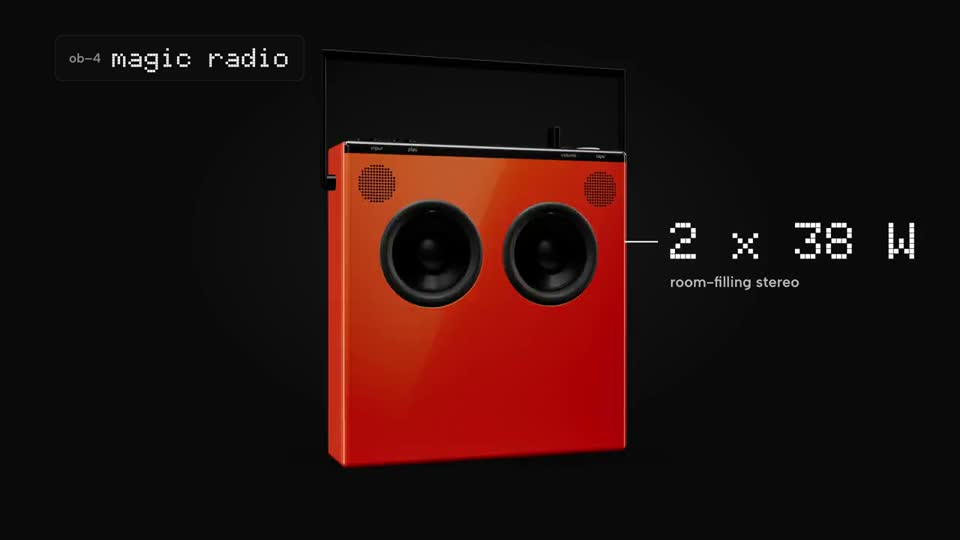
Build videos around real product photos and demos. Fine-tune close-ups, feature labels, and timing to highlight design details and show the product in use.
OpenDesignProduct updatesSales demoReplace screens and revise messaging in existing videos. Reuse the animation and your team’s brand context to keep demos current as your product evolves.
OpenDesignCampaign variants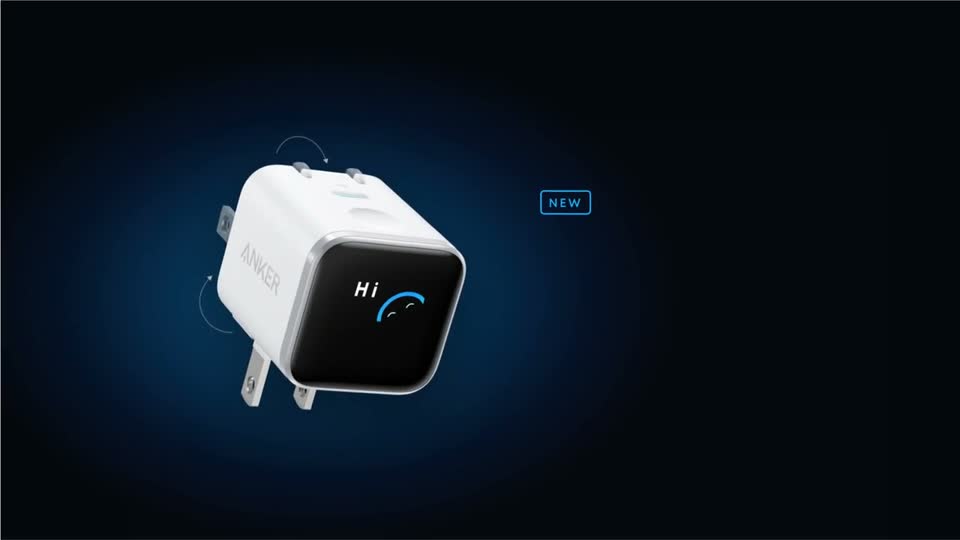
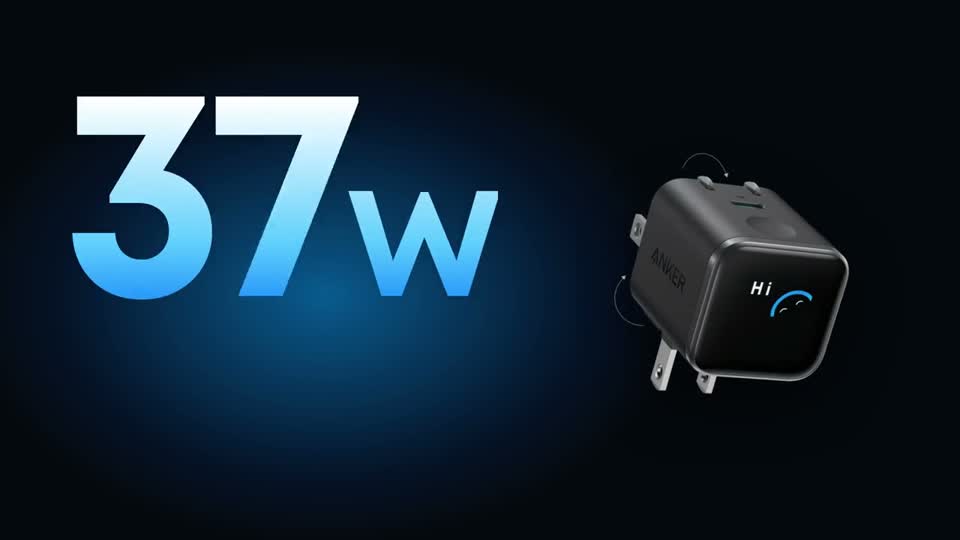
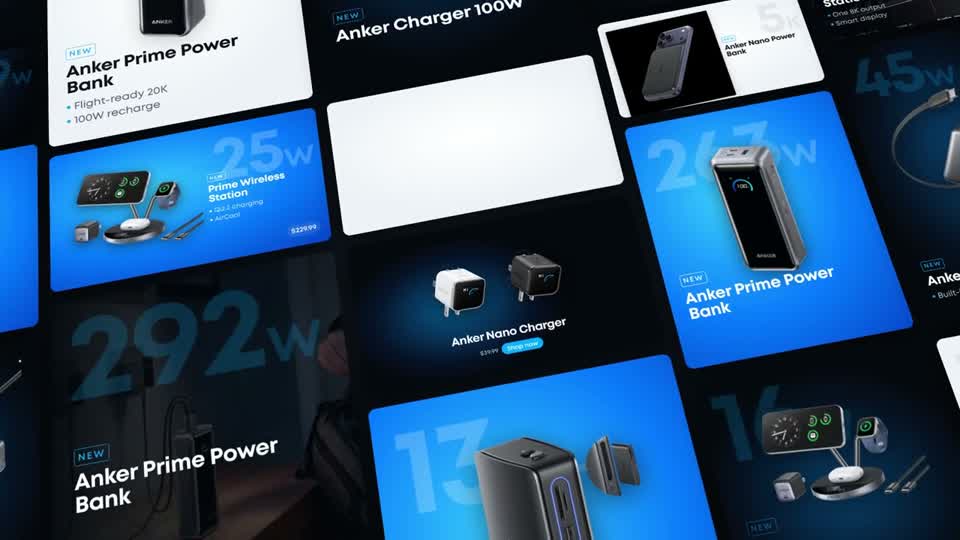
Reuse each client’s assets and brand style across product videos and ad variations. Adapt the featured product, offer, and format for each campaign.
OpenDesignVisual explanationsStart with the problem. Explain the mechanism. Show a practical example.
Turn technical articles and processes into motion videos with animated diagrams. Describe what you want to explain, then refine the visuals and pacing through conversation.
OpenDesignLesson planningIntroduce the concept, work through an example, then give learners a question.
↑Add your course materials and describe the lesson to generate a teaching video. Reuse diagrams and visual styles to build each chapter faster.
OpenDesignReusable training projects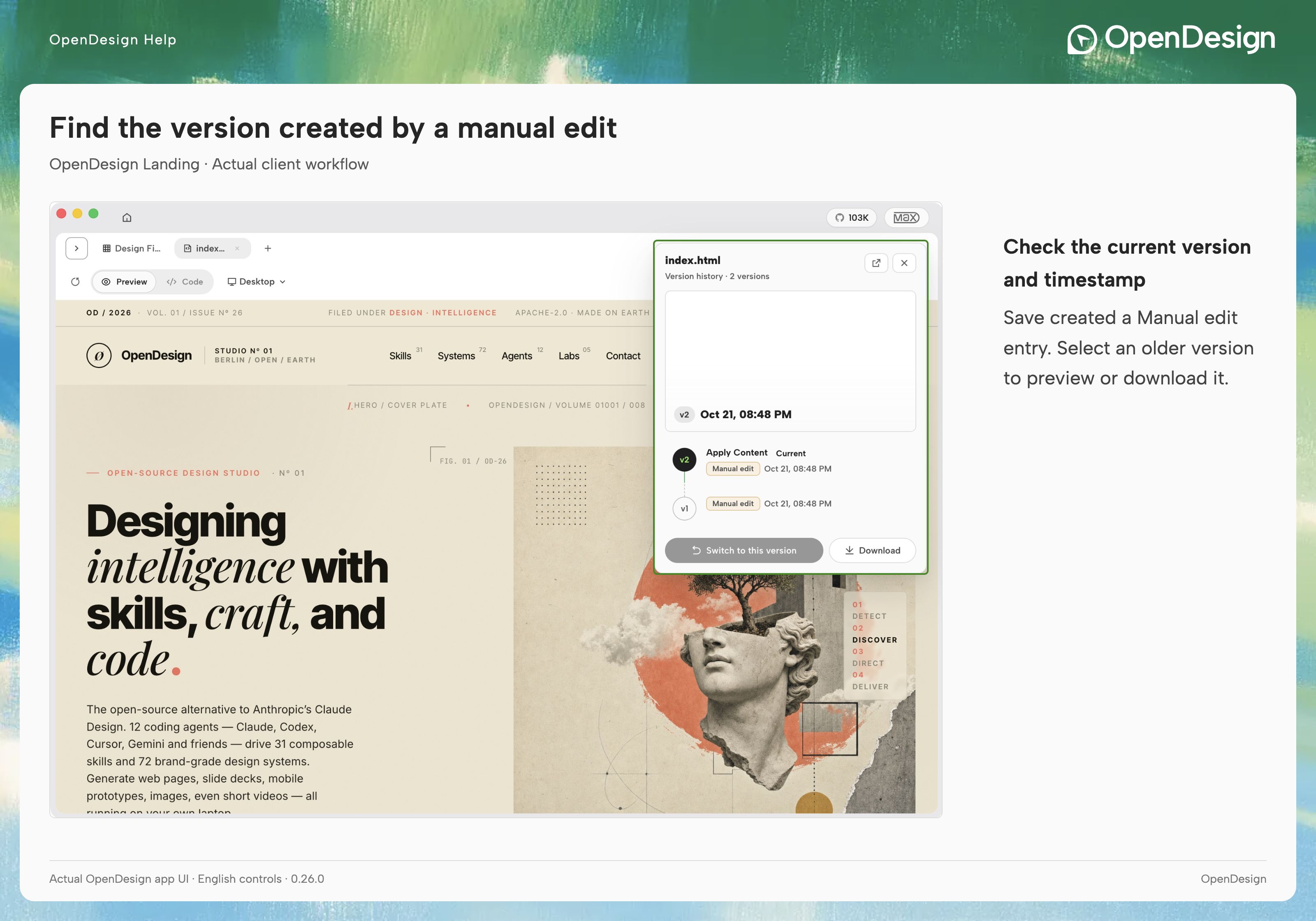
Show each step of the process. Update the instructions when the workflow changes.
Turn process documents and screen captures into step-by-step training videos. Revise individual instructions in the same project whenever the procedure changes.
Turn a complex idea into a motion video
A studio-quality product film
Create without a motion designer or AE expertise
Use your own assets, make specific changes, and keep the project behind your video.
Use your own logo, screenshots, images, fonts, and colors. Give the agent your brand references so it creates around your actual product and visual identity.
Your product screens. Your brand colors. Your own content.
Go from your assets to a finished motion video in one continuous conversation.
Find inspiration, explore skills, and learn how to create with OpenDesign.
OpenDesign Motion is an AI-assisted motion design workflow for creating motion graphics and motion videos. Bring your own assets, work with an AI agent to create and revise the animation, and keep an editable source project alongside the exported video.
You can create product demos, launch announcements, product ads, tutorials, and explainers. Start with screenshots, images, text, or diagrams, and describe how you want them presented and animated.
You can start by describing the motion video and requesting changes in plain language. You still review the preview and decide what needs to change. More complex scenes or effects may require additional iteration.
Bring the assets you want to use: your logo, screenshots, images, and approved copy. Include brand colors, fonts, the target audience, and where the video will appear. Visual references help communicate the style you want.
You can revise text, colors, layout, scene duration, and animation timing. For example: “Replace this headline, keep the layout, and hold the final frame for two more seconds.” Continue working on the same project rather than starting from a new generation.
OpenDesign Motion keeps an editable project behind the rendered video. You can return to individual elements and timing for further changes. The exported motion video is an output of that project, rather than the only file you keep.
Shared memory gives teammates reusable brand guidelines and creative context. Instead of explaining the same colors, tone, and visual preferences in every brief, your team can build on previously saved decisions.
No. OpenDesign Motion is designed to work without requiring the latest frontier model. Your assets, project structure, and reusable context support the workflow. The model and agent you choose still affect the results and the amount of iteration needed.
Use an agent supported by your OpenDesign installation, such as Claude Code or Codex. Available models, access requirements, and costs depend on your configuration and provider.
Keep both the rendered motion video and its editable source project. Publish or share the video, and reopen the project when you need to change a screenshot, update a feature name, or make another version.
Costs and production time depend on your assets, brief, model usage, and review process. Test a representative project before estimating savings for your team.
Commercial use depends on the rights and terms covering your assets and services. Make sure you have the necessary permissions for images, fonts, music, and other material included in the video, and check the terms of your model provider.
OpenDesign Motion
Bring your assets into OpenDesign Motion. Create a draft with AI, edit the details, and export the video with its source project.