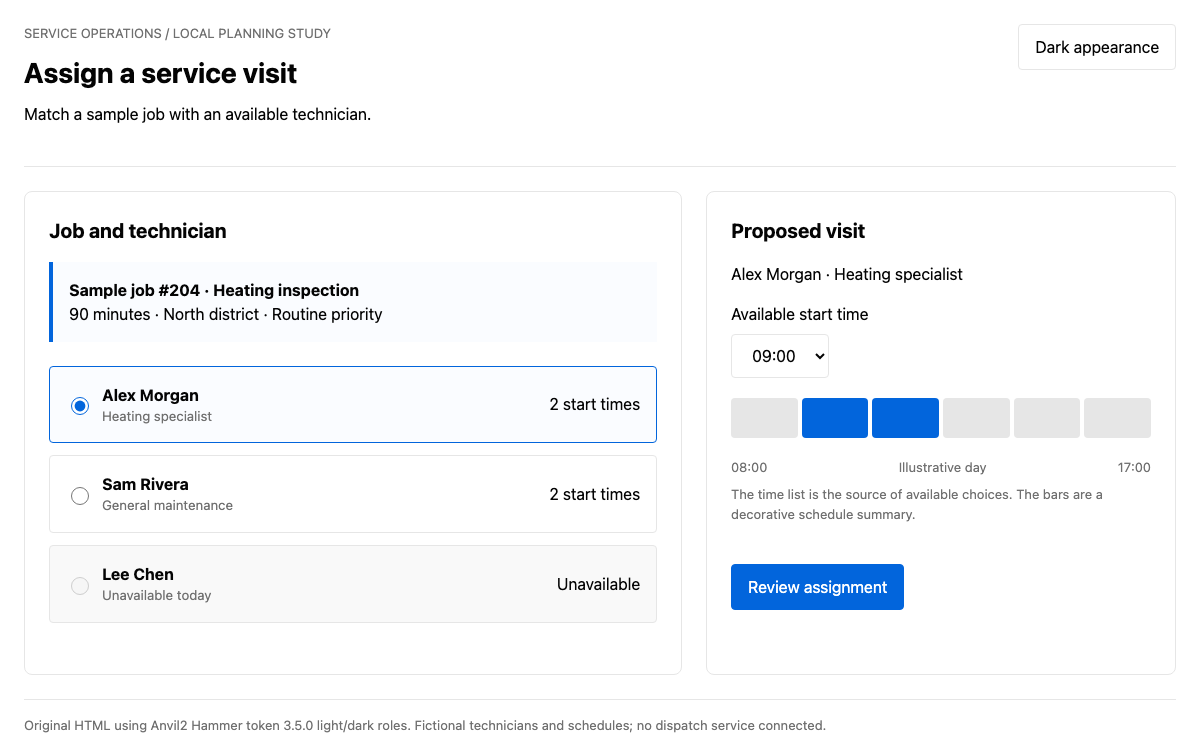
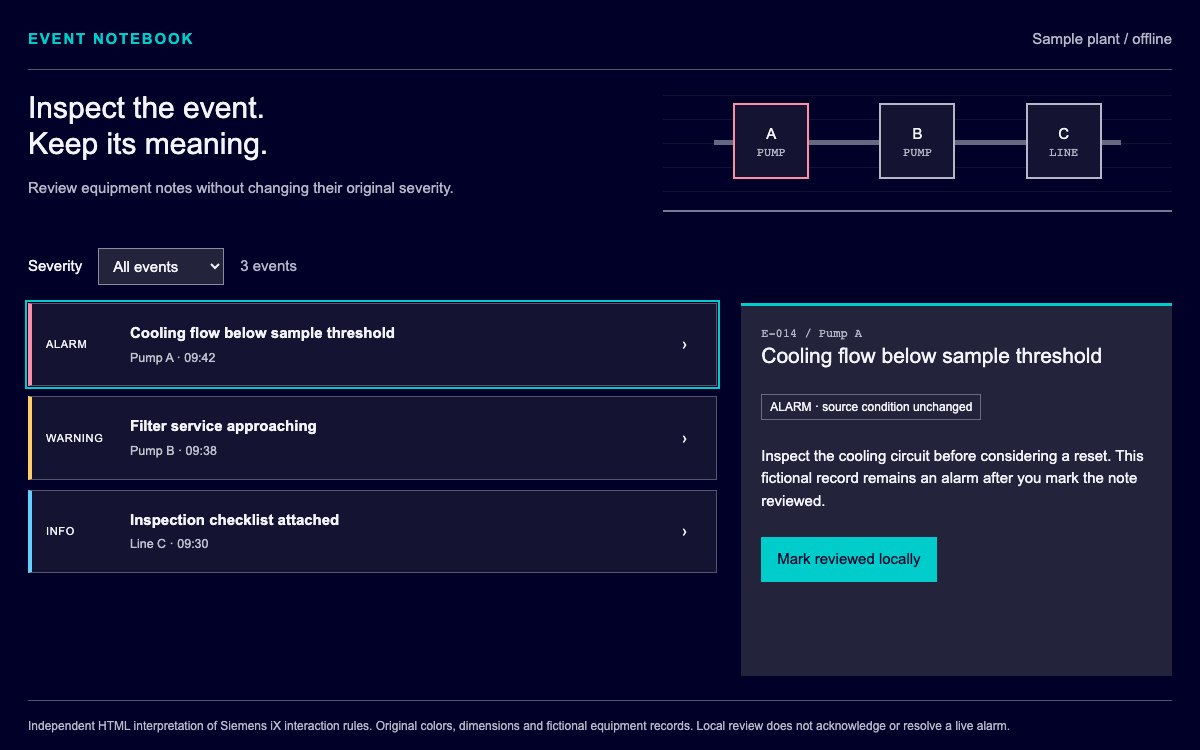
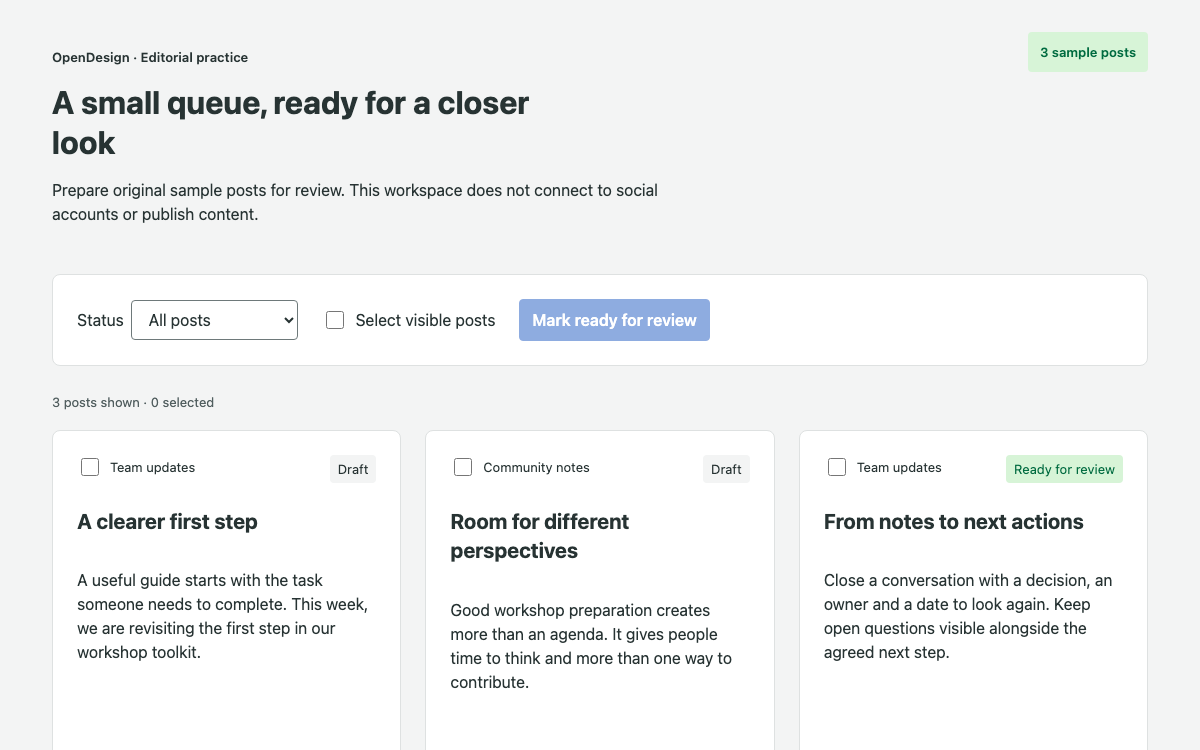
Horizon은 여러 ServiceNow 앱 프레임워크를 지원합니다. 이 페이지에서는 Workspace에 중점을 둡니다. 대기열과 선택한 레코드를 함께 표시하므로 검토자는 맥락을 잃지 않고 로컬 작업을 처리할 수 있습니다. Service Portal, Native Mobile 및 Core UI를 서로 바꿔 쓸 수 있는 스킨으로 다루지 않습니다. 실제로 작동하는 이 연구 예제는 독립적으로 만든 HTML 애플리케이션이며, ServiceNow 인스턴스를 내장하지 않습니다.
검증된 기반과 독자적인 선택을 구분하기
참고 자료에는 공개된 간격 이름, 반경 값 및 타이포그래피 역할이 정확히 명시되어 있습니다. 연구 예제의 녹색 동작 색상, 중립적인 인터페이스 표면 및 포커스 파란색은 앱 접두사를 붙여 선언한 독자적인 OpenDesign 값입니다. 이를 공식 Horizon 토큰 내보내기 결과라고 주장하지 않습니다. 전체 예제를 실행하는 데 임의로 만든 ServiceNow 패키지 설치나 플랫폼 API은 필요하지 않습니다.
ServiceNow Horizon 디자인 시스템 Workspace 간격, 모서리 반경 및 타이포그래피
실제 간격 단계를 사용하기
문서에 명시된 간격은 2, 4, 8, 12, 16, 24, 32, 40px입니다. 이 연구 예제에서는 대기열과 레코드 사이의 간격, 레코드 내부 여백, 메타데이터 사이의 더 작은 간격을 구분하는 데 이 값을 사용합니다. 같은 단계가 반복되더라도 각 값은 서로 다른 그룹 관계를 나타냅니다. 모든 곳에 같은 여백을 적용하면 이러한 위계가 사라집니다.
제목과 본문 텍스트에 서로 다른 역할 부여하기
공개된 글꼴 역할에 맞춰 제목에는 Cabin을, 본문에는 Lato를 사용합니다. 화면이 넓을 때 페이지 제목은 32px, 레코드 제목은 24px로 표시합니다. 모서리 반경 참고 값은 일반적인 4/8/12 단계라고 가정하는 대신 2, 6, 8px를 사용합니다. 둥근 상태 라벨은 모양이나 색상만으로 상태를 나타내지 않습니다. Open 또는 Reviewed라는 텍스트도 함께 표시합니다.
ServiceNow Horizon 디자인 시스템 대기열, 선택한 레코드 및 필터링
선택한 레코드 하나 유지하기
대기열의 각 동작 항목에는 실무 요청의 이름, 담당자 및 상태가 표시됩니다. 항목을 선택하면 인접한 상세 정보가 채워지고 새 제목에 포커스가 이동합니다. 선택된 항목에는 aria-current와 눈에 띄는 테두리 스타일이 적용됩니다. 이는 기본 Horizon 컴포넌트 API가 아니라 독자적으로 만든 목록/상세 패턴이며, 전체 상태 로직을 확인할 수 있습니다.
필터로 선택 항목이 사라질 때 복구하기
상태 필터를 적용하면 표시되는 대기열이 좁혀집니다. 선택한 요청이 필터 결과에 포함되지 않으면 애플리케이션이 조건에 맞는 첫 번째 요청을 선택합니다. 남은 요청이 없으면 빈 상태 메시지와 모든 요청 보기 동작을 표시합니다. 개수는 전체 3개 레코드를 기준으로 계산합니다. 필터링해도 레코드가 삭제되거나 상태가 알림 없이 바뀌지 않습니다.
선택한 레코드가 현재 필터 결과에 포함되도록 유지합니다.
필터 결과에 레코드가 없으면 명확한 빈 상태를 표시합니다.
데이터를 삭제하지 않고 모든 요청 보기를 통해 복구합니다.
ServiceNow Horizon 디자인 시스템 초안 메모 및 검토 검증
초안을 해당 레코드에 연결해 유지하기
검토자가 텍스트 영역에 입력하면 해당 레코드의 임시 메모가 업데이트됩니다. 다른 요청으로 이동했다가 돌아와도 임시 메모는 유지됩니다. 메모가 비어 있거나 공백만 입력된 경우 요청을 검토 완료로 표시할 수 없습니다. 인라인 오류가 표시되고 aria-invalid가 설정되며, 포커스는 텍스트 영역으로 돌아갑니다. 데이터 모델에서는 저장된 메모와 현재 임시 메모를 명확히 구분합니다.
로컬 상태 변경 과정을 확인할 수 있게 합니다
ServiceNow Horizon 디자인 시스템 다시 열기 및 접근성 피드백
다시 열어도 작업 내용을 유지합니다
요청 다시 열기를 선택하면 검토가 완료된 레코드가 저장된 메모를 유지한 채 Open 상태로 돌아갑니다. Reviewed만 표시하는 필터가 적용된 경우 목록이 비어 있을 수 있으며, 이때 복구 작업을 실행하면 전체 대기열이 다시 표시됩니다. 이 조합은 각 버튼을 따로 확인하는 것보다 레코드 상태, 필터링, 선택한 상세 정보 사이의 관계를 더욱 효과적으로 검증합니다.
텍스트, 포커스, 상태를 함께 사용합니다
상태 색상에는 텍스트 레이블을 함께 표시합니다. 유효성 검사 중에는 수정이 필요한 입력란에 포커스를 두고, 레코드 이동 중에는 제목에 포커스를 둡니다. 로컬 업데이트는 상태 영역을 통해 알립니다. 이 사례만으로 실제 Workspace에서 보조 기술을 사용한 테스트가 불필요해지는 것은 아닙니다. 다만 테스트를 시작할 수 있도록 전체 로컬 흐름을 구현해 확인할 수 있게 합니다.
ServiceNow Horizon 디자인 시스템 전체 로컬 소스와 검사
공개 폰트 패키지를 설치합니다
제공된 엔트리 파일은 공개 Cabin 및 Lato 폰트 패키지와 원본 구성 스타일시트를 가져옵니다. HTML 셸은 루트 요소를 제공합니다. 이 예제에는 ServiceNow 런타임, 자격 증명 또는 엔드포인트가 포함되어 있지 않습니다. 실제 플랫폼 연동은 로컬 레코드 배열을 ServiceNow의 API 계약으로 간주하지 말고 Horizon의 Workspace 및 개발자 리소스를 통해 시작해야 합니다.
일반 앱에 공개 폰트 패키지를 설치합니다.
전체 엔트리 파일, 스타일시트, 루트 HTML 셸을 저장합니다.
검토 내용을 저장하기 전에 임시 메모 유지 여부를 테스트합니다.
상태 필터링과 다시 열기, 빈 상태 복구를 함께 테스트합니다.
연결된 워크플로를 확인합니다
빈 메모를 제출한 다음 임시 메모를 입력하고 다른 요청으로 이동했다가 돌아와 메모가 유지되는지 확인합니다. 레코드를 검토 완료로 표시하고 Reviewed 필터를 적용한 뒤 다시 엽니다. 빈 상태 복구와 저장된 메모도 확인합니다. 좁은 화면에서는 대기열 아래에 상세 정보가 배치되며 모든 작업이 유지됩니다. 이러한 상태 변경과 함께 폰트 로드, JavaScript 오류, 가로 넘침도 확인합니다.
ServiceNow Horizon 디자인 시스템 구성 요소 예제
main.js — 전체 대기열 및 검토 로직
전체 레코드, 임시 메모, 필터, 유효성 검사, 복구 기능입니다.
자바스크립트
import '@fontsource/cabin/latin-600.css';
import '@fontsource/lato/latin-400.css';
import '@fontsource/lato/latin-700.css';
import './horizon.css';
const records=[{id:'REQ-104',title:'Review the workshop outline',owner:'Design team',priority:'Normal',detail:'Compare the proposed agenda with the decision the team needs to make. Capture one question that should be resolved before the workshop.'},{id:'REQ-105',title:'Check the shared resource list',owner:'Content team',priority:'High',detail:'Review the resource titles for clear action language and confirm that each summary explains when the resource is useful.'},{id:'REQ-106',title:'Prepare the research readout',owner:'Research team',priority:'Normal',detail:'Group the observations by theme. Keep direct observations separate from the team’s interpretation and include the questions still open.'}].map(x=>({...x,status:'Open',note:''}));let selected=records[0].id;
document.querySelector('#root').innerHTML=`<main><header><p class="eyebrow">OpenDesign · Workflow study</p><h1>Team review workspace</h1><p>Review three original practice requests. Update a local record while keeping the queue and details in context.</p></header><div class="toolbar"><label>Status <select id="filter"><option>All</option><option>Open</option><option>Reviewed</option></select></label><p id="queue-count" role="status"></p></div><div class="workspace"><nav aria-label="Practice request queue"><div id="queue"></div><p id="empty" hidden>No requests match this status.</p><button id="clear" hidden>Show all requests</button></nav><section id="detail" aria-labelledby="record-title"></section></div><p id="feedback" role="status"></p><footer><strong>Original application, documented foundations.</strong> Cabin headings, Lato body text, the published 2–40px spacing scale and 2/6/8px radius references inform this study. The colors and application behavior are original OpenDesign choices. This is not the ServiceNow platform or a connected Workspace.</footer></main>`;
function renderQueue(){let filter=document.querySelector('#filter').value,visible=records.filter(x=>filter==='All'||x.status===filter);if(!visible.some(x=>x.id===selected))selected=visible[0]?.id;const queue=document.querySelector('#queue');queue.replaceChildren(...visible.map(r=>{let b=document.createElement('button');b.className='queue-item';b.dataset.id=r.id;b.setAttribute('aria-current',String(r.id===selected));b.innerHTML=`<span class="record-id">${r.id}</span><strong>${r.title}</strong><span>${r.owner}</span><span class="status ${r.status.toLowerCase()}">${r.status}</span>`;b.onclick=()=>{selected=r.id;renderQueue();renderDetail();document.querySelector('#record-title')?.focus()};return b}));document.querySelector('#queue-count').textContent=`${visible.length} of ${records.length} requests`;document.querySelector('#empty').hidden=visible.length>0;document.querySelector('#clear').hidden=visible.length>0;}
function renderDetail(){const r=records.find(x=>x.id===selected),panel=document.querySelector('#detail');if(!r){panel.innerHTML='<h2 id="record-title">Choose another status</h2><p>All local requests are still available through the status filter.</p>';return}panel.innerHTML=`<p class="eyebrow">${r.id} · ${r.owner}</p><h2 id="record-title" tabindex="-1">${r.title}</h2><p>${r.detail}</p><dl><div><dt>Priority</dt><dd>${r.priority}</dd></div><div><dt>Status</dt><dd>${r.status}</dd></div></dl><form id="review"><label for="note">Review note</label><p class="hint" id="hint">Write one useful observation. This note remains in the page.</p><textarea id="note" rows="4" aria-describedby="hint error"></textarea><p id="error" class="error" hidden>Enter a review note before marking this request reviewed.</p><div class="actions"><button type="submit" class="primary">${r.status==='Open'?'Mark reviewed':'Update review'}</button><button type="button" id="reopen" ${r.status==='Open'?'hidden':''}>Reopen request</button></div></form>`;const note=panel.querySelector('#note');note.value=r.draft??r.note;note.oninput=()=>{r.draft=note.value;document.querySelector('#error').hidden=true;note.removeAttribute('aria-invalid');document.querySelector('#feedback').textContent=''};panel.querySelector('#review').onsubmit=e=>{e.preventDefault();if(!note.value.trim()){document.querySelector('#error').hidden=false;note.setAttribute('aria-invalid','true');note.focus();return}r.note=note.value.trim();r.draft=r.note;r.status='Reviewed';renderQueue();renderDetail();document.querySelector('#feedback').textContent=r.id+' reviewed locally. No record was sent to ServiceNow.';document.querySelector('#record-title')?.focus();};panel.querySelector('#reopen').onclick=()=>{r.status='Open';renderQueue();renderDetail();document.querySelector('#feedback').textContent=r.id+' reopened. The saved review note is retained.';document.querySelector('#record-title')?.focus();};}
document.querySelector('#filter').onchange=()=>{renderQueue();renderDetail();document.querySelector('#feedback').textContent=''};document.querySelector('#clear').onclick=()=>{document.querySelector('#filter').value='All';renderQueue();renderDetail();document.querySelector('#filter').focus()};renderQueue();renderDetail();
이 구성은 원본 사례만 실행합니다. 기본 ServiceNow 구현에는 적절한 플랫폼 개발 환경이 필요합니다.
sh
npm create vite@latest horizon-study -- --template vanilla
cd horizon-study
npm install
npm install @fontsource/[email protected] @fontsource/[email protected]
# Save index.html at root; main.js and horizon.css in src.
npm run dev
프로젝트를 위한 프롬프트
에이전트 프롬프트
검증된 Horizon Workspace 타이포그래피, 간격, 모서리 반경 참조를 사용해 원본 요청 검토 사례 전체를 구현합니다. 원본 색상에는 앱 접두사를 붙입니다. 레코드별 임시 메모를 유지하고, 검토 전에 유효성을 검사하며, 상태 변경 후 필터링된 선택 항목을 다시 계산하고, 다시 열 때 메모를 유지하며, 빈 상태 복구 기능을 제공합니다. 실제 ServiceNow 연결을 주장하지 마세요.
05
ServiceNow Horizon 디자인 시스템 출처 및 범위
Horizon Workspace 기반에서 착안한 독창적인 OpenDesign HTML/CSS 사례입니다. 문서화된 Cabin/Lato 타이포그래피와 간격 및 모서리 반경 값을 사용하고, 색상과 워크플로 로직은 원본으로 구성했습니다. ServiceNow 인스턴스나 기본 Workspace 런타임이 아닙니다.