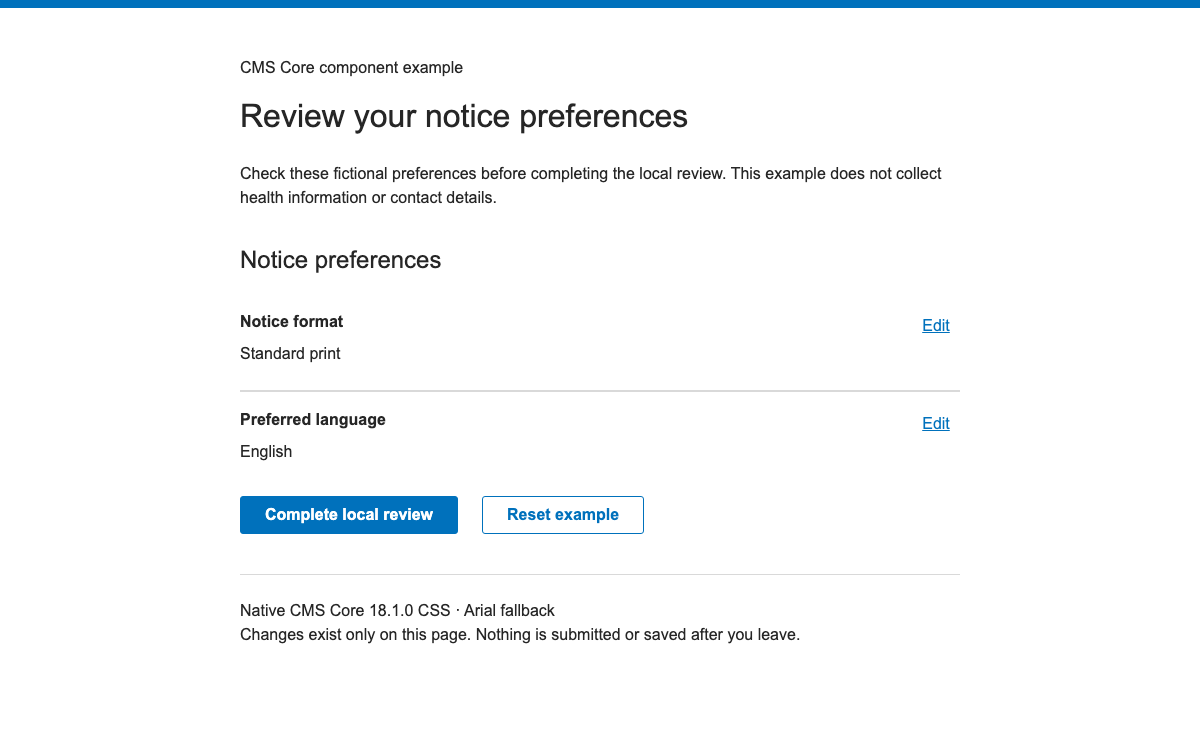
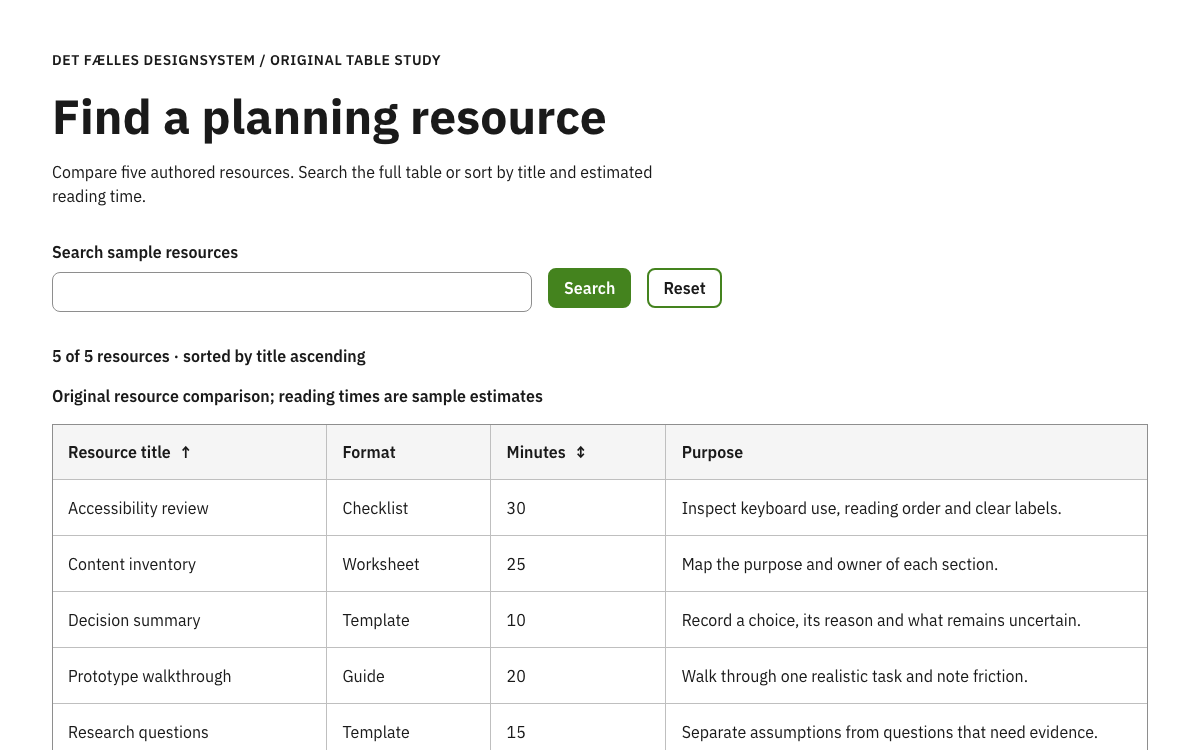
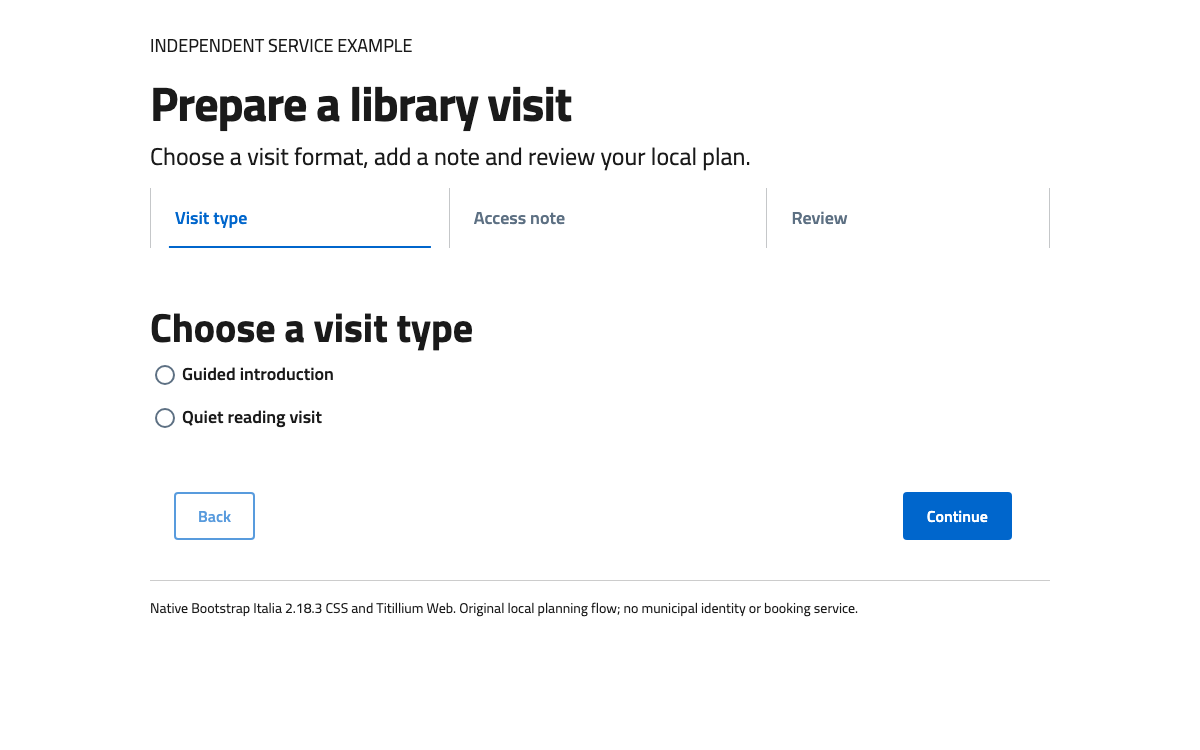
現在のフォントガイダンスでは、2025年7月にAvenir Nextから変更されたSource Sans 3を指定しています。この例は外部ホストのフォントに依存せず、コンパイル済みのシステムフォントへのフォールバックを意図的に使用しています。実際のブランド導入では、ライセンス取得済みフォントのファイルを、ドキュメントに記載されたライセンスフォント用mixinを通じて提供してください。
<!doctype html><html lang="en"><meta charset="utf-8"><meta name="viewport" content="width=device-width,initial-scale=1"><title>CFPB reading worksheet specimen</title><link rel="stylesheet" href="vendor/cfpb-5.10.2/index.css"><link rel="stylesheet" href="vendor/cfpb-5.10.2/base-extracted.css"><style>*{box-sizing:border-box}body{margin:0;background:#fff}main{max-width:1230px;margin:auto;padding:30px}header{max-width:66ch;margin-bottom:30px}.layout{display:grid;grid-template-columns:2fr 1fr;gap:30px}.article{min-width:0}.o-expandable{margin:15px 0}.toolbar{display:flex;gap:15px;flex-wrap:wrap;margin:15px 0}.notes{border-top:5px solid var(--gray-40);padding-top:15px}.notes label{display:flex;gap:10px;margin:20px 0;align-items:flex-start}.notes input{flex:none;width:20px;height:20px;margin-top:2px;accent-color:var(--pacific)}.o-expandable__content p{max-width:66ch}.eyebrow{color:var(--gray);font-size:14px}.note{font-size:14px;margin-top:30px;color:var(--gray)}button{font-family:inherit}button:focus-visible,a:focus-visible,input:focus-visible{outline:3px solid var(--pacific);outline-offset:3px}@media(max-width:900px){.layout{grid-template-columns:1fr}}@media(max-width:600px){main{padding:20px 15px}}</style><main><header><p class="eyebrow">Independent educational specimen · CFPB components</p><h1>Make your question easier to answer</h1><p>Use this reading worksheet to organize a question about an unfamiliar document. No information is submitted or saved.</p></header><div class="layout"><section class="article" id="guide"><div class="m-slug-header"><h2 class="m-slug-header__heading">Before a conversation</h2></div><p>A useful question identifies the document, quotes the unclear wording, and says what you want explained. Keep account numbers and other private details out of this practice worksheet.</p><div class="toolbar"><button id="open-all" class="a-btn a-btn--secondary">Open all explanations</button><button id="close-all" class="a-btn a-btn--secondary">Close all</button></div><div class="o-expandable o-expandable--background o-expandable--border">
  <button class="o-expandable__header" type="button">
    <span class="o-expandable__label">Keep the question specific</span>
    <span class="o-expandable__cues" aria-hidden="true">
      <span class="o-expandable__cue-open">+</span>
      <span class="o-expandable__cue-close">−</span>
    </span>
  </button>
  <div class="o-expandable__content">
    <p>Describe the document and the words you want explained.</p>
  </div>
</div><div class="o-expandable o-expandable--background o-expandable--border">
  <button class="o-expandable__header" type="button">
    <span class="o-expandable__label">Separate a question from a request</span>
    <span class="o-expandable__cues" aria-hidden="true">
      <span class="o-expandable__cue-open">+</span>
      <span class="o-expandable__cue-close">−</span>
    </span>
  </button>
  <div class="o-expandable__content">
    <p>“What does this label mean?” asks for an explanation. “Please send a copy” asks for an action. Writing them separately makes the desired response easier to identify.</p>
  </div>
</div><p class="note">Original practice content. This example does not provide financial advice or represent a CFPB service.</p></section><aside class="notes"><h2>Your working notes</h2><p>Use the checklist as a local memory aid.</p><label><input type="checkbox">I can name the document I am asking about.</label><label><input type="checkbox">I have identified the wording I want explained.</label><label><input type="checkbox">I know whether I need an explanation or an action.</label><p id="count" role="status" aria-live="polite">0 of 3 notes checked</p><button id="reset" class="a-btn">Reset worksheet</button></aside></div></main><script type="module">import {Expandable} from './vendor/cfpb-5.10.2/index.js';const panels=Expandable.init(document.querySelector('#guide'));document.querySelector('#open-all').onclick=()=>panels.forEach(x=>x.expand());document.querySelector('#close-all').onclick=()=>panels.forEach(x=>x.collapse());const checks=[...document.querySelectorAll('input[type=checkbox]')];const update=()=>document.querySelector('#count').textContent=checks.filter(x=>x.checked).length+' of 3 notes checked';checks.forEach(x=>x.onchange=update);document.querySelector('#reset').onclick=()=>{checks.forEach(x=>x.checked=false);update();panels.forEach(x=>x.collapse())};window.demoReady=true;</script></html>