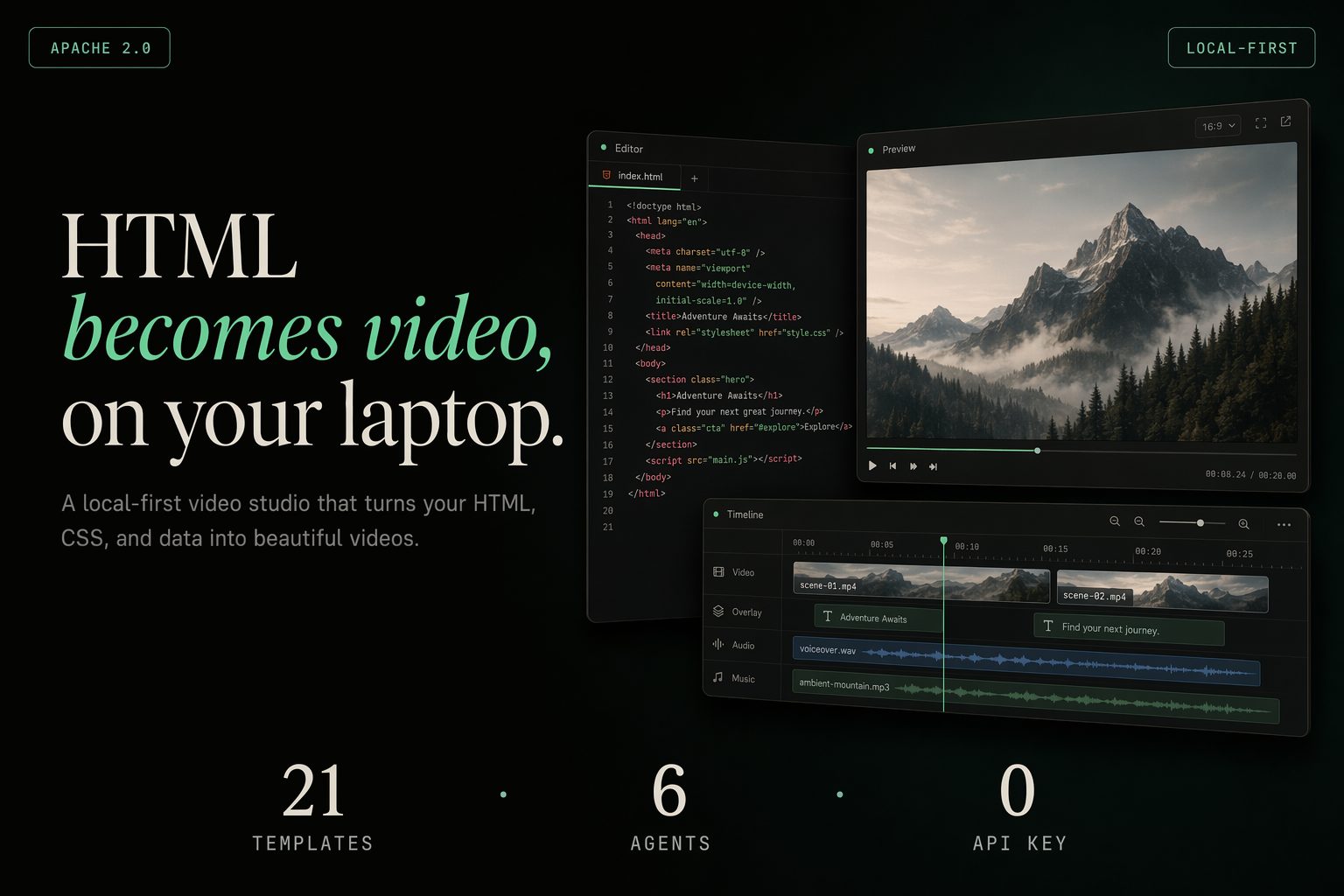
HTML to video is a real category — but every engine is opinionated.
Hyperframes, Remotion, Motion Canvas, Manim — each wants you to learn its authoring model. Most teams pick one and live with its limits. html-video is the meta-layer above all of them.
You talk to your agent; it picks the engine.
The agent decides the storyboard and the engine decides how to draw it — neither leaks into the other. The engine is an implementation detail behind one render() adapter. Add a backend and every template gets it for free.
A link goes in, an MP4 comes out — locally.
Headless Chromium records the animated HTML frame by frame and ffmpeg encodes it (libx264). The only network calls are the optional source fetch and the optional soundtrack. No cloud render, no per-render fee, no vendor lock-in.
How it works
One sentence (or one link) goes in; a real MP4 comes out. The pipeline is the same whether you start from a prompt, an article, or a repo.
01
Source fetch
Paste a URL or a GitHub repo; the studio fetches it server-side and flattens it to Markdown. Server-rendered pages like WeChat 公众号 articles work out of the box.
02
Agent loop
Your local agent reads the material plus the picked template’s style and emits a content-graph storyboard — one animated HTML block per frame.
03
Content-graph
A multi-frame IR: nodes (entity / data / text) and edges (sequence / contrast), topo-sorted into frame order and timing.
04
Per-frame HTML
Each node becomes a self-contained animated HTML frame on disk — the meta-layer where the storyboard and the engine stay decoupled.
05
Hyperframes render
Headless Chromium loads each frame and records it, auto-extending to cover the frame’s own animation → one webm per frame.
06
ffmpeg → your.mp4
Each webm is encoded to MP4 (libx264) and concatenated into one video; optional MiniMax music and narration are mixed in at export.
Template gallery
Every template is a real, animated single-file HTML video — live renders, not mockups. Drop one in, let the agent fill it with your content, export to MP4. 21 in the studio gallery; six shown here.
Data viz · NYT-style chart
Title card · glitch
Hero · liquid gradient
Cinematic · light leak
VFX · typewriter cursor
Outro · logo end card
Pluggable rendering engines
The engine is one render(input, ctx) contract behind a single adapter interface. Swap it and the storyboard and agent loop stay untouched. Hyperframes ships today; the rest are on the roadmap.
Hyperframes Shipped
HTML + CSS + GSAP, agent-skill driven. The default engine — renders a real MP4 via headless Chromium + ffmpeg.
Remotion Planned
React components. The adapter interface is designed for it; the adapter isn’t built yet.
Motion Canvas / Revideo Planned
TypeScript generators on canvas — best for code-first explainers.
Manim Researching
Math / 3D first. Niche, but a natural fit for the same adapter.
What you can make
A curated, license-clean set of patterns — pick the one that matches the story you’re telling.
Data-viz video
Editorial animated charts for “the number went up” stories.
Product promo
Multi-scene reveals — hero, features, call to action.
Social short
Vertical kinetic-type clips sized for the feed.
Explainer
Decision-tree and concept walkthroughs from an article or repo.
Turn a GitHub project into a structured “what this is” video.
Six coding agents, auto-detected
html-video uses whichever agent CLI is on your PATH, switchable from the studio’s top bar. It leads with OpenDesign (Vela) — one login, many models — then falls back to the first available backend. Nothing installed? Set an Anthropic key and it talks to the Messages API directly.
OpenDesign (Vela)
Claude Code
Cursor Agent
Codex CLI
Hermes
Anthropic API
AI soundtrack
Give the finished video a voice. Add a MiniMax key and describe a mood for background music, or type a script for narration; both are mixed into the exported MP4 via ffmpeg (music ducked under the voice). No key configured? The rest of the studio works unchanged.
Quickstart
Three commands: pnpm install, pnpm -r build, then html-video studio — it opens at 127.0.0.1:3071. Pick a template or paste a link, chat with your agent, edit per-frame text, add a soundtrack, export MP4. Everything runs on your machine.
Roadmap
Shipped
Pluggable-engine architecture
Hyperframes engine → real MP4
Article / repo → video
21-template gallery
Multi-frame storyboards
AI soundtrack (MiniMax)
Studio + CLI
In progress
Remotion adapter
Motion Canvas / Revideo adapter
Researching
Manim adapter
More engines behind the same render() contract
From the OpenDesign family
The same meta-layer idea powers OpenDesign in the design space — an agent layer over many tools. html-video is the motion counterpart from the same team: HTML in, video out.