
Turn prompt into an image.
Create with Seedream, GPT Image, and Nano Banana using your Open Design subscription. No provider API keys.
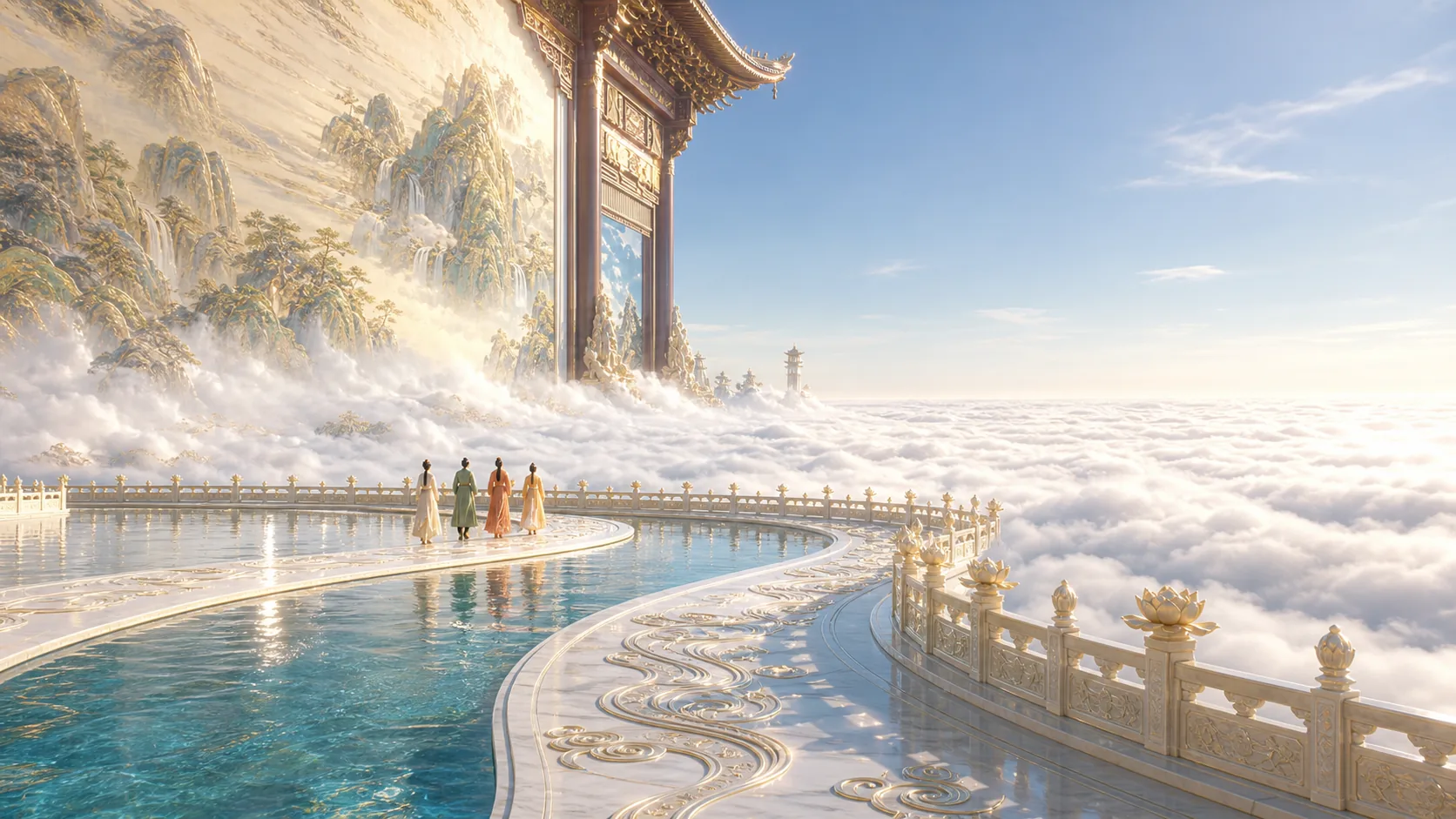
- Seedream 5.0 Pro
- GPT Image 2
- Nano Banana 2
See what Open Design can generate
Every image is generated live in Open Design. Select any example to inspect its complete prompt.
From one sentence to a finished image
-
Start with one phrase
Enter “Generate an image of…” followed by what you want to create, or add reference images for more direction.
-
Pick your model
Move between GPT Image 2, Nano Banana 2, and Seedream 5.0 Pro without leaving the workspace.
-
Generate and refine
Create the image, ask for changes, compare directions, and export the result from the same conversation.
One subscription. No provider-key setup.
Sign in with an active membership to generate, refine, and keep every prompt inside the same Open Design project.
- Open Design account
- Active membership
- No separate model API keys
Image generation FAQ
-
01 Which image models are supported?
Open Design currently supports GPT Image 2, Nano Banana 2, and Seedream 5.0 Pro through the managed image-generation experience.
-
02 Do I need provider API keys?
No. When you generate through your Open Design membership, no separate OpenAI, Google, or ByteDance provider key is required.
-
03 Can I use reference images?
Yes. You can bring reference images into the conversation and ask the selected model to create a new direction or refine an existing image.
-
04 Is usage unlimited?
No. Image generation availability and usage follow the limits of your current Open Design plan.
Turn your next prompt into an image
Download Open Design and start generating with your membership.