跨平台与移动端 UI · 新资源

Framework7 设计系统.

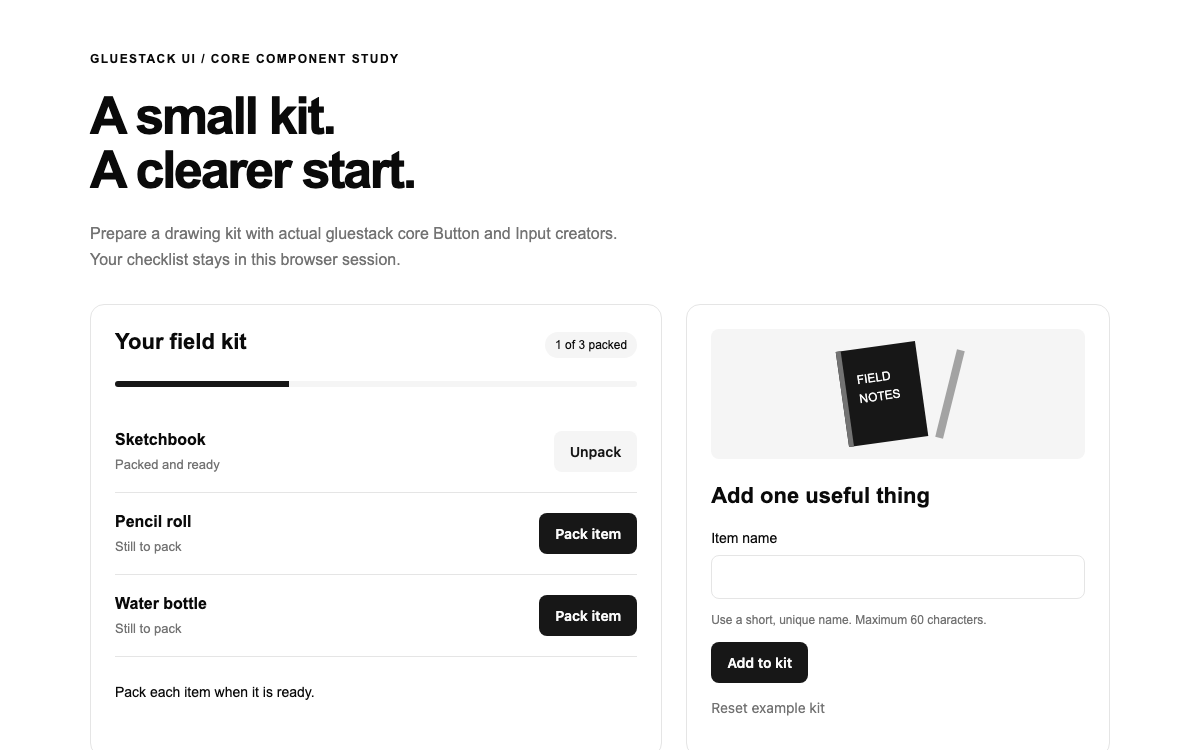
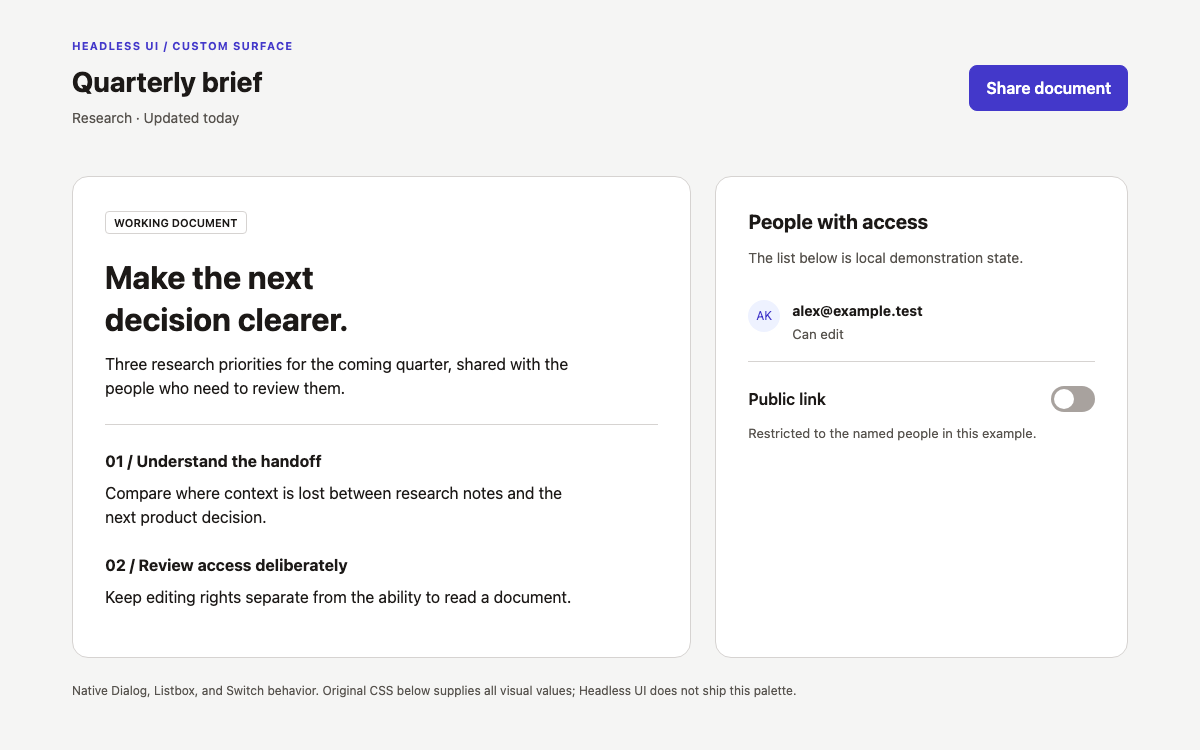
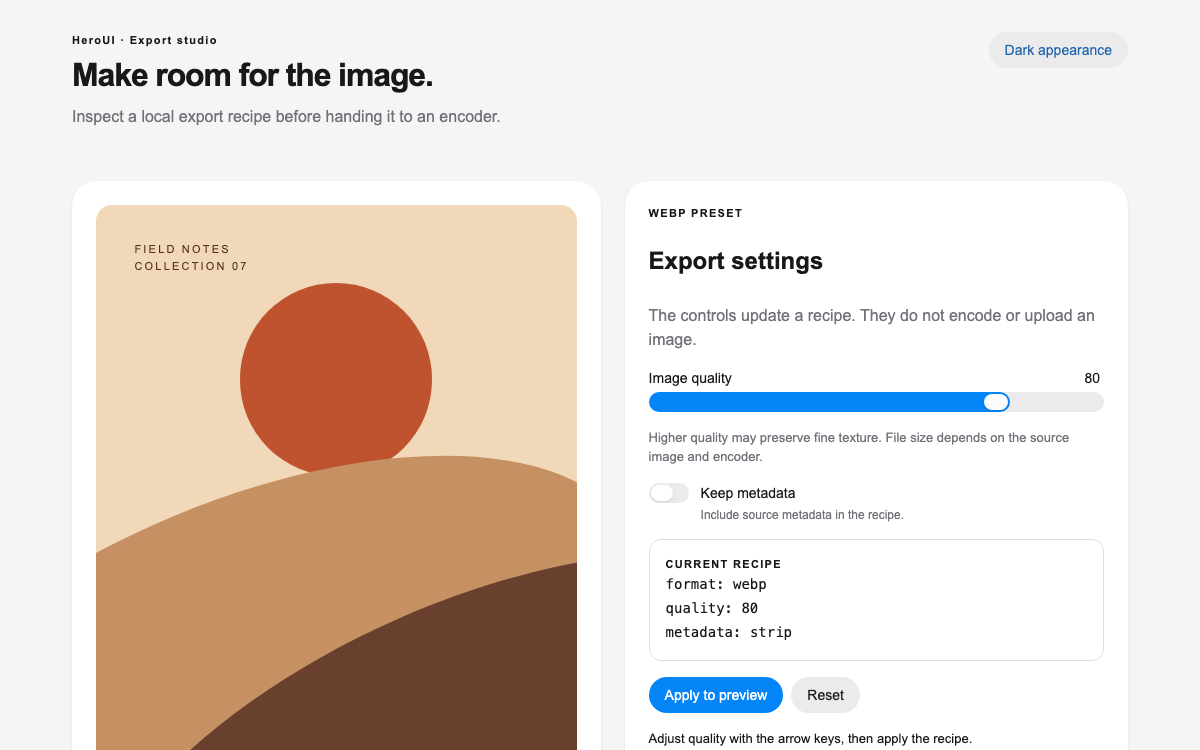
原生 Framework7 速写本,包含可实际使用的滑动操作、明确的 iOS 主题值、支持键盘访问的操作菜单按钮,以及一个筛选列表;已完成的研究项目会保留在列表中,直到重置为止。

OpenDesign 指南9 个章节26 条参考条目原始应用指南
01

Framework7 设计系统界面预览

打开研究条目的原生 swipeout 操作,将其标记为已绘制草图,然后查看筛选后的列表。

田野速写本打开完整示例
Framework7 Core/Vue 9.2.0,已验证 iOS 模式;独立的内容高度应用示例。· 实现参考
02

Framework7 设计系统设计参考

Framework7 Core/Vue 9.2.0,显式启用 iOS 模式。下方主题颜色是在初始化后从渲染完成的文档中验证所得;列表和排版数值来自随附的 iOS 样式表。原创笔记插图和外围布局另行标注。

已解析的 iOS 主题颜色

来源
名称 / 规则值 / 配置用途
--f7-theme-color#007aff 默认主色,已在实际 iOS 文档中验证。
--f7-theme-color-rgb0, 122, 255用于 Alpha 计算的 RGB 通道值。
--f7-theme-color-shade#0066d6 派生的主色阴影。
--f7-theme-color-tint#298fff 派生的主色浅色。
colors.green#4cd964 用于 swipeout 完成状态的默认命名绿色。
colors.red#ff3b30 默认红色角色参考;此示例中没有破坏性操作。
--f7-text-color#000iOS 默认文本色;原始页面文案使用 #26343f。

原生 iOS 文本与列表几何参数

来源
名称 / 规则值 / 配置用途
--f7-font-size14px框架基础字号。
--f7-font-family-apple-system, SF Pro Text, SF UI Text, system-ui, Helvetica Neue, Helvetica, Arial, sans-serif已发布的 iOS 平台技术栈。
--f7-line-height1.4iOS 基础行高。
--f7-list-font-size17px原生 iOS 列表文本。
--f7-list-item-padding-vertical12px原生行内边距。
--f7-list-item-padding-horizontal16px原生水平内边距。
--f7-list-item-min-height52px原生 iOS 最小行高。
--f7-list-item-media-margin16px原生媒体间距。
--f7-list-inset-border-radius24px原生内嵌列表圆角参考值。
--f7-list-item-subtitle-font-size15px默认值;原始示例将副标题覆盖为 11px。
--f7-list-item-text-font-size15px默认值;原始示例将描述覆盖为 12px。
--f7-list-item-text-line-height21px原生默认描述行高。

明确标注的原始嵌入式组合

来源
名称 / 规则值 / 配置用途
Page title35px / 1.15; 29px narrow原始层级。
Advice titleGeorgia, serif; 29px原始编辑式标题。
Page/grid spacing32px page; 26px columns; 28px hero-to-grid原始应用数值。
Main panel22px inset; 16px narrow; 16px radius原始边框设置,不受原生内嵌列表默认值影响。
Grid breakpoint780px将建议面板放在草图列表下方。
Artwork48×62px list thumbnails; 170px tall route illustration原始 CSS,不使用地图或图像服务。
Embedding resethtml/body/#app/.framework7-root height:auto; min-height:0明确标注的示例适配方式,并非全屏应用指南。
03

Framework7 设计系统完整指南

实用指南,介绍如何为真实界面选择、应用和评审此系统。

DESIGN-framework7.md

完整指导、实现起点和源代码链接。

下载指南

Framework7 设计系统不仅提供组件,也决定应用行为

Framework7 不仅提供组件,也提供应用行为

Framework7 的 Vue 集成基于其核心应用运行时。入口会先在 Framework7 上安装 Framework7Vue,再挂载 Vue;f7-app 则会初始化负责滑动操作行为的应用。仅导入几个带样式的 Vue 包装组件,并不能提供这一原生交互层。

摘自本 OpenDesign 指南

此处的本地示例范围很小:三个原创草图提示、原生列表操作、完成状态筛选和重置功能。它不会配置路由、设备桥接、地图或持久化笔记本。应有意添加这些更广泛的应用能力,而不是让一个看起来像移动应用的预览给人造成已具备这些功能的印象。

阅读配套规范

Framework7 设计系统:验证所请求的平台主题是否确实生效

确认请求的平台主题确实已生效

此版本直接在 f7-app 上接受 theme="ios"。在检查过的组件中,旧式 params 对象并不是等效且可用的属性,它最初使桌面端自动检测仍停留在 Material 模式。修正后的示例会检查渲染后的 html.ios 类和解析得到的主题值,然后才将其描述为 iOS 模式。

在已验证的 iOS 模式下,--f7-theme-color 为 #007aff,色阶变暗值为 #0066d6,色阶变亮值为 #298fff。主题种子、平台渲染模式和生成的 Material 颜色角色是不同的概念。初始化后读取计算所得的值,可以避免记录一个示例实际上并未显示的颜色。

阅读配套规范

Framework7 设计系统:使用原生媒体行,并标明本地字体覆盖设置

使用原生媒体行,并标记本地类型覆盖

列表使用 f7-list media-list,搭配醒目的界面表面和 iOS 分隔线。每一行都通过原生 list-item API 提供标题、副标题和文本,并在媒体区域放置原创小插图。原生 iOS 列表的最小默认高度为五十二像素,但包含多行内容的媒体行自然会更高。

原生副标题和描述的默认字号为十五像素。此示例特意将这些简短学习卡片的辅助文本设为十一和十二像素,同时允许标题行和描述换行。这些本地设置与官方变量分开说明,方便读者复现默认样式或本示例的效果。

阅读配套规范

Framework7 设计系统:滑动操作是带操作容器的列表项配置

Swipeout 是一种列表项配置,包含操作容器

此行启用了滑动操作,并在右侧包含 f7-swipeout-actions。f7-swipeout-button 提供可操作的界面表面,激活后会关闭展开区域。应用切换笔记的完成标记,而不启用 delete 属性,因为完成状态可以撤销,而且这条记录必须保留。

原生核心也支持通过手势显示相同的操作。可见的 Actions 控件还会调用 f7.swipeout.open,并传入该行的稳定 ID。这样一来,桌面和键盘用户也能找到操作入口,而不必自己发现隐藏的水平滑动手势。

  1. 点击“河边步道”的 Actions,然后选择“标记为已绘制”。
  2. 切换到“已绘制”,确认只有“河边步道”仍然可见。
  3. 再次打开该项操作即可撤销,或重置整个列表。

阅读配套规范

Framework7 设计系统:在数据模型中保留完成状态,而不是移除元素

将完成状态保留在模型中,而不是放在已移除的元素里

三个笔记对象都会保留在 Vue 数组中。只有选中“已绘制”分段控件时,计算属性集合才会筛选它们;另一个计算属性则统计已完成的研究条目。稳定 ID 会将每个原生操作入口关联到正确的行,即使经过筛选也不会错位。

笔记完成后,操作标签会从“标记为已绘制”变为“撤销绘制”。这里没有可能在长距离拖动后意外触发操作的过度滑动快捷方式,也不会自动删除元素而不更新应用数据模型。同一条记录可以返回活动列表,无需根据不完整数据重新创建。

阅读配套规范

Framework7 设计系统:让筛选器的空状态说明下一步操作

让筛选结果为空时的状态说明下一步操作

当“已绘制”中没有记录时,面板会说明尚未标记任何研究条目,并提供“显示所有研究条目”操作。此控件会像分段按钮一样更改同一个筛选模型。这是真正可用的恢复路径,而不是一个无处可去的装饰性空状态插图。

重置会清除所有完成标记、返回“所有研究条目”,并提示三条记录都已准备就绪。单项操作后,状态文本会指出具体笔记。重新加载也会恢复原始示例数据,因为此预览不会将笔记本保存到设备或服务器。

阅读配套规范

Framework7 设计系统:谨慎适配全应用框架,以嵌入内容高度

谨慎适配全应用框架,以嵌入内容高度

Framework7 通常支持全屏应用布局和页面容器。此示例没有路由页面,并有意覆盖根文档的高度和溢出设置,使文档高度由内容决定。保留视口高度最小值会与根据子文档调整 iframe 大小的父页面形成反馈循环。

原生列表仍位于已初始化的应用根节点内。原始的草图/建议双栏布局会在 780px 时改为纵向排列;更窄的行会缩小缩略图宽度,同时保留描述文本的换行。这些嵌入式设置不应原样照搬到依赖 Framework7 页面滚动模型的常规路由式移动应用中。

阅读配套规范

Framework7 设计系统:为手势操作配备明确的控制入口

为手势操作配备明确的控制入口

可见的操作按钮会标明对应条目,例如“River steps 的操作”。分段选项会公开按下状态,结果会显示在状态区域,原始插画则为装饰性内容。用户无需触摸手势也能查看同一操作,并在操作后听到哪条笔记发生了变化。

本地测试通过可见的操作按钮显示原生 swipeout 界面,标记 River steps,筛选列表,并确认只剩下一条由模型支持的条目。测试还检查了渲染后的 iOS 主题和 280px 布局。仅仅存在 swipeout CSS 并不能证明这些行为都已实现。

  • 操作按钮应使用对应记录的名称作为标签。
  • 应使用可撤销的模型操作,而不是只删除 DOM。
  • 测试筛选后的集合,以及原生操作后的状态。

阅读配套规范

Framework7 设计系统:安装版本匹配的 Core 和 Vue

安装相互匹配的 Core 和 Vue 版本

入口文件从 framework7/bundle 导入 Framework7,从 framework7-vue 导入 Framework7Vue,并导入 bundle 样式表。该 bundle 包含此示例所需的 Swipeout 模块。在 createApp 挂载完整的 SFC 之前,先调用 Framework7.use(Framework7Vue)。

两个软件包都固定为 9.2.0。上文提供了完整的 SFC 和原始样式表,Vite 设置中的根 HTML 也具有预期的应用挂载点。可见的原始插画不需要图标软件包;框架的核心 CSS 内嵌了自己的小型内部图标字体。

阅读配套规范

Framework7 设计系统组件示例

完整的原生 swipeout 速写本

f7App、分段按钮、媒体列表行,以及通过 Vue 模型状态持久化的原生 swipeout 操作。

vue
<script setup>
import {ref,computed} from 'vue';
import {f7App,f7List,f7ListItem,f7SwipeoutActions,f7SwipeoutButton,f7Button,f7Segmented,f7} from 'framework7-vue';
const filter=ref('all'),message=ref('');
const notes=ref([{id:'river',title:'River steps',place:'North bank · 12-minute study',description:'Look for the rhythm between the stone edges and reflected lines.',done:false},{id:'market',title:'Market awning',place:'Old square · 8-minute study',description:'Use three values to separate canvas, shade and open sky.',done:false},{id:'window',title:'Window shadows',place:'Library wall · 10-minute study',description:'Follow the long diagonal before adding the smaller window shapes.',done:false}]);
const visible=computed(()=>notes.value.filter(n=>filter.value==='all'||n.done));const done=computed(()=>notes.value.filter(n=>n.done).length);
function actions(id){f7.swipeout.open('#note-'+id,'right')}
function toggle(note){note.done=!note.done;message.value=`${note.title} ${note.done?'marked as sketched':'returned to your sketch list'}.`}
function reset(){notes.value.forEach(n=>n.done=false);filter.value='all';message.value='All three studies are ready to sketch again.'}
</script>
<template><f7-app name="Field sketchbook" theme="ios"><main class="sketch-shell"><header><p class="eyebrow">FIELD SKETCHBOOK · THREE SMALL STUDIES</p><h1>A walk worth looking at.</h1><p>Keep a short list of things to draw. Swipe a study left, or use its Actions button, to mark it as sketched.</p></header><div class="sketch-layout"><section class="sketch-list"><div class="list-heading"><h2>Today's studies</h2><span>{{done}} / 3 sketched</span></div><f7-segmented strong><f7-button type="button" :active="filter==='all'" @click="filter='all'" :aria-pressed="filter==='all'">All studies</f7-button><f7-button type="button" :active="filter==='done'" @click="filter='done'" :aria-pressed="filter==='done'">Sketched</f7-button></f7-segmented><f7-list media-list strong dividers-ios class="study-list"><f7-list-item v-for="note in visible" :id="'note-'+note.id" :key="note.id" swipeout :title="note.title" :subtitle="note.place" :text="note.description"><template #media><div class="study-art" :class="note.id" aria-hidden="true"><i></i><b></b></div></template><template #after><f7-button type="button" small @click="actions(note.id)" :aria-label="'Actions for '+note.title">Actions</f7-button></template><f7-swipeout-actions right><f7-swipeout-button role="button" @keydown.space.prevent="$event.currentTarget.click()" close color="green" @click="toggle(note)">{{note.done?'Undo sketch':'Mark sketched'}}</f7-swipeout-button></f7-swipeout-actions></f7-list-item></f7-list><div v-if="!visible.length" class="empty"><strong>No studies marked yet.</strong><p>Return to All studies and mark one after you finish drawing.</p><f7-button type="button" @click="filter='all'">Show all studies</f7-button></div><p class="result" role="status">{{message||'Your list changes only in this local preview.'}}</p><f7-button type="button" outline @click="reset">Reset sketch list</f7-button></section><aside><div class="route-art" aria-hidden="true"><i></i><b></b><span></span><em></em></div><p class="eyebrow">A SIMPLE DRAWING ROUTINE</p><h2>Look. Reduce. Draw.</h2><ol><li><strong>Look for one relationship.</strong><span>Choose an edge, a shadow or a repeated shape.</span></li><li><strong>Reduce the scene.</strong><span>Keep only three values before adding detail.</span></li><li><strong>Stop at the time limit.</strong><span>A small finished study teaches more than an unfinished page.</span></li></ol><p class="aside-note">Original sample locations and prompts. No map, location service or real-world itinerary is connected.</p></aside></div></main></f7-app></template>


代码参考

  • 在此版本中,theme="ios" 是 f7-app 的直接属性。
  • 可见的 Actions 控件会调用原生 swipeout.open API。
  • 标记操作会更改 Vue 对象,不会删除 DOM 行。

完整的原始嵌入式布局

内容高度覆盖、窄屏行换行,以及原始速写插画。

css
html,body,#app,.framework7-root{height:auto!important;min-height:0!important;overflow:visible!important;position:relative!important}body{margin:0;background:#f1f3f6;color:#26343f}*{box-sizing:border-box}.sketch-shell{max-width:1120px;margin:auto;padding:32px}.eyebrow{font-size:10px;font-weight:700;letter-spacing:.14em;color:#6b7882}h1{font-size:35px;line-height:1.15;max-width:680px;margin:12px 0}header>p:last-child{font-size:15px;line-height:1.6;max-width:650px;color:#687986}.sketch-layout{display:grid;grid-template-columns:minmax(0,1fr) 280px;gap:26px;margin-top:28px}.sketch-list{background:white;border:1px solid #dce3e9;border-radius:16px;padding:22px;min-width:0}.list-heading{display:flex;gap:12px;flex-wrap:wrap;align-items:center;justify-content:space-between;margin-bottom:20px}.list-heading h2{font-size:20px;margin:0}.list-heading span{font-size:12px;color:#6d7b84}.study-list{margin:24px -22px}.study-list .item-title-row{flex-wrap:wrap;gap:7px}.study-list .item-title{white-space:normal;overflow:visible}.study-list .item-after{margin-left:0}.study-list .item-subtitle{white-space:normal;font-size:11px;color:#72808a}.study-list .item-text{font-size:12px;line-height:1.5;max-height:none;-webkit-line-clamp:unset}.study-list .item-media{align-self:flex-start;padding-top:17px}.study-art{width:48px;height:62px;background:#e0e9ef;border-radius:7px;position:relative;overflow:hidden}.study-art i,.study-art b{position:absolute;display:block}.river i{width:55px;height:28px;top:30px;left:0;background:#8eaebe;transform:rotate(-18deg)}.river b{width:24px;height:40px;left:0;top:0;background:repeating-linear-gradient(#c5c1b6 0 8px,#a7a295 8px 10px)}.market{background:#ecdcbf}.market i{width:60px;height:24px;left:-5px;top:12px;background:repeating-linear-gradient(90deg,#bc735f 0 10px,#f9e9d1 10px 20px);transform:rotate(8deg)}.market b{width:26px;height:35px;left:11px;top:37px;background:#7b8072}.window{background:#ece9df}.window i{width:25px;height:29px;left:9px;top:9px;border:5px solid #617381}.window b{width:28px;height:55px;left:22px;top:25px;background:#b1b9b9;transform:skew(25deg)}.result{font-size:12px;line-height:1.6;color:#4f6a79;min-height:38px}.empty{padding:30px 12px;text-align:center;font-size:13px;line-height:1.6}.sketch-layout aside{padding:0 4px;min-width:0}.route-art{height:170px;border-radius:14px;background:#dce8df;position:relative;overflow:hidden;margin-bottom:24px}.route-art i{position:absolute;width:190px;height:190px;border:21px solid #aac6b4;border-radius:50%;left:55px;top:34px}.route-art b{position:absolute;width:90px;height:190px;border:15px solid #f4eed9;border-radius:50%;left:23px;top:-17px;transform:rotate(-25deg)}.route-art span,.route-art em{position:absolute;width:13px;height:13px;border:3px solid white;background:#537b70;border-radius:50%;left:67px;top:111px}.route-art em{left:167px;top:52px}.sketch-layout aside h2{font-family:Georgia,serif;font-size:29px;font-weight:400}.sketch-layout ol{padding-left:20px}.sketch-layout li{padding:0 0 20px;font-size:13px;line-height:1.6}.sketch-layout li strong,.sketch-layout li span{display:block}.sketch-layout li span{color:#71808a;font-size:12px;margin-top:5px}.aside-note{font-size:11px;line-height:1.6;color:#7b8790}@media(max-width:780px){.sketch-layout{grid-template-columns:minmax(0,1fr)}.sketch-shell{padding:20px}h1{font-size:29px}}@media(max-width:360px){.sketch-shell{padding:14px}.sketch-list{padding:16px}.study-list{margin:20px -16px}.study-art{width:34px}.study-list .item-media{--f7-list-item-media-margin:10px}.study-list .item-inner{min-width:0}.study-list .item-title{font-size:15px}}

代码参考

  • 此重置适用于嵌入式示例,而非带路由的全屏应用外壳。
  • 明确覆盖列表副标题和描述的样式。
04

Framework7 设计系统 Agent 设置

实现起点

已验证 Framework7/Core Vue 9.2.0 版本匹配。这是一个已初始化的组件示例,带有内容高度覆盖;并非完整的带路由移动应用。

javascript
// npm create vite@latest field-sketchbook -- --template vue
// cd field-sketchbook && npm install
// npm install [email protected] [email protected]
// Save the complete examples as src/App.vue and src/style.css.
// src/main.js:
import {createApp} from 'vue';
import Framework7 from 'framework7/bundle';
import Framework7Vue from 'framework7-vue';
import 'framework7/css/bundle';
import './style.css';
import App from './App.vue';
Framework7.use(Framework7Vue);
createApp(App).mount('#app');
// index.html: <div id="app"></div><script type="module" src="/src/main.js"></script>
// npm run dev

适用于你项目的提示词

Agent 提示词
使用 Framework7 Core/Vue 9.2.0,搭配提供的 Field 速写本、明确指定的 theme="ios" 和原生媒体列表 swipeout 结构。保留三项速写练习、可撤销的完成标记,以及 All/Sketched 筛选。可见的 Actions 按钮应调用 f7.swipeout.open;切换完成状态应更改模型状态,而不是删除条目。保留 f7-button 上的 type="button",以及 swipeout 命令的按钮语义和空格键支持。保留内容高度嵌入 CSS、空筛选结果恢复功能和重置功能。无需行程或位置服务。
05

Framework7 设计系统:来源与范围

Framework7 Core/Vue 9.2.0,已验证 iOS 模式。原始速写提示和装饰性插画。完成状态为可撤销的本地状态;未连接地图、位置服务、设备存储或带路由的应用。