教育 · 新资源

HarvardSites 设计系统.

了解 HarvardSites 如何作为编辑出版平台使用:比较不同的网站风格,选择有文档说明的字体组合,并通过专为特定用途设计的内容组件构建大学页面。

OpenDesign 指南8 个章节22 个参考条目原始应用指南
01

HarvardSites 设计系统 界面预览

在保留相同活动内容的同时比较不同的版式样式;可分别展开或一次性展开访客信息。

为期一天的研究论坛打开完整示例
对文档所述 HarvardSites 编辑模式的独立 HTML/CSS 解读。配色、尺寸和虚构内容均为原创;不使用官方 CMS 运行环境。· 实现参考
02

HarvardSites 设计系统 设计参考

HarvardSites 官方编辑规范和组件指南。公开参考资料说明了可配置的样式和要求,并不代表存在通用的公开 CSS 设计令牌程序包。此预览明确使用原创的数值布局和配色,并采用系统字体回退方案。

排版要求

来源
名称 / 规则值 / 配置用途
Number of typefacesAt most 2至少使用一种无衬线字体;导航指引使用无衬线字体。
Minimum text size1rem说明文字和控件标签不得缩小到低于浏览器默认字号。
Required x-height reference8.3px ±5% at a 16px font size这是官方主题选择标准;对于回退字体,不代表自动符合要求。
Text and heading alignmentLeft or right according to language文本块不得居中或两端对齐。
Special effectsNo outline, drop shadow, tracking or horizontal scaling保留字体的形态特征;谨慎使用斜体。

可用字体组合

来源
名称 / 规则值 / 配置用途
Academic pairingBaskerville + Source Sans Pro标题与正文的字体组合。
Content-heavy pairingMerriweather + Roboto与网站样式选择分开配置。
Single-family pairingInter + Inter不会改变组件结构。

网站样式选项

来源
名称 / 规则值 / 配置用途
Light & ElegantSoft corners; slightly lifted imagery开放式呈现,通常不带轮廓线。
Bold & CompellingStraight corners; borders and dividers除 Hero 外,也可使用眉题。
Friendly & ApproachableRounded cards; pill buttons更柔和的分组式呈现。
What style does not changeTypography, color roles, keyboard behavior这些选项仍需独立配置,或由组件处理。

图像准备指南

来源
名称 / 规则值 / 配置用途
Hero export widthApproximately 1920px准备接近最大显示宽度的图片,然后测试裁切效果。
50/50 Card export widthApproximately 800px用于展示单个重点内容的情境图片。
Vertical Card export widthApproximately 600px地位相同的项目卡片。
List thumbnail export widthApproximately 400px侧重摘要的列表。
Most image file sizesUnder 200KB实用建议,并非平台保证的硬性尺寸上限。
FormatsJPG photographs; PNG transparency/line art; SVG simple graphics根据源内容选择。

原创示例值 — 并非官方设计令牌

来源
名称 / 规则值 / 配置用途
Body / headingsArial / Georgia本地回退字体;不属于平台提供的字体组合。
Text / accent / surface#242424 / #653f3a / #f4f1ec原创中性色板;并非 Harvard 颜色令牌名称。
Outer width / mobile inset70rem / 1.25rem应用层选项。
Spacing / layout switch1 / 1.5 / 2rem; 48rem breakpoint示例实现值,并非已发布的系统比例。
03

HarvardSites 设计系统 完整指南

实用指南,介绍如何为真实界面选择、应用和评审此系统。

DESIGN-harvard-sites.md

完整指导、实现起点和源代码链接。

下载指南

HarvardSites 设计系统 面向编辑的平台

从真实的 HarvardSites 配置开始

公开的设计系统网站介绍了可复用的编辑组件,以及大学网站可采用的配置选项。它并不能证明存在名为 harvard-design-system 的程序包或可导入的 React API。获得授权的网站编辑者可以组合使用平台组件;独立开发者则可以研究文档中描述的内容模式,而不应声称自己运行着同一套 CMS。

摘自本 OpenDesign 指南

有用的第一步是确定页面类型:会议单页需要概述、日程、场次浏览和辅助性的访客信息。所提供的配置方案会将各项需求对应到真实的 HarvardSites 组件。独立的 HTML 示例以虚构内容展示这些组件的组合方式,不使用任何机构身份标识。

阅读配套规范

HarvardSites 设计系统 排版与易读性

将字体组合与样式分开配置

平台提供三种标题与正文的字体组合:Baskerville 搭配 Source Sans Pro、Merriweather 搭配 Roboto,以及 Inter 搭配 Inter。这些选项与网站样式相互独立。将页面从带边框的布局切换为圆角布局,并不意味着也要切换字体。

平面设计规范将字体限制为两种,要求至少使用一种无衬线字体,并规定文本字号不得小于 1rem。菜单、控件、标签和其他导航元素使用无衬线字体。规范公布的 x 高度标准为字号设为 16px 时达到 8.3px ±5%;这比单纯建议使用易读字体更为具体。示例中使用 Arial 和 Georgia 作为可见的后备字体,但这并不表示平台已提供这两种字体的配对,也不表示它们已按该标准接受正式审核。

阅读配套规范

对齐方式也是规范的一部分

文本块和标题应顺着阅读方向对齐,不要居中或两端对齐。非链接文本不要添加下划线。保持标题清晰,并通过字重强调内容;不要通过拉伸字母、添加描边或增大字间距来营造展示效果。因此,预览中所有标签字号均不小于 1rem,活动介绍则采用左对齐。

阅读配套规范

HarvardSites 设计系统 三种彼此独立的样式选项

边框、配色和字体排版是不同的设置

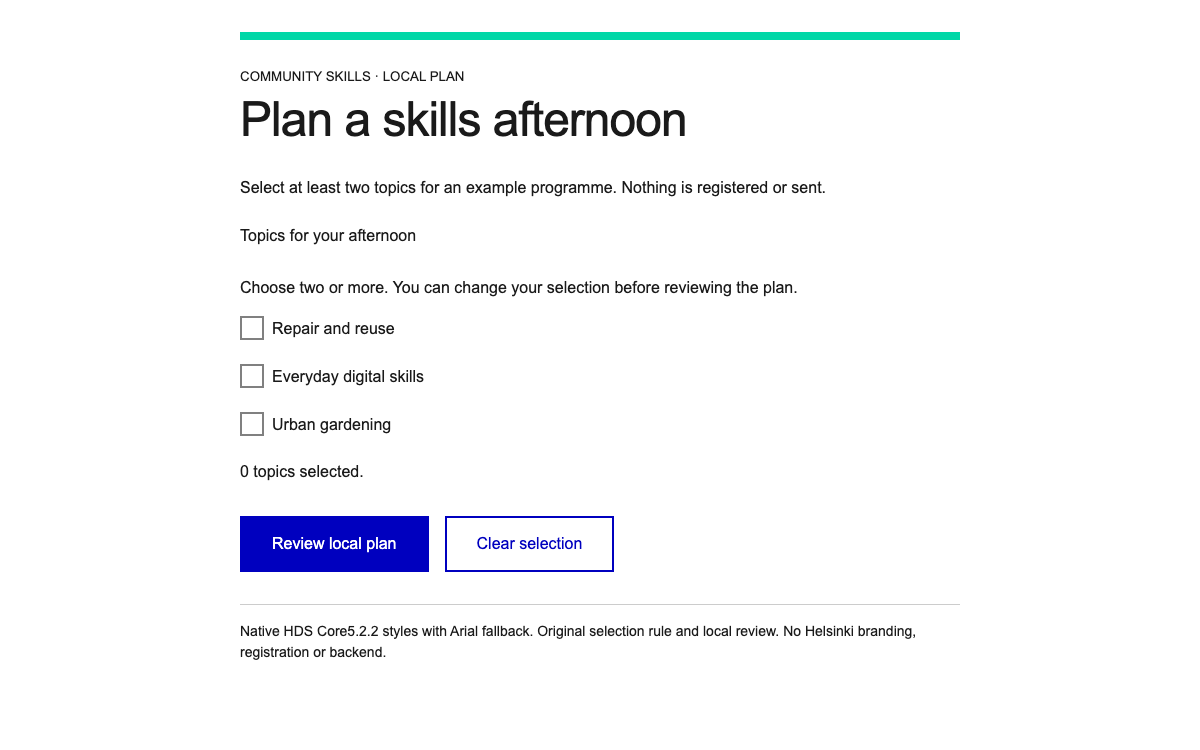
“简约雅致”采用开放式分区、轻微圆角和略微错位的图片。“大胆鲜明”突出直角边缘、描边和分隔线。“友好亲切”采用圆角分组和胶囊形按钮。这些选项改变相同内容和组件结构的视觉框架。

示例提供布局样式选择器,方便你探索不同效果,同时不改变文本、手风琴状态或焦点行为。它以原创 CSS 近似呈现文档中描述的视觉理念,并未复刻 CMS 样式表。尤其是边框宽度和圆角半径,属于应用中的设计选择,并非从 HarvardSites 设计令牌中提取。

阅读配套规范

按角色分配颜色

HarvardSites 为文本、背景、按钮和强调色定义了角色,并提供明暗模式映射。即使调色板有所变化,这些颜色之间的关系也可以保持一致。公开参考资料并未规定所有网站都必须使用同一组十六进制颜色值。因此,预览将中性色文字、棕色强调色和暖色背景标注为原创配色,而非 Harvard 品牌设计令牌。

阅读配套规范

HarvardSites 设计系统 组合活动单页内容

让主要日程一目了然

使用 Hero 或 Section Heading 介绍活动,然后用行内表格展示日程。官方单页指南建议单元格内容简洁、时间格式统一,并尽量减少列数,以便在移动设备上阅读。示例使用“时间”和“环节”两列;场地和入场信息放在表格上方或下方,避免把议程挤成五列。

手风琴适合收纳其他实用问题。资格要求、场地通行方式、取消政策或截止日期等关键信息应直接展示,因为折叠内容容易被忽略。单场活动可以使用简短、内容完整的独立页面;若是包含长篇摘要和多个平行分会场的大型项目,则应链接到详细页面,而不是不断嵌套折叠内容。

  • 使用 Hero 或 Section Heading 明确页面目的并帮助用户了解当前内容。
  • 使用表格展示方便参加者一目了然地比较的时间信息。
  • 需要筛选活动或场次时,使用由分类体系驱动的 List。

阅读配套规范

HarvardSites 设计系统 选择合适的卡片结构

单个重点内容与内容集合的呈现方式不同

50/50 Card 将图片或文本区域与说明文字组合在一起。其文档列出的字段包括图片、说明文字、可选眉题、标题、描述和行动号召链接。它适用于一个突出的故事或活动;若要呈现多个同等重要的条目,Vertical Cards 更合适;若要提供快捷操作,则可使用 Button-Style Cards。

50/50 Card 需要足够的空间才能发挥作用。指南不建议将其挤进狭窄的侧边导航区域,并建议使用能够传达信息而非仅作装饰的图片。示例采用纯文本的左右分栏构图,这种形式也出现在官方示例中:一侧呈现简短主题,另一侧提供描述和日程链接。这样可以避免让人误以为虚构的校园照片展现了真实的 Harvard 场景。

阅读配套规范

HarvardSites 设计系统 图片尺寸与替代文本

为组件准备素材

官方图片指南建议 Hero 图片导出尺寸约为 1920px、50/50 Card 图片约为 800px、Vertical Cards 图片约为 600px,列表缩略图约为 400px。这些只是建议的准备尺寸,并非固定的 CSS 渲染宽度。指南建议大多数文件控制在 200KB 以下;照片使用 JPG,需要透明背景或线稿时使用 PNG,简单图形则使用 SVG。

为信息性图片提供有意义的替代文本;如果需要呈现图片相关的可见背景信息或署名,请添加说明文字。场地地图除了视觉内容外,还应提供文字路线或同等的地点说明。调整裁切范围可能会裁掉文案提及的人物、物体或标签;上传后请检查实际的窄屏布局,不要以为适用于桌面宽屏的裁切在所有设备上都合适。

阅读配套规范

HarvardSites 设计系统 手风琴的行为与控件

为次要信息提供清晰标题

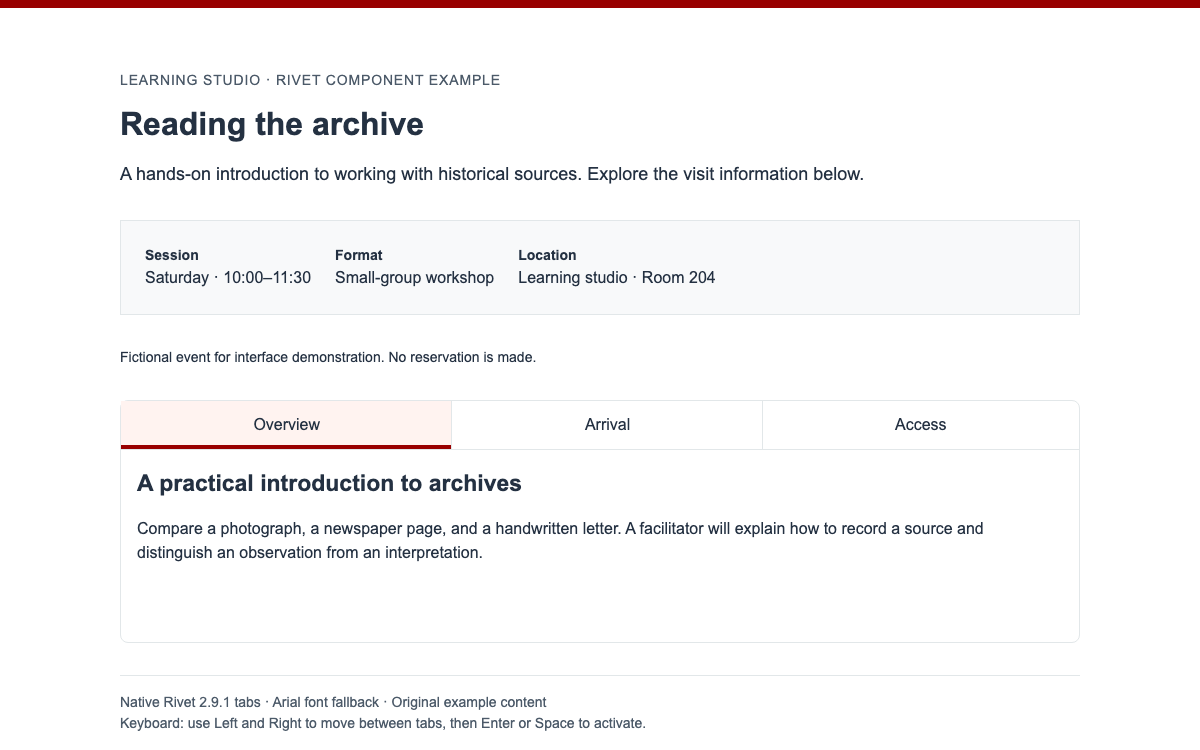
HarvardSites 文档介绍了自动关闭的手风琴,以及带有展开或关闭全部分区控件的保持展开变体。此示例特意选择相互独立、可同时展开的行为,让访客能同时阅读交通和准备事项。每个标题都应说明隐藏内容的主题,无须读者逐一展开面板才能判断其中内容。

此处的代码使用原生 details 和 summary 实现独立方案,并不表示 HarvardSites 生成的标记也采用这种方式。“全部展开”和“全部关闭”按钮会更新每个 details.open 属性;浏览器仍保留每个 summary 的原生键盘操作方式。无需嵌套手风琴,必需信息也应放在该分组之外。

html
<!-- Independent HTML interpretation, not HarvardSites CMS output. -->
<div aria-label="Attendee information">
  <button type="button" id="open-all">Open all sections</button>
  <button type="button" id="close-all">Close all sections</button>
  <details><summary>What will I need?</summary>
    <p>Bring a notebook. The fictional workshop supplies all reading material.</p>
  </details>
  <details><summary>Can I join part of the day?</summary>
    <p>The example schedule lets visitors choose either morning or afternoon sessions.</p>
  </details>
</div>
<script>
const panels = [...document.querySelectorAll('details')];
document.querySelector('#open-all').addEventListener('click', () => {
  panels.forEach(panel => { panel.open = true; });
});
document.querySelector('#close-all').addEventListener('click', () => {
  panels.forEach(panel => { panel.open = false; });
});
</script>

代码参考

阅读配套规范

HarvardSites 设计系统 具体的编辑工作流程

一次配置,统一组装

在获授权的 HarvardSites 项目中,编排活动页面前,请先选择已批准的网站样式、字体组合和颜色角色。请使用平台现有组件,不要把独立演示 HTML 粘贴到编辑器中,并期待其自定义脚本运行。具体编辑器控件取决于已配置的网站;本方案仅列出有文档依据的选项,不会虚构设置界面。

演示中的样式选择器只会改变页面框架。打开两个参会者信息面板后,切换样式并确认面板仍保持展开。然后全部收起,再用键盘重新打开其中一个。这是检查交互连贯性的实用方法:视觉呈现不应让读者丢失阅读位置,也不应改变内容模型。

  1. 准备经过核实的活动标题、日期、地点、议程、无障碍信息,以及负责更新的负责人。
  2. 使用有文档依据的组件,构建介绍、简短议程表和次级折叠面板。
  3. 预览窄屏布局和键盘操作;确认注册链接指向实际获批的目标地址。

阅读配套规范

HarvardSites 设计系统组件示例

保持展开的参会者信息

独立的语义化 HTML,用于实现有文档说明的折叠面板行为,包括全部展开和全部收起控件。

html
<!-- Independent HTML interpretation, not HarvardSites CMS output. -->
<div aria-label="Attendee information">
  <button type="button" id="open-all">Open all sections</button>
  <button type="button" id="close-all">Close all sections</button>
  <details><summary>What will I need?</summary>
    <p>Bring a notebook. The fictional workshop supplies all reading material.</p>
  </details>
  <details><summary>Can I join part of the day?</summary>
    <p>The example schedule lets visitors choose either morning or afternoon sessions.</p>
  </details>
</div>
<script>
const panels = [...document.querySelectorAll('details')];
document.querySelector('#open-all').addEventListener('click', () => {
  panels.forEach(panel => { panel.open = true; });
});
document.querySelector('#close-all').addEventListener('click', () => {
  panels.forEach(panel => { panel.open = false; });
});
</script>

代码参考

  • 这不是 HarvardSites 生成的标记,也不是官方 SDK。
  • 重要的无障碍信息必须在折叠面板之外保持可见。

完整的独立示例

完整文档包含其布局、控件与初始化。解压所链接的示例归档,即可获得完全一致的相对 vendor 资源,然后通过 HTTP 提供服务。

html
<!doctype html><html lang="en"><head><meta charset="utf-8"><meta name="viewport" content="width=device-width,initial-scale=1"><title>Research forum — HarvardSites pattern interpretation</title><style>*{box-sizing:border-box}body{margin:0;font:1rem/1.6 Arial,sans-serif;color:#242424;background:#fff}main{max-width:70rem;margin:auto;padding:2rem 1.25rem}.config{padding:1rem 0;border-bottom:1px solid #b9b4ac;margin-bottom:2rem;display:flex;gap:1rem;align-items:center;flex-wrap:wrap}select,button{font:inherit;color:inherit;background:white;border:1px solid #615a51;padding:.65rem .9rem}button{cursor:pointer}h1,h2{font-family:Georgia,serif;line-height:1.15}h1{font-size:clamp(2.5rem,6vw,4rem);max-width:15ch;margin:1rem 0}h2{font-size:1.75rem}a{color:#653f3a;text-underline-offset:4px}a:focus-visible,button:focus-visible,select:focus-visible,summary:focus-visible{outline:3px solid #005fcc;outline-offset:4px}.hero{padding-bottom:2rem;border-bottom:1px solid #b9b4ac}.meta{color:#653f3a;font-weight:bold}.split{display:grid;gap:1.5rem;margin:2rem 0;padding:1.5rem;background:#f4f1ec}.split h2{margin:0}.split p{margin:0 0 1rem}table{width:100%;border-collapse:collapse;margin:1rem 0 2rem}caption{text-align:left;font-weight:bold;margin-bottom:1rem}th,td{text-align:left;padding:1rem .5rem;border-bottom:1px solid #b9b4ac;vertical-align:top}th:first-child,td:first-child{width:7rem}.controls{display:flex;flex-wrap:wrap;gap:.75rem;margin:1rem 0}details{border-top:1px solid #b9b4ac;padding:1rem 0}details:last-of-type{border-bottom:1px solid #b9b4ac}summary{font-weight:bold;cursor:pointer}details p{max-width:55ch;margin-bottom:0}.note{margin:2rem 0 0;padding:1rem;border-left:4px solid #653f3a;background:#f4f1ec}footer{padding-top:2rem;margin-top:2rem;border-top:1px solid #b9b4ac}body[data-style="bold"] .split{border:2px solid #242424}body[data-style="friendly"] .split{border-radius:1.5rem}body[data-style="friendly"] button{border-radius:3rem}body[data-style="light"] .split{border-radius:.3rem;background:#faf9f6}@media(min-width:48rem){.split{grid-template-columns:1fr 1fr;padding:2rem}.body-grid{display:grid;grid-template-columns:1.2fr 1fr;gap:3rem}main{padding:2.5rem}}</style></head><body data-style="bold"><main><div class="config"><label for="style">Explore framing</label><select id="style"><option value="bold">Bold &amp; Compelling interpretation</option><option value="light">Light &amp; Elegant interpretation</option><option value="friendly">Friendly &amp; Approachable interpretation</option></select></div><header class="hero"><p class="meta">An original academic event example</p><h1>Ideas across disciplines</h1><p>A one-day forum on how researchers turn shared questions into new methods.</p><p><strong>Friday, 16 October · 9:30–16:00 · Example Learning Centre</strong></p><p>Fictional programme. No registration or university affiliation is implied.</p></header><section class="split" aria-labelledby="theme"><h2 id="theme">One question.<br>Many ways of seeing.</h2><div><p>Historians, scientists, and designers compare the evidence they work with and the assumptions they bring to it.</p><a href="#agenda">Explore the day’s programme →</a></div></section><div class="body-grid"><section id="agenda" tabindex="-1"><h2>The day at a glance</h2><table><caption>Illustrative programme</caption><thead><tr><th scope="col">Time</th><th scope="col">Session</th></tr></thead><tbody><tr><td>09:30</td><td><strong>Welcome and questions</strong><br>Shared framing for the day</td></tr><tr><td>10:00</td><td><strong>Working with evidence</strong><br>A conversation across disciplines</td></tr><tr><td>13:30</td><td><strong>Methods in practice</strong><br>Small-group demonstrations</td></tr><tr><td>15:30</td><td><strong>What changes next?</strong><br>Reflection and closing discussion</td></tr></tbody></table></section><section><h2>Attendee information</h2><div class="controls"><button id="open-all" type="button">Open all sections</button><button id="close-all" type="button">Close all sections</button></div><details><summary>What will I need?</summary><p>Bring a notebook. All reading material is provided in this fictional programme, and no specialist preparation is required.</p></details><details><summary>Can I join part of the day?</summary><p>The example schedule has morning and afternoon sessions. A real event page should state whether individual sessions require separate registration.</p></details><p class="note"><strong>Access information stays visible.</strong><br>A real event must provide verified venue access details and an accommodation contact here, outside collapsed panels.</p></section></div><footer>Independent interpretation of HarvardSites editorial guidance. Original layout values and colors; Arial and Georgia fallbacks. This is not a HarvardSites CMS page.</footer></main><script>document.querySelector('#style').addEventListener('change',e=>document.body.dataset.style=e.target.value);const panels=[...document.querySelectorAll('details')];document.querySelector('#open-all').addEventListener('click',()=>panels.forEach(p=>p.open=true));document.querySelector('#close-all').addEventListener('click',()=>panels.forEach(p=>p.open=false));</script></body></html>

代码参考

  • 从“来源”一节下载完整示例。其 README 给出了确切的本地启动命令。
  • 保持 vendor 路径相对于本文档;该归档包含此预览所使用的全部资源。
04

HarvardSites 设计系统 Agent 设置

实现起点

为获授权的 HarvardSites 编辑人员提供具体的配置与编排方案。不虚构公共软件包 API 或未经核实的令牌比例。Sources 中的完整可运行示例 ZIP 还提供准确的预览依赖项和完整文档。请在该目录中解压并运行 python3 -m http.server 8080,然后打开 http://localhost:8080/harvard-sites.html。不要通过 file:// 打开基于模块的示例。

文本
HarvardSites editorial configuration recipe (not a package command)

1. In an authorized HarvardSites site, choose an available site style:
   Bold & Compelling for clearly framed conference sections.
2. Choose typography separately:
   Baskerville + Source Sans Pro, Merriweather + Roboto, or Inter + Inter.
3. Apply the site's approved color roles; do not hand-color every card.
4. Compose an event page from available platform components:
   Section Heading/Hero -> inline schedule table -> attendee Accordion.
5. Use a 50/50 Card for one featured event or a venue map with text;
   use Vertical Cards or a taxonomy-driven List for equal event records.
6. Add descriptive headings, image alternatives, verified times and locations.
   Preview mobile layout and keyboard interactions before publication.

Standalone demonstration: open the supplied harvard-sites.html.
It uses ordinary HTML, CSS and JavaScript, not the HarvardSites runtime.


适用于你项目的提示词

Agent 提示词
使用标题区或 Hero、紧凑的两列日程表,以及保持展开的参会者折叠面板,为获授权的 HarvardSites 研究活动页面进行编排。分别选择网站样式、已批准的字体组合和颜色角色。重要的无障碍与时间信息须保持可见。正文字号至少为 1rem,字体不超过两种,控件使用无衬线字体,英文文案左对齐。不要虚构 HarvardSites npm 软件包、公共令牌比例或编辑器界面。如需实现独立原型,请将其中的 CSS 数值标注为原创内容,不要声称它们是官方 CMS 输出。
05

HarvardSites 设计系统 来源与范围

关于 HarvardSites 的编辑参考资料,以及一个独立的虚构活动原型。官方机构标识、平台访问权限和生产配置仍由 Harvard 管理。不声称具备预订、关联或 SDK 兼容性。