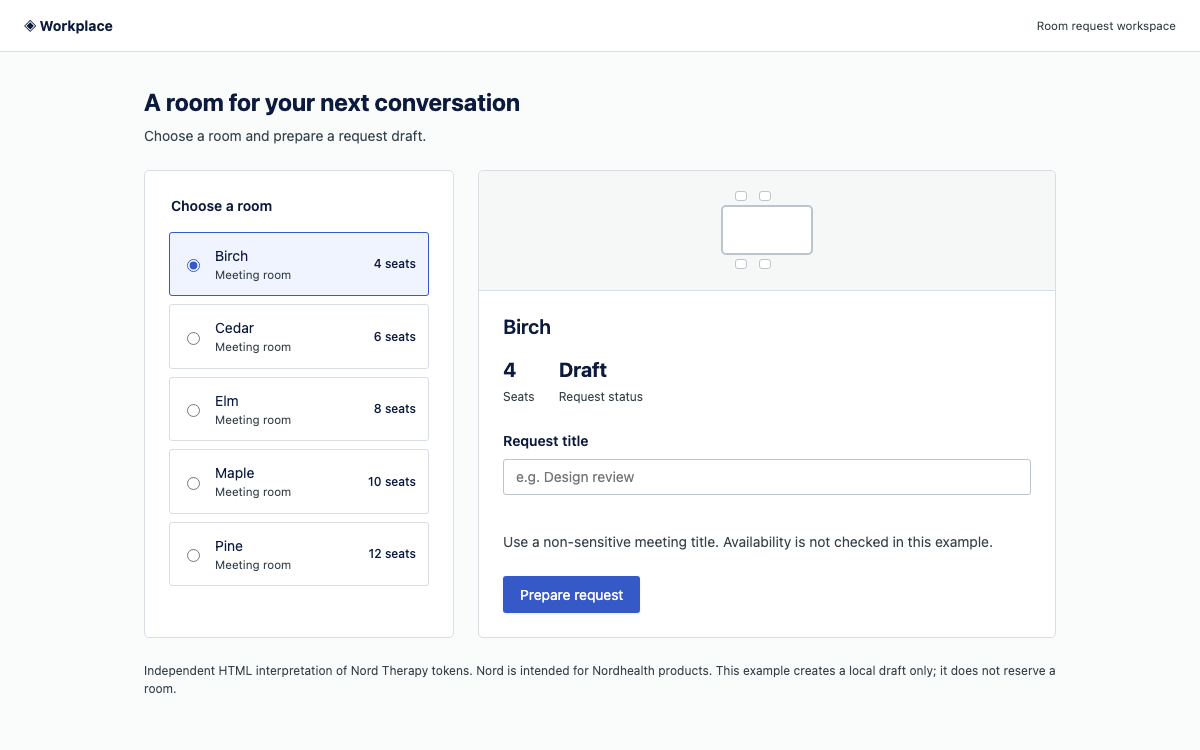
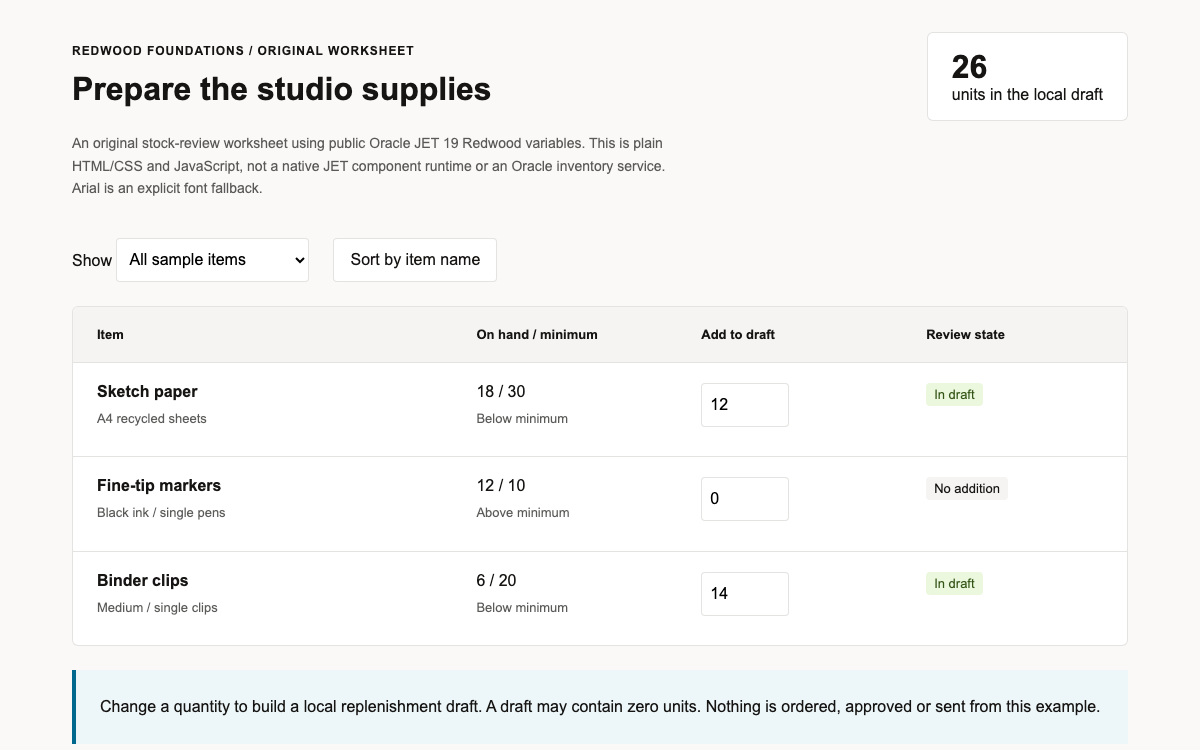
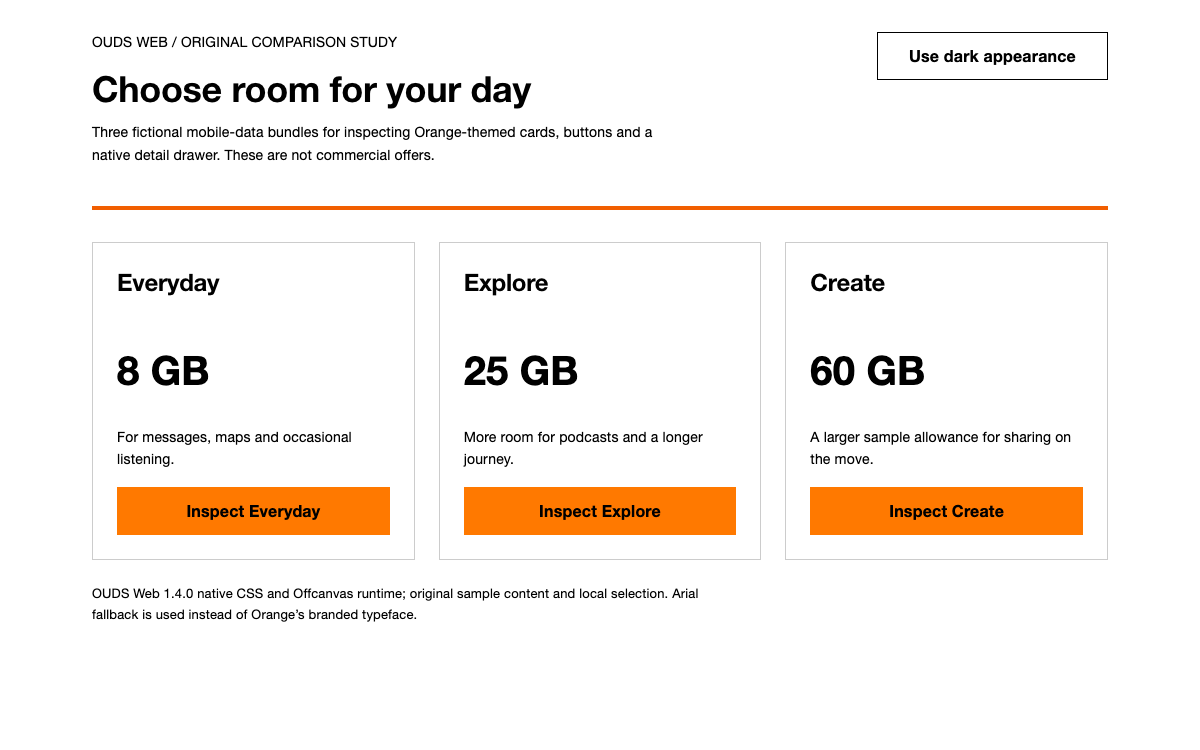
01 Mozilla Protocol 设计系统界面预览 比较不同的阅读密度,展开说明详情,并试用无效和有效的电子邮件状态,无需创建订阅。
原生 Mozilla Protocol 22.0.0 CSS 和软件包字体;原创 HTML、插图与 JavaScript。表单不会向网络提交数据。·
实现参考 02
Mozilla Protocol 设计系统设计参考 Mozilla Protocol 22.0.0 已发布的令牌 JSON 和原生 CSS。带美元符号前缀的名称是 Sass 令牌。原始示例采用 Mozilla 排版主题;密度控件和圆形插图则是应用层的设计选择。
名称 / 规则 值 / 配置 用途 $font-stack-baseInter, X-LocaleSpecific, sans-serif明确选择 Mozilla 或 Firefox 品牌字体组合;长篇正文不要使用标题字体。 $font-stack-firefoxMetropolis, X-LocaleSpecific, sans-serif明确选择 Mozilla 或 Firefox 品牌字体组合;长篇正文不要使用标题字体。 $font-stack-mozilla-headline'Mozilla Headline', 'Helvetica Neue', Arial, X-LocaleSpecific, sans-serif明确选择 Mozilla 或 Firefox 品牌字体组合;长篇正文不要使用标题字体。 $font-stack-mozilla-text'Mozilla Text', 'Helvetica Neue', Arial, X-LocaleSpecific, sans-serif明确选择 Mozilla 或 Firefox 品牌字体组合;长篇正文不要使用标题字体。 $font-stack-monoConsolas, Monaco, 'Andale Mono', 'Ubuntu Mono', monospace明确选择 Mozilla 或 Firefox 品牌字体组合;长篇正文不要使用标题字体。
名称 / 规则 值 / 配置 用途 $spacing-xs4px用于组件内部或关系密切的元素之间的间距。 $spacing-sm8px用于组件内部或关系密切的元素之间的间距。 $spacing-md16px用于组件内部或关系密切的元素之间的间距。 $spacing-lg24px用于组件内部或关系密切的元素之间的间距。 $spacing-xl32px用于组件内部或关系密切的元素之间的间距。 $spacing-2xl48px用于组件内部或关系密切的元素之间的间距。
名称 / 规则 值 / 配置 用途 $layout-2xs16px编辑内容分区之间使用更大的间距;这类间距不同于组件间距。 $layout-xs24px编辑内容分区之间使用更大的间距;这类间距不同于组件间距。 $layout-sm32px编辑内容分区之间使用更大的间距;这类间距不同于组件间距。 $layout-md48px编辑内容分区之间使用更大的间距;这类间距不同于组件间距。 $layout-lg64px编辑内容分区之间使用更大的间距;这类间距不同于组件间距。 $layout-xl96px编辑内容分区之间使用更大的间距;这类间距不同于组件间距。 $layout-2xl192px编辑内容分区之间使用更大的间距;这类间距不同于组件间距。
名称 / 规则 值 / 配置 用途 $content-xs304px为实际内容选择易读的最大宽度,而不是把每个文本块都拉伸到最大容器宽度。 $content-sm432px为实际内容选择易读的最大宽度,而不是把每个文本块都拉伸到最大容器宽度。 $content-md688px为实际内容选择易读的最大宽度,而不是把每个文本块都拉伸到最大容器宽度。 $content-lg928px为实际内容选择易读的最大宽度,而不是把每个文本块都拉伸到最大容器宽度。 $content-xl1152px为实际内容选择易读的最大宽度,而不是把每个文本块都拉伸到最大容器宽度。 $content-max1440px为实际内容选择易读的最大宽度,而不是把每个文本块都拉伸到最大容器宽度。
名称 / 规则 值 / 配置 用途 $screen-xs320px已发布的视口尺寸档位。各组件的 mixin 可能只会在选定档位进行适配。 $screen-sm480px已发布的视口尺寸档位。各组件的 mixin 可能只会在选定档位进行适配。 $screen-md768px已发布的视口尺寸档位。各组件的 mixin 可能只会在选定档位进行适配。 $screen-lg1024px已发布的视口尺寸档位。各组件的 mixin 可能只会在选定档位进行适配。 $screen-xl1312px已发布的视口尺寸档位。各组件的 mixin 可能只会在选定档位进行适配。
名称 / 规则 值 / 配置 用途 $border-radius-xs2px根据组件选择合适的圆角;让原创插图与 UI 形状保持区分。 $border-radius-sm4px根据组件选择合适的圆角;让原创插图与 UI 形状保持区分。 $border-radius-md8px根据组件选择合适的圆角;让原创插图与 UI 形状保持区分。 $border-radius-lg16px根据组件选择合适的圆角;让原创插图与 UI 形状保持区分。
名称 / 规则 值 / 配置 用途 $brand-theme: mozillaMozilla Headline + Mozilla Text采用 Mozilla 主题的编辑内容;预览页面从官方软件包加载字体。 $brand-theme: firefoxMetropolis + InterFirefox 主题排版是另一种品牌选择。 mzp-u-title-lgResponsive title utility用于主要编辑标题;不要根据视觉大小推断标题语义。 mzp-u-title-xsSmall title utility两个辅助分区在语义化 h2 元素上使用此类。 mzp-u-title-2xsCompact title utility短文在 h3 上使用此类。 Comfortable / Compact sample16px / 1.6 and 14px / 1.4这是原创的阅读偏好设置,并非两种官方 Protocol 主题。
03 Mozilla Protocol 设计系统完整指南 实用指南,介绍如何为真实界面选择、应用和评审此系统。
DESIGN-mozilla-protocol.md 完整指导、实现起点和源代码链接。
下载指南 Mozilla Protocol 设计系统编辑版式 从清晰易读的编辑层级开始 Protocol 不仅支持 UI,也适用于编辑内容和营销界面。示例以一个醒目的大标题和原创圆形插图开篇,随后收窄到文章预览和摘要订阅表单。这样的版式让信息先充分呈现,再邀请读者操作控件。它不同于信息密集的管理仪表板。
将品牌主题与应用创意区分开来 此示例使用 mzp-t-mozilla 和原生 Protocol 排版。文章、插图和密度偏好均为原创应用内容。使用原生类名或字体文件,都不意味着它是 Mozilla 官方服务。页脚会说明内容范围,摘要操作也只会预览确认信息。
Mozilla Protocol 设计系统字体与标题工具类 选择对应品牌的字体组合 Protocol 22 为 Mozilla 提供 Mozilla Headline 和 Mozilla Text 字体组合,为 Firefox 提供 Metropolis 和 Inter。示例加载软件包提供的字体。标题与正文应分工明确:若每段文字都使用展示字体,就会削弱编辑层级赖以呈现的对比效果。
让标题语义独立于视觉大小 主视觉标题是带有 mzp-u-title-lg 的 h1。辅助分区使用带有 mzp-u-title-xs 的 h2,文章标题则使用带有 mzp-u-title-2xs 的 h3。响应式工具类可以调整视觉大小,而不会改变文档大纲。阅读密度控件只会改变示例段落,不会缩放整个页面或其控件。
h1 用于引入页面主题。 h2 用于划分阅读预览和表单。 h3 用于标示文章节选的标题。 Mozilla Protocol 设计系统颜色与插图 将插图作为编辑内容 圆形渐变是原创的 CSS 作品,并附有简短的无障碍描述。其由暖色过渡至紫色的设计并非新的 Mozilla 官方标志,也不是 Protocol 导出的令牌。页面其余部分采用克制的中性界面表面,让插图和主要操作更醒目。
为表单状态赋予明确含义 本地电子邮件错误状态包含文字说明和清晰可见的无效边框。成功状态会显示在单独的确认区块中,其中包含输入的示例地址,并说明没有发送任何电子邮件。醒目的主视觉不应与错误状态争抢注意力,也不应让表单是否提交成功变得含糊。
Mozilla Protocol 设计系统组件与布局尺度 有意识地区分使用两套间距尺度 已发布的组件间距档位为 4、8、16、24、32 和 48px。单独的布局尺度还包括 64、96 和 192px。表单和卡片内部使用较小的间距尺度,编辑分区之间则采用更大的节奏。若把所有细小间距都增大到布局尺度,会削弱标签与其对应字段之间的关系。
先限制行长,再增加分栏 实现说明 Protocol 提供从 304px 到最大 1440px 的内容宽度。示例采用 1152px 的编辑内容容器,空间充足时使用两栏布局。低于应用断点后,阅读文章和表单会改为上下排列。标题、文章和表单各自保持适宜的阅读宽度,不会无限延伸。
Mozilla Protocol 设计系统按钮、详情与表单 保留表单的实际结构 邮件简报示例是一个原生表单,包含可见标签、电子邮件输入框、说明文字、错误提示和提交按钮。Protocol 负责组件样式;应用负责验证并显示本地结果。主视觉区域使用链接作为操作,因为它会跳转到页面内的一个区块;提交则使用按钮。
使用简单的展开区补充说明 “变更内容”展开区采用原生 details/summary 组合。它会说明自定义的舒适和紧凑段落设置值,不会打断文章主体。这不是伪造的导航标签,也不是必须完成的前置步骤;无论展开区处于打开还是关闭状态,表单和密度控件都可以使用。
Mozilla Protocol 设计系统阅读与验证状态 一次只更改一项阅读偏好 两个密度按钮组成一个带标签的按钮组,并公开 aria-pressed。切换到“紧凑”后,只会更改文章中的段落字号、行高和底部间距。正文、标题和表单输入框保持不变。此示例特意将这项偏好与切换 Mozilla 和 Firefox 品牌主题区分开来。
确保表单本地恢复行为清晰可预期 地址无效时,会显示错误提示并将焦点移至输入框。编辑内容会清除过时的错误提示,并隐藏之前的确认信息。地址有效时,会显示本地生成的结果并将焦点移至该结果。点击“再试一个地址”会清空表单、移除无效状态,并将焦点移回输入框;这不代表存在异步订阅功能。
提交空地址或格式错误的地址,并查看字段错误提示。 输入示例地址并预览本地确认信息。 使用“再试一个地址”重置表单并将焦点移回输入框。 Mozilla Protocol 设计系统无障碍编辑控件 区分插图与控件的作用 插图是带有简洁替代文本的图像角色元素。密度按钮、展开区和提交操作都是真正的控件。电子邮件字段通过 aria-describedby 关联说明文字和错误提示。可见的焦点轮廓与原生样式相辅相成,便于键盘操作。
布局堆叠时保持顺序合理 文档顺序为标题、阅读预览、说明和表单。在移动设备上,顺序保持不变;CSS 不会将表单移到说明内容之前。180px 的移动版插图用于辅助编辑内容,不会像固定宽度元素那样妨碍布局,导致页面出现横向滚动。
Mozilla Protocol 设计系统 CSS 集成 将已发布资源与示例一同打包 提供的入口文件依次导入编译后的主题、protocol.css、protocol-components.css,然后导入应用样式表。Protocol 22 要求在 :root 上设置主题自定义属性;仅添加旧版品牌类名无法解析字体样式。启动 Vite 前,请先编译 protocol-theme.scss。支持模块的打包工具会处理字体和图像 URL。以下的 HTML、JavaScript 和 CSS 代码块包含此示例的完整源代码;没有隐藏的简报后端,也没有特定于软件包的状态提供程序。
只有在确实存在订阅服务时,才扩展表单 实现说明 用于生产环境时,请将本地结果替换为经过验证的请求,并根据服务定义相应的同意、等待、重复订阅和服务器错误处理行为。将 Protocol 的呈现样式与这些应用需求分开处理。不要仅仅因为电子邮件通过了语法验证,就把本地确认信息标记为订阅成功。
Mozilla Protocol 设计系统组件示例 index.html — 完整编辑页面 语义化文章、密度控件、展开区和本地邮件简报表单,并配有原创的 CSS 插图。
html 复制代码
<!doctype html>
<html lang="en">
<head><meta charset="utf-8"><meta name="viewport" content="width=device-width,initial-scale=1"><title>Reading specimen</title></head>
<body>
<main class="reading-example mzp-t-mozilla">
<header class="reading-top">
<strong>MOZILLA PROTOCOL · EDITORIAL SPECIMEN</strong
><span>Original example by OpenDesign</span>
</header>
<section class="reading-hero">
<div>
<h1 class="mzp-u-title-lg">A little more room to read.</h1>
<p>
Make space for useful ideas, quieter pages, and a reading rhythm that
feels like yours.
</p>
<a class="mzp-c-button" href="#reading-controls"
>Explore the reading preview</a
>
</div>
<div
class="orb"
role="img"
aria-label="Original warm-to-purple circular illustration"
></div>
</section>
<div class="reading-main">
<section id="reading-controls">
<h2 class="mzp-u-title-xs">Choose your reading rhythm</h2>
<p>
Compare two application-defined densities using the same short article.
</p>
<div class="density-options" role="group" aria-label="Reading density">
<button
class="mzp-c-button mzp-t-secondary"
data-density="comfortable"
aria-pressed="true"
>
Comfortable</button
><button
class="mzp-c-button mzp-t-secondary"
data-density="compact"
aria-pressed="false"
>
Compact
</button>
</div>
<article id="article-sample">
<h3 class="mzp-u-title-2xs">The open page</h3>
<p>
A useful page gives an idea enough room to breathe. Its headings show
the path, its paragraphs keep a readable measure, and its controls
remain easy to find.
</p>
<p>
Changing density should preserve the story. This preview adjusts
paragraph size and spacing without replacing the article or changing
your place in the task.
</p>
</article>
<details>
<summary>What changes in this example?</summary>
<p>
Comfortable uses 16px text with 1.6 line height. Compact uses 14px
with 1.4. These are example reading preferences, not separate official
Protocol themes.
</p>
</details>
</section>
<aside class="signup">
<h2 class="mzp-u-title-xs">Preview a reading digest</h2>
<p>
Try the form styling and local validation. No subscription is created.
</p>
<form id="reading-form" novalidate>
<label for="email">Email address</label
><input
id="email"
type="email"
autocomplete="email"
aria-describedby="email-note email-error"
/>
<p class="note" id="email-note">
Use an example address. Nothing will be sent.
</p>
<p id="email-error" class="error" role="alert" hidden>
Enter an email address, such as [email protected] .
</p>
<button class="mzp-c-button" type="submit">Preview confirmation</button>
</form>
<div id="confirmation" tabindex="-1" role="status" hidden>
Local preview confirmed for <strong></strong>. No email was sent.<button
id="reset"
class="mzp-c-button mzp-t-secondary"
type="button"
>
Try another address
</button>
</div>
</aside>
</div>
<footer class="reading-footer">
Native Mozilla Protocol 22.0.0 CSS and fonts. Original illustration, copy
and JavaScript; not an official Mozilla service.
</footer>
</main>
<script type="module" src="/src/main.js"></script>
</body></html> 代码参考
将其保存为项目根目录中的 index.html。接下来的两个代码块分别是 src/main.js 和 src/protocol.css。 main.js — 原生资源与本地行为 导入官方样式,并实现密度选择、验证、焦点管理和重置,不会发送数据。
js 复制代码
import "./protocol-theme.css";
import "@mozilla-protocol/core/protocol/css/protocol.css";
import "@mozilla-protocol/core/protocol/css/protocol-components.css";
import "./protocol.css";
const form = document.querySelector("#reading-form"),
  error = document.querySelector("#email-error"),
  input = document.querySelector("#email"),
  result = document.querySelector("#confirmation");
form.addEventListener("submit", (event) => {
  event.preventDefault();
  const value = input.value.trim();
  if (!/^[^\s@]+@[^\s@]+\.[^\s@]+$/.test(value)) {
    error.hidden = false;
    input.setAttribute("aria-invalid", "true");
    input.focus();
    return;
  }
  error.hidden = true;
  input.removeAttribute("aria-invalid");
  result.hidden = false;
  result.querySelector("strong").textContent = value;
  result.focus();
});
input.addEventListener("input", () => {
  error.hidden = true;
  input.removeAttribute("aria-invalid");
  result.hidden = true;
});
document.querySelector("#reset").addEventListener("click", () => {
  form.reset();
  result.hidden = true;
  error.hidden = true;
  input.removeAttribute("aria-invalid");
  input.focus();
});
document.querySelectorAll("[data-density]").forEach((button) =>
  button.addEventListener("click", () => {
    document
      .querySelectorAll("[data-density]")
      .forEach((b) => b.setAttribute("aria-pressed", String(b === button)));
    document
      .querySelector("#article-sample")
      .classList.toggle("compact", button.dataset.density === "compact");
  }),
);
代码参考
这些行为属于应用 JavaScript,并非 Protocol 提供的简报服务。 protocol.css — 原创布局 响应式页面布局、阅读偏好和原创圆形插图。
css 复制代码
[hidden] { display: none !important; }
body {
  margin: 0;
}
.reading-example {
  background: #fff;
  color: #000;
}
.reading-top {
  padding: 24px;
  border-bottom: 1px solid #cdcdd4;
  display: flex;
  justify-content: space-between;
  gap: 16px;
  font-size: 12px;
}
.reading-hero {
  display: grid;
  grid-template-columns: minmax(0, 1.3fr) minmax(200px, 0.7fr);
  gap: 48px;
  align-items: center;
  padding: 48px;
  max-width: 1152px;
  margin: auto;
}
.reading-hero h1 {
  max-width: 680px;
}
.reading-hero p {
  max-width: 580px;
}
.orb {
  aspect-ratio: 1;
  background: radial-gradient(
    circle at 33% 32%,
    #ffea80 0 10%,
    #ff8a50 30%,
    #ff298a 55%,
    #7542e5 82%
  );
  border-radius: 50%;
  position: relative;
  box-shadow: 16px 24px 0 #f0f0f4;
}
.orb:after {
  content: "";
  position: absolute;
  inset: 23%;
  border-radius: 50%;
  background: white;
}
.reading-main {
  display: grid;
  grid-template-columns: minmax(0, 1fr) minmax(280px, 0.8fr);
  gap: 48px;
  max-width: 1152px;
  margin: auto;
  padding: 0 48px 48px;
}
.density-options {
  display: flex;
  gap: 8px;
  margin: 16px 0;
}
.density-options button {
  font-size: 12px;
  padding: 8px 12px;
}
.density-options button[aria-pressed="true"] {
  box-shadow: 0 0 0 2px #0060df;
}
#article-sample {
  padding: 24px;
  border: 1px solid #cdcdd4;
  border-radius: 8px;
  background: #f9f9fb;
}
#article-sample p {
  font-size: 16px;
  line-height: 1.6;
  margin: 0 0 16px;
}
#article-sample.compact p {
  font-size: 14px;
  line-height: 1.4;
  margin-bottom: 8px;
}
.signup {
  padding: 24px;
  background: #e7dfff;
  border-radius: 8px;
}
.signup input {
  width: 100%;
  margin-bottom: 8px;
}
.signup label {
  display: block;
  font-weight: 700;
  margin-bottom: 8px;
}
.signup .note {
  font-size: 12px;
  line-height: 1.5;
}
.signup .error {
  color: #a4000f;
  font-size: 14px;
  font-weight: 700;
}
.signup input[aria-invalid="true"] {
  border-color: #a4000f;
  box-shadow: 0 0 0 2px #a4000f;
}
.signup .mzp-c-button {
  width: 100%;
  margin: 8px 0;
}
#confirmation {
  padding: 16px;
  background: #e3fff3;
  margin-top: 16px;
  border-left: 4px solid #008a46;
  overflow-wrap: anywhere;
}
.reading-footer {
  padding: 24px;
  border-top: 1px solid #cdcdd4;
  font-size: 12px;
}
.reading-example details {
  margin-top: 24px;
}
.reading-example summary {
  cursor: pointer;
  font-weight: 700;
}
.reading-example details p {
  font-size: 14px;
  margin-top: 12px;
}
button:focus-visible,
input:focus-visible,
summary:focus-visible {
  outline: 3px solid #0060df;
  outline-offset: 4px;
}
@media (max-width: 760px) {
  .reading-hero {
    grid-template-columns: 1fr;
    padding: 32px 24px;
    gap: 24px;
  }
  .orb {
    width: 180px;
    justify-self: center;
    box-shadow: 8px 12px 0 #f0f0f4;
  }
  .reading-main {
    grid-template-columns: 1fr;
    padding: 0 24px 32px;
    gap: 32px;
  }
  .reading-top {
    flex-wrap: wrap;
  }
  .reading-hero h1 {
    font-size: 36px;
  }
  .density-options {
    flex-wrap: wrap;
  }
}
代码参考
应用的密度和布局设置与已发布的 Sass 设计令牌分别标明。 protocol-theme.scss — 必需的 Mozilla 根主题 启动应用前,请将其编译为 src/protocol-theme.css。
scss 复制代码
@use '@mozilla-protocol/core/protocol/css/includes/config' with ($brand-theme: 'mozilla');
@use '@mozilla-protocol/core/protocol/css/includes/themes';
代码参考
Sass 配置用于选择品牌;这不是运行时类名切换。 04
Mozilla Protocol 设计系统 Agent 设置 实现起点 本地预览中打包了原生的 CSS/fonts 和原创脚本。请使用与你的 Vite 版本兼容的 Node.js 版本。重新分发构建版本时,请保留软件包许可证和资源署名。
sh 复制示例
npm create vite@latest protocol-reading -- --template vanilla
cd protocol-reading
npm install
npm install @mozilla-protocol/[email protected]
npm install --save-dev sass
npx sass --load-path=node_modules src/protocol-theme.scss src/protocol-theme.css
# Replace index.html; add src/main.js and src/protocol.css from the full examples.
npm run dev
适用于你项目的提示词 Agent 提示词 复制提示词
使用 Mozilla Protocol 22.0.0 创建编辑页面。请查阅实际的字体、间距和容器参考。以提供的完整 HTML/CSS/JS 布局为起点,保留语义化标题和可见的表单标签,并区分原创插图和密度设置与官方设计令牌。确保本地验证如实反映其功能;只有在明确服务和同意要求后,才集成真实的订阅功能。 05
Mozilla Protocol 设计系统来源与范围 OpenDesign 关于 Mozilla Protocol 22.0.0 的应用指南。该示例使用已发布的 CSS 和打包字体,并配有原创文案、插图和本地表单行为。它并非 Mozilla 产品、简报或订阅服务;品牌和资源权利仍归各自所有者所有。