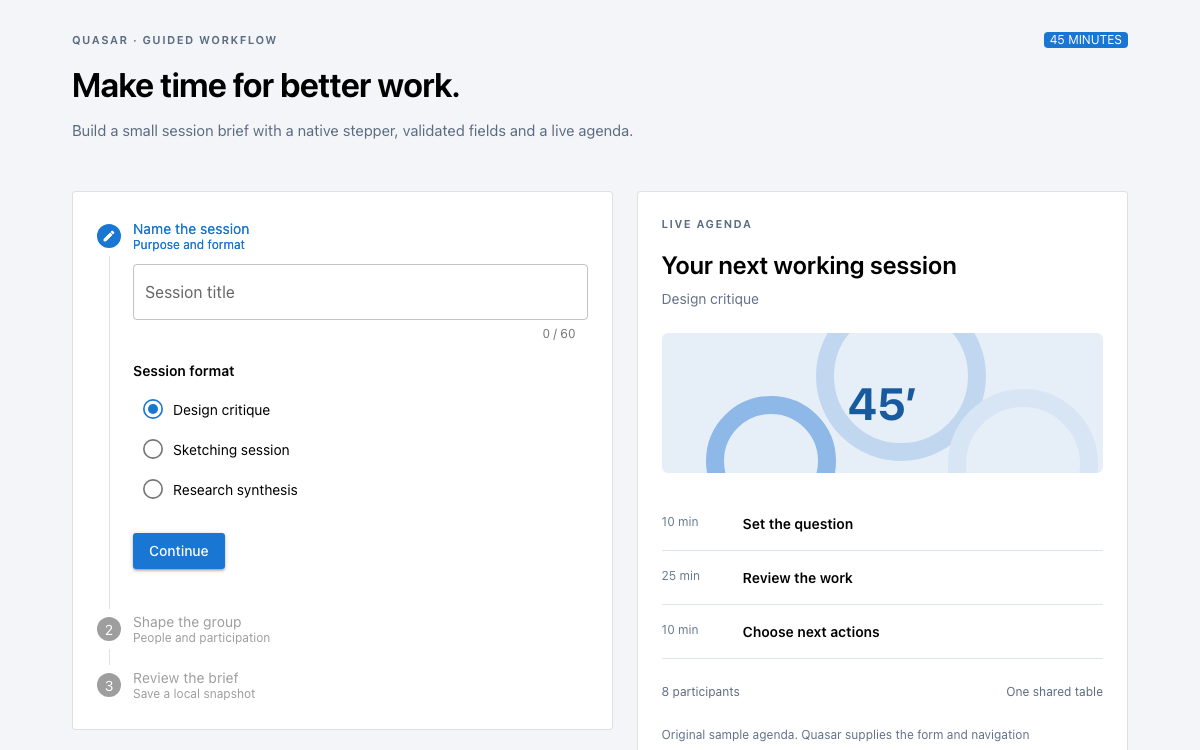
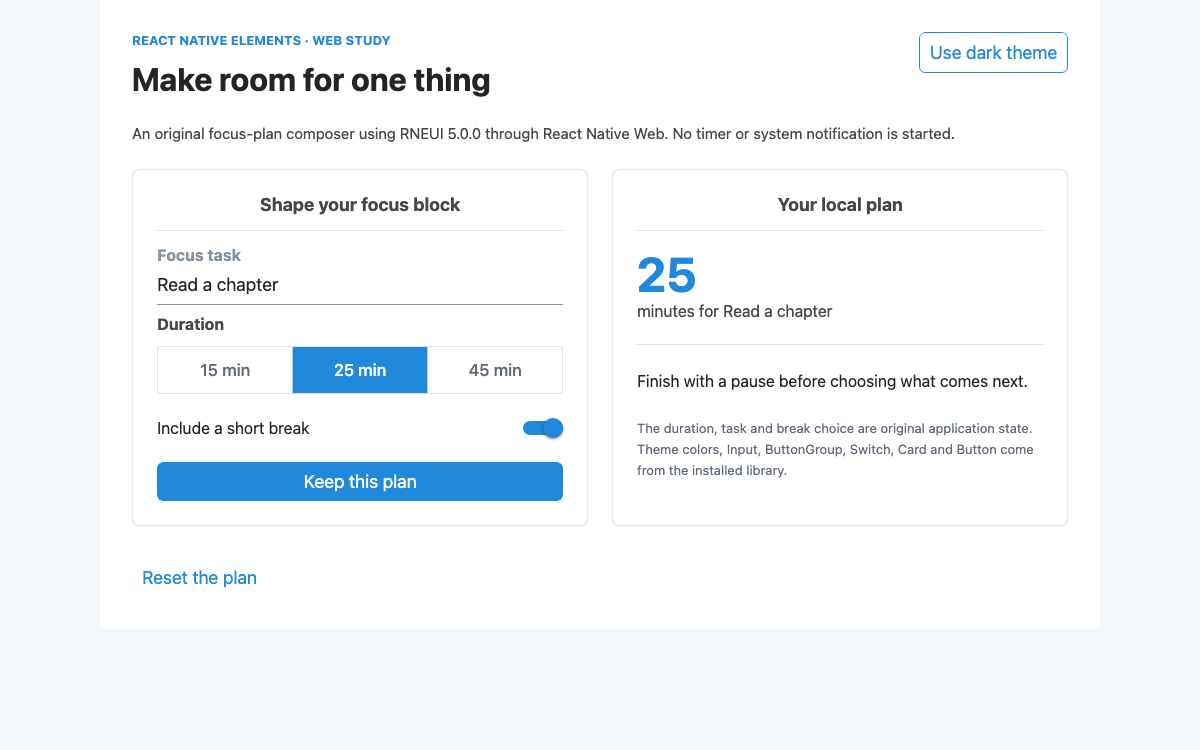
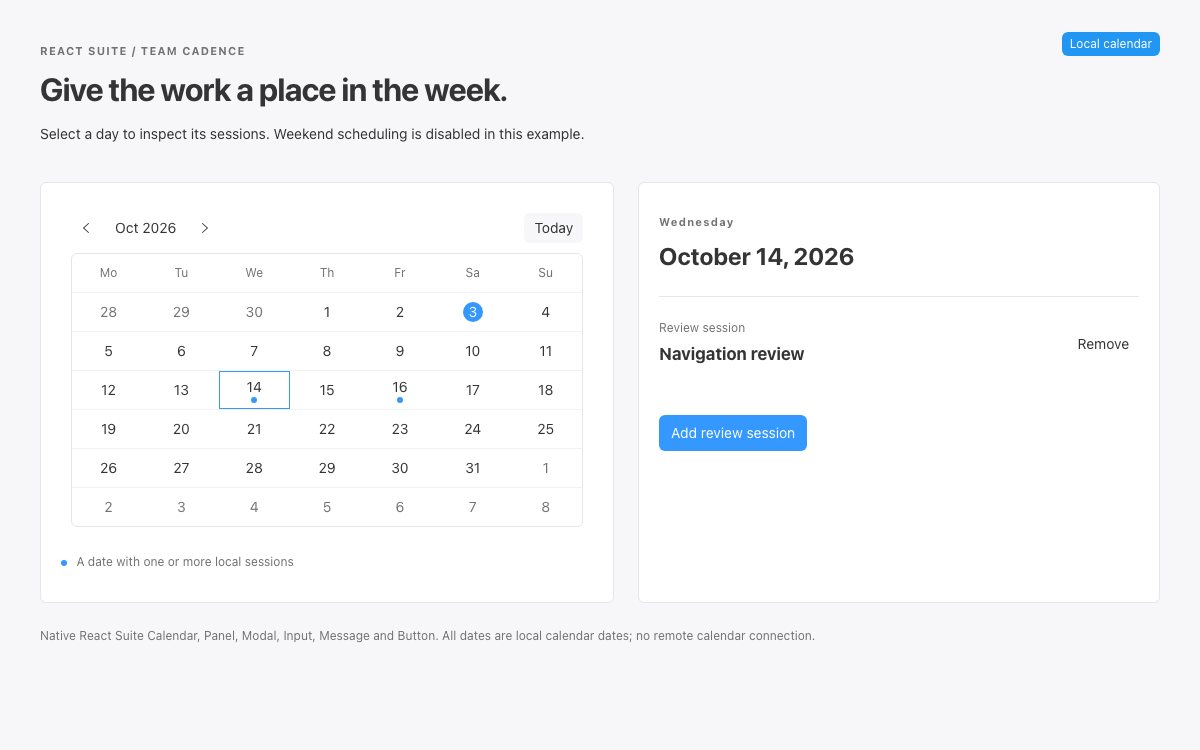
01 Pure CSS 设计系统界面预览 筛选六套套件、按名称排序、选择可用项目,并在筛选条件变化时保留已选项。
官方 Pure CSS 3.1.0 和响应式网格模块;原生 JavaScript。·
实现参考 Pure CSS 3.1.0 编译后的软件包模块。这些是字面选择器值,并非具名的设计令牌 API:Pure 没有像 Chakra 或 Pico 那样发布语义 CSS 变量主题。应用另行设置了排版、布局间距和更醒目的焦点轮廓。
名称 / 规则 值 / 配置 用途 .pure-button padding0.5em 1em随继承的按钮文本字号缩放。 .pure-button radius2px默认按钮圆角形状。 .pure-button background#E6E6E6 中性按钮填充色。 .pure-button-primary backgroundrgb(0, 120, 231)可选的主色/选中状态填充色。 .pure-button disabled opacity0.40同时使用 disabled 属性控制行为。 .pure-form input padding0.5em 0.6em常见文本输入框内边距。 .pure-form input border1px solid #ccc默认输入框边界。 .pure-form input radius4px输入框和按钮的圆角半径不同。
名称 / 规则 值 / 配置 用途 .pure-table border1px solid #cbcbcb表格外边界。 .pure-table td / th padding0.5em 1em易读的单元格间距。 .pure-table thead background#e0e0e0 列标题背景层。 .pure-table-striped odd-row fill#f2f2f2 可选的隔行条纹;此示例采用水平分隔线。 .pure-table-horizontalBottom borders only保留行结构,不添加垂直分隔线。
名称 / 规则 值 / 配置 用途 sm35.5em在浏览器默认字号为 16px 时为 568px。 md48em768px;侧边栏宽度变为四分之一。 lg64em1024px。 xl80em1280px。 xxl120em已安装的 3.1.0 响应式网格中的 1920px。
名称 / 规则 值 / 配置 用途 Body16px / 1.5 Arial, Helvetica, sans-serif明确设置应用排版。 Page heading34px / 1.15; 28px on mobile原始编辑层级。 Section heading18px / 1.3原创侧边栏和选择标题。 Content gutters24px desktop, 16px mobile原始外边距。 Focus outline3px solid #0078e7; offset 3px在默认按钮焦点渐变效果上的应用增强。 Table minimum width540px在可局部滚动的区域中保留列含义。
03 Pure CSS 设计系统完整指南 实用指南,介绍如何为真实界面选择、应用和评审此系统。
DESIGN-pure-css.md 完整指导、实现起点和源代码链接。
下载指南 Pure CSS 设计系统:一小组 CSS 模块 一组精简的 CSS 模块 Pure 提供基础样式规范化、网格、按钮、表单、菜单和表格。本目录使用该软件包编译后的 rollup 文件,以及单独的响应式网格文件。它不会导入 JavaScript 框架、提供程序或组件运行时。筛选、排序和选择均由应用代码实现,代码已在上文完整展示。
比较 Pure 与完整的组件平台时,这一区别很重要。pure-table 类提供单元格样式,但不提供排序、分页、虚拟化或选择语义。pure-button 是一种视觉样式类,可应用于原生按钮。示例保留了底层语义元素,而不是指望类名自动生成交互行为。
阅读配套规范
Pure CSS 设计系统:使用字面 CSS 值,而非臆造令牌系统 使用字面 CSS 值,而非臆造令牌系统 Pure 编译后的按钮样式使用中性填充色 #E6E6E6、2 像素圆角和以 em 为单位的内边距。可选的主按钮使用 rgb(0,120,231) 背景和白色文字。表单输入框使用 4 像素圆角,并设有各自的内边距。系统参考展示了这些实际差异,而不是将它们统一成虚构的共享圆角比例。
此目录采用了克制的应用配色:深蓝灰色文字、中性色分隔线和浅色选中项摘要。这些并非 Pure 官方品牌色。这里没有深色模式切换,因为此版本示例并未实现完整的替代应用配色。主题切换需要同时覆盖表单、表头、边框、文字和焦点状态。
阅读配套规范
Pure CSS 设计系统的字体排印和间距由应用决定 排版与间距由应用负责 原始页面层选择了 16 像素的 Arial/Helvetica 字体,行高为 1.5,标题为 34px,分区标题为 18px。在窄屏上,标题缩小为 28px。这些都是明确的设计选择,并不意味着 Pure 规定了编辑排版比例。复现这一版式所需的所有值都已包含在 CSS 示例中。
Pure 的网格会调整网格容器中的文本渲染和字间距,以适配行内单位;单位规则则会恢复正常的文本行为。此目录也为网格单元设置了字体系列,避免侧栏和结果区域中的字体意外变化。应用内边距设置在单元格内部,并采用 border-box 尺寸计算,从而保留分数宽度。
阅读配套规范
Pure CSS 设计系统:响应式比例需要响应式模块 响应式比例需要响应式模块 侧栏组合使用 pure-u-1 和 pure-u-md-1-4;结果区域组合使用 pure-u-1 和 pure-u-md-3-4。两者起初均占满宽度。在 md 媒体断点(48em)处,它们分别变为四分之一宽和四分之三宽。这样无需自定义 JavaScript 布局计算,也能让筛选区域保持易读的固定比例。
主文件 pure-min.css 的 rollup 不包含响应式网格媒体查询类。若遗漏 grids-responsive-min.css,这些 md 修饰类就不会生效。此配置会显式加载这两个文件。在移动端宽度下,侧栏显示在表格之前,结果区域的边框会移除,从而形成连贯的阅读顺序。
阅读配套规范
Pure CSS 设计系统:在窄屏上保留表格含义 在窄屏上保留表格含义 表格使用 caption、thead、tbody 和列标题 scope 属性。Equipment 表头包含一个原生按钮,用于反转名称顺序。其父级 th 会设置 aria-sort=ascending 或 descending,与可见箭头一致。排序时所有行都保留相同的列结构。
540px 的最小宽度可以保留 Select、Equipment、Category 和 Availability 的含义。在窄屏上,只有带标签的表格区域可以水平滚动。该区域可通过键盘聚焦,并显示清晰的焦点轮廓。页面本身不会变宽。这是针对数据表的刻意设计,而不是把每一行都强行改成视觉结构毫不相关的卡片。
阅读配套规范
Pure CSS 设计系统:禁用、空状态和焦点状态需要真实交互 禁用、空状态和焦点状态需要真实交互 借出的设备仍显示在列表中,以说明其可用状态,但无法选择:其原生复选框处于禁用状态。当 Set 为空时,清除选择按钮也会禁用。Pure 的透明度规则有助于呈现禁用外观,但真正阻止激活的是 HTML 属性。
筛选后没有结果时,会显示明确的空状态提示,并保留表头。结果数量位于礼貌提示区域中。原始样式表添加了醒目的 focus-visible 轮廓,因为 Pure 默认按钮焦点样式使用渐变并重置了轮廓;对于这个可实际使用的工具,更清晰的键盘焦点指示会更有帮助。
禁用的复选框会说明设备套件不可用,同时保留对应行。 空状态会说明如何通过清除筛选恢复内容。 按钮、输入框、选择框和滚动区域均设有焦点轮廓。 阅读配套规范
Pure CSS 设计系统:安装并复现整个目录 安装并复现整个目录 安装 [email protected] ,将 pure-min.css 和 grids-responsive-min.css 复制到本地资源目录,并按此顺序在 style.css 之前引入。完整的 body、应用脚本和 CSS 已在上方提供。静态服务器即可提供这些文件;目录本身无需构建运行时。
如果需要缩减打包体积,也可以单独使用各个模块。精简 CSS 时,请确保基础模块和网格依赖保持一致。不要只复制表格样式表,却假定表单或按钮类仍会有样式。当前示例优先采用可复现的完整配置,而非缺少说明的部分打包方案。
阅读配套规范
Pure CSS 设计系统:选择 CSS 模块而不丢失其依赖 选择 CSS 模块时勿遗漏其依赖项 编译后的汇总样式为目录中的按钮、表单和表格提供样式,而 grids-responsive-min.css 则提供带断点限定的分数类。移除响应式文件不会报错:md 类只是不再改变布局。精简导入模块时,请检查列在不同宽度下的表现。
网格单元还会恢复网格容器为适应行内布局而调整的文本行为。请在单元上设置应用字体,并通过 border-box 盒模型将内边距置于单元内部。如果目录之后加入分页,请在应用状态中使用稳定 ID 保留选择;表格 CSS 和网格分数类都无法实现这一行为。
阅读配套规范
Pure CSS 设计系统组件示例 使用 Pure 模块的目录标记 响应式四分之一/四分之三布局、纵向排列的表单,以及带横向分隔线的表格。
html 复制代码
<main class="catalog"><header><p class="eyebrow">PURE CSS / LENDING DESK</p><h1>A small equipment catalog.</h1><p>Find a kit, select available items, and review the local selection.</p></header><div class="pure-g"><aside class="pure-u-1 pure-u-md-1-4"><div class="sidebar"><h2>Refine the list</h2><form class="pure-form pure-form-stacked" id="filters"><label for="query">Equipment name</label><input id="query" type="search" placeholder="Camera, recorder…"><label for="kind">Category</label><select id="kind"><option value="all">All categories</option><option>Camera</option><option>Audio</option><option>Lighting</option></select><label class="pure-checkbox"><input id="available" type="checkbox"> Available only</label><button class="pure-button" type="reset">Clear filters</button></form><div class="selection"><strong id="selected-count">0 items selected</strong><p>Selection is kept when a filter hides a row.</p><button id="clear-selection" class="pure-button" disabled>Clear selection</button></div></div></aside><section class="pure-u-1 pure-u-md-3-4"><div class="results"><p id="count" role="status"></p><div class="table-scroll" tabindex="0" role="region" aria-label="Equipment table, scroll horizontally on narrow screens"><table class="pure-table pure-table-horizontal"><caption>Studio lending kits — local sample records</caption><thead><tr><th scope="col">Select</th><th scope="col" aria-sort="ascending"><button id="sort" class="sort">Equipment ↑</button></th><th scope="col">Category</th><th scope="col">Availability</th></tr></thead><tbody id="rows"></tbody></table></div><p id="empty" hidden>No matching equipment. Clear the filters to see all six kits.</p><section class="summary" aria-labelledby="selection-title"><h2 id="selection-title">Selected for review</h2><ul id="selection-list"><li>No equipment selected.</li></ul><p>This is a browsing example. Selecting a kit does not reserve it.</p></section></div></section></div></main>
代码参考
grids-responsive-min.css 单独加载。 借出的器材复选框使用 disabled 状态,而不只是采用弱化样式。 筛选、排序和选择状态 原始行为会呈现六条固定的示例记录,并通过稳定 ID 保留选择。
javascript 复制代码
const data=[{id:'c1',name:'Compact camera kit',kind:'Camera',available:true},{id:'c2',name:'Cinema camera kit',kind:'Camera',available:false},{id:'a1',name:'Field recorder',kind:'Audio',available:true},{id:'a2',name:'Wireless microphone pair',kind:'Audio',available:true},{id:'l1',name:'Portable LED panel',kind:'Lighting',available:false},{id:'l2',name:'Softbox lighting kit',kind:'Lighting',available:true}];const selected=new Set();let ascending=true;const $=id=>document.getElementById(id);
function selection(){ $('selected-count').textContent=selected.size+(selected.size===1?' item selected':' items selected');$('clear-selection').disabled=!selected.size;const list=$('selection-list');list.replaceChildren();for(const x of data.filter(x=>selected.has(x.id))){const li=document.createElement('li');li.textContent=x.name;list.append(li);}if(!selected.size){const li=document.createElement('li');li.textContent='No equipment selected.';list.append(li);}}
function render(){const query=$('query').value.toLowerCase().trim();const visible=data.filter(x=>x.name.toLowerCase().includes(query)&&($('kind').value==='all'||x.kind===$('kind').value)&&(!$('available').checked||x.available)).sort((a,b)=>(ascending?1:-1)*a.name.localeCompare(b.name));$('count').textContent=visible.length+' of '+data.length+' kits shown';$('empty').hidden=visible.length!==0;$('rows').replaceChildren();for(const x of visible){const tr=document.createElement('tr');const choice=document.createElement('td');const input=document.createElement('input');input.type='checkbox';input.disabled=!x.available;input.checked=selected.has(x.id);input.setAttribute('aria-label','Select '+x.name);input.addEventListener('change',()=>{input.checked?selected.add(x.id):selected.delete(x.id);selection()});choice.append(input);tr.append(choice);for(const value of [x.name,x.kind,x.available?'Available':'On loan']){const td=document.createElement('td');td.textContent=value;tr.append(td);}$('rows').append(tr);}selection();}
$('filters').addEventListener('input',render);$('filters').addEventListener('submit',e=>e.preventDefault());$('filters').addEventListener('reset',()=>setTimeout(render,0));$('sort').addEventListener('click',()=>{ascending=!ascending;$('sort').textContent='Equipment '+(ascending?'↑':'↓');$('sort').parentElement.setAttribute('aria-sort',ascending?'ascending':'descending');render()});$('clear-selection').addEventListener('click',()=>{selected.clear();render()});render();
代码参考
筛选不会悄然清除已选 ID。 用户输入的搜索内容绝不会变成 HTML。 应用排版与焦点 CSS 完整的视觉层,为刻意保持精简的库提供补充。
css 复制代码
*{box-sizing:border-box}body{font:16px/1.5 Arial,Helvetica,sans-serif;color:#263238;background:#fff}.catalog{max-width:1120px;margin:auto;padding:32px 24px}h1{font-size:34px;line-height:1.15;letter-spacing:-.03em;margin:12px 0}h2{font-size:18px;line-height:1.3}.eyebrow{font-size:11px;letter-spacing:.12em;font-weight:700;color:#435c68}header{border-bottom:3px solid #263238;padding-bottom:24px;margin-bottom:24px}.pure-g [class*=pure-u]{font-family:Arial,Helvetica,sans-serif}.sidebar{padding-right:24px}.results{padding-left:24px;border-left:1px solid #d7dfe3}.pure-form input[type=search],.pure-form select{width:100%;max-width:100%}.pure-form label{margin-top:16px}.selection{border-top:1px solid #d7dfe3;margin-top:28px;padding-top:20px;font-size:14px}.table-scroll{overflow:auto}table{width:100%;min-width:540px}.pure-table caption{text-align:left;font-style:normal;color:#52616a}.sort{border:0;background:none;padding:0;color:inherit;text-align:left;font-weight:700;cursor:pointer}.summary{padding:16px 20px;background:#f3f6f7;margin-top:24px}.summary p{font-size:14px;color:#52616a}.pure-button:focus-visible,.sort:focus-visible,.table-scroll:focus-visible,input:focus-visible,select:focus-visible{outline:3px solid #0078e7;outline-offset:3px}#empty{padding:20px;border:1px dashed #83919a}@media(max-width:767px){.catalog{padding:24px 16px}h1{font-size:28px}.sidebar{padding:0}.results{padding:24px 0 0;border-left:0}.selection{margin-bottom:24px}}
代码参考
这些值是应用自行设定的,并非 Pure 的官方设计令牌。 04
Pure CSS 设计系统 AI Agent 设置 实现起点 将 CSS 和 JavaScript 示例保存为 style.css 和 app.js。响应式网格媒体类位于单独的文件中。离线预览将两份官方样式表和原始应用代码内嵌其中。HTML 包装器包含完整的 body 标记;请将此处提及的交互示例和 CSS 示例保存为相应文件名。
html 复制示例
<!-- npm install [email protected]
mkdir -p assets
cp node_modules/purecss/build/pure-min.css assets/
cp node_modules/purecss/build/grids-responsive-min.css assets/ -->
<!doctype html><html lang="en"><head>
<meta charset="utf-8"><meta name="viewport" content="width=device-width,initial-scale=1">
<title>Equipment catalog</title>
<link rel="stylesheet" href="assets/pure-min.css">
<link rel="stylesheet" href="assets/grids-responsive-min.css">
<link rel="stylesheet" href="style.css">
<script src="app.js" defer></script></head>
<body><main class="catalog"><header><p class="eyebrow">PURE CSS / LENDING DESK</p><h1>A small equipment catalog.</h1><p>Find a kit, select available items, and review the local selection.</p></header><div class="pure-g"><aside class="pure-u-1 pure-u-md-1-4"><div class="sidebar"><h2>Refine the list</h2><form class="pure-form pure-form-stacked" id="filters"><label for="query">Equipment name</label><input id="query" type="search" placeholder="Camera, recorder…"><label for="kind">Category</label><select id="kind"><option value="all">All categories</option><option>Camera</option><option>Audio</option><option>Lighting</option></select><label class="pure-checkbox"><input id="available" type="checkbox"> Available only</label><button class="pure-button" type="reset">Clear filters</button></form><div class="selection"><strong id="selected-count">0 items selected</strong><p>Selection is kept when a filter hides a row.</p><button id="clear-selection" class="pure-button" disabled>Clear selection</button></div></div></aside><section class="pure-u-1 pure-u-md-3-4"><div class="results"><p id="count" role="status"></p><div class="table-scroll" tabindex="0" role="region" aria-label="Equipment table, scroll horizontally on narrow screens"><table class="pure-table pure-table-horizontal"><caption>Studio lending kits — local sample records</caption><thead><tr><th scope="col">Select</th><th scope="col" aria-sort="ascending"><button id="sort" class="sort">Equipment ↑</button></th><th scope="col">Category</th><th scope="col">Availability</th></tr></thead><tbody id="rows"></tbody></table></div><p id="empty" hidden>No matching equipment. Clear the filters to see all six kits.</p><section class="summary" aria-labelledby="selection-title"><h2 id="selection-title">Selected for review</h2><ul id="selection-list"><li>No equipment selected.</li></ul><p>This is a browsing example. Selecting a kit does not reserve it.</p></section></div></section></div></main>
</body></html>
适用于你项目的提示词 Agent 提示词 复制提示词
基于提供的 Pure CSS 3.1.0 器材目录进行构建,并加载 pure-min.css 和 grids-responsive-min.css。保留四分之一/四分之三的响应式网格单元、带标签的筛选器、语义化可排序表格,以及限制在容器内的横向滚动区域。组合使用搜索、类别和可用状态筛选器时,不要清除已选 ID。借出的器材复选框应保持禁用状态;对 Equipment 列反向排序时更新 aria-sort;即使筛选器隐藏了已选项目,也要在审核列表中保留这些项目。选择仅保存在本地,不得将其报告为预订。 Pure CSS 3.1.0。选择器值为软件包官方值;目录的排版、颜色、间距和应用行为均为原创。不会进行预订。