完整的 Nova CSS 偏好设置组合
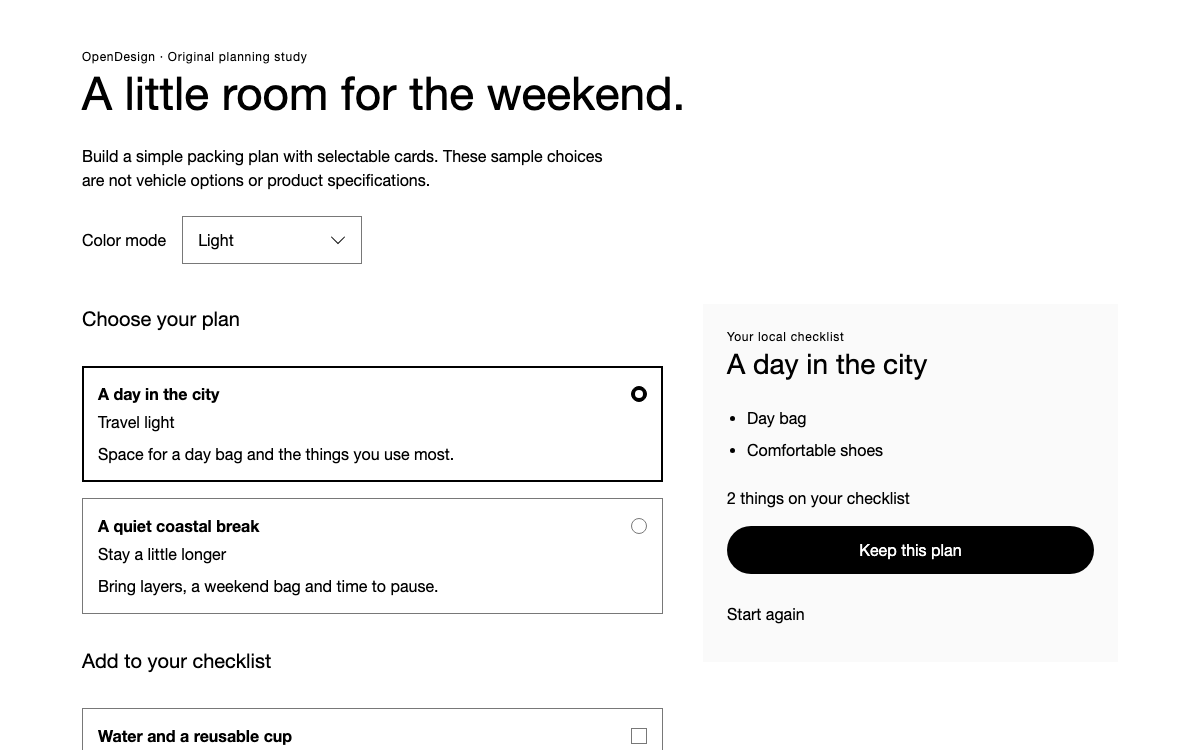
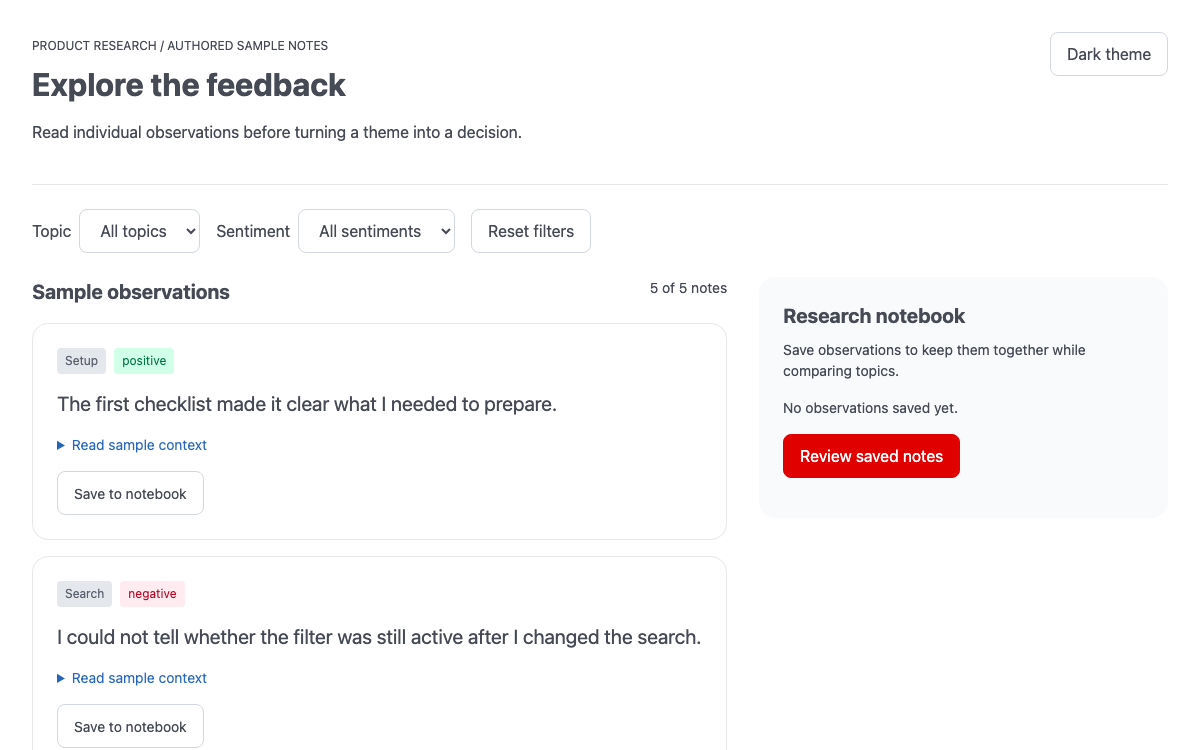
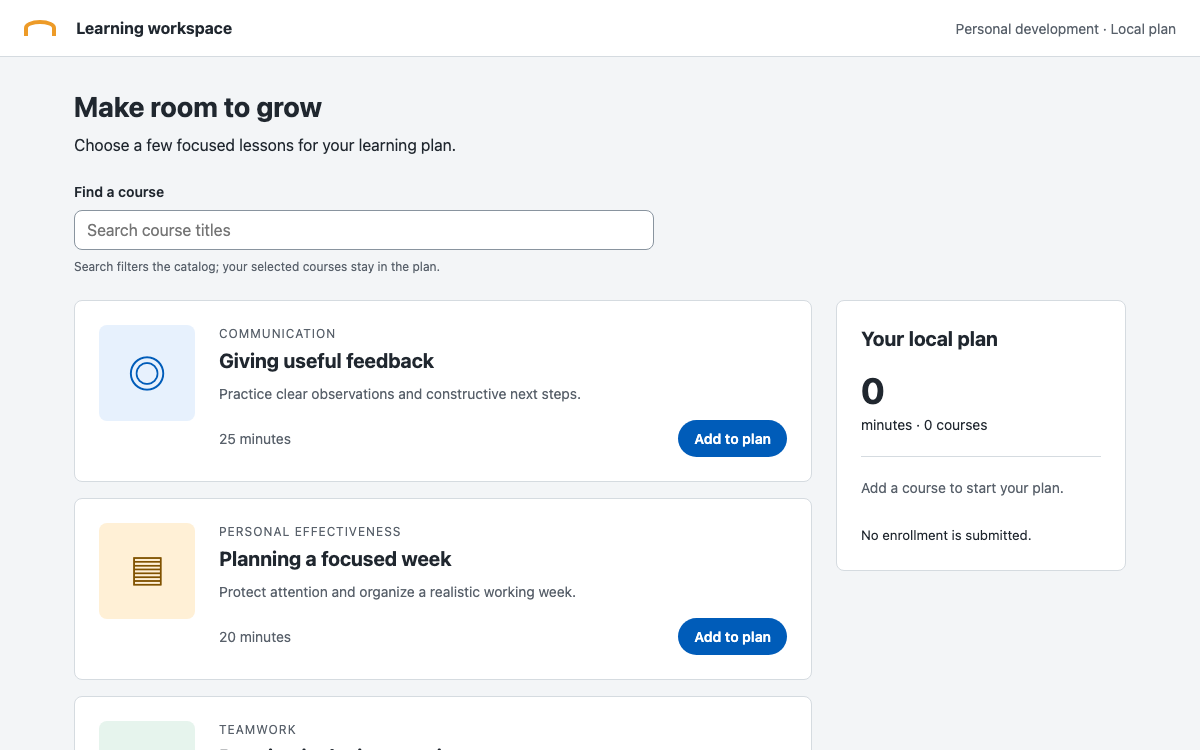
两个原生单选按钮组会即时更新摘要;主要操作会明确创建本地审核状态。
html
<!-- index.html after installing @visa/[email protected] in a Vite vanilla project -->
<!doctype html><html lang="en"><meta charset="utf-8"><meta name="viewport" content="width=device-width,initial-scale=1"><title>Statement preference</title>
<link rel="stylesheet" href="/node_modules/@visa/nova-styles/styles.css">
<link rel="stylesheet" href="/node_modules/@visa/nova-styles/themes/visa/index.css">
<style>:root{font-family:Arial,sans-serif}body{font-family:Arial,sans-serif;background:#fff}*{box-sizing:border-box}.app{max-width:1150px;margin:auto;padding:24px}.hero{padding:32px;display:grid;grid-template-columns:1fr 150px;align-items:center;gap:24px;border-radius:6px}.hero h1{font-family:Arial,sans-serif;font-weight:600;line-height:1.2;margin:12px 0 16px}.hero p{font-family:Arial,sans-serif}.eyebrow{font-size:11px;letter-spacing:.12em;font-weight:600}.paper{width:120px;height:150px;background:white;border-radius:6px;transform:rotate(8deg);padding:20px;box-shadow:8px 8px 0 #0f2595;position:relative}.paper span{display:block;height:3px;background:#1434cb;margin:10px 0;width:70px}.paper span:nth-child(2){width:45px}.paper b{position:absolute;bottom:10px;right:15px;color:#1434cb;font:600 36px Arial}.workspace{display:grid;grid-template-columns:1.5fr 1fr;gap:40px;margin:32px 0}.workspace h2,.workspace legend{font-family:Arial,sans-serif;font-weight:600}.hint{font-size:14px;color:#4a4a4a;line-height:1.5;margin:12px 0 16px}.option{display:flex;gap:16px;padding:20px 16px;border:1px solid #ddd;border-radius:6px;margin:12px 0;cursor:pointer}.option:has(:checked){border:2px solid #1434cb;padding:19px 15px;background:#f6f9ff}.option b{font-size:16px}.option small{display:block;font-size:14px;color:#4a4a4a;line-height:1.5;margin-top:4px}.option .v-radio{flex-shrink:0}.frequency{margin-top:28px}.frequency legend{margin-bottom:16px}.actions{display:flex;gap:12px;flex-wrap:wrap;margin-top:28px}.v-button{font-family:Arial,sans-serif}.summary{background:#f5f5f5;padding:24px;border-radius:6px;align-self:start;min-height:285px}.summary h2{margin:16px 0 8px}.rule{height:1px;background:#ddd;margin-top:20px}.status{padding:16px 0;font-size:14px;line-height:1.5}.confirmed{color:#1434cb;font-weight:600}footer{font-size:12px;color:#4a4a4a;border-top:1px solid #ddd;padding-top:16px;line-height:1.5}@media(max-width:650px){.app{padding:16px}.hero{padding:24px;grid-template-columns:1fr}.paper{display:none}.workspace{grid-template-columns:1fr;gap:24px}.hero h1{font-size:28px}.option{padding:16px 12px}.option:has(:checked){padding:15px 11px}}
</style><main class="app"><header class="v-surface v-alternate hero"><div><p class="eyebrow">ACCOUNT PREFERENCES / SAMPLE</p><h1 class="v-typography-headline-1">Choose how you read<br>your statement.</h1><p class="v-typography-body-1">One clear choice, with the details visible before you confirm.</p></div><div class="paper" aria-hidden="true"><span></span><span></span><span></span><b>01</b></div></header><div class="workspace"><form id="form"><fieldset><legend class="v-typography-headline-3">Statement format</legend><p class="hint">This page stores a demonstration preference only.</p><label class="option"><input class="v-radio" type="radio" name="delivery" value="Digital PDF" checked><span><b>Digital PDF</b><small>A downloadable sample statement for offline reading.</small></span></label><label class="option"><input class="v-radio" type="radio" name="delivery" value="Accessible HTML"><span><b>Accessible HTML</b><small>A reflowable sample statement with structured headings.</small></span></label></fieldset><fieldset class="frequency"><legend class="v-typography-headline-3">Summary frequency</legend><div class="v-flex v-gap-16"><label class="v-flex v-align-items-center v-gap-4"><input class="v-radio" type="radio" name="frequency" value="Monthly" checked>Monthly</label><label class="v-flex v-align-items-center v-gap-4"><input class="v-radio" type="radio" name="frequency" value="Quarterly">Quarterly</label></div></fieldset><div class="actions"><button class="v-button" type="submit">Review preference</button><button class="v-button v-button-secondary" id="reset" type="button">Reset</button></div></form><aside class="summary"><p class="eyebrow">YOUR CURRENT SELECTION</p><h2 class="v-typography-headline-3" id="selection">Digital PDF</h2><p id="period">Monthly summary</p><div class="rule"></div><p class="hint">No account data is used. No statement is generated or delivered.</p><p class="status" id="status" role="status">Review your preference to create a local confirmation.</p></aside></div><footer>Nova styles 1.6.5 and Visa theme. The example application styles use a system-font fallback. Original demonstration, no financial service connection.</footer></main>
<script>const form=document.querySelector('#form'),status=document.querySelector('#status');function update(){document.querySelector('#selection').textContent=form.elements.delivery.value;document.querySelector('#period').textContent=form.elements.frequency.value+' summary';status.textContent='Review your preference to create a local confirmation.';status.classList.remove('confirmed')}form.onchange=update;form.onsubmit=e=>{e.preventDefault();status.textContent='Reviewed locally: '+form.elements.delivery.value+', '+form.elements.frequency.value.toLowerCase()+'. No account setting changed.';status.classList.add('confirmed')};document.querySelector('#reset').onclick=()=>{HTMLFormElement.prototype.reset.call(form);update()};</script>
</html>
- CSS 提供组件外观;简短脚本负责应用行为。
- 更改偏好设置会清除之前的审核状态。
- 备用页眉使用真正的主题上下文,而不是手工绘制的配色仿制品。
- 将完整的 HTML 保存为 index.html,并在能够访问固定版本公共 CSS URL 的浏览器中打开。本指南中的嵌入式预览会在本地加载这些样式。