For AgenciesOpenDesign

AI Website Builder for Agencies

Keep each client’s brand distinct without restarting your process. Create a client-specific design system, use reusable Skills for your preferred brief and review instructions, and turn feedback on the working preview into targeted agent revisions. Export source for delivery and PDF or images for review.

Branded Frontend · Real Files · Continue With Your Coding Agent

Client Product Launch01 / OpenDesign
client-campaign.website · Desktop Preview
Consumer CampaignStory   Ingredients   JournalShop the Collection
Client Product LaunchBotanicals for Brighter Tomorrows.

A client-specific consumer campaign with editorial product storytelling and source files ready for review and handoff.

Shop the Collection
Illustrative desktop website direction for the AI Website Builder for Agencies workflow in OpenDesign.
Client Brief · Reviewable · Editable Delivery
Client BriefReviewableEditable Delivery
One Specific Brief↗

“A premium botanical skincare launch for a client. The website needs a distinctive campaign direction, ingredient proof, product storytelling, and a clear shopping path.”

Illustrative Website · Desktop CompositionReal Editable Frontend Files
01Brief-to-Visual DirectionTranslate client goals and brand cues into a concrete desktop website early.
02Distinct Brand SystemsChange type, color, pacing, and composition instead of repeating one agency template.
03Reviewable DeliverablesDiscuss a working responsive frontend rather than disconnected wireframes and static mockups.
04Files for DeliveryHand off editable project material that can move into development and version control.
Client Website Example

Show the Client Deliverable, Not an Agency-Looking Template.

The agency advantage lives in the repeatable brief, review, and handoff process. The finished website should still look unmistakably specific to the client.

Client Product Campaign

A Distinctive Consumer Brand Website Ready for Client Review and Handoff.

This botanical skincare launch demonstrates a client-specific art direction rather than an agency portfolio. OpenDesign helps the agency turn that direction into a responsive frontend, review it with stakeholders, and deliver editable source.

  • A complete campaign composition shaped by the client’s audience and product
  • Reusable campaign, ingredient, benefit, and product-story sections
  • A reviewable frontend that can move into the client’s development workflow

Client DirectionReviewable SystemSource Handoff
AI website builder for agencies example showing a complete desktop botanical skincare client website with editorial product photography, ingredient proof, campaign messaging, and shopping calls to action.
Illustrative Design · Not a Customer Build1672 × 941 · 16:9
Client Review Loop

Reuse the Process. Do Not Reuse the Same Look.

Reuse the agency’s instructions, keep the client’s brand context separate, and use feedback on the working preview to guide delivery.

Agency StageProduct CapabilityDelivery Check
01

Standardize

Reusable Skills

Brief and review instructions are explicit
02

Separate Brands

Client-specific design systems

Assets and visual rules belong to this client
03

Resolve Feedback

Marked context sent to the agent

The requested change is visible
04

Deliver

HTML/source plus PDF/image exports

The next recipient has a usable package
Agency Workflow

Brief → Direction → Stakeholder Review → Editable Delivery.

High fidelity arrives early enough to change, and the source survives approval.

  1. 1

    Set the Client’s Design Context

    Create a design system from accessible brand references and approved assets. Keep your repeatable brief instructions in a Skill when useful.

  2. 2

    Generate for the Client’s Audience

    Describe the client’s offer, visitor journey, and required pages. Apply that client’s system rather than generating a website about your agency.

  3. 3

    Mark and Resolve Feedback

    Mark the section under discussion and send a concrete change request to the agent. Directly edit smaller HTML text, link, and style details.

  4. 4

    Export for the Next Recipient

    Use HTML or source and assets for implementation, and PDF or images for visual review. Inspect the export and document remaining integrations.

A Focused Revision to Try

Apply this client’s design system, not the last client’s palette. Use our saved review instructions, revise the marked section, and prepare the actual source and assets with remaining integrations listed.

Delivery Package

Client Delivery With an AI Website Builder for Agencies.

The handoff is implementation material rather than another static document.

01

A Client-Specific Direction

Use the real offer, proof, desired tone, and page requirements to create a distinct visual and content hierarchy.

02

A Responsive Review Artifact

Let stakeholders assess desktop composition, mobile behavior, content density, and interaction in one working frontend.

03

An Editable Handoff

Deliver source files and reusable components that the agency, client, or engineering partner can continue.

Distinct by Client

Agency Speed Without a One-Template Portfolio.

Agency leverage comes from reusing instructions while separating client design decisions. Skills can carry your preferred process, design systems can carry each client’s visual rules, and marked feedback can keep revisions tied to the working website.

One Clear BriefWebsite System
Your Direction

“A premium botanical skincare launch for a client. The website needs a distinctive campaign direction, ingredient proof, product storytelling, and a clear shopping path.”

index.htmlstyles.csscomponents/CodexClaude CodeCursor
01

Reusable Instructions, Separate Brands

Keep your preferred brief and review method in a Skill while selecting a different design system and asset set for each client.

02

Feedback With a Location

Mark the exact section a client is reacting to, then send that context and the requested change to the agent.

03

Delivery for Review and Implementation

Export PDF or images for a visual review and HTML or source files for development. Choose the format around the recipient’s next task.

04

Reuse the Approved Client Direction

Save an artifact as a template for related work in the same engagement, then adapt the content rather than restarting the approved design.

Scope · AI Website Builder for Agencies

Deliver Website Files, Not a Promise of a Client Portal.

Preview, review exports, and marked agent feedback support the engagement. They do not imply white-label accounts, client billing, or real-time co-editing.

Your Website Deliverables

  • A Client-Specific Direction
  • A Responsive Review Artifact
  • An Editable Handoff

Separate Services and Responsibilities

  • Client portal or white-label dashboard
  • Agency billing and permissions
  • Managed hosting accounts
  • Automatic fact or asset collection

Agencies remain responsible for client approvals, content rights, factual claims, accessibility, production engineering, analytics, hosting, and ongoing support agreements.

AI Website Builder for Agencies FAQ

AI Website Builder for Agencies: Review, Brand Difference, and Handoff.

Client-specific design systems, reusable Skills, feedback, and the formats you can hand over.

How Can Agencies Use an AI Website Builder?

Use it to turn a normalized client brief into a reviewable responsive frontend, explore a direction, refine the system, and hand off files that can continue into development.

Can We Reuse the Workflow Without Reusing the Look?

Store preferred brief or review instructions as a reusable Skill, then use a client-specific design system and assets for each website. Editing a built-in Skill creates your own override; it does not rewrite the built-in source.

Can Clients Review the Website Before Development?

A working local frontend makes desktop, mobile, content, and interaction decisions easier to review than disconnected static screens. Production behavior still needs final implementation and testing.

Does OpenDesign Include a Client Portal or White Label?

The website workflow described here does not include white-label client accounts, client billing, or a hosted approval portal. Use your existing client-management tools alongside local previews and exported review material.

What Can We Export for Client Delivery?

Export HTML or website source and assets for further implementation, and PDF or images for visual review. Inspect the exported package before delivery. Contracts and licenses determine the rights to client material; the export itself does not settle them.

Start Building

Make the First Direction Easier to Review—and Easier to Build.

Turn the client brief into a responsive, editable website frontend without turning every client into the same template.

Download OpenDesign

Free and Open Source · No Lock-In · Works With Your Coding Agent

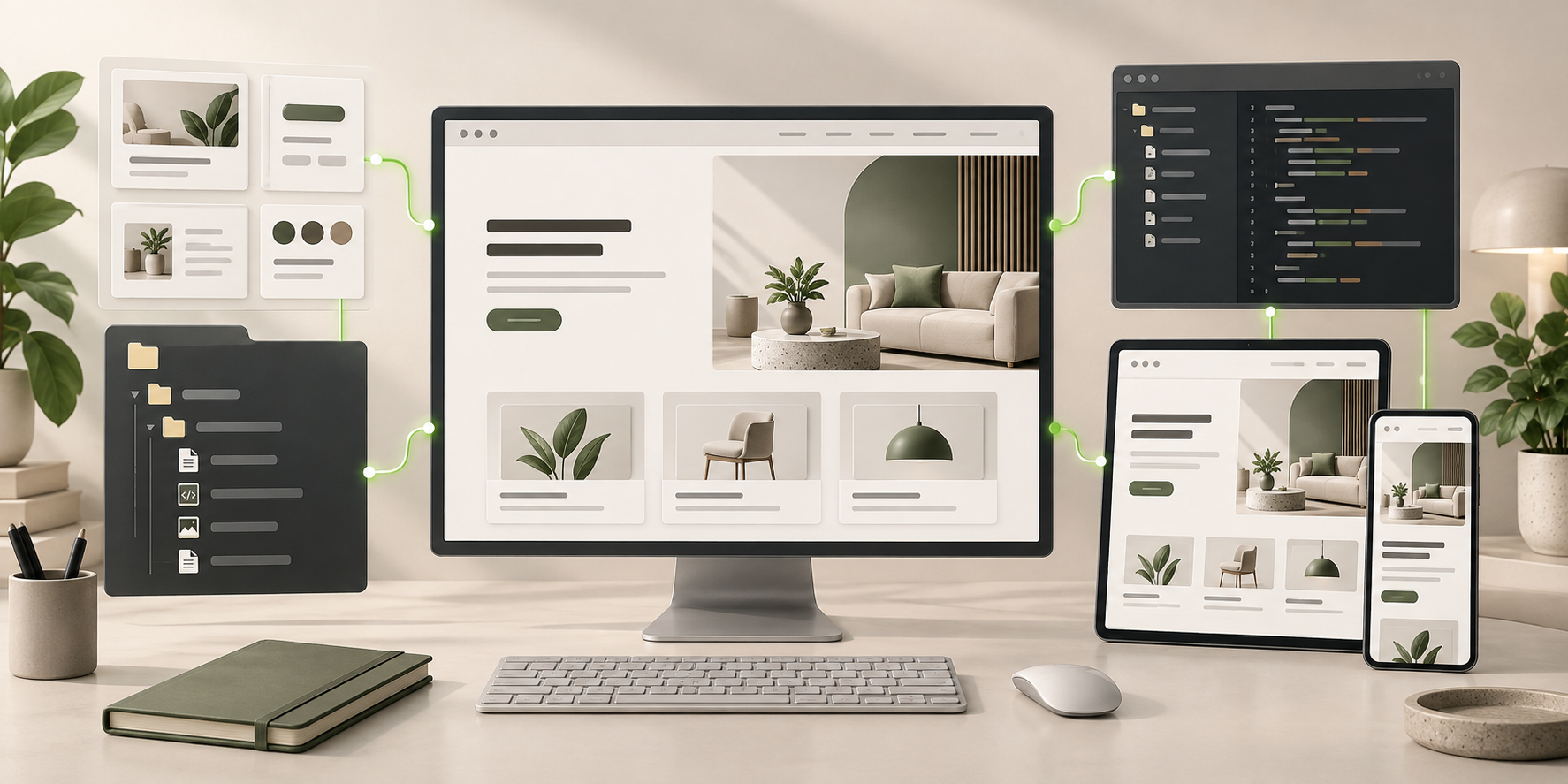
AI Website Builder for Agencies frontend connected to editable files, reusable components, and coding-agent continuation.
Ready to Keep EditingAI Website Builder for Agencies Frontend GeneratedHTML · CSS · JavaScript · Components