Static Website BuilderOpenDesign

AI Website Builder for Static Websites

Design the site, inspect the files, and choose how to publish. OpenDesign can generate a static website frontend, export HTML or source and assets, and publish through supported deployment integrations once a provider is configured. Keep the build and runtime requirements visible before choosing your host.

Branded Frontend · Real Files · Continue With Your Coding Agent

Portable by Default01 / OpenDesign
static.website · Desktop Preview
Static WebsiteOverview   Guides   ChangelogExplore the Project
Portable by DefaultA Website With Less Infrastructure to Maintain.

Responsive pages, reusable components, and static output that can move between deployment providers.

Explore the Project
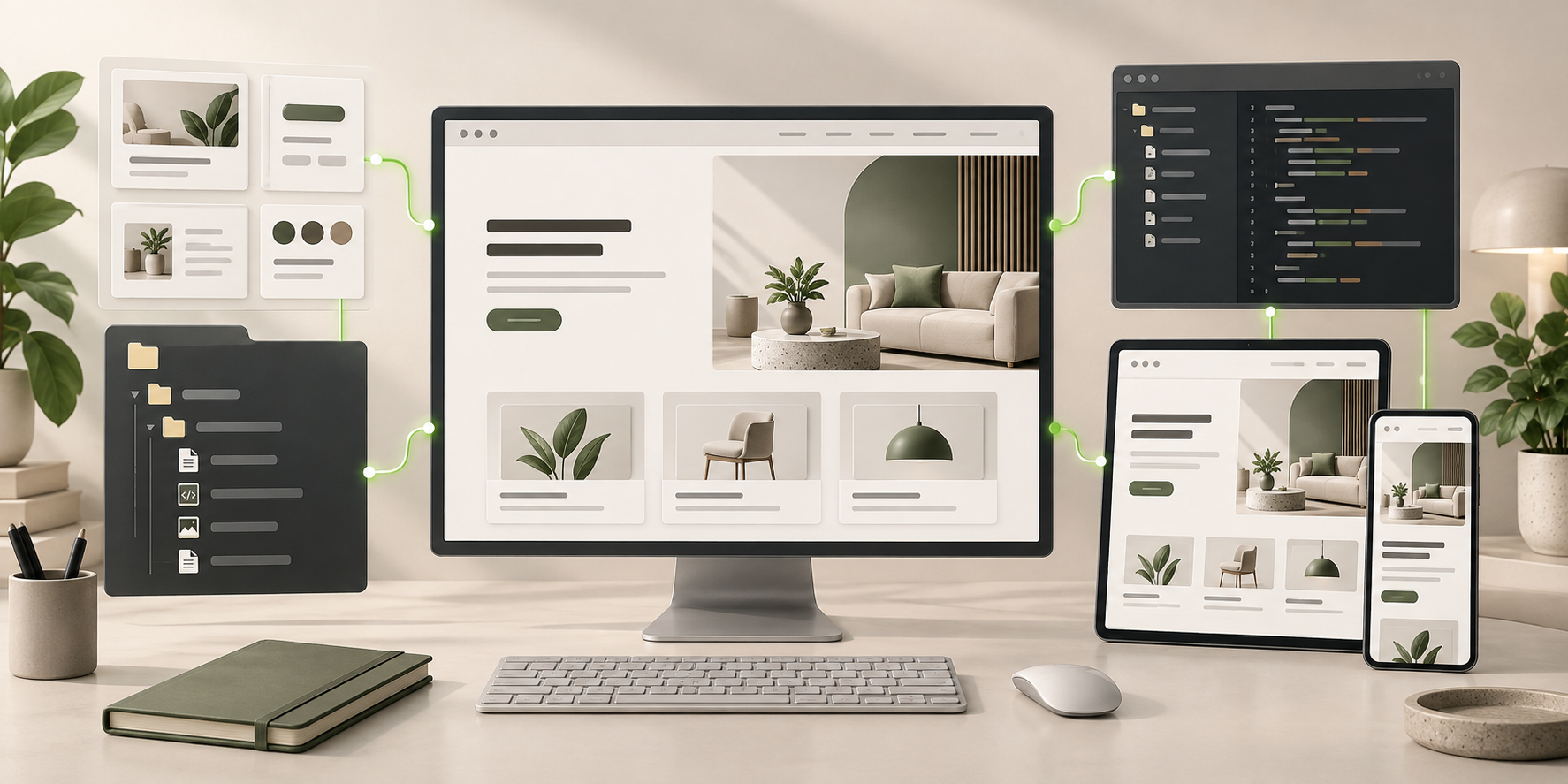
Illustrative desktop website direction for the AI Static Website Builder workflow in OpenDesign.
Static Output · Portable · Performance-Ready
Static OutputPortablePerformance-Ready
One Specific Brief↗

“A fast documentation and product website with a clear homepage, feature pages, a changelog link, semantic content, and no editorial CMS requirement.”

Illustrative Website · Desktop CompositionReal Editable Frontend Files
01Static Frontend OutputUse files that can be served without a production application server for every request.
02Publishing OptionsUse a configured deployment integration or export the source for your own static host.
03Smaller Maintenance SurfaceAvoid adding a CMS or database when the content and update workflow do not require one.
04Editable SourceKeep the page structure, styles, assets, and components ready for future changes.
Static Website Example

Review the Static Website Direction Before Exporting the Files.

A static frontend is valuable when it stays fast, inspectable, accessible, and deployable without being tied to one proprietary runtime.

Open Documentation Website

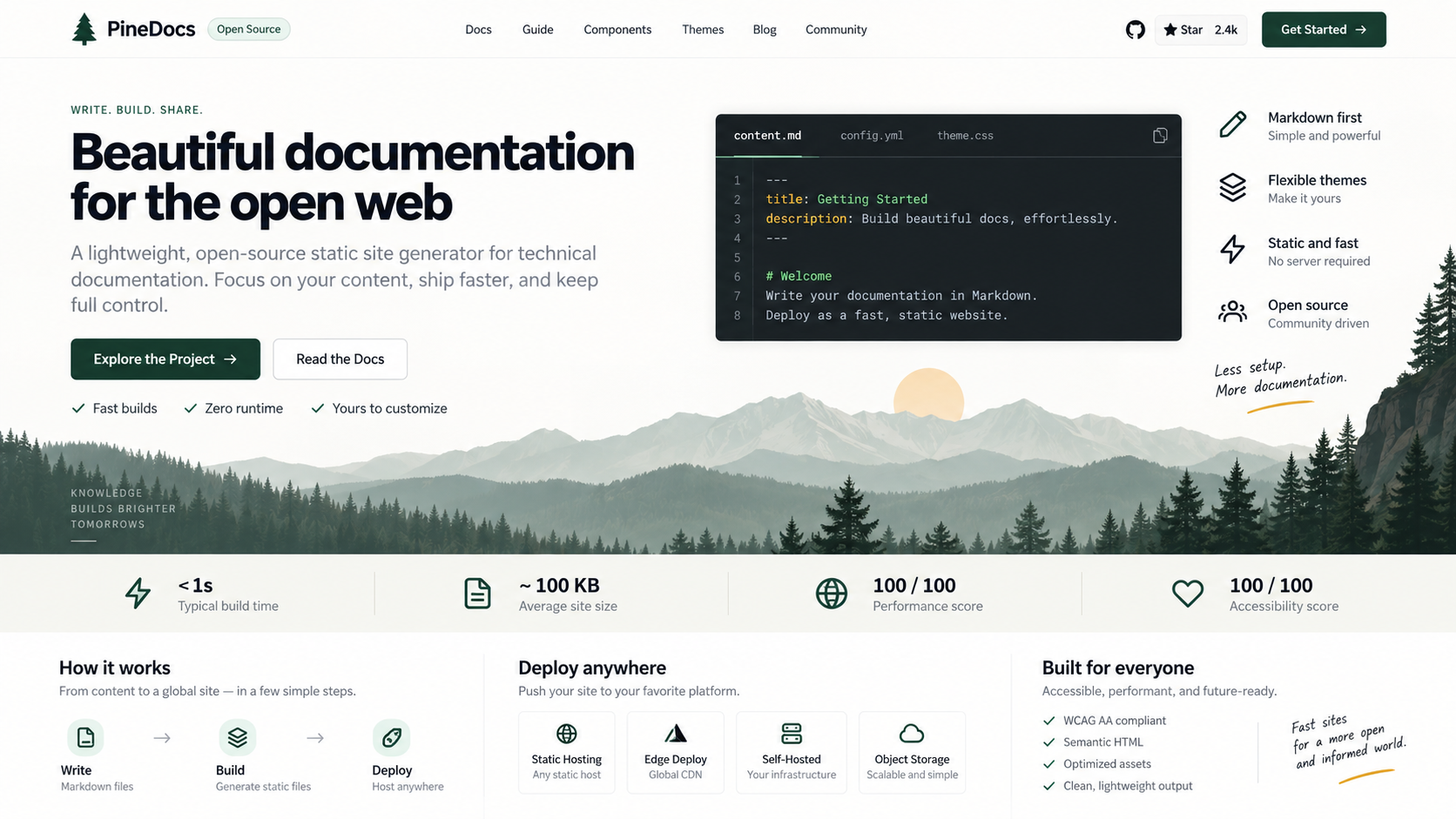
A Content-Rich Direction for a Static Documentation Site.

This illustrative documentation website combines navigation, code sections, and publishing information. The actual portability check happens after generation: export the files, verify their asset paths and build requirements, then test the output on the chosen deployment provider. Metrics pictured here are illustrative, not measured results.

  • A complete information hierarchy with documentation and code entry points
  • Performance and accessibility sections to populate with verified information
  • A publishing direction to validate against the actual exported files
Static FrontendExport ReviewPublishing Options
AI static website builder illustrative desktop documentation design with navigation, code sample, performance-information sections, deployment options, and accessibility information.
Illustrative Design · Not a Customer Build1672 × 941 · 16:9
Static or Dynamic?

Choose Static Because It Fits the Job—Not Because It Sounds Simpler.

OpenDesign turns definitions, tradeoffs, use cases, and best practices into an architecture decision tied to real files and deployment freedom.

RequirementStatic FitWhen to Add More
01

Content Changes

Occasional, reviewed updates

Many editors or frequent publishing
02

Visitor Data

Same core page for everyone

Accounts or personalized state
03

Forms and APIs

External services are enough

Complex server-side workflows
04

Operations

Files, build, host, and CDN

Database, permissions, and application runtime
Scope · AI Static Website Builder

Publishing Is Supported. Infrastructure Still Needs Configuration.

Deployment integrations use external provider accounts and settings. An export also needs a compatible host; neither route removes the need to check paths, dependencies, domains, and production behavior.

Your Website Deliverables

  • Semantic Static Pages
  • Responsive Assets and Layout
  • Deployment-Ready Project Material

Separate Services and Responsibilities

  • Deployment-provider accounts and charges
  • Domain and DNS configuration
  • A managed publishing CMS
  • Server-side application logic

Static does not mean maintenance-free. You still need production checks, accessible content, correct metadata, secure third-party integrations, caching, monitoring, and an update workflow.

Static Frontend

What Your AI Static Website Builder Should Export.

The value is portability and a smaller maintenance surface—not an unrealistic promise of zero maintenance.

01

Semantic Static Pages

Create crawlable page structure, navigation, content sections, links, and reusable frontend components.

02

Responsive Assets and Layout

Reserve image space, keep typography readable, and adapt the same design system across viewports.

03

Deployment-Ready Project Material

Connect the files to the build command, hosting provider, domain, forms, or APIs your project actually needs.

Deployment Path

Decide → Generate → Audit → Deploy on the Stack You Choose.

Inspect the export, then use a configured publishing integration or your own deployment workflow.

  1. 1

    Confirm Static Is the Right Fit

    Check update frequency, editors, dynamic data, permissions, forms, search, and integration needs before choosing the architecture.

  2. 2

    Generate the Frontend

    Create the page hierarchy, responsive design system, reusable components, and local assets.

  3. 3

    Review Technical Quality

    Check semantics, metadata, performance, accessibility, links, images, and behavior without JavaScript.

  4. 4

    Export or Configure Publishing

    Inspect the HTML or source-and-assets export. Use a supported deployment integration with a configured provider, or hand the package to your own build and hosting workflow. Verify the published site.

A Focused Revision to Try

Review this export for a static publishing workflow. Check relative asset paths, navigation, and required scripts. Identify any backend dependency; do not replace it with a form that only looks functional.

Designed Simplicity

Static Output With a Designed Website Experience.

Static-site ownership is practical only if you can inspect the output and take it to a publishing route that suits the project. OpenDesign combines design-system guidance and visual review with HTML and source exports, plus configured deployment integrations.

One Clear BriefWebsite System
Your Direction

“A fast documentation and product website with a clear homepage, feature pages, a changelog link, semantic content, and no editorial CMS requirement.”

index.htmlstyles.csscomponents/CodexClaude CodeCursor
01

Inspect the Actual Deliverable

Export HTML or source and assets, then check file paths, dependencies, and what the host must serve.

02

Visual Editing Before Publishing

Refine supported HTML text and layout details in the preview while keeping the website connected to its files.

03

Start With a Designed System

Choose existing design rules before generation so a lightweight site can still have a deliberate visual identity.

04

More Than One Publishing Route

Use supported provider integrations after configuration, or export for a separate deployment process. Check the provider’s supported targets and requirements.

AI Static Website Builder FAQ

AI Static Website Builder Questions About Fit, SEO, Forms, and Hosting.

HTML and project exports, supported publishing integrations, build requirements, and static-site maintenance.

What Is a Static Website?

A static website serves prebuilt frontend files rather than generating every page from a production database or application server. It can still be responsive and include browser-side interaction.

Is a Static Website Good for SEO?

It can provide crawlable HTML, strong performance, and direct metadata control. Search performance still depends on content, implementation, links, authority, and ongoing maintenance.

Can a Static Website Have Forms?

Yes, but submissions require a separate form service, serverless function, or backend. The frontend interface alone does not store messages.

When Do I Need a CMS Instead?

A CMS can be useful when many editors publish frequently, content needs workflows or permissions, or data must be managed outside the codebase.

Can OpenDesign Publish a Static Website?

Supported integrations include Cloudflare Pages and Vercel after deployment-provider configuration. Available preview and production targets depend on the integration. You can also export the website files for another compatible host. Provider accounts, domain setup, and charges remain separate.

Start Building

Keep the Website Simple Where Simplicity Is a Strength.

Generate a designed static frontend, inspect the source, and deploy it through the stack you choose.

Download OpenDesign

Free and Open Source · No Lock-In · Works With Your Coding Agent

AI Static Website Builder frontend connected to editable files, reusable components, and coding-agent continuation.
Ready to Keep EditingAI Static Website Builder Frontend GeneratedHTML · CSS · JavaScript · Components