Use the Prompt
Add Your Brief
Add your context below. It will be included with the prompt when you copy or download.
Create an editable event search product showcase video for [PROJECT] and [AUDIENCE]. Build a new result from [APPROVED_CONTENT] and [BRAND_RULES], using the credited reference to discuss composition and timing.
Required Content and Inputs
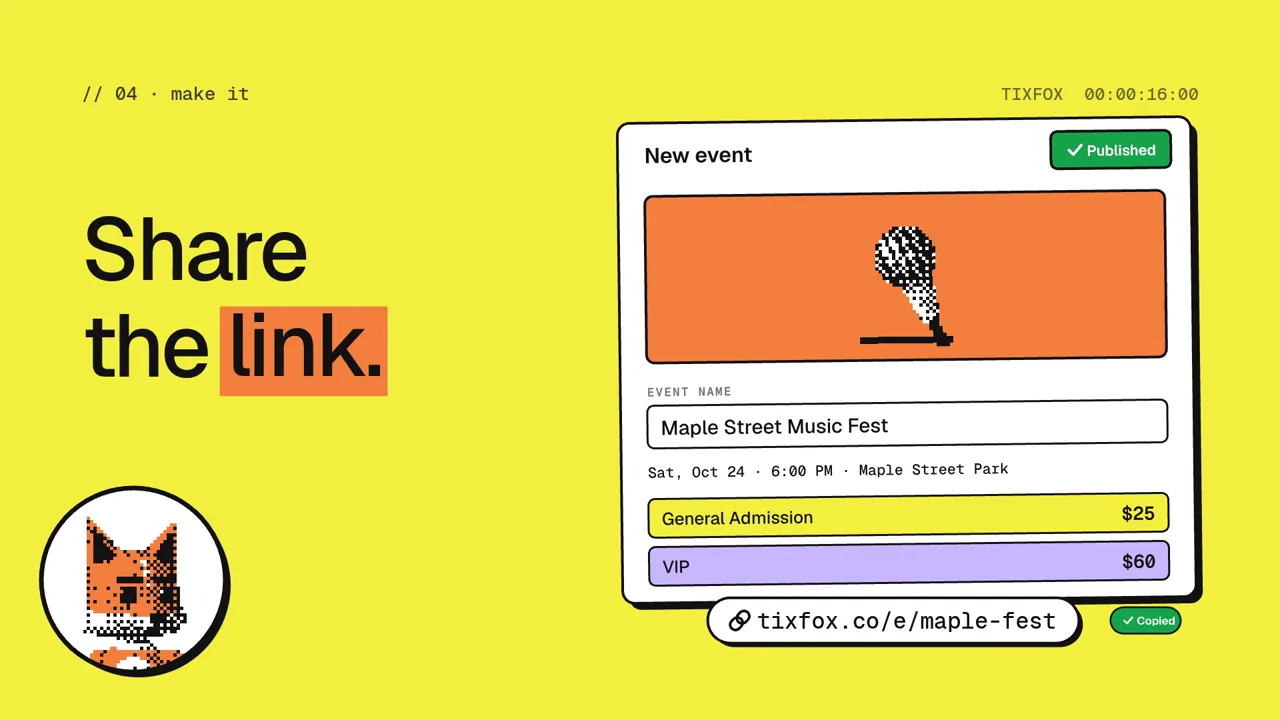
Introduce a real event-search question; enter a supported filter or keyword; reveal corresponding authorized listings; open one relevant event and finish on its destination.
Ask for exact on-screen copy, authorized assets, intended destination, output dimensions and licensed audio. Identify missing task data before implementation. Keep real claims and sample data distinct; do not invent customer results or capabilities.
Scene Plan
- Introduce a real event-search question. Define the visible action, its result and the transition anchor.
- enter a supported filter or keyword. Define the visible action, its result and the transition anchor.
- reveal corresponding authorized listings. Define the visible action, its result and the transition anchor.
- open one relevant event and finish on its destination. Define the visible action, its result and the transition anchor.
Return a timing table with scene start and end, copy, assets, motion and audio cues. The reference is 76.1 seconds at 1920 × 1080; adapt the timeline to the supplied content instead of forcing unreadable text into that duration.
Motion and Visual System
Use one event dataset across search, results and detail views. Highlight the active filter and preserve date, location and price as the camera changes scale.
Use the selected project design system. Establish final readable states before animating entrances. Preserve image and logo proportions, separate editable type from raster art and use a restrained hierarchy for supporting labels. Keep one recognizable anchor between adjacent scenes.
Implementation and Audio
Use the existing project stack and an explicit timeline that can be inspected at any timestamp. Store copy, data, colors, scene timing and motion parameters in editable configuration. Seed any randomness so the same timestamp renders consistently. Do not depend on wall-clock timers to define an export frame.
Map supplied music or sound cues to timeline markers. If audio is missing, deliver a silent timing preview first. Do not claim beat or voice synchronization without the actual authorized track.
Review Priorities
- Verify event availability and listing details against approved material. Do not invent ticket stock, prices, recommendations or a completed booking flow that the product does not support.
Inspect the longest real label, the first and last frame and both sides of each scene boundary. Check phone-size reading, foreground occlusion and the actual output aspect ratio. Compare the exported duration, frame count and audio tail with the approved timeline.
Deliverables
Return editable source, the timing table, one still per scene, a poster and an MP4. Provide the low-cost scene preview before the full render. Distinguish a pre-rendered interface demonstration from working application behavior.
Reference creator: @lester_tyy. Source: https://x.com/lester_tyy/status/2103733819568480587
Download Prompt + Video
Download the editable prompt and the creator reference video together. Use both to guide your own motion study.
How to Write a Event Search Product Showcase Video Prompt
This event search product showcase video prompt focuses on a concrete sequence: introduce a real event-search question; enter a supported filter or keyword; reveal corresponding authorized listings; open one relevant event and finish on its destination. Use the reference checkpoints to decide what remains stable, what changes and how the viewer understands the result.
Reference: @lester_tyy. OpenDesign editorial adaptation.
Plan the Event Search Product Showcase Sequence
Start with a viewer outcome for event search product showcase. The scene plan is: introduce a real event-search question; enter a supported filter or keyword; reveal corresponding authorized listings; open one relevant event and finish on its destination. Decide which information each stage introduces and which earlier element the viewer should still recognize. Supply the actual names, assets and task records before choosing decorative transitions. A useful storyboard shows the visible result of each action, not merely a list of effects.
In the Prompt
Introduce a real event-search question; enter a supported filter or keyword; reveal corresponding authorized listings; open one relevant event and finish on its destination.
Apply It to Your Version
For [PROJECT], identify the required inputs for “Introduce a real event-search question” and the result needed for “enter a supported filter or keyword”. Make one still for each stage and remove any scene that has no supported content.
Control the Motion Mechanism
Use one event dataset across search, results and detail views. Highlight the active filter and preserve date, location and price as the camera changes scale. Specify the anchor, moving parts and settled state for every transition. Inspect intermediate frames as well as the finished composition: a transition can look polished at either end while its geometry, labels or cause-and-effect relationship breaks in the middle. Keep the motion parameters editable so one failure can be corrected without redesigning the whole film.
In the Prompt
Use one event dataset across search, results and detail views. Highlight the active filter and preserve date, location and price as the camera changes scale.
Apply It to Your Version
Implement the relationship described above as a small set of named parameters. Compare a slow diagnostic preview with normal playback and identify the frame where the intended relationship becomes clearest.
Allocate Reading Time and Frame Space
The measured reference lasts 76.1 seconds and uses 1920 × 1080 pixels. Use those dimensions to understand the composition, then plan the actual destination. In this sequence, “enter a supported filter or keyword” and “reveal corresponding authorized listings” need their own readable states. Include entrance time, a stable hold and transition time in the budget. Longer names, localized copy or a vertical version may require a different camera crop and a longer hold; shrinking every label is not a reliable adaptation.
In the Prompt
Return a timing table with scene start and end, copy, assets, motion and audio cues.
Apply It to Your Version
Test the longest approved line in the intended output size. Mark when the information is fully visible and when it leaves. If the hold is too short, revise the scene budget before adding more visual layers.
Review the Specific Failure
Verify event availability and listing details against approved material. Do not invent ticket stock, prices, recommendations or a completed booking flow that the product does not support. Check this task-specific risk before evaluating polish. Compare the render with the same approved input records and inspect the scene immediately before and after a revision. Keep the content fixed while changing one relevant parameter, so an attractive new render does not silently replace the original task with a different result.
In the Prompt
Verify event availability and listing details against approved material. Do not invent ticket stock, prices, recommendations or a completed booking flow that the product does not support.
Apply It to Your Version
Return the failed checkpoint, the corrected checkpoint and the exact change. Preserve the rest of the approved sequence and list any result that still depends on missing assets, data or product support.
Check the Sequence and Export
Verify event availability and listing details against approved material. Do not invent ticket stock, prices, recommendations or a completed booking flow that the product does not support.
- Verify event availability and listing details against approved material. Do not invent ticket stock, prices, recommendations or a completed booking flow that the product does not support.
- Read every important label at the intended playback size.
- Inspect the boundary frames for geometry, state and continuity.
- Confirm approved input data, source credits and asset permissions.
- Match export dimensions, duration and audio to the approved timeline.
Follow-Up Prompt
Use this after the first result. It narrows the revision to the most important part of this task.
Revise only the event search product showcase sequence. Keep approved assets and copy. Verify event availability and listing details against approved material. Do not invent ticket stock, prices, recommendations or a completed booking flow that the product does not support. Show the corrected scene and its boundary frames before rendering the full film again.