


Claude’s NEW Design Update is INSANE! 🤯 (Get it for FREE)
Build a brand design system once, then spin one source into five on-brand assets — a slide deck, an infographic, a social carousel, an animated video, and a landing page — with zero manual pixel-pushing. Then do the whole hub-and-spoke workflow for free in OpenDesign on your existing ChatGPT or Gemini subscription. Based on Parth Jadav's walkthrough.
The single most frustrating part of AI content creation is making the output actually look like your brand instead of the generic dark “an algorithm made this” default. Parth Jadav’s walkthrough fixes that with a hub-and-spoke workflow: build your brand rules once, then generate five different on-brand assets from a single source — no manual design work. This written version follows his flow and shows how to run the whole thing for free in OpenDesign. Watch above, or read on.
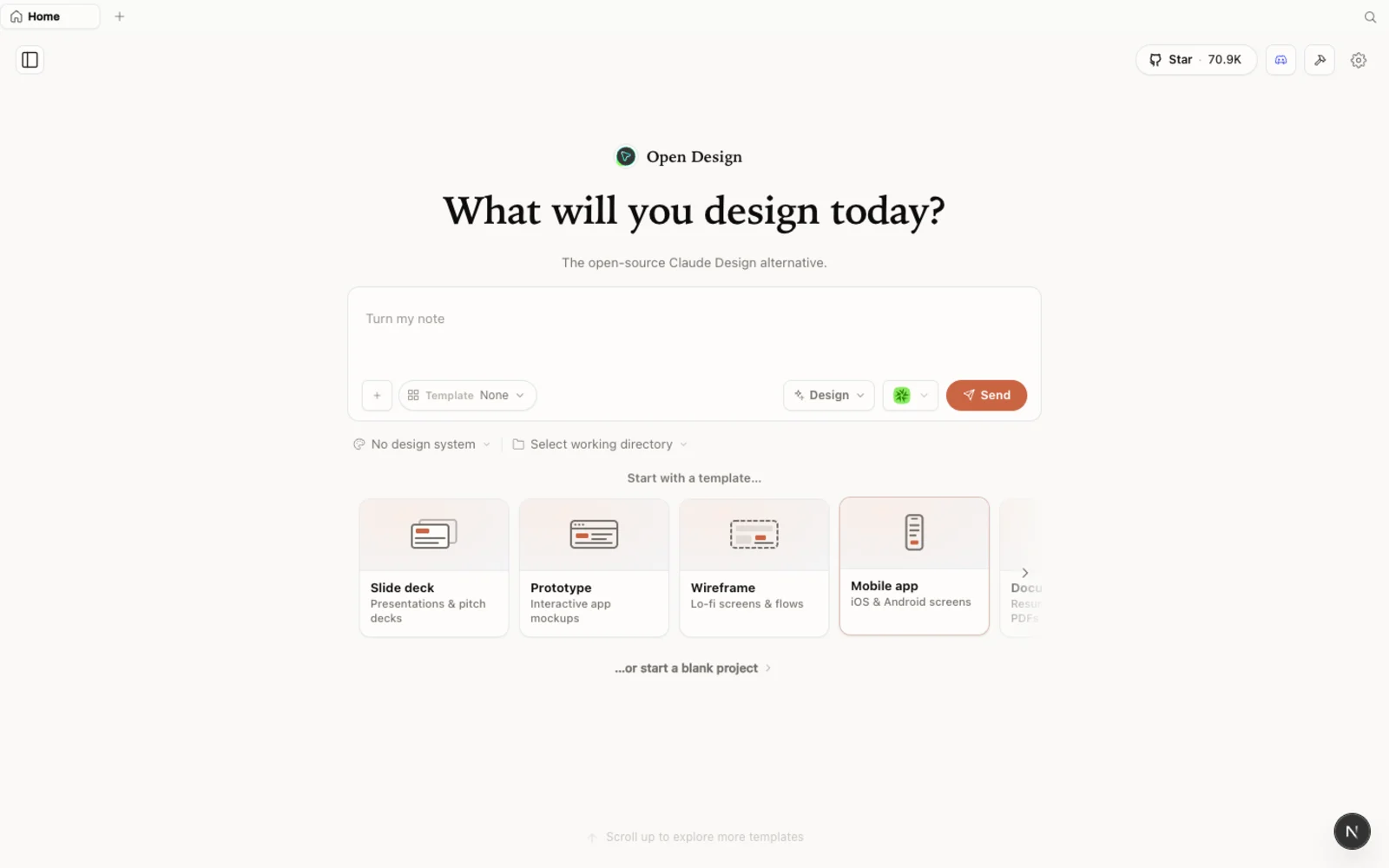 One workspace, one design system, many branded assets.
What is OpenDesign?
OpenDesign is an open-source, local-first, agent-native design platform — a free alternative to Claude Design. Its key difference is the engine: instead of keeping you inside one vendor’s paid limits, it lets you bring your own AI — Gemini or ChatGPT — so the same automation costs you nothing extra beyond a subscription you already have.
- Open source, Apache-2.0, runs on your machine.
- Bring your own engine via a local CLI bridge (Codex CLI), so you are not stacking another monthly bill.
- One design system, everywhere — the same brand rules attach to decks, docs, social, video, and prototypes.
The problem: AI assets that don’t match your brand
AI tools like Claude Design are genuinely powerful — they can turn a YouTube transcript into a 23-slide deck in seconds. But they default to that generic dark theme, disconnected from your colors, your fonts, your vibe. Fixing each asset by hand, every time, is exactly the friction that kills the workflow.
The fix: a hub-and-spoke workflow
Instead of re-prompting the AI to “remember” your brand on every asset, you build one central hub — a design system — and spin every asset out from it as a spoke. Build it once, apply it everywhere. That single idea is what makes the whole thing scale.
Step 1 — Build the design system (your brand DNA)
Think of the design system as your brand’s DNA: colors, fonts, spacing, even the exact roundness of your buttons, written down in one place. Setup is deliberately easy — no overpriced agency brand kit required:
- Give the AI your brand name and a one-sentence mission (e.g. “a community of curious AI folks called Staying Ahead”).
- Upload a screenshot of your current colors and fonts.
- In about five minutes you have a ready-to-use rulebook — and you never type a hex code by hand again.
Step 2 — Convert the deck with one command
Now the magic trick. Take that generic 23-slide deck and type a single sentence: “convert the whole deck to our design system.” The moody default vanishes and every slide instantly adopts your exact colors and fonts — zero manual editing. Because the brand rules are now hardwired into the agent, you can scale from here.
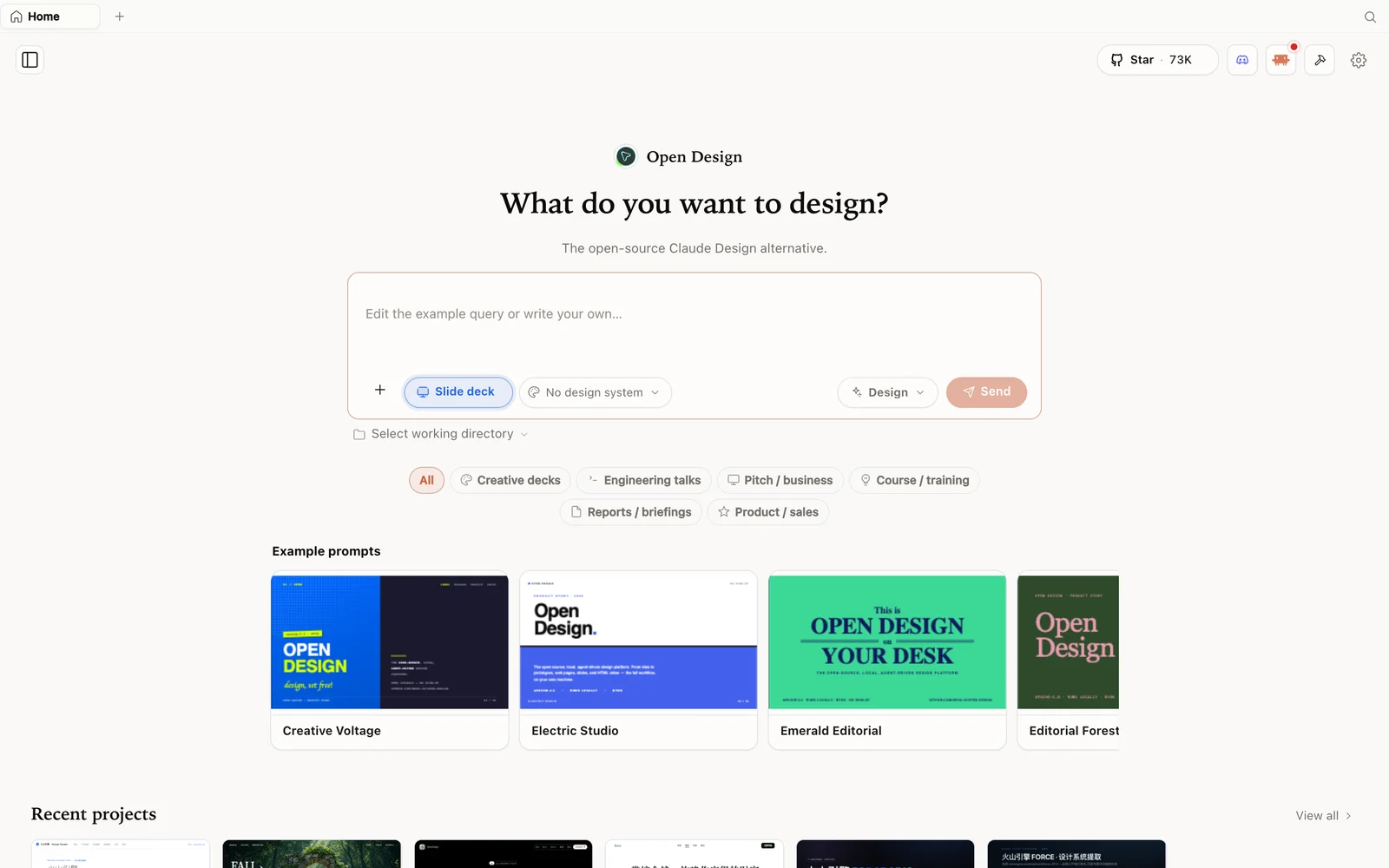 A 23-slide deck, restyled to your brand with a single “convert to our design system” command.
The five spokes, from one source
With the design system attached like an invisible layer, one source spins out into five on-brand assets:
- Slide deck — the branded 23-slide version you just converted.
- Infographic — switch the format to a document and ask for a one-page roadmap; it generates a branded infographic with no layout or color input needed.
- Social carousel — use the repurpose option to turn the one-pager into an Instagram carousel, slide by slide, ready to post.
- Animated launch video — ask for a kinetic text animation; the native engine outputs clean HTML/CSS motion that inherits your typography and colors. (For complex layer-by-layer generation you can bridge to connectors like Higgsfield, but the built-in engine handles clean promo video on its own.)
- Landing page prototype — a polished, interactive page with your logo, a headline, a working join form, a brand-colored button, and a social-proof badge.
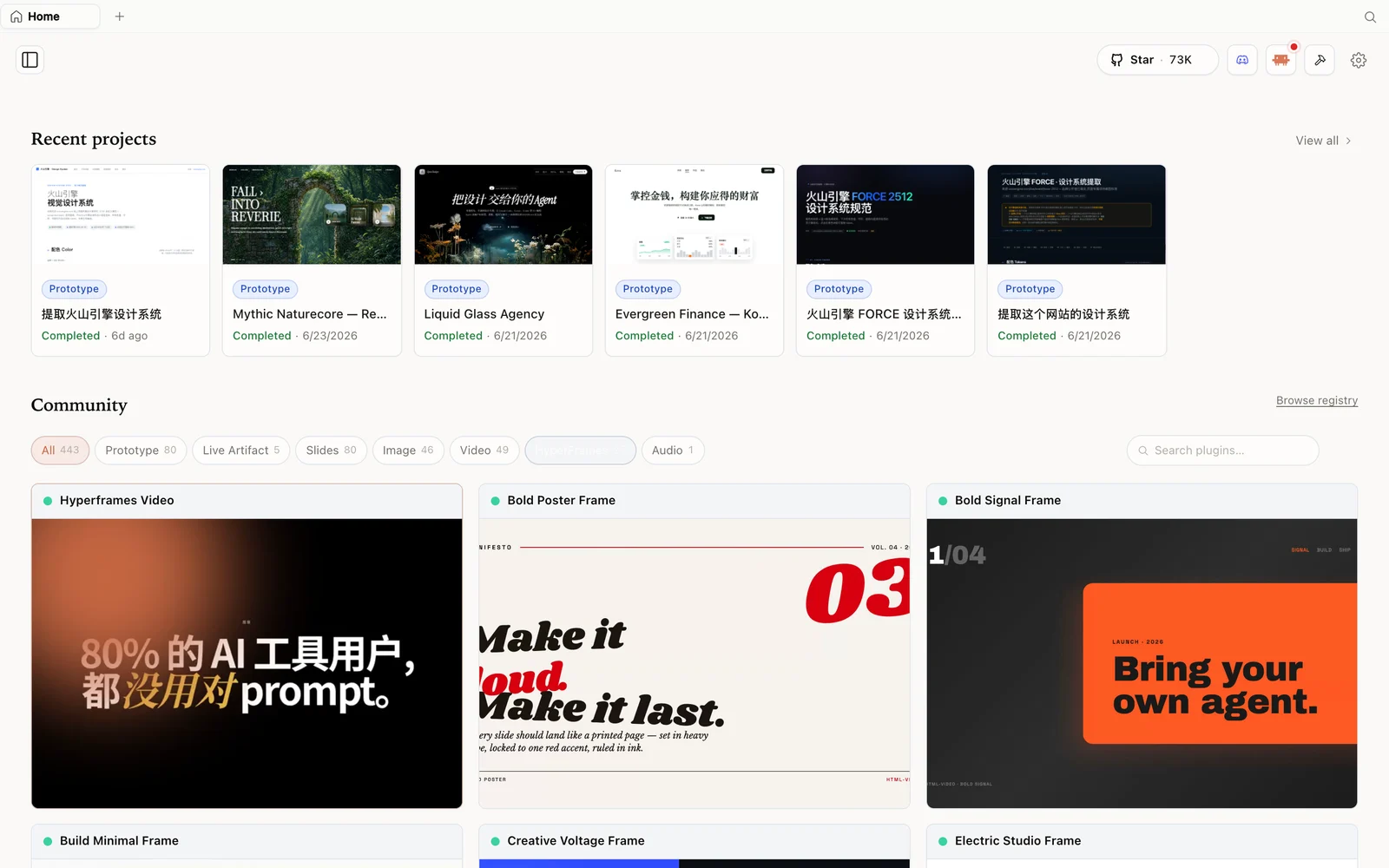 The same brand system drives an animated launch video, not just static assets.
When it is time to ship the page for real, exporting your design system first means the agent stops burning tokens redesigning from scratch — it grabs your pre-approved building blocks and pushes the design into a website builder or into your coding agent.
Do the whole thing for free in OpenDesign
Everything above assumes you are paying for Claude. OpenDesign runs the identical hub-and-spoke automation for free. Two things make that work:
- Bring your own engine. Route an existing ChatGPT or Gemini subscription into OpenDesign through the Codex CLI bridge. The extra cost to run it is exactly zero.
- Clone your brand DNA — don’t rebuild it. You do not start over. In Claude Design, export your design system as a ZIP; in OpenDesign, import that ZIP. Your colors, fonts, and whole vibe come across, and you are generating new spokes immediately.
Verdict
The takeaway is a real shift in how the work happens: the friction of keeping every asset on-brand is now automated across all your projects. Set the rulebook once, and a single design hub can generate unlimited, perfectly branded spokes for essentially free. The only question left is what you build next.
FAQ
What is the hub-and-spoke workflow? You build one design system (the hub) and generate every asset — deck, infographic, carousel, video, landing page — from it as a spoke, so brand consistency is automatic instead of manual.
How do I set up a design system? Give the AI your brand name and a one-line mission, upload a screenshot of your colors and fonts, and it produces a reusable rulebook in about five minutes.
Is OpenDesign free? Yes — it is open source and runs on your own engine. Connect an existing ChatGPT or Gemini subscription via the Codex CLI and there is no extra per-token bill.
Can I move my brand from Claude Design? Yes. Export your design system as a ZIP from Claude Design and import it into OpenDesign; your colors, fonts, and components carry over.
Can it make video, not just static assets? Yes. Ask for an animated launch video and the engine produces HTML/CSS kinetic text that inherits your brand type and colors.