

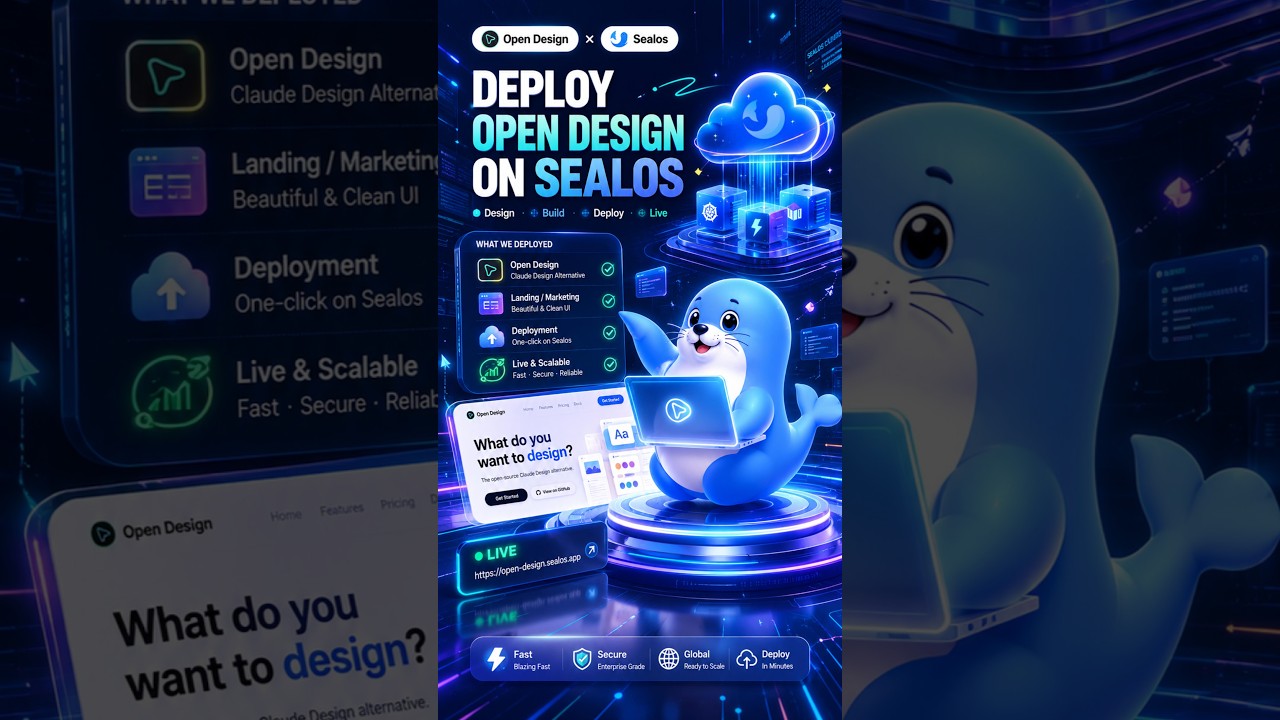
Deploy OpenDesign to the Cloud with Sealos Skills
Based on Sealos's demo: take OpenDesign from a local workspace to a live cloud app. A coding agent spins it up from the GitHub repo, then Sealos Skills analyzes the Docker setup, ports, and environment variables and deploys it to a public URL anyone can open.
OpenDesign is great on your own machine — but a local URL only works for you, not your team, clients, or partners. This guide follows Sealos’s demo, where a coding agent spins OpenDesign up from its GitHub repo and then Sealos Skills deploys it to a public cloud URL. Watch the video above for the live run, or read on for the written version.
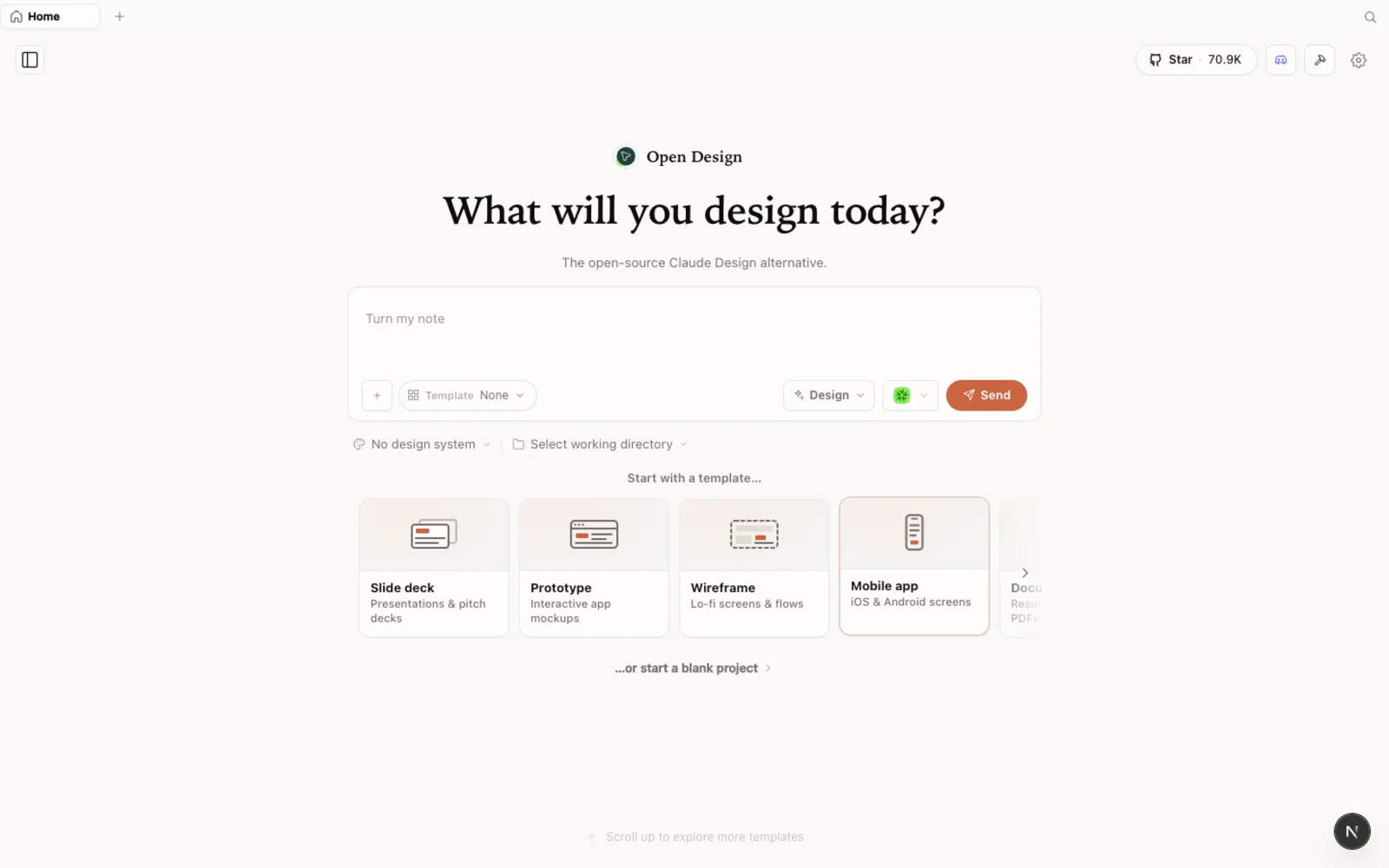 OpenDesign running locally: an open-source, agent-native design workspace — the starting point before you take it online.
What is OpenDesign?
OpenDesign is an open-source, agent-native design workspace — an alternative to Claude Design and Figma that runs on top of the coding agent you already use. A few things worth knowing before this walkthrough:
- Open source, Apache-2.0 — read every line, and self-host it wherever you like.
- Local-first, or self-hostable — run it on your own machine, or take it to the cloud (which is exactly what this guide does).
- Bring your own agent and key — it drives generation through Claude Code, Codex, Gemini, and more, using your own model access.
- More than prototypes — web pages, prototypes, dashboards, slide decks, and other deliverables, all from one workspace.
Why move OpenDesign to the cloud
When you run OpenDesign from source, the workspace opens on a local URL. That is perfect for solo work: it launches, you design, you preview the result live. But as the Sealos demo points out, there is a catch — that address is essentially localhost. It works for you, and no one else can reach it.
To share a design with teammates, hand a live prototype to a client, or let external users experience the result, the app needs a public URL. That is the whole point of this walkthrough: moving OpenDesign from a local workspace into an online service, so that “running locally” becomes just the beginning.
Spin up OpenDesign from the GitHub repo
Rather than reading through installation docs by hand, the demo hands the whole job to a coding agent (Codex here). The idea is simple: point the agent at the OpenDesign GitHub repository and let it do the setup work.
- Give the agent the repo. Send the GitHub link and ask it to get OpenDesign running. It reads the README and quick-start guide, figures out the install steps, and runs them for you.
- Open the local URL. When launch completes, the agent surfaces a URL. Open it and the workspace loads — no manual, command-by-command install on your part.
Because OpenDesign is open source, the agent can inspect the repo directly: the project structure, how it is meant to run, and what it needs. That is what makes the next step — cloud deployment — an agent task rather than a manual one.
Design in the workspace
Once the workspace is open, you will notice it is not an ordinary chat tool. You can pick from a set of skills — web pages, prototypes, dashboards, decks — and choose a design system so the output carries a consistent visual style.
The demo picks a prototype skill, pastes in a brief, and the agent starts working immediately. Along the way it asks about your creative intent, and you answer based on what you want. The agent runs on the left while the output previews in real time on the right — it works just like a local AI design workspace.
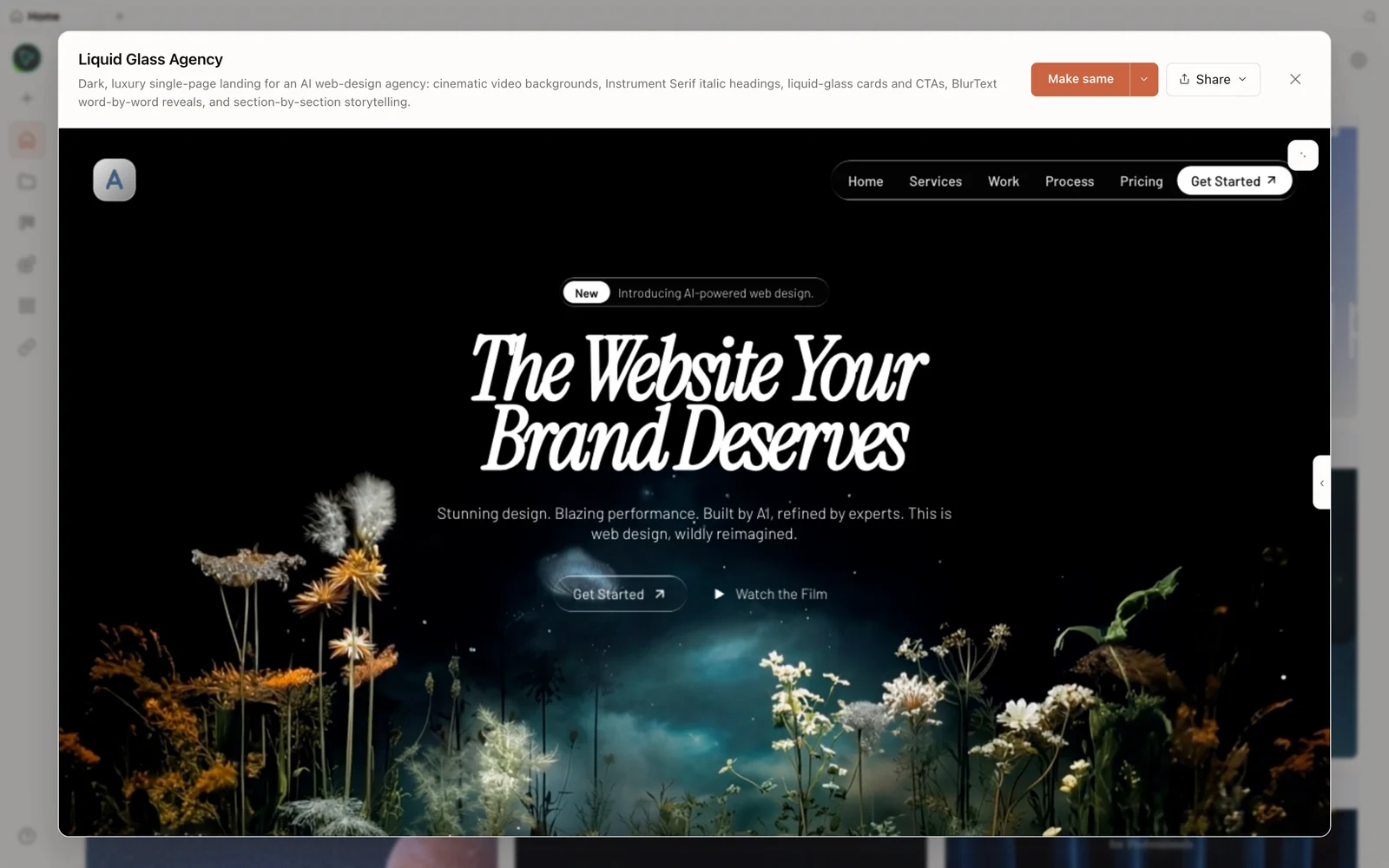 A landing page generated in the workspace — the agent works on the left, the live preview renders on the right.
You can browse the full catalog of skills and design systems in the plugins hub, so you are never starting from a blank canvas.
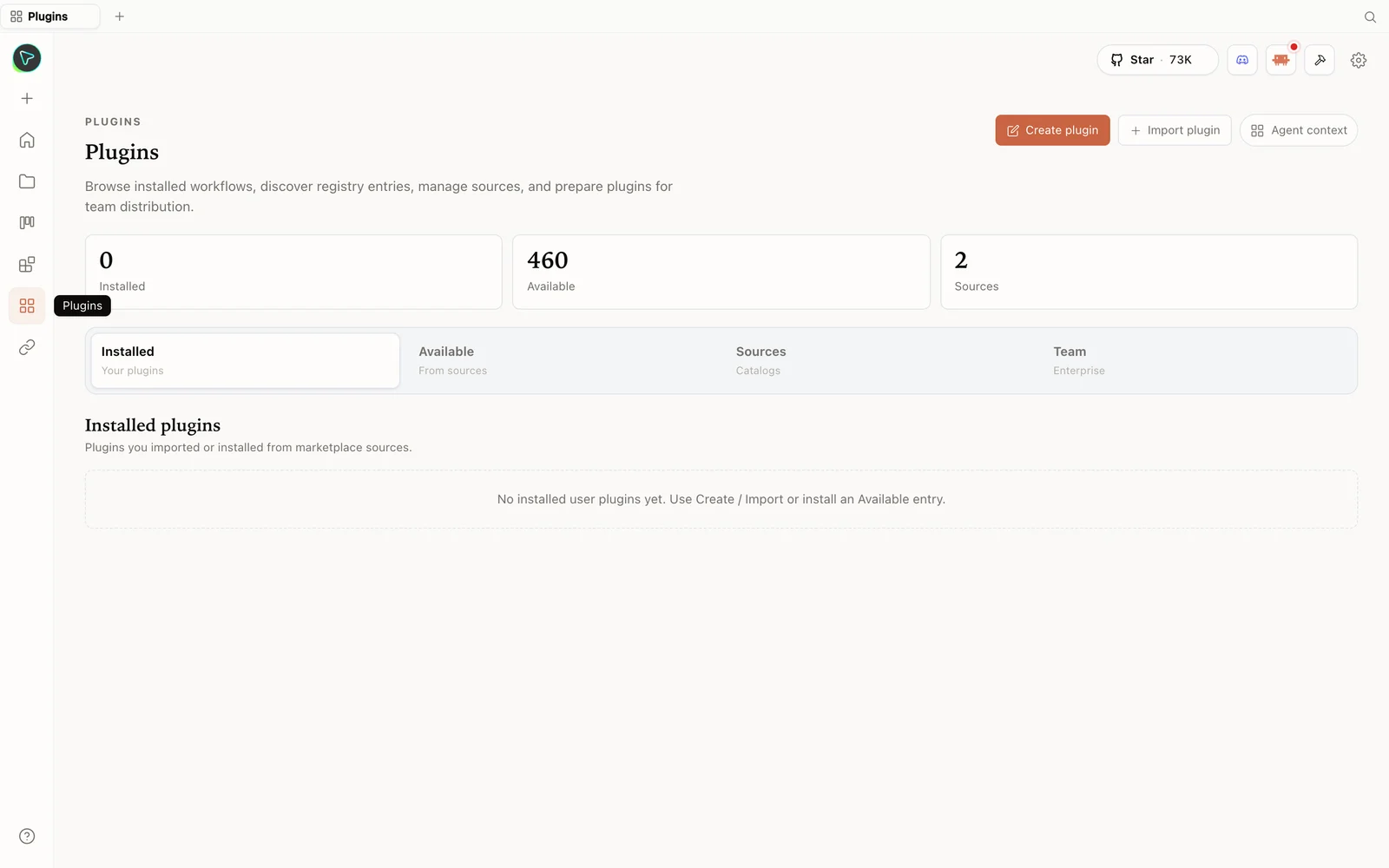 The plugins hub: skills and design systems you can apply to shape what the workspace produces.
Deploy to Sealos Cloud with Sealos Skills
This is where the local-URL problem gets solved. In the demo, the next instruction to Codex is simply to use Sealos Skills — a skill pack for AI agents — to analyze the OpenDesign project and deploy it to Sealos Cloud.
Sealos Skills gives the agent the deployment know-how it otherwise wouldn’t have. Here is the flow the demo runs:
- Analyze the project. The skill inspects the project structure, the Docker setup, the ports, and the environment variables — the details that determine how the app should run in the cloud.
- Generate a deployment plan. From that analysis, it produces the deployment configuration for Sealos Cloud.
- Confirm and deploy. If the plan looks right, you reply
yeswhen prompted, and it deploys the project to Sealos Cloud automatically. - Get a public URL. After deployment, Sealos returns a public access link — no longer a local address. Team members, partners, and external users can open it and experience the app directly.
The key shift here is who does the work. Deploying an open-source project usually means manual judgment: reading configs, matching ports, wiring environment variables, and troubleshooting when something breaks. Sealos Skills turns that into a workflow an AI agent can execute end to end — analyze, deploy, verify, and ship.
From local workspace to live cloud app
At this point, OpenDesign has gone from a local tool to an online service. The real value isn’t just getting the design out of the workspace — it is that a manual, judgment-heavy deployment became something an agent can run repeatedly and reliably. Running locally is just a beginning; being reachable by others is what turns your work into something you can actually share.
FAQ
Do I have to use Sealos to run OpenDesign? No. OpenDesign is local-first — running it on your own machine works fine. Sealos is the third-party cloud host used in this demo to make the app reachable at a public URL; you can also self-host it however you prefer, since it is open source under Apache-2.0.
What is Sealos Skills? It is a skill pack for AI agents, shown in the demo driving Codex. It gives the agent deployment know-how — analyzing a project’s Docker setup, ports, and environment variables, generating a deployment plan, and publishing the app to Sealos Cloud.
What does the agent actually do during deployment? It reads the project structure, checks the Docker configuration, ports, and environment variables, generates a deployment configuration, and — once you confirm — deploys to the cloud and returns a public URL.
Is OpenDesign free? Yes — it is open source under the Apache-2.0 license. You only pay for the model/API usage of whichever coding agent you connect, plus any cloud hosting (such as Sealos) you choose to use.
Which coding agent does this use? The demo uses Codex, but OpenDesign runs on top of whichever coding agent you connect — Claude Code, Codex, Gemini, and others — using your own key.
This written guide is based on Sealos’s demo. Watch the full video above, and subscribe to Sealos for more on cloud deployment with AI agents.