
Best AI Design Tools in 2026: An Honest, Tested Guide
Most "best AI design tools 2026" lists rank the prettiest demo and skip the one question that actually decides your pick: does the design survive to shipped code you own? Here's the honest map — a scorecard across six categories, the tools worth your time for UI/UX, product, and web design, and the category every other list forgets.

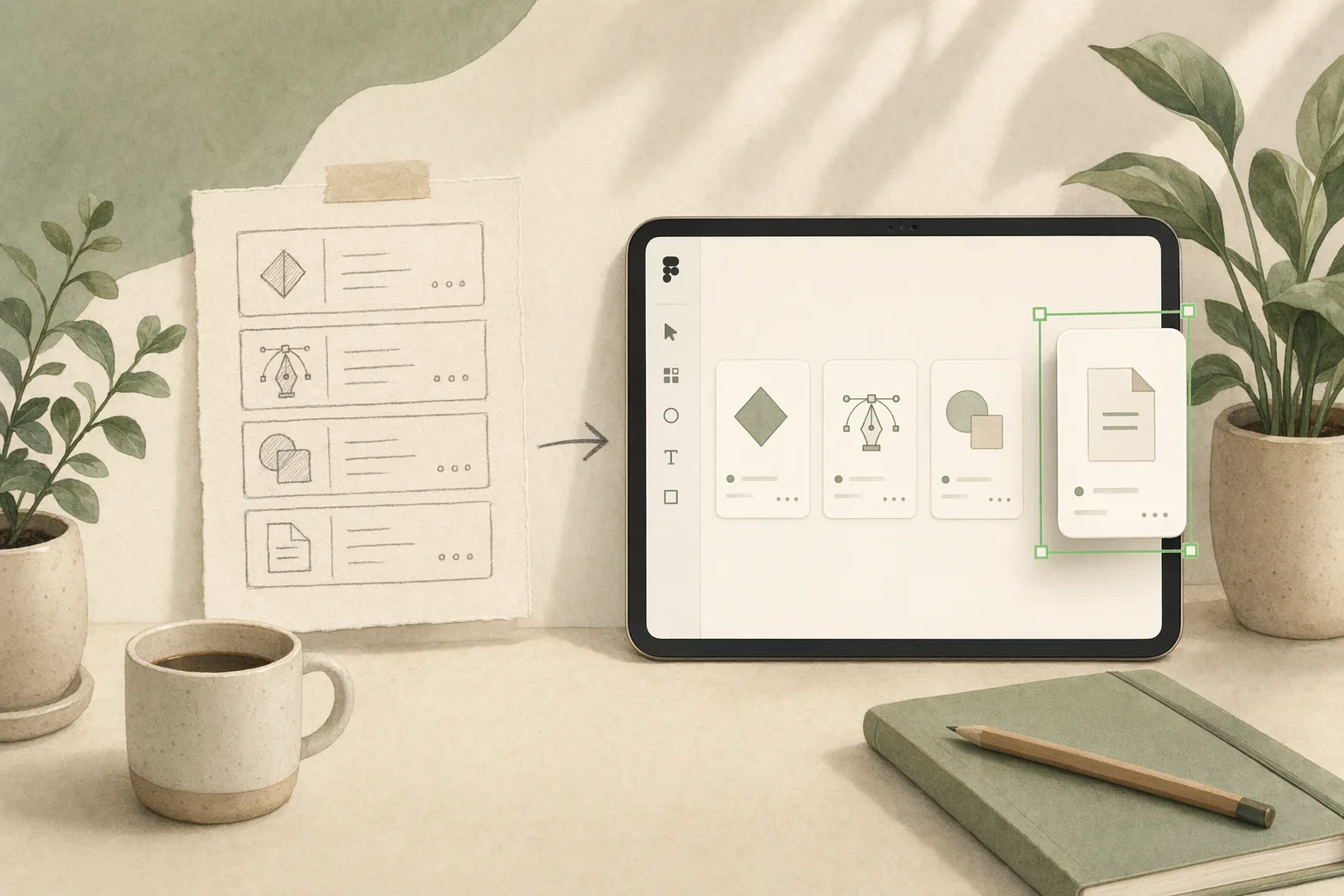
Search best AI design tools 2026 and you’ll get a familiar shape: fifteen logos, a star rating each, a price column, and an affiliate link. Useful for a first scan, useless for the decision that matters — because almost none of these lists ask the one question that should sort the entire field: when the AI is done, what are you actually holding, and can you ship it?
I work on the design-to-code pipeline at Open Design, which means I run most of these tools through real briefs — not demos, actual “make this, then ship it” work. We build in this category, so I have a stake here, and I’ll mark plainly where our own tool fits and where it doesn’t. But this isn’t a ranking dressed as journalism. It’s the map I wish these roundups drew: a scope honest enough to be useful, a scorecard you can actually decide with, and the one category every other list leaves out.
One scope note up front, because it’s where most lists quietly cheat: this guide is about AI tools for digital product design — UI, UX, and web interfaces. Not logo generators, not interior-design renderers, not general image models. Midjourney makes gorgeous concept art and Recraft does real vector work, but neither designs a product, so they’re adjacent here, not contenders. Mixing them in pads the list and muddies the choice.
How we evaluated these AI design tools
No paid placements, no affiliate ranking. Each tool was scored on what survives contact with a real project, in five dimensions:
- Input — how you get the vibe in (prompt, image, sketch, live URL, your existing design system).
- Output fidelity — what actually comes out: a picture, editable layers, or running code.
- Portability — can you take the output with you, or is it trapped in one app?
- Ownership — who owns the file when the subscription lapses.
- Where it sits in your stack — does it compose with the rest of your workflow, or demand you live inside it?
The first four are the ones the affiliate lists skip, and they’re the ones that bill you later.
The one test that sorts every AI design tool
Every other criterion is downstream of this: how short is the distance between the idea in your head and code you can ship and own? The whole field splits on what “done” means to it.
- Mockup-first tools optimize the picture. You get a beautiful screen fast — then you, or an engineer, rebuild it from scratch in code, because a mockup is a description of an app, not an app.
- Code-first tools optimize the artifact that ships. The output runs. It looks rougher at minute one and saves you the rebuild at week six.
That’s the vibe design vs vibe coding line drawn where it counts: not “design or code,” but what you’re left holding when the demo’s over. The prettier the throwaway mockup, the bigger the sunk cost when you find out it was never wired to anything. Score tools on that distance and the “best AI design tools” question answers itself differently for different people — which is exactly why a flat 1-to-15 ranking is the wrong shape.
The 2026 scorecard
Six categories, scored on the dimensions that decide the handoff. Read it down your own priorities, not left to right.
| Category | Tools | Output you get | Portable? | You own it? | Best when |
|---|---|---|---|---|---|
| AI mockup & wireframe generators | Uizard, Visily, Galileo AI | Editable mockup — no real code | Export to Figma/PNG | Cloud doc | You need a credible screen in 60 seconds to think against |
| Big-platform AI | Figma AI, Figma Make, Google Stitch | Mockup → partial code/Figma export | Within their walls | Their cloud | You already live in that ecosystem |
| AI website builders | Framer | Published responsive site | Hosted with them | Their platform | The deliverable is a marketing site |
| Code-first / design-to-code | v0, Lovable, Bolt | Running front-end code | Real code, tied to their stack/host | Code yours, runtime theirs | The prototype has to actually run |
| Agent-native / open | Open Design, Onlook | Prompt → shipped, via your agent | Plain files | Fully yours | Owning the whole loop is the point |
| Adjacent (not UI design) | Midjourney, Recraft | Images / vectors | Standard files | Yours | You need art or icons, not interfaces |
If you weight “credible screen, now,” the top row wins and you can stop reading. If you weight “I will have to ship and maintain this,” your eye should travel down — portability and ownership are the columns that send an invoice later.
The best AI design tools in 2026, by what you actually need
AI mockup & wireframe generators — Uizard, Visily, Galileo AI
Type a sentence or drop a screenshot, get editable wireframes in seconds. Galileo AI leans into aesthetic polish and a Figma-first handoff; Uizard will turn a photo of a paper sketch into a digital screen; Visily is the fastest path from “vague idea” to “something a stakeholder can react to.” For early best AI tools for UI/UX designers shortlists, this is the category people mean.
The part nobody prints: fidelity has a hard ceiling. You leave with a polished mockup and a blank line where the build should be — and a mockup that looks done is harder to argue with, and harder to throw away, than a rough sketch. Use them to think, not to ship.
Big-platform AI — Figma AI, Figma Make, Google Stitch
The incumbents bolting generation onto surfaces you already pay for. Figma AI lives next to your existing files; Figma Make turns a prompt into an editable design; Google Stitch takes a prompt to a UI and hands off toward Figma or front-end code. Convenient, and improving every month.
The part nobody prints: the convenience is the leash. The output and every step downstream assume you stay inside their product — fine until the quarter you want to compose this into a pipeline that doesn’t begin in their app. We put one through its paces in vibe design with Google Stitch; if you’re weighing the incumbent canvas specifically, the Figma alternative breakdown goes deeper.
AI website builders — Framer
For AI web design tools where the deliverable is a marketing site, Framer is the strongest single answer in 2026: prompt or template to a published, responsive, animated site without leaving the tool. If your job ends at “the site is live,” it’s hard to beat.
The part nobody prints: the site lives on their platform. That’s a feature when you want zero-ops hosting and a constraint the day you need the design to feed something else. See the Framer alternative comparison for where that line falls.
Code-first / design-to-code — v0, Lovable, Bolt
Prompt to a running front-end. v0 hands you React and Tailwind you can lift into a repo; Lovable and Bolt spin up a whole working app. Design here is a side effect of a real build, so there’s no handoff cliff — the thing already runs. For best AI tools for product design where a clickable, real prototype beats a flat one, this is the category.
The part nobody prints: you’re in code-land whether you wanted to be or not, the “design” is whatever the framework rendered, and the running app is usually wedded to their stack and their host. You trade the mockup trap for lock-in of a different shape. Worth comparing head-to-head: v0, Lovable, and Bolt.
Agent-native & open — Open Design, Onlook
Here’s the category every other “best AI design tools” list forgets, and it’s the one that’s growing fastest. Instead of a new cloud app, these turn a coding agent you already run into a design engine — design lives as files, not as rows in someone’s database.
Open Design is the one we build, so read it with that in mind. It’s a thin layer that makes your agent a design tool: every skill is a SKILL.md, every design system is a DESIGN.md you can open, diff, and keep, and the vibe goes from prompt to shipped code in files that outlive any single tool. Honest placement: it’s not a multiplayer canvas and won’t replace Figma for five people redlining one file in real time. What it does is close the loop the other categories leave open — no per-seat meter, because there are no seats. Onlook is the other genuinely open entry, an open-source visual editor for React; if “the code is mine and the tool is inspectable” is your line, you owe both a look.
The part nobody prints: the cost moves from per-seat pricing to setup and the agent itself. For a solo builder or a fast-growing team with a long tail of contributors, that trade is the whole point. We made the full argument for an open-source alternative to closed design tools.
Adjacent — Midjourney, Recraft (and why they’re not on the real list)
You’ll see these on every other roundup, so here’s the honest framing: Midjourney is the best image model for concept art and mood boards, and Recraft does real, editable vector and icon work. Both are excellent. Neither designs an interface — no flows, no states, no components, nothing to ship. Keep them in your stack for art and assets; don’t mistake them for product design tools.
Free vs paid: what the free tier actually costs
“Best AI design tools free” is one of the top follow-up searches, so be clear-eyed:
- Free is real — for ideation. Generating mockups, trying directions, learning your own taste. Every free tier here does that well; use them shamelessly at zero-to-one.
- The meter starts at export and at scale. Removing watermarks, real code export, higher fidelity, seats, team features — that’s the paywall, and it sits exactly at the moment you stop playing and start building. Price the workflow you’ll run in three months, not today’s demo.
- Open-source is a different shape of free. When the tool is files plus an agent you already pay for, there’s no per-seat meter at all; the cost moves to setup. For a long tail of contributors, that shape matters more than any single feature.
When an AI design tool is the wrong call
The honest boundary most posts skip. Reach for something else when:
- The product is already complex. Past a real design system, live state, and edge cases, generating from a prompt fights your structure instead of helping. These tools shine at zero-to-one, not at iteration fifty.
- You need pixel-precise, multiplayer canvas work. Five designers redlining one file in real time is still Figma’s job, and no AI tool matches it yet.
- “Looks right” isn’t “is right.” Regulated flows, accessibility-critical paths, anything where a confident-looking wrong answer is expensive. Generate the draft, then do the real work on purpose.
How to choose, by role
- UI/UX designer, exploring fast → start in the mockup generators (Uizard, Galileo AI), then move the winner to something that can ship. The AI for designers workflow is built around exactly this handoff.
- Product team that needs working prototypes → code-first (v0, Lovable, Bolt) or agent-native, so the prototype is the build. See Open Design for product teams.
- Solo builder or indie shipping a whole product → agent-native earns its keep, because you own every file and pay no per-seat tax. More in Open Design for solo builders.
- Marketing site, today → Framer.
FAQ
What is the best AI design tool in 2026? Wrong question, honestly. The best one is whichever keeps the most of your design alive on the path to shipped code you own — score the six categories above against your priorities, not a star rating. For UI/UX ideation, mockup generators win; for shipping, code-first and agent-native tools do.
What are the best AI tools for UI/UX designers? For ideation: Uizard, Visily, and Galileo AI. For taking a design all the way to running code, look at v0 and agent-native tools like Open Design that close the design-to-code loop.
Are there free AI design tools? Yes — most have a genuinely useful free tier for ideation. The cost shows up at export, fidelity, and team scale. Open-source, agent-native tools drop the per-seat meter entirely.
What are the best AI tools for web design? Framer if the deliverable is a hosted marketing site; v0, Bolt, or Lovable if you need real, ownable front-end code you can take into your own repo and stack.
Do AI design tools replace designers? No. They compress ideation and the first draft. Taste, judgment, edge cases, accessibility, and “is this actually right” are still the designer’s job — the tools just move where that job starts.
The takeaway
The 2026 AI design market looks crowded, but it’s really six jobs wearing a lot of logos: make a mockup, generate from the incumbent’s canvas, publish a site, generate code, own the whole loop, or make art that isn’t UI at all. The listicles sell you the prettiest demo. The question that actually saves you is the boring one — what am I left holding, and can I ship it? Decide how much you care about keeping what you make, and your shortlist writes itself. If the answer is “I want the design to survive all the way to code I own,” that’s the exact bet Open Design is built on: your agent, your files, prompt to shipped.