

Website
AI Design Studio Website Design
OpenDesign’s AI Design Studio Website Design turns a local-first studio concept into an editorial landing page that makes skills, experiments, and method easy to scan.

Studio Website Use Cases
- Creative Studio Landing PagesPresent a studio’s point of view through editorial structure.
- Open-Source Product NarrativesExplain systems, collaborators, and working principles without dashboards.
- Design Tool CatalogsOrganize skills, experiments, and companion systems for browsing.
- AI Workflow ConceptsShow a proposed relationship between agents, files, and visual direction.
Editorial Landing Page Highlights
- Editorial HeroPairs oversized typography with a tactile collage composition.
- Experiment ArchivePairs category pills with illustrated cards for ongoing work.
- Four-Stage MethodOrders the concept through Detect, Discover, Direct, Deliver.
- Selected WorkContrasts a featured skill with its companion system.
From Collage Hero to Studio Method
1 / 6
OpenDesign’s Editorial Studio Positioning
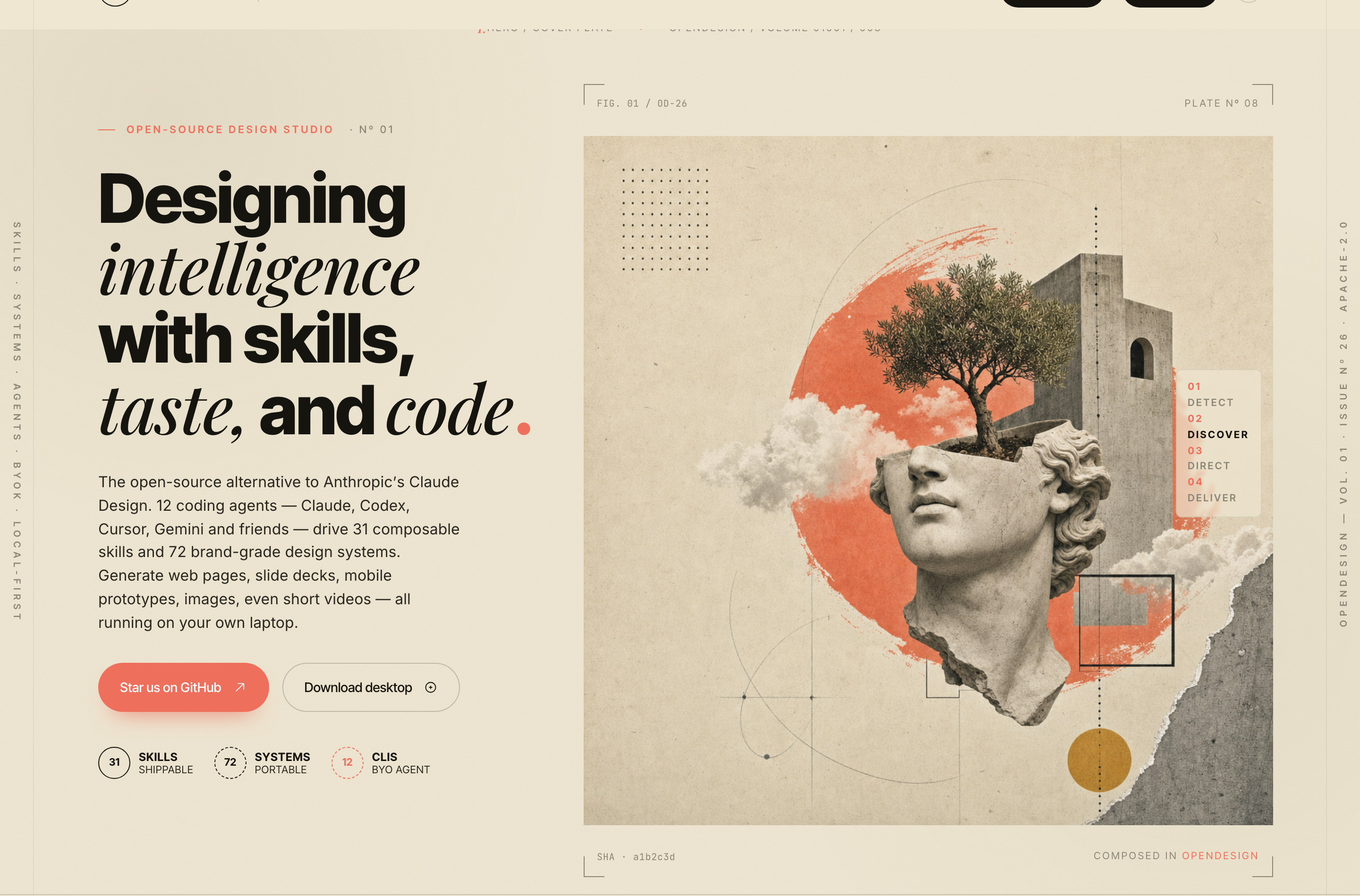
The page opens with the authored line “Designing intelligence with skills, taste, and code.” Its left column carries the statement and supporting copy, while the right column uses a classical bust, tree, geometric marks, clouds, and coral paint as a visual argument for creative assembly. The split makes the concept legible before the visitor reaches the catalog.
A compact metric row below the actions reads “31 Skills,” “72 Systems,” and “12 CLIs.” These figures are presented as the page’s illustrative studio vocabulary, not as independently verified current product performance. Their placement gives the narrative a concrete index while keeping the hero focused on the idea of a design studio.
The visual system is intentionally editorial: oversized black and italic display type sits on a parchment field, with coral as a recurring accent and thin technical rules around the composition. That contrast makes the page feel closer to a printed issue than a conventional software homepage, while the tradeoff is that dense display typography must be paired with careful responsive wrapping.
Use Cases For The Studio Story
The page is suited to a studio that needs to explain a design philosophy and a body of work together. It does this through a sequence of manifesto, capabilities, labs, method, selected work, collaborators, and contact. Each section changes the visitor’s question from what the studio believes to what it catalogs and how it proposes to work.
The same structure can support an open-source project, a creative technology practice, or a design research archive. It is less suitable for a task-oriented product page that must lead with pricing, account states, or operational workflows. The composition spends significant space on atmosphere and lineage, so a utilitarian service would need a denser information model.
Studio Manifesto
Use the about section to state how agents relate to creative practice, while keeping motivation and positioning separate from technical claims.
Experiment Archive
Use the labs section to make unfinished or exploratory work visible through category labels, numbered entries, imagery, and short descriptions.
Method Narrative
Use the four-stage sequence to turn an abstract process into a readable progression from Detect through Deliver.
Lineage And Contact
Use collaborators and a final conversation prompt to connect the catalog to people and next actions.
From Manifesto To Selected Work
The page’s ordering is its main interaction model. After the opening hero, “We treat your agent as a creative collaborator, not a black box.” establishes the editorial position. “Skills, systems, and surfaces for creative intelligence.” then breaks that position into four labeled units: Skills, Systems, Adapters, and BYOK. The repeated numbered treatment makes the abstract vocabulary scannable.
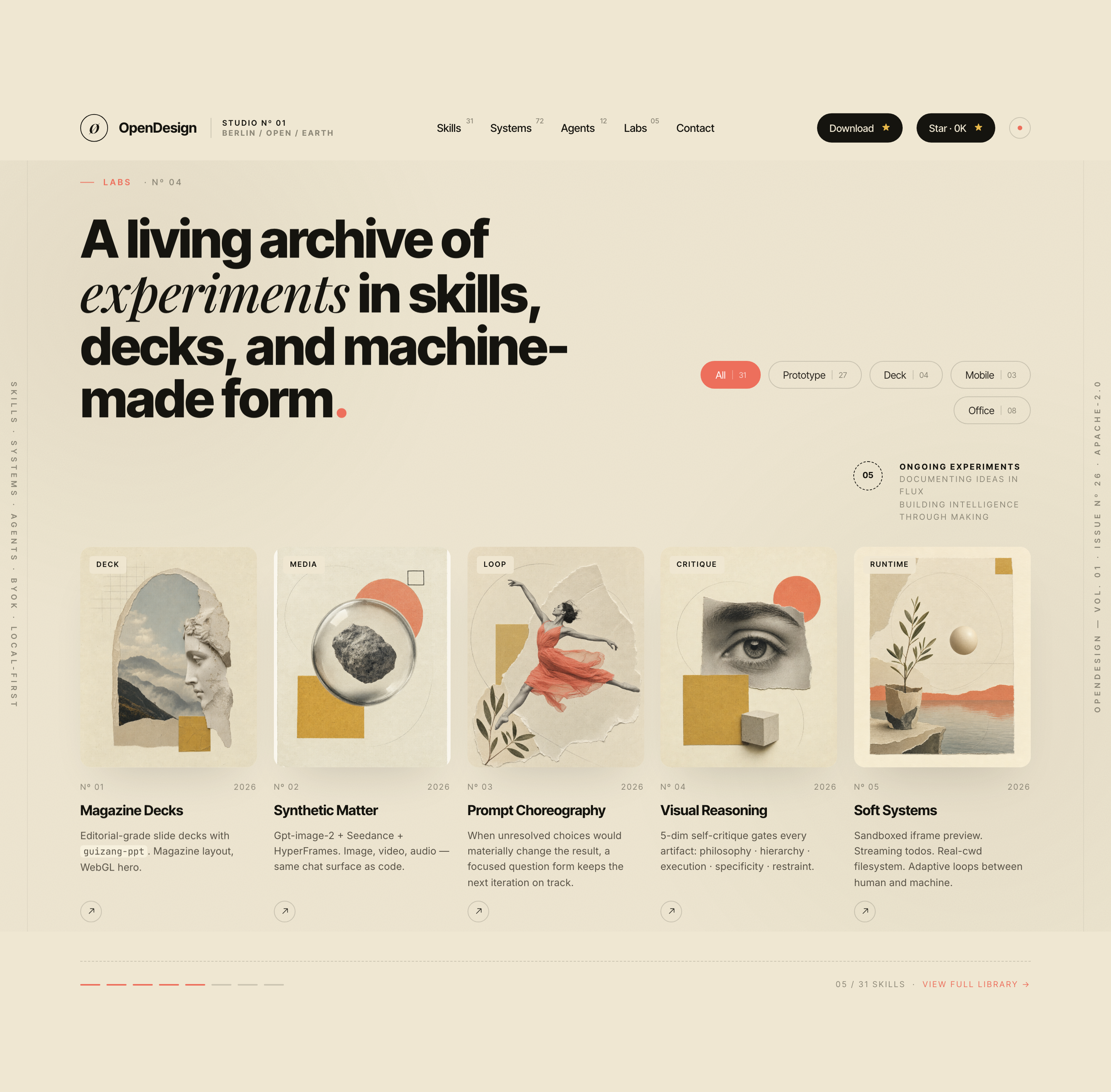
The labs section changes from explanation to a catalog-like presentation. Its category pills read “All 31,” “Prototype 27,” “Deck 04,” “Mobile 03,” and “Office 08.” Five cards follow: “Magazine Decks,” “Synthetic Matter,” “Prompt Choreography,” “Visual Reasoning,” and “Soft Systems.” The pills have no filtering handler in the supplied source; their counts remain authored sample content unless separately verified.
The method section compresses the proposed workflow into “Detect,” “Discover,” “Direct,” and “Deliver.” The sequence is useful because each word names a different kind of decision: finding available context, resolving ambiguity, selecting a visual direction, and presenting an output. The tradeoff is that the concise labels leave implementation details unstated, which preserves the editorial tone but limits operational guidance.
The selected-work panel then narrows the broad catalog to two contrasting entries: “guizang-ppt,” described as a magazine-style web PPT skill, and “kami,” described as an editorial paper system. Their different roles are explicit in the labels “Featured Skill” and “Companion System,” so the visitor can understand a relationship between a capability and a visual system rather than seeing two unrelated cards.
| Section | Visible Content | Design Role |
|---|---|---|
| Capabilities | Skills, Systems, Adapters and BYOK in four cards | Breaks the studio vocabulary into a compact two-by-two grid. |
| Labs | Five illustrated entries beneath five category pills | Gives the archive a browseable appearance without implemented filtering. |
| Method | Detect, Discover, Direct and Deliver in four numbered columns | Turns the proposed process into a readable sequence. |
| Selected Work | Featured Skill and Companion System on a dark panel | Shows two different roles with a tonal change from the parchment sections. |
Visible Content Relationships
The page repeatedly combines a short category label, a large title, a brief explanation, and an image. In the labs cards, labels such as “DECK,” “MEDIA,” “LOOP,” “CRITIQUE,” and “RUNTIME” classify the entry before the title supplies its specific subject. This repeated grammar supports fast scanning without flattening every experiment into the same claim.
In the selected-work section, the dark background reverses the hero’s light treatment and gives the cream cards stronger contrast. The cards are slightly irregular in shape and alignment, which reinforces the collage language. That art direction adds character, but it also means spacing and text length need stricter control than a standard equal-height card grid.
Capability Boundary
The captures establish a designed landing page and visible local interaction language, including navigation, filtering labels, and a scroll-oriented presentation. They do not establish connected services, backend storage, live agent detection, export execution, or the efficacy of any named workflow. Adaptations should preserve that distinction by presenting those behaviors as proposed product scope until they are separately implemented and verified.
Adapting The Concept Carefully
The strongest transferable idea is not the literal metric set; it is the progression from belief to vocabulary to archive to method. A new version can retain that progression while replacing the illustrative labels and counts with verified content. Keep the hero’s two-part composition when the subject benefits from a strong visual metaphor, but reduce the collage complexity if the audience needs to inspect a product or service directly.
This bundled concept page is not evidence of the current official homepage or product inventory. Its authored copy includes claims about agents, systems, local execution, deployment, and exports, but those claims are not verified by the design alone. The page can serve as a visual reference for a studio narrative without becoming a current product specification.
The source implements scroll-triggered reveals and a header that hides or reappears with scroll direction. It also attempts to fetch a GitHub star count, falling back to its placeholder if the request fails; the isolated capture does not prove a successful live response. Native section links and external repository links are present, but the labs pills and selected-work arrow buttons have no handlers. The depicted contributor labels, testimonial and product counts are sample page content, not independently verified relationships or outcomes.
For a faithful recreation, preserve the section order, the parchment-and-coral palette, the contrast between editorial serif italics and heavy sans typography, and the numbered labels that recur from hero through catalog. Then test the long headings, filter row, and irregular cards at narrower widths. The intended result is an editorial website whose visible structure explains a creative practice before asking visitors to continue into its archive or contact path.
Suggested Adaptation Priorities
Start with the information architecture: hero, manifesto, capabilities, labs, method, selected work, collaborators, and contact. Next, define which figures are verified, which entries are samples, and which actions are merely visual affordances. Finally, tune image crops and text lengths so the collage remains expressive without obscuring the subject of each section.
How to Create AI Design Studio Website Design in OpenDesign
Set The Editorial Structure
Build a long-form website with a two-part hero, manifesto, capabilities matrix, experiment archive, four-stage method, selected work, collaborators, and contact section. Keep each section anchored by a short label, a strong heading, and a concise explanation.
Compose The Visual Language
Use a parchment background, heavy sans display type, italic serif emphasis, coral accents, thin technical rules, and collage imagery. Pair the hero statement with a tactile visual composition, then reserve the dark treatment for the selected-work panel so the page has a deliberate tonal change.
Suggested PromptCreate an editorial AI design studio website with a parchment-and-coral collage hero, oversized sans and italic serif typography, a four-stage Detect Discover Direct Deliver method, an experiment archive with static All, Prototype, Deck, Mobile and Office category pills, and selected-work cards for a featured skill and companion system. Use optional local scroll reveals that respect reduced motion. Treat counts, contributor labels and testimonials as illustrative content; do not imply connected agents, working filters, storage or export behavior.
Refine The Catalog Reading Experience
Check that the archive cards explain their category, title, image, and short description in that order. Keep the selected-work relationship explicit through the labels “Featured Skill” and “Companion System,” and replace sample names, counts, and claims with verified content before publishing.
Export and Get a Share Link
Export your finished design, then use Share in OpenDesign to get a share link. Open the link in a separate browser window and check that the intended version and its assets are available before sending it.
AI Infrastructure Website Design
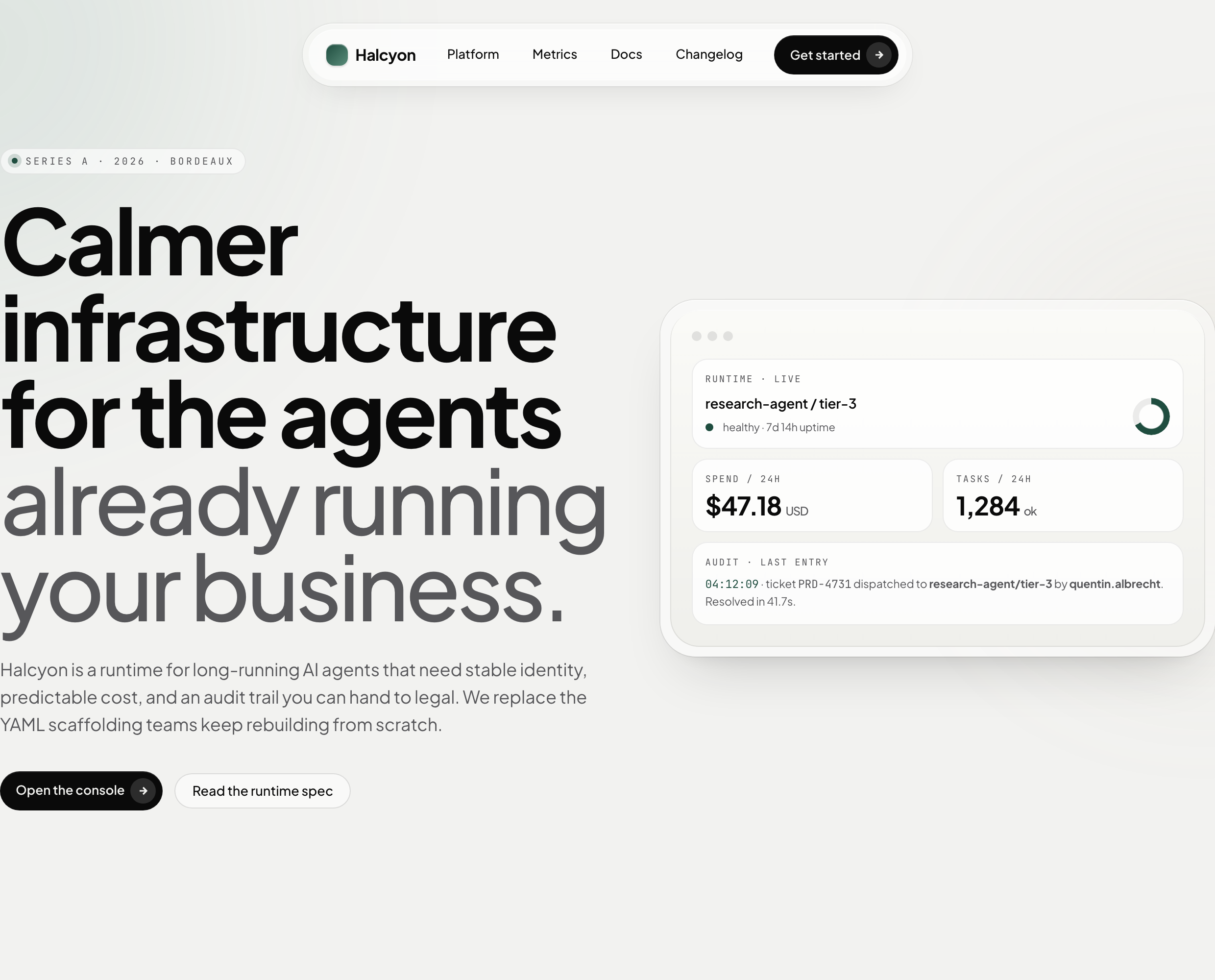
A soft AI-infrastructure landing concept with sample runtime metrics, nested feature cards, subtle motion and a single sales invitation.
Website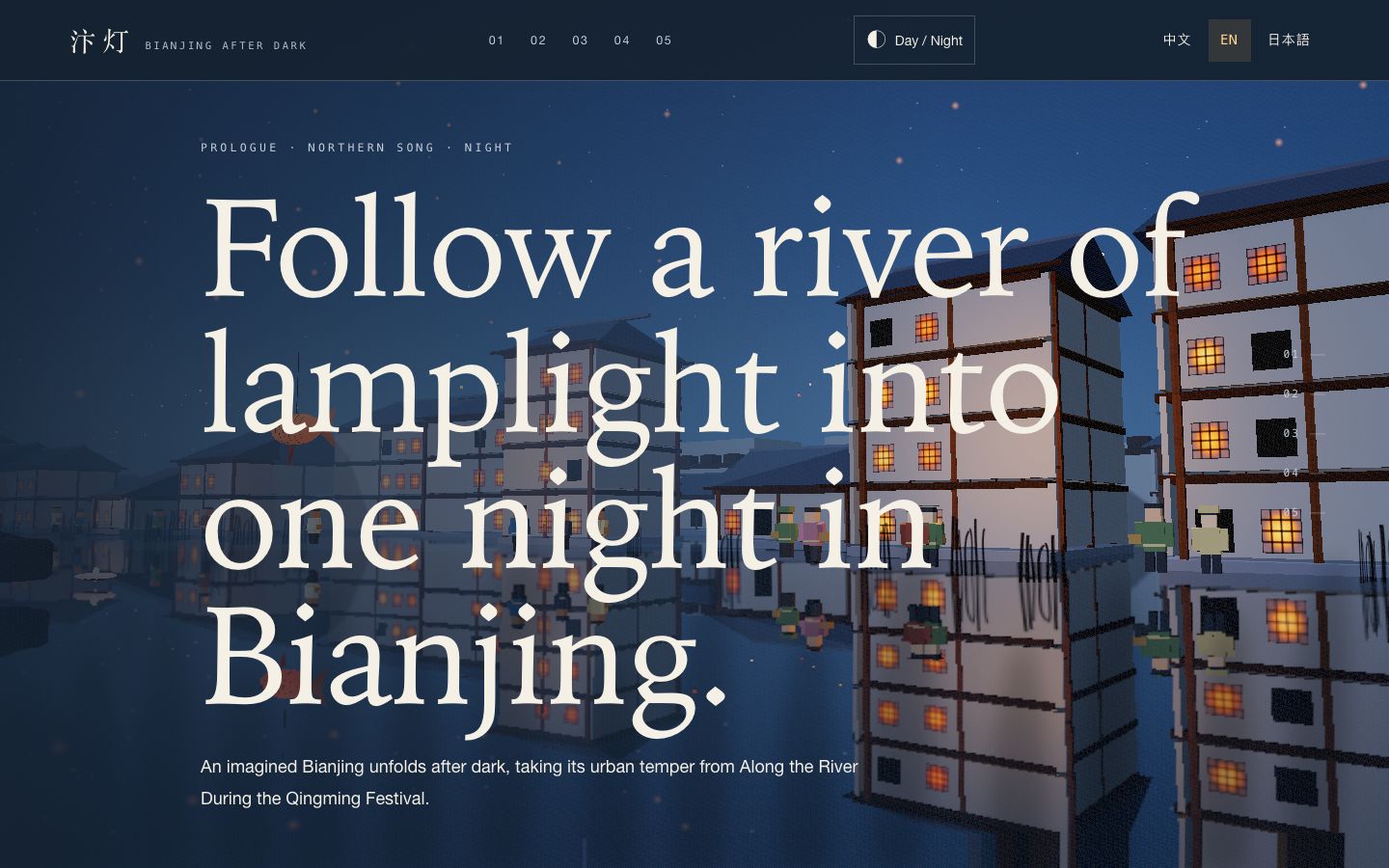
Bianjing Night Tour Website Design
An interactive night journey through an imagined Song-era Bianjing, combining a persistent river city, poetry, lanterns and multilingual chapter pacing.
Website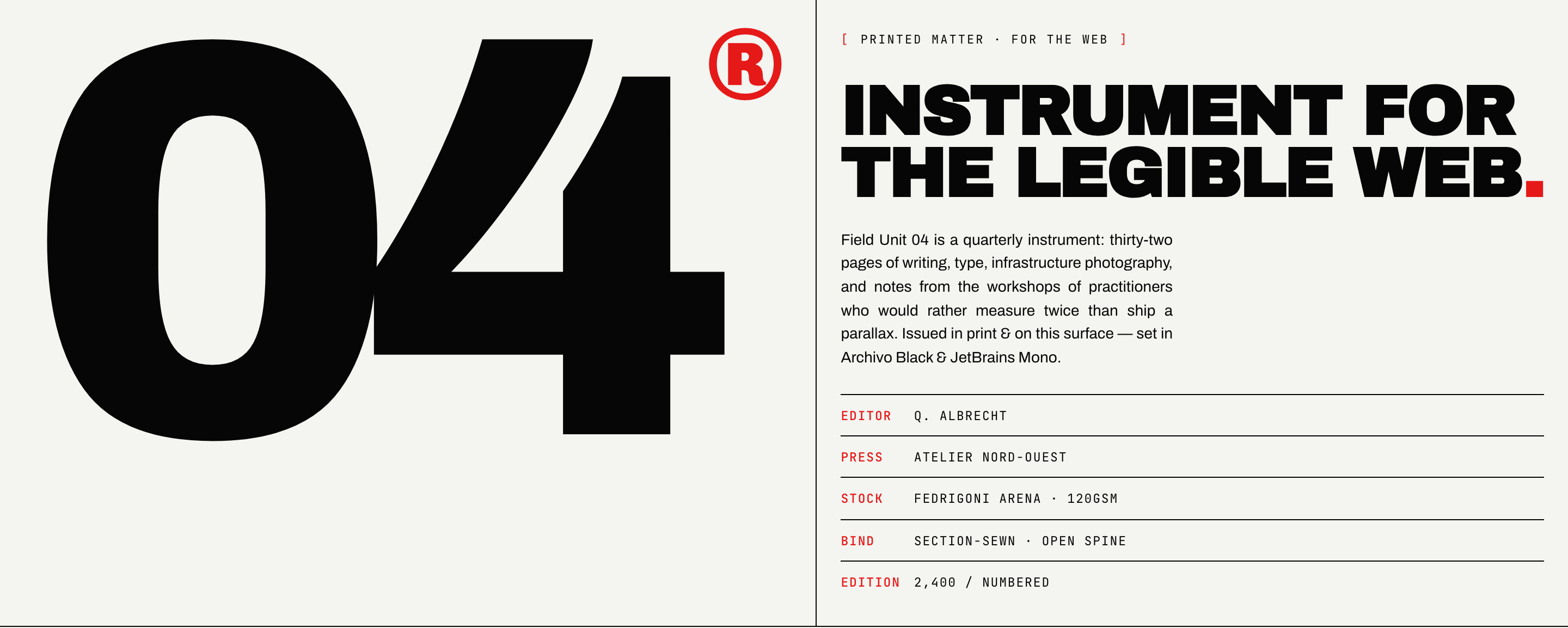
Brutalist Journal Website Design
Brutalist Journal Website Design turns a print-shaped issue into a legible web reading system, pairing bold type with measured editorial structure.
Website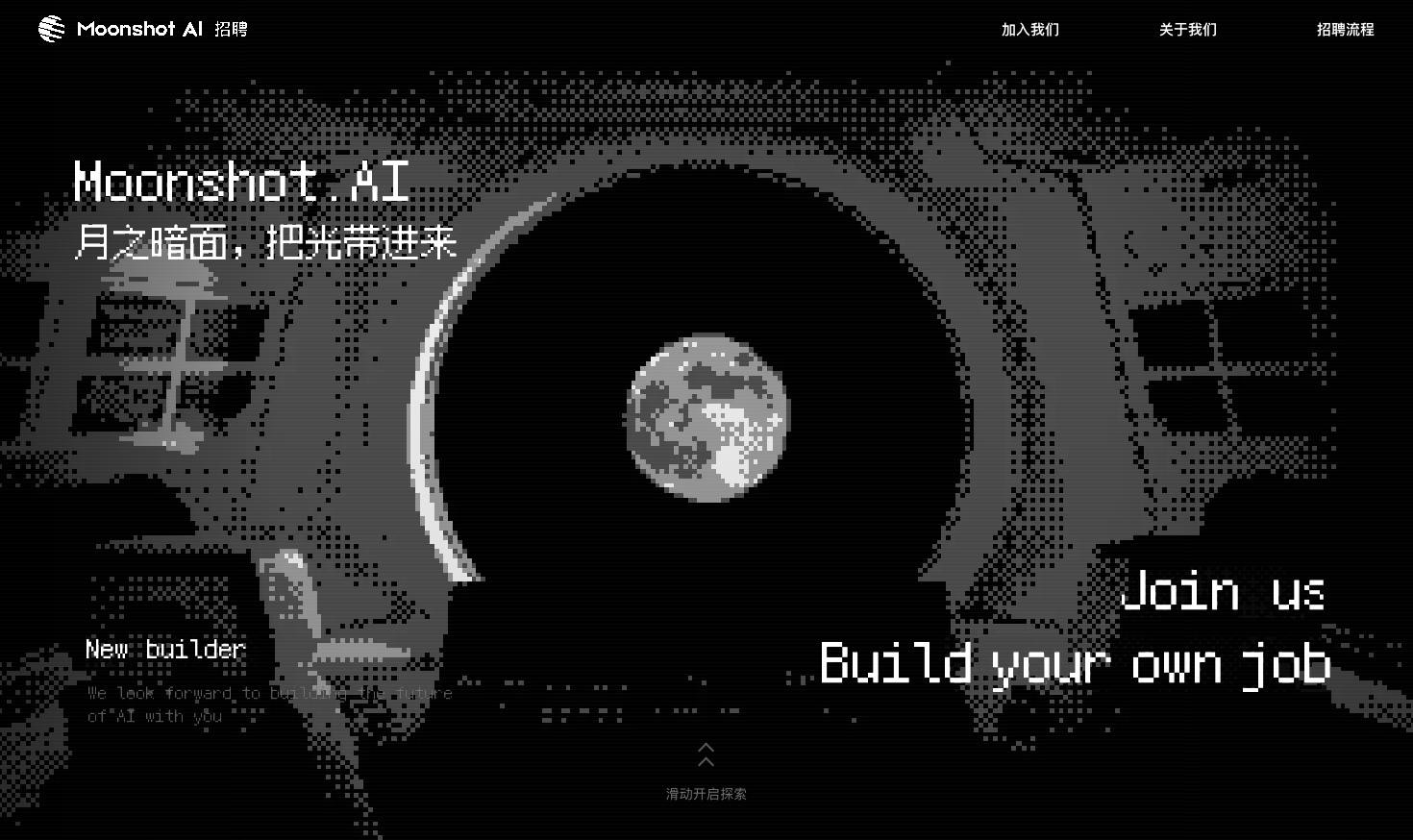
Careers Website Design
A Kimi careers study built from eight lunar scenes, with scroll-linked transitions and an illustrated application process.
Website