

Website
AI Infrastructure Website Design
A soft AI-infrastructure landing concept with sample runtime metrics, nested feature cards, subtle motion and a single sales invitation.

Designed For
- Infrastructure Product PagesExplain complex runtime infrastructure without overwhelming technical buyers.
- AI Platform LaunchesPresent agent capabilities through concrete operational language and structure.
- Developer-Facing MarketingConnect product claims with code, tooling, and implementation detail.
- Trust-Led Conversion PagesMove visitors from evidence toward a measured sales conversation.
Highlights
- Operational HeroPairs a calm headline with runtime, spend, task, and audit signals.
- Primitive-Based StoryOrganizes infrastructure value around identity, spend, audit, sandbox, routing, and ergonomics.
- Readable Technical DetailUses code, labels, units, and short claims to ground abstract capabilities.
- Focused Closing PanelEnds with one direct invitation against a dark, high-contrast field.
Gallery
1 / 3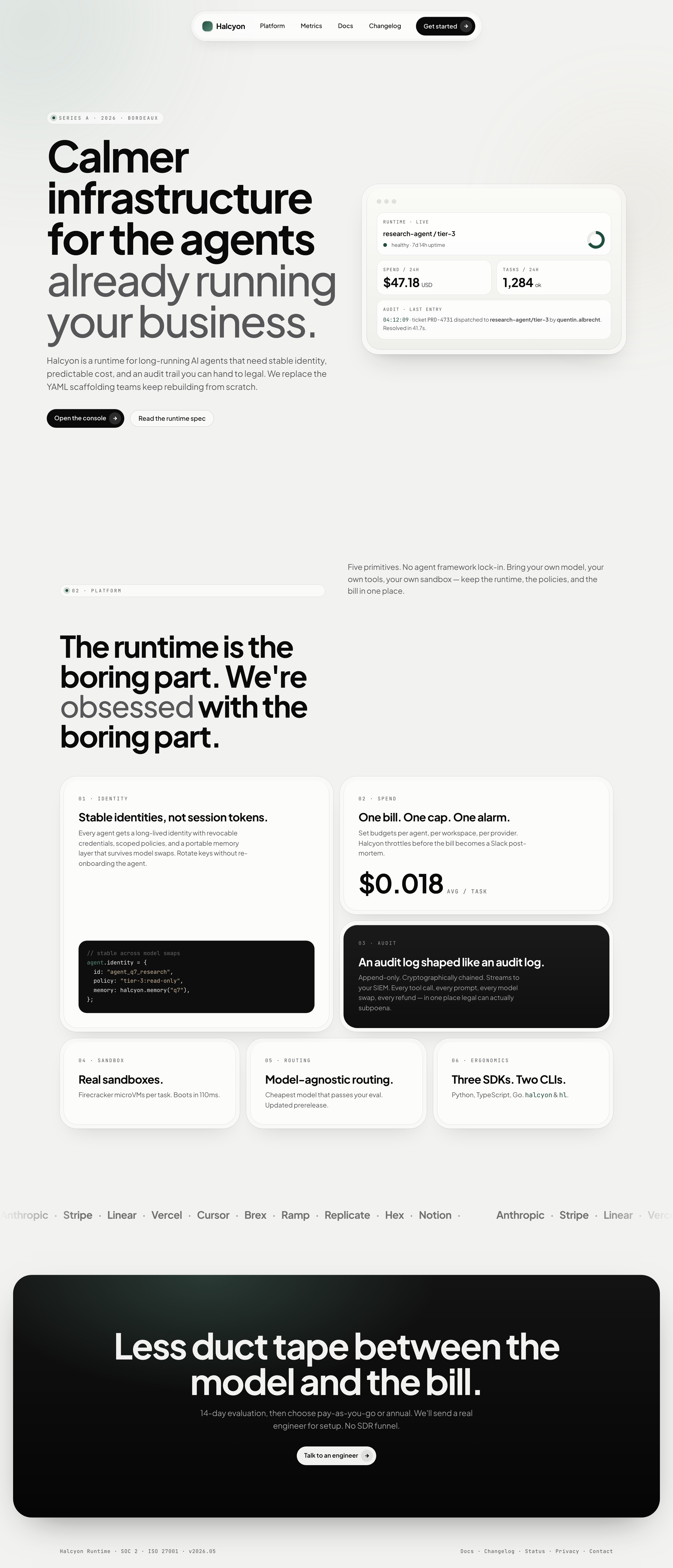
A Calm Agent-Runtime Landing Page
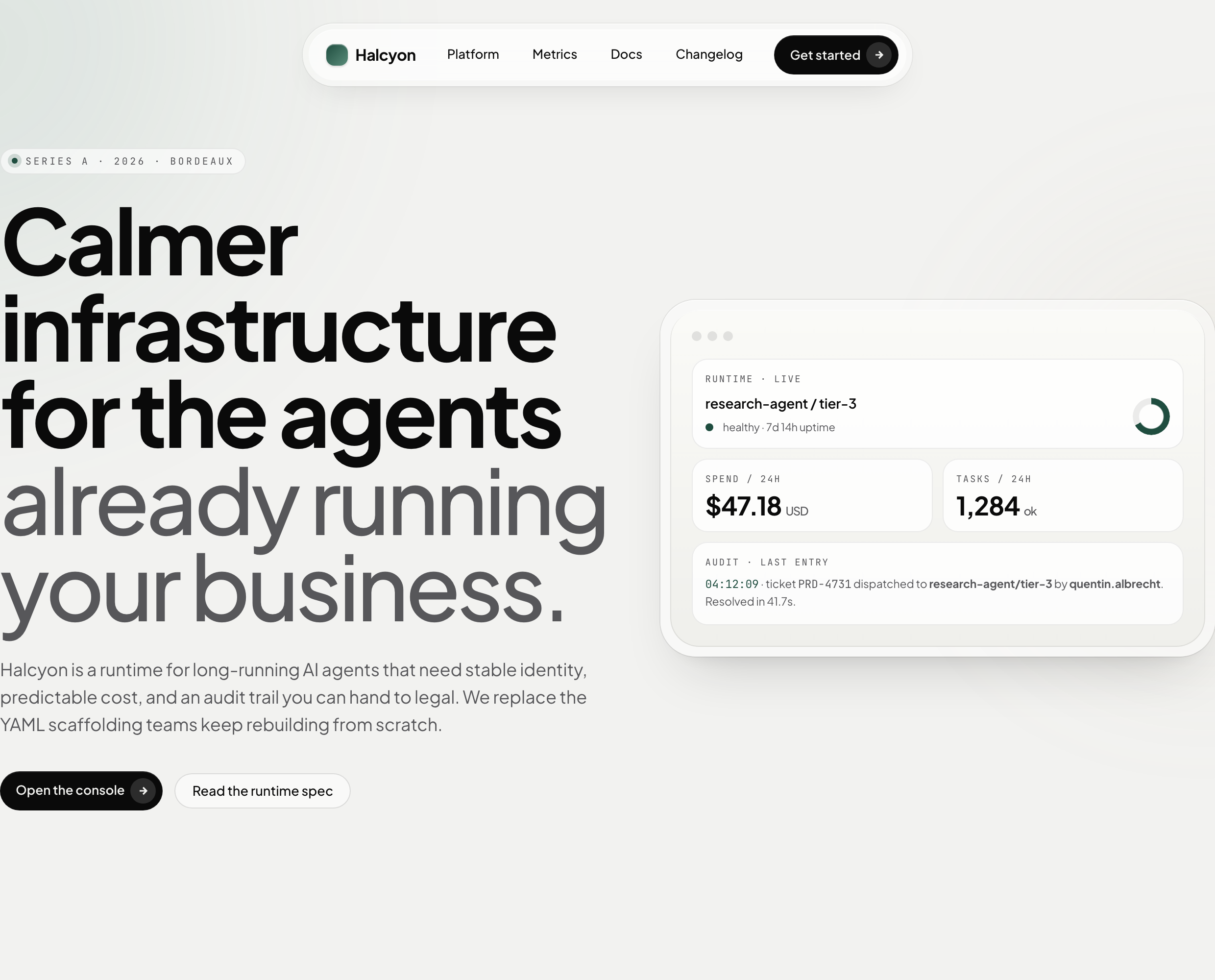
This official bundled example presents Halcyon as a runtime for long-running AI agents. Its authored headline, “Calmer infrastructure for the agents already running your business,” frames infrastructure as a stabilizing layer rather than another model interface. The page then supports that position with visible runtime, spend, task, and audit examples.
Infrastructure Stories With Sample Data
The page is suited to infrastructure teams that need to explain several technical concerns in a single marketing flow. Its language moves from the broad promise of calmer agent operations to specific primitives, then to implementation access through SDKs and CLIs. That sequence gives technical readers a reason to continue without turning the opening into a documentation page.
The visible figures are part of the sample landing content. They show how a design can make operational concepts concrete, but they do not establish Halcyon service performance, uptime, pricing, or connected backend behavior.
Runtime Reliability Story
The hero uses “RUNTIME · LIVE,” “healthy · 7d 14h uptime,” and an audit timestamp to represent a working agent context. Together, these labels connect service state with traceability; the tradeoff is that the compact panel can suggest live verification even when the page is only a design example.
Cost And Control Narrative
“SPEND / 24H” shows “$47.18 USD,” while the platform section later presents “$0.018 AVG / TASK.” Keeping these figures in separate contexts lets the page discuss both current activity and unit economics, but readers must not treat them as one measured dataset.
Developer Adoption Path
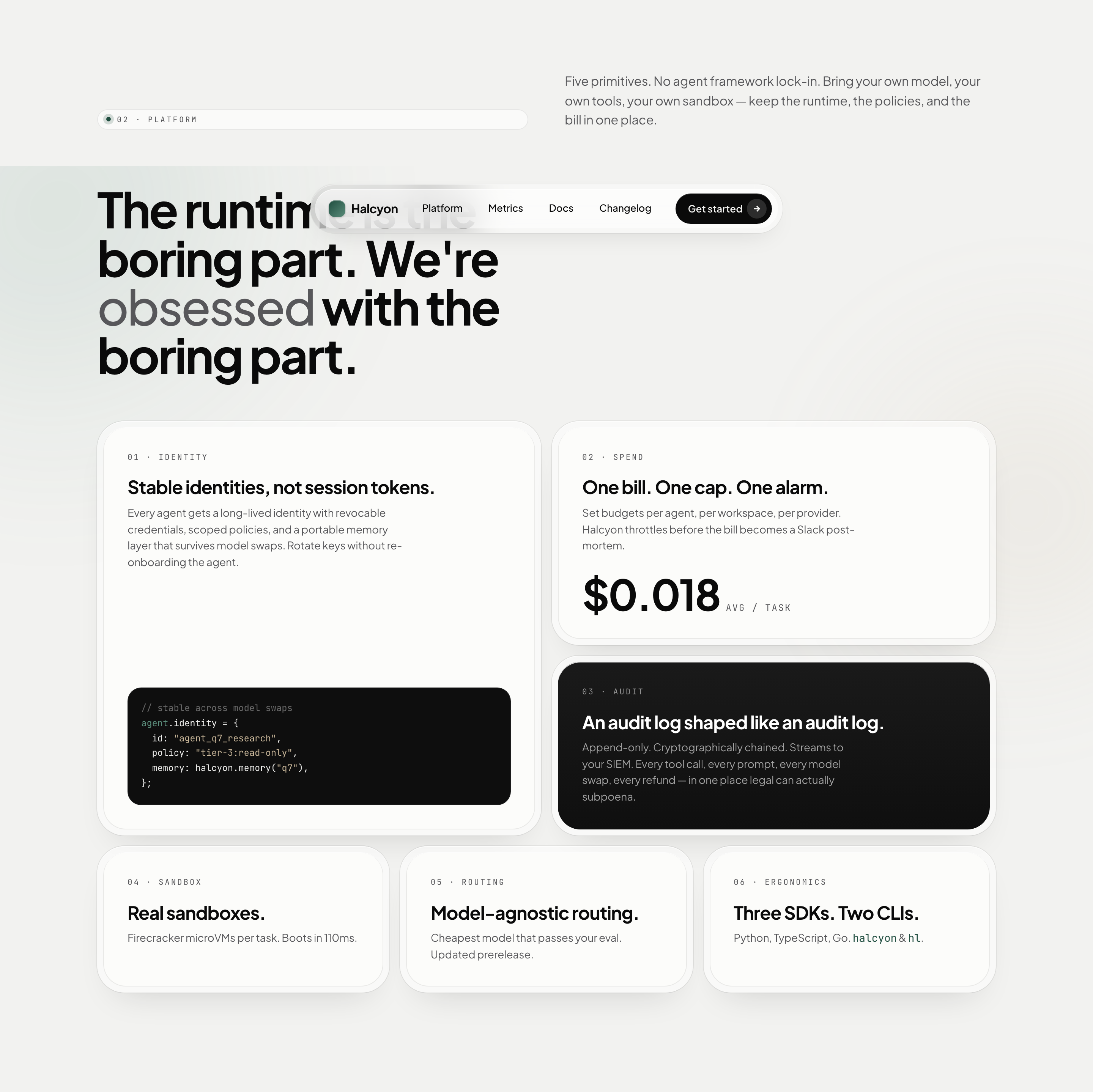
The final primitive says “Three SDKs. Two CLIs.” and names Python, TypeScript, Go, halcyon, and hl. This turns compatibility into a concise adoption signal; the tradeoff is deliberate compression, since the design does not explain APIs, setup, or supported workflows.
From Runtime Mockup To Sales Invitation
A centered floating pill navigation introduces Halcyon, Platform, Metrics, Docs, Changelog and Get started. The hero uses a 1.05fr/0.95fr split between a large headline and a rounded runtime mockup. The slightly wider text column carries the premise; the nested card shell gives sample metrics a distinct visual container. This makes the proposed product easier to picture, but the card is not operational proof.
The headline wraps into oversized lines, moving from “Calmer infrastructure” to “for the agents already running your business.” The gray treatment on the latter phrase creates a visual shift between the product category and its audience. That emphasis makes the promise memorable, though the scale requires careful responsive handling on narrower screens.
Lead With A Runtime Mockup
Start with the product statement, then place the runtime panel beside it. The panel's “research-agent / tier-3” label, status line, spend card, tasks card, and audit entry show what the infrastructure is meant to organize.
Expand Into Six Primitives
The platform grid presents six numbered cards: identity, spend, audit, sandbox, routing and ergonomics. Identity occupies a tall cell with a code specimen, while spend and audit sit beside it; the final three use shorter cells. The source introduction says “Five primitives,” despite rendering six. Keep the six-card layout as the observed structure and treat that mismatch as sample copy, not a verified product taxonomy.
Close On A Single Action
The closing panel changes to a dark background and centers “Less duct tape between the model and the bill.” A short evaluation and pricing statement leads to “Talk to an engineer,” giving the page one final action instead of competing endpoint choices.
Scope And Capability Boundaries
Halcyon is a design-only landing concept. Its buttons have no business handlers; only the Platform link reaches a matching section. Metrics, Docs and Changelog targets are absent, and footer links are placeholders. Sample uptime, spend, task counts, latency, funding and security labels are not service evidence. Names in the moving company strip do not establish customers or endorsements, and SOC 2/ISO 27001 text does not verify certification. Console access, billing, routing, storage and sales contact would require separate implementation.
The softness comes from a silver canvas, Plus Jakarta Sans, sage accents and nested rounded shells, not from a working infrastructure system. CSS adds drifting background mesh, a pulsing status dot and a continuously translating company-name strip that pauses on hover. IntersectionObserver reveals sections as they enter view. Reduced-motion rules disable mesh drift and section reveals, but do not disable the pulse or marquee; account for those remaining animations when adapting the design.
Source And Attribution
OpenDesign is the Community distributor. The source documentation credits Taste Skill by Leonxlnx for the soft visual and motion guidance: https://github.com/Leonxlnx/taste-skill. Preserve that upstream role without implying personal authorship of this specimen or OpenDesign's independent authorship of the underlying direction. The manifest declares MIT for the bundled plugin; it does not establish separate rights for every depicted asset.
How to Create AI Infrastructure Website Design in OpenDesign
Set The Evidence Hierarchy
Build a Halcyon-style hero with a large left headline and a right runtime panel. Include the concrete visible fields “research-agent / tier-3,” “SPEND / 24H,” “TASKS / 24H,” and “AUDIT · LAST ENTRY,” while marking any replacement figures as illustrative or verified data.
Suggested PromptCreate one continuous AI-infrastructure landing concept for a fictional runtime called Halcyon. Use silver #F2F2F0, dark ink, sage accents, Plus Jakarta Sans and monospace metadata. Add a floating pill navigation and 1.05fr/0.95fr hero: a large 14ch headline on the left and a nested rounded runtime mockup on the right. Show clearly labelled sample values for research-agent/tier-3, uptime, spend per 24 hours, tasks per 24 hours and one audit entry. Build six feature cards for identity, spend, audit, sandbox, routing and ergonomics: a tall identity code specimen, separate cost and dark audit cards, then three shorter cards. Use concentric rounded shells and trailing arrow circles inside pill buttons. Add restrained CSS mesh drift, status pulse and a hover-pausing company-name marquee; provide reduced-motion handling for all animations in this proposed adaptation. End with one dark rounded sales-invitation panel. Stack hero and feature cards below 980px. Only Platform needs a real local anchor; mark other navigation and business buttons as placeholders. Do not claim real customers, funding, certifications, billing, agent execution, console access or a backend. Retain Taste Skill by Leonxlnx as design-guidance upstream and OpenDesign as Community distributor. This is a suggested recreation, not the original prompt.
Refine The Primitive Grid
Organize the platform story around identity, spend, audit, sandbox, routing, and ergonomics. Preserve the source relationship between the long-lived identity code sample, the separate average-task cost figure, and the dark audit card. Use shorter cards for the final three primitives so the visual weight follows the narrative importance.
Check The Conversion Ending
Finish with a dark closing panel, one centered message, and one action such as “Talk to an engineer.” Check that the large headline wraps naturally, that the hero panel remains readable beside it, and that sample claims are distinguishable from verified product behavior at every viewport.
Export and Get a Share Link
Export your finished design, then use Share in OpenDesign to get a share link. Open the link in a separate browser window and check that the intended version and its assets are available before sending it.
AI Design Studio Website Design
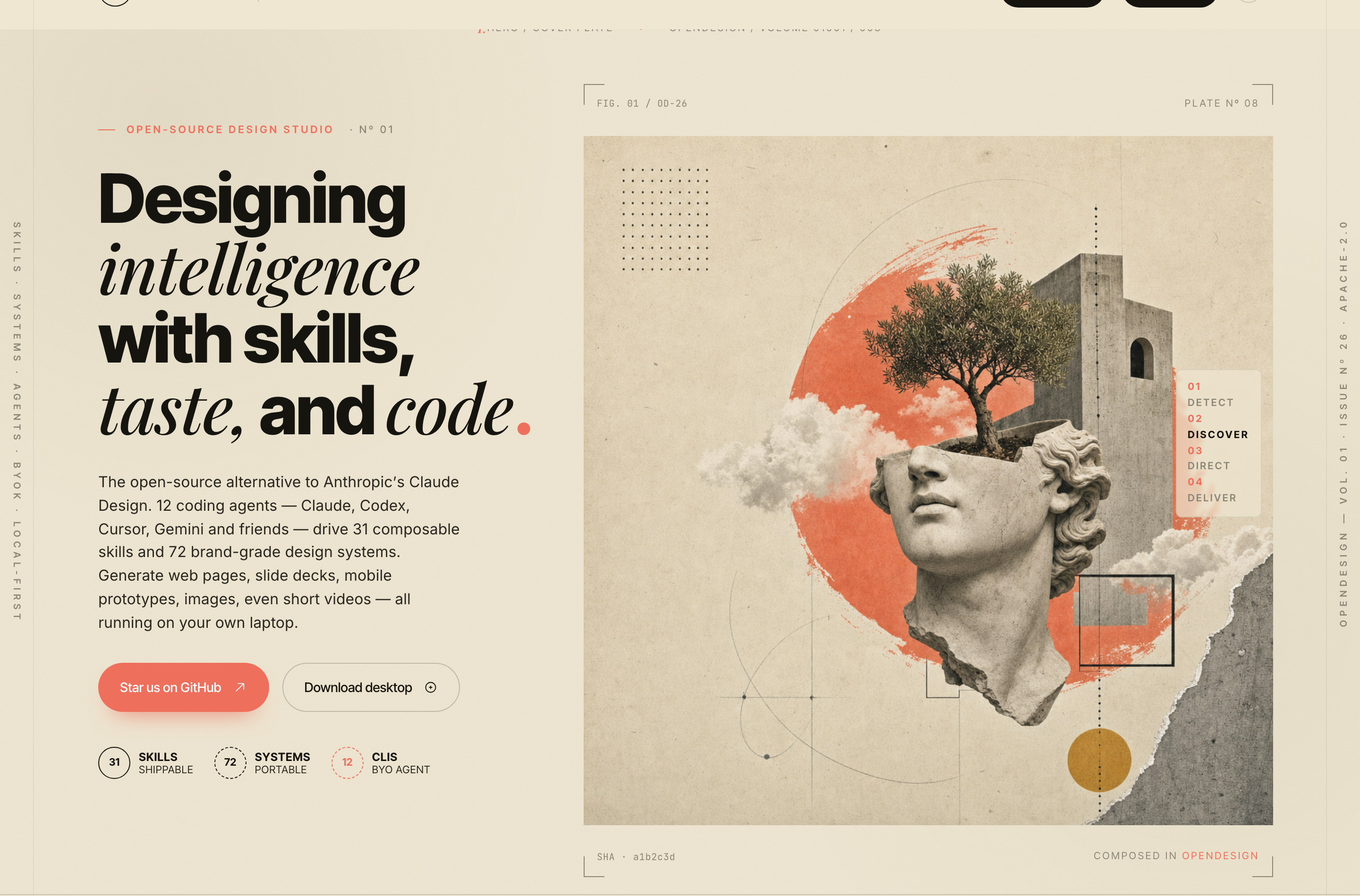
OpenDesign’s AI Design Studio Website Design turns a local-first studio concept into an editorial landing page that makes skills, experiments, and method easy to scan.
Website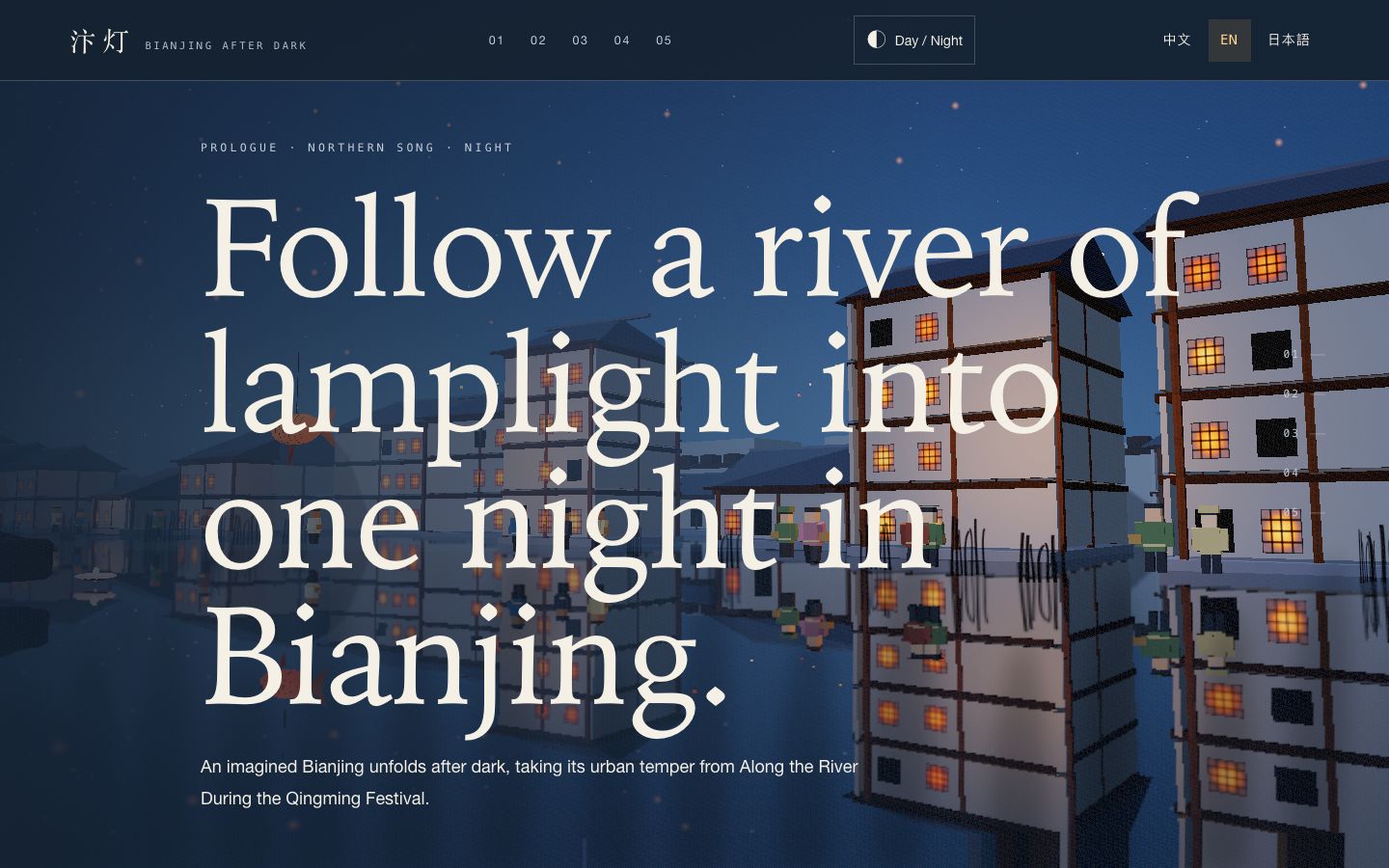
Bianjing Night Tour Website Design
An interactive night journey through an imagined Song-era Bianjing, combining a persistent river city, poetry, lanterns and multilingual chapter pacing.
Website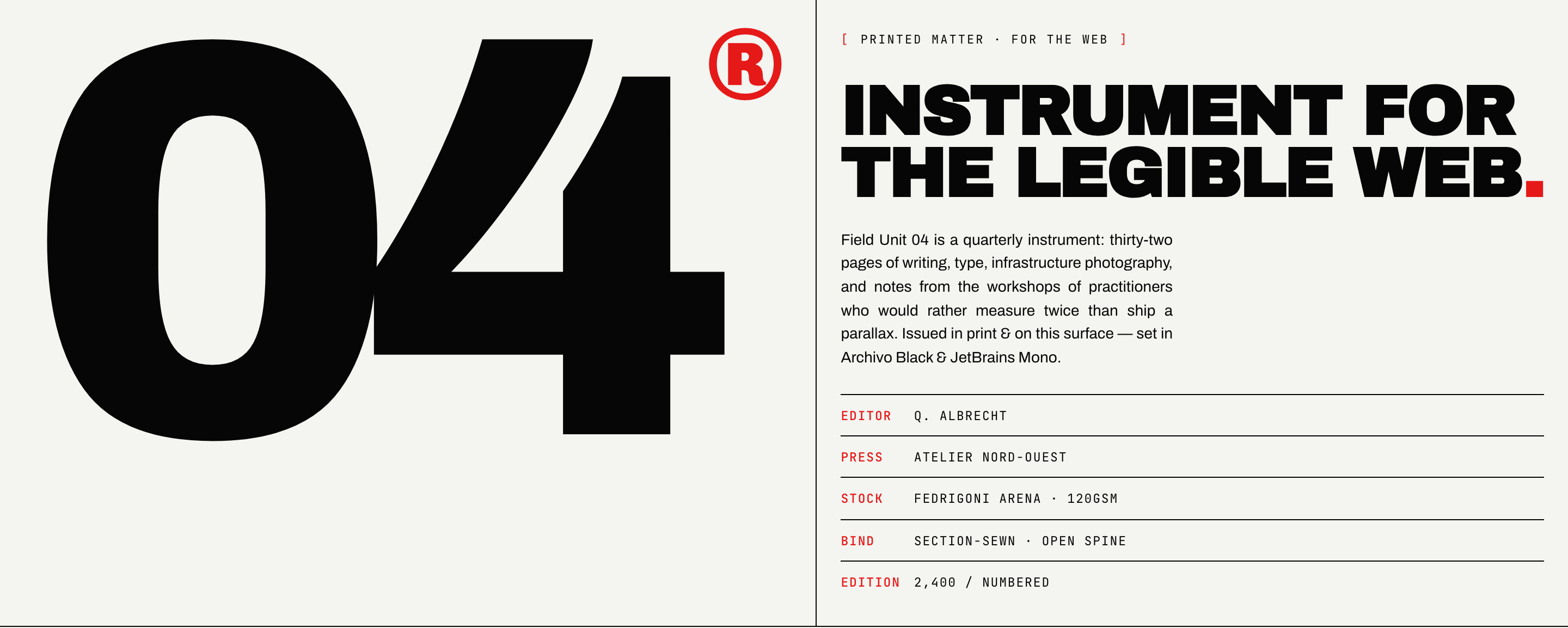
Brutalist Journal Website Design
Brutalist Journal Website Design turns a print-shaped issue into a legible web reading system, pairing bold type with measured editorial structure.
Website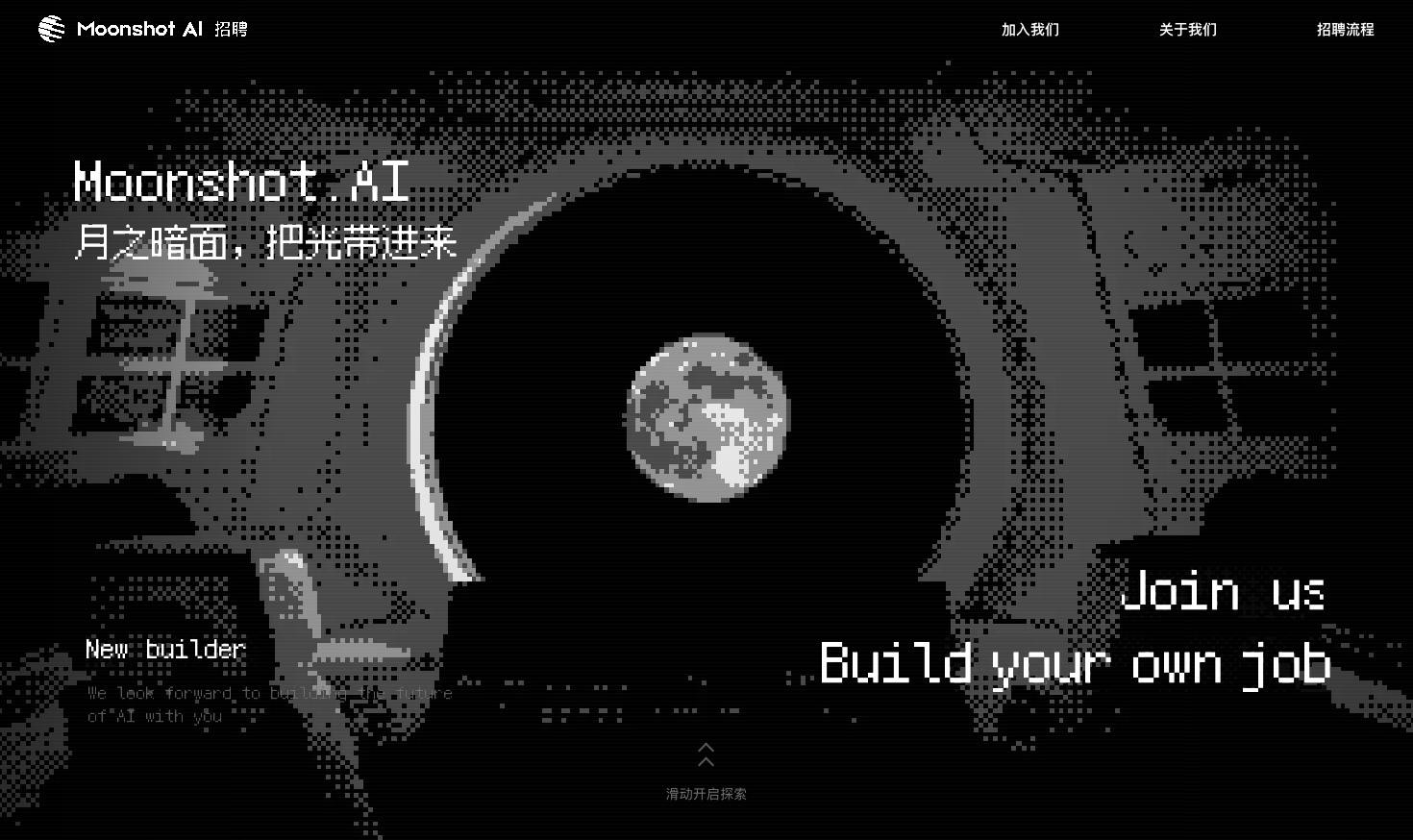
Careers Website Design
A Kimi careers study built from eight lunar scenes, with scroll-linked transitions and an illustrated application process.
Website