

Website
Brutalist Journal Website Design
Brutalist Journal Website Design turns a print-shaped issue into a legible web reading system, pairing bold type with measured editorial structure.

Designed For
- Editorial Website SystemsOrganize long-form reading around durable sections and navigation.
- Independent Journal PublishingTranslate print conventions into a focused web publication.
- Typography-Led Art DirectionMake type, spacing, and rules carry the visual identity.
- Brutalist Interface StudiesExplore strong contrast without sacrificing editorial legibility.
Highlights
- Print-Shaped ReadingA journal interface arranged like considered printed matter.
- Thesis-Based ReadingSix arguments give the page a deliberate reading sequence.
- Measured TypographyArchivo Black and JetBrains Mono divide display from metadata.
- Editorial IndexingIssue entries expose authors, departments, pages, and reading time.
Gallery
1 / 5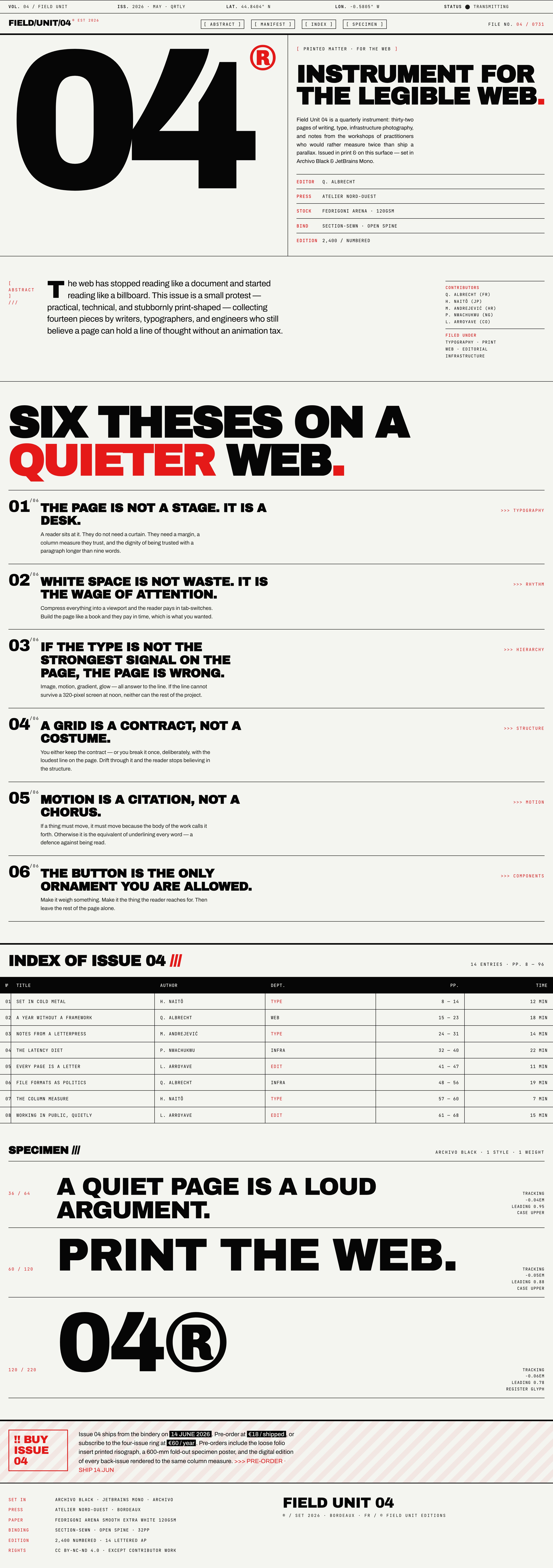
Instrument For The Legible Web
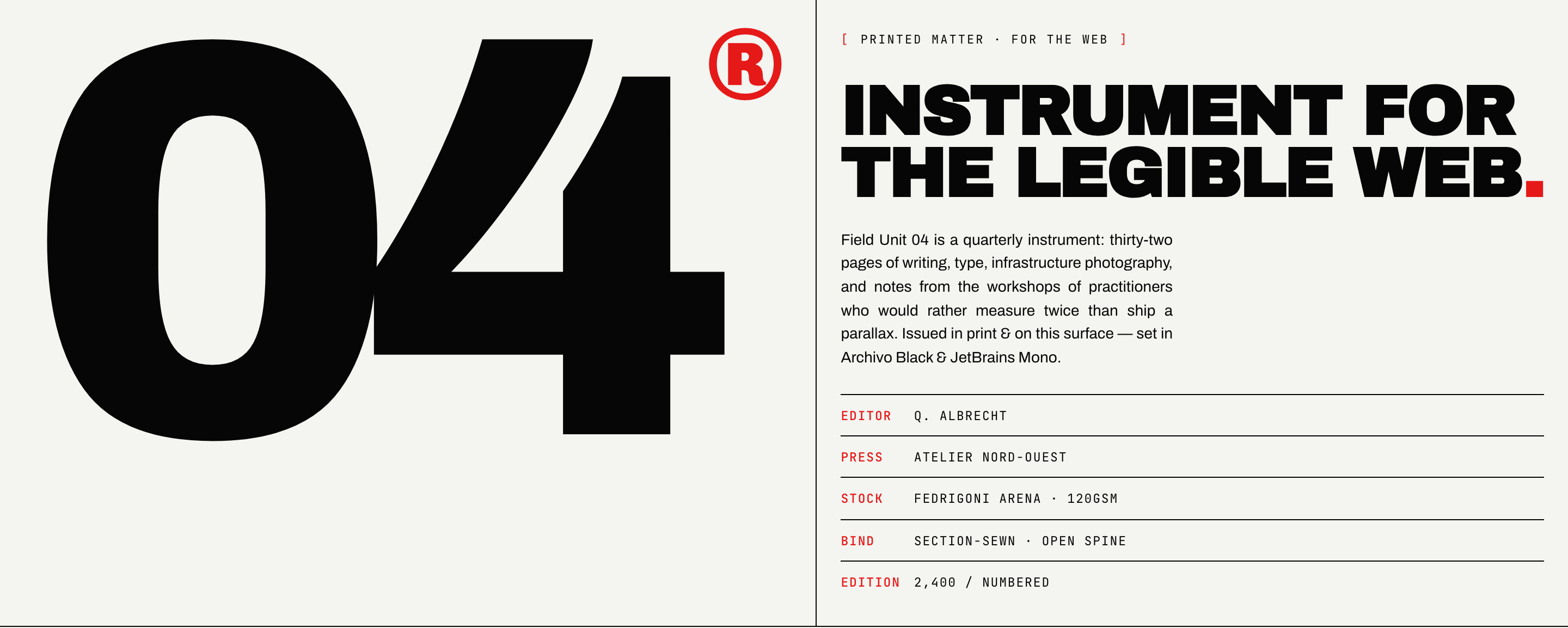
Brutalist Journal Website Design presents Field Unit 04 as a quarterly editorial instrument rather than a conventional promotional site. The primary heading, “Instrument for the legible web .”, sits beside an oversized “04” mark, making the issue number part of the page’s first reading signal.
The hero’s visible metadata is deliberately concrete: “EDITOR Q. ALBRECHT,” “PRESS ATELIER NORD-OUEST,” “STOCK FEDRIGONI ARENA · 120GSM,” “BIND SECTION-SEWN · OPEN SPINE,” and “EDITION 2,400 / NUMBERED.” This turns production information into navigable editorial context. The tradeoff is density: the page asks readers to interpret publication details before they reach the argument.
Oversized Issue Mark
The large “04” creates an immediate issue-level anchor, so the design can identify the publication without relying on a logo or product-style header.
Production Metadata
Editor, press, stock, binding, and edition appear as ruled rows. Their separation supports scanning, but their visibility also keeps the page closer to a catalog than a minimal landing page.
Print And Web Position
The phrase “PRINTED MATTER · FOR THE WEB” states the design’s translation problem directly: preserve the authority of print while using a browser surface.
A Quiet Editorial Reading Surface
The artifact is suited to a journal, design criticism publication, or independent issue whose value depends on sustained reading. Its copy describes thirty-two pages, writing, type, infrastructure photography, and workshop notes, while the visual system keeps those subjects within a narrow editorial vocabulary.
The strongest use case is a publication that wants its index, arguments, and production notes to feel like parts of one object. The limitation is equally specific: this sample shows a designed editorial surface and illustrative publication content, not verified readership, commerce, or publishing performance.
Long-Form Editorial
Use the structure when the primary action is reading, with enough room for arguments and supporting context to remain visible together.
Issue-Based Publishing
Use the metadata and index when a publication needs to connect an issue number, contributor list, departments, page ranges, and reading times.
Typography Demonstration
Use the surface to show how a restrained type system can carry tone, hierarchy, and identity without decorative imagery.
Publication Context Before Promotion
The abstract describes the issue as collecting fourteen pieces by writers, typographers, and engineers. That framing gives the reader a reason to continue before any purchase language appears. It favors editorial positioning over conversion-first messaging, which is useful for a cultural publication but may require a separate commercial flow for transactional goals.
Design Guidance Upstream
The Community record distributes this source through OpenDesign, with design guidance attributed to Taste Skill by Leonxlnx. OpenDesign is the community distributor here, not an independent claim of original authorship.
Six Theses And An Issue Index
The page structure follows a readable sequence: hero, abstract, manifest, index, and specimen. The manifest is titled “SIX THESES ON A QUIETER WEB.” and presents six numbered arguments, each paired with a short category label such as “TYPOGRAPHY,” “RHYTHM,” or “HIERARCHY.” This ordering makes the design principles part of the content rather than a hidden rationale.
Each thesis combines a forceful heading with a short explanatory paragraph. “THE PAGE IS NOT A STAGE. IT IS A DESK.” is followed by a defense of margins and trusted column measure; “IF THE TYPE IS NOT THE STRONGEST SIGNAL ON THE PAGE, THE PAGE IS WRONG.” connects type strength to a 320-pixel screen. The consequence is a page that teaches its own reading rules, while the tradeoff is a deliberately opinionated voice.
Start With The Manifest
The six theses establish the editorial position before the index asks readers to choose among articles, so the page moves from premise to retrieval.
Follow The Department Labels
Labels such as “TYPE,” “WEB,” “INFRA,” and “EDIT” classify entries by editorial department, adding a second route through the issue beyond article title.
Use The Reading-Time Field
The “TIME” column adds an effort cue beside page range, helping a reader choose an article without claiming that the displayed duration is a measured performance.
Manifest As Content
The thesis list is not a generic feature grid. It establishes a six-part editorial argument, and the right-edge labels act as compact wayfinding. Repeating the numbered structure creates rhythm across long vertical sections, but it also means that each new thesis must earn its place as an argument rather than merely introduce another visual variation.
Index As Retrieval
The index shifts from reading an argument to comparing articles across six columns: number, title, author, department, pages and time. “THE LATENCY DIET” pairs P. Nwachukwu, INFRA, pages 32–40 and 22 MIN. Eight data rows are rendered, although the caption says fourteen entries and pages 8–96. Those labels also differ from the thirty-two-page description elsewhere. Treat them as sample editorial content; the layout demonstrates comparison, not a verified complete issue.
Visible System, Limited Runtime Claims
The captures verify a strong visual system: an off-white field, black display type, red accents, ruled metadata rows, and a two-part hero whose CSS uses a 1.4fr-to-1fr column relationship. The specimen section visibly identifies Archivo Black and JetBrains Mono, including tracking and leading examples such as “−0.04EM” and “0.95.” These details explain how the page makes typography function as both content and interface.
This page has no JavaScript, WebGL canvas or animated sequence. Its four navigation links target the abstract, manifest, index and specimen sections through native fragment anchors. The purchase alert is static text, not a checkout control. Publication credits, edition counts, prices and licensing text inside the specimen are illustrative; they do not establish actual production, transactions, contributor endorsements or a blanket asset-rights grant.
Typography As A Specimen
The specimen moves from “A QUIET PAGE IS A LOUD ARGUMENT.” at “36 / 64” to “PRINT THE WEB.” at “60 / 120,” then to the “04®” register glyph at “120 / 220.” The changing scale and leading values show a typographic range rather than one universal display size. The benefit is a more explicit type system; the cost is that extreme scale needs careful responsive adaptation.
How to Create Brutalist Journal Website Design in OpenDesign
Set The Editorial Frame
Begin with one issue-level premise, an oversized issue number, and a compact metadata block containing the editor, press, stock, binding, and edition fields visible in Field Unit 04.
Suggested PromptCreate a single continuous website for a fictional editorial journal called Field Unit 04. Use off-white #F4F4F0, black ink and restrained hazard red #E61919. Pair Archivo Black display typography with Archivo body text and JetBrains Mono metadata. Add a ruled register strip and four native navigation links to Abstract, Manifest, Index and Specimen. Build a 1.4fr/1fr hero with an oversized 04 on the left and publication metadata on the right. Follow with an abstract and contributor specimen, six numbered thesis rows, an eight-row sample issue index with number, title, author, department, page range and reading-time columns, then three large typography specimens. Finish with a static sample purchase notice and colophon; label dates, prices, credits and rights text as illustrative, with no checkout or backend. Below 880px stack the hero and keep the first three index columns; ensure the remaining content is readable. Do not add WebGL or motion not present in this reference. Retain Taste Skill by Leonxlnx as design-guidance upstream and OpenDesign as Community distributor. This is a suggested recreation, not the original prompt.
Build The Reading Sequence
Refine the page in the observed order: hero, abstract, manifest, index, and specimen. Give each thesis a number, title, paragraph, and category label, then make the index fields support retrieval rather than decoration.
Check Type And Responsive Tradeoffs
Compare the large hero title, the six thesis headings, and the specimen scales at narrow widths. Preserve the strongest text signal while checking that the 1.4fr-to-1fr desktop relationship, metadata rows, and index columns remain readable without claiming the sample is a production publication.
Export and Get a Share Link
Export your finished design, then use Share in OpenDesign to get a share link. Open the link in a separate browser window and check that the intended version and its assets are available before sending it.
AI Design Studio Website Design
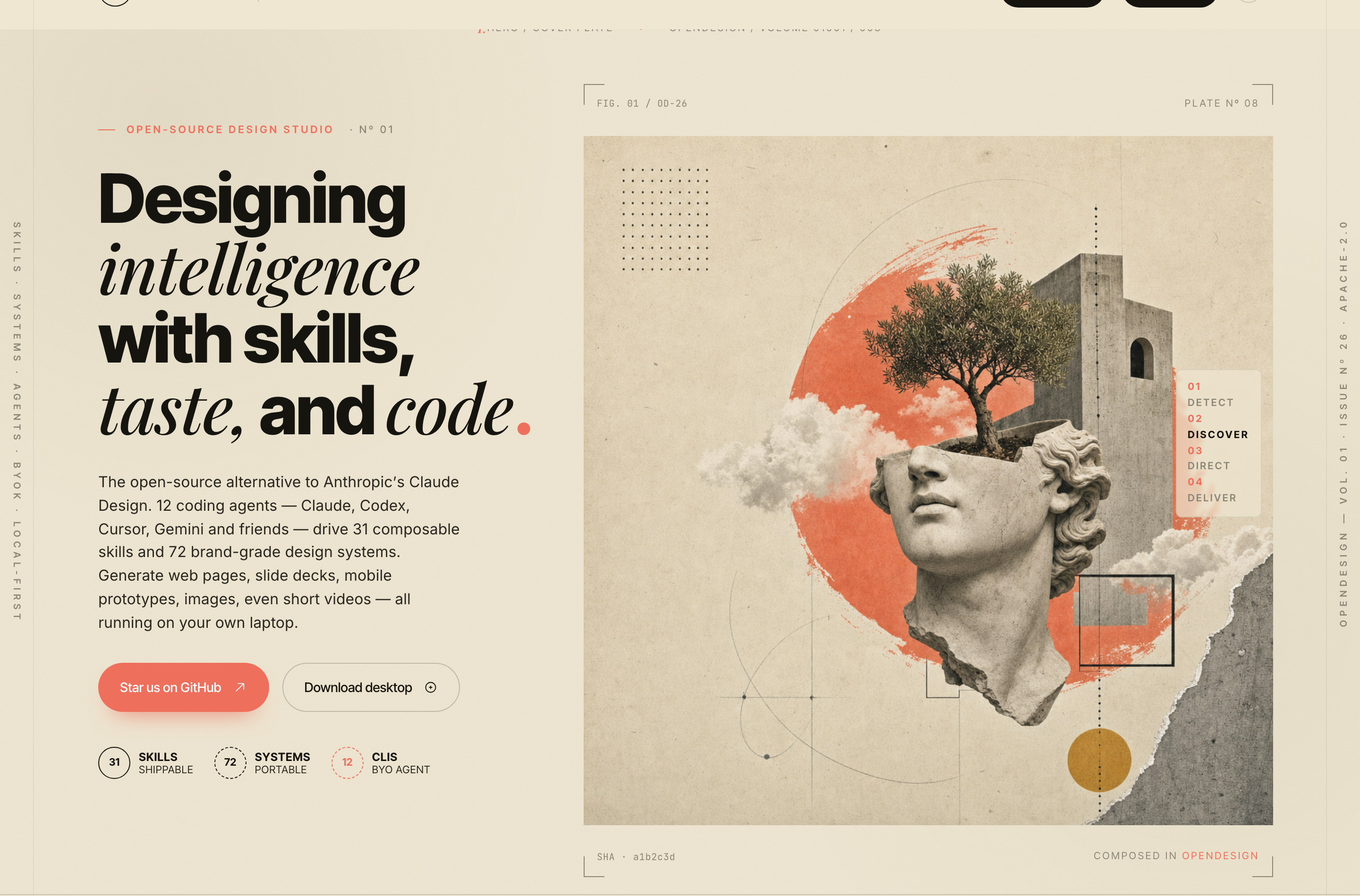
OpenDesign’s AI Design Studio Website Design turns a local-first studio concept into an editorial landing page that makes skills, experiments, and method easy to scan.
Website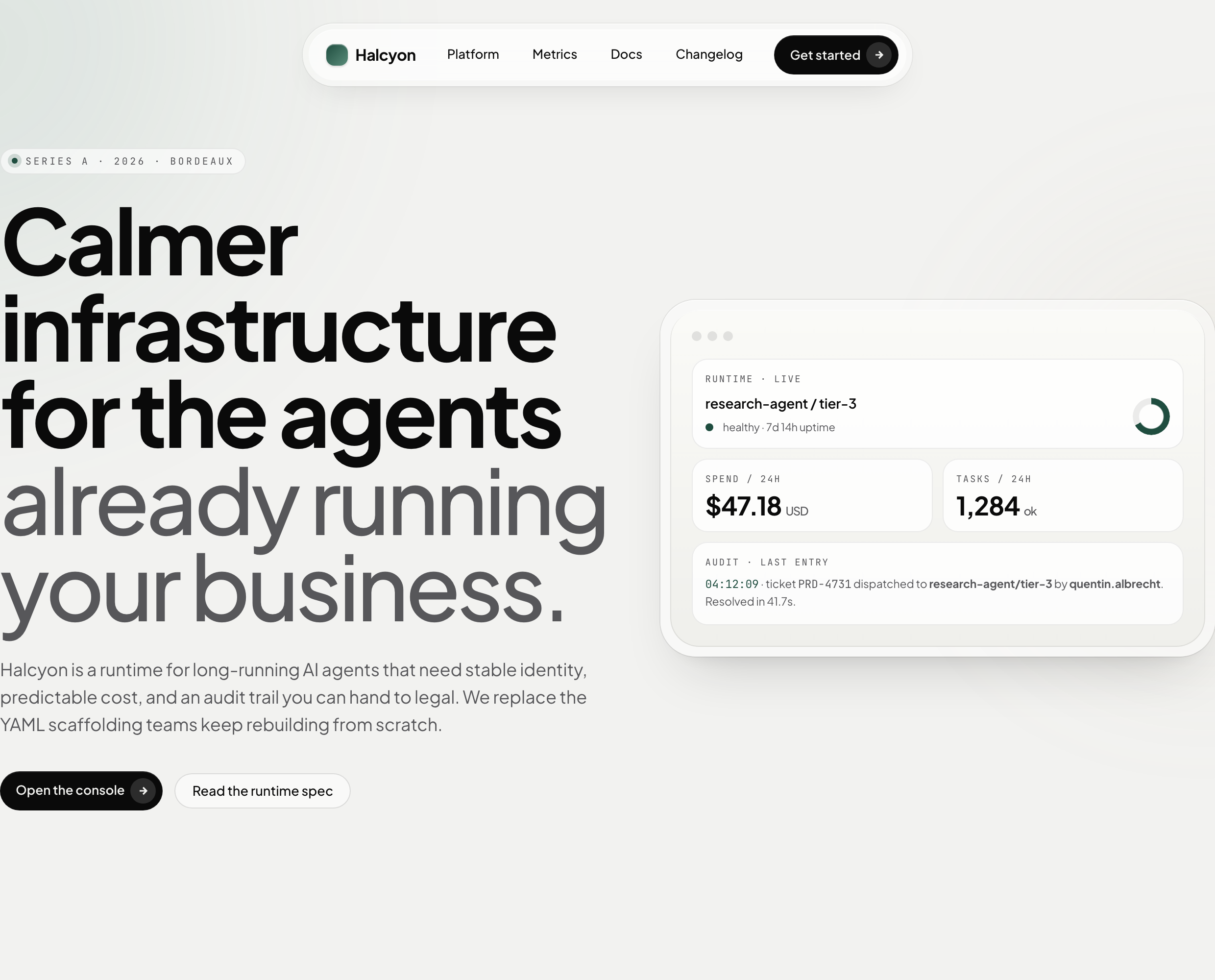
AI Infrastructure Website Design
A soft AI-infrastructure landing concept with sample runtime metrics, nested feature cards, subtle motion and a single sales invitation.
Website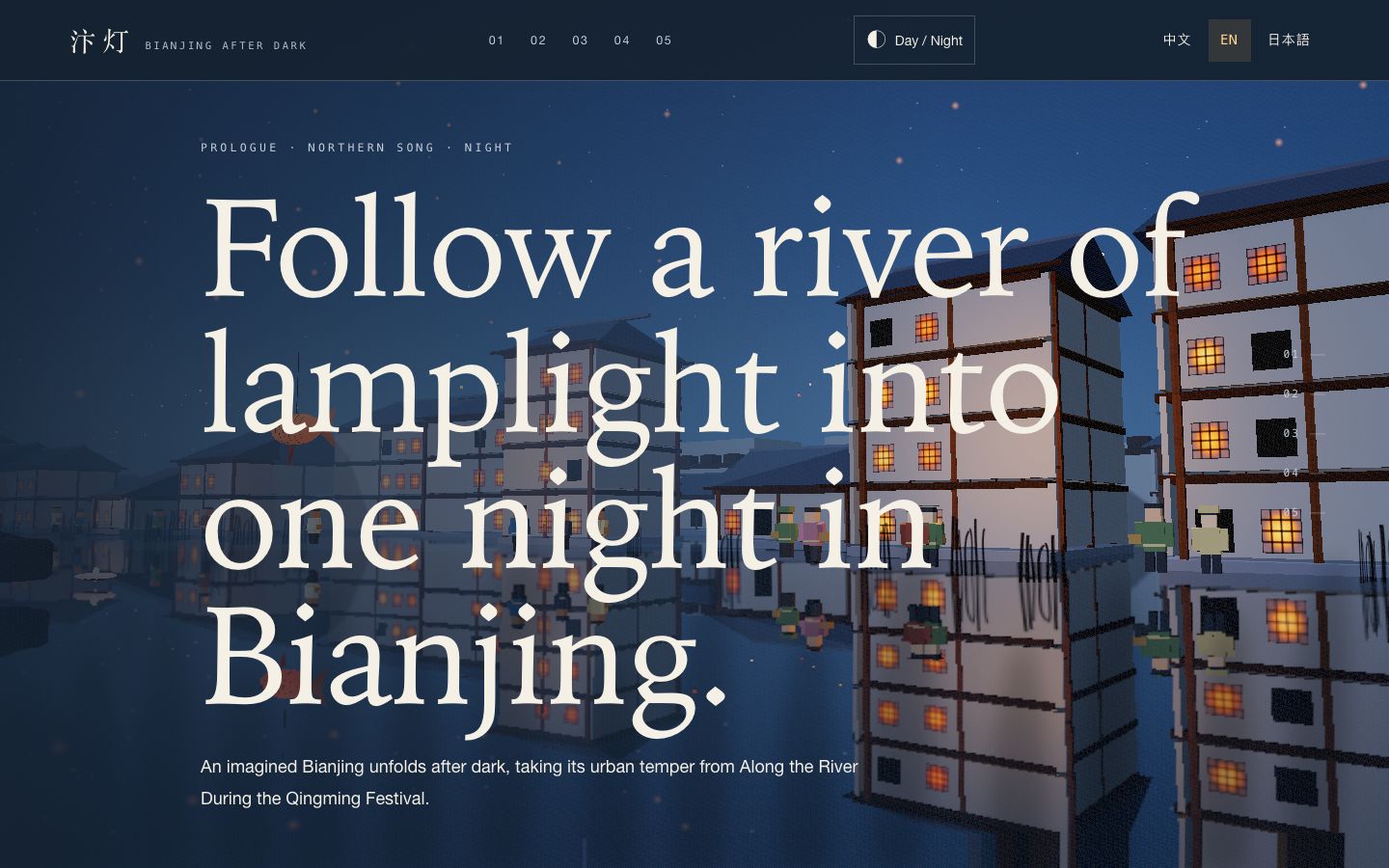
Bianjing Night Tour Website Design
An interactive night journey through an imagined Song-era Bianjing, combining a persistent river city, poetry, lanterns and multilingual chapter pacing.
Website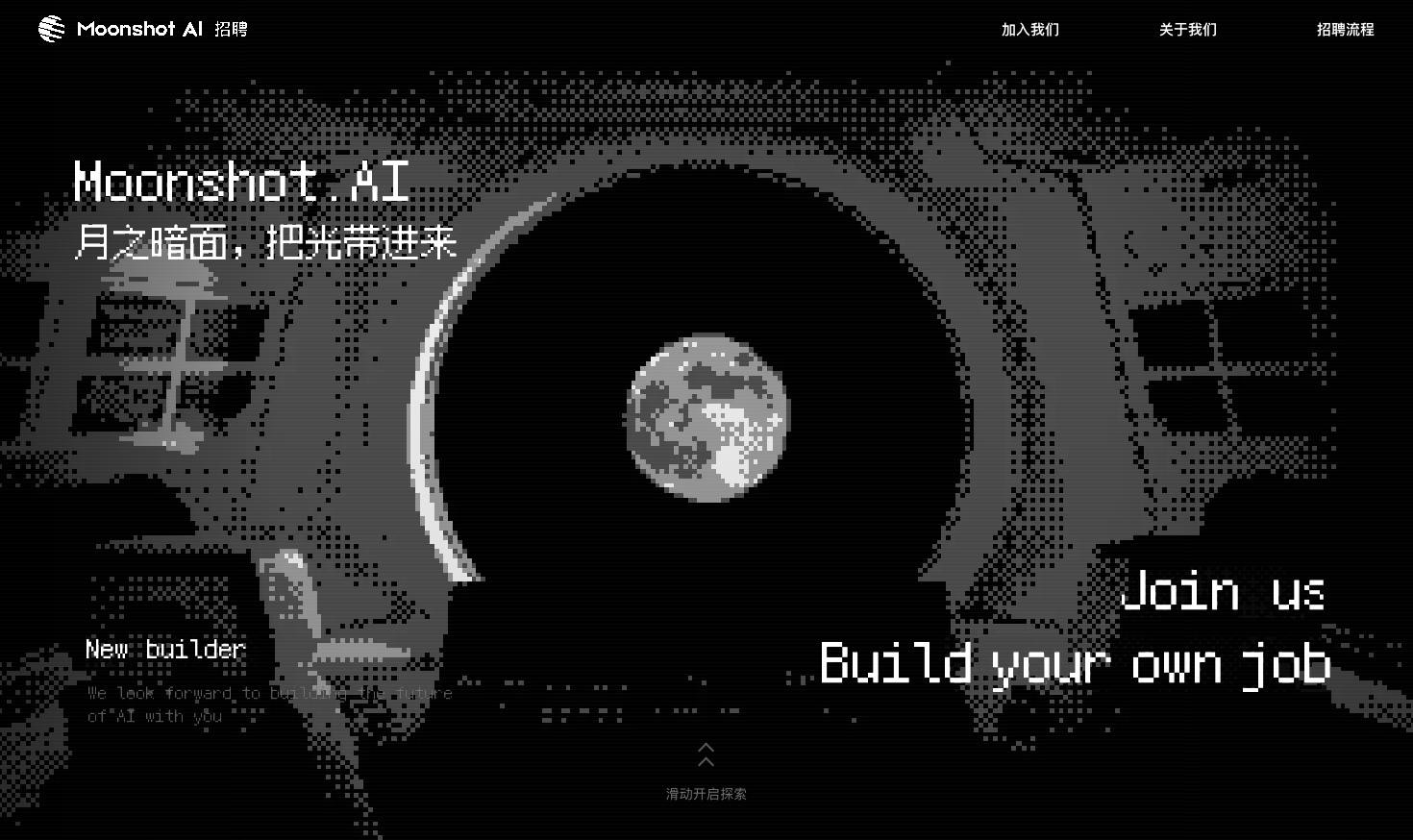
Careers Website Design
A Kimi careers study built from eight lunar scenes, with scroll-linked transitions and an illustrated application process.
Website