

Graphics
AI Workflow Social Carousel Design
Seven portrait cards use oversized Chinese headings, numbered habits, changing color fields, and a closing statement to explain AI editing workflows.


Social Editorial Use Cases
- Social Editorial DesignBuild a compact narrative for sequential mobile reading.
- AI Workflow EducationExplain practical editing habits through concrete visual examples.
- Carousel Content SystemsKeep recurring cards consistent while varying instructional content.
- Chinese Editorial LayoutsSet Chinese display headings alongside short explanations and occasional Latin technical terms.
Seven-Card Layout Highlights
- Seven-Card NarrativeMoves from setup advice through five habits to conclusion.
- Editorial TypographyUses oversized Chinese headings to establish each card's topic.
- Visible Reading CuesPage numbers and a swipe label suggest sequence without implementing swipe navigation.
- Repeated Editorial StructureStable spacing and footer markers connect seven distinct color fields.
Five Habits Across Seven Cards
1 / 7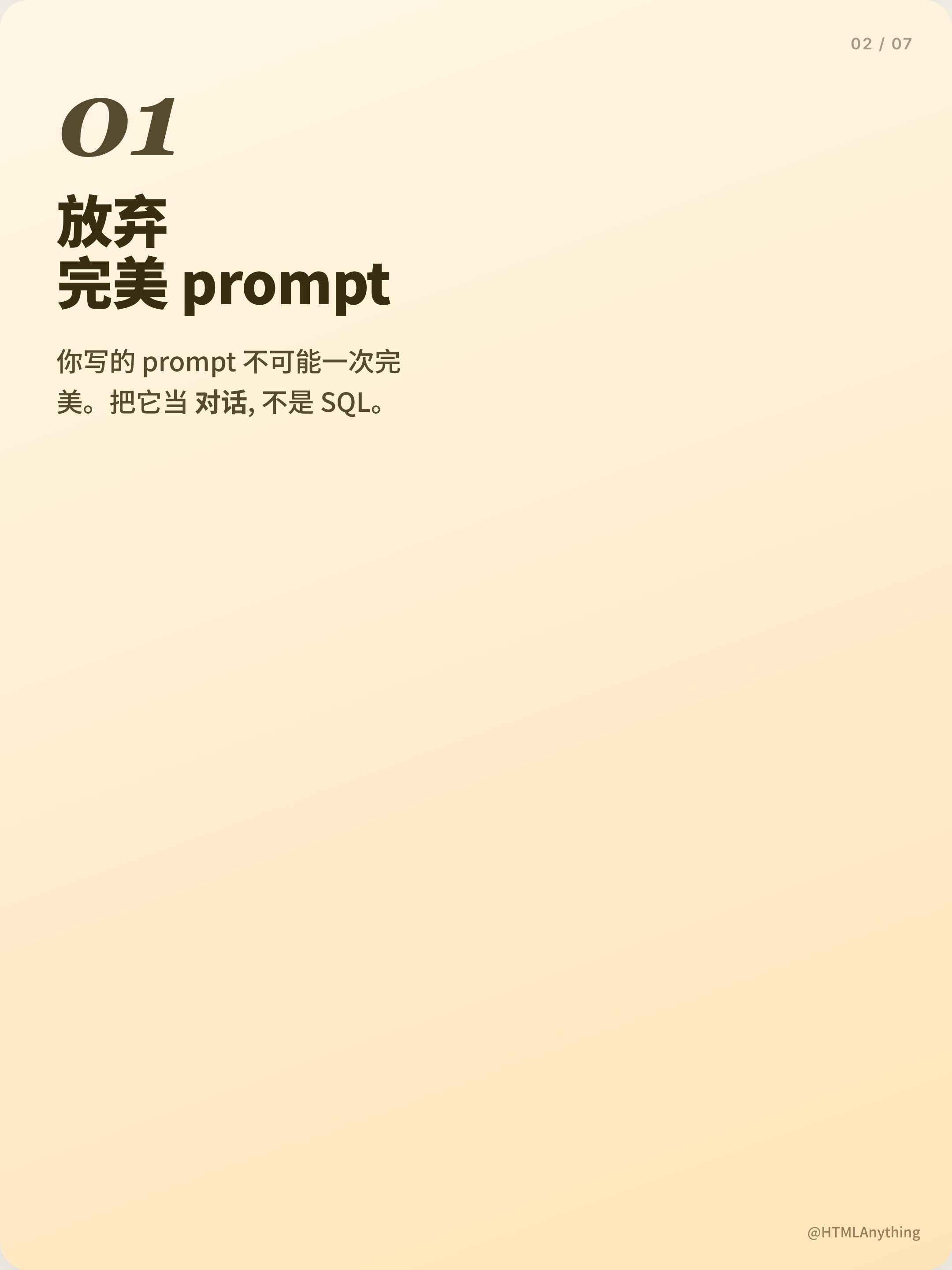
Five Habits, Seven Portrait Cards
Distributed in the OpenDesign Community library with HTMLAnything declared as its upstream, this graphic contains seven portrait cards about AI editing habits. The cover introduces five habits through an oversized Chinese heading; five numbered instruction cards follow, and a final statement closes the sequence. This is a static social-editorial design, not an AI product interface or verified performance report.
The cover invites readers to save the post, while the closing card argues that a smooth process matters more than accumulating tools. That opening-to-closing arc gives each card a distinct editorial role: attract attention, deliver one of five ideas, then summarize the message. The artwork’s product references and performance statements remain supplied sample copy rather than independently verified workflow results.
Use Cases For The Carousel
This format suits short-form educational content where each idea needs its own visual pause. The five middle cards move from conversational prompting to format references, reusable templates, diff-based revisions, and local sessions. That progression shifts from changing the reader’s mental model to changing how repeated work is structured, while the large habit numbers keep each topic identifiable on its own.
The design can support a creator explaining a workflow, a team documenting editing conventions, or an educator planning a sequential image lesson. The five numbered cards provide a fixed narrative spine, but each must carry one main thought. Detailed qualifications or supporting evidence would require more cards or another format. The supplied HTML stacks these cards vertically; it does not implement the swipe behavior suggested by the cover label.
Workflow Lessons
Turn a multi-step editing practice into five independently readable teaching moments.
Creator Education
Pair a strong headline with one concrete example or instruction per card.
Team Guidance
Make recurring conventions visible without presenting the artwork as a working tool.
Composition And Reading Order
The source defines each card as 1080px wide with a 3:4 aspect ratio; the current captures preserve that portrait proportion at 2160 by 2880 pixels. Supporting paragraphs use a maximum measure of 24ch, keeping them distinct from the much larger headings. This hierarchy makes each habit quick to identify, but gives caveats little space and requires deliberate line breaks when the copy changes.
The first card establishes the system with a small “⚡ 建议收藏 · 干货预警” pill, the audience cue “AI 工具党 · 必看”, a large stacked title, and “滑动看 →” near the bottom. The 01 / 07 marker sits in the upper-right while the handle and “5/11” appear in the footer. These repeated edge markers make the piece recognizable as a sequence before the reader reaches the explanatory text.
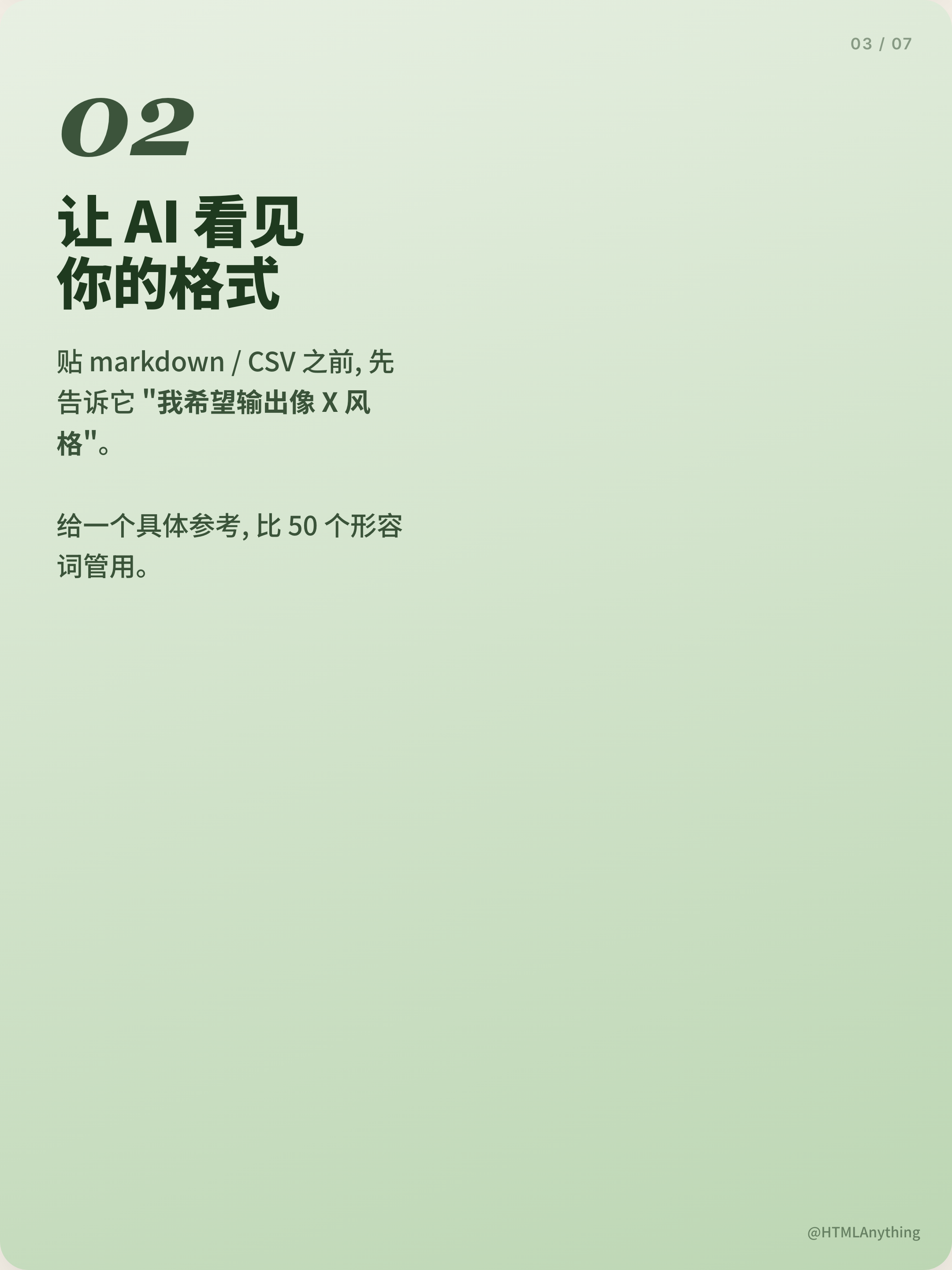
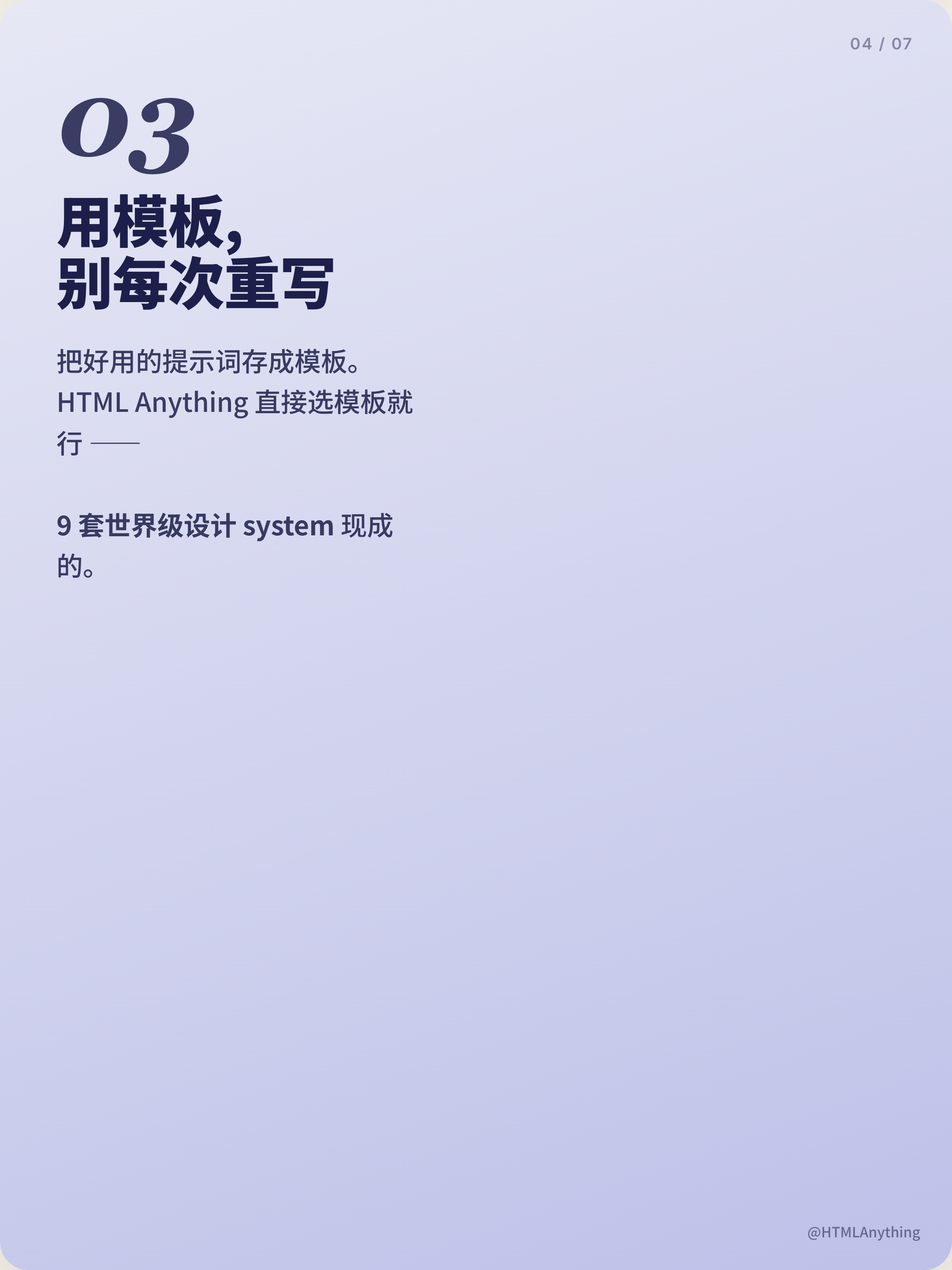
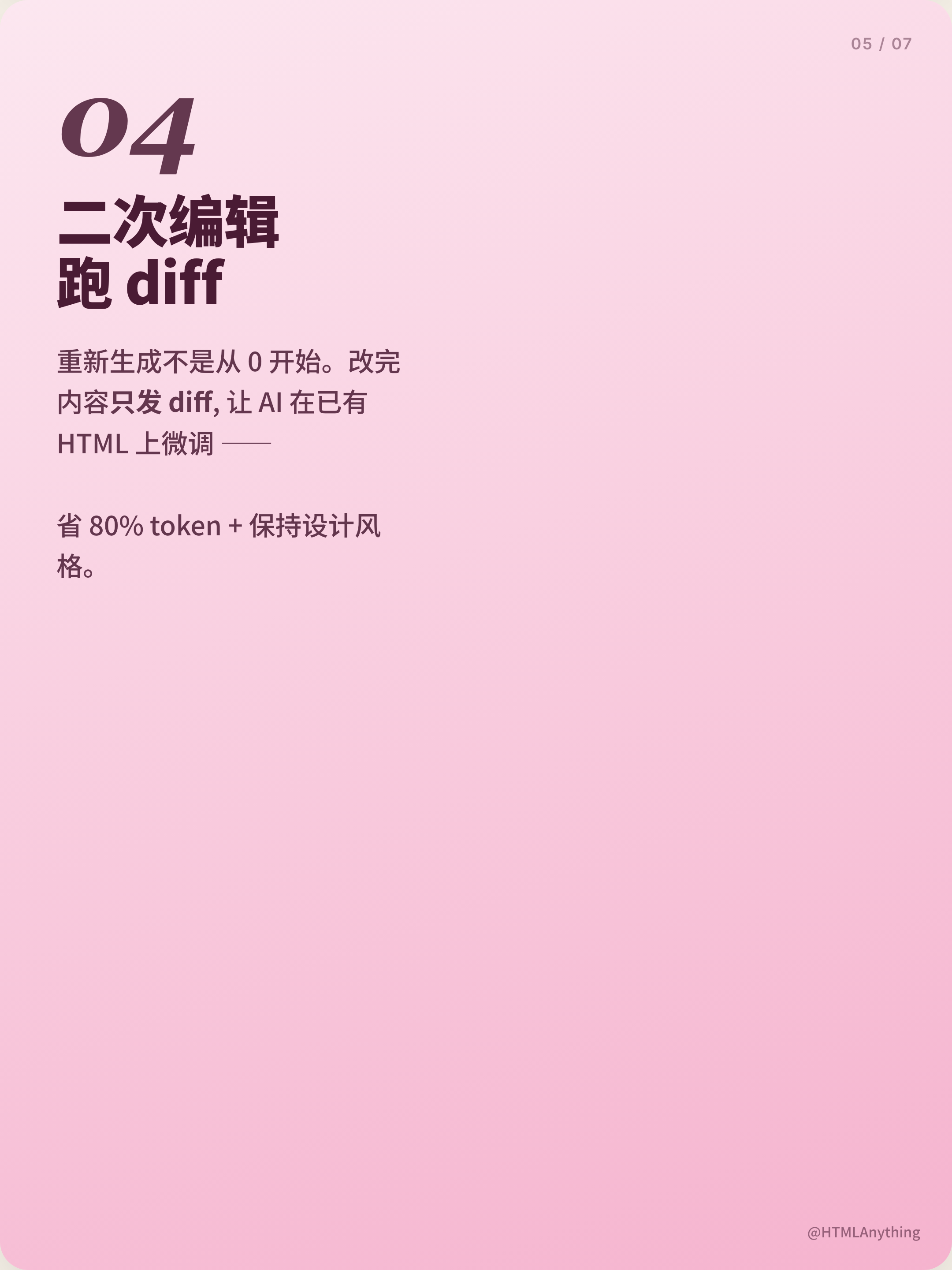
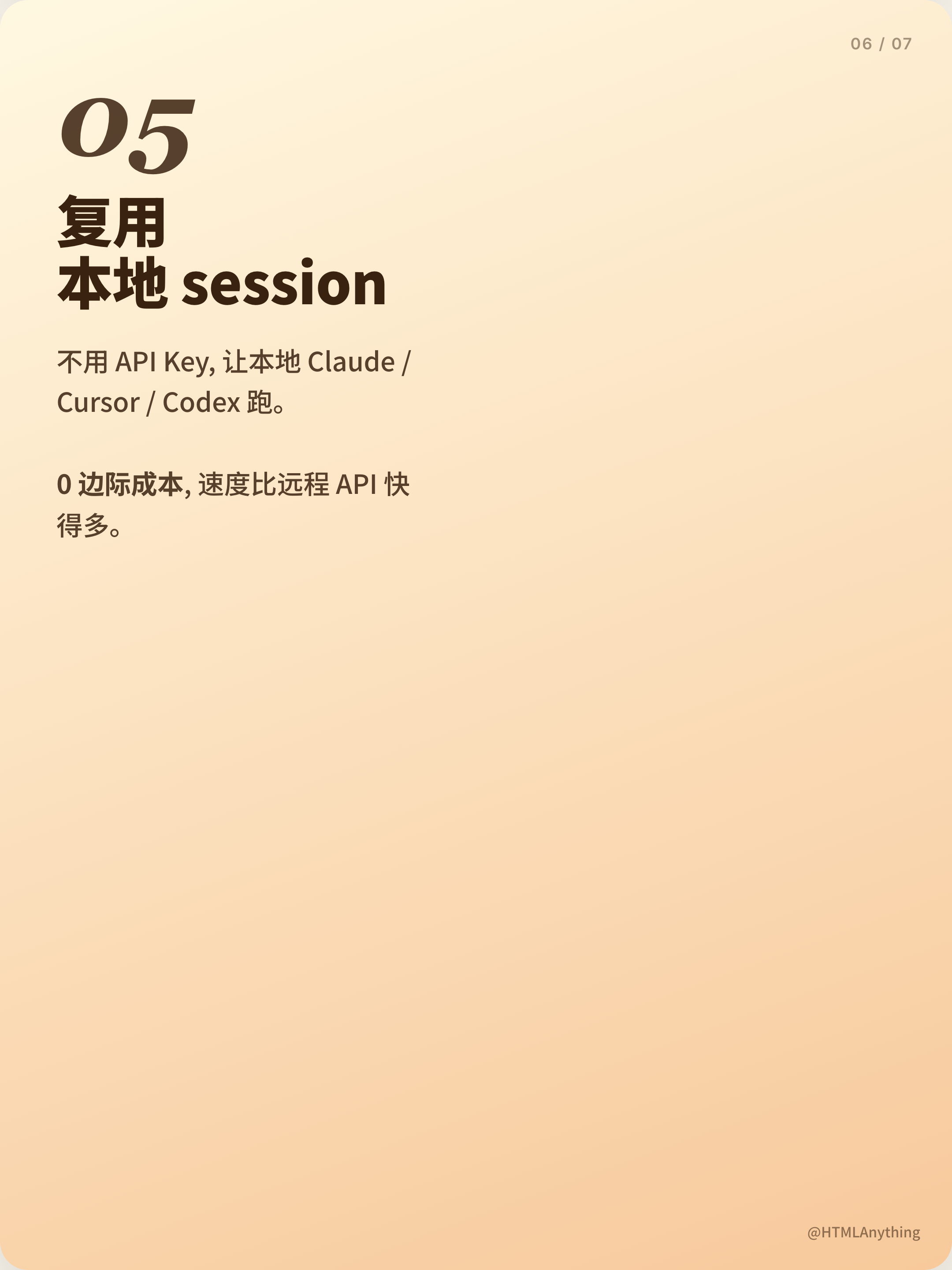
Cards two through six retain the numbered structure. “01 放弃 完美 prompt” reframes prompting as conversation rather than SQL; “02 让 AI 看见 你的格式” introduces a markdown or CSV reference; “03 用模板, 别每次重写” shifts toward repeatability; “04 二次编辑 跑 diff” describes a smaller revision unit; and “05 复用 本地 session” closes the practical list. Each heading is split across short lines, creating a consistent vertical rhythm while allowing the topic to change.
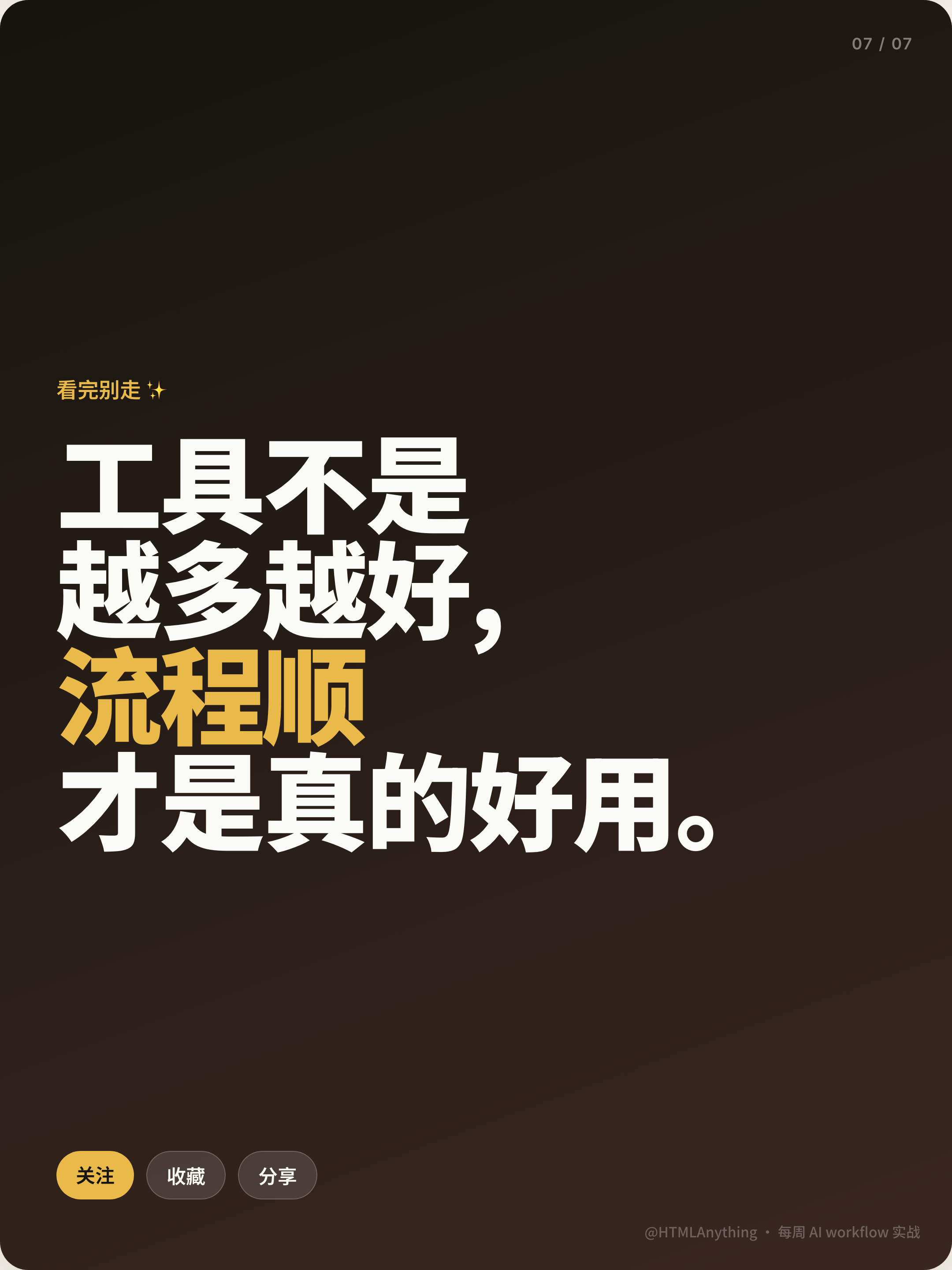
The color changes are part of the sequence: the peach cover is followed by cream, green, lavender, pink and warm yellow instruction cards. Dark text varies with those fields, while the dark brown closing card switches to cream lettering and gold emphasis. Stable edge markers and typography connect the different palettes. The closing follow, save and share labels resemble social calls to action, but are rendered text rather than working controls.
Opening Card
Uses a save prompt, oversized title, page marker, and swipe cue to invite continuation.
Instruction Cards
Repeat number, headline, and compact body structure so each habit reads as one unit.
Closing Card
Converts the five-item lesson into a concise statement about process over tool count.
Five Habits, Five Emphases
The ordering is more than a list. The first instruction rejects the expectation of a perfect initial prompt. The second asks the reader to provide a concrete format reference before pasting markdown or CSV. The third turns a successful instruction into a template. The fourth treats a revision as a diff on existing HTML. The fifth names local sessions as a way to reuse an existing working context. Together, the cards move from prompt framing to format, reuse, revision, and continuity.
The short advice leaves several claims compressed. The sample promotes nine ready-made design systems, says diff editing can save 80% of tokens, and describes local sessions as having zero marginal cost and being much faster than remote APIs. No measurements, comparison conditions, or connected services substantiate these statements in the artifact. They should be discussed as supplied promotional copy, not accepted as OpenDesign capabilities or verified outcomes.
Capability Boundary
This is a static seven-card graphic sample distributed through OpenDesign Community with HTMLAnything declared as upstream. It does not implement an AI editor, local session manager, template library, diff engine, API workflow, swipe navigation, or social publishing. Follow, save and share are visible labels without event handlers. The HTML demonstrates typography, color changes and narrative order; its depicted product and performance claims require separate verification before reuse.
How to Create AI Workflow Social Carousel Design in OpenDesign
Define The Seven-Card Narrative
Set the sequence before styling: an opening invitation, five numbered habit cards, and a concluding statement. Keep one practical idea per middle card so the reading order remains legible.
Build The Editorial Type System
Use a 3:4 proportion, oversized Chinese headings, italic habit numbers, concise supporting copy, and stable page and footer markers. Vary the fields across peach, cream, green, lavender, pink and warm yellow, then close on dark brown with cream and gold type. Check Chinese line breaks on every card instead of assuming one color or one headline scale fits the entire sequence.
Suggested PromptCreate seven static 3:4 portrait social-editorial cards about AI editing habits. Start with a peach cover containing a save badge, audience cue, oversized Chinese headline with red emphasis, page marker and visual swipe cue. Follow with five numbered cards covering conversational prompting, a desired-format reference, reusable templates, diff-based HTML revision and local session reuse. Use cream, green, lavender, pink and warm yellow fields in that order, dark text, large italic numbers and short left-aligned paragraphs. End on dark brown with cream display type, gold emphasis and follow/save/share labels. Include consistent footer credit. These labels are visual cues, not working social controls; label performance and product claims as illustrative, with no connected editor, measured savings or publishing integration.
Refine The Evidence And Boundaries
Keep concrete examples such as markdown, CSV, templates, HTML, diff, and local sessions tied to the card that introduces them. Review claims such as token savings or speed differences as editorial statements unless separate evidence is available, and preserve the distinction between visible design and proposed behavior.
Export and Get a Share Link
Export your finished design, then use Share in OpenDesign to get a share link. Open the link in a separate browser window and check that the intended version and its assets are available before sending it.

AI Workflow Editorial Poster Design
AI Workflow Editorial Poster Design presents six illustrated workflow claims with numbered chapters, concrete prompt specimens, and cream-and-rust typography.
Graphics
Aurora Field Shader Design
An automatically animated blue-green noise field gives a WebGL hero its atmosphere, while a fixed headline and small local frame-rate badge anchor the scene.
Graphics
Aurora Veil Shader Design
Aurora Veil is an interactive shader composition that turns layered light, stars, and cursor motion into an atmospheric WebGL hero.
Graphics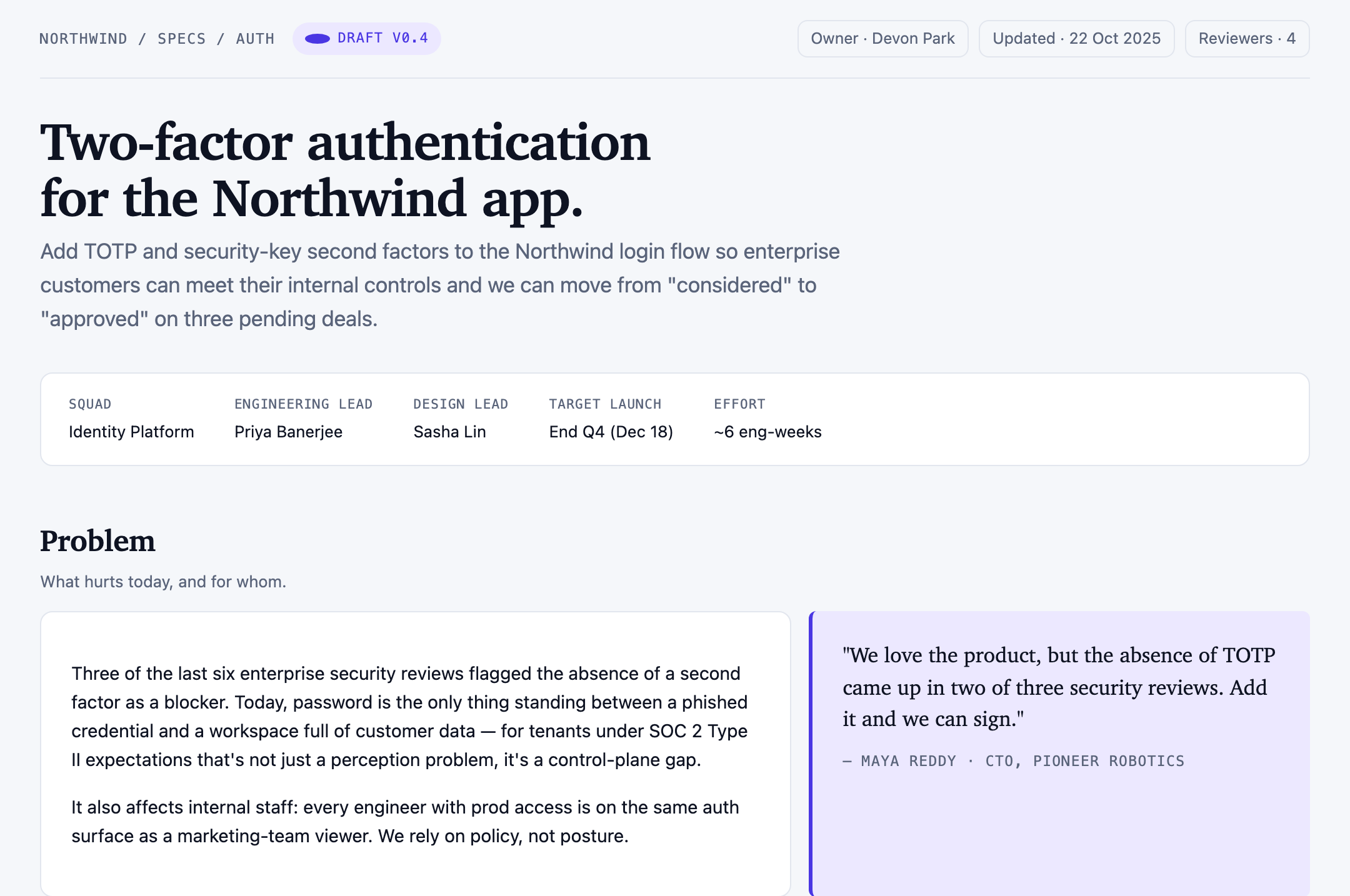
Authentication Product Specification Design
A Northwind two-factor authentication proposal links ownership, scope, user stories, four sample targets, rollout phases, and unresolved decisions.
Graphics