

Motion
Art History Logo Motion Video Design
A 15-second 16:9 OpenDesign film keeps one circular cursor logo recognizable through fast art-history-inspired looks, then ends on a still white-on-black logo.

Designed For
- Logo Reveal VideosA short identity film in which one mark must survive many visual treatments.
- Style-Montage IntrosFast cuts where dates and labels act as graphic anchors, not documentation.
- Brand Sign-Off FramesA noisy sequence resolving into a calm, readable closing lockup.
Motion Video Highlights
- One Mark, Many SurfacesThe circular cursor logo is recolored and re-textured instead of replaced.
- Dated Labels as Rhythm MarkersLabels such as 40,000 BC, 530 BC, 1290, 1907, 1952 and 1965 give each cut a visible hook.
- Loud Montage, Quiet EndingThe final seconds drop to white on black with two short lines of text.
Art History Logo Motion Video Preview
A Logo Held Steady Across Changing Styles
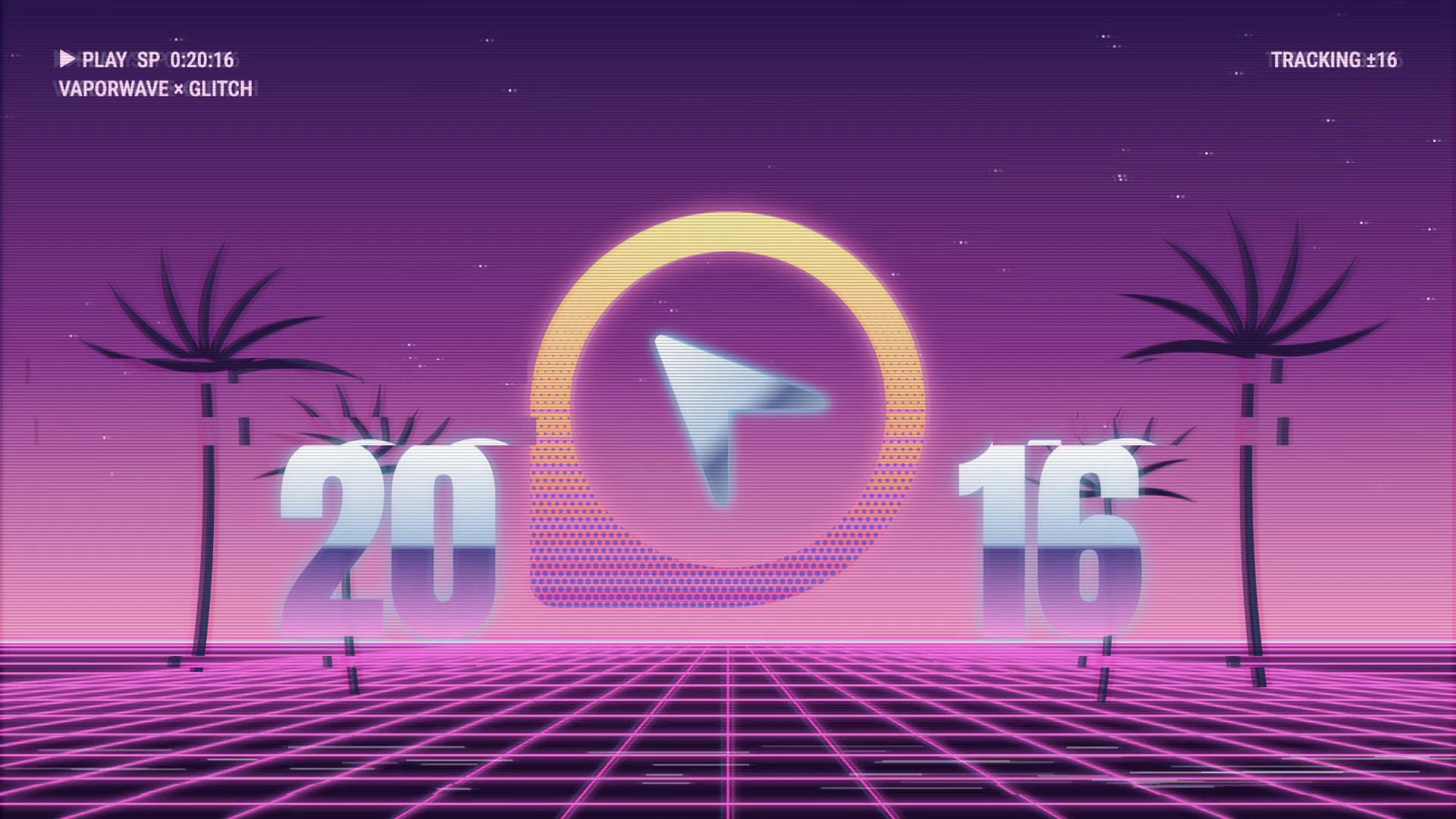
The film opens on a purple and pink vaporwave grid. Palm silhouettes stand on either side, metallic split numerals read 20 and 16, and the OpenDesign cursor logo floats in the middle inside a circular frame.
The structure is simple: the subject stays constant while everything around it changes. Each new look reinterprets the same circular silhouette and cursor, so viewers can follow a rapid sequence without needing to read every label.
The Cut Sequence at a Glance
The montage moves through short, contrasting scenes. These labels and treatments describe the artwork, not an authoritative historical timeline.
| Label or Cue | Visible Treatment | Role in the Sequence |
|---|---|---|
| 20 / 16 | Vaporwave grid, palms, metallic numerals | Opening scene that sets the logo against a glowing horizon |
| 40,000 BC | Cave-like scene | Earliest label, a sharp change from neon to rough texture |
| 530 BC | Attic black-figure vessel scene | Flat figures and vessel styling shift the mood again |
| 1290 | Manuscript with a Gothic illumination label | Ornate page treatment with a dense, decorative feel |
| 1907 | Golden phase gold pattern | Metallic pattern fills the frame |
| 1952 | Cut-outs paper shapes | Paper-like shapes introduce another material treatment |
| 1965 | Infinity dots in red and white | Dotted composition with high contrast |
| Pixel game | Glitch scene | Digital break before the ending |
How the Cursor Logo Stays Recognizable
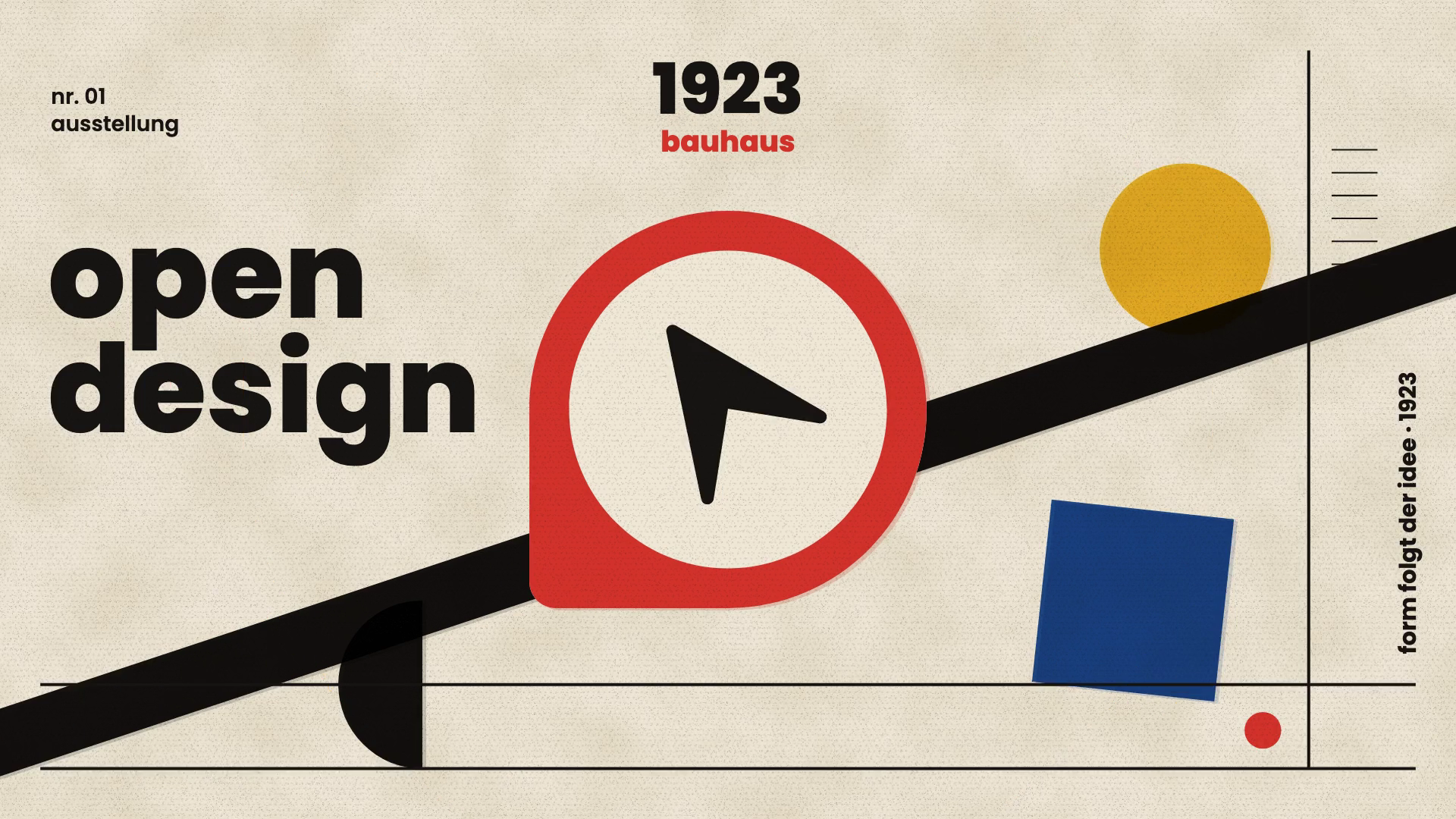
The cursor and circle act as the fixed anchor. In the vaporwave opening the mark floats inside a glowing ring. In the captured Bauhaus-inspired scene, a red emblem sits among a yellow circle, blue square and diagonal black band.
The tradeoff is visible: the more a treatment imitates a period look, the more the logo risks becoming just another motif in the scene. Keeping the circle centered and the arrow angle consistent is what lets the mark carry across scenes.
Constant Silhouette
A circular frame with a cursor inside survives every recoloring, which is why fast cuts still read as one identity.
Variable Material
Neon glow, paper, gold pattern and dots change the surface while the shape stays fixed.
Fast Cuts, Labels and Legibility
Dated labels give each scene a handle, but at 15 seconds with eight or more looks, many scenes are on screen only briefly. Viewers register the style and the date as texture rather than reading the full composition.
This is a deliberate tradeoff. Dense, fast scenes create energy, but small or ornate type, such as manuscript labels or the tracking text in the vaporwave frame, is hard to read at that pace. If text must be read, give it a larger size or a longer hold.
The Quiet Final Hold
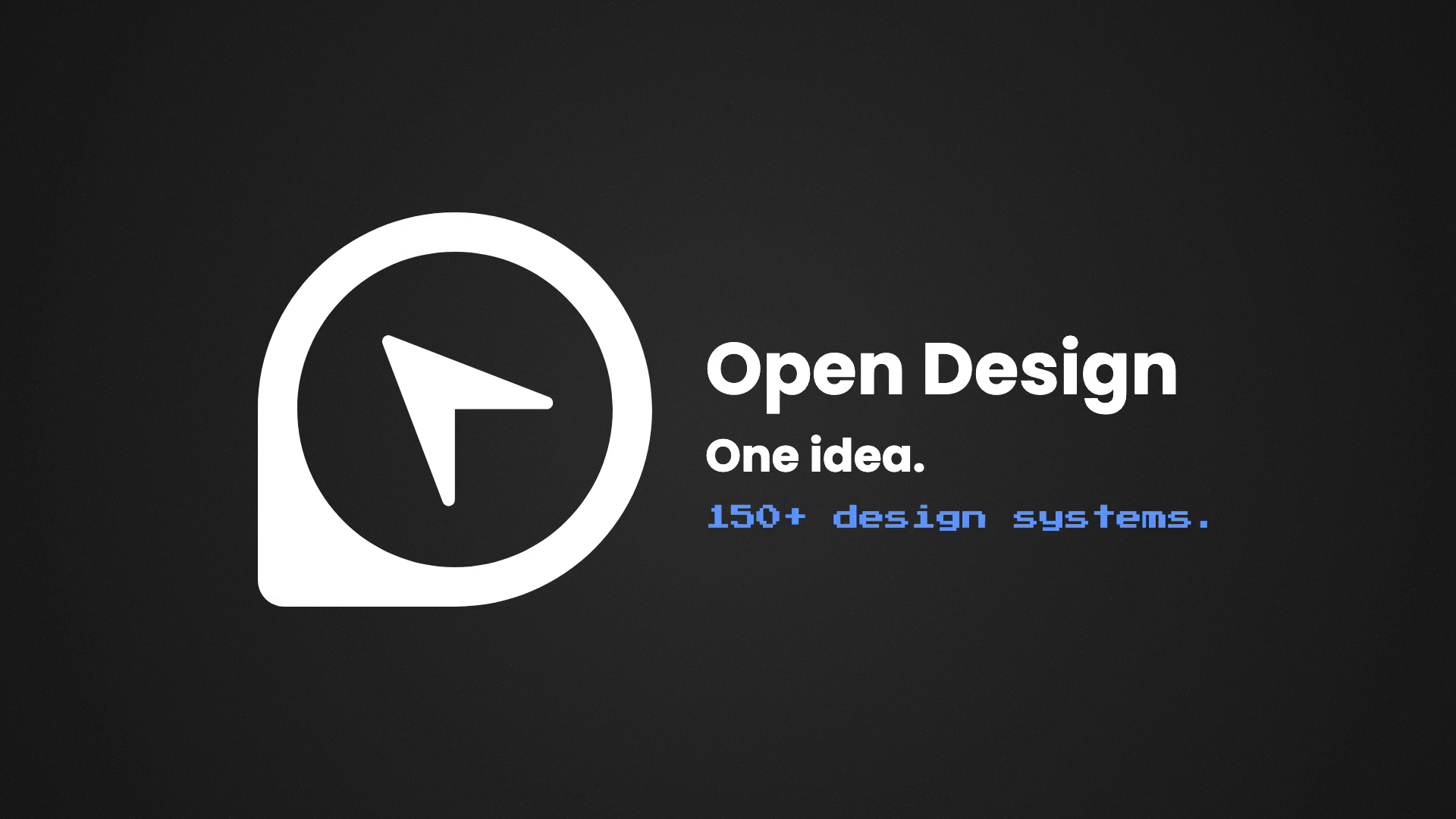
The last several seconds move through orbiting marks and confetti, then settle into a white logo on black. Beside it are the wordmark, the line One idea., and the line 150+ design systems.
That final number is text inside the creative piece, not a verified current figure. The contrast with the montage is the main device: after many saturated, textured scenes, one flat color pair makes the logo the only thing left to look at.
Scope of This Page
This page presents a finished MP4 attributed to OpenDesign with the supplier’s confirmation. Era labels are montage graphics, not an authoritative art-history chronology. No editable source, original prompt, model identity or reusable template was supplied.
How to Create Art History Logo Motion Video Design in OpenDesign
Define the Constant and the Variables
Decide which parts of the logo never change, such as the circle and cursor, and which parts can shift, such as color, texture and background. List six to eight looks and keep each brief.
Describe the Montage in OpenDesign
This is a proposed recreation, not a recovered original prompt. Use the prompt below to produce a first draft, then adjust timing and type size.
Suggested PromptCreate a 15-second 16:9 logo motion video for OpenDesign. Keep a circular cursor logo centered in every scene. Open on a purple and pink vaporwave grid with palm silhouettes and metallic split numerals. Then cut quickly through eight art-history-inspired looks with short date labels: cave scene, Egyptian-style collage, black-figure vessel, Gothic manuscript, gold pattern, paper cutouts, red and white dots, and a pixel glitch scene. Treat labels as stylistic captions, not factual claims. In the last 4 seconds, let small marks and confetti orbit the logo, then resolve to a white logo on black with the lines One idea. and a short supporting line. Add an audio track.
Check Pace and Readability
Review each cut for how long the logo and label are visible. Enlarge any small type, shorten the busiest scenes, and hold the end card long enough to read both lines.
Export and Get a Share Link
Export your finished design, then use Share in OpenDesign to get a share link. Open the link in a separate browser window and check that the intended version and its assets are available before sending it.

Community Milestone Motion Video Design
A 30-second OpenDesign motion video moves from a 100K star reveal to a contributor mosaic, a product montage and a closing prompt invitation.
Motion
Futuristic Motion Video Design
A rendered electric-blue reel with a word tunnel, a SET countdown and a chrome FUTURE finale, remade in code on a 120 BPM cut grid. See its timing and how to adapt it.
Motion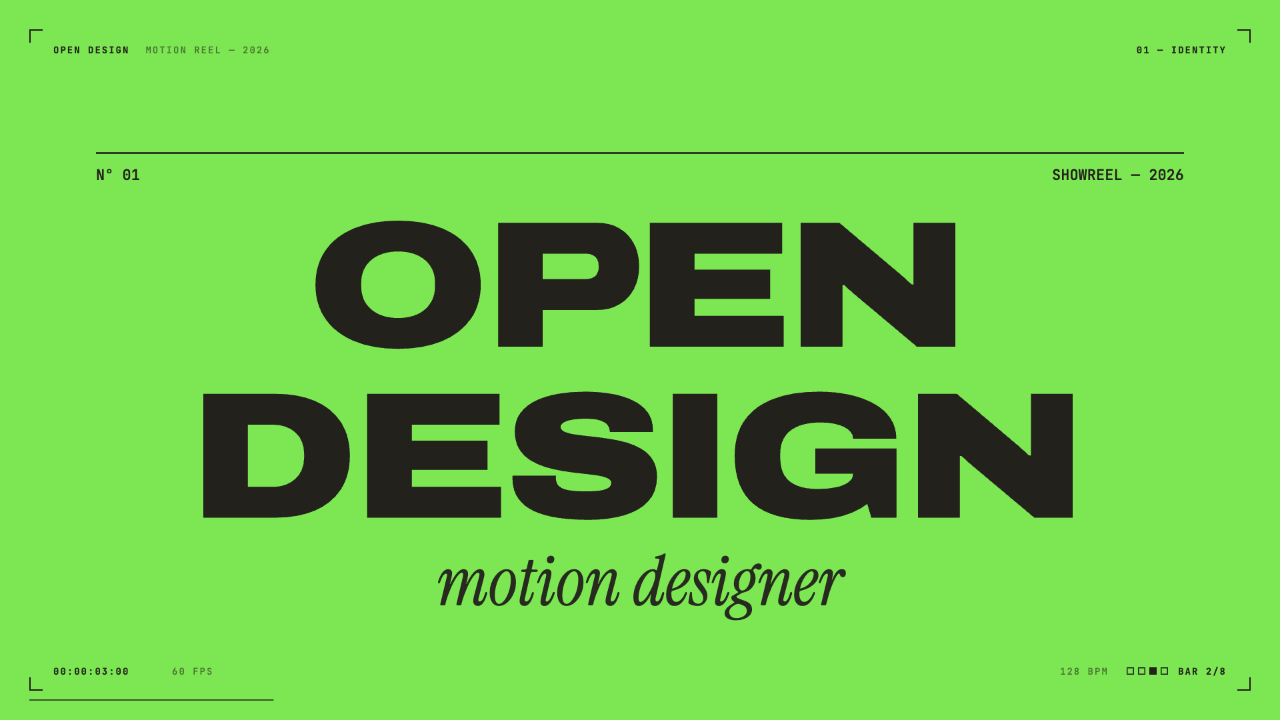
Motion Designer Showreel Design
A 15-second, 128 BPM showreel remade in code, with hard colour cuts, a live HUD and seven chapters timed to the bar. See how the timing, type and palette work.
Motion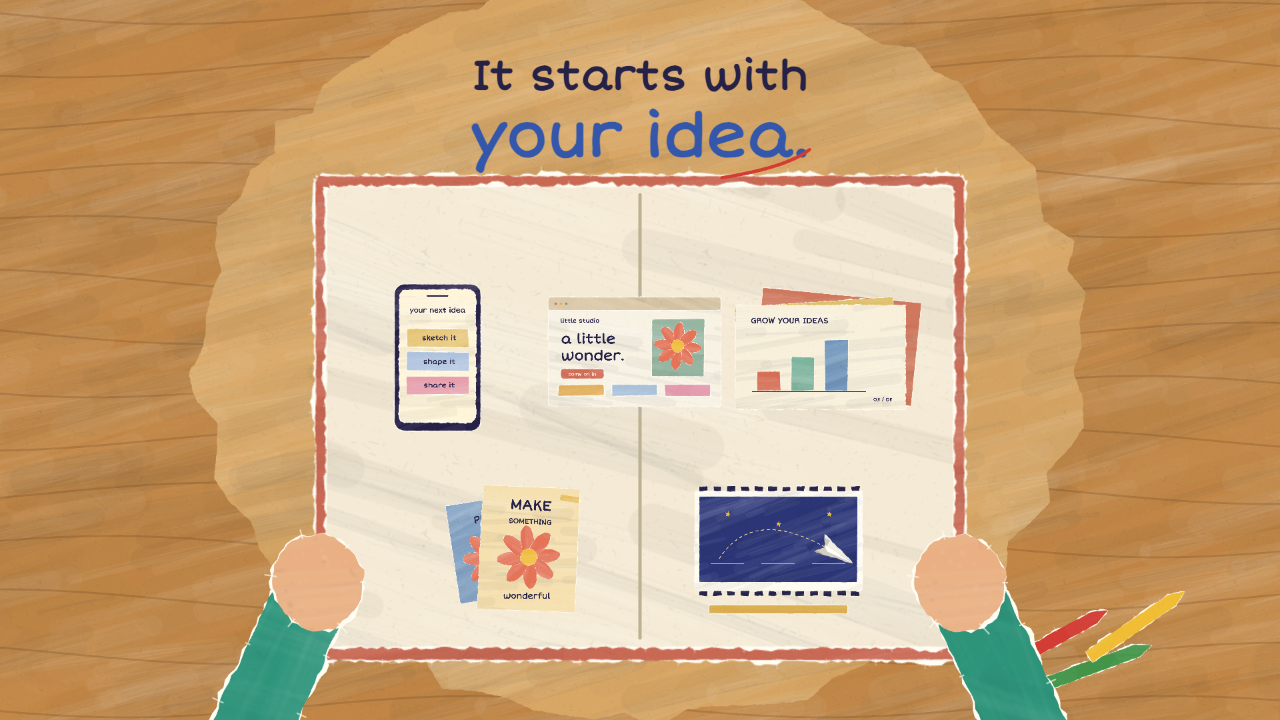
Paper Cutout Animation Design
A 20-second paper-cutout film turns one handwritten question into five design demonstrations, then gathers them into a book of possibilities.
Motion