

Motion
Paper Cutout Animation Design
A 20-second paper-cutout film turns one handwritten question into five design demonstrations, then gathers them into a book of possibilities.

Design Ideas for
- Paper-Cutout Motion DesignPlan tactile scenes with torn edges, painted textures, layered characters, and hinged props.
- Short Product Story FilmsTranslate several capabilities into a compact question, demonstration, answer, and invitation.
- Time-Based Brand AdaptationsReframe an existing motion reference with new characters, outputs, pacing, and soundtrack.
Animation Highlights
- Five Actions in Six SecondsA tap, unfold, page turn, tape gesture, and moving timeline make each output behave differently.
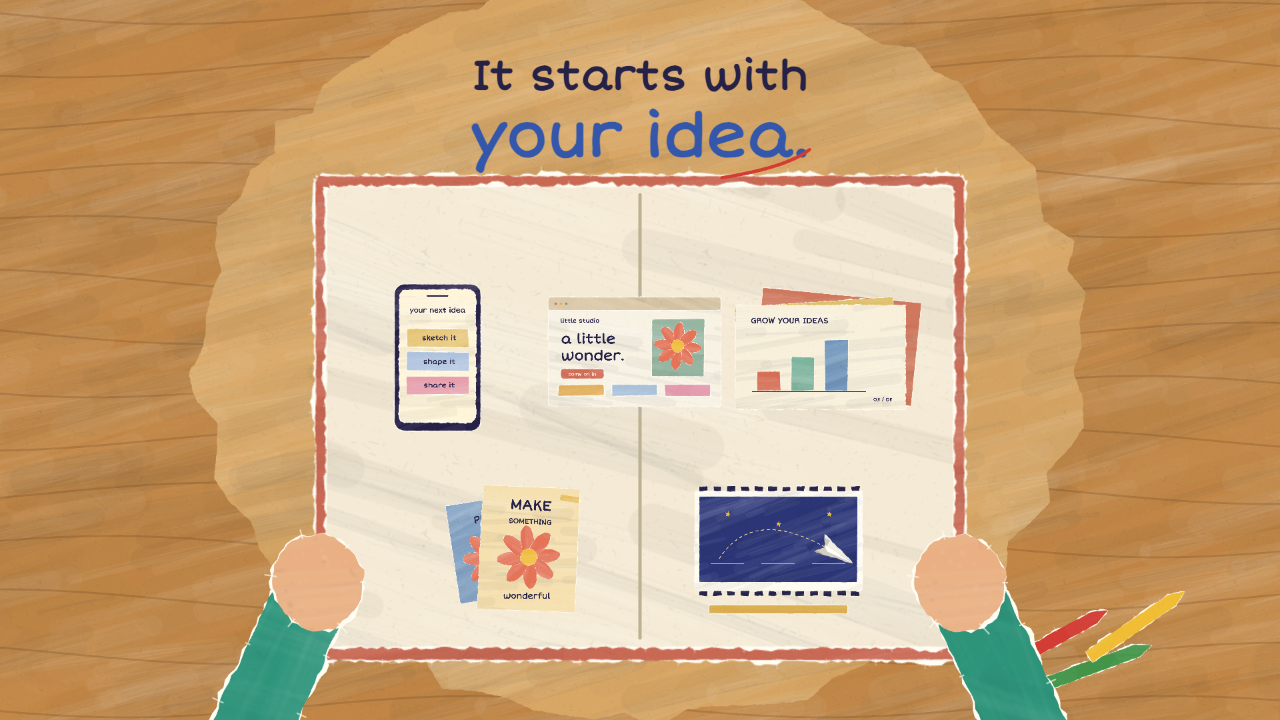
- One Continuous Paper ReplyFive works enter a book before it closes, folds, flies back, and opens in the girl's hands.
- A Physical Final InvitationThe closing question appears on a lined note that the girl raises and pins beside her window.
Paper Cutout Animation Design Preview
A 20-Second Question-and-Answer Story
The film opens at a night-time window, where a girl writes, “OpenDesign, what can you design?” The question becomes a paper plane, crosses the town, and reaches the OpenDesign buddy. After five compact demonstrations, the answer returns as a book carrying the line “It starts with your idea.” A final pinned note asks the audience, “What will you design?”
This structure gives the middle sequence a practical job: each example answers the opening question, while the book proves that the examples belong to one response. The tradeoff is speed. With only 20 seconds available, actions need short anticipation, a readable result, and an immediate handoff to the next object.
| Time | Visible Beat | Design Implication |
|---|---|---|
| 0–5.5s | The girl discovers an idea, writes the question, folds it into a plane, and sends it across the night sky. | Writing must remain on screen long enough to read, but the fold and flight still need clear silhouettes. |
| 5.5–7s | The OpenDesign buddy reads, thinks, and responds with a spark. | This pause separates receiving the question from demonstrating an answer. |
| 7–13s | Prototype, website, presentation, posters, and motion film appear in sequence. | Each capability receives a distinct physical action instead of relying on labels alone. |
| 13–17s | The five works enter a book, which closes, travels back, opens, and reveals the answer. | Object continuity links the demonstration montage to the girl's reaction. |
| 17–20s | She hugs the book, waves, and pins the final audience question. | The film shifts from answering the character to inviting the viewer. |
Making Five Capabilities Read Differently
The capability montage avoids presenting five static cards. A prototype changes after a tap, a website unfolds, a presentation turns from its cover to a chart, posters overlap while one is taped down, and a plane moves through a filmstrip as its timeline advances. Labels identify the categories, but contact and state change provide the evidence.
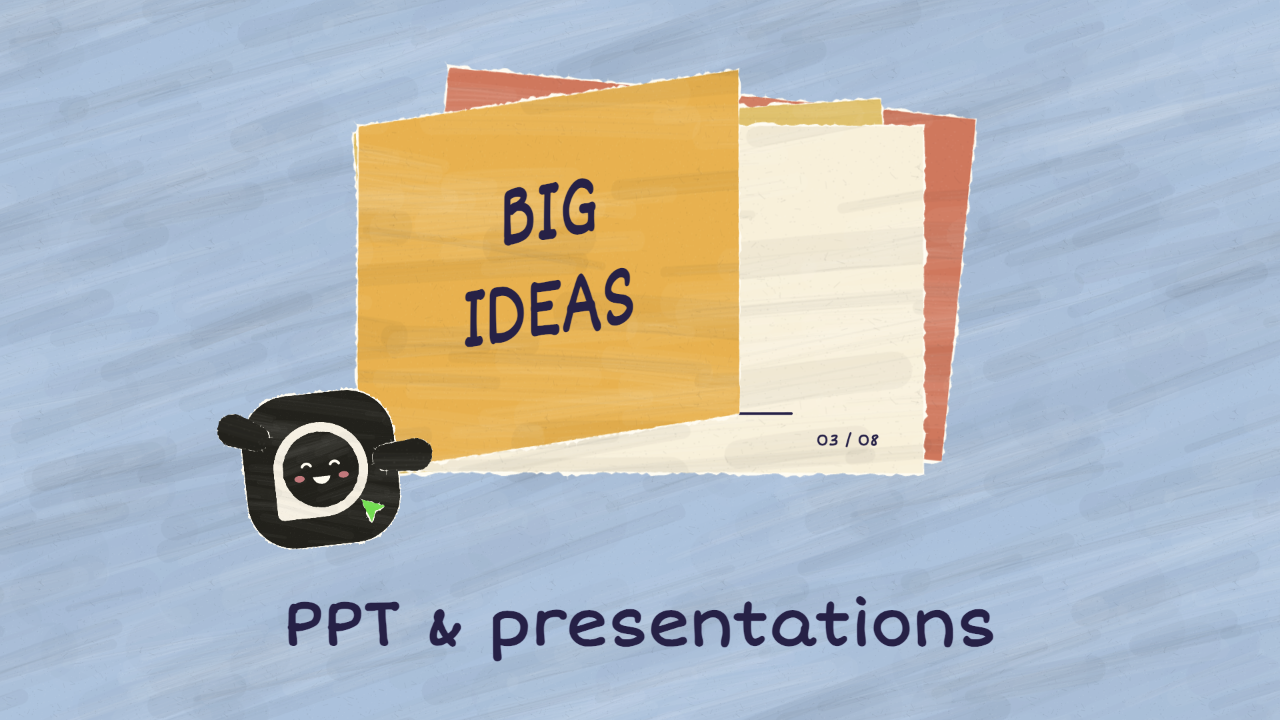
Prototype Tap
The interface needs a visible before-and-after state, followed by a brief hold. A fast tap without the changed page would communicate touch, but not interaction.
Presentation Page Turn
The cover gives way to a chart whose bars rise in sequence. That second state makes the presentation more specific, although it requires more screen time than a static slide.
Poster and Film Actions
Tape creates believable contact for the poster, while timeline movement distinguishes the filmstrip from a decorative illustration. Both actions must remain legible at gallery-preview size.
Using Paper as Both Material and Transition
Torn white fibres, broad gouache strokes, layered coloured sheets, and handwritten lettering keep the film visibly handmade. The girl is assembled from separately articulated paper pieces, while the OpenDesign buddy retains the dark logo tile, white ring, and green cursor. Moving whole pieces preserves their attached textures and avoids the slippery appearance of effects floating over a flat illustration.
The strongest transition begins with five empty book slots. Each miniature appears only when its corresponding work lands, after which the cover closes and folds into the returning reply. This is more demanding than dissolving between scenes because placement, overlap, and timing must match, but it gives the viewer one continuous object to follow.
Establish the Empty Destination
Show the book before its slots are filled so each arriving work produces a visible change.
Collect One Work at a Time
Move the five outputs into separate positions in sequence; do not reveal a thumbnail before its source object lands.
Preserve the Reply Through the Return
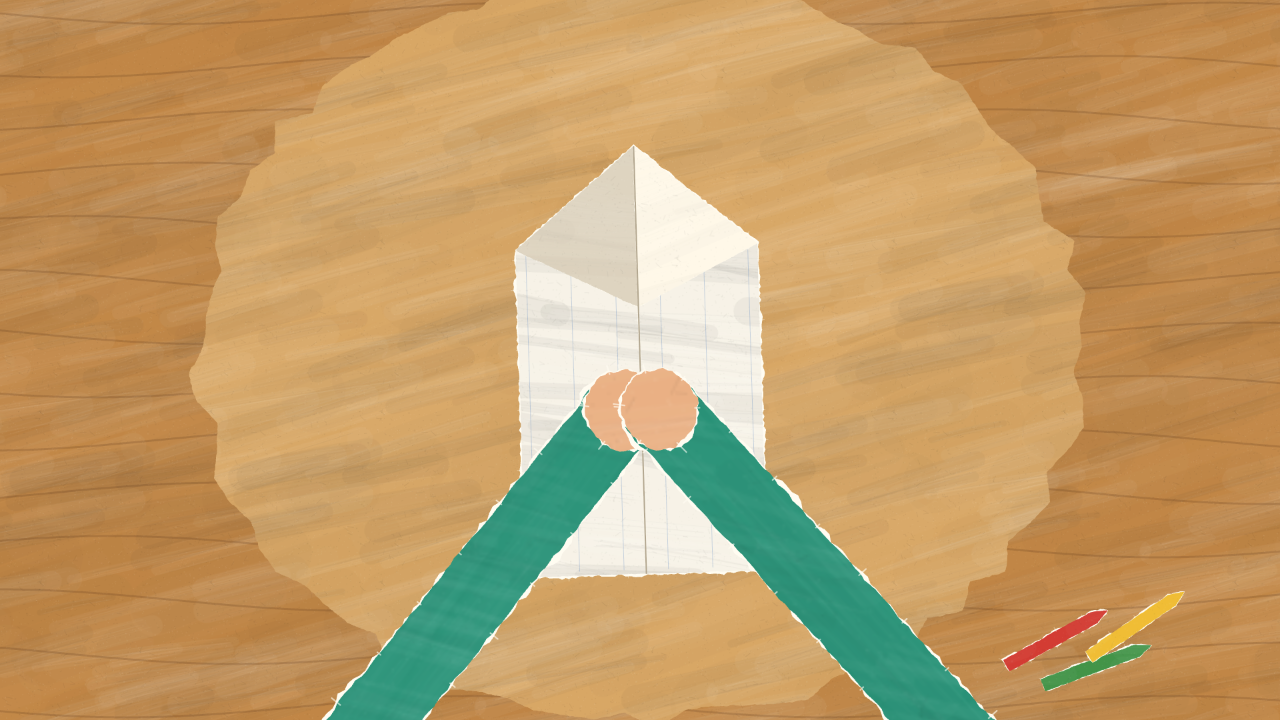
Close and fold the book into the travelling form, then let the girl catch and reopen it without hiding her eyes or expression.
Staging Hand Contact and Readable Holds
The film relies on touch to make paper props feel present. The buddy leans toward a prototype, floats beside the tape, and tucks behind the collected book. The girl's hands meet the incoming book at chest height, then maintain contact with the final note until it is pinned. Short, rounded paper mittens remain proportionate to the buddy instead of stretching into thin arms.
The 16:9 adaptation extends the walls and sky around an intimate central composition. That extra width creates breathing room for flights and labels, but important gestures stay near the centre. The final note is deliberately larger than a realistic scrap because “What will you design?” must survive thumbnail viewing. The complete question receives a hold after the girl's hands come together.
Source, Adaptation, and Current Scope
This official OpenDesign code remake adapts the paper-craft composition of a published motion piece by @kevin_t_ngo. The reference is a 28-second square film; this adaptation is a 20-second 16:9 story with the OpenDesign buddy, revised capability scenes, and a supplied original soundtrack. The credit records the reference and does not imply endorsement by its creator.
This is a rendered motion film: its miniature interfaces are story props, not working design applications. The template comes from a proposed OpenDesign video workflow; availability depends on the installed version. Check reuse permissions for reference material and bundled assets separately.
How to Create Paper Cutout Animation Design in OpenDesign
Map the Story to Exact Holds and Actions
Start with one question, a short set of demonstrated outputs, one returning answer, and a final invitation. Assign time ranges before refining artwork. Include anticipation, action, result, and hold for every important beat; if the schedule becomes crowded, remove a capability instead of making every state unreadably brief.
Suggested PromptCreate a 20-second 16:9 paper-cutout animation. Open on a girl writing “What can you help me make?” at a night-time window and folding the note into a plane. Show an OpenDesign buddy answering with five distinct outputs: a tapped mobile prototype that changes state, an unfolding website, a presentation page turning to a chart, a poster taped into place, and a filmstrip with a moving timeline. Collect the five works one by one into initially empty book slots, close the book, return it to the girl, and end with her pinning “What will you design?” Use torn paper edges, painted textures, readable holds, and visible hand contact. Keep this as a rendered film; do not imply that the miniature interfaces are functional products. Use supplied local assets only, and provide a manual frame-by-frame fallback if video rendering is unavailable.
Build Reusable Paper Pieces
Prepare textured sheets, character parts, lettering, and miniature output cards once, then animate their transforms over a single master timeline. Keep texture attached to each moving piece. Test the prototype tap, presentation turn, and book collection at normal playback speed, then adjust overlaps so hands visibly meet their props.
Review Deterministic Frames and Small Previews
Seek backward and forward to confirm the same time always produces the same frame. Check the opening, capability montage, returned book, and pinned note at desktop and narrow preview sizes. Preserve the soundtrack timing when used, but keep captured frames silent. Because PR8619 is unmerged, treat the available project environment as a capability constraint and use a manual rendered-frame workflow where necessary.
Export and Get a Share Link
Export your finished design, then use Share in OpenDesign to get a share link. Open the link in a separate browser window and check that the intended version and its assets are available before sending it.
Art History Logo Motion Video Design
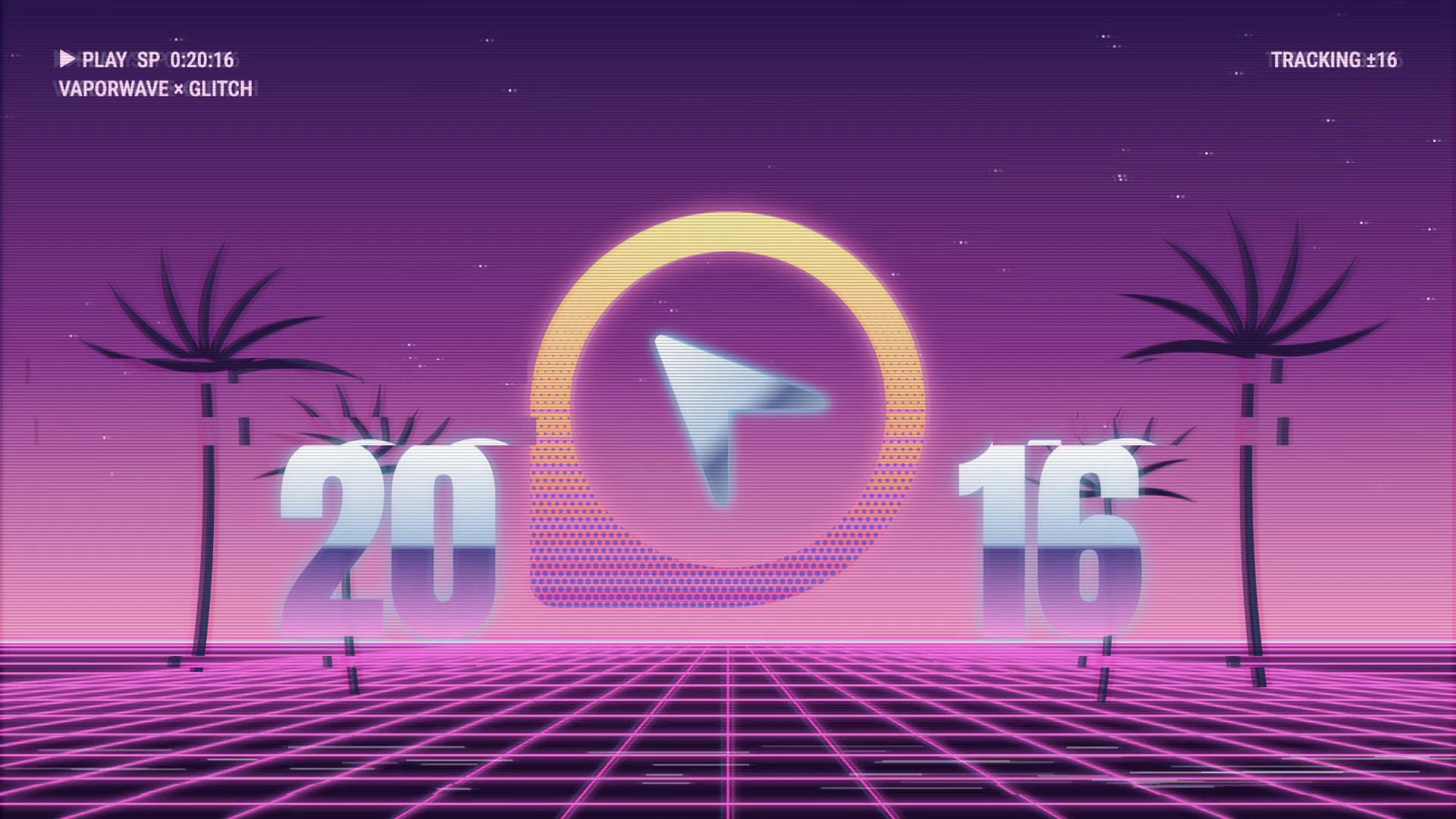
A 15-second 16:9 OpenDesign film keeps one circular cursor logo recognizable through fast art-history-inspired looks, then ends on a still white-on-black logo.
Motion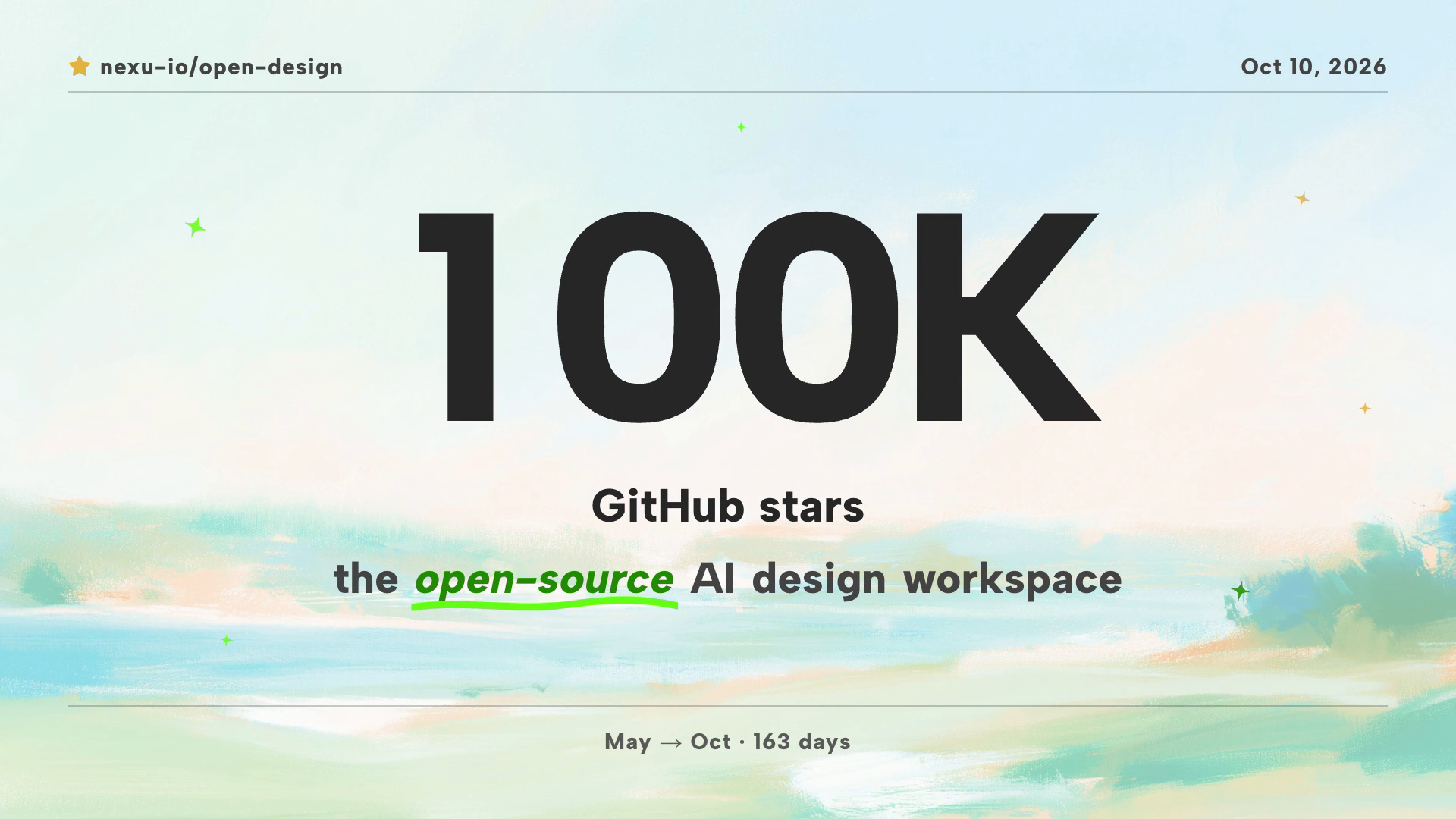
Community Milestone Motion Video Design
A 30-second OpenDesign motion video moves from a 100K star reveal to a contributor mosaic, a product montage and a closing prompt invitation.
Motion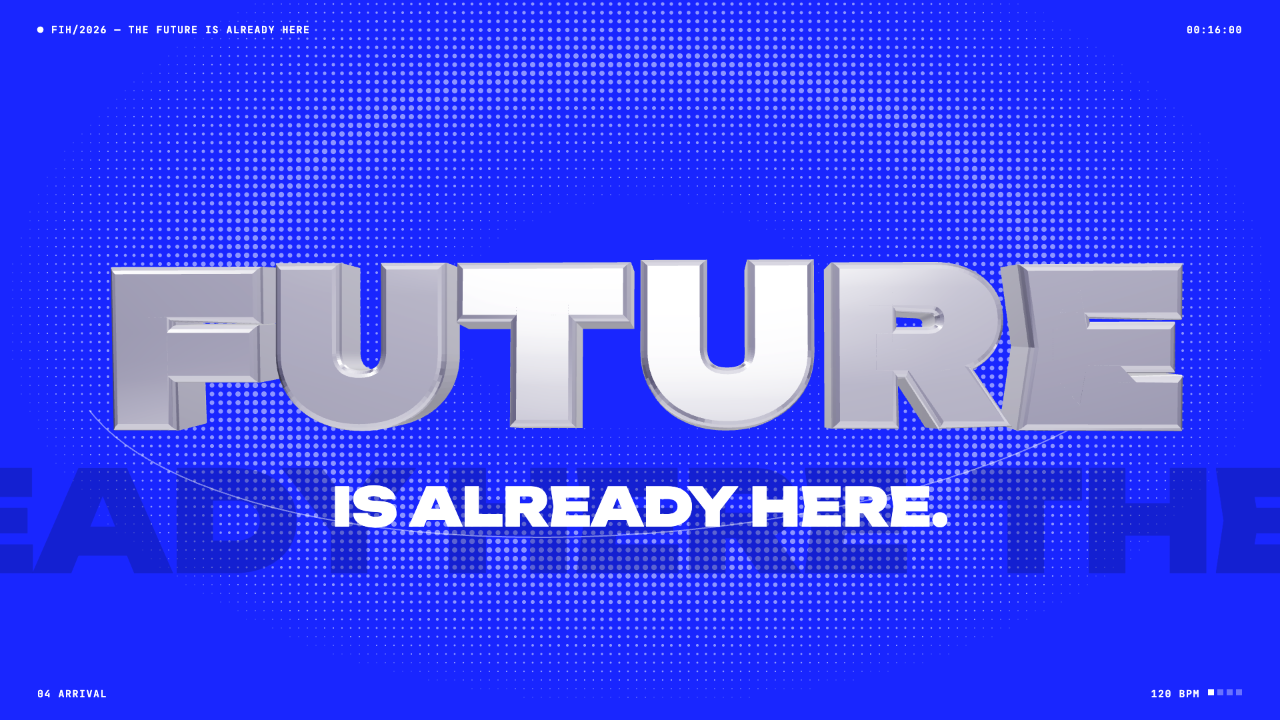
Futuristic Motion Video Design
A rendered electric-blue reel with a word tunnel, a SET countdown and a chrome FUTURE finale, remade in code on a 120 BPM cut grid. See its timing and how to adapt it.
Motion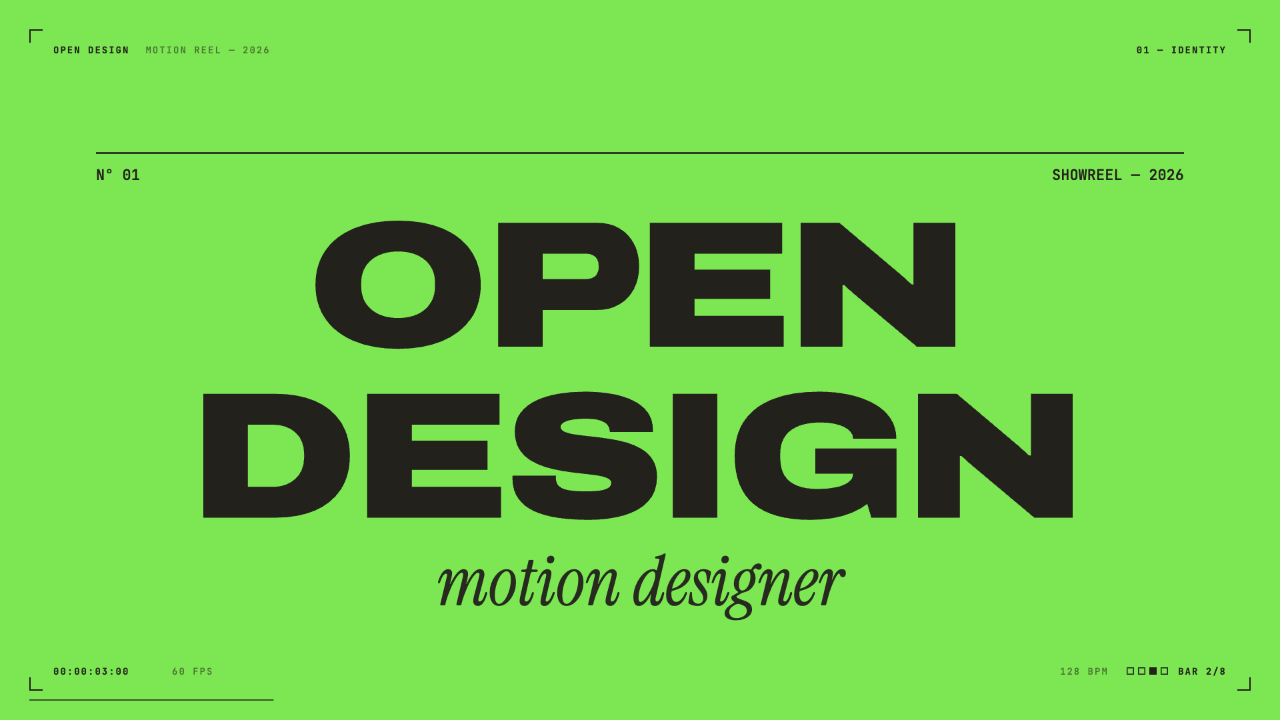
Motion Designer Showreel Design
A 15-second, 128 BPM showreel remade in code, with hard colour cuts, a live HUD and seven chapters timed to the bar. See how the timing, type and palette work.
Motion