

Motion
Community Milestone Motion Video Design
A 30-second OpenDesign motion video moves from a 100K star reveal to a contributor mosaic, a product montage and a closing prompt invitation.

Design Ideas for
- Open-Source Milestone AnnouncementsShort films that mark a repository count and credit the people behind it.
- Community Thank-You VideosClosing sequences that pair a contributor tally with a direct message of thanks.
- Product Story MontagesCompilations of interface cards, output examples and tool names inside one narrative.
Motion Video Highlights
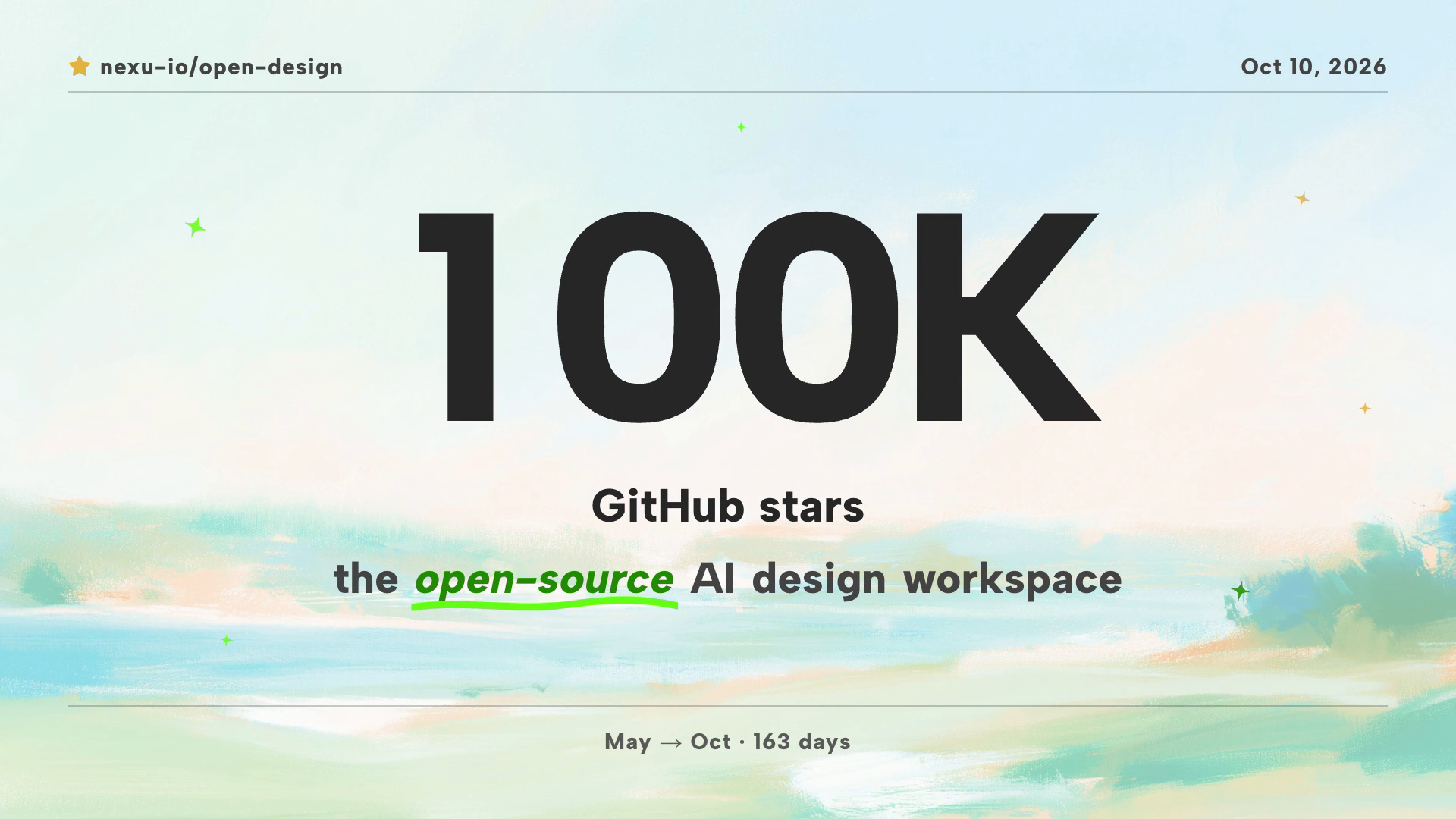
- A Single Number Opens the FilmThe 100K headline sits over GitHub stars, with the repository name, a date and a May to Oct span of 163 days.
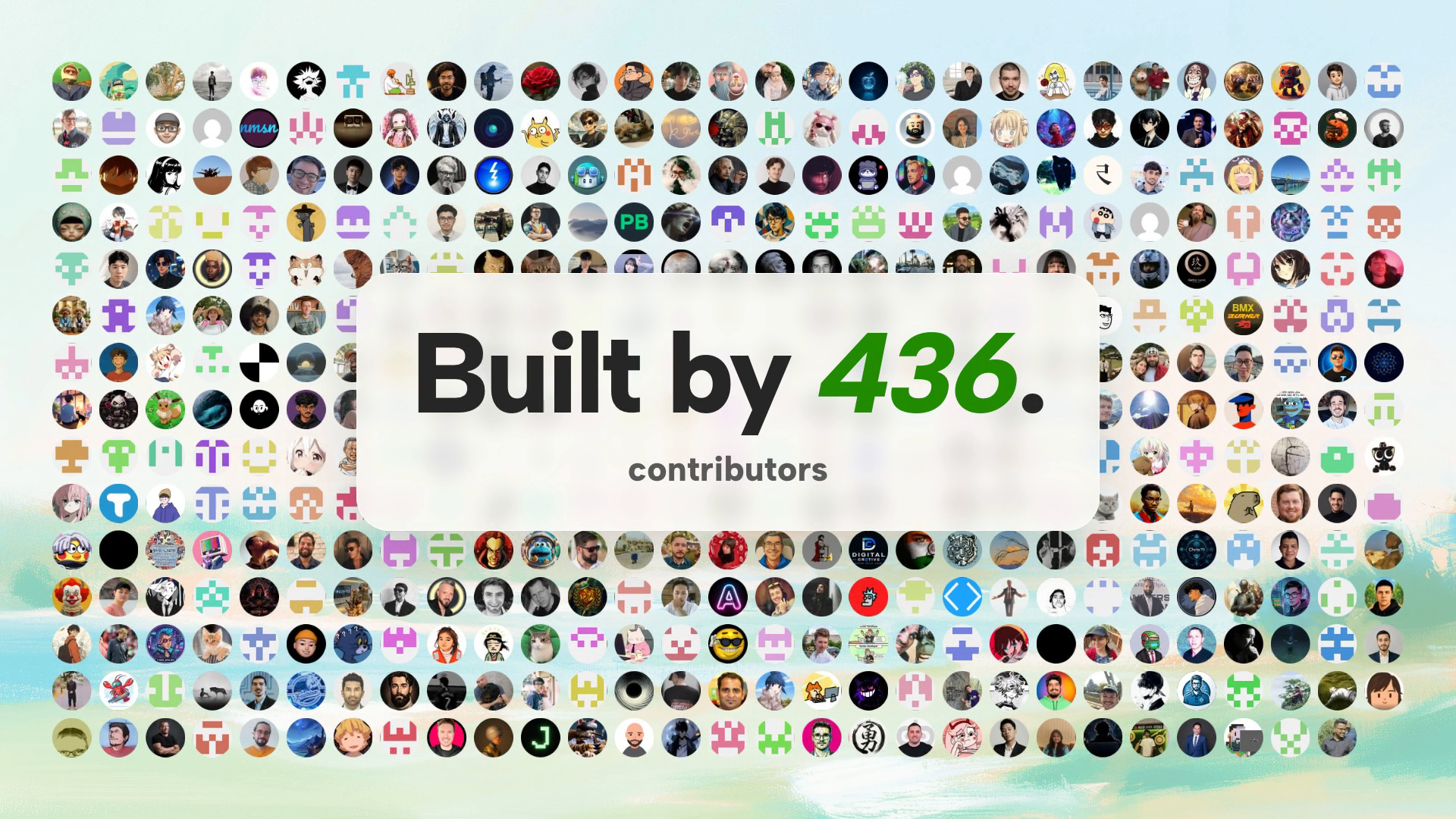
- A Contributor Mosaic Forms the BackdropA dense grid of small round avatars fills the frame, and a frosted panel holds the Built by 436 message.
- Green Marks the Open-Source IdeaGreen appears on the underlined open-source phrase and the italic 436, then returns in a full-colour scene.
Community Milestone Motion Video Design Preview
How the Milestone Is Staged on Screen
The film uses one pale, painted coastal background of soft blue, peach and mint to hold very different scenes together. Dark, heavy type sits on top of it, with green kept for emphasis. The result is a calm frame that lets a large number carry the opening.
This is an OpenDesign motion video supplied as a final MP4. The notes below describe only what is visible in that file and in the three reference frames.
Five Beats in Thirty Seconds
The film moves from a count to people, product examples, a colour break and an invitation. Each beat changes what the viewer is asked to notice.
| Beat | What Is Visible | Design Role |
|---|---|---|
| Star count | A social-post and repository-star card, then 99K Day 163 resolving to 100K GitHub stars. | Establishes scale with one oversized figure. |
| Contributor mosaic | Rows of round avatars with Built by 436 and the word contributors on a frosted panel. | Shifts credit from a number to individual people. |
| Product montage | Floating product UI, quote-style cards, tall website designs and model labels beside output examples. | Shows what the tool produces without a long explanation. |
| Green bridge | A bright green Open source scene against the pale coast. | Resets attention with the strongest colour contrast in the film. |
| Closing invitation | A grid of agent names, a thank-you message, then Your turn. Describe it. with a prompt-like input. | Turns a celebration into an action. |
The Contributor Mosaic and Its Trade-Offs
The avatar wall is the most distinctive frame. Photos, illustrations, pixel-style icons and plain placeholders sit in a regular grid, so no single face dominates. The grid reads as a crowd before any text is read.
A frosted, rounded panel interrupts the middle rows and holds Built by 436 in large type, with the number in green italic. The panel keeps the message legible, but it hides a block of avatars behind it. At this density individual avatars are hard to identify, which suits a crowd impression more than a credit roll.
Closing on Thanks, Then a Prompt
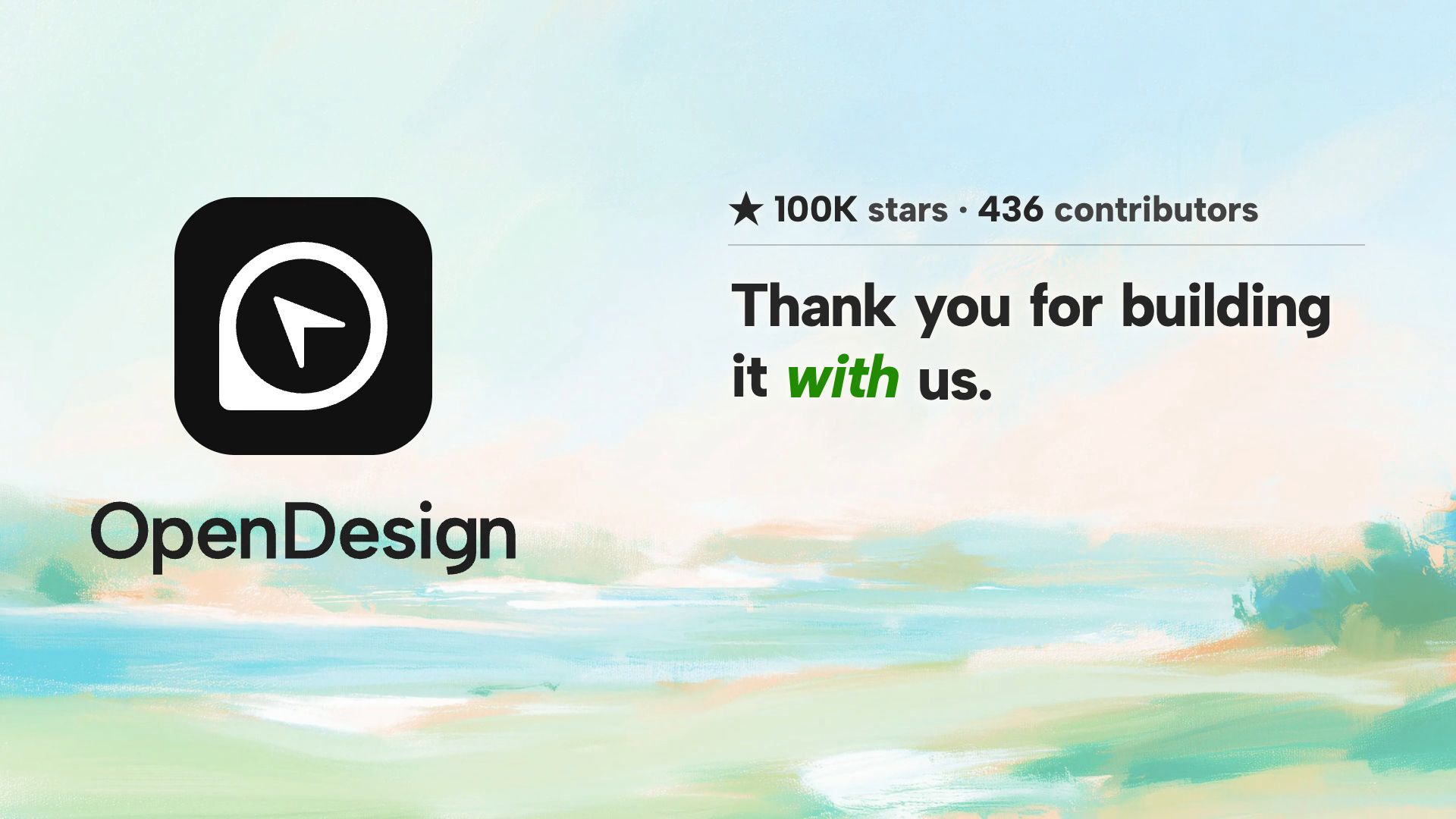
The last frames reduce the layout to two halves. On the left, the OpenDesign logo and wordmark. On the right, a small line reading 100K stars and 436 contributors, a thin rule, and the message Thank you for building it with us, with the word with in green italic.
After that the film shows Your turn. Describe it. beside a prompt-like input. That wording invites viewers to start their own work, and it echoes the product idea in the film: describe, then receive a design.
Reading the Numbers and Soundtrack
The figures 100K, 436, 163 days and 21 agents are historical creative content inside this video. They are not verified current product metrics or quota policies. A soundtrack is present, but no genre, tempo or timing has been established here.
What Can Be Adapted
Swap the milestone number, the date range and the contributor count, keep the number-people-product-invitation order, and replace the avatars with your own community.
What Needs Care
Use avatar images and testimonials you have permission to publish. Label sample quotations clearly and do not present invented wording as a real endorsement.
How to Create Community Milestone Motion Video Design in OpenDesign
Plan the Five Beats and Collect Inputs
List the milestone figure, the date span, the contributor count, a set of avatar images you may use, and a few product screenshots. Decide the order before asking for motion: count, people, product, colour break, invitation.
Describe the Scenes in One Prompt
This is a proposed recreation, not a recovered original prompt. Paste it into OpenDesign and adjust the numbers to your own project.
Suggested PromptCreate a 30-second 16:9 motion video on a pale painted coastal background in soft blue, peach and mint. Scene 1: a repository card with a star, then a counter rising to a huge 100K above the words GitHub stars, with a green underline under open-source and a small line showing a date range. Scene 2: a full grid of round contributor avatars with a frosted central panel reading Built by 436 contributors, the number in green italic. Scene 3: floating product interface cards, tall website designs and short quote-style cards. Scene 4: a bright green full-frame Open source scene. Scene 5: a grid of tool names, then the OpenDesign logo with a thank-you message and a prompt input reading Your turn. Describe it. Use bold dark sans-serif type, green only for emphasis, and add a soundtrack. Use placeholder avatars and sample quotes.
Review Legibility and Adjust the Pacing
Check that the big number and the frosted panel text stay readable over the busiest background. Ask OpenDesign to lengthen any scene where small labels, such as model names or tool grids, pass too quickly, then confirm the soundtrack still suits the cut.
Export and Get a Share Link
Export your finished design, then use Share in OpenDesign to get a share link. Open the link in a separate browser window and check that the intended version and its assets are available before sending it.
Art History Logo Motion Video Design
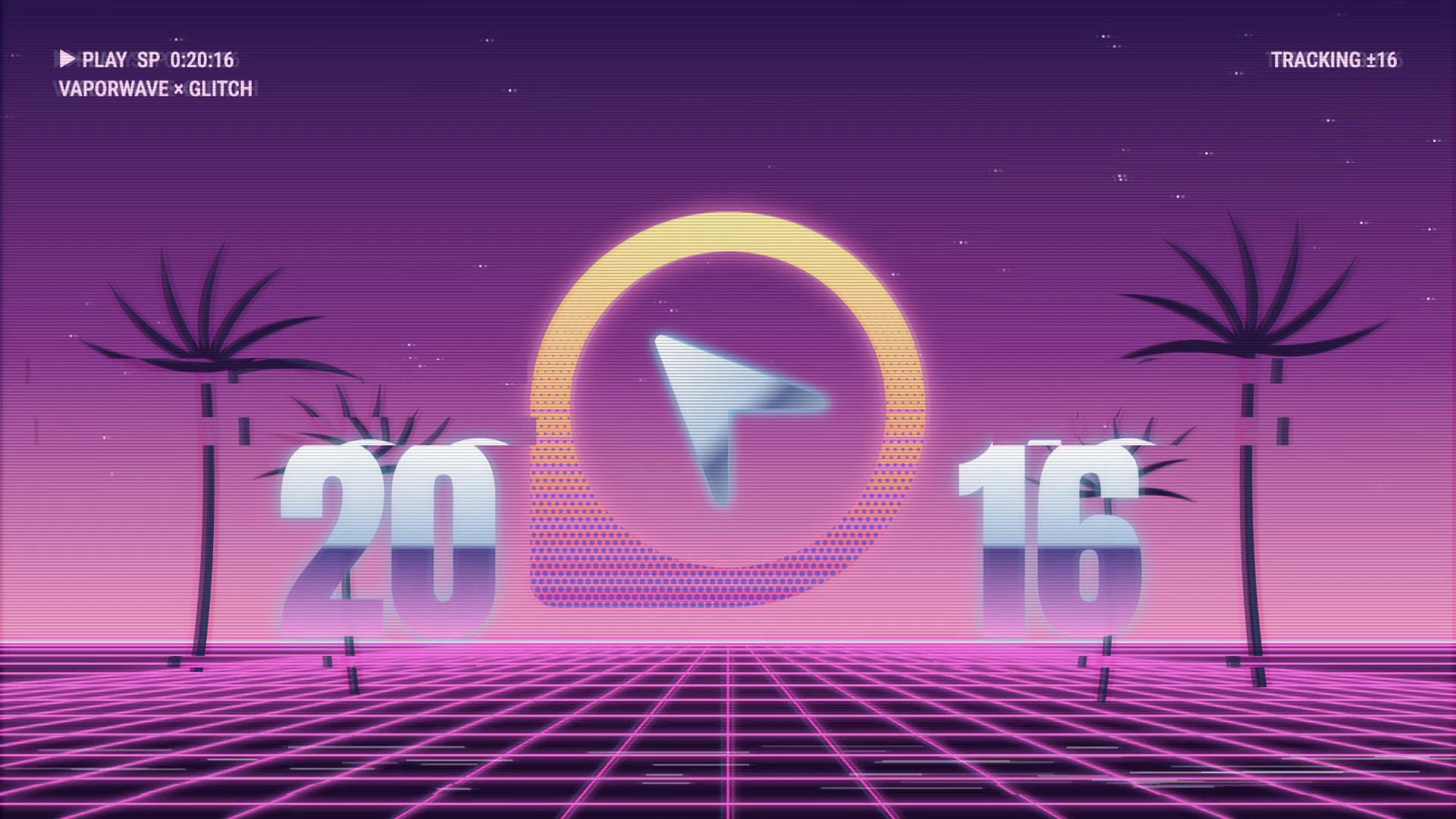
A 15-second 16:9 OpenDesign film keeps one circular cursor logo recognizable through fast art-history-inspired looks, then ends on a still white-on-black logo.
Motion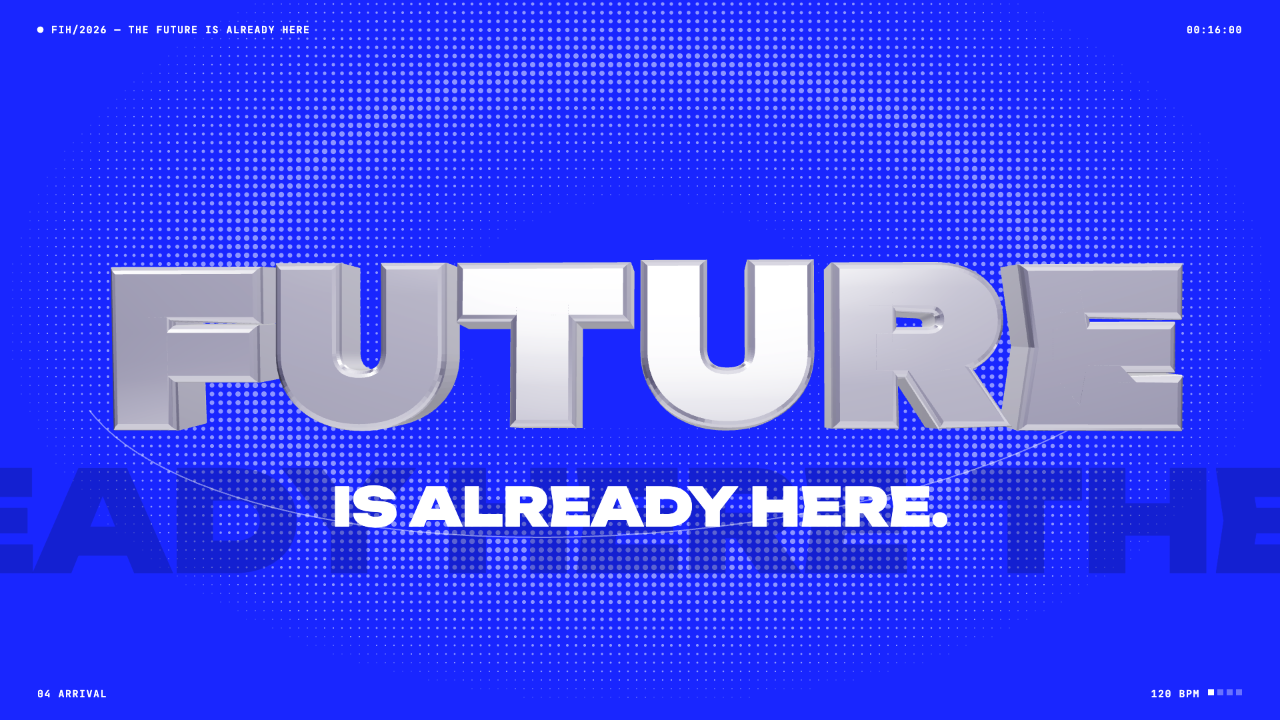
Futuristic Motion Video Design
A rendered electric-blue reel with a word tunnel, a SET countdown and a chrome FUTURE finale, remade in code on a 120 BPM cut grid. See its timing and how to adapt it.
Motion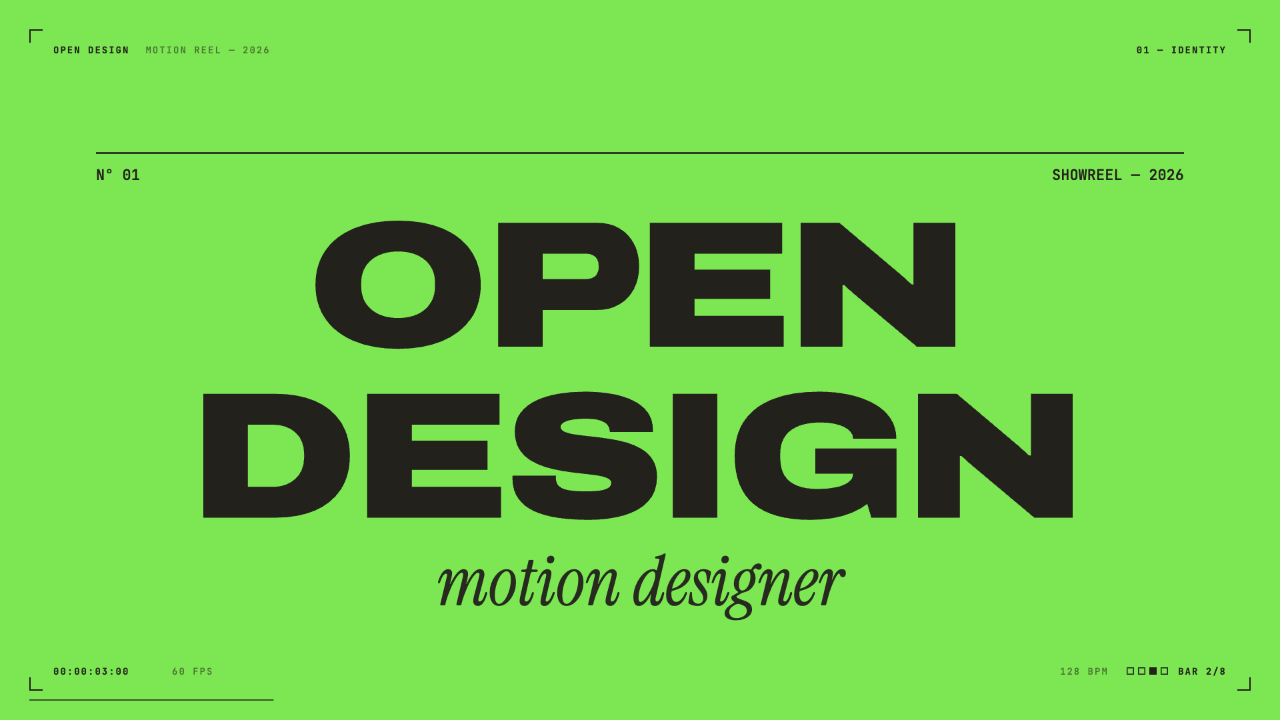
Motion Designer Showreel Design
A 15-second, 128 BPM showreel remade in code, with hard colour cuts, a live HUD and seven chapters timed to the bar. See how the timing, type and palette work.
Motion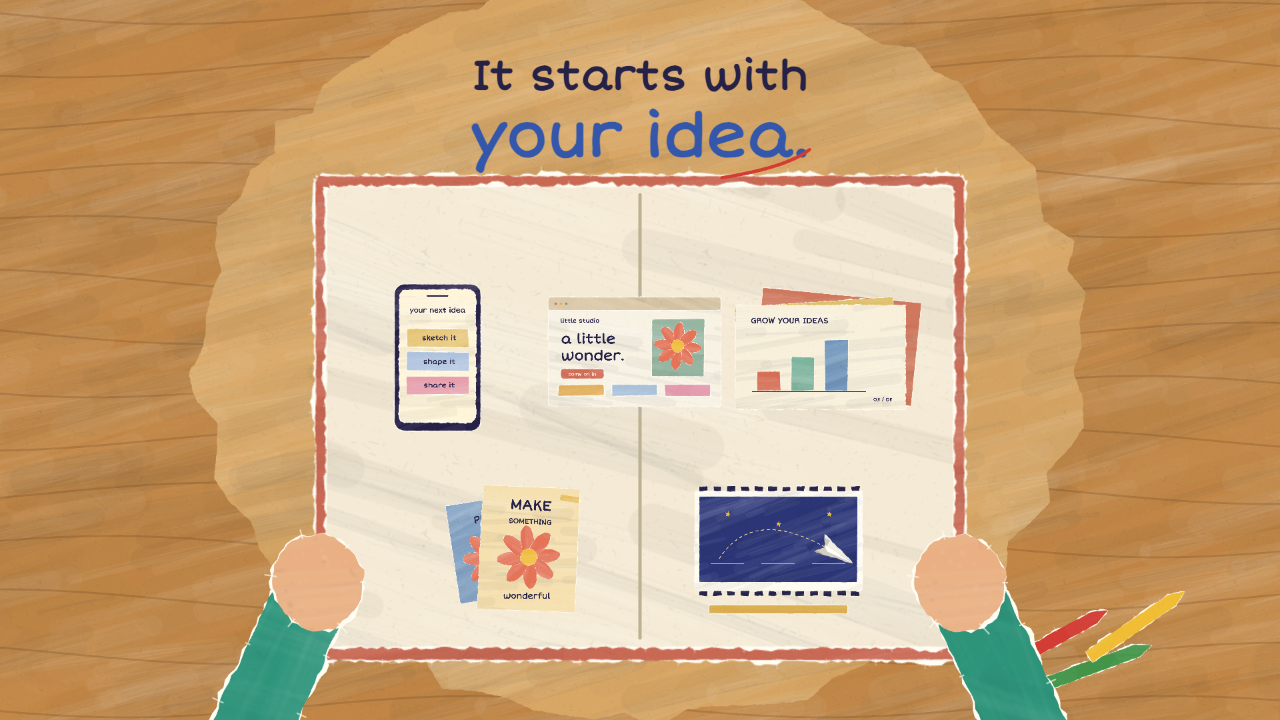
Paper Cutout Animation Design
A 20-second paper-cutout film turns one handwritten question into five design demonstrations, then gathers them into a book of possibilities.
Motion