

Motion
Futuristic Motion Video Design
A rendered electric-blue reel with a word tunnel, a SET countdown and a chrome FUTURE finale, remade in code on a 120 BPM cut grid. See its timing and how to adapt it.

Design Ideas for
- Product Launch TeasersShort announcement films that move from mystery to one named reveal.
- Event Opening ReelsTitle sequences with a running clock, section labels and a beat-driven cut pattern.
- Motion Typography StudiesExperiments where the word itself changes form: tunnel text, 3D numerals and chrome lettering.
Motion Highlights
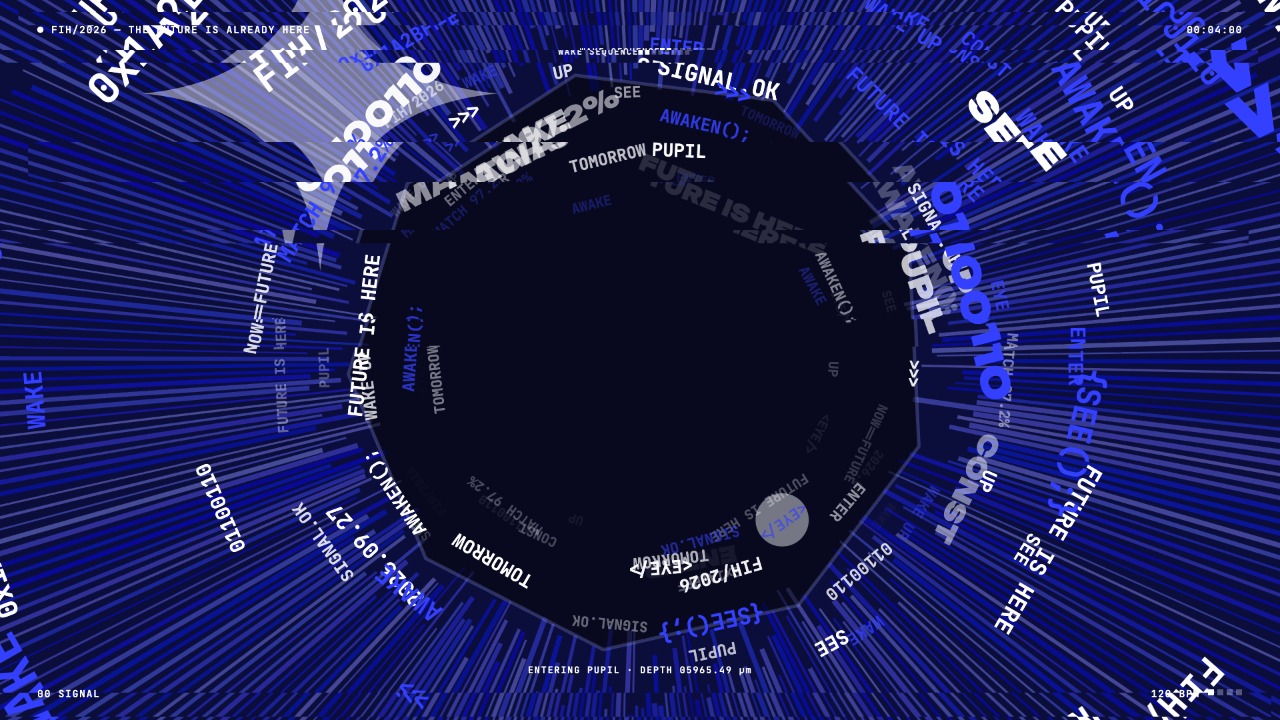
- A Tunnel Built From WordsMono-type fragments streak around a dark pupil while a depth readout counts.
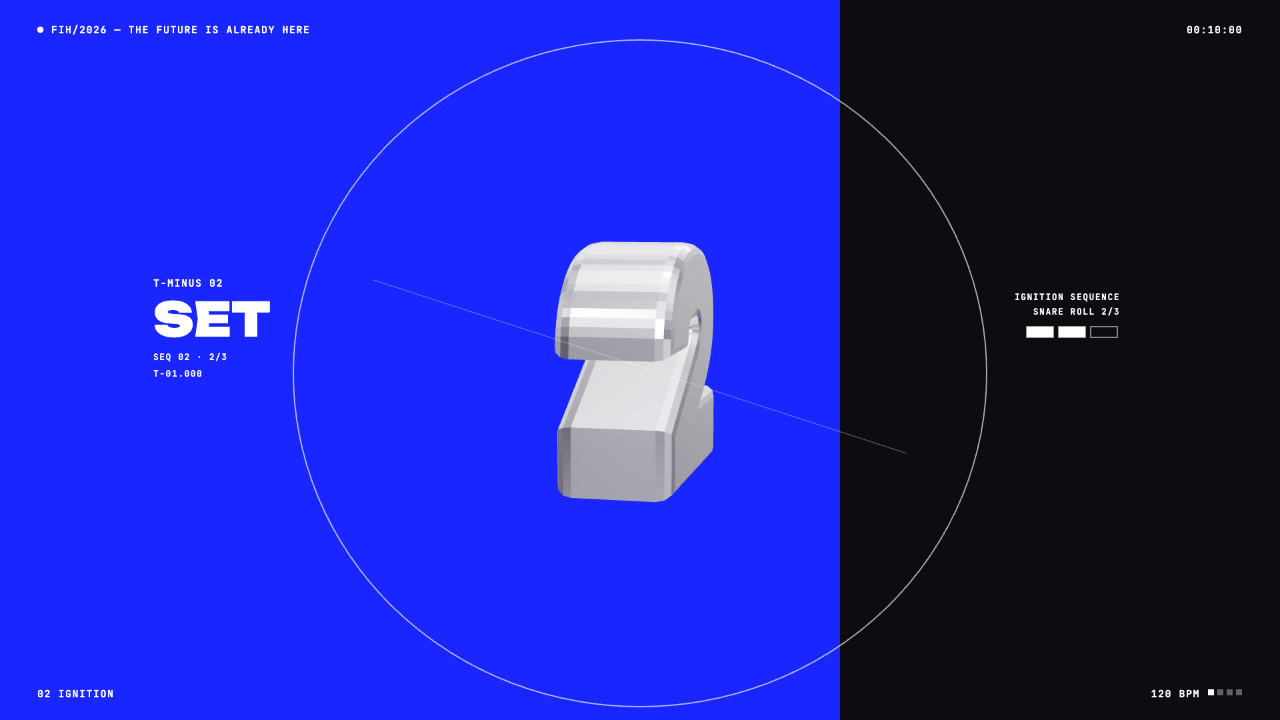
- A Countdown Split in Two ColorsThe SET frame divides blue and black, with a 3D numeral between the halves.
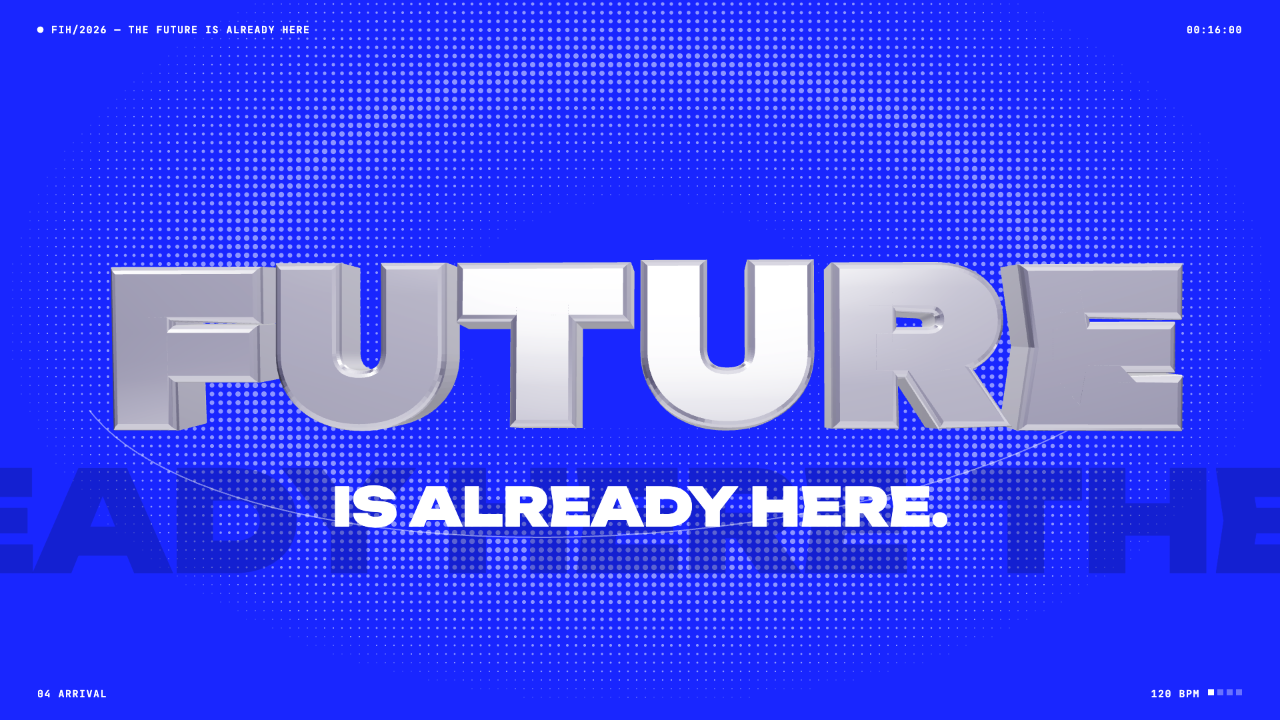
- A Chrome Word as the Final AnchorFUTURE sits over a dot grid with the smaller line IS ALREADY HERE below it.
Futuristic Motion Video Design Preview
How the 20-Second Reel Is Paced
The source beat map divides this 20-second motion film into short scenes on a 120 BPM grid. Most changes are hard cuts rather than slow dissolves, with a longer hold reserved for the final title.
The three captured frames sit near the tunnel, the countdown and the finale. Together they show the film's shape: dense motion first, a sparse counting beat in the middle and a stable hero word at the end.
| Time Range | Scene | Visible Choice |
|---|---|---|
| 4.0–5.0 s | Word tunnel, WAKE UP | Text streaks outward from a dark center, so the words behave like architecture. |
| 9.5–11.0 s | 3 · 2 · 1 countdown | One large numeral replaces the dense tunnel; the screen has far less competing detail. |
| 14.5–18.5 s | Chrome FUTURE hero | The longest single scene in the map, which gives the final word time to be read. |
| 18.5–20.0 s | Glitch to END OF TRANSMISSION | A short break closes the reel instead of a fade. |
The Word Tunnel and Its HUD Layer
In the first view the tunnel mixes white, blue and gray fragments such as SIGNAL.OK, AWAKEN(); and FUTURE IS HERE. Different opacity and size make some fragments recede while others read first.
The fixed HUD stays still around the motion: a FIH/2026 line at top left, a running clock at top right, a scene label and a 120 BPM marker. A bottom readout says ENTERING PUPIL with a depth value.
A Split Screen Countdown
The second view is quieter. The left side is saturated blue and the right is near black. A thin circle crosses the boundary, and a chrome numeral sits at the center.
The label T-MINUS 02, the large word SET and SEQ 02 · 2/3 explain the step in words. On the right, three small boxes mark progress, with two filled and one outline.
Words Plus a Number
The numeral gives the beat, while SET gives the sequence a plain-language cue that survives a quick glance.
Progress Without a Bar
Three boxes show 2/3 using the same visual language as the HUD, avoiding a conventional progress bar.
Color as a Divider
The blue and black halves separate the numeral from the sequence data without adding boxes around the text.
Chrome FUTURE as the Closing Frame
The third view reduces the film to one dominant word. Beveled chrome letters sit over a halftone dot field, with a faint oversized background word behind them and a thin curved line crossing below.
Because the main word is three-dimensional and the supporting line is flat white type, the two levels read immediately. The tradeoff is length: longer words must be scaled down, which reduces the chrome detail.
Choose a Short Hero Word
The source notes say longer words are scaled to fit, so a word near the length of FUTURE keeps the bevels legible.
Keep Latin Characters
The bundled display font covers Latin letters, digits and common punctuation for the 3D words, and not other scripts.
Hold the Cut Grid
Retime the copy, but keep hard cuts aligned with the beat so the replaced words still land on the music.
Source and Scope
This is an official OpenDesign code remake and adaptation of a credited third-party Douyin motion piece, not a wholly original concept. The original is a 62-second Chinese post; this version is a 20-second English highlight cut with an original soundtrack. The credit is factual and implies no endorsement from the original poster.
The template comes from a proposed OpenDesign video workflow; availability depends on the installed version. This page presents its rendered film and design choices rather than a finished interactive product.
How to Create Futuristic Motion Video Design in OpenDesign
Write the Beat Map First
List each scene with start and end times, and keep the cuts on one rhythm. Choose a single hero word before asking for visuals, so the chrome finale has a clear target.
Use a Suggested Prompt
Describe the scenes, labels and constraints, then ask for a readable first frame.
Suggested PromptCreate a 20-second electric-blue motion graphics film at 120 BPM. Use black, white and chrome, heavy display type and small monospaced HUD labels. Scenes: a word tunnel around a dark center (4.0-5.0 s), a split blue/black countdown with a 3D numeral and the label SET (9.5-11.0 s), and a chrome 3D hero word over a dot grid with the line IS ALREADY HERE (14.5-18.5 s). End with a short glitch and END OF TRANSMISSION. Keep hard cuts on the beat grid. Use Latin text only. Do not add voiceover.
Check Legibility Frame by Frame
Scrub to the middle of each scene. Make sure the hero word, the countdown and the closing line are readable, and that backward seeks reproduce the same frame.
Export and Get a Share Link
Export your finished design, then use Share in OpenDesign to get a share link. Open the link in a separate browser window and check that the intended version and its assets are available before sending it.
Art History Logo Motion Video Design
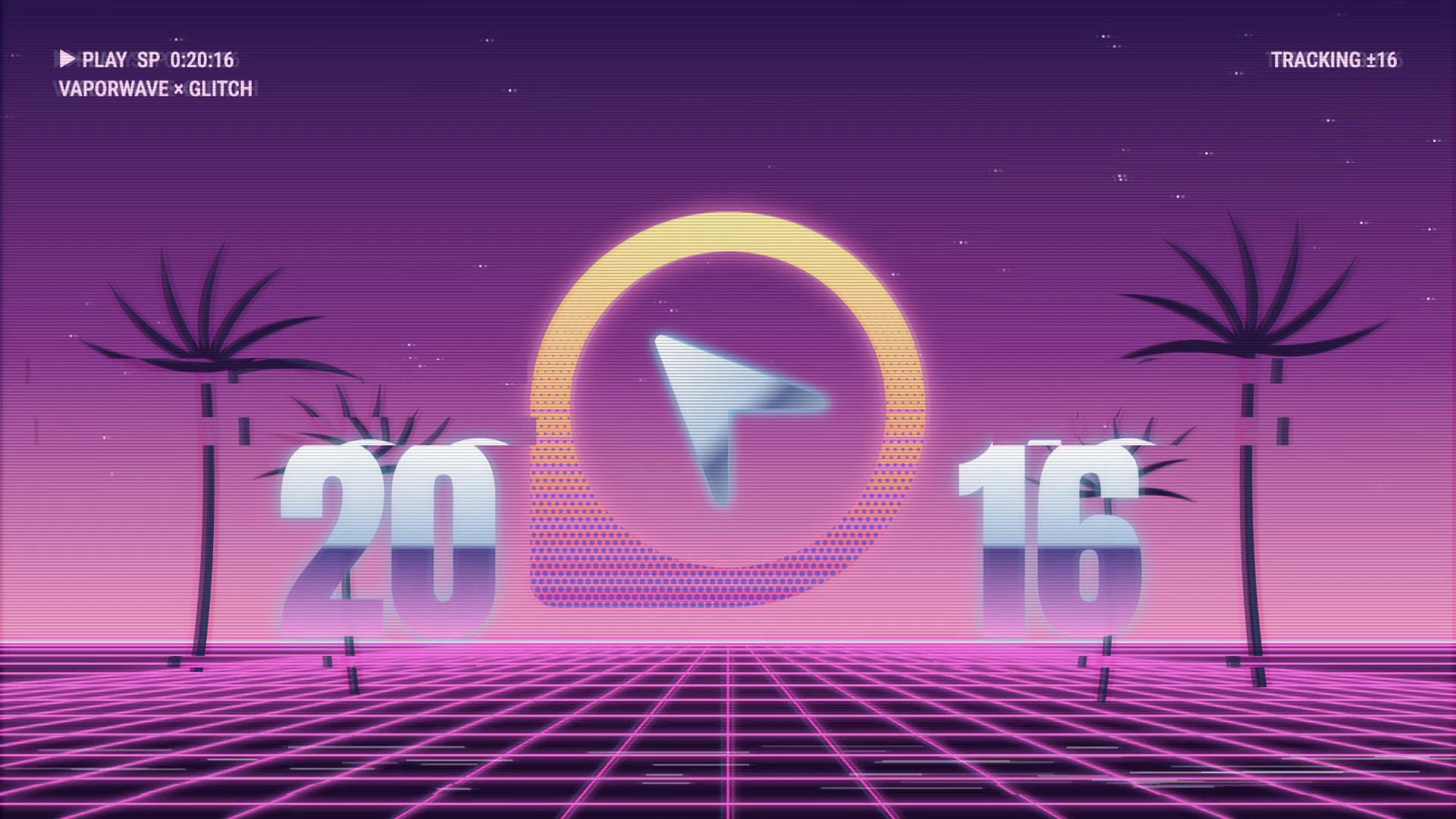
A 15-second 16:9 OpenDesign film keeps one circular cursor logo recognizable through fast art-history-inspired looks, then ends on a still white-on-black logo.
Motion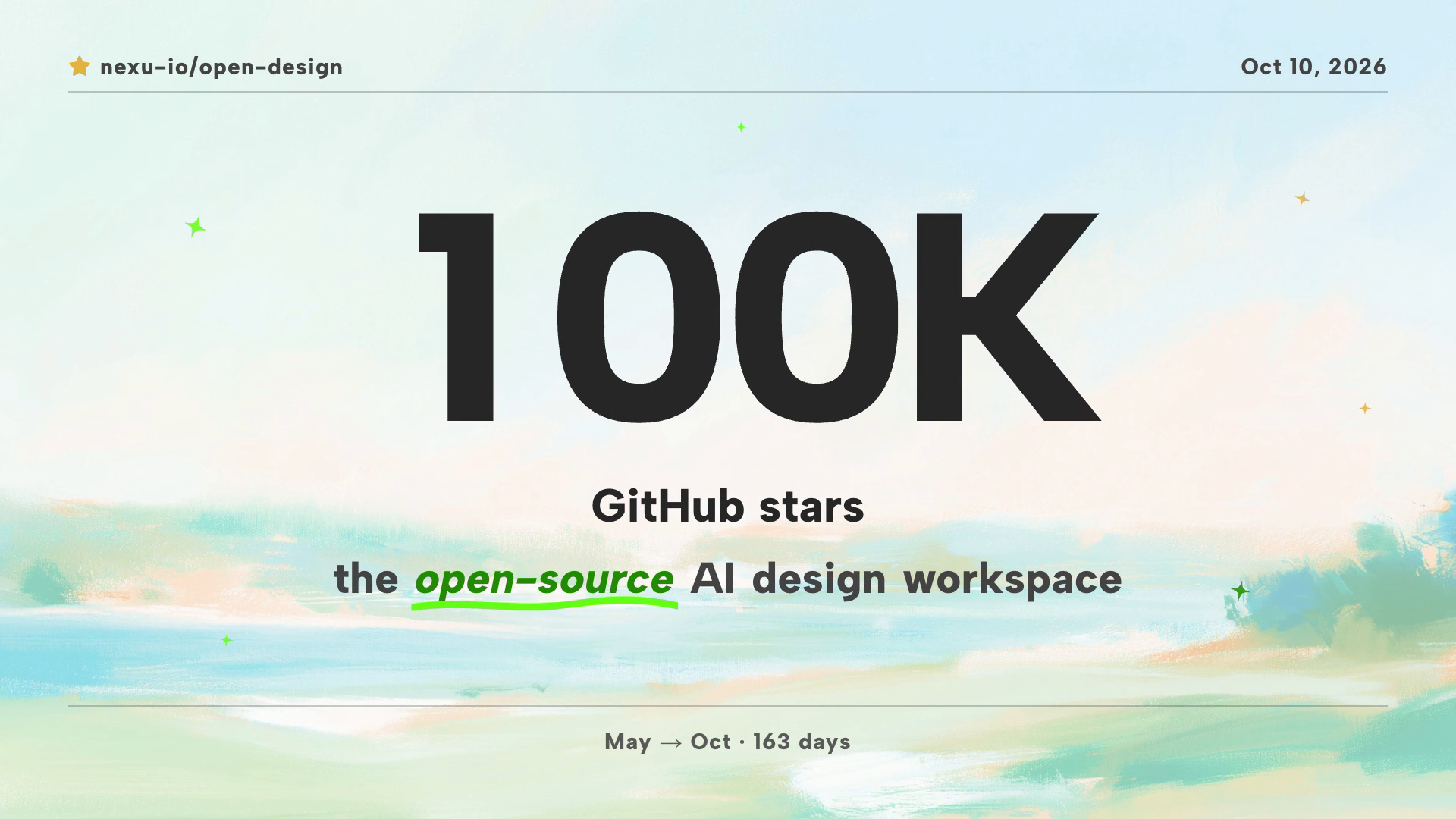
Community Milestone Motion Video Design
A 30-second OpenDesign motion video moves from a 100K star reveal to a contributor mosaic, a product montage and a closing prompt invitation.
Motion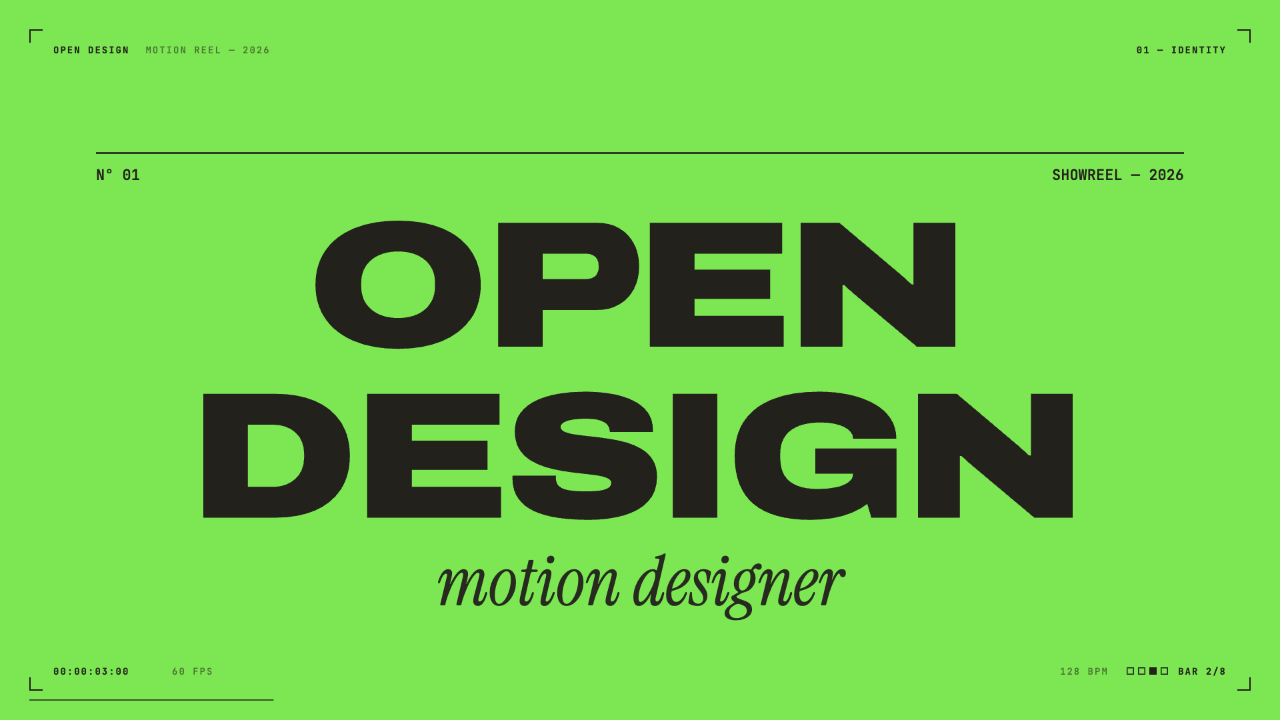
Motion Designer Showreel Design
A 15-second, 128 BPM showreel remade in code, with hard colour cuts, a live HUD and seven chapters timed to the bar. See how the timing, type and palette work.
Motion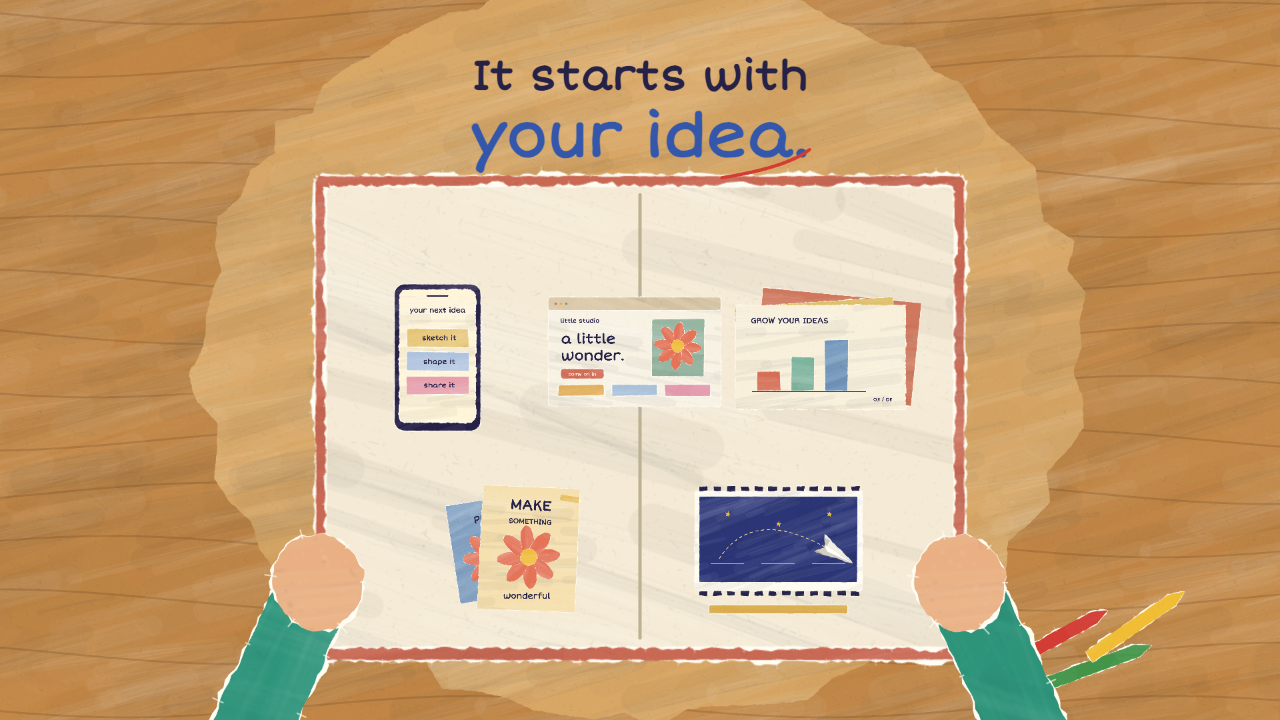
Paper Cutout Animation Design
A 20-second paper-cutout film turns one handwritten question into five design demonstrations, then gathers them into a book of possibilities.
Motion