

Motion
Motion Designer Showreel Design
A 15-second, 128 BPM showreel remade in code, with hard colour cuts, a live HUD and seven chapters timed to the bar. See how the timing, type and palette work.

Design Ideas for
- Motion Designer ShowreelsA short reel that cuts between chapters on a fixed musical grid.
- Brand Identity OpenersA mark, wordmark and role line that resolve into an end card.
- Kinetic Typography PiecesLarge display type driven by timing, echoes and colour changes.
Showreel Highlights
- A HUD That Counts the BeatTimecode, 128 BPM, four beat squares and BAR n/8 stay on every frame.
- Hard Colour Cuts Mark ChaptersLime, near-black and deep green backgrounds separate the sections.
- Display Type Does the WorkExpanded wordmark, serif italic role line and echoing letters carry the film.
Motion Designer Showreel Design Preview
A Reel Organised on a Musical Grid
The film runs 15 seconds at 128 BPM, and its on-screen HUD makes that structure visible. Every frame shows a timecode, 60 FPS, four beat squares, a BAR counter out of 8 and a progress line along the bottom edge.
The effect is that cuts read as deliberate. The tradeoff is that the HUD occupies the corners permanently, so any copy you add must stay inside the inner frame.
Seven Motion Chapters and an End Card
The source notes divide the reel into chapters, each with its own start time. Short chapters keep the pace high, but leave little time to read anything. The wordmark gets 1.5 seconds; the easing chapter gets two.
| Time | Chapter | Visible Content |
|---|---|---|
| 0–2.0s | Identity | Rays, drawn mark, flash, circle wipe |
| 2.0–3.5s | Wordmark | Two-line slide, squeeze, serif role line |
| 3.5–5.5s | Easing | Six curves from A to B |
| 5.5–7.45s | Morphing | Circle to triangle to star to squircle |
| 7.45–9.75s | Systems | Paper tile splits into a truchet field |
| 9.75–11.2s | Depth | Point plane folds into lantern, then torus |
| 11.2–13.1s | Kinetic type | EASE, IN., EASE, OUT., NEVER, LINEAR |
| 13.1–15s | End | Ring, spinning mark, confetti, stacked wordmark |
Type and Colour as the Main Transitions
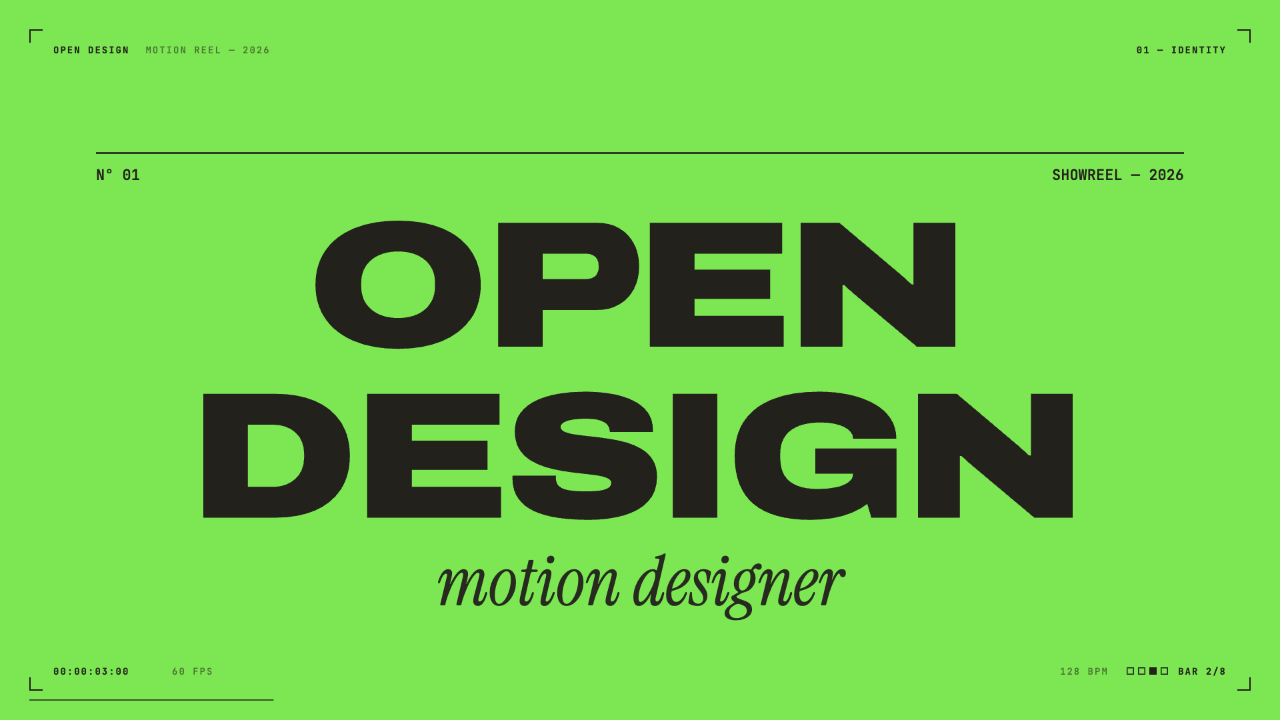
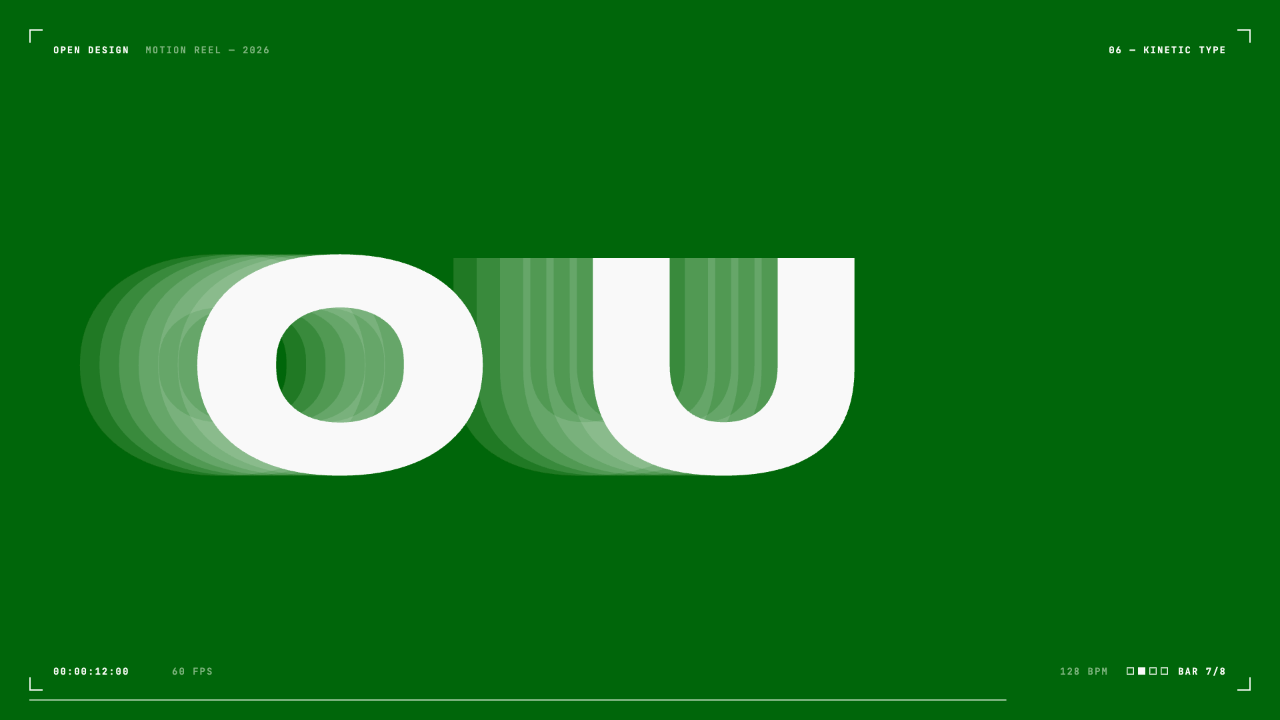
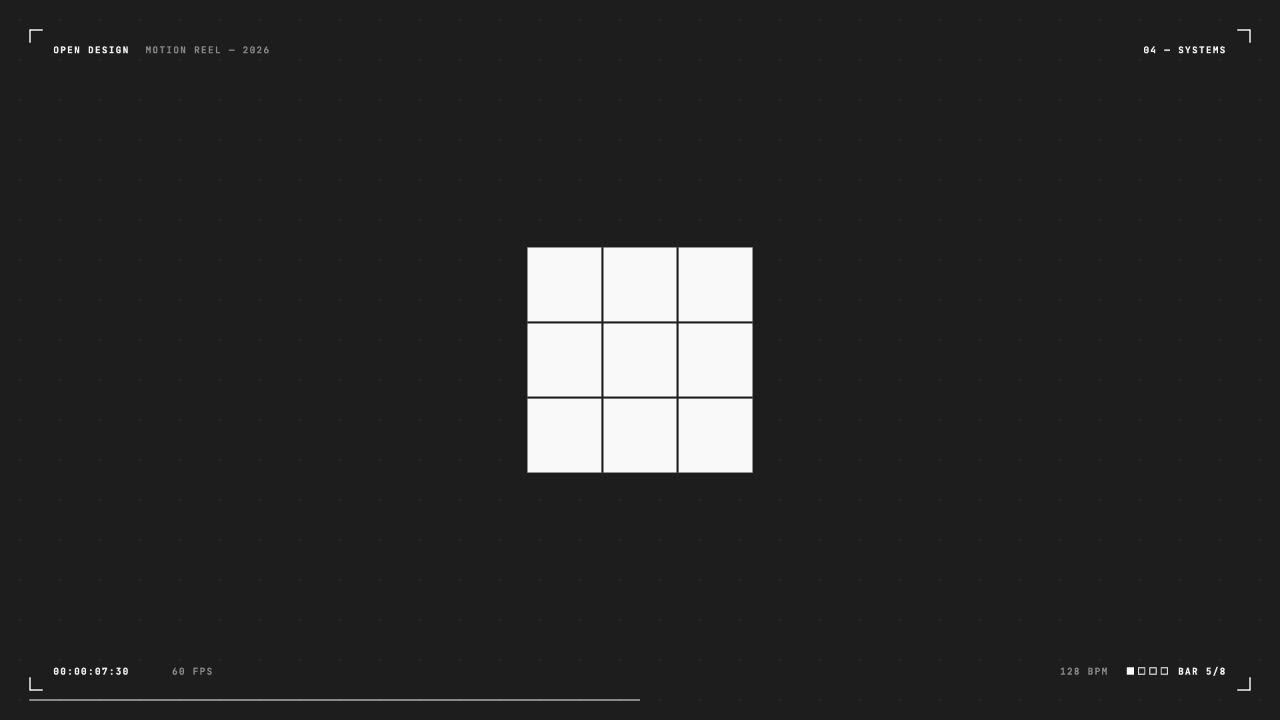
Backgrounds change hard rather than fading. The identity frame uses bright green with near-black type; the systems frame uses a dark field with a paper-white grid; the kinetic frame uses deep green with white letters.
The lettering in the kinetic frame trails translucent echoes behind each glyph, which shows direction without a motion blur filter. The tradeoff is legibility: mid-motion, only two letters, “OU”, are readable.
Wordmark Scale
OpenDesign is set in expanded black on two lines, with a serif italic role line below. The contrast between wide sans and slim italic separates brand from job title.
Systems Grid
A 3×3 paper tile on near-black, with a faint dot grid behind, starts as a still object before the source says it splits into a truchet field.
Adapting the Reel to Another Brief
The source notes say to change the brand, role, footer copy and palette while keeping seven chapters on the 128 BPM grid. That is practical because copy, palette and timing live in constants at the top of the composition.
Every visible value is a function of time, so a backward seek gives the same frame. A longer role line or brand name may need smaller type so it still fits the two-line layout.
Replace the Identity
Swap the brand, role and footer text first, then check the wordmark width.
Re-theme the Palette
Keep strong contrast between each chapter background and its type.
Hold the Grid
Retime content inside the existing bars rather than adding chapters.
Source and Scope
This is an official OpenDesign code remake of a credited third-party piece: a post by @stephanlivera on X. The composition is rebuilt in code from the published piece, and the soundtrack is original. This credit is factual and does not imply endorsement by the original creator.
This is a rendered showreel, not an interactive design tool. Its template comes from a proposed OpenDesign video workflow; availability depends on the installed version.
How to Create Motion Designer Showreel Design in OpenDesign
Write the Reel Brief
State the duration, tempo, chapter order and palette. Name the brand and role line you want, and list which chapters to keep from the 15-second structure.
Suggested PromptCreate a 15-second motion designer showreel at 128 BPM, 16:9, rendered as a film. Use hard colour cuts between near-black, bright green, paper white and deep green. Show a HUD on every frame: brand, timecode, 60 FPS, 128 BPM, four beat squares, BAR n/8 and a progress line. Chapters: identity opener, two-line wordmark with a serif italic role line, six easing curves, shape morphing, a truchet grid, a 3D point cloud, kinetic type, and an end card. Use my brand name and role. Do not add voiceover.
Check Timing and Legibility
Review each chapter against the bar counter. Make sure the wordmark and role line are readable before the next cut, and shorten text that does not fit.
Review Sound and Edges
Decide whether the film has music or is silent. Keep the stage edge to edge, and check that the controls do not appear in the poster frame.
Export and Get a Share Link
Export your finished design, then use Share in OpenDesign to get a share link. Open the link in a separate browser window and check that the intended version and its assets are available before sending it.

Art History Logo Motion Video Design
A 15-second 16:9 OpenDesign film keeps one circular cursor logo recognizable through fast art-history-inspired looks, then ends on a still white-on-black logo.
Motion
Community Milestone Motion Video Design
A 30-second OpenDesign motion video moves from a 100K star reveal to a contributor mosaic, a product montage and a closing prompt invitation.
Motion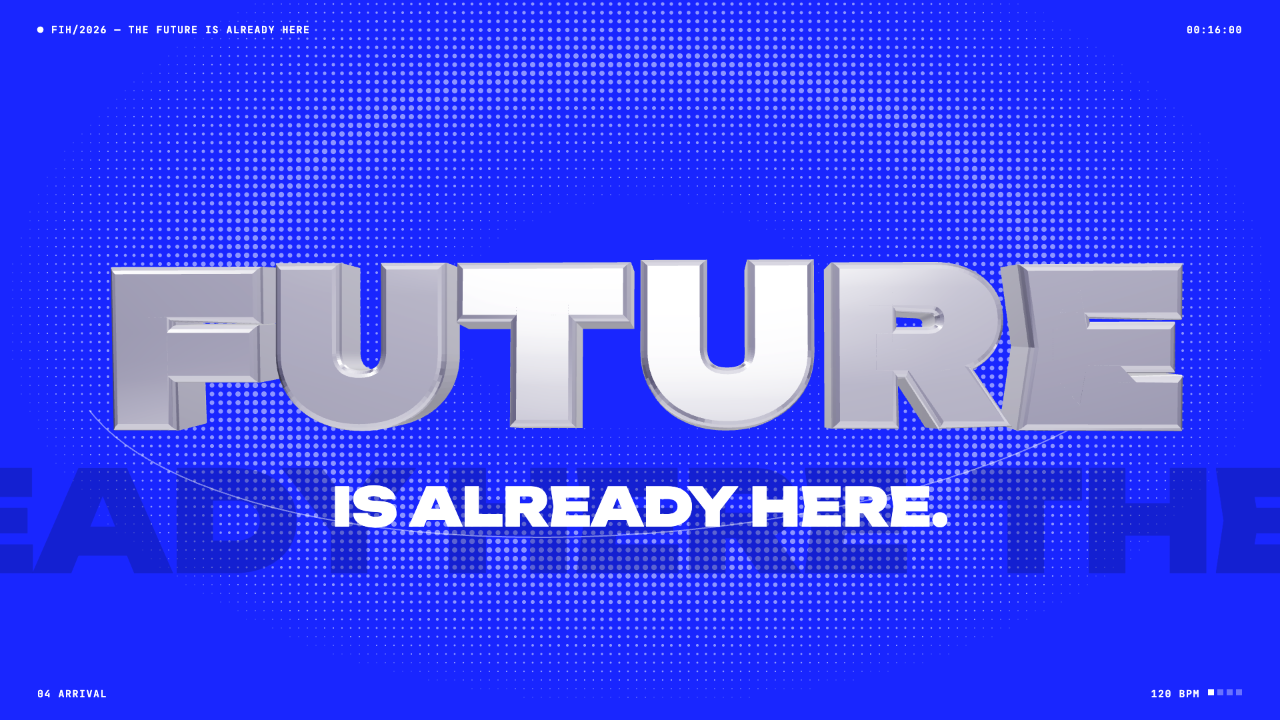
Futuristic Motion Video Design
A rendered electric-blue reel with a word tunnel, a SET countdown and a chrome FUTURE finale, remade in code on a 120 BPM cut grid. See its timing and how to adapt it.
Motion
Paper Cutout Animation Design
A 20-second paper-cutout film turns one handwritten question into five design demonstrations, then gathers them into a book of possibilities.
Motion