

Slides
Brand Story Presentation Design
Brand Story Presentation Design gives partners, press, and community audiences one evidence-led narrative from belief to channels, calendar, and verification.

Brand Story Presentation Use Cases
- Partner BriefingsFrame roadmap, license, and integration questions in sequence.
- Press Q&ATurn the central thesis into a concise, quotable narrative.
- Community Town HallsConnect public claims with channels, cadence, and visible proof.
Brand Narrative Design Highlights
- Founder-Voiced ThesisLeads with belief before introducing product or distribution details.
- Audience-Specific ReadingLets partners, press, and community extract different evidence.
- Week-Based Distribution PlanConnects five channels to a four-milestone, 90-day plan.
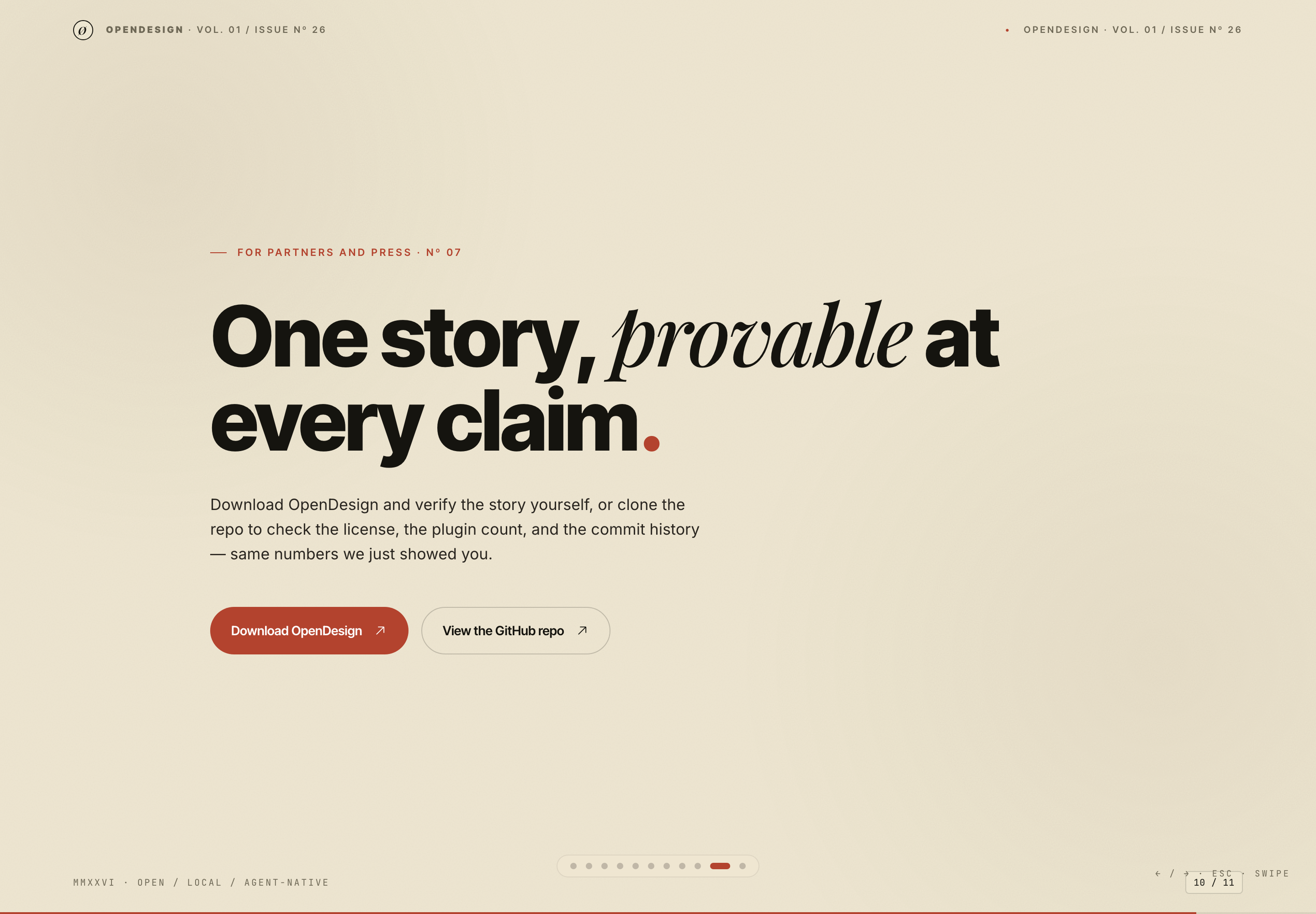
- Verification-Focused CloseEnds by directing attention toward licenses and commit history.
The Brand Story Deck, Slide by Slide
1 / 11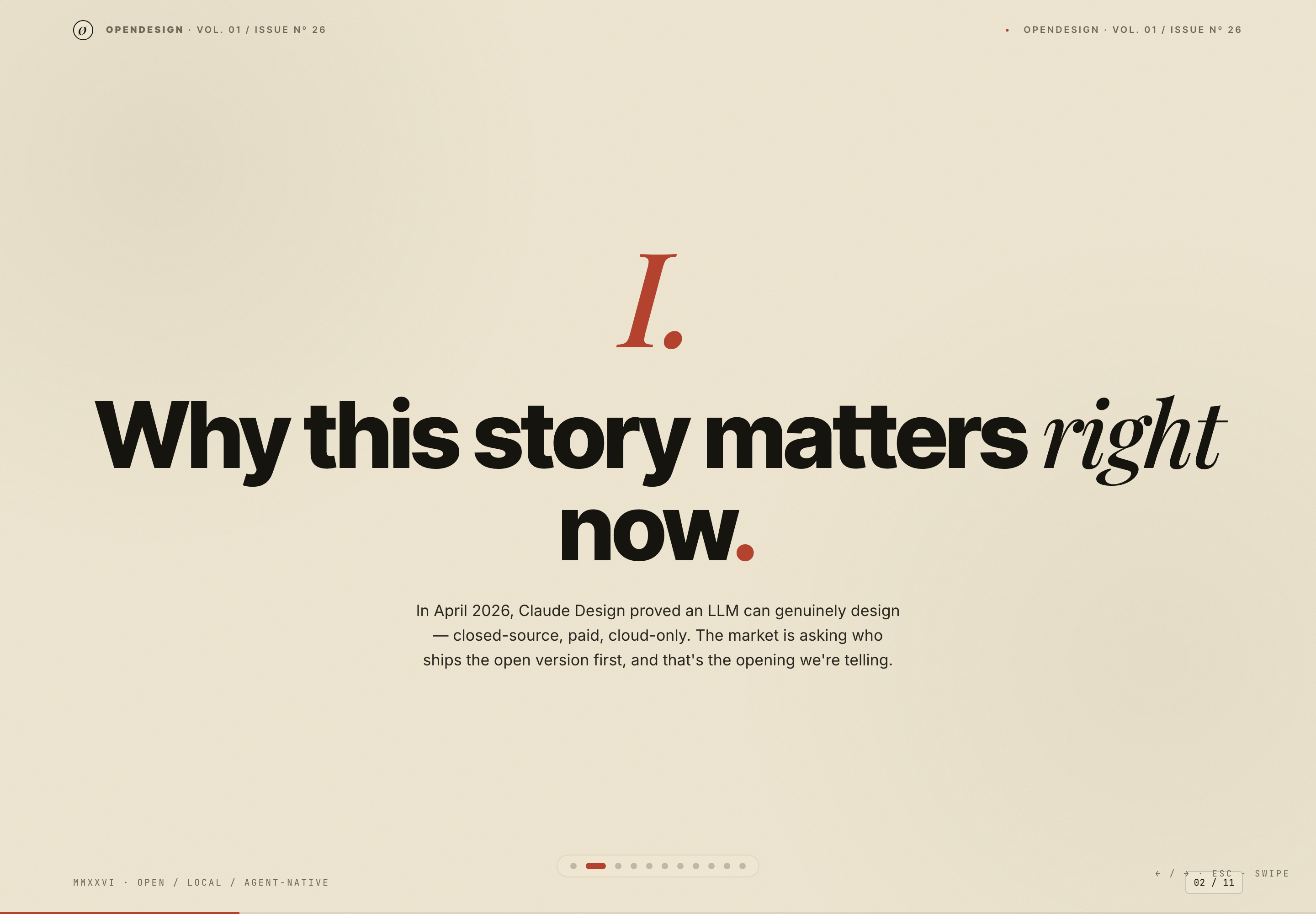
About The Brand Story Presentation Design
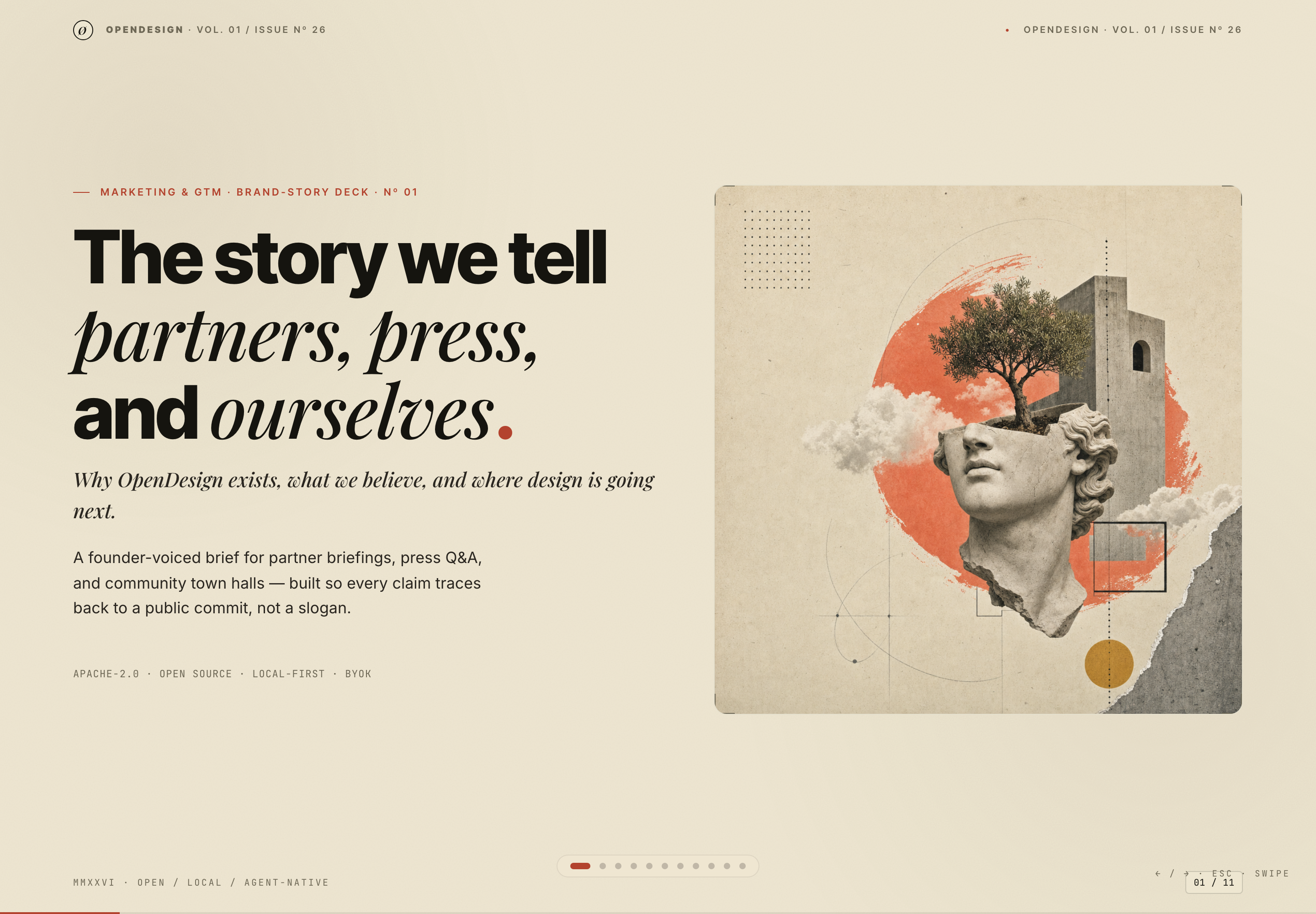
This 11-slide OpenDesign deck presents a brand story for partners, press, and community audiences. Its opening slide names the format as a “Marketing & GTM” brand-story deck, then pairs the large title “The story we tell partners, press, and ourselves.” with a collage-like classical bust, tree, architecture, clouds, and geometric marks.
The composition establishes a contrast between editorial typography and tactile imagery. A heavy sans-serif headline carries the first phrase, while italic serif type carries “partners, press, and ourselves.” The pairing gives the deck a public-facing voice with enough visual distinction for a presentation cover, while the smaller subtitle explains the intended subject: why OpenDesign exists, what it believes, and where design is going next.
The deck also places “APACHE-2.0,” “OPEN SOURCE,” “LOCAL-FIRST,” and “BYOK” together near the bottom of the cover. This makes the stated positioning visible before the narrative begins, but it also concentrates several claims into a small line that may need presenter explanation in a live setting.
Use Cases For The Deck
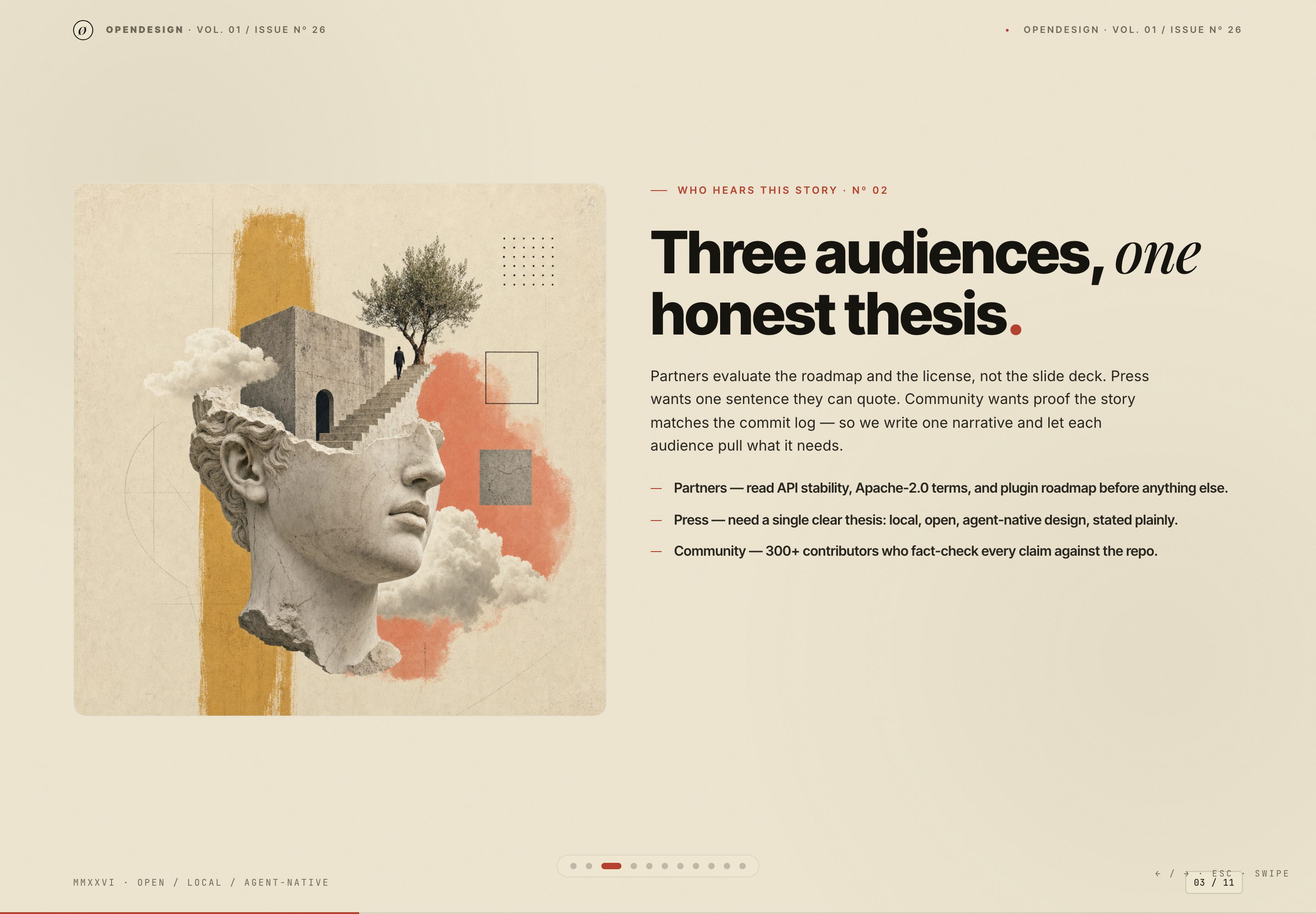
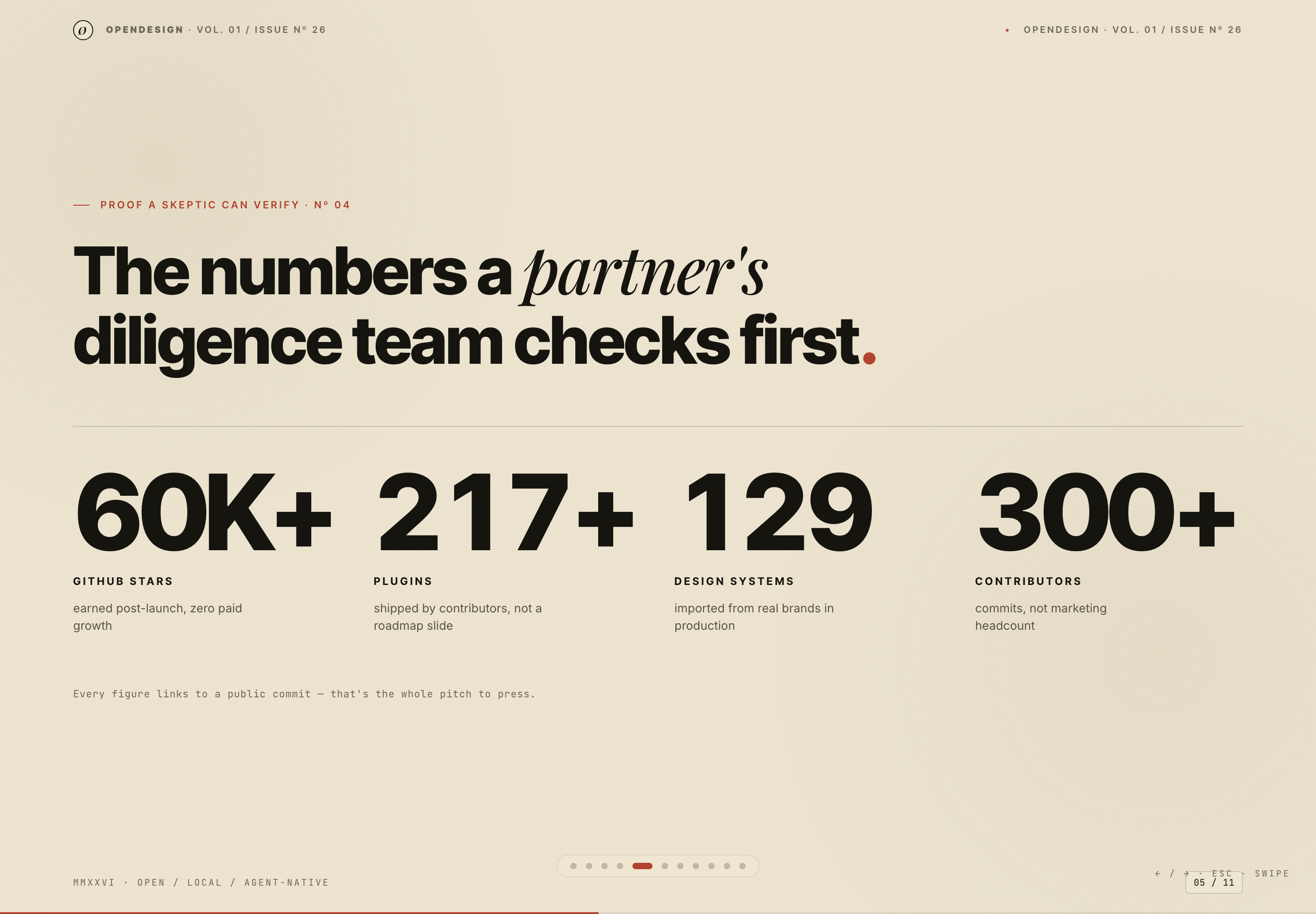
The deck is structured for one story that can be read by three audiences. Slide three explicitly separates Partners, Press, and Community, then assigns each a different concern: API stability and licensing, a single clear thesis, and claims checked against the repository.
That division is useful for a presenter because it identifies what to emphasize without creating three separate decks. The tradeoff is density: the same narrative must remain specific enough for diligence while staying quotable and accessible in a town-hall context.
Partner Briefings
Use the license, roadmap, and proof slides to support an evaluation-oriented conversation. The source names Apache-2.0 terms and API stability as partner concerns, so those details belong near the thesis rather than being hidden in an appendix.
Press Conversations
Use the short thesis and repeated language across the deck as a briefing spine. The slide sequence moves from why the story matters to what is offered, giving a journalist a compact route through the argument.
Community Town Halls
Use the channel and calendar slides to make distribution visible. Their ordering shows how a public claim is repeated through README updates, Discord, press, partner guides, and showcase reposts.
Narrative Structure And Reading Order
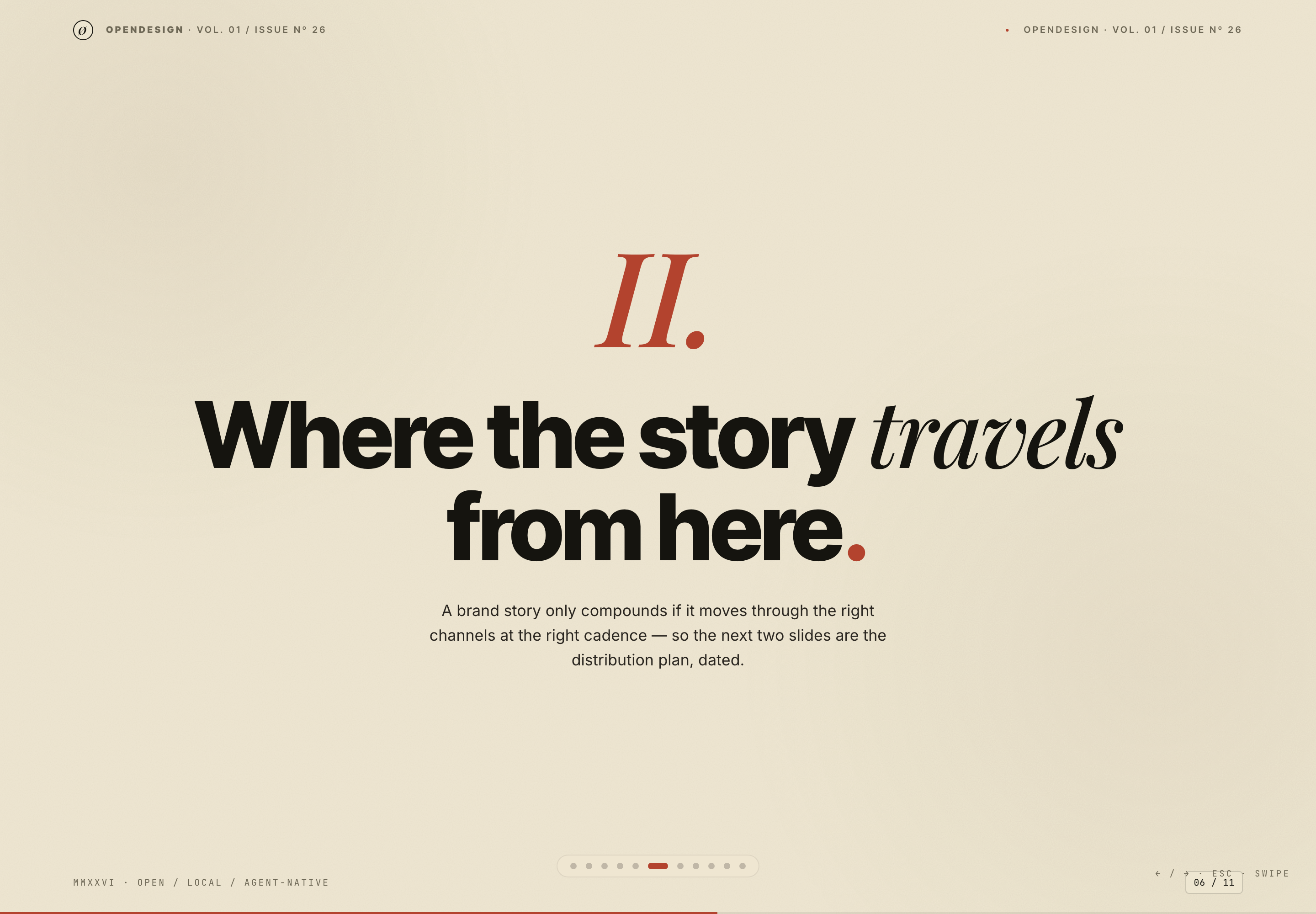
The narrative follows a deliberate progression: context, audience, belief, proof, distribution, schedule, quotation, and verification. The divider slide “Where the story travels from here.” marks the transition from what OpenDesign says to how the story is meant to move.
That transition works because the first half establishes an argument and the second half operationalizes it. The tradeoff is that the deck’s roadmap and channel targets can feel like commitments if shown without context; the source record identifies those figures as illustrative design content, so a real presentation would need separately verified data.
| Audience | Primary Concern | Deck Treatment |
|---|---|---|
| Partners | Roadmap, license, and integration readiness | Apache-2.0 language, API stability, plugin roadmap, and diligence figures |
| Press | A single sentence that can be quoted | The repeated local, open, agent-native thesis and a concise closing claim |
| Community | Whether claims match public work | References to commits, repository verification, town halls, and user output |
From Belief To Distribution
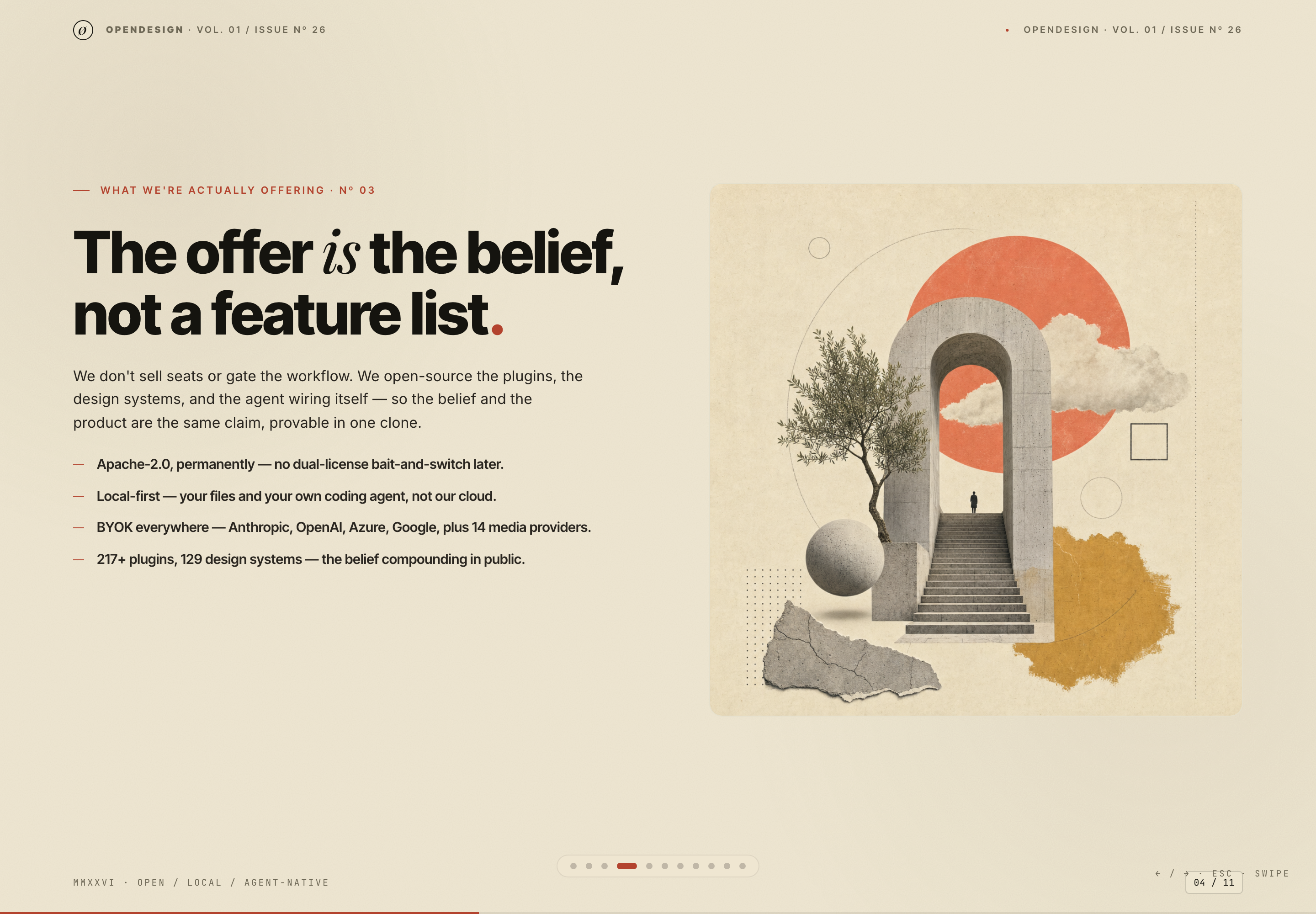
Slide four states that “The offer is the belief, not a feature list.” It then lists Apache-2.0, local-first, BYOK, plugins, and design systems. The choice prioritizes principles over interface features, which keeps the story coherent; the tradeoff is that the claims require a later verification path.
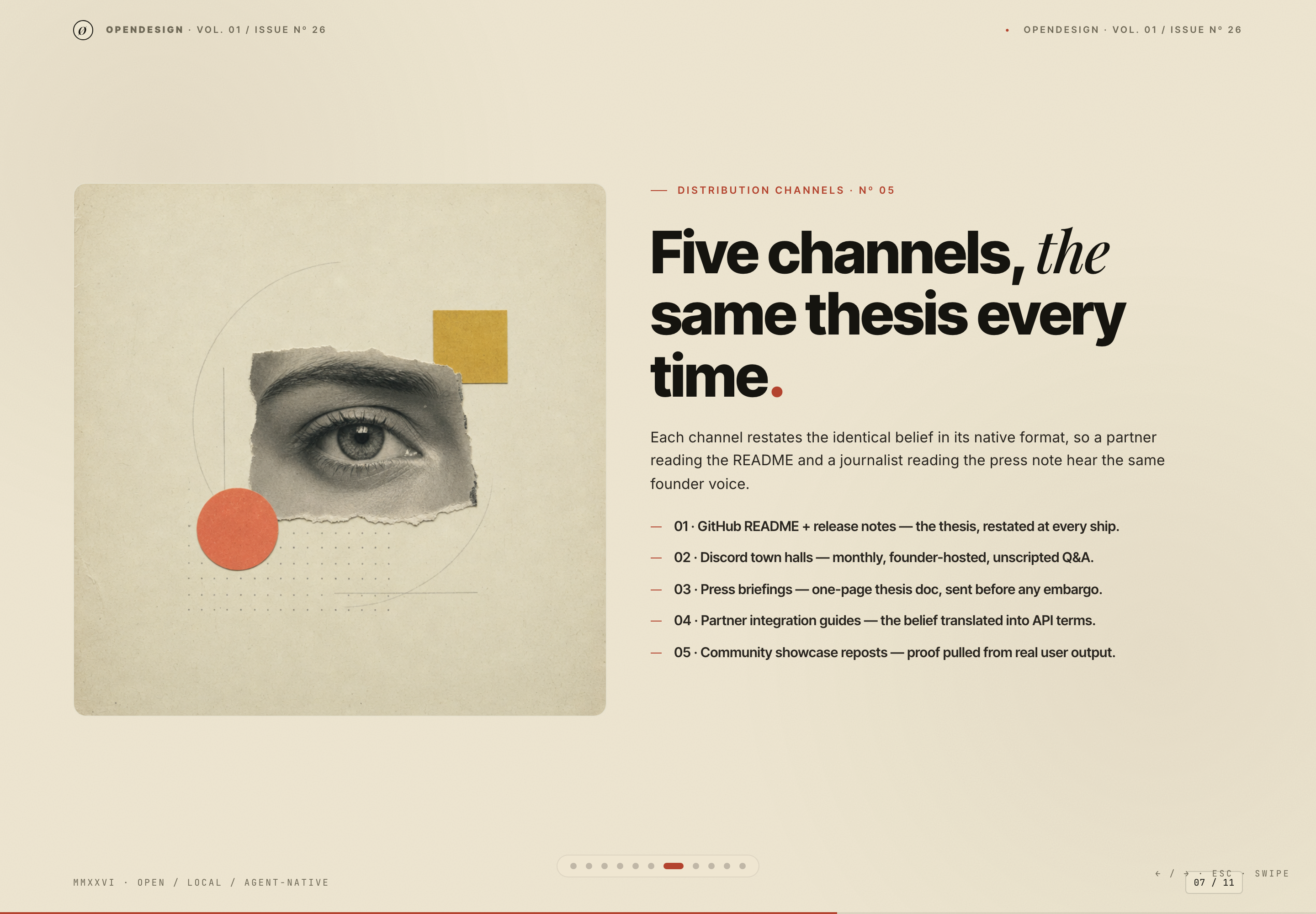
Slide seven repeats the same thesis through five channels, including GitHub README and release notes, Discord town halls, press briefings, partner integration guides, and community showcase reposts. The numbered ordering makes the plan scannable, while the repeated message reduces variation across formats.
From Distribution To Cadence
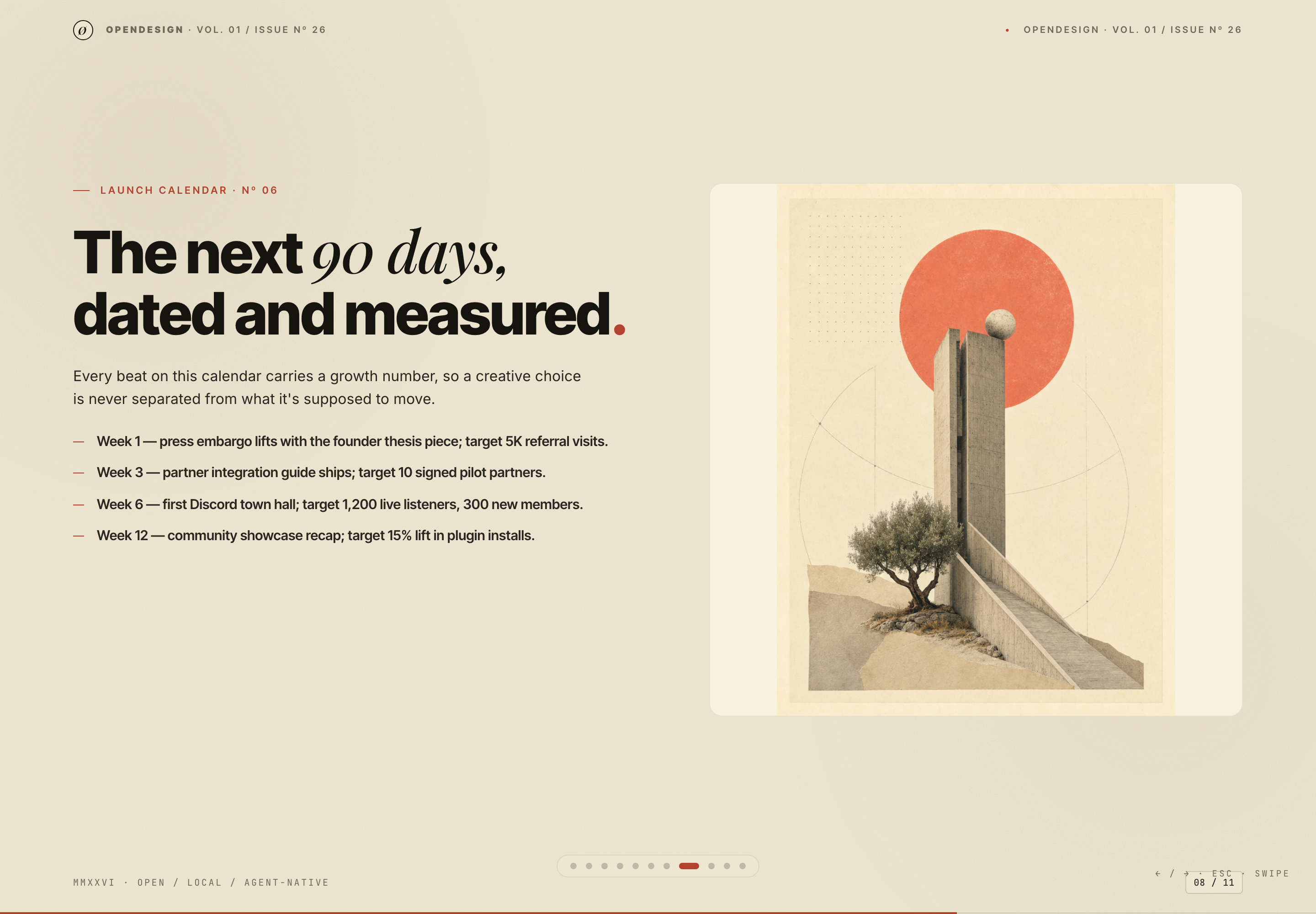
Slide eight turns the channel plan into dated beats: Week 1, Week 3, Week 6, and Week 12. Each beat includes a target, such as referral visits, signed pilot partners, listeners, members, or plugin installs. These are visible sample targets in the deck, not verified outcomes.
The structure teaches a useful presentation technique: connect each distribution activity to an intended movement. Its limitation is that the target definitions and measurement sources are not supplied in the artifact, so the numbers should be presented as proposed planning figures rather than performance evidence.
Visible Design And Capability Boundaries
The source is an eleven-slide HTML presentation with implemented local navigation. Dot buttons, arrow and page keys, wheel input, and horizontal swipes move between slides; Escape opens an overview for direct selection. The active-slide class and progress bar update with the chosen slide. Those behaviors support presenting the authored sequence, not retrieving new data or verifying the deck's claims.
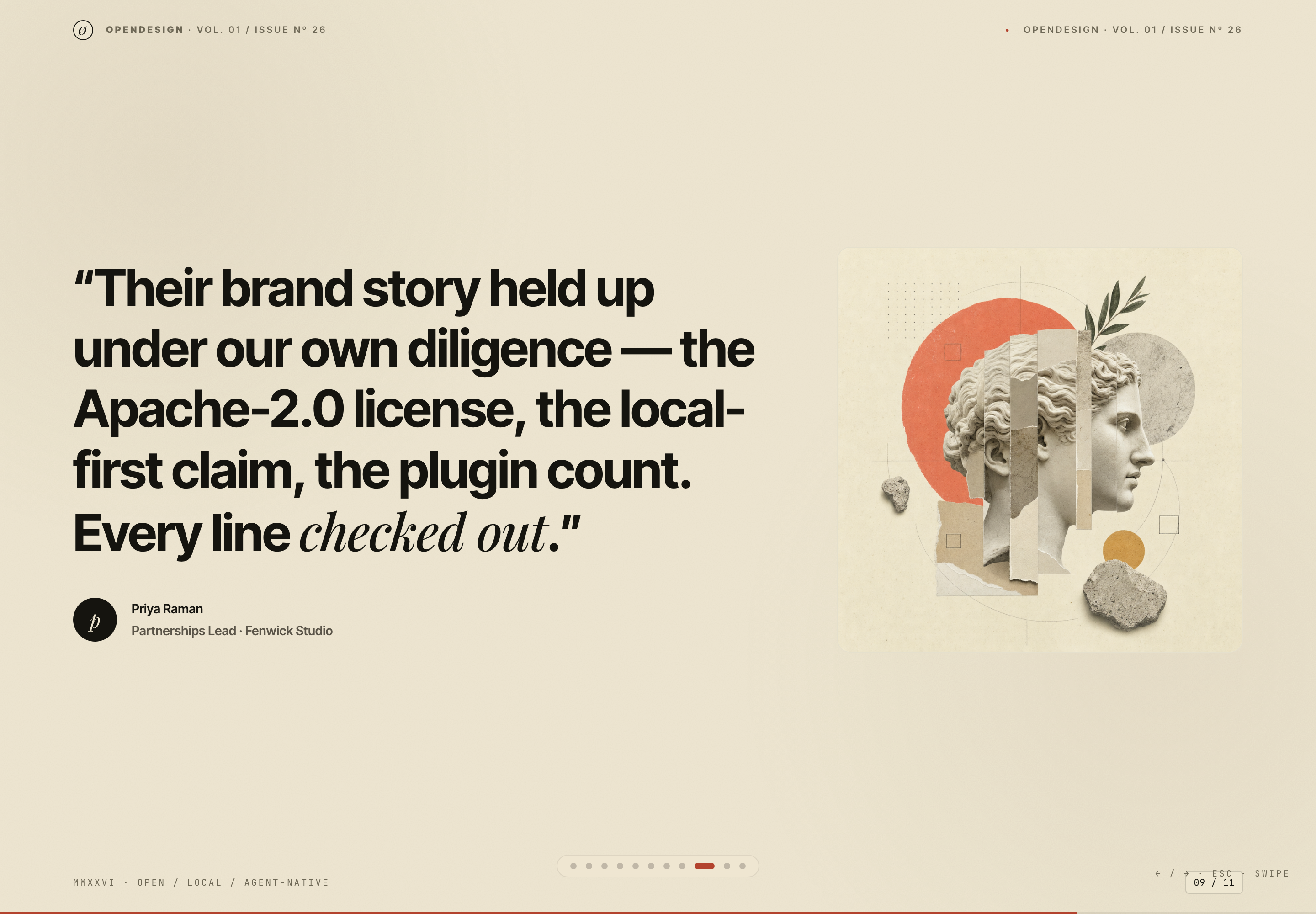
The closing actions link to the OpenDesign homepage and GitHub repository; the download label does not point directly to an installer. These authored destinations do not verify the historical metrics, partner quotation, licensing claims, or roadmap. The figures and quote remain sample design content. A production presentation would need current evidence for each claim and links appropriate to the promised action.
The strongest reusable lesson is editorial: state the thesis, name who needs what, show how the story travels, date the beats, and end with a way to inspect the evidence. The specific artwork, figures, names, and commitments should remain case-specific unless they are reverified.
How to Create Brand Story Presentation Design in OpenDesign
Set The Narrative Spine
Start with an 11-slide sequence that moves from context and audience to belief, proof, distribution, cadence, and verification. Keep one thesis consistent across every audience.
Draft The Audience And Proof Slides
Create separate treatments for partners, press, and community, then connect each concern to visible evidence. Mark figures, quotations, and roadmap targets as proposed until independently verified.
Suggested PromptCreate an 11-slide Brand Story Presentation Design for partners, press, and community. Use a large editorial cover, an audience slide, a belief-before-features slide, an illustrative diligence slide, a five-channel distribution slide, a dated Week 1/3/6/12 calendar, and a closing verification slide. Keep sample metrics and quotations clearly illustrative; do not imply live services, current outcomes, or connected repository checks.
Refine The Visual Rhythm
Use the artifact's contrast between bold sans-serif headlines, italic serif emphasis, compact mono-style metadata, warm paper tones, black type, and red accents. Check that divider slides create pauses without obscuring the narrative order.
Check Claims And Transitions
Review every number, quote, license statement, link, and call to action against a current source. Confirm that the transition from belief to distribution is understandable without presenter narration, and that illustrative planning targets cannot be mistaken for measured results.
Export and Get a Share Link
Export your finished design, then use Share in OpenDesign to get a share link. Open the link in a separate browser window and check that the intended version and its assets are available before sending it.
Fundraising Memo Presentation Design
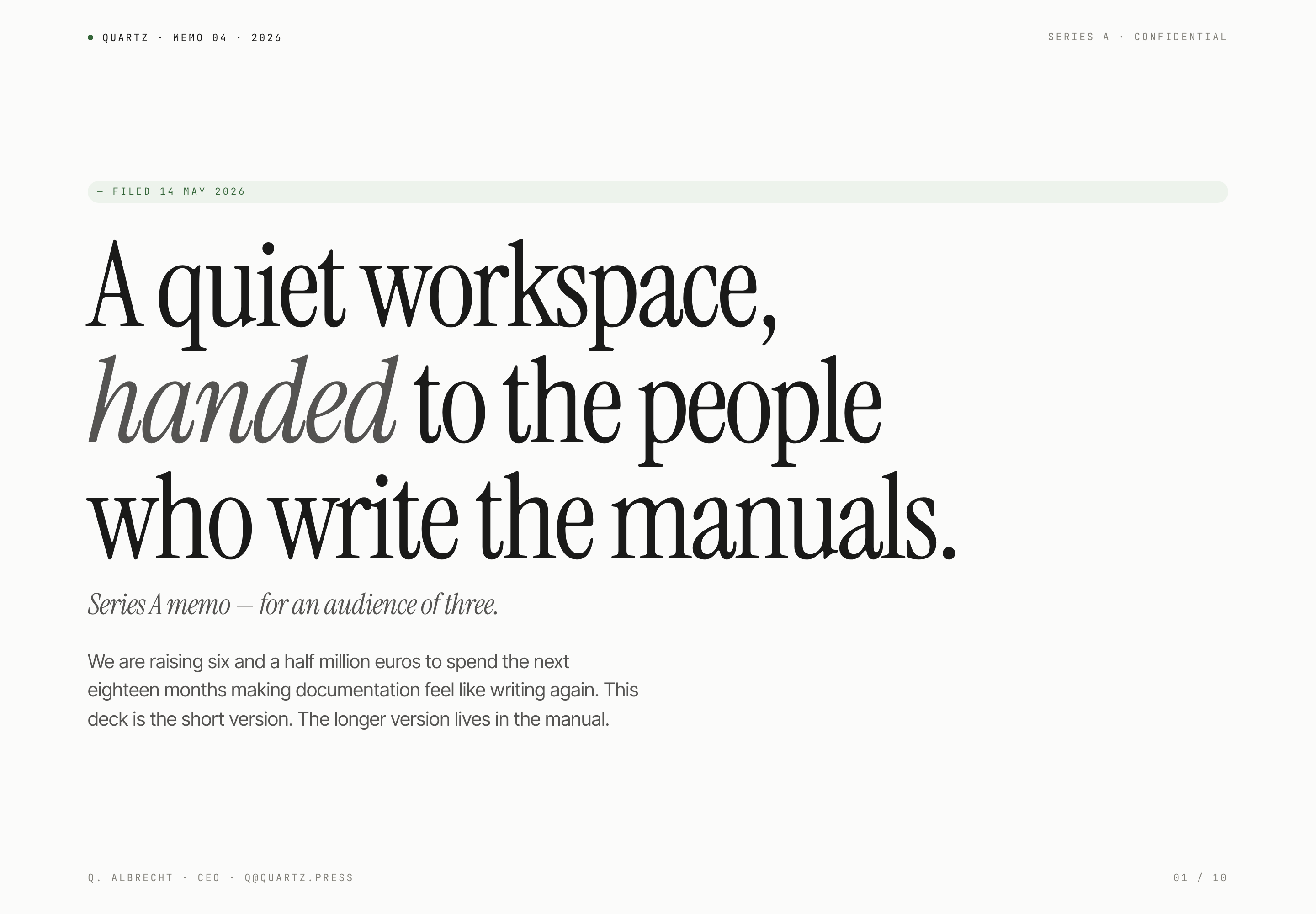
Quartz's ten-slide fundraising memo pairs quiet serif typography with product principles, sample traction, and a funding request for a small investor audience.
Slides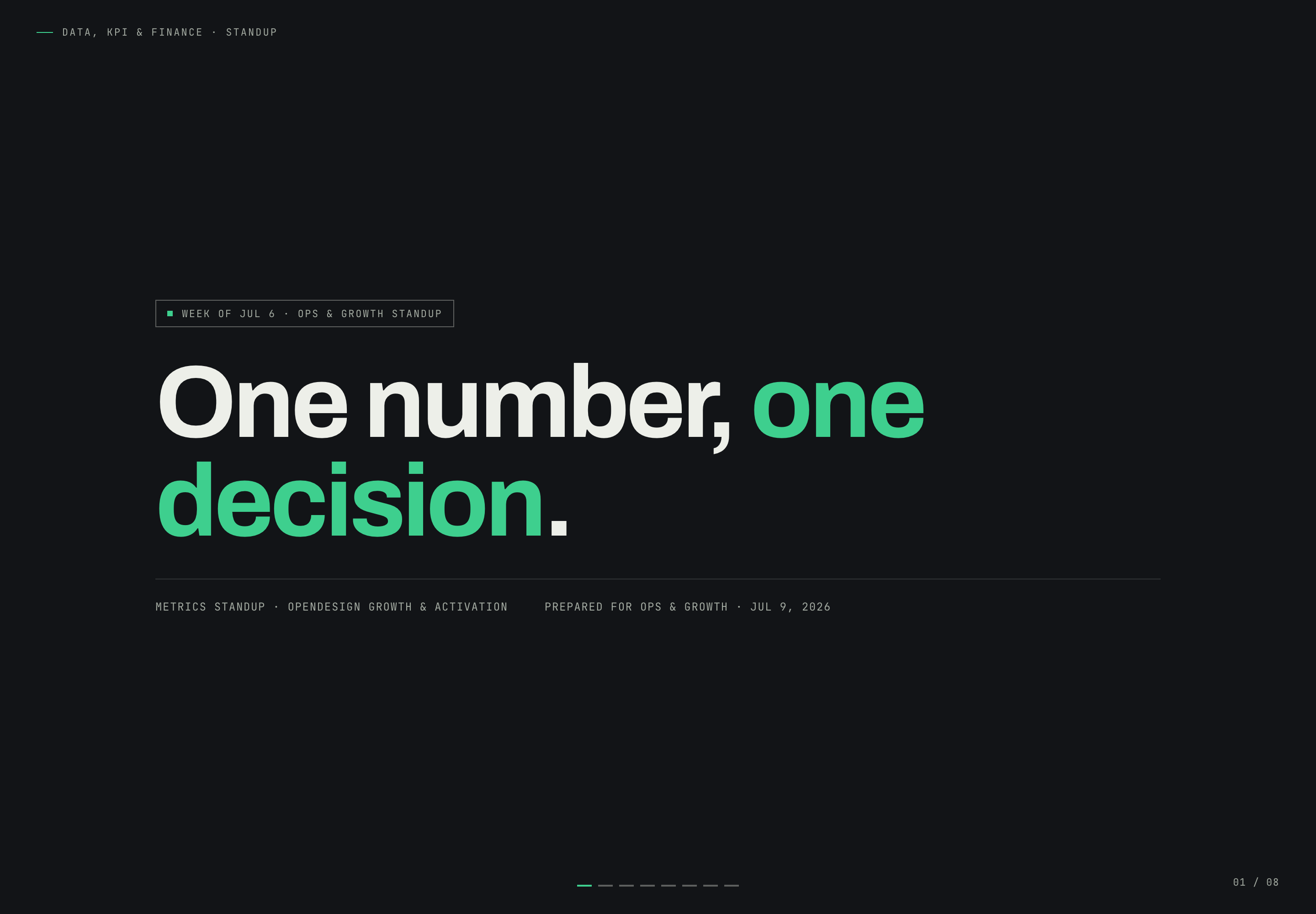
Growth Metrics Standup Design
Growth Metrics Standup Presentation Design turns a Safari conversion problem into a focused narrative that ends with one owned decision.
Slides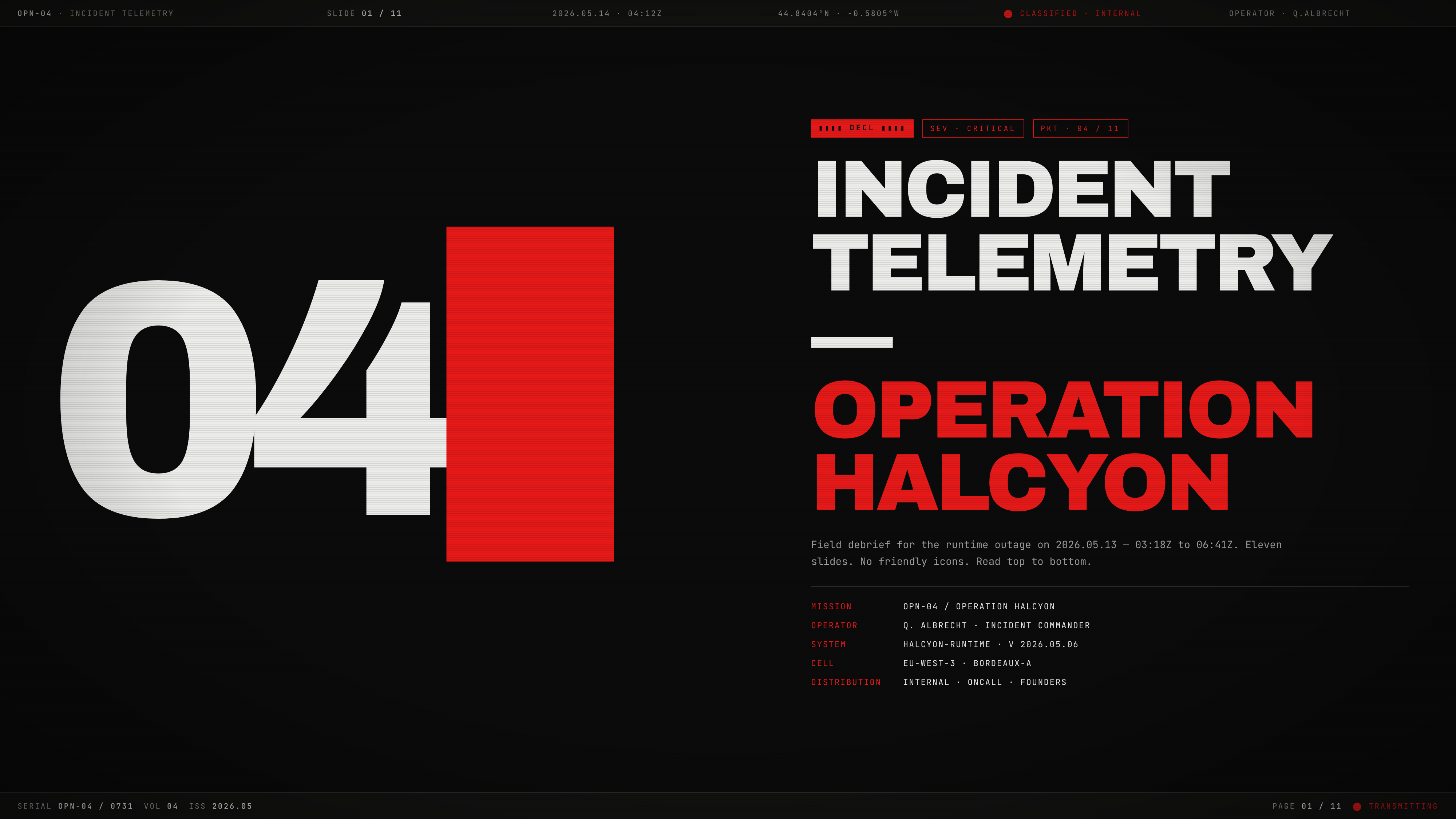
Incident Telemetry Presentation Design
Incident Telemetry — Operation Halcyon turns an illustrative runtime outage into an ordered briefing for tracing causes, risks, and decisions.
Slides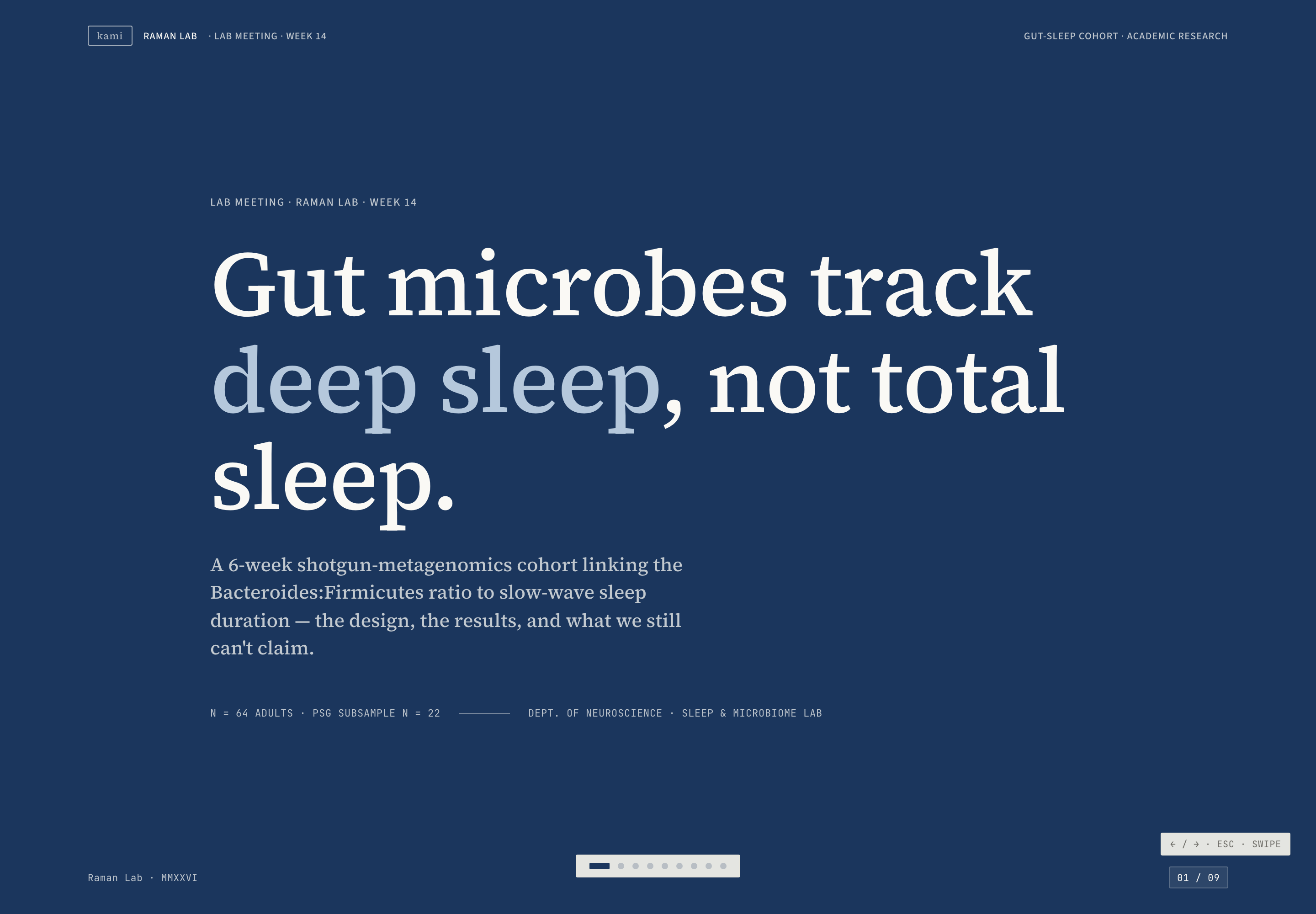
Microbiome Research Presentation Design
Raman Lab's nine-slide research example uses navy dividers, cream evidence slides, and a causal caveat to pace an illustrative gut-sleep argument.
Slides