

Website
Editorial Product Website Design
Editorial Product Website Design uses warm paper, oversized type, and chapter-based reading to frame a local-first studio as an authored publication.

Designed For
- Editorial Product LaunchesPresent a product through paced, publication-like reading.
- Open-Source Project SitesExplain tools, principles, and direction without dashboard conventions.
- Long-Form Product NarrativesTurn product detail into a sequence of authored chapters.
- Design-System DemonstrationsShow typography, tokens, and composition as product evidence.
Highlights
- Warm Paper PaletteOff-white surfaces and navy accents establish a printed editorial tone.
- Chapter-Based StructureNumbered sections turn product explanation into a readable sequence.
- Oversized Serif HeroA large display heading makes the subject visible immediately.
- Editorial Utility DetailsIssue labels, coordinates, and release metadata add publication character.
Gallery
1 / 4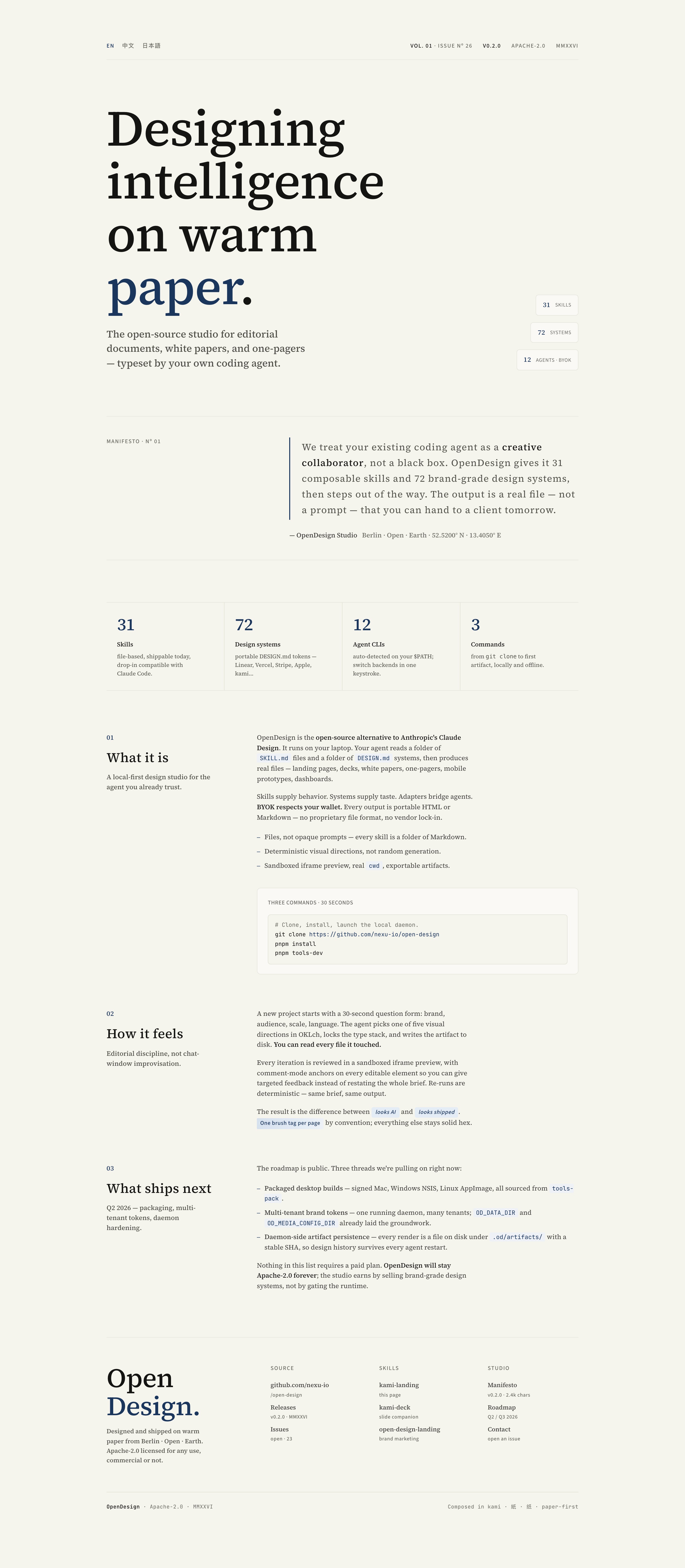
Warm-Paper Product Introduction
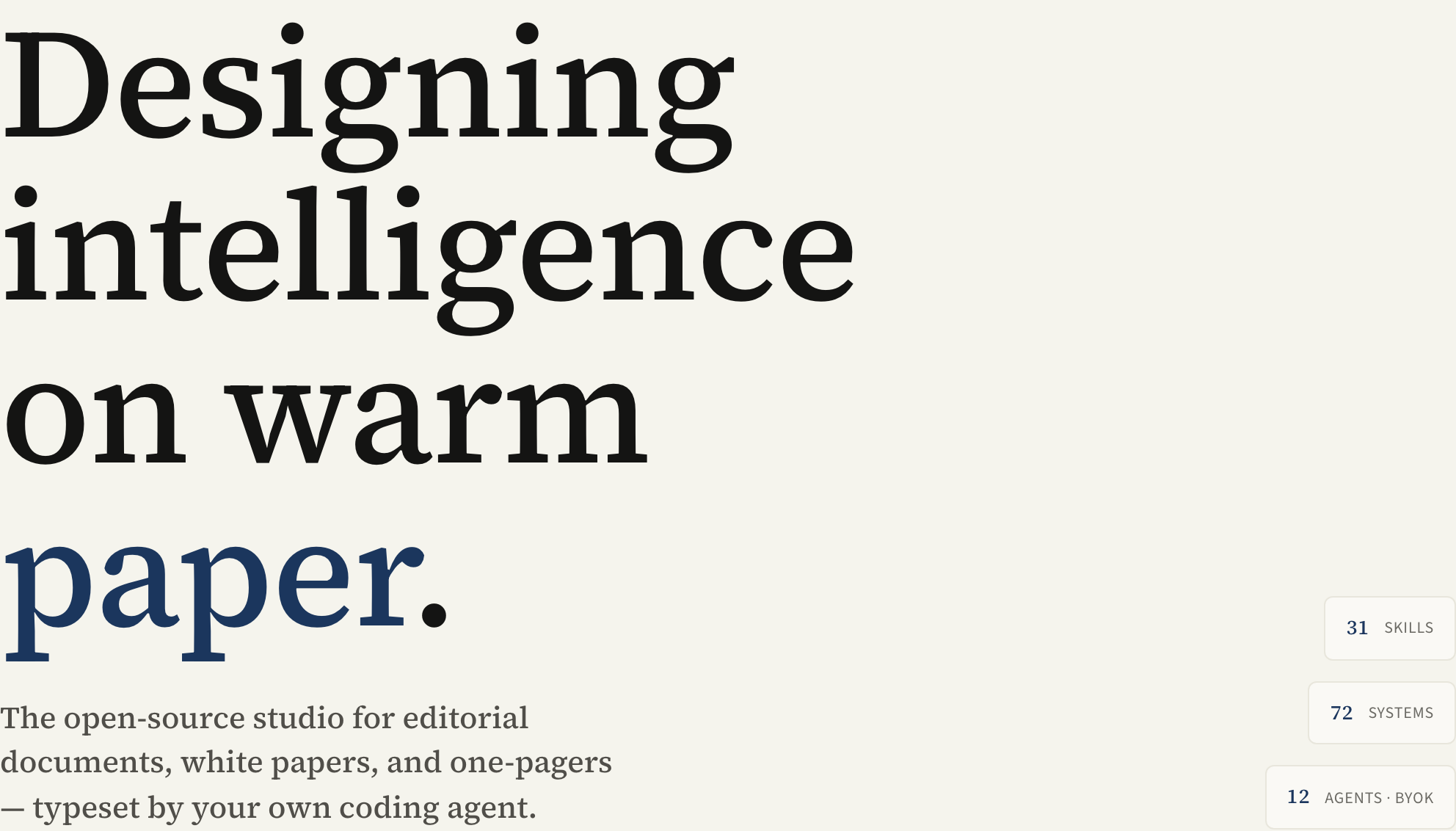
This website presents OpenDesign as an editorial product rather than a conventional software dashboard. Its authored heading, “Designing intelligence on warm paper.”, occupies the opening view in very large serif type, with “paper.” receiving a navy color treatment. The contrast makes the visual premise legible before the explanatory copy begins.
The hero pairs that display treatment with the sentence “The open-source studio for editorial documents, white papers, and one-pagers — typeset by your own coding agent.” On the right, compact blocks for “31 SKILLS,” “72 SYSTEMS,” and “12 AGENTS · BYOK” act as a counterweight to the expansive left column. The source CSS confirms a 1.45fr/0.55fr hero grid, so the composition gives narrative priority to the headline while preserving a narrow evidence rail.
This is a design study of a product landing page. The counts, commands, roadmap, and capability statements are illustrative source content, not validated current performance or proof of connected services. The page's visual language can be evaluated independently: warm paper, oversized type, restrained navy, compact metadata, and a deliberate reading order.
Headline As Cover
The oversized serif title behaves like a publication cover, making the product’s editorial position the first thing a visitor understands.
Metrics As Marginalia
The small skill, system, and agent blocks provide orientation without competing with the main statement; their tradeoff is reduced room for supporting detail.
Utility In The Masthead
“VOL. 01 · ISSUE Nº 26,” “V0.2.0,” and “APACHE-2.0” frame the site as an issue of a publication, not an anonymous product screen.
A Landing Page For Product Narratives
The design suits products that need explanation before conversion: open-source tools, editorial platforms, and systems whose value depends on how parts relate. Its opening copy names documents, white papers, and one-pagers, then moves into “What it is,” “How it feels,” and “What ships next.” That order gives a visitor a compact narrative arc: definition, working philosophy, and forward-looking scope.
The left-side chapter labels are short while the body column carries the explanation. The stylesheet limits chapter paragraphs to 62ch, which keeps each line readable but makes long claims resolve into more vertical scrolling. That is a useful tradeoff for a product with a manifesto-like voice: the page preserves attention and rhythm, but it cannot communicate a large feature inventory as quickly as a dense comparison table.
The visible copy also uses recurring editorial markers, including “01,” “02,” and “03,” alongside small labels such as “MANIFESTO · Nº 01.” These repetitions help visitors locate their position in the argument. They would be less meaningful on a transactional store or utility app, where task status and controls would usually take precedence.
Open-Source Studios
The page can establish a project’s principles through a manifesto, source references, and release language before asking visitors to act.
Document-Oriented Products
The warm-paper setting supports products associated with reading, writing, white papers, and one-pagers rather than rapid operational scanning.
Narrative Roadmaps
A dedicated “What ships next” chapter lets future direction sit after the product explanation, separating present framing from proposed work.
From Masthead To Roadmap
The reading order moves from the issue-style masthead and hero into a navy-ruled manifesto, then a four-cell metrics row. Three numbered chapters follow: “What it is” introduces the studio concept, “How it feels” describes its proposed workflow, and “What ships next” holds sample roadmap copy. A large OpenDesign wordmark, source and studio indexes, and a final legal strip close the page. The intermediate modules matter: they separate the opening statement from the longer explanation.
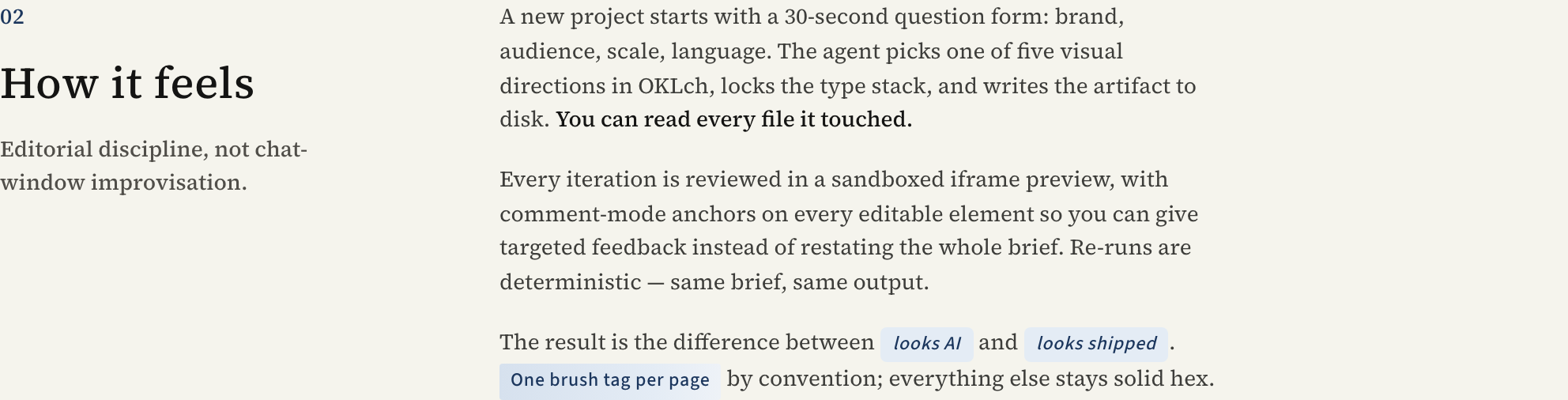
The second chapter is especially distinctive because it describes a 30-second question form with fields for brand, audience, scale, and language, followed by a selected visual direction, a locked type stack, and a written artifact. In the capture, these ideas are presented as prose rather than as an actual form. That preserves the editorial voice, but it also means the page explains a proposed workflow instead of demonstrating interactive state changes.
Its workflow paragraph is paired with highlighted phrases such as “looks AI,” “looks shipped,” and “One brush tag per page.” These inline accents interrupt the serif body without introducing a new panel system. The result is expressive emphasis, though the convention depends on readers understanding that the highlighted terms are editorial annotations rather than controls.
01: Establish The Premise
The hero uses the warm-paper heading, product sentence, issue metadata, and right rail to answer what the studio is before the visitor reaches the chapters.
02: Explain The Product
“What it is” moves from a local-first description into source-file, design-system, preview, and export language, so the visitor receives the conceptual model before roadmap material.
03: Describe The Proposed Workflow
“How it feels” names the question fields, visual-direction choice, type-stack lock, file output, iframe review, and comment anchors as a sequence; the prose describes these states but does not prove runtime behavior.
04: Separate Future Scope
“What ships next” lists packaging, multi-tenant tokens, and artifact persistence as roadmap threads, keeping planned work visually distinct from the page’s current editorial framing.
Visible Design And Capability Boundaries
What can be adapted with confidence is the visible composition: a warm off-white field, oversized serif display type, Source Sans-style utility text, navy accents, numbered chapters, and narrow reading measures. The supplied CSS also supports the observed proportions: a wider hero copy column and a 62ch chapter body.
The source does not establish a live daemon, connected backend, persistence layer, deterministic generation, or completed navigation. The inspected language links “EN,” “中文,” “日本語,” “github.com/nexu-io,” releases, and issues to placeholder targets. Treat workflow, storage, commands, product counts, and roadmap statements as sample content or proposed behavior when reusing the design.
OpenDesign distributes this example through its Community library. Its source documentation identifies Kami by tw93 as the upstream skill adapted by the design system: https://github.com/tw93/kami. Keep that attribution separate from the distributor credit; it is not a claim that OpenDesign independently authored the original Kami direction.
How to Create Editorial Product Website Design in OpenDesign
Define The Editorial Frame
Start with a short product premise, an issue-style metadata line, and a warm-paper visual direction. Keep the hero statement concise enough to sit beside a narrow evidence rail.
Build The Chapter Sequence
Create sections titled “What it is,” “How it feels,” and “What ships next.” Preserve the wider narrative column and approximately 62ch reading measure, then use numbered labels to show progression.
Suggested PromptCreate one continuous editorial product website for an illustrative local-first studio, using warm parchment #f5f4ed, navy #1B365D, a restrained serif display and small sans-serif or monospace metadata. Start with an issue-style masthead and oversized serif headline, followed by a 1.45fr/0.55fr hero with three right-aligned sample badges. Add a navy-left-rule manifesto and four metric cells using clearly labelled sample values 31, 72, 12 and 3. Build numbered chapters titled What It Is, How It Feels and What Ships Next, with a narrow heading column, approximately 62ch body measure, an inset example command block and sparing inline highlights. Finish with a large studio wordmark and compact source, skills and studio link columns. Collapse the hero and chapters to one column below 1080px; stack metrics and footer columns below 640px. Keep language and release links clearly marked as placeholders. Do not implement or claim language switching, a backend, deterministic generation, storage, current product counts or verified roadmap delivery. Retain a concise Kami by tw93 upstream credit and distinguish OpenDesign's Community distribution role. This is a suggested recreation brief, not the original creation prompt.
Refine Editorial Emphasis
Use navy sparingly for the key word, compact metric values, and selected inline phrases. Check that highlighted phrases read as annotations rather than buttons, and that long chapter copy wraps without losing its reading rhythm.
Check Source And Scope Language
Keep placeholder links visibly distinct from completed navigation, retain the Kami by tw93 upstream attribution, and label roadmap or workflow claims as illustrative where the source does not verify runtime behavior.
Export and Get a Share Link
Export your finished design, then use Share in OpenDesign to get a share link. Open the link in a separate browser window and check that the intended version and its assets are available before sending it.
AI Design Studio Website Design
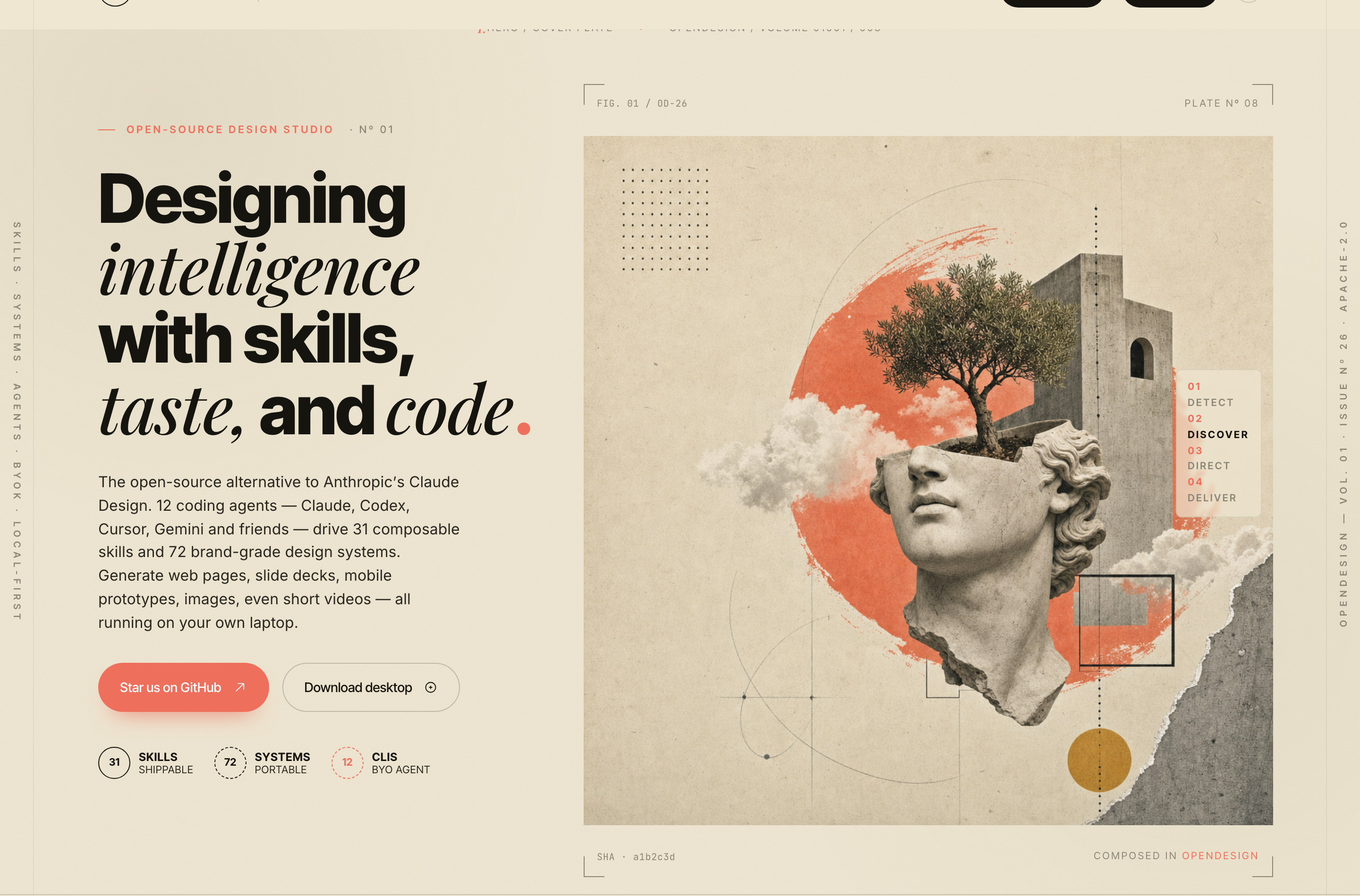
OpenDesign’s AI Design Studio Website Design turns a local-first studio concept into an editorial landing page that makes skills, experiments, and method easy to scan.
Website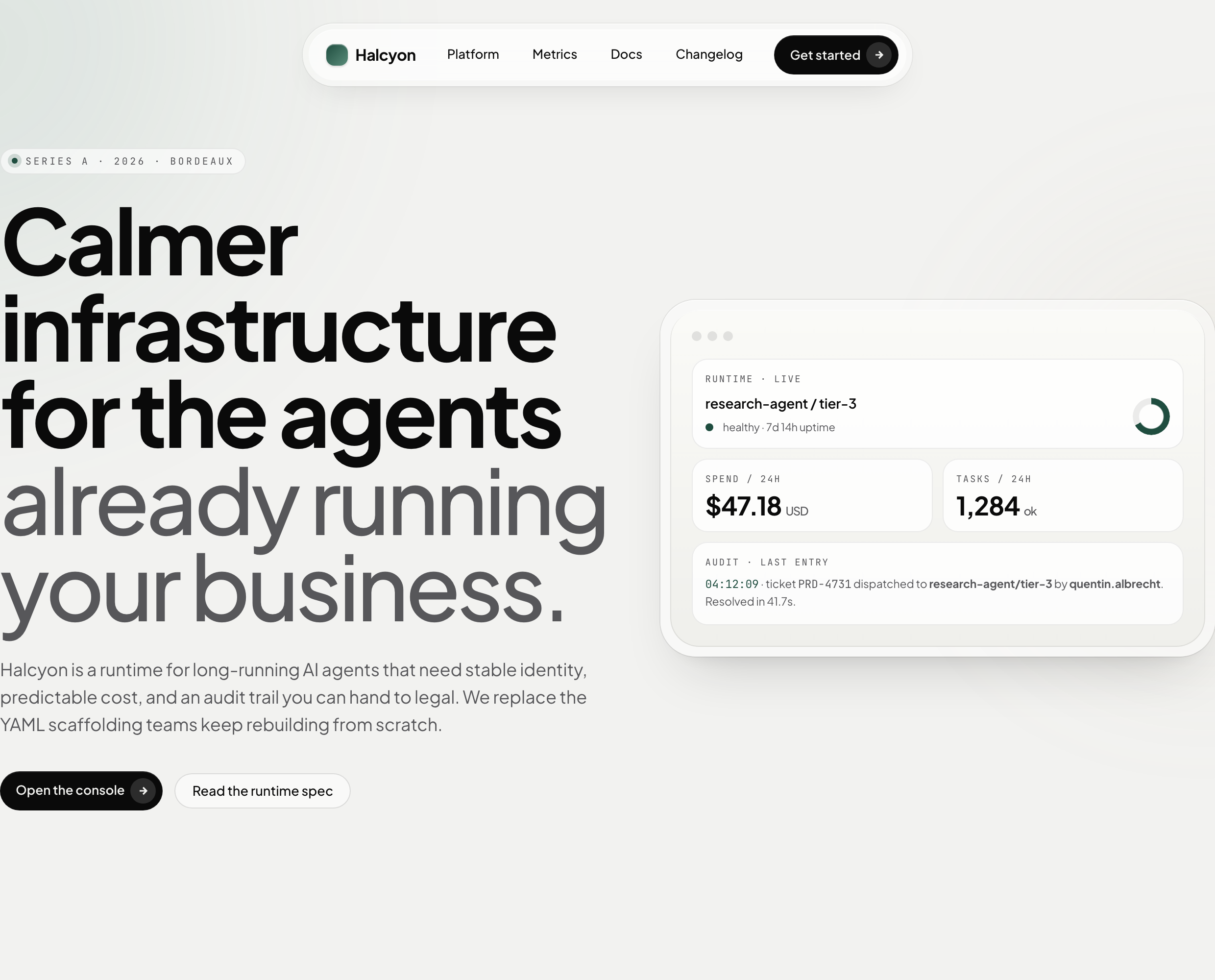
AI Infrastructure Website Design
A soft AI-infrastructure landing concept with sample runtime metrics, nested feature cards, subtle motion and a single sales invitation.
Website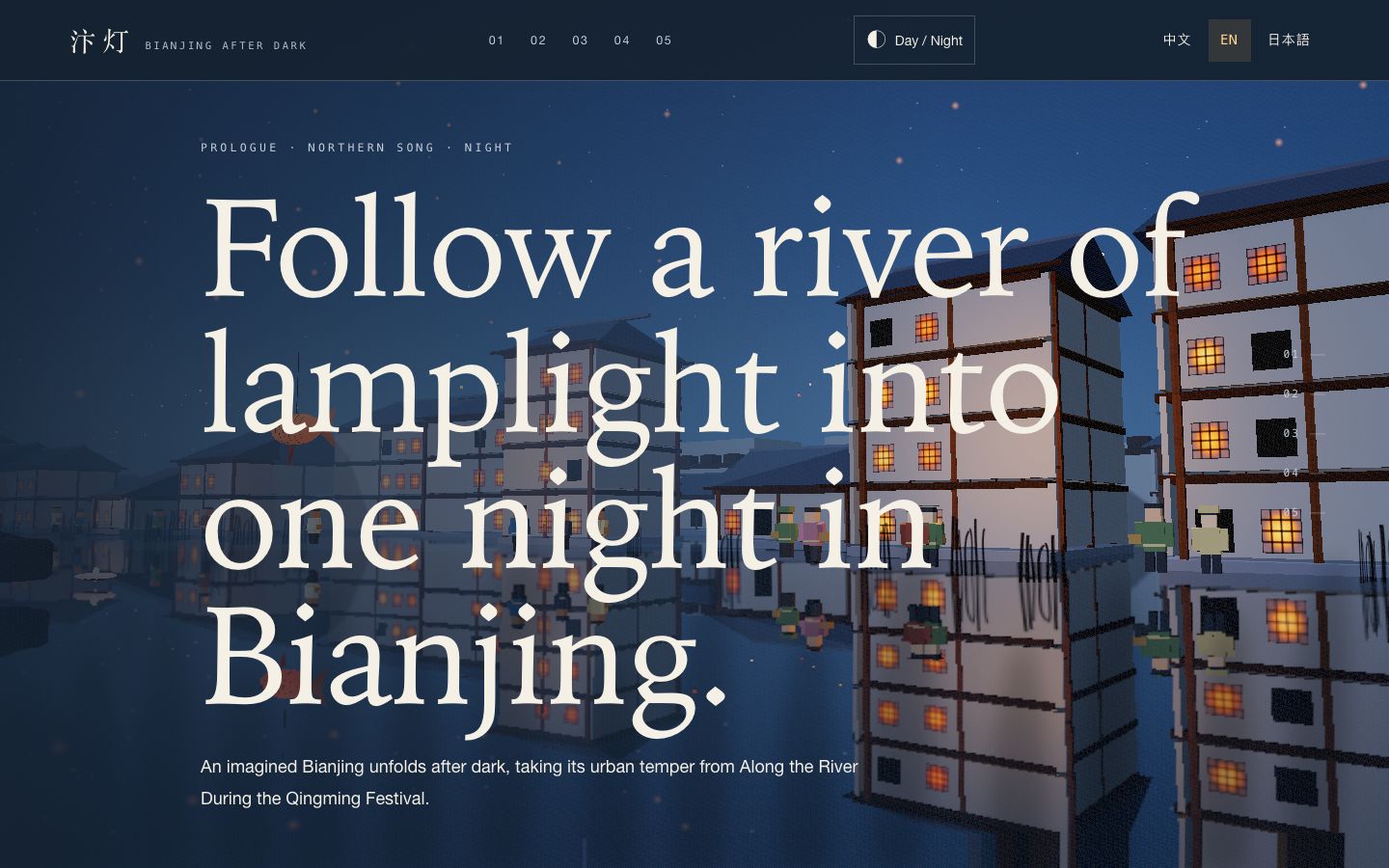
Bianjing Night Tour Website Design
An interactive night journey through an imagined Song-era Bianjing, combining a persistent river city, poetry, lanterns and multilingual chapter pacing.
Website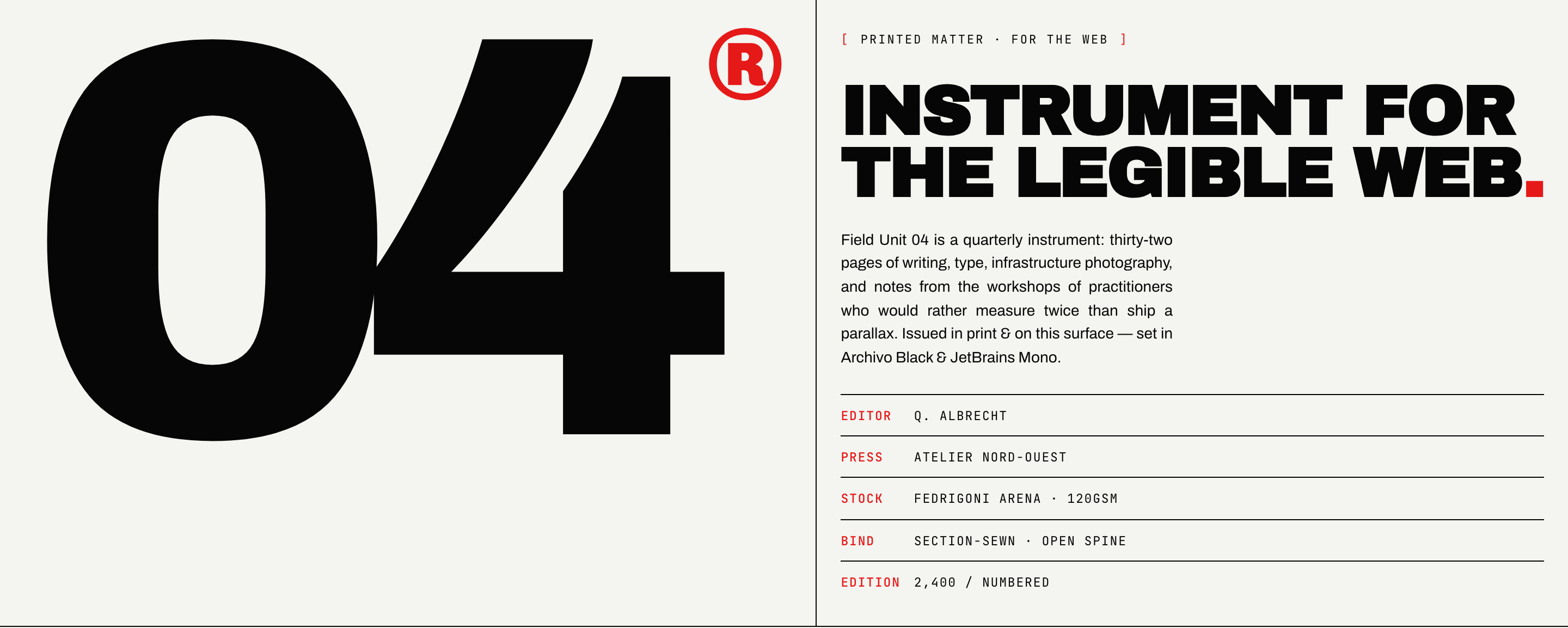
Brutalist Journal Website Design
Brutalist Journal Website Design turns a print-shaped issue into a legible web reading system, pairing bold type with measured editorial structure.
Website