

Website
File Sync SaaS Website Design
A file-sync landing page pairs a bandwidth-focused headline with three numbered benefit columns, illustrative company names, and contrasting Solo, Team, and Enterprise plans.

SaaS Website Use Cases
- SaaS Product TeamsExplain technical product value without overwhelming first-time buyers.
- Creative Collaboration ToolsFrame large-file workflows around practical bandwidth and storage concerns.
- Pricing-Page DesignersCompare plans while keeping one recommended choice visually prominent.
- Security-Led ProductsIntroduce encryption language before asking visitors to convert.
File-Sync Landing Highlights
- Technical PromiseBlock-level deltas lead the page's central bandwidth argument.
- Security PositioningEnd-to-end encryption receives its own numbered explanation.
- Plan ComparisonSolo, Team, and Enterprise plans share a consistent comparison structure.
- Focused ConversionA closing trial message returns visitors to one primary action.
From Bandwidth Promise to Pricing Cards
1 / 4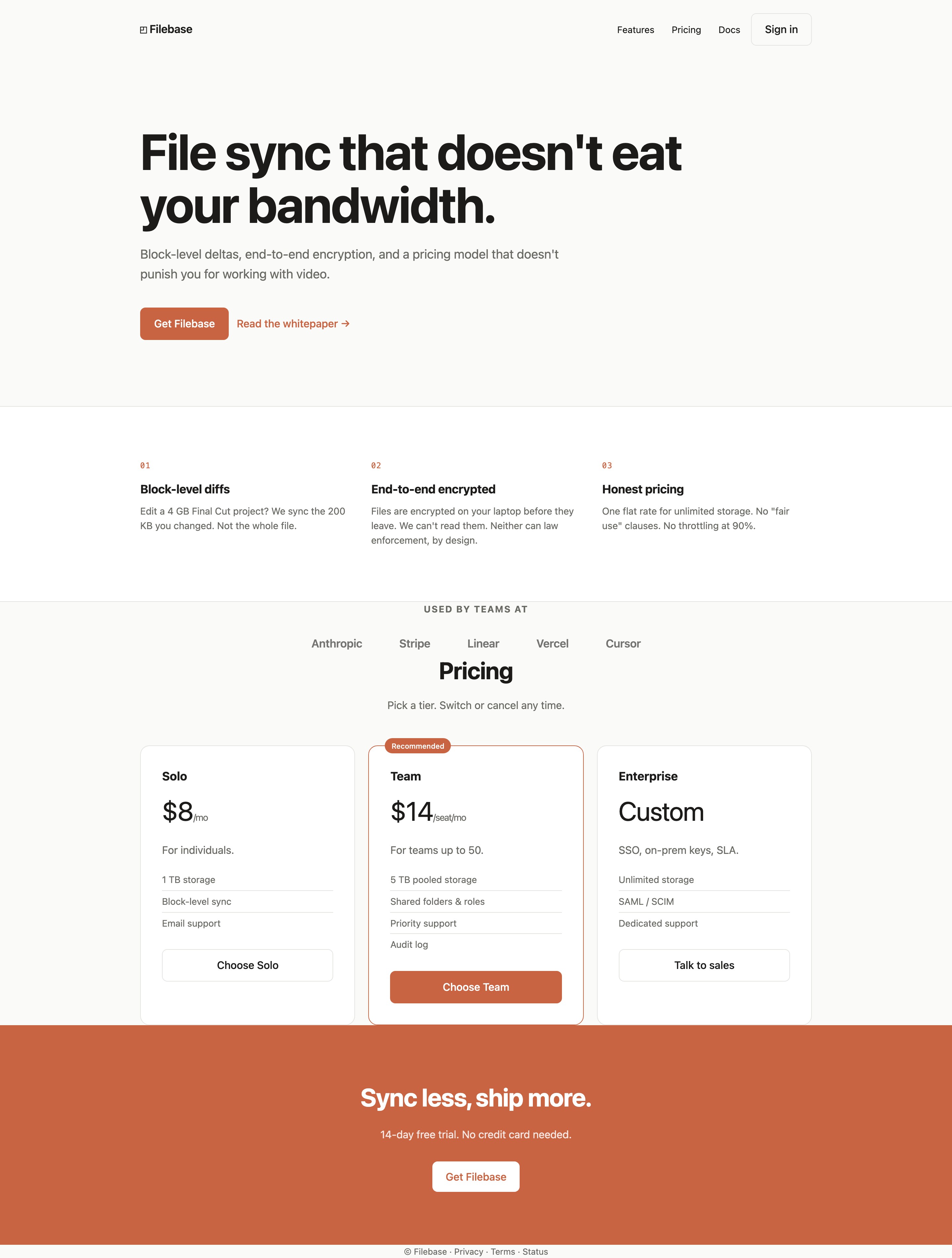
A Landing Page For Bandwidth-Aware File Sync
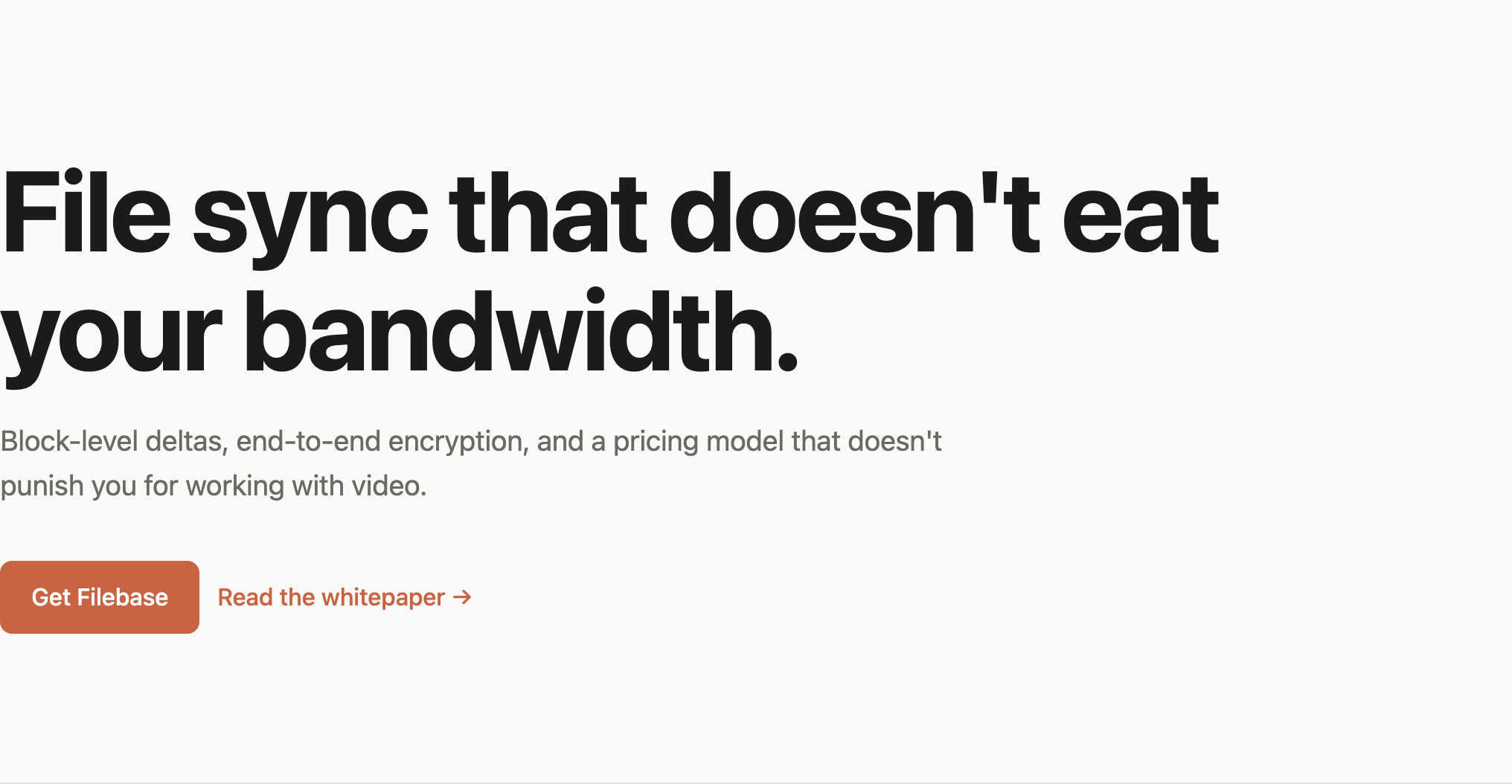
This official OpenDesign example presents Filebase as a file-sync service for people who work with large files. Its primary authored heading, “File sync that doesn't eat your bandwidth,” makes a concrete operational concern the first thing visitors encounter.
The hero follows with “Block-level deltas, end-to-end encryption, and a pricing model that doesn't punish you for working with video.” That sentence establishes three separate reasons to continue: transfer efficiency, privacy, and predictable billing. The tradeoff is density: several product promises appear before the visitor sees the supporting sections, so the numbered feature sequence must do explanatory work.
The supplied CSS sets a 1080px content maximum, a 17ch limit for the hero heading, and a 56ch limit for the hero paragraph. Those constraints produce a deliberately short reading measure while allowing the headline to occupy two large lines in the supplied capture.
Block-Level Diffs
The 4 GB project and 200 KB change turn the depicted bandwidth argument into a size comparison, without demonstrating an actual transfer.
End-to-End Encryption
The laptop-before-upload wording introduces privacy at the transfer boundary; the design does not establish encryption implementation.
Honest Pricing
The flat-rate wording introduces billing predictability, but its unlimited-storage assertion conflicts with the lower tiers' visible limits.
Three Promises With Different Jobs
The feature sequence is explicitly ordered as “Block-level diffs,” “End-to-end encrypted,” and “Honest pricing.” The first describes a file-transfer mechanism through a 4 GB Final Cut project and a 200 KB change; the second addresses who can read files; the third explains the billing stance. Readers can therefore move from technical behavior to trust to purchase risk.
The examples are visible design copy, not verified product performance, security compliance, or customer evidence. Their value in this composition is explanatory: each feature names a concern that a file-sync buyer may need resolved before reaching the plans.
Use Cases Shaped Around Buyer Questions
The page is aimed at individuals and teams who need to reason about file size, access, and plan fit. It does not show an application workspace or a sync status screen; it is a marketing page that explains a proposed service through copy, plan labels, and calls to action.
The strongest use case is visible in the example about editing a 4 GB Final Cut project. It gives the bandwidth argument a recognizable creative-work context instead of leaving “block-level” as abstract infrastructure language. The limitation is that the page does not define how changes are measured or verify the stated transfer comparison.
From Individual Work To Team Governance
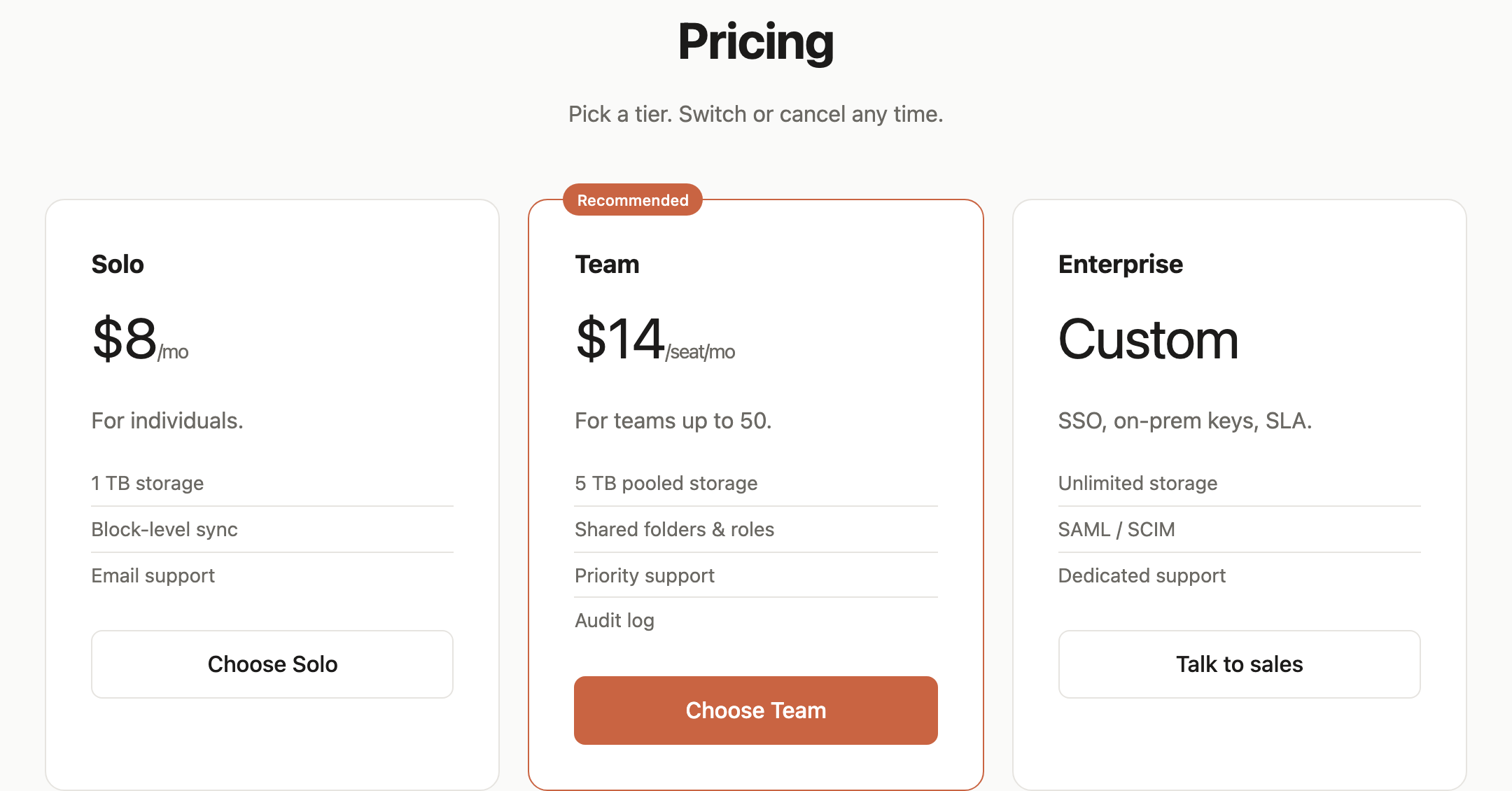
The pricing sequence moves from “Solo” to “Team” to “Enterprise.” Solo lists 1 TB storage, block-level sync, and email support. Team adds 5 TB pooled storage, shared folders and roles, priority support, and an audit log. Enterprise changes the price to “Custom” and names SSO, on-prem keys, SLA, SAML / SCIM, and dedicated support.
This ordering lets a visitor compare increasing organizational requirements rather than only increasing storage. The tradeoff is that the page presents capabilities as concise labels; it does not explain implementation, limits, or whether the visible controls submit successfully.
A Short Reading Path From Promise To Plan
The actual heading sequence is “Block-level diffs” followed by “End-to-end encrypted,” “Honest pricing,” “Used by teams at,” “Pricing,” “Solo,” “Team,” and “Enterprise.” This creates a single downward argument: explain the product, add social-proof styling, then ask the visitor to choose a commercial path.
The “Used by teams at” strip sits between the feature explanation and pricing. In the supplied evidence it contains Anthropic, Stripe, Linear, Vercel, and Cursor, but the verified record identifies the brand list as illustrative copy rather than verified endorsement. Its structural role is still clear: it acts as a visual pause before the detailed plan comparison.
The pricing capture gives the Team card an orange outline and a “Recommended” badge, while Solo and Enterprise remain lighter framed cards. It proposes a preferred route without demonstrating that visitors choose it more often. In a production page, that sales preference would need to match the actual product positioning.
| Plan | Displayed Price | Storage Label | Design Role |
|---|---|---|---|
| Solo | $8/mo | 1 TB | Fixed individual price with three feature rows. |
| Team | $14/seat/mo | 5 TB pooled | Per-seat unit, four feature rows and recommended emphasis. |
| Enterprise | Custom | Unlimited | Unlisted price paired with administration and support labels. |
Plan Comparison As A Decision Interface
The cards repeat the same internal order: tier name, price or custom label, audience description, feature list, and action. “$8/mo” and “$14/seat/mo” use different units, so the typography must preserve the distinction rather than make the prices look directly interchangeable.
The Team card contains one additional feature row, “Audit log,” and uses the filled orange “Choose Team” button. That combination makes the recommended plan more visually assertive without changing the overall card grammar. Consistent structure supports scanning; the variable row count and pricing unit require careful vertical alignment.
Visible Design And Capability Boundaries
The source supplies native Features and Pricing anchors to matching sections. Docs points to a missing target, and the Sign in, Get Filebase, Read the whitepaper, plan-selection and sales buttons have no event handlers. They do not open authentication, whitepaper, checkout or sales flows. The layout is not a working file-sync, encryption, storage or trial-provisioning service.
The bandwidth figures, security assertions, prices, customer names, and trial language are illustrative template copy according to the verified record. Treat them as content used to demonstrate the page structure, not as measured product outcomes, endorsements, or a live service specification.
The Honest pricing column promises unlimited storage, while the Solo and Team cards state 1 TB and 5 TB pooled storage. This is an inconsistency in the sample copy, not evidence of a hidden product rule. A recreation should reconcile those limits rather than repeat an unconditional unlimited-storage promise.
The page ends with “Sync less, ship more.”, “14-day free trial. No credit card needed.”, and a final “Get Filebase” action on an orange field. This closing composition gives the argument a strong visual endpoint, but its conversion behavior remains outside the supplied evidence.

What Can Be Reused
The MIT license is declared by the bundled plugin manifest, with a note that it does not establish separate licensing for every depicted asset. Reuse the layout logic and inspect any third-party or brand material separately before publishing a new implementation.
How to Create File Sync SaaS Website Design in OpenDesign
Set The Product Argument
Start with one concrete file-sync concern, then define three supporting themes that can map to the observed sequence: transfer efficiency, privacy, and pricing. Keep the headline short enough to wrap within a narrow text measure.
Suggested PromptCreate a file-sync SaaS website design with a large two-line hero, a 1080px content width, three numbered benefit columns, and Solo, Team and Enterprise pricing cards. Give Team a rust recommendation outline and finish with a rust trial banner. Use illustrative prices and capabilities; reconcile any unlimited-storage wording with tier limits. Include native links to Features and Pricing, but leave purchase actions unconnected unless I supply behavior. Omit company endorsements unless verified, and do not imply working sync, encryption, checkout or measured bandwidth performance.
Build The Comparison Logic
Use Solo, Team, and Enterprise cards with consistent internal ordering. Preserve the distinction between a monthly price, a per-seat price, and a custom price, and make the recommended state visible without claiming it is objectively best.
Refine The Reading Path
Check that the feature sequence answers product, trust, and billing questions before the pricing section. Retain the closing orange action as a visual endpoint, while labeling all sample customers, prices, claims, and trial language as content requiring verification.
Export and Get a Share Link
Export your finished design, then use Share in OpenDesign to get a share link. Open the link in a separate browser window and check that the intended version and its assets are available before sending it.
AI Design Studio Website Design
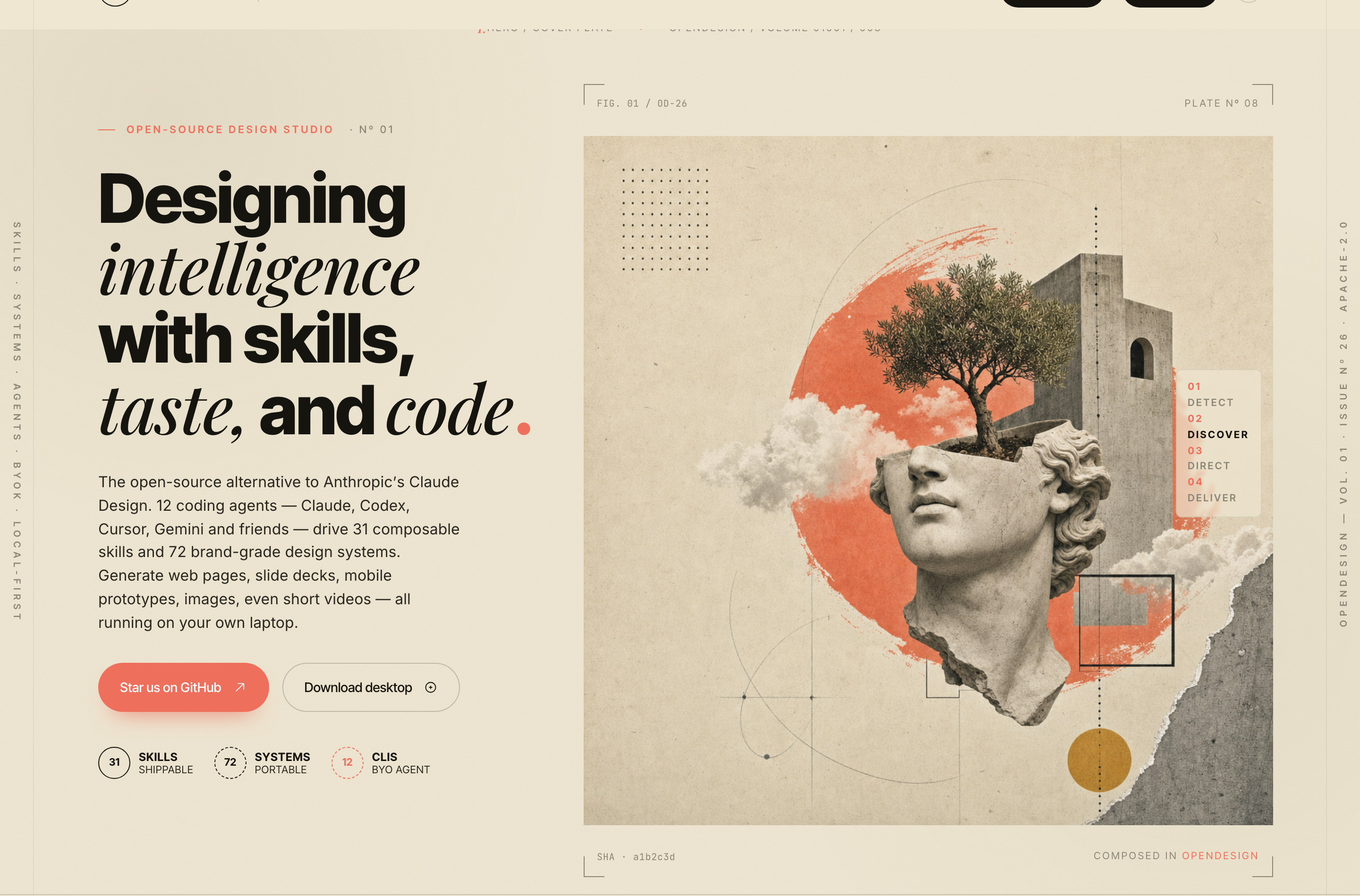
OpenDesign’s AI Design Studio Website Design turns a local-first studio concept into an editorial landing page that makes skills, experiments, and method easy to scan.
Website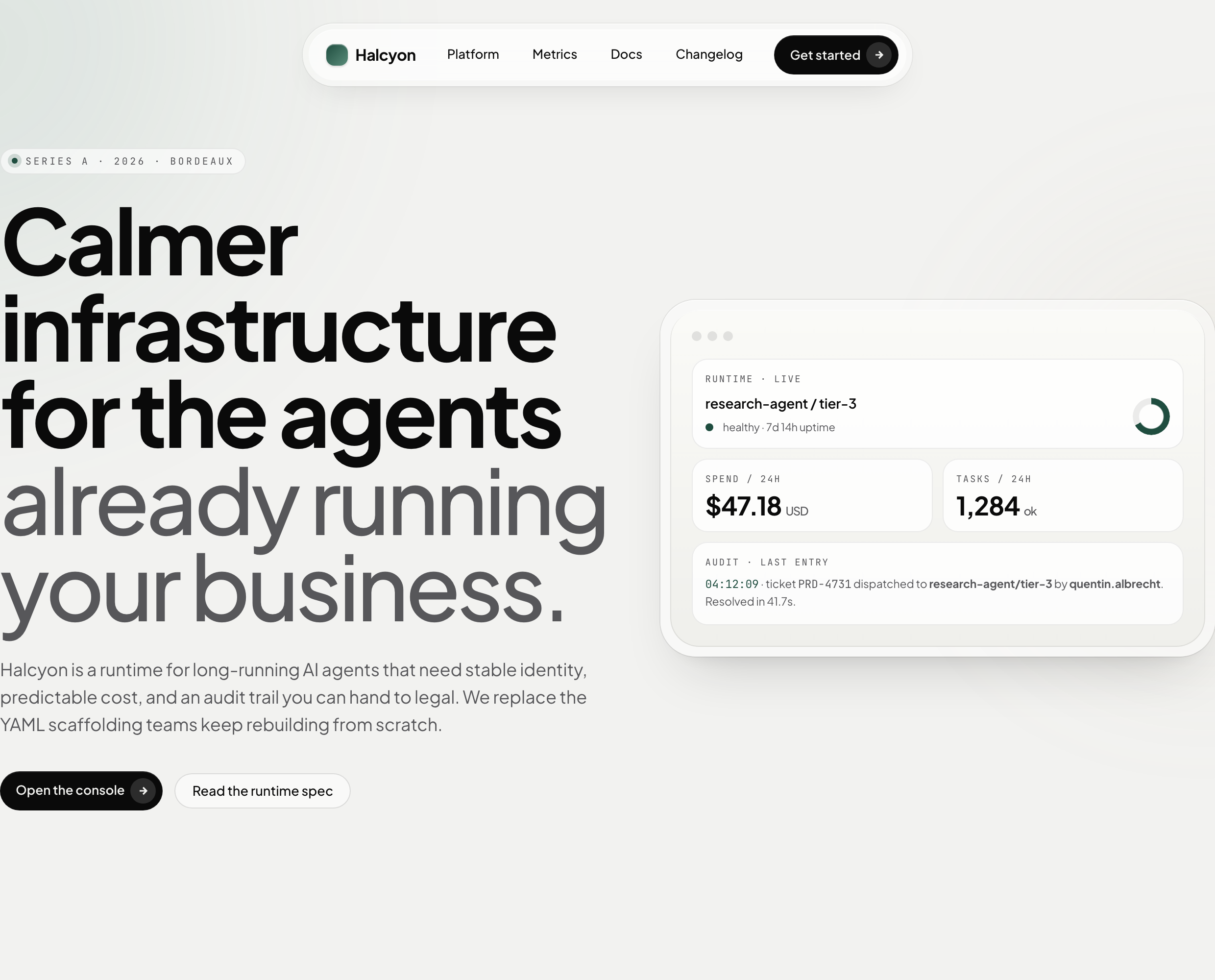
AI Infrastructure Website Design
A soft AI-infrastructure landing concept with sample runtime metrics, nested feature cards, subtle motion and a single sales invitation.
Website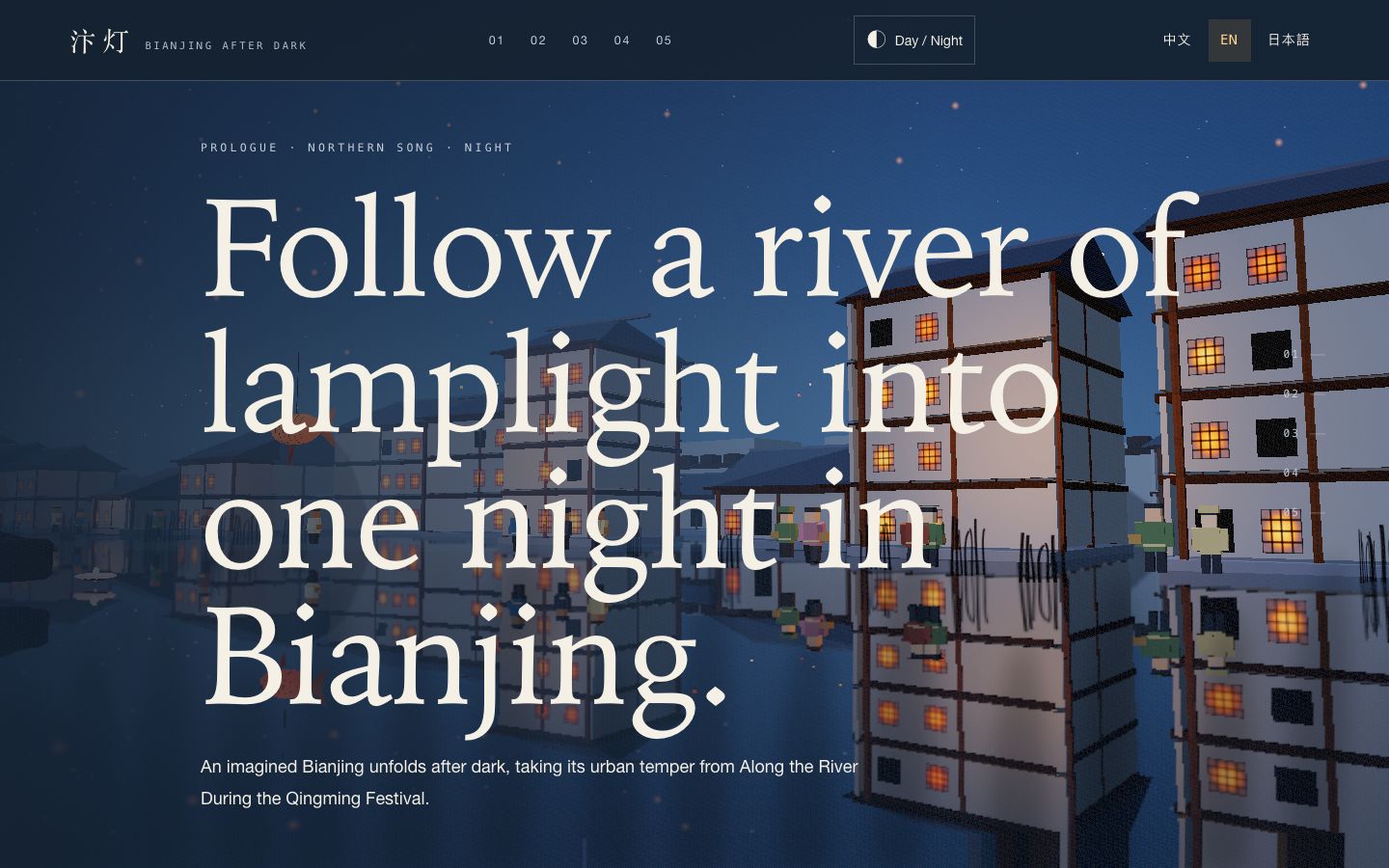
Bianjing Night Tour Website Design
An interactive night journey through an imagined Song-era Bianjing, combining a persistent river city, poetry, lanterns and multilingual chapter pacing.
Website
Brutalist Journal Website Design
Brutalist Journal Website Design turns a print-shaped issue into a legible web reading system, pairing bold type with measured editorial structure.
Website