

Website
Interactive Portfolio Website Design
OpenDesign’s interactive portfolio website design combines a monospaced interface, spatial 3D identity, and a project grid for local-first storytelling.

Interactive Portfolio Use Cases
- Creative Technology PortfoliosPresent experiments, tools, and products as an explorable body of work.
- Open-Source ProjectsPair project context with visible source and timeline signals.
- Agent-Native BrandsTranslate a design system into an animated, locally rendered homepage.
- Interactive Art DirectionUse typography, grids, and spatial motion to establish identity.
Spatial Portfolio Highlights
- 3D Brand OpeningReflective lettering creates an immediate spatial identity.
- Monospaced InterfaceTechnical labels make navigation feel like a live instrument panel.
- Project GridSelected work is organized as a visual archive.
- Local-First MessageShort statements frame the design’s intended operating principle.
From 3D Brand Scene to Work Archive
1 / 2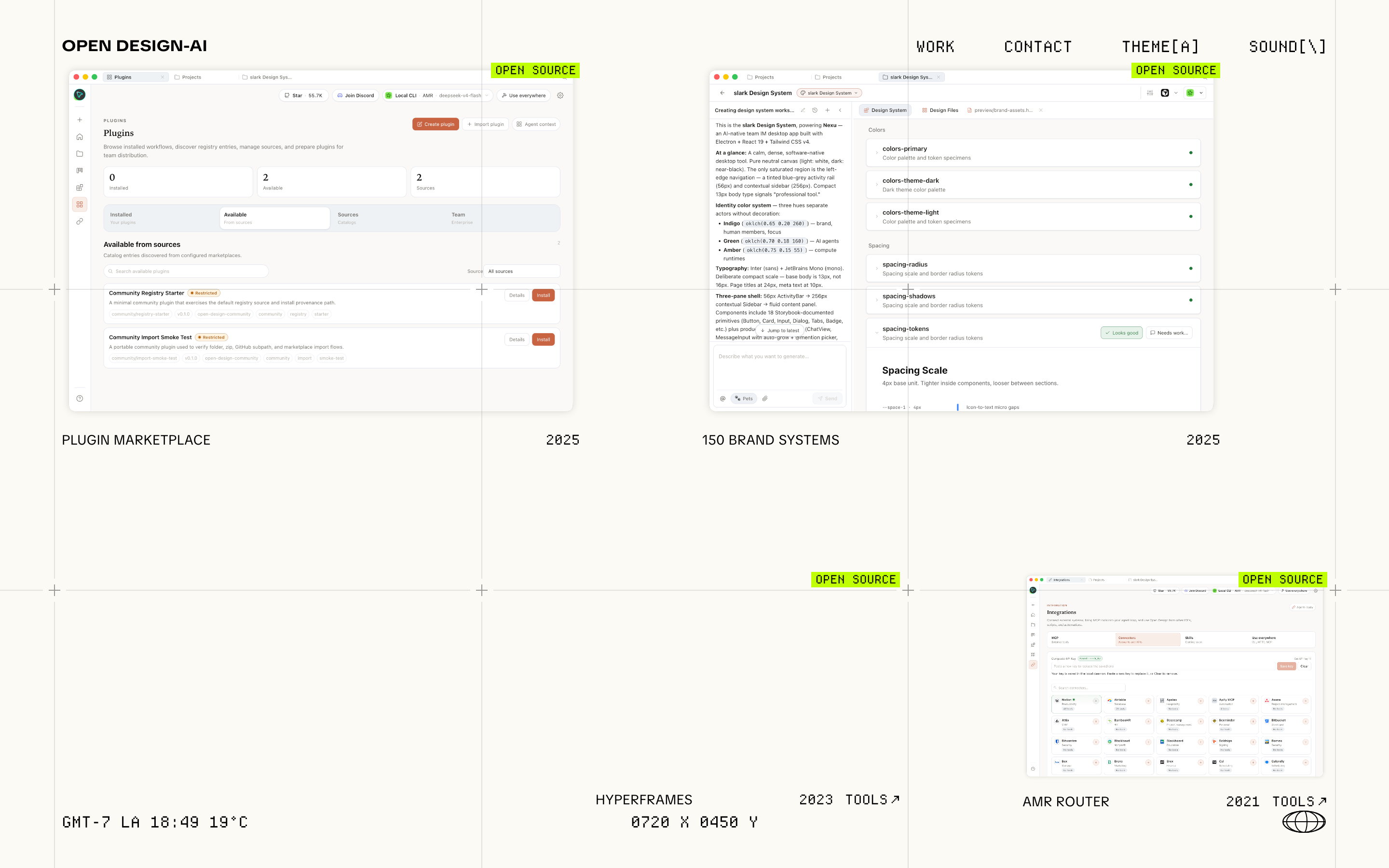
A Spatial Portfolio Introduction
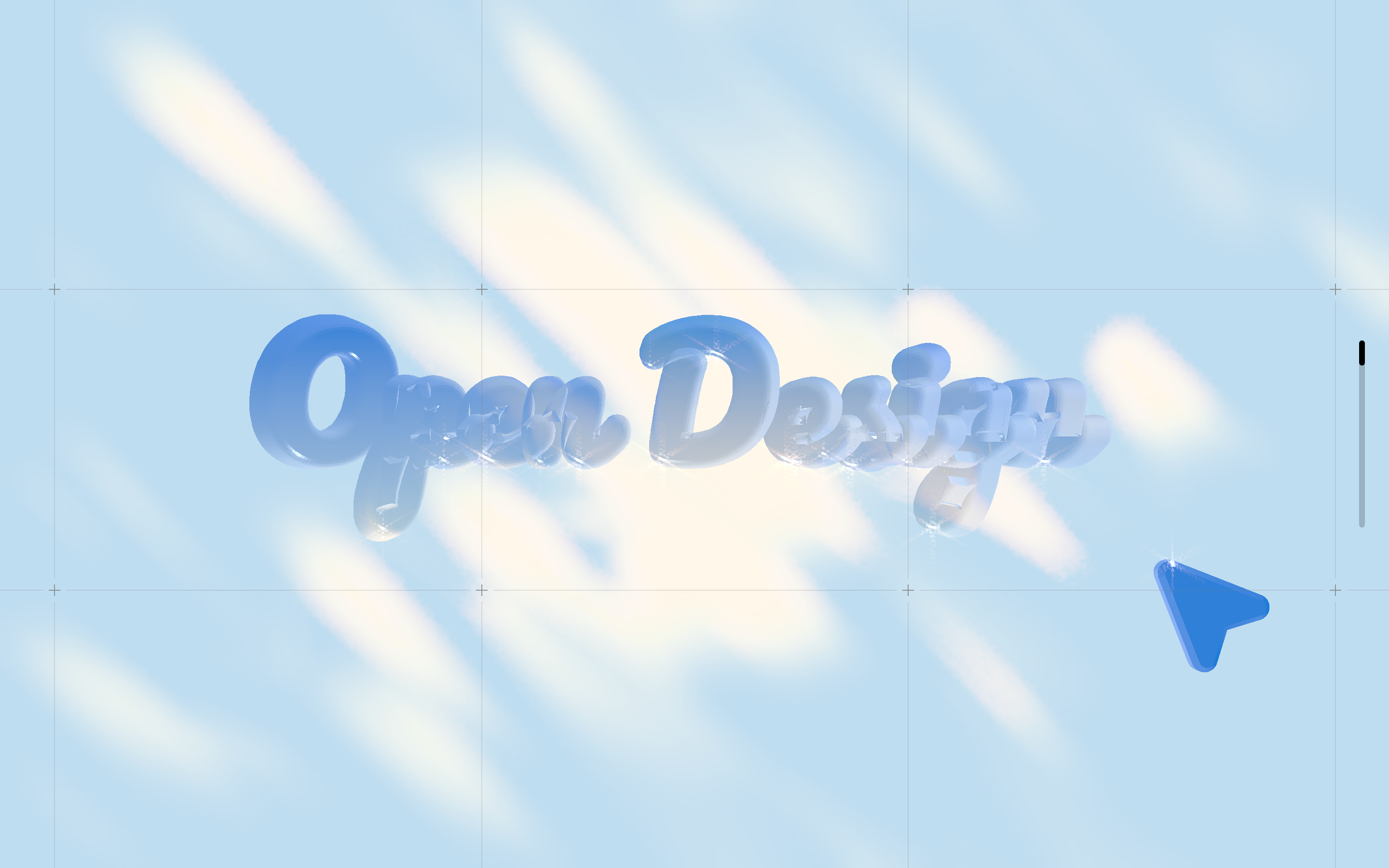
This OpenDesign homepage treats the portfolio as a visual environment rather than a conventional landing page. The opening state places reflective blue-and-white three-dimensional lettering across a fine grid, with a cursor-like sculpture offset near the lower right. The composition establishes the identity before the visitor reaches the work archive.
Beyond the captured opening scene, the source introduces an OpenDesign wordmark with an AI suffix, followed by “Design for Everyone” and “Local-first, agent-native. No cloud lock-in.” Those statements position the later textual layer; they are not visible in the opening screenshot. The typography and transition sequence connect that positioning to the work archive, although a reader seeking only a project index must move through the identity layer first.
The source describes the concept as reading a brand from a DESIGN.md and producing HTML/CSS artifacts for coding agents. In this artifact, that idea is represented through the typography, labels, grid, and locally rendered 3D scene; the captures do not establish connected services or working submissions.
From Brand Statement To Work Archive
The design is suited to portfolios where the relationship between projects matters as much as any single case study. In the Work state, the upper navigation keeps “WORK” and “CONTACT” visible beside “THEME[A]” and “SOUND[\]”, while the archive distributes projects across a broad grid. This keeps orientation persistent while the content changes.
The visible archive includes labels such as “PLUGIN MARKETPLACE”, “150 BRAND SYSTEMS”, “HYPERFRAMES”, and “AMR ROUTER”, alongside years, category markers, and “OPEN SOURCE” tags. These repeated fields give each tile a compact identity: the reader can scan subject, date, and type without opening a separate detail page. The tradeoff is that short labels depend on shared context; unfamiliar projects may need a longer supporting description elsewhere.
The captured lower-left line reads “GMT-7 LA 18:49 19°C”, with “0720 X 0450 Y” near the bottom center. In source, the clock reads the browser’s local hours and minutes, the temperature is fixed at 19, and the coordinates derive from pointer position and viewport size. The LA/GMT-7 label therefore does not establish a timezone conversion or weather feed. This combination supplies an instrument-panel texture without proving an operational location service.
Archive Signals
Project names, years, and category labels support fast scanning across the grid.
Persistent Controls
Work, Contact, Theme, and Sound remain part of the portfolio’s navigation frame.
Environmental Readout
Location, time, temperature, and coordinates reinforce the instrument-panel character.
A Homepage Built As States
The supplied captures show two distinct visual states rather than one continuous page. The opening state centers the 3D brand scene; the Work state replaces that emphasis with a selected project grid and layered project imagery. This state change gives the archive a sense of arrival without abandoning the same grid, typography, and navigation vocabulary.
The page structure moves from identity to proposition to archive. “TURN AGENTS INTO A DESIGN ENGINE FOR ALL” acts as a large typographic statement, followed by explanatory text about DESIGN.md and locally built artifacts. Below it, project tiles become the proof-like material of the page, although their claims remain authored illustrative content rather than independently verified product evidence.
The narrow, technical labels create rhythm across otherwise open space. Their benefit is strong visual continuity; their cost is reduced readability when project names, years, and category tags compete at the same scale. A recreation should preserve the ordering and contrast between headline statements and archive metadata, while allowing long project names to wrap safely.
Start With The Scene
Use the opening 3D composition to establish brand shape, color, and motion before introducing the archive.
State The Proposition
Place the “Design for Everyone” message and local-first explanation between identity and project content.
Expose The Archive
Use repeated project fields for quick comparison, with deeper project detail supplied outside the compact tile.
Visible Design And Capability Boundaries
The artifact demonstrates a design language: monospaced labels, a pale grid, blue reflective geometry, project-state transitions, and an archive composed from named tiles. Source-confirmed runtime states include the initial 3D scene and the selected Work grid, both rendered with the source’s declared 3D dependencies.
The source provides local Work and Contact navigation and browser-stored Theme and Sound preferences. The gallery shows the opening and Work layouts, not a verified audio or project-detail workflow. An interactive preview is unavailable. Names, years and counts are sample content rather than current OpenDesign capabilities; the captures do not establish connected services or submissions.
How to Create Interactive Portfolio Website Design in OpenDesign
Define The State Sequence
Create an opening brand scene and a distinct Work state. Keep the navigation labels, grid vocabulary, and transition purpose explicit so the archive feels like a continuation of the identity rather than an unrelated page.
Suggested PromptCreate an interactive portfolio website design for a local-first creative technology studio. Use a full-screen monospaced grid with an opening reflective 3D wordmark and cursor-like object, then a Work state containing project tiles with title, category, year, and source marker. Include Work, Contact, Theme, and Sound labels as visual controls only unless real behavior is implemented. Use illustrative data and make the state transition local; do not claim live integrations or backend services.
Tune The Archive Fields
Refine the relationship between project names, years, categories, and open-source markers. Check that the tile rhythm remains readable when labels wrap, and keep compact metadata subordinate to the project title.
Suggested PromptUse archive entries with the visible structure of project name, year, category, and an optional open-source marker. Preserve the sparse grid and monospaced labels, but ensure long names wrap without overlapping adjacent fields. Treat all counts, dates, and status labels as sample content.
Check Motion And Boundaries
Review the 3D opening and Work-state transition as separate local visual states. Keep the pale grid, blue-and-white material treatment, and environmental readout consistent, while ensuring the page remains understandable without relying on unverified services or sound.
Export and Get a Share Link
Export your finished design, then use Share in OpenDesign to get a share link. Open the link in a separate browser window and check that the intended version and its assets are available before sending it.
AI Design Studio Website Design
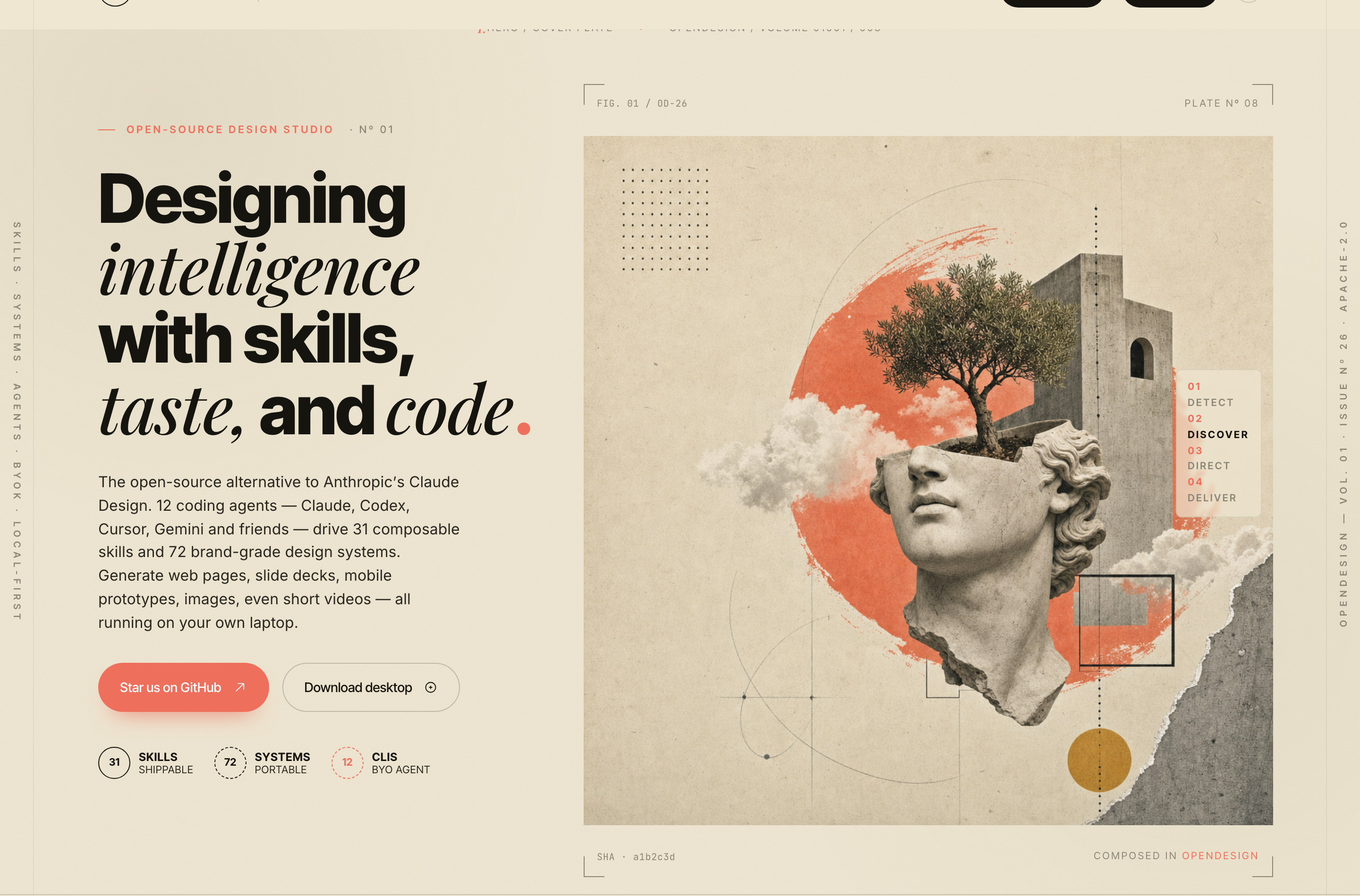
OpenDesign’s AI Design Studio Website Design turns a local-first studio concept into an editorial landing page that makes skills, experiments, and method easy to scan.
Website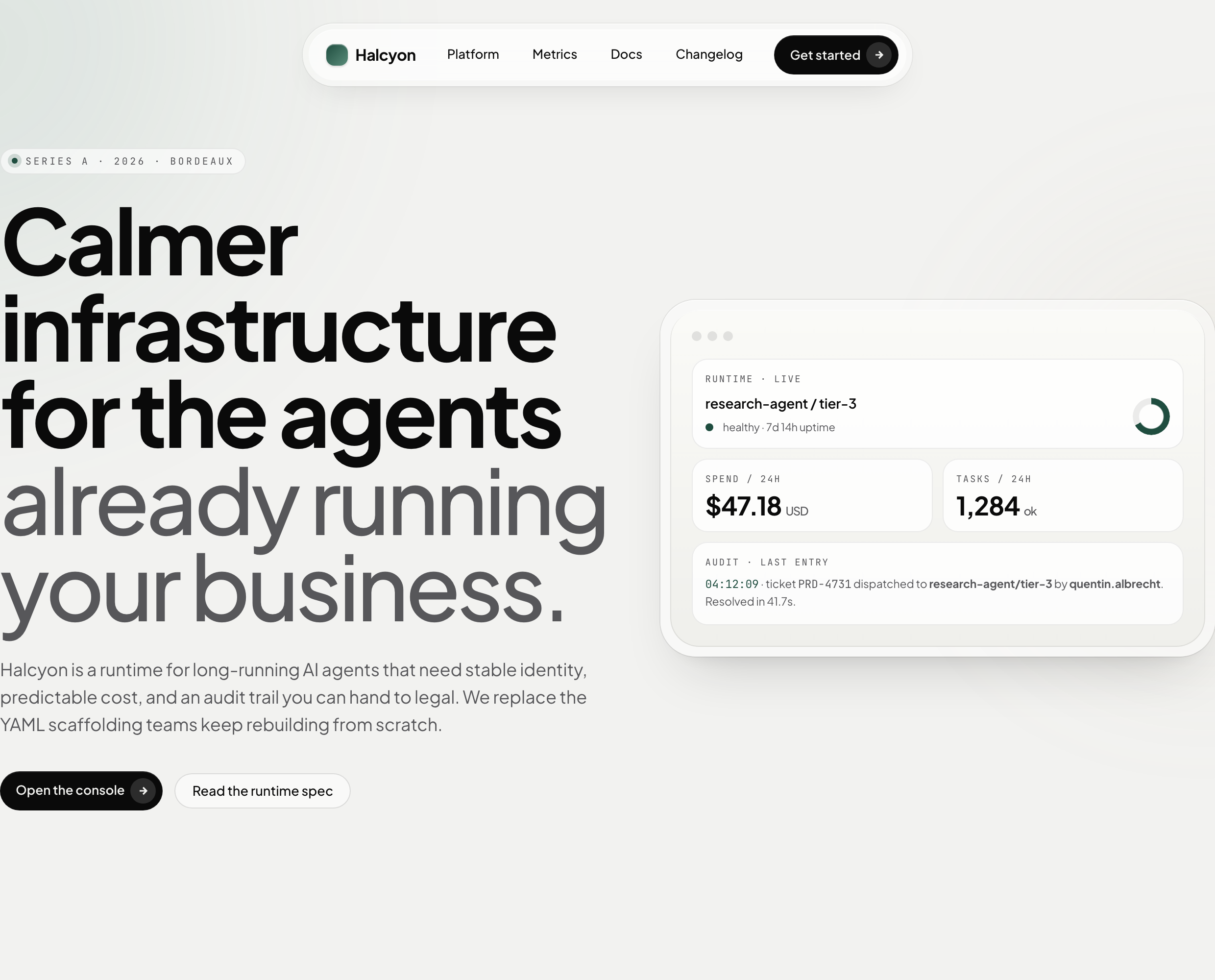
AI Infrastructure Website Design
A soft AI-infrastructure landing concept with sample runtime metrics, nested feature cards, subtle motion and a single sales invitation.
Website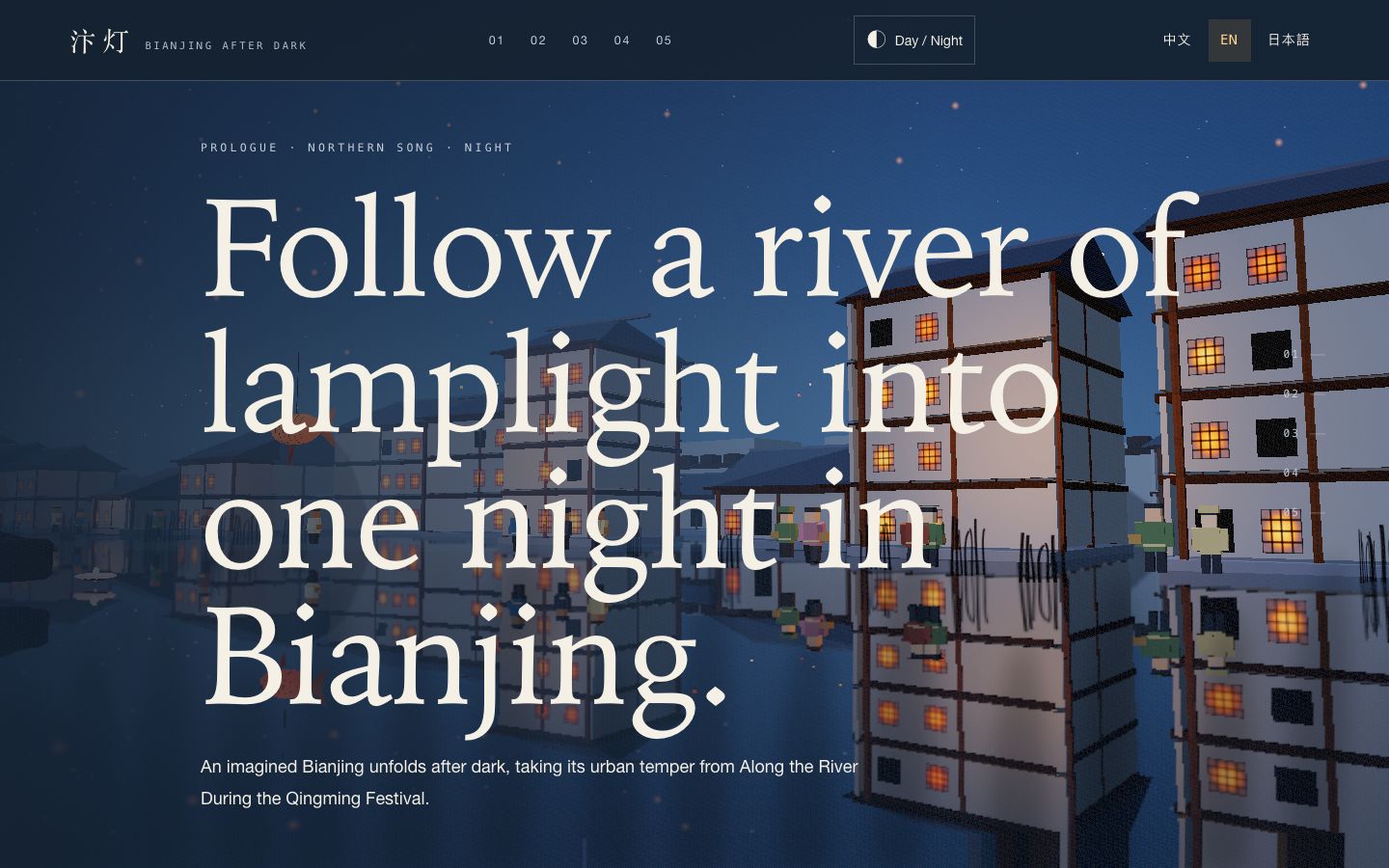
Bianjing Night Tour Website Design
An interactive night journey through an imagined Song-era Bianjing, combining a persistent river city, poetry, lanterns and multilingual chapter pacing.
Website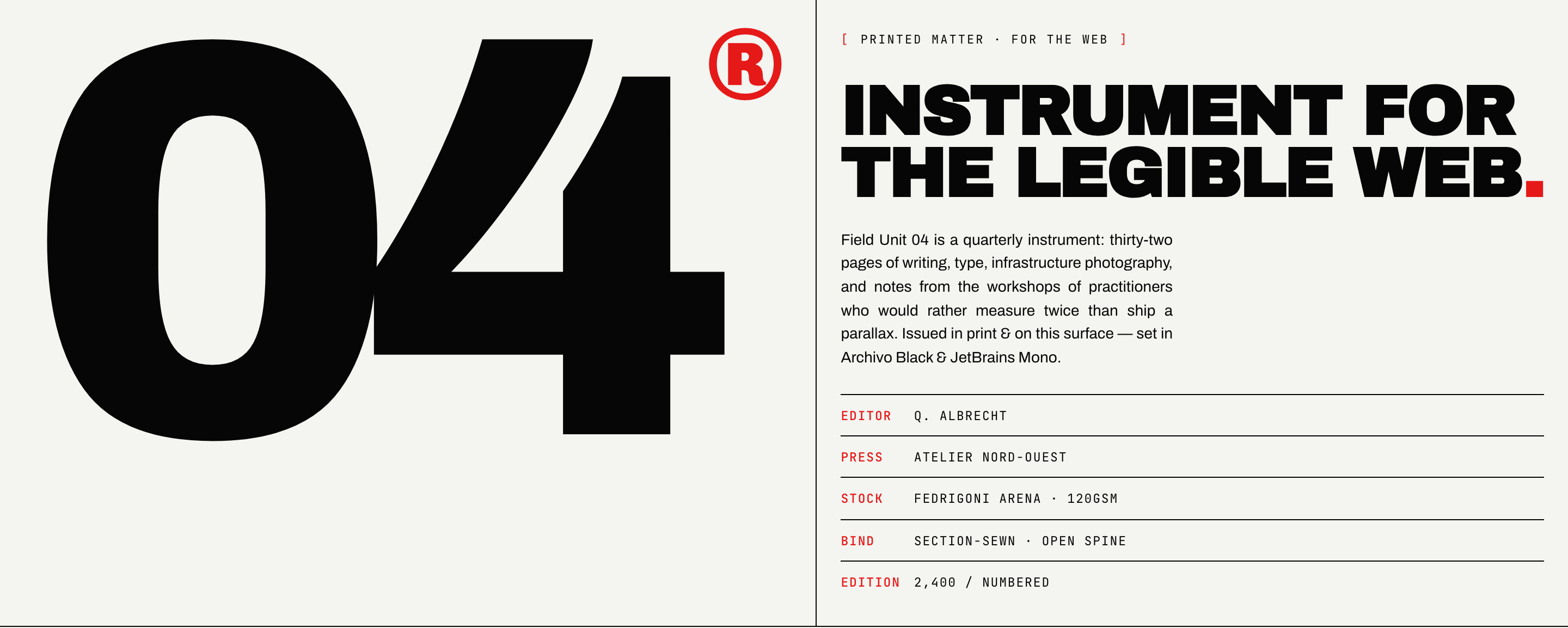
Brutalist Journal Website Design
Brutalist Journal Website Design turns a print-shaped issue into a legible web reading system, pairing bold type with measured editorial structure.
Website