

Graphics
Liquid Metal Shader Design
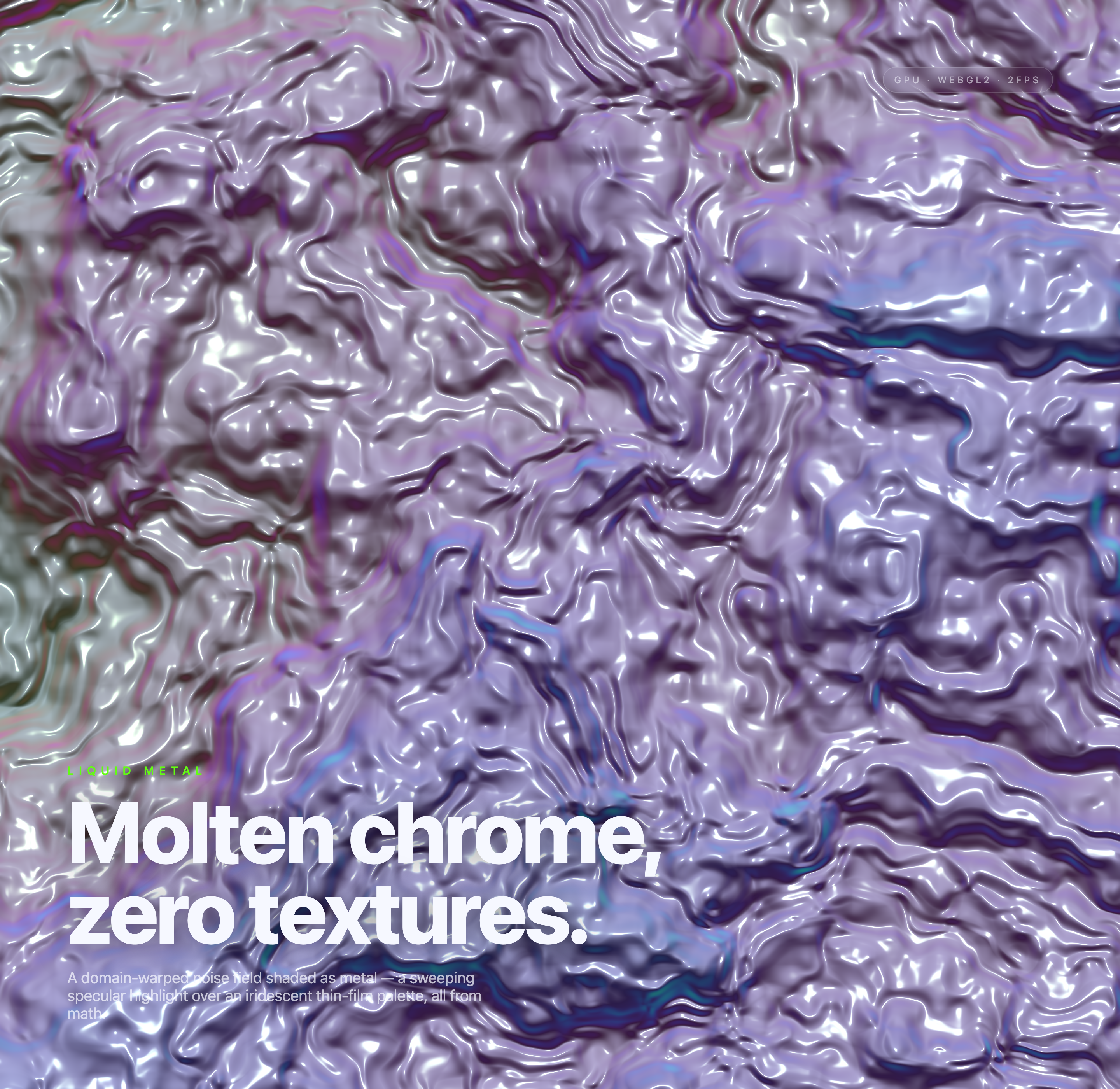
An automatically shifting chrome-like field combines warped noise, iridescent color, and sweeping highlights beneath fixed lower-left typography.

Liquid Metal Use Cases
- WebGL Art DirectionShape shader-driven surfaces for expressive visual studies.
- Generative Motion StudiesCompare evolving material states without texture assets.
- Animated Hero BackgroundsExplore full-canvas visual treatments for digital experiences.
Chrome-Like Shader Highlights
- Mathematical MaterialA domain-warped noise field creates the surface structure.
- Iridescent PaletteLavender, cyan, green, and magenta shift across states.
- Specular MotionBright highlights make the surface read as reflective metal.
- Three Captured StatesDistinct frames show how the composition changes over time.
Three States of the Metal Field
1 / 3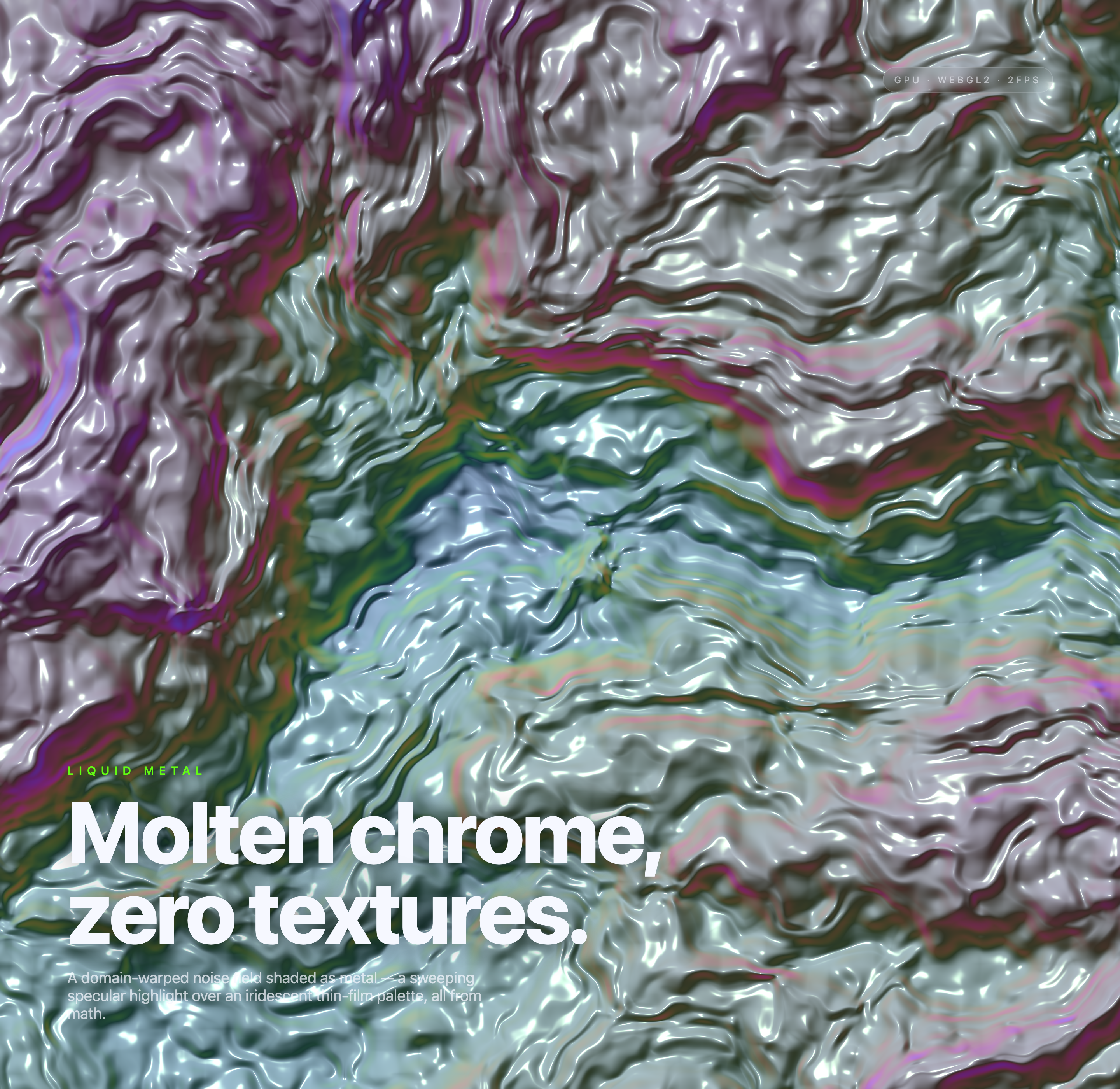
A Chrome-Like Surface Without Image Textures
Liquid Metal is an official OpenDesign graphic example centered on a single full-canvas shader composition. Its authored heading, “Molten chrome, zero textures.”, establishes the central constraint: the surface is presented as a material study rather than an illustration built from image assets.
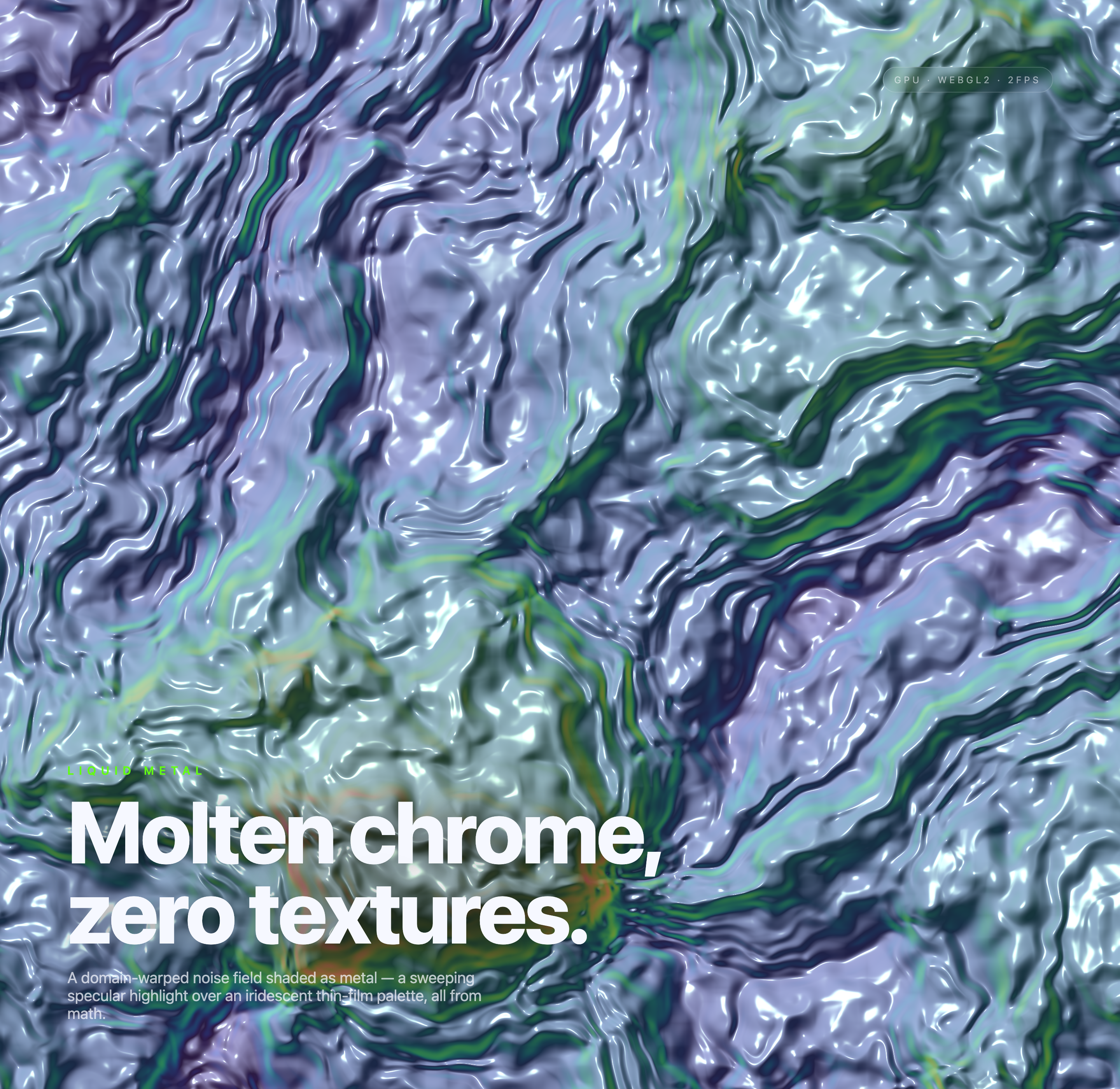
The supporting line describes a domain-warped noise field shaded as metal, with a sweeping specular highlight and an iridescent thin-film palette. That wording maps directly to what the captures show: folded, fluid bands; sharp white reflections; and color that moves from lavender and violet toward cyan, green, and magenta.
Where This Design Fits
The artifact is most useful when the visual surface should carry atmosphere without competing with a larger interaction model. Its uninterrupted canvas can serve as a reference for WebGL hero treatments, generative art studies, or motion-led visual identity work.
The absence of authored controls keeps attention on the rendered field. That makes the sample easy to study, but it also means a product adaptation would need to define its own interaction model, accessibility treatment, and content relationship rather than assuming those decisions are already solved.
Shader Reference
Use the design to study how noise distortion and specular bands create a liquid reading without texture imagery.
Motion Direction
Use the captured states to compare how palette and flow alter the emotional character of one composition.
Visual System Input
Translate the lavender, cyan, green, and magenta relationships into a controlled direction for a broader interface.
How The Composition Changes
The three frames retain a small green LIQUID METAL kicker, a much larger “Molten chrome, zero textures.” heading, its supporting description, and an upper-right WebGL2 badge. The shader changes beneath that fixed hierarchy. Six-layer noise shapes a height field; nearby height samples estimate surface normals, while a moving light, sharp specular term, and iridescent palette create the chrome-like appearance.
In view-1, pale lavender and white dominate, with narrow blue and violet channels cutting through the field. View-2 shifts toward darker green and blue bands, making the surface feel more directional and elongated. View-3 introduces stronger magenta, olive, and smoky gray areas. These are distinct captured states, not evidence of a user-selectable palette or a measured performance mode.
View-1
Lavender and violet dominate, with dense white highlights producing a soft chrome appearance.
View-2
Green and deep blue channels become more visible, creating longer directional bands.
View-3
Magenta, olive, and smoky gray increase the sense of chromatic variation.
Stable Type, Variable Field
The large white title sits low over the visual field, while the short green LIQUID METAL label precedes it. This ordering lets the viewer identify the subject before reading the longer material description. The tradeoff is that the type occupies a substantial area of the artwork, reducing the amount of unobstructed shader surface available for inspection.
Reflective Contrast
Bright, narrow highlights repeatedly outline the warped forms. They create the visual cue of polished metal, while the darker channels give those highlights edges to follow. Because the effect depends on contrast, a calmer palette or lower highlight intensity would likely make the material less legible, even if it improved text contrast in some areas.
Visible Behavior And Boundaries
The source implements automatic WebGL2 rendering, elapsed-time animation, and canvas resizing. It registers no pointer, click, or keyboard controls. A local frame-rate estimate updates roughly every half second in the WebGL2 badge; it describes this rendering session, not guaranteed GPU performance. The effect is a procedural visual approximation of chrome, not a physical molten-metal simulation.
No authored controls appear in the static markup, and the supplied evidence does not establish connected services, stored user data, production deployment, interaction inputs, or the original generation model. A recreation can propose those capabilities, but they are outside what this design itself verifies.
Keep The Canvas Local
Treat the shader as a self-contained visual layer and define any external application behavior separately.
Separate Captures From Metrics
Use the three frames to discuss visual variation, while measuring runtime performance independently in the intended environment.
How to Create Liquid Metal Shader Design in OpenDesign
Establish The Canvas And Type
Begin with one full-canvas shader surface and preserve the reference ordering: the small LIQUID METAL label, the large Molten chrome, zero textures. heading, then the supporting description. Keep the typography readable over the brightest highlights.
Suggested PromptCreate a full-canvas WebGL2 liquid metal shader study with a stable lower-left text stack reading LIQUID METAL, Molten chrome, zero textures., and a short description of domain-warped noise, reflective highlights, and an iridescent thin-film palette. Use local rendering only; do not add textures, external services, controls, or performance claims.
Tune The Material Relationship
Refine the domain-warped field, specular response, and palette together. Compare lavender-violet, green-cyan, and magenta-olive directions as visual states, checking whether the reflective bands still describe a coherent liquid surface.
Check The Captured States
Review several frames at the intended canvas size. Confirm that the title remains legible, the shader remains the dominant visual subject, and any GPU, WEBGL2, or FPS label is presented as local display information rather than a verified benchmark.
Export and Get a Share Link
Export your finished design, then use Share in OpenDesign to get a share link. Open the link in a separate browser window and check that the intended version and its assets are available before sending it.

AI Workflow Editorial Poster Design
AI Workflow Editorial Poster Design presents six illustrated workflow claims with numbered chapters, concrete prompt specimens, and cream-and-rust typography.
Graphics
AI Workflow Social Carousel Design
Seven portrait cards use oversized Chinese headings, numbered habits, changing color fields, and a closing statement to explain AI editing workflows.
Graphics
Aurora Field Shader Design
An automatically animated blue-green noise field gives a WebGL hero its atmosphere, while a fixed headline and small local frame-rate badge anchor the scene.
Graphics
Aurora Veil Shader Design
Aurora Veil is an interactive shader composition that turns layered light, stars, and cursor motion into an atmospheric WebGL hero.
Graphics