

Graphics
Neon Grid Shader Design
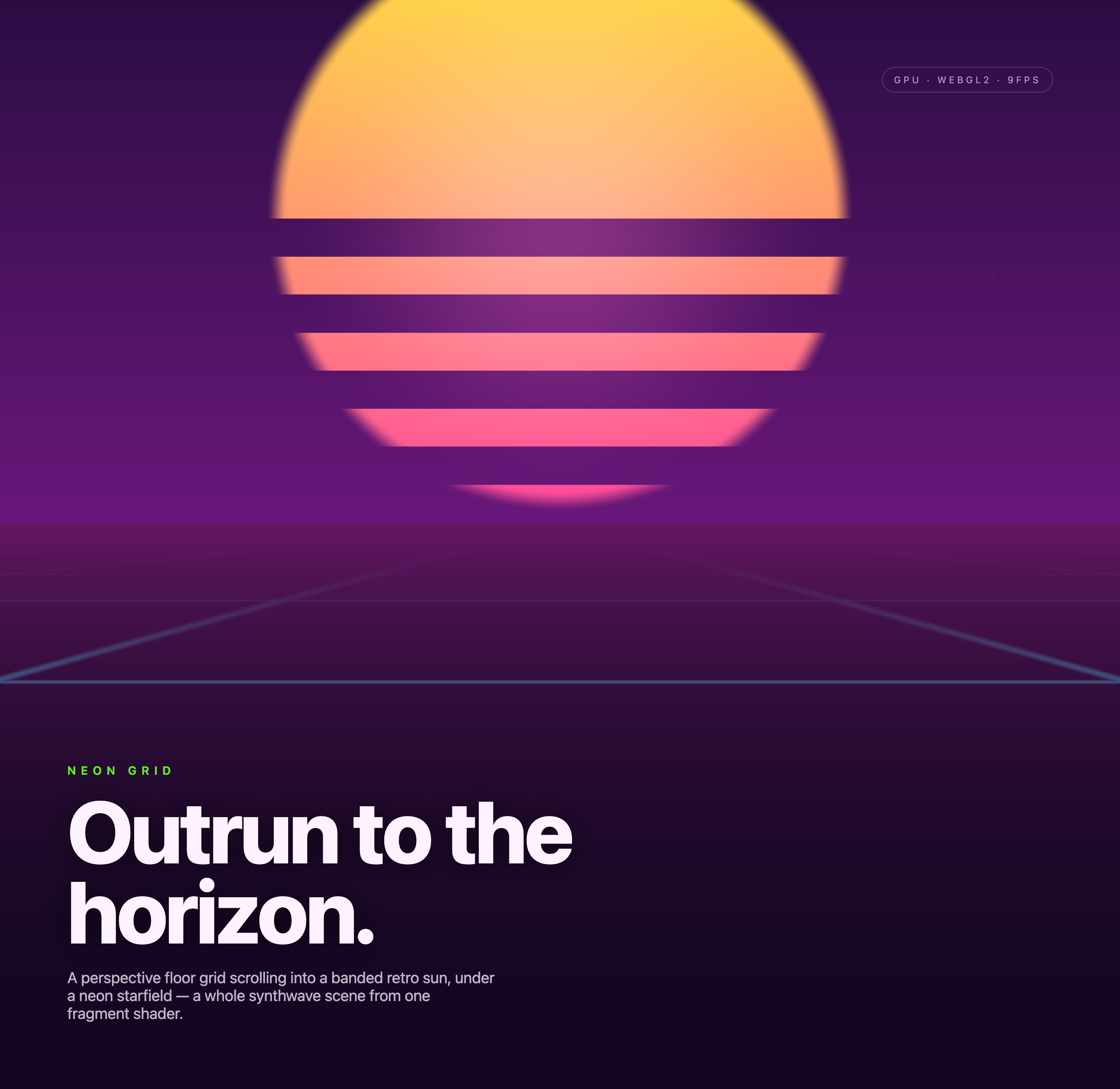
A banded retro sun anchors a purple horizon while a neon floor grid scrolls beneath it, with a fixed headline and sparse procedural sky details.

Neon Scene Use Cases
- WebGL Scene StudiesExplore shader-based scenes with strong depth and atmosphere.
- Synthwave Visual SystemsBuild retro-futurist compositions from restrained neon color relationships.
- Motion BackgroundsUse local visual motion to establish pace without controls.
Synthwave Scene Highlights
- Perspective GridA receding floor establishes depth beneath the horizon.
- Banded SunLayered horizontal bands create the retro focal point.
- Neon StarfieldSparse luminous points extend the scene beyond the sun.
- Single Shader SceneOne fragment-shader composition combines the visual elements.
Three Moments of the Neon Horizon
1 / 3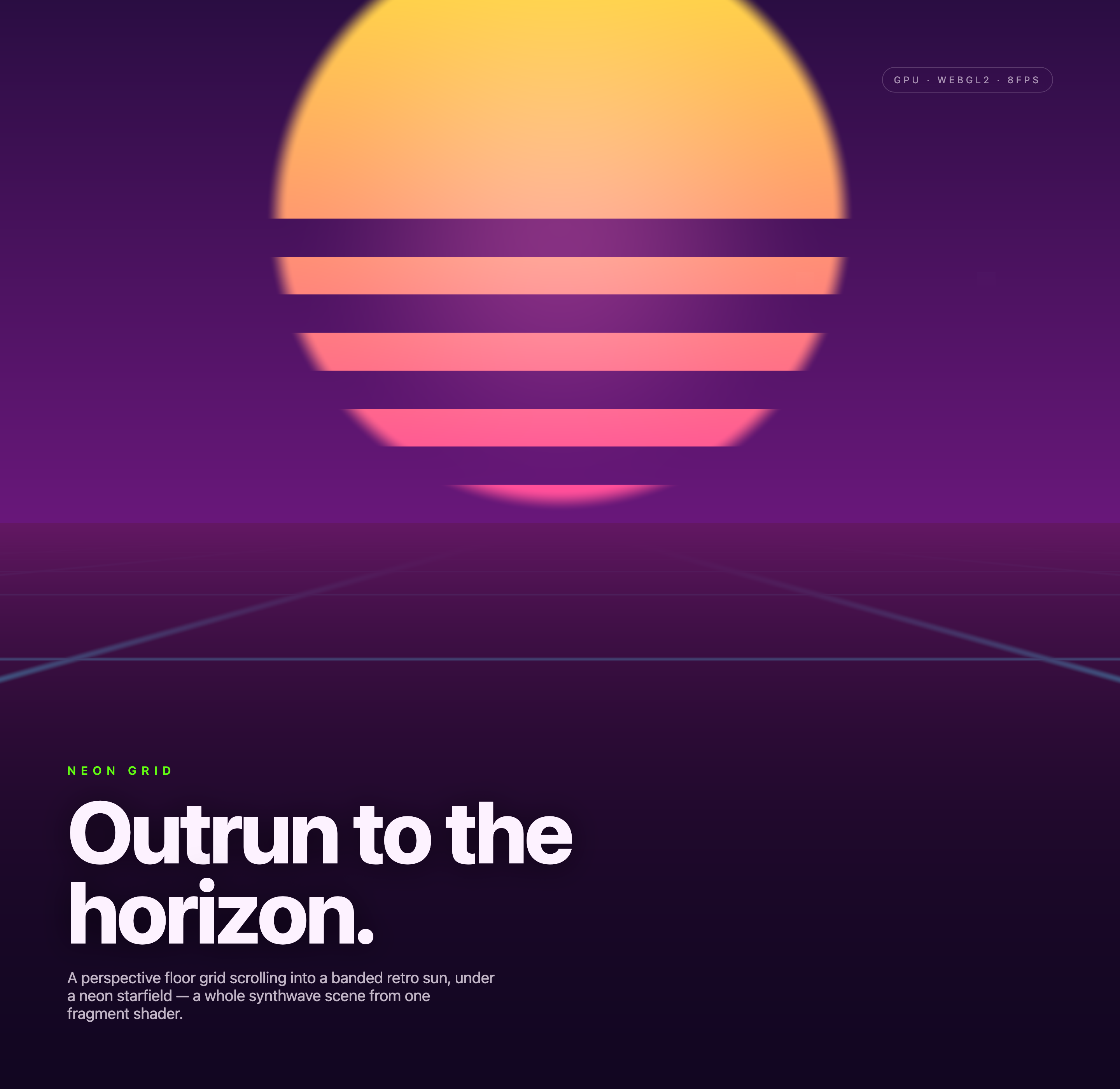
A Horizon Built From a Sun and Grid
Neon Grid is an official OpenDesign graphic example built around the authored heading “Outrun to the horizon.” Its visual premise is specific: a perspective floor grid scrolls toward a banded retro sun beneath a neon starfield. That arrangement makes the horizon the organizing line, while the lower grid supplies directional movement.
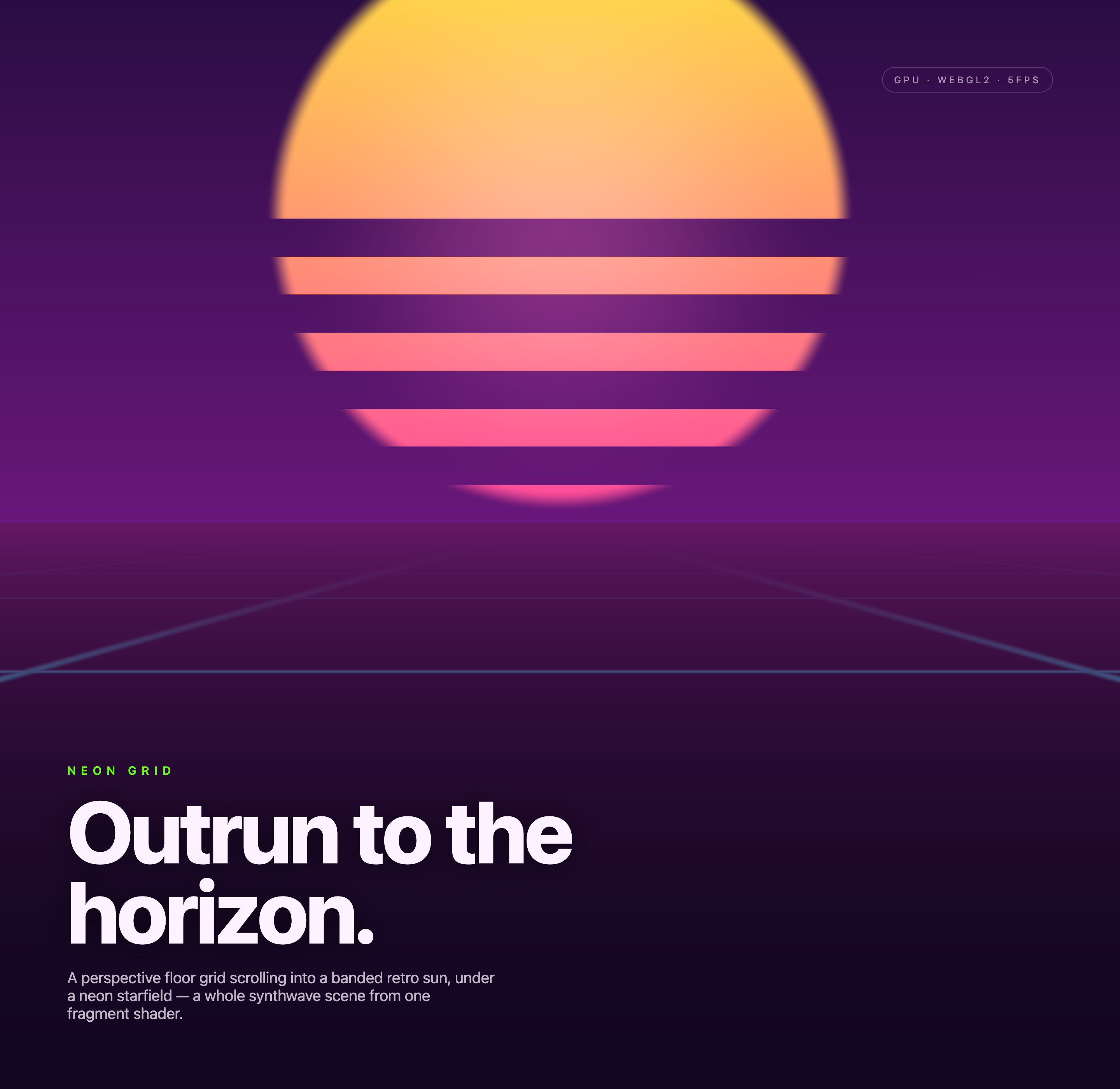
The captures show different moments of one automatic shader animation. The upper-right badge keeps its GPU and WebGL2 labels while a locally calculated frame-rate estimate changes. Those readings describe the capture session, not a verified performance benchmark or selectable rendering mode.
Where The Design Fits
The composition is suited to visual studies, animated landing-page backgrounds, and experimental WebGL presentations where atmosphere matters more than dense controls. Its strongest use is a self-contained opening scene: a warm sun and cool perspective lines establish tone, while the fixed headline and short description identify the visual concept.
Because the source markup declares no authored controls, this example should not be presented as a game, configurable tool, or connected service. The visible scene supports motion-led presentation; any interaction or product behavior added around it would be a proposed adaptation.
Opening Visuals
Use the horizon scene to establish a retro-futurist setting before supporting content.
Shader References
Study how a grid, sun, and starfield can be composed from one visual system.
Editorial Experiments
Pair oversized typography with atmospheric rendering when the message is brief.
How The Scene Reads
The capture presents the rendered scene first: the sun occupies the upper center, horizontal bands break its surface, and the grid converges below. The large dark-purple field gives the bright sun and pink bands room to register. This contrast makes the focal point legible, but it also means the typography must stay subordinate to the visual event rather than compete with it.
The lower-left typography overlays the same canvas rather than sitting in a separate panel below it. A small green NEON GRID kicker precedes the oversized two-line “Outrun to the horizon.” heading and its short explanation. The fragment shader generates the sun and lower-half bands, adds sparse time-twinkling sky points, and advances the perspective floor grid using elapsed time. The sun stays fixed while the grid creates the movement.
Focal Order
Sun first, grid second, typography third: this sequence moves from atmosphere to explanation.
Color Roles
Warm yellow and coral mark the sun, while purple and blue define depth around it.
Text Scale
The two-line heading creates editorial weight, but its length keeps the message specific.
Capability Boundary
The supplied evidence confirms a local WebGL rendering example with resize and animation-loop handling visible in the source observations. It does not establish connected services, persistent data, a production deployment, a playable game, or a measured performance target. The frame labels show changing readings across captures, so they should remain descriptive annotations rather than claims about runtime quality.
Adaptation Boundary
A recreation can preserve the observed visual relationships while changing the shader, motion rate, typography, or responsive layout. Any added controls, audio, gameplay, or service integration would be new behavior and should be described as proposed rather than as part of this artifact.
How to Create Neon Grid Shader Design in OpenDesign
Set The Visual Structure
Start with a dark full-frame scene, a centered banded sun near the horizon, and a perspective grid that widens toward the foreground. Keep the composition focused on one vanishing direction.
Add The Editorial Layer
Place the small green “NEON GRID” label above a large two-line “Outrun to the horizon.” heading, followed by a short sentence naming the grid, sun, starfield, and fragment shader. Check that the text explains the image without covering its focal point.
Suggested PromptCreate a local WebGL synthwave scene with a dark purple background, a centered banded retro sun, a receding neon perspective floor grid, and a sparse starfield. Add the labels “NEON GRID” and “Outrun to the horizon.” with a short descriptive sentence below. Use local rendering only; do not add connected services, persistent storage, audio, gameplay, or performance claims.
Refine Motion And Limits
Tune the scrolling grid and time-varying star brightness while keeping the banded sun fixed. Compare natural animation states for contrast and legibility. Do not add mouse steering, gameplay, or a user-selectable rendering mode unless implementing those as new behavior.
Export and Get a Share Link
Export your finished design, then use Share in OpenDesign to get a share link. Open the link in a separate browser window and check that the intended version and its assets are available before sending it.

AI Workflow Editorial Poster Design
AI Workflow Editorial Poster Design presents six illustrated workflow claims with numbered chapters, concrete prompt specimens, and cream-and-rust typography.
Graphics
AI Workflow Social Carousel Design
Seven portrait cards use oversized Chinese headings, numbered habits, changing color fields, and a closing statement to explain AI editing workflows.
Graphics
Aurora Field Shader Design
An automatically animated blue-green noise field gives a WebGL hero its atmosphere, while a fixed headline and small local frame-rate badge anchor the scene.
Graphics
Aurora Veil Shader Design
Aurora Veil is an interactive shader composition that turns layered light, stars, and cursor motion into an atmospheric WebGL hero.
Graphics