

Slides
Operating Review Presentation Design
Operating Review Presentation Design turns a sustainability decision into a six-slide board narrative, pairing a bold recommendation with explicit options and tradeoffs.

Operating Review Presentation Use Cases
- Board Pre-ReadsFrame a decision before a formal board meeting.
- Operating ReviewsConnect financial pressure to strategic product choices.
- Executive Strategy DecksPresent options, tradeoffs, owners, and a requested decision.
- Open-Source Business CasesDiscuss sustainability without obscuring community principles.
Board Narrative Design Highlights
- Decision-Led StructureMoves from recommendation to alternatives and approval.
- Explicit TradeoffsPairs each sustainability path with its consequence.
- Editorial ContrastUses warm paper and dark closing slides.
- Visible Progression CuesPairs a slide counter with arrow-key guidance; source navigation defects remain disclosed below.
The Operating Review, Slide by Slide
1 / 6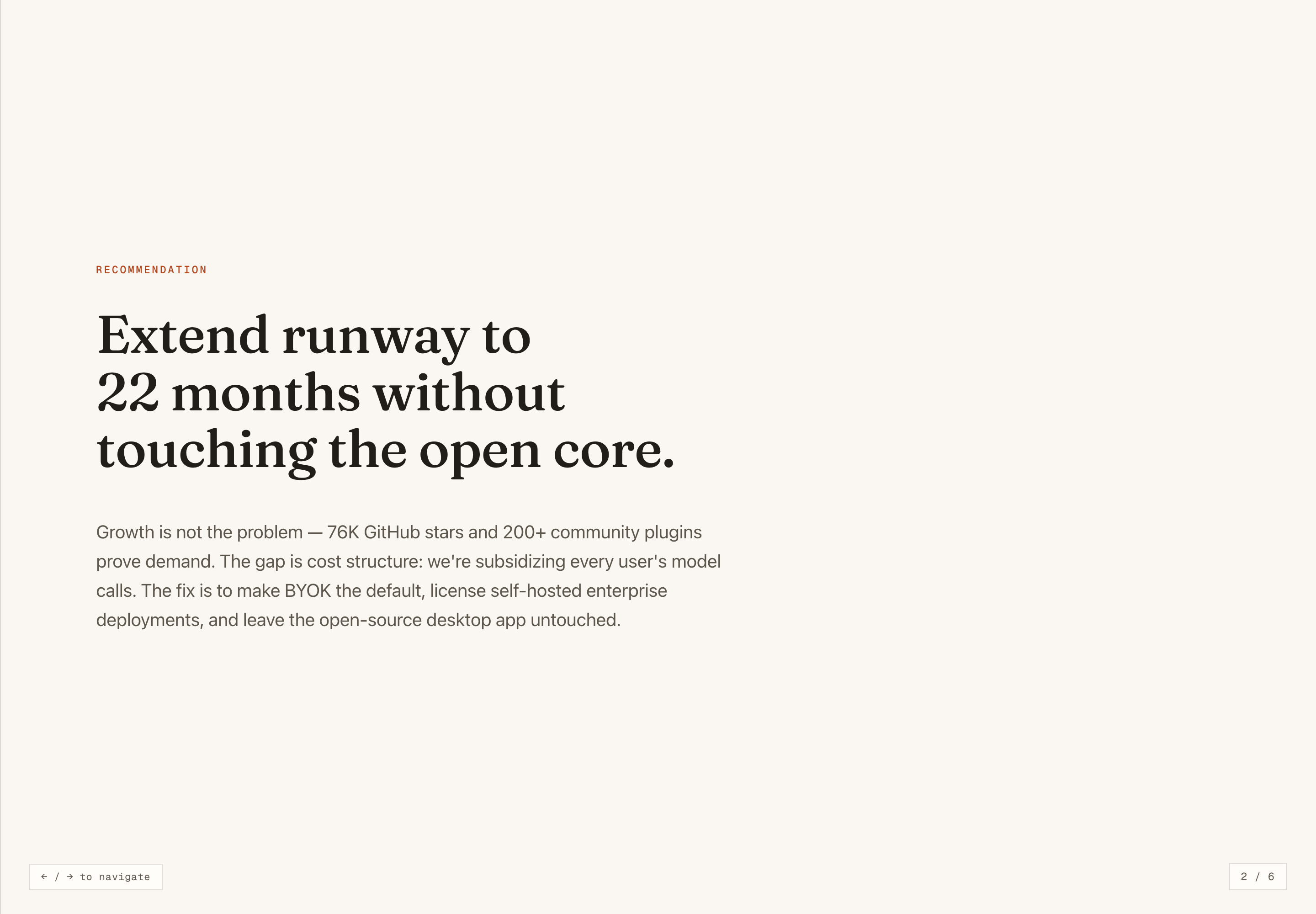
About The Operating Review
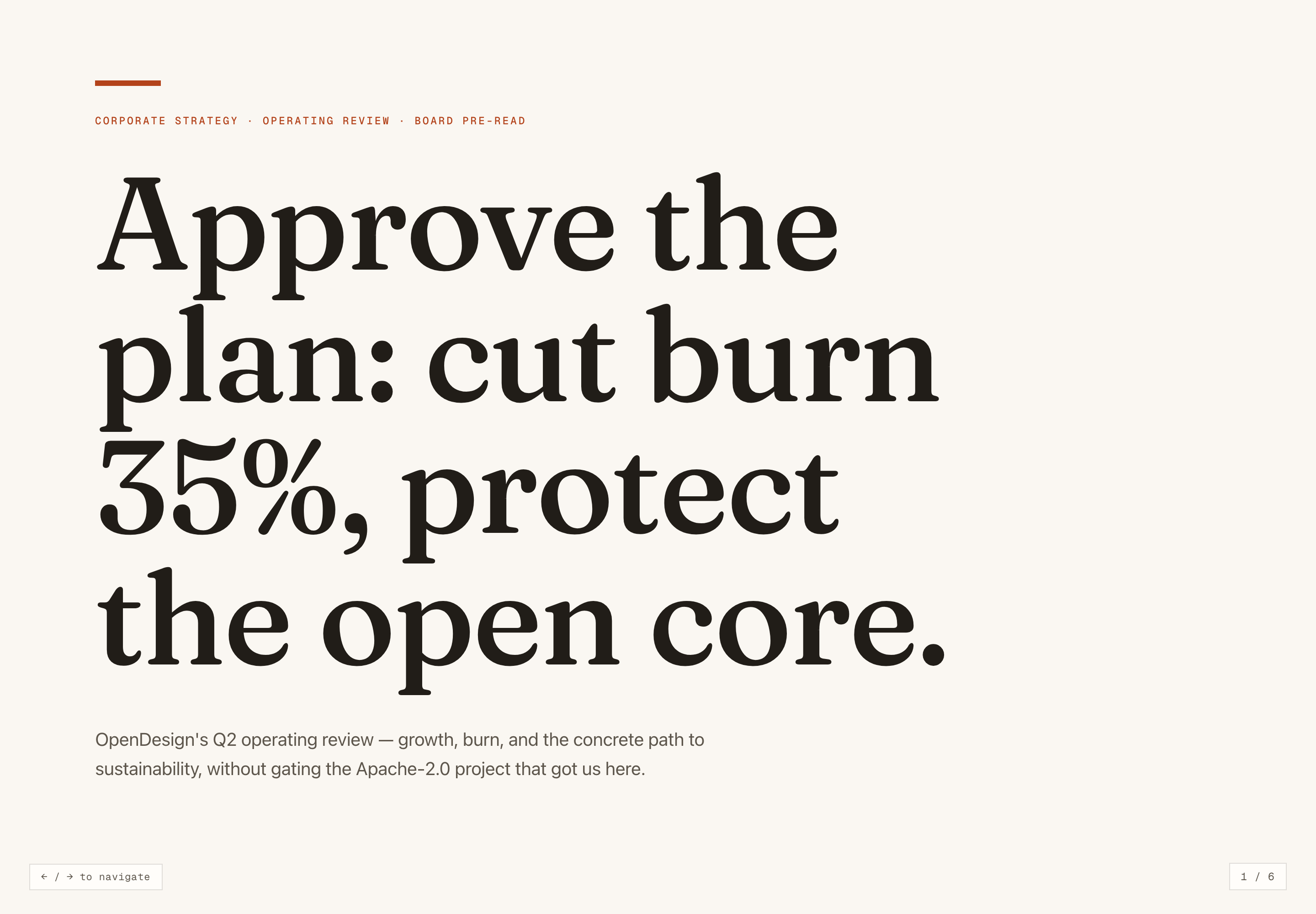
Operating Review Presentation Design is an official OpenDesign slide example for an operating review and board pre-read. Its authored cover states the central tension directly: cut burn by 35% while protecting the open core. The deck is presented as a sample design, so its names, figures, claims, and proposed decisions should be read as illustrative content rather than current OpenDesign results or an approved plan.
The visual system establishes a restrained editorial tone. The cover places the large serif statement “Approve the plan: cut burn 35%, protect the open core.” below a monospaced category line, then closes the thought with a short explanatory paragraph. That ordering gives the audience the decision frame before any supporting argument, while the generous paper-colored field keeps the first slide from competing with its message.
Cover Statement
The opening title states the requested action and the constraint together, making the deck’s governing tension legible before the recommendation appears.
Supporting Context
The subtitle identifies growth, burn, and sustainability as the review’s subjects, while its open-core language defines the boundary around the proposal.
Deck Navigation
A six-slide count and arrow-navigation cue remain visible at the bottom, reinforcing that this is a short, sequential presentation rather than a dashboard.
Use Cases For Board Pre-Reads
This deck is useful when an audience must compare a small number of strategic paths and leave with a defined approval request. The slides do not try to model every operating detail. Instead, they establish the recommendation, define the cost problem, compare three routes, surface a risk, and return to the requested decision.
The sequence also demonstrates how a presentation can separate an operating claim from an option description. The recommendation slide says “Extend runway to 22 months without touching the open core,” while the options slide gives each path a different consequence. That separation helps a reader distinguish the proposed direction from the alternatives being evaluated, though it also means the underlying assumptions would need a separate supporting document.
Recommendation First
A recommendation-led second slide gives the audience a position to evaluate before asking them to compare alternatives.
Option Comparison
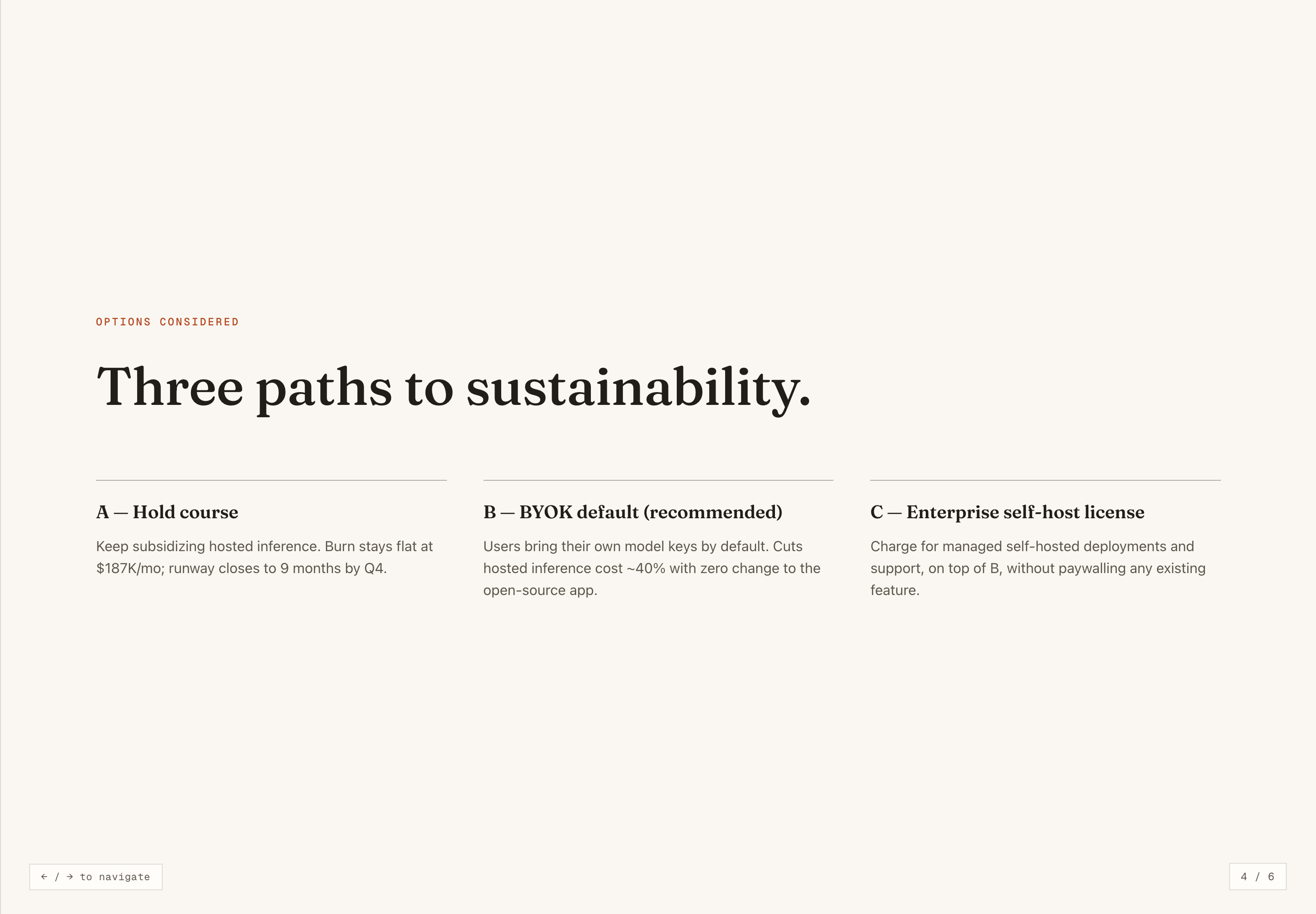
The three-column slide keeps Hold Course, BYOK Default, and Enterprise Self-Host License at the same visual level for direct reading.
Decision Closure
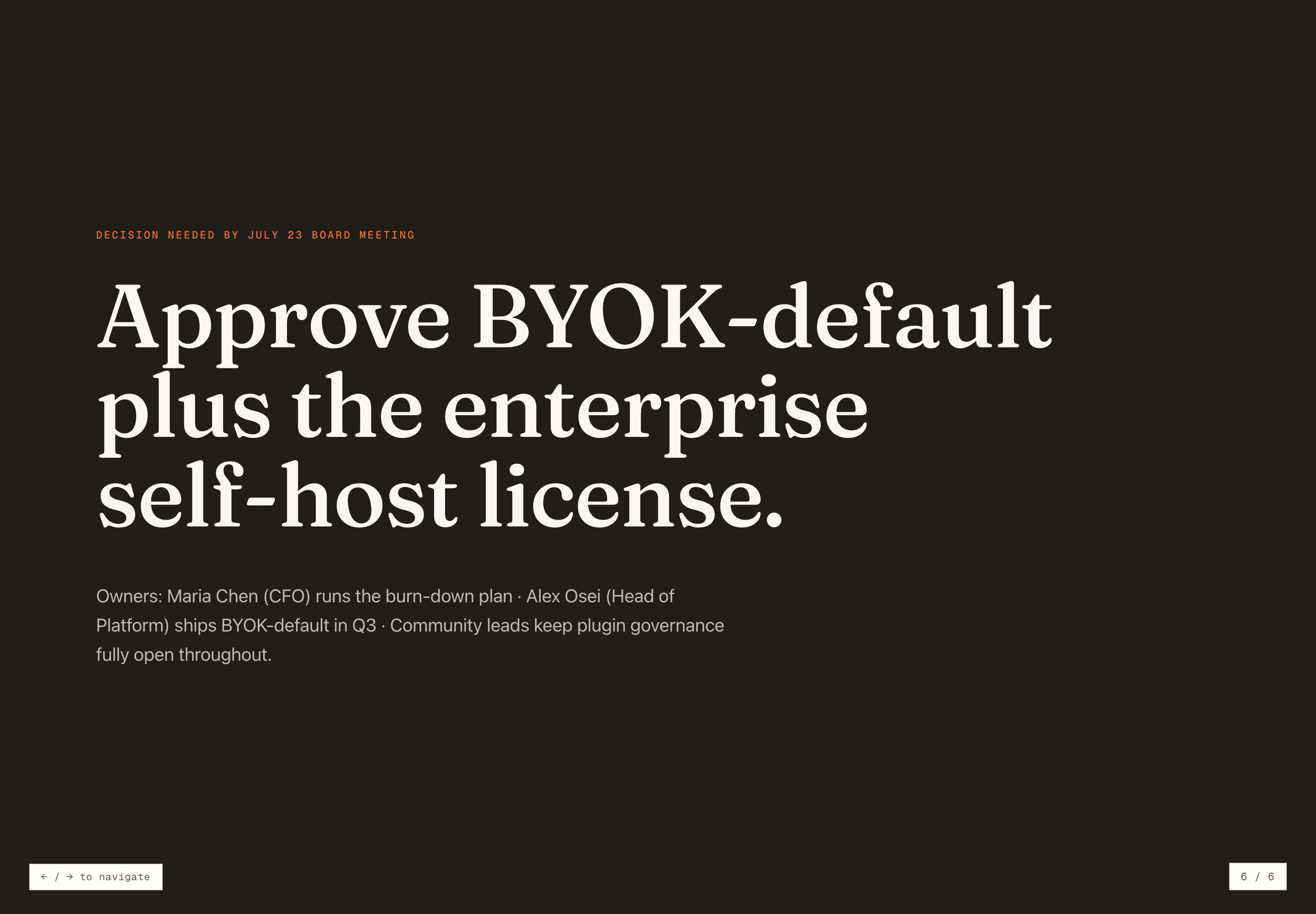
The closing slide repeats the proposed combination and names owners, giving the narrative a concrete endpoint without adding another analytical detour.
From Cost Pressure To Approval
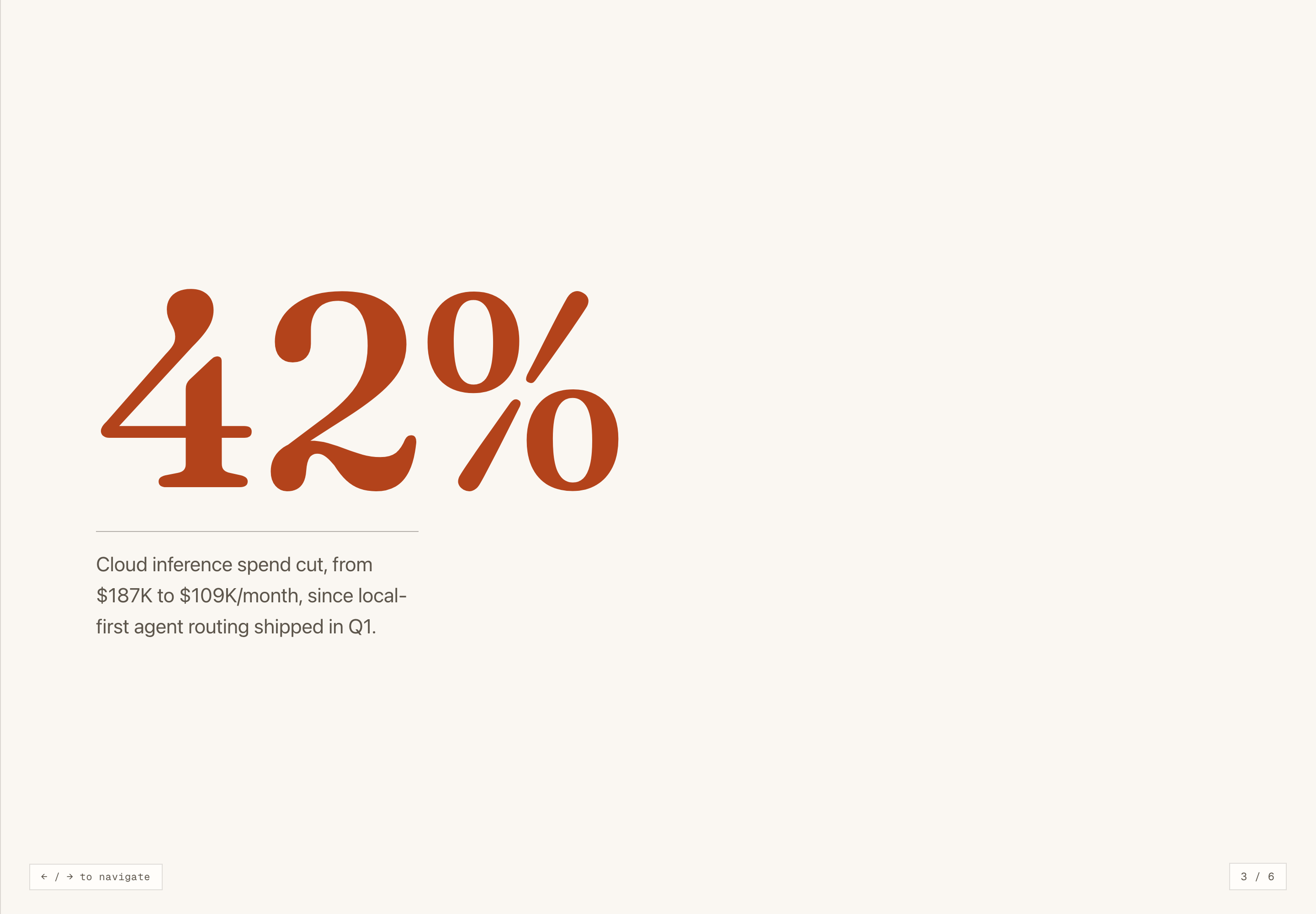
The six-slide narrative follows a deliberate escalation. The cover asks for approval. The recommendation then defines the intended outcome as 22 months of runway without touching the open core. A following metric slide isolates one illustrative figure: a 42% cloud inference spend cut, described as a change from $187K to $109K per month after local-first agent routing shipped in Q1. The number is visually prominent, but the deck does not define its measurement method, so it functions as stated sample evidence rather than a verified result.
The options slide changes the reading mode from assertion to comparison. “A — Hold course” retains the $187K per month burn and states a nine-month runway by Q4. “B — BYOK default (recommended)” describes users bringing their own model keys and an approximately 40% hosted-inference cost reduction. “C — Enterprise self-host license” adds managed self-hosted deployments and support on top of B. The parallel columns make the alternatives easy to scan, but compress the financial, implementation, and governance assumptions behind each one.
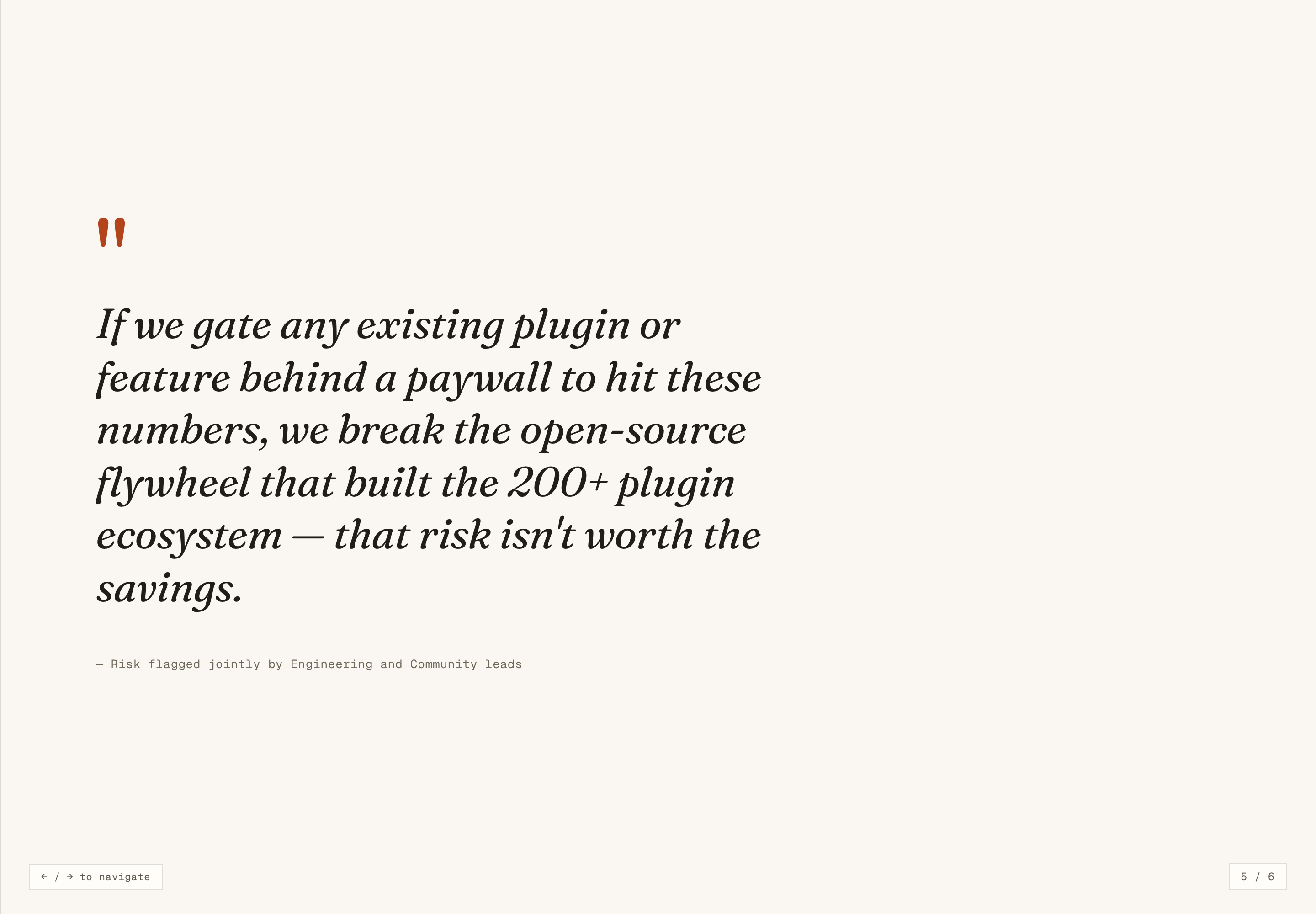
The fifth slide introduces a risk boundary through a quoted statement attributed to Engineering and Community leads. Its claim is specific: putting an existing plugin or feature behind a paywall could damage the open-source flywheel represented by the 200-plus plugin ecosystem. This creates a counterweight to the cost argument. The tradeoff is that a long quotation carries ethical and organizational weight without showing the discussion that produced it, so the slide works best as a prompt for deliberation rather than proof of consensus.
Recommendation To Metric
The deck moves from a 22-month runway recommendation to a single 42% spending figure, giving the proposed direction a concrete but bounded piece of support.
Metric To Alternatives
The spending figure leads into three named paths, shifting the audience from accepting a claim to comparing how the claim might be addressed.
Risk To Decision
The open-source risk statement interrupts the financial progression before the final approval request, ensuring the protected principle remains part of the decision.
Scope And Capability Boundary
The artifact contains six HTML slides with local scrolling and keyboard handlers, not live financial data or an approved rollout. The same key handler is attached to window and document, so one right-arrow event advances the counter twice in an isolated browser test. Its chosen body scroller also fails to move the visible slide. Gallery captures use native browser scrolling and the unchanged counter function; the original preview retains these defects. Financial figures, names, dates, and proposals are illustrative.
The reusable lesson is the narrative structure: state the decision, show the operating evidence, compare explicit paths, name the principle at risk, and close with the requested approval. Adapt the content only after validating the assumptions behind each number and proposal.
What To Validate Before Reuse
Replace illustrative claims with verified figures, define how each metric is measured, confirm that named owners and dates are real, and document the evidence behind any quoted organizational position.
How to Create Operating Review Presentation Design in OpenDesign
Define The Decision Spine
Start with one approval statement, one protected principle, and the operating pressure that makes the decision necessary. Keep the first slide focused on that tension.
Build The Six-Slide Sequence
Create a cover, recommendation, supporting metric, three-option comparison, risk statement, and closing approval slide. Preserve the movement from claim to evidence to choice.
Check Evidence And Tradeoffs
Test every number, owner, date, and proposal against its source. Keep option descriptions parallel, explain what each path changes, and mark sample content as illustrative when it is not verified.
Suggested PromptCreate a six-slide Operating Review Presentation Design for a board pre-read: use a serif cover with a concise approval statement, a recommendation slide, one clearly labeled operating metric, a three-column comparison of Hold Course, BYOK Default, and Enterprise Self-Host License, a risk statement about protecting an open plugin ecosystem, and a dark closing approval slide with owners and timing. Treat all figures, names, dates, and proposals as illustrative unless supplied as verified data; do not imply connected services or live results.
Export and Get a Share Link
Export your finished design, then use Share in OpenDesign to get a share link. Open the link in a separate browser window and check that the intended version and its assets are available before sending it.
Brand Story Presentation Design
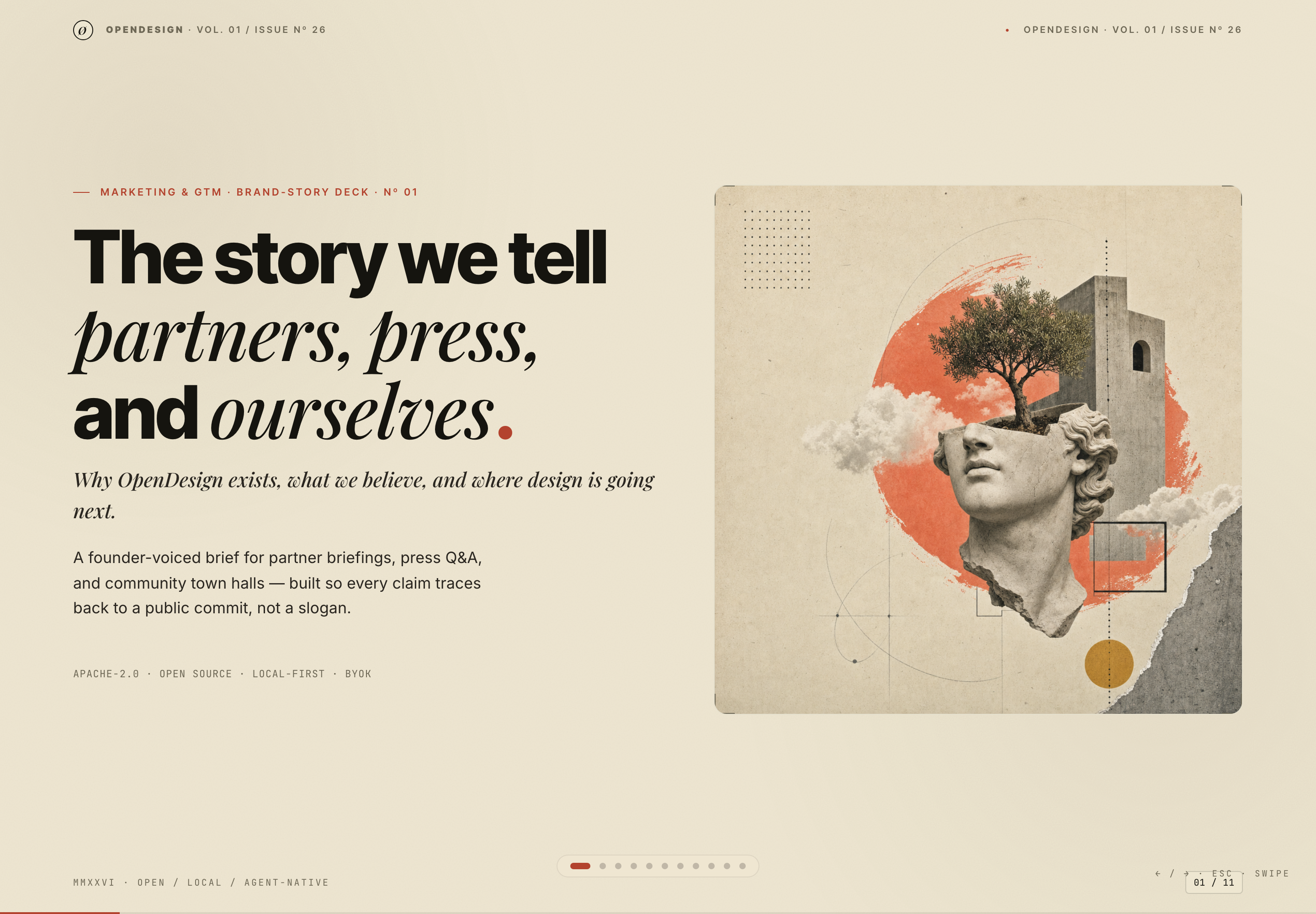
Brand Story Presentation Design gives partners, press, and community audiences one evidence-led narrative from belief to channels, calendar, and verification.
Slides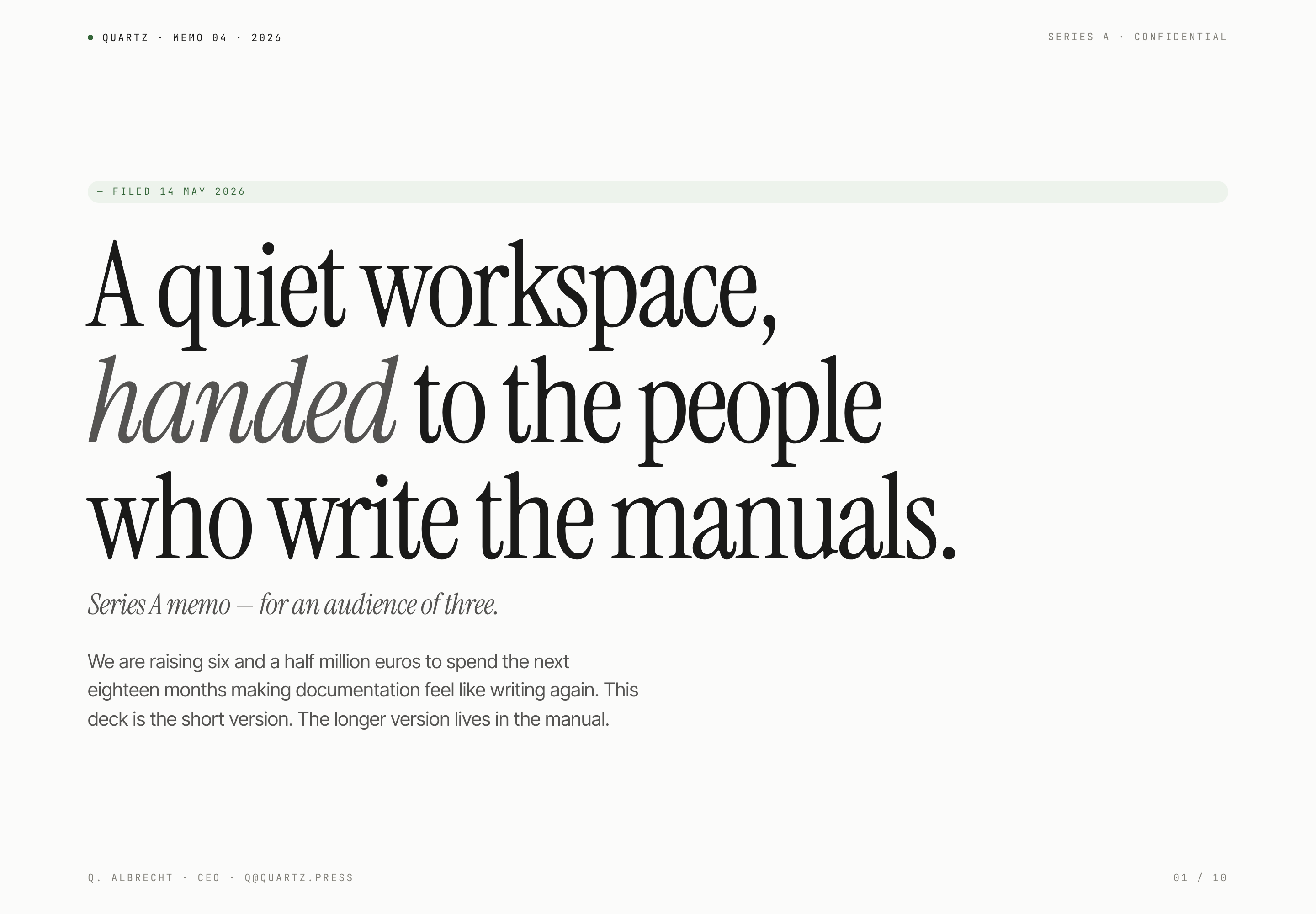
Fundraising Memo Presentation Design
Quartz's ten-slide fundraising memo pairs quiet serif typography with product principles, sample traction, and a funding request for a small investor audience.
Slides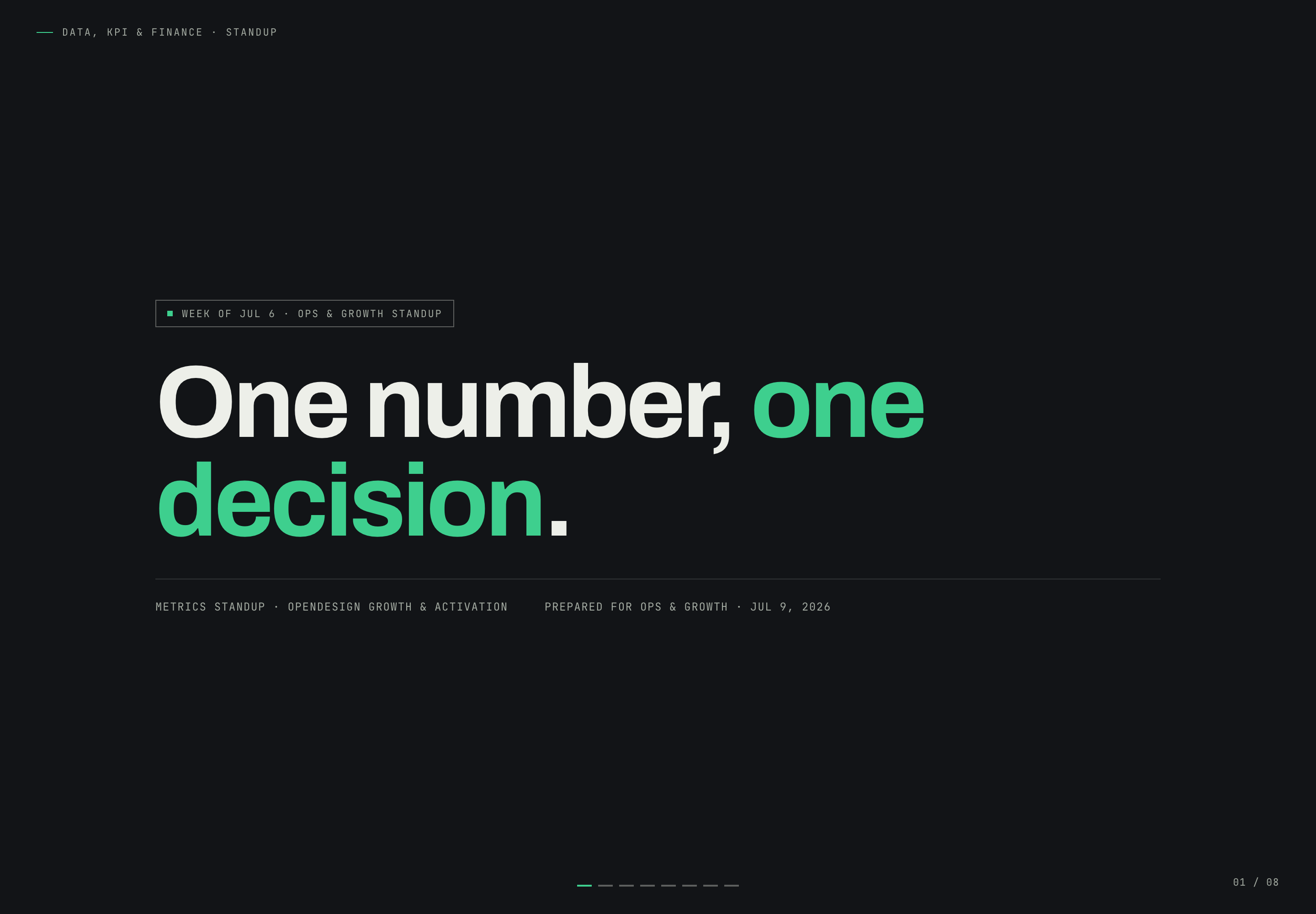
Growth Metrics Standup Design
Growth Metrics Standup Presentation Design turns a Safari conversion problem into a focused narrative that ends with one owned decision.
Slides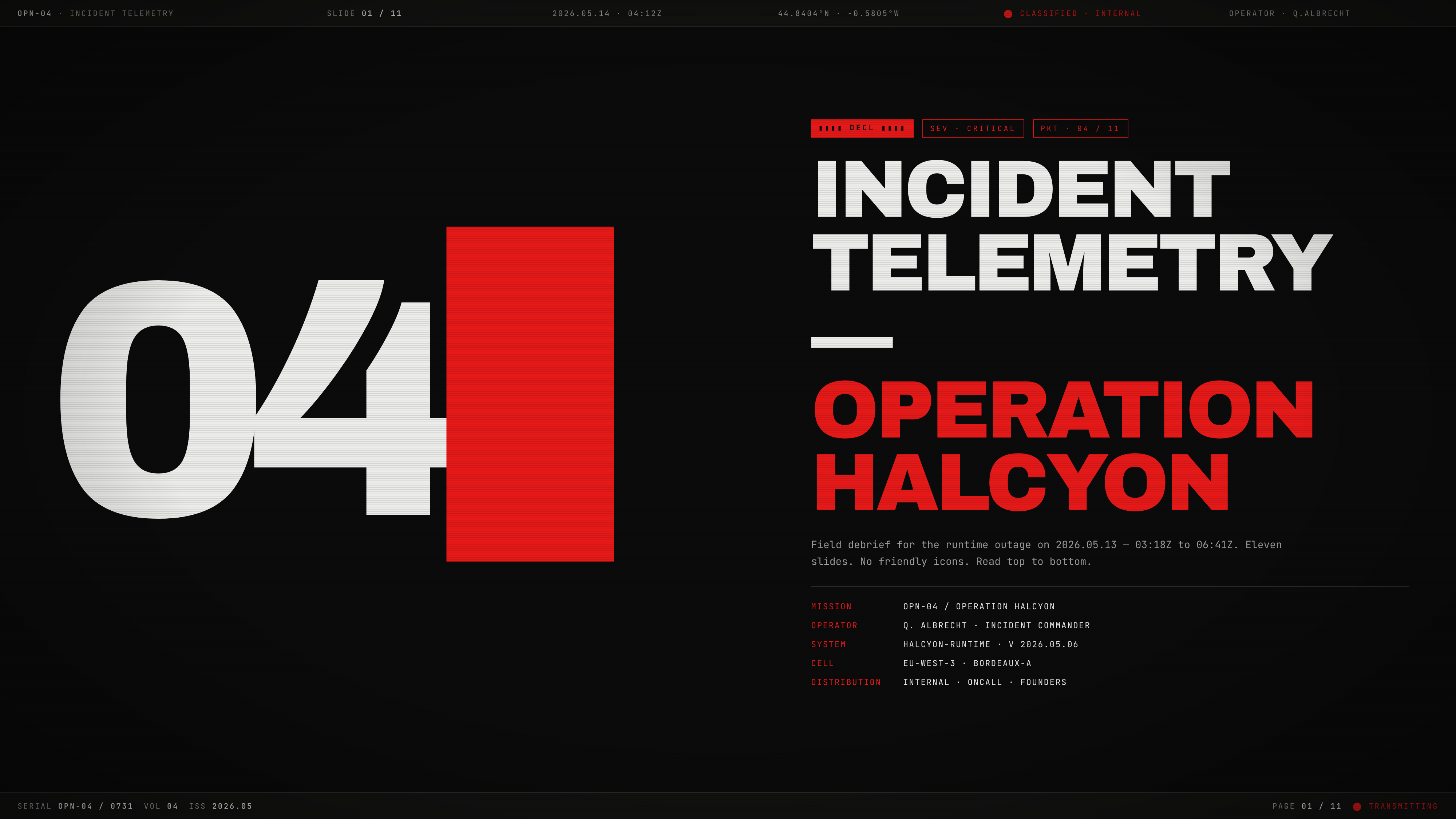
Incident Telemetry Presentation Design
Incident Telemetry — Operation Halcyon turns an illustrative runtime outage into an ordered briefing for tracing causes, risks, and decisions.
Slides