

Graphics
Particle Galaxy Shader Design
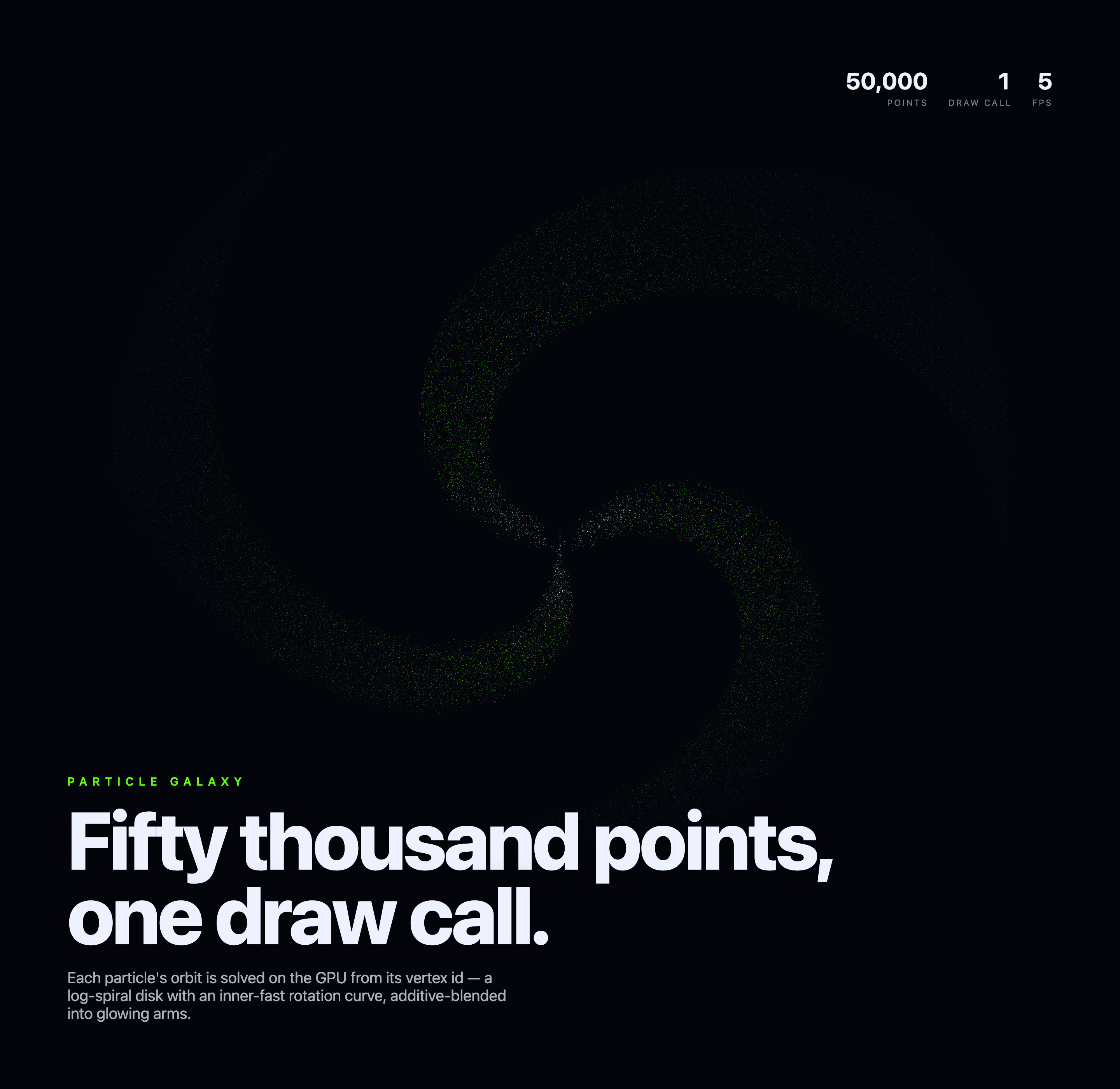
Three faint spiral arms evolve on a dark WebGL2 canvas beneath fixed typography, with source-defined point and draw counts plus a local FPS readout.

Particle Galaxy Use Cases
- WebGL ExperimentationStudy GPU-driven particle composition and shader-led motion.
- Animated Visual IdentityBuild atmospheric hero scenes around a single evolving form.
- Creative Coding PresentationPair technical constraints with restrained editorial typography.
Procedural Galaxy Highlights
- Spiral Particle FieldFaint green and blue points form three broad spiral arms.
- Rendering Context BlockPoints, draw call, and FPS sit in a tight upper-right cluster.
- Editorial TypographyA large statement anchors the composition beneath the artwork.
- Single-Canvas FocusThe visual field carries the experience without visible controls.
Three Moments of the Particle Galaxy
1 / 3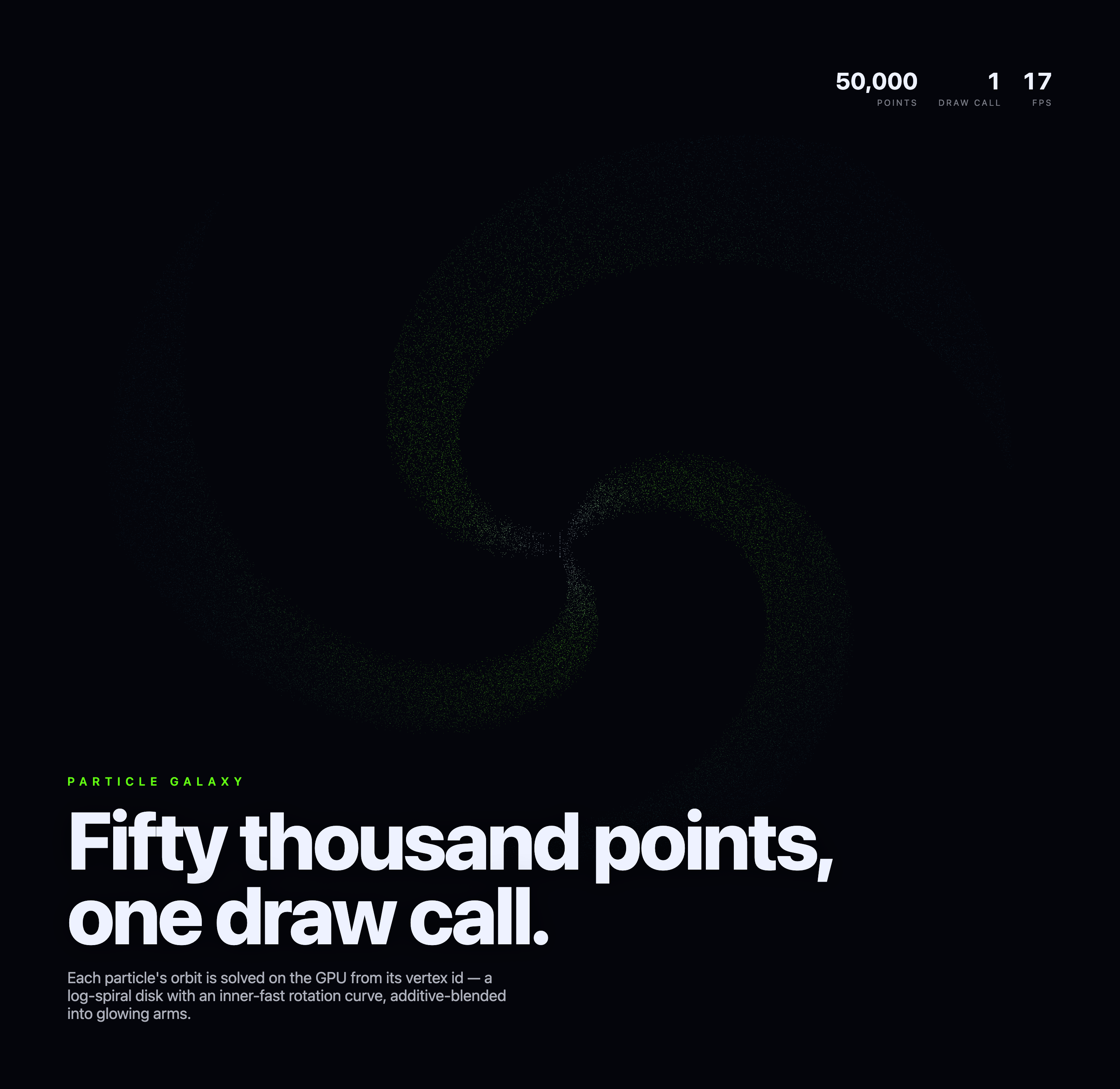
Three Spiral Arms, One Point Draw
Particle Galaxy is an official OpenDesign example centered on a dark, nearly empty canvas and a large field of faint particles. The authored heading, “Fifty thousand points, one draw call.”, makes the technical premise part of the visual identity rather than hiding it behind interface chrome.
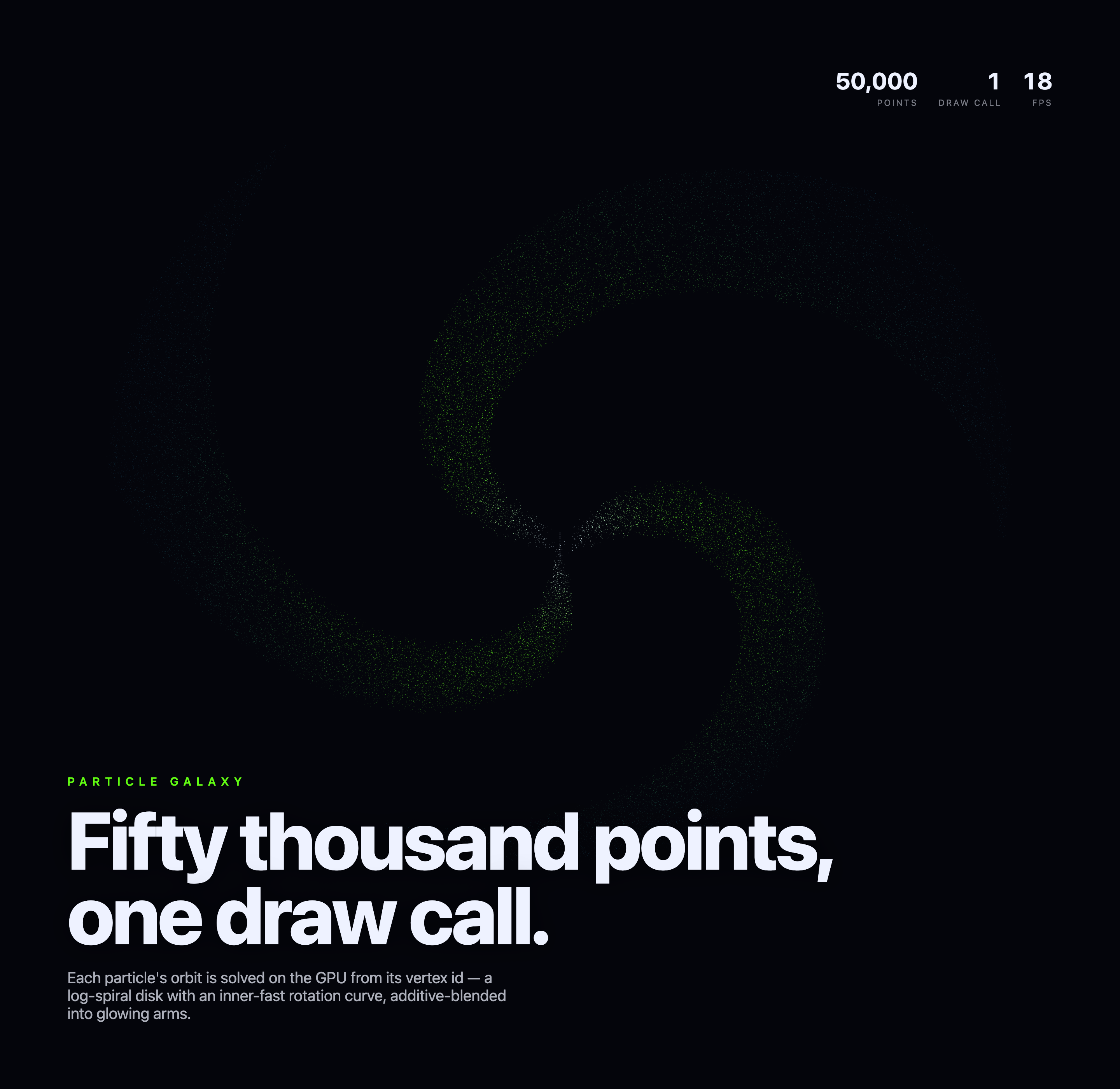
The particle field and fixed lower-left title share one viewport; the headline is not a separate below-the-fold section. Faint green, blue, and pale points leave broad dark gaps between three arms. The visual tradeoff is clear: the restrained field feels quiet beside the bright type, but its low contrast asks for a close look at the full-size image.
Where This Design Fits
This design is suited to a creative-coding landing scene, an interactive technology showcase, or an art-directed WebGL study. Its value is strongest when the visual itself is the subject and supporting copy can remain short.
The absence of static controls keeps attention on the changing particle field. That restraint also limits discoverability: the supplied markup shows no authored controls, so the design communicates through motion, typography, and the compact statistics block rather than through explicit interaction affordances.
Creative-Coding Showcase
Use the large particle field to introduce a rendering experiment before explaining its technique.
WebGL Hero Scene
Adapt the dark canvas as a visual opening for a technically focused digital experience.
Motion-First Editorial
Let a slowly changing form carry attention while concise copy establishes context.
How The Composition Works
The upper-right block shows 50,000 POINTS, 1 DRAW CALL, and a changing FPS estimate. The vertex shader derives point positions from gl_VertexID, distributes them among three arms, and varies their angular speed so inner points rotate faster. A fixed tilt and slowly changing overall spin shape the disk's perspective. Soft point sprites and additive blending give the green, cyan, and pale particles their glow.
The statistics use large white numerals and smaller spaced labels, while the artwork uses much lower-contrast green, blue, and pale particles. This separation makes the metadata scannable without competing with the galaxy. It also creates a perceptual tradeoff: the performance block is immediately legible, while the particle arms require a longer look and suitable display contrast.
The captures show different displayed FPS values while retaining the same point count and draw-call labels. That variation makes the FPS field read as a changing local display state, not a stable claim about performance across devices.
Technical Premise
The headline connects the particle count and draw-call idea to the visual rather than presenting them as unrelated metadata.
Visual Density
The broad spiral arms remain sparse against black, preserving negative space around the title and statistics.
State Variation
The captures retain 50,000 points and one draw call while showing different FPS values, separating fixed labels from changing display state.
Capability Boundary
The WebGL2 source defines N = 50,000 and calls gl.drawArrays with POINTS once per rendered frame. Particle positions are calculated in the vertex shader rather than updated through a CPU position buffer. The main thread still handles setup, timing uniforms, resizing, and drawing. There are no pointer, keyboard, camera-steering, or parameter controls. This is a procedural galaxy-like visual, not a scientific gravitational simulation.
The source comments claim 60fps, but isolated still captures and the local FPS counter do not establish guaranteed performance. They also do not prove production deployment, connected services, or a historical generation process. The point and draw-call counts are code facts; the frame-rate reading is an environment-dependent observation.
What the Counters Describe
The point-count display comes from the configured N value, and the draw-call label agrees with the single POINTS draw in the render loop. The FPS value estimates requestAnimationFrame cadence over roughly half-second windows. Keeping these meanings separate preserves useful technical context without turning the artwork into an unsupported benchmark.
How to Create Particle Galaxy Shader Design in OpenDesign
Establish The Canvas Composition
Start with a dark full-canvas field, a compact upper-right statistics group, and fixed lower-left typography. Keep the green subject label, large statement, and explanatory paragraph within the same viewport rather than adding a second section below the artwork.
Shape The Particle Field
Build three faint spiral arms from vertex-ID-derived points, with faster angular motion near the center and soft additive point sprites. Preserve the dark gaps and fixed typography. Treat the galaxy as a visual pattern rather than a physically validated astronomical model.
Check Labels And Capability Boundaries
Keep Points, Draw Call, and FPS visually distinct, and ensure changing FPS values are presented as local display state rather than universal benchmark claims. Verify that motion and resize behavior remain local to the rendered canvas.
Suggested PromptCreate an automatically animated WebGL2 particle galaxy with 50,000 points positioned from gl_VertexID and rendered in one POINTS draw per frame. Arrange them in three broad spiral arms with faster angular movement toward the center, a fixed tilt, and slow overall spin. Use soft green and cyan additive point sprites, fixed lower-left “Fifty thousand points, one draw call.” typography, and upper-right source-defined point and draw labels with a local FPS estimate. Do not add user controls, physical galaxy simulation, connected services, storage, or a universal performance guarantee.
Export and Get a Share Link
Export your finished design, then use Share in OpenDesign to get a share link. Open the link in a separate browser window and check that the intended version and its assets are available before sending it.

AI Workflow Editorial Poster Design
AI Workflow Editorial Poster Design presents six illustrated workflow claims with numbered chapters, concrete prompt specimens, and cream-and-rust typography.
Graphics
AI Workflow Social Carousel Design
Seven portrait cards use oversized Chinese headings, numbered habits, changing color fields, and a closing statement to explain AI editing workflows.
Graphics
Aurora Field Shader Design
An automatically animated blue-green noise field gives a WebGL hero its atmosphere, while a fixed headline and small local frame-rate badge anchor the scene.
Graphics
Aurora Veil Shader Design
Aurora Veil is an interactive shader composition that turns layered light, stars, and cursor motion into an atmospheric WebGL hero.
Graphics