

Website
Technical Writing Website Design
Quartz is a technical-writing website design that turns an editorial workspace concept into a focused path from drafting to publishing.

Designed For
- Technical Writing TeamsPresent a focused workflow for drafting, review, and publication.
- Documentation Product PagesExplain a specialized writing product without generic feature sprawl.
- Editorial SaaS ConceptsShape product positioning around a distinct publishing philosophy.
- Keyboard-Centered WorkflowsShow how focused interactions support writers who value structure.
Highlights
- Editorial HeroA restrained opening frames the product around writing quality.
- Workflow SequenceFive numbered feature cells connect outlining, review, export, history and integrations.
- Product BoundariesDoes-and-doesn't comparisons make the positioning unusually specific.
- Plan StructureThree audience-led plans connect pricing to team context.
Gallery
1 / 4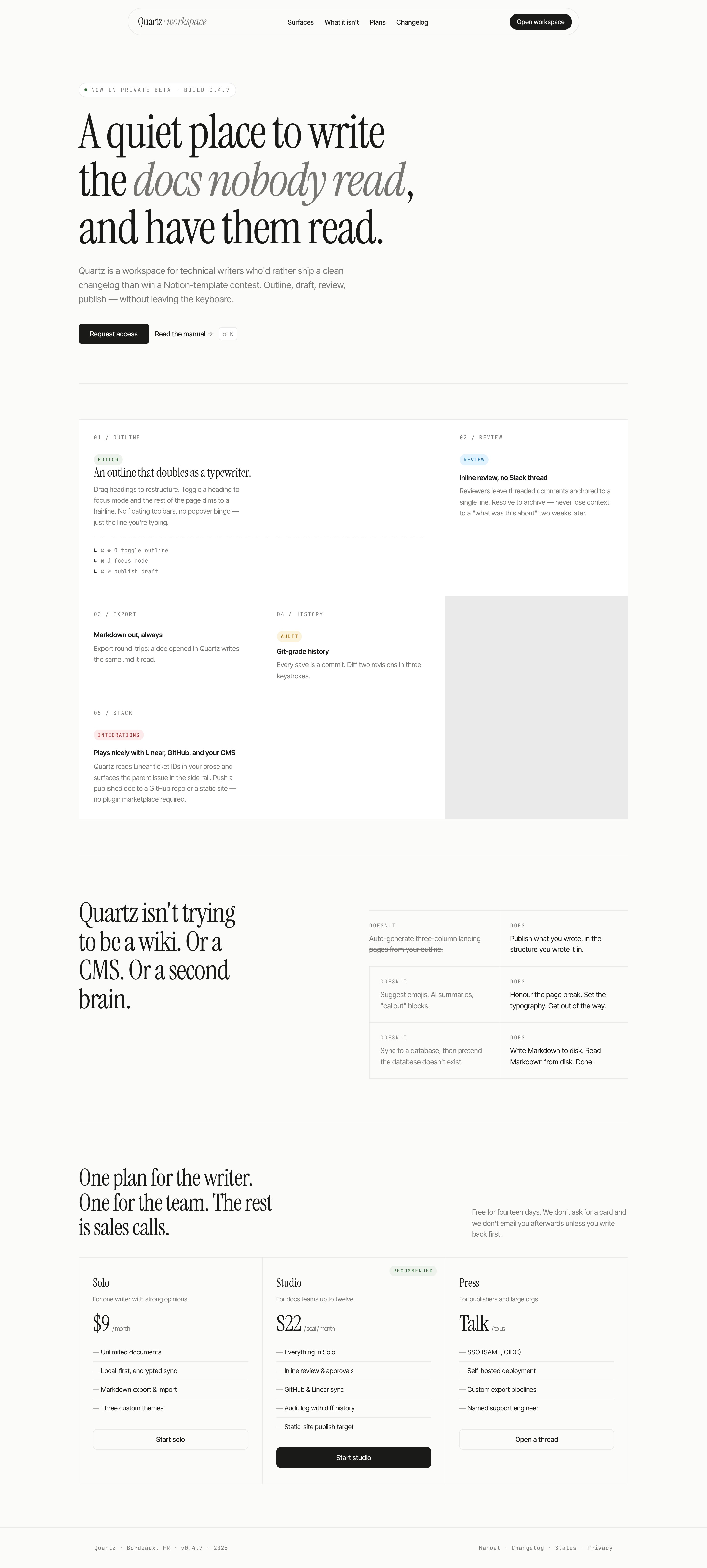
Quartz Technical Writing Website Design
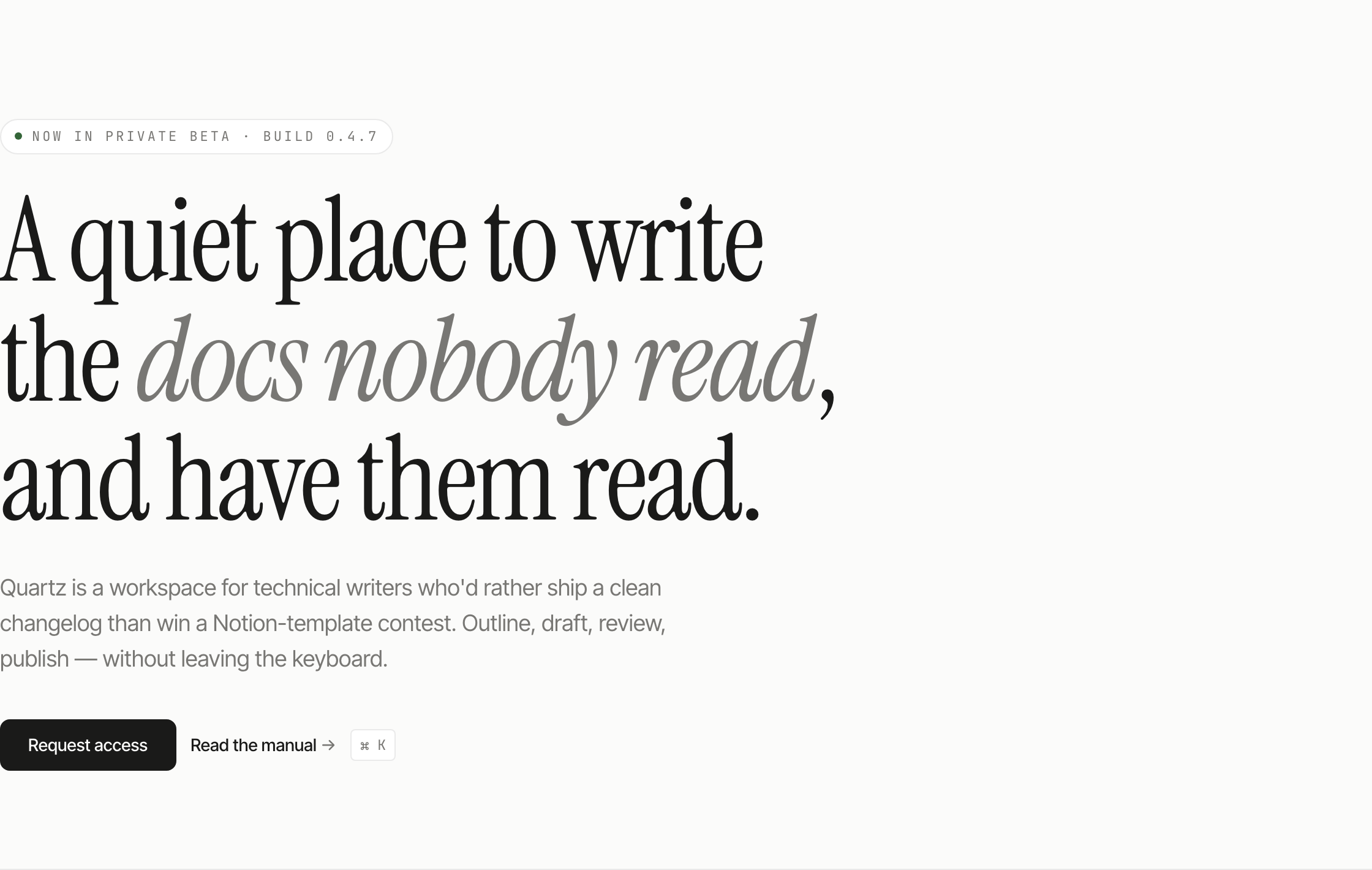
Quartz is presented as a workspace for technical writers who want to move from outline to draft, review, and publication without leaving the keyboard. The page is a concept website rather than evidence of a connected production service, so its strongest contribution is editorial framing: it gives a specialized tool a point of view before it lists capabilities.
The opening sentence sits in a large left-aligned Instrument Serif heading, with italic emphasis on “docs nobody read.” Its 16ch maximum width turns the long proposition into a compact column, while the supporting paragraph uses a wider 52ch measure. On the warm off-white canvas, the dark Request access button contrasts with the quieter Read the manual action and a printed shortcut badge. This prioritizes the writing premise, although those controls do not perform the advertised workspace tasks.
Tasks The Design Supports
The page speaks to several related website tasks, but it keeps them tied to the Quartz premise. A visitor can understand who the product is for, how its imagined workflow is ordered, what it refuses to become, and how the plans differ by audience. Those tasks are communicated through short labels and repeated contrasts rather than through a feature-heavy introduction.
Explain A Writing Workflow
The source names five stages: “OUTLINE,” “REVIEW,” “EXPORT,” “HISTORY,” and “STACK.” That sequence lets a reader follow the proposed path from shaping a document to connecting it with surrounding tools. The tradeoff is that the page describes a linear narrative; readers looking for unrelated capabilities must wait for later sections.
Make Product Boundaries Memorable
The “DOESN'T” and “DOES” pairs turn positioning into visible comparisons. “Auto-generate three-column landing pages” is set against publishing what the writer wrote, while database syncing is set against writing Markdown to disk. The crossed-out language makes the exclusions visually active, but it also gives the concept a deliberately opinionated tone.
Match Plans To Audiences
“Solo,” “Studio,” and “Press” are introduced as different organizational contexts rather than as a bare price ladder. The page associates Solo with one writer, Studio with docs teams up to twelve, and Press with publishers and large organizations. This makes the plan structure legible even before a visitor studies the feature lists.
The Page Moves From Writing To Positioning
The layout follows the same order as the product story. A large hero establishes the voice, then the page introduces the editor before moving through review, export, history, and integrations. After that, the contrast section states what Quartz is not, and the pricing section translates the editorial position into three audience-specific offers. The sequence makes the page read like an argument rather than a catalog.
Start With The Editor
The first numbered section is “01 / OUTLINE,” with the heading “An outline that doubles as a typewriter.” Its copy mentions dragging headings, focus mode, and a dimmed remainder of the page. These details connect structure and concentration, although they remain proposed interaction behavior rather than verified runtime behavior.
Expand Into Team Context
The next sections introduce inline review, Markdown export, revision history, and integrations. The labels keep each idea compact, while the descriptions add concrete relationships: comments are anchored to a line, a document is described as reading and writing the same .md structure, and ticket IDs are shown as related to a side rail. Each addition broadens the imagined workspace, but also increases the number of product claims a real implementation would need to substantiate.
Close With A Commercial Choice
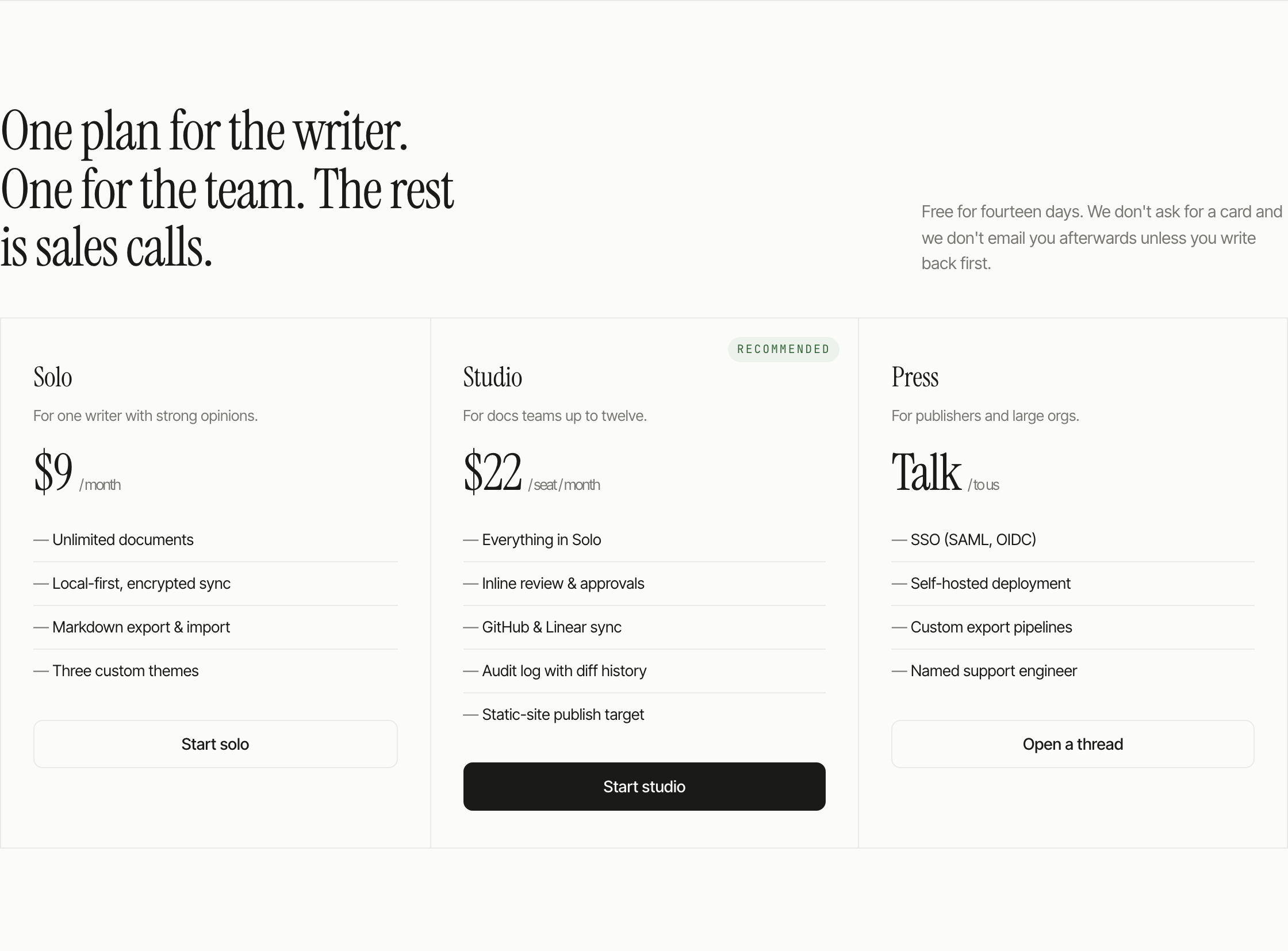
The pricing band compares Solo at $9 per month, Studio at $22 per seat per month, and Press as “Talk / to us.” The different billing units and audience labels distinguish one writer, a docs team and a publisher. Solo and Press each list four features; Studio lists five and receives the recommendation badge. Press changes the subject to SSO, self-hosting, export pipelines and support, rather than simply offering a longer list. All prices and capabilities are sample positioning.
Visible Design And Capability Boundaries
Quartz is a marketing concept, not an implemented writing workspace. Its only script reveals sections through IntersectionObserver; it does not handle buttons, displayed shortcuts, editing, reviews, exports or account creation. Native links reach Surfaces, What It Isn't and Plans, while Changelog has no matching section and footer links are placeholders. The page therefore demonstrates visual positioning, not working integrations, encrypted sync, publishing or real pricing offers. Those services would require separate implementation and testing.
Source Attribution
OpenDesign distributes this example in its Community library. The source documentation credits Taste Skill by Leonxlnx for its editorial-minimalist and spatial-rhythm guidance: https://github.com/Leonxlnx/taste-skill. This is a distribution credit, not a claim of OpenDesign's independent original authorship. The bundled manifest declares MIT; it does not establish separate rights to every depicted asset.
How to Create Technical Writing Website Design in OpenDesign
Set The Editorial Frame
Begin with a large, short-column hero for a technical-writing workspace. Use a long-form proposition, a restrained supporting paragraph, and two actions with different intents, following Quartz's “Request access” and “Read the manual” pattern. Keep the page goal centered on writing and publishing rather than presenting a generic software dashboard.
Suggested PromptCreate a single continuous marketing website for Quartz, an illustrative technical-writing workspace. Use a warm #FBFBFA canvas, Instrument Serif display text with italic emphasis, Inter Tight body text and JetBrains Mono metadata. Add a floating navigation bar, a left-aligned 16ch hero headline and 52ch supporting paragraph, a dark Request access button and quieter Read the manual action. Build a six-column editorial grid with five numbered cells for outline, review, export, history and integrations; let the first two span two rows and keep pale chips limited to category labels. Follow with three paired Doesn't/Does statements and three sample plans: Solo $9/month, Studio $22/seat/month with a recommendation tag, and Press Talk/to us. Preserve four/five/four feature-list lengths and distinct action treatments. Stack the grid and pricing below 880px. Use local reveal animation with reduced-motion support and clearly labelled navigation placeholders. Display shortcut and workflow text without claiming editing, publishing, integrations, encrypted sync, accounts or backend services. Keep Taste Skill by Leonxlnx as design-guidance upstream and OpenDesign as Community distributor. This is a suggested recreation brief, not the original prompt.
Build The Five-Part Narrative
Organize the main product story as five numbered sections: outline, review, export, history, and stack. Give each section one observable relationship, such as comments anchored to a line or Markdown moving in and out with the same structure. Keep keyboard shortcuts and integration references as visible concept details, not proof of implemented behavior.
Refine Boundaries And Plans
Add a paired “DOESN'T” and “DOES” composition so the product's exclusions are as readable as its promises. Finish with Solo, Studio, and Press columns that preserve the source's audience progression, price formats, feature ordering, and action differences. Check that long serif headings, compact labels, and feature lists remain readable when the columns stack.
Export and Get a Share Link
Export your finished design, then use Share in OpenDesign to get a share link. Open the link in a separate browser window and check that the intended version and its assets are available before sending it.
AI Design Studio Website Design
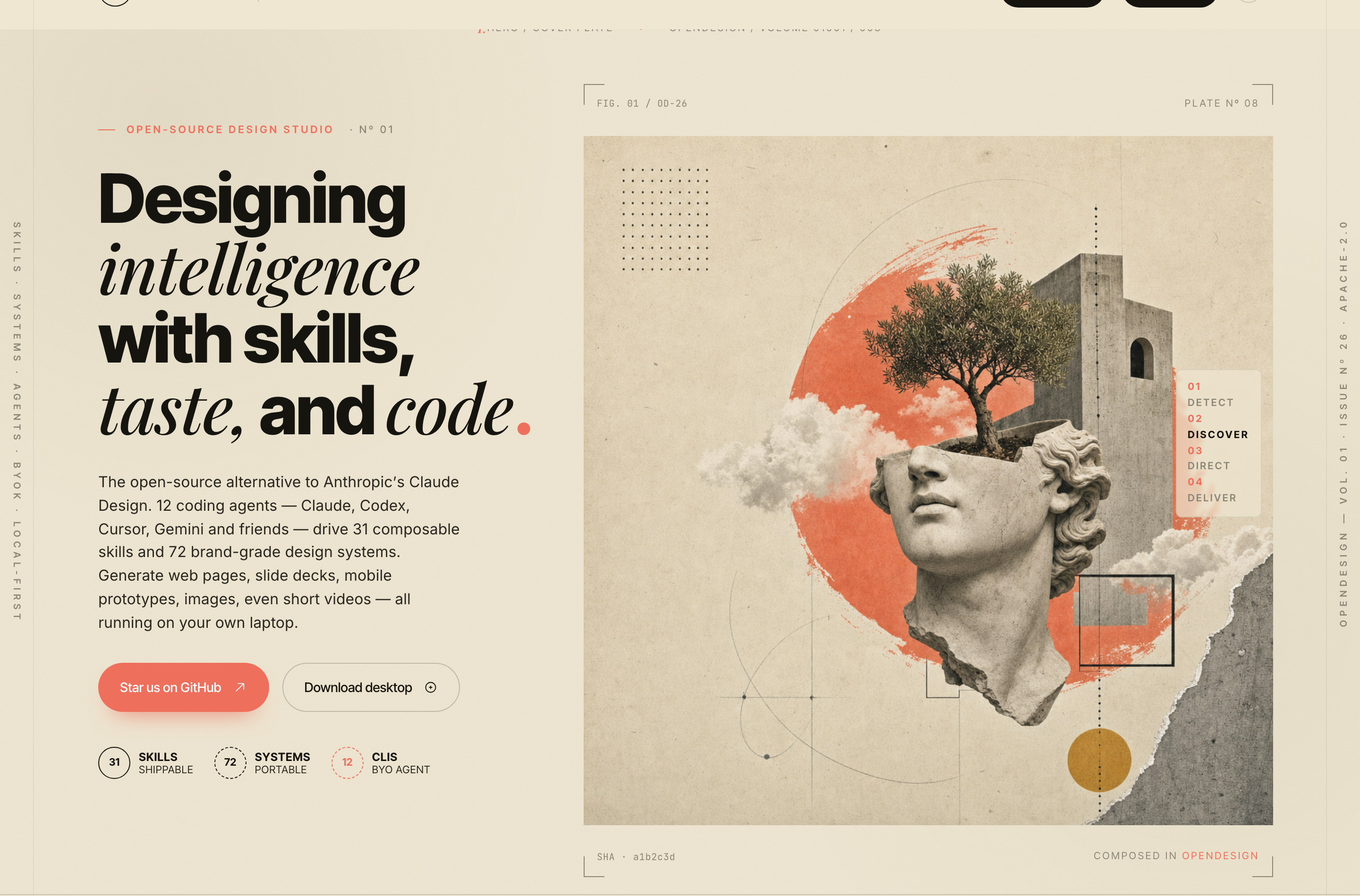
OpenDesign’s AI Design Studio Website Design turns a local-first studio concept into an editorial landing page that makes skills, experiments, and method easy to scan.
Website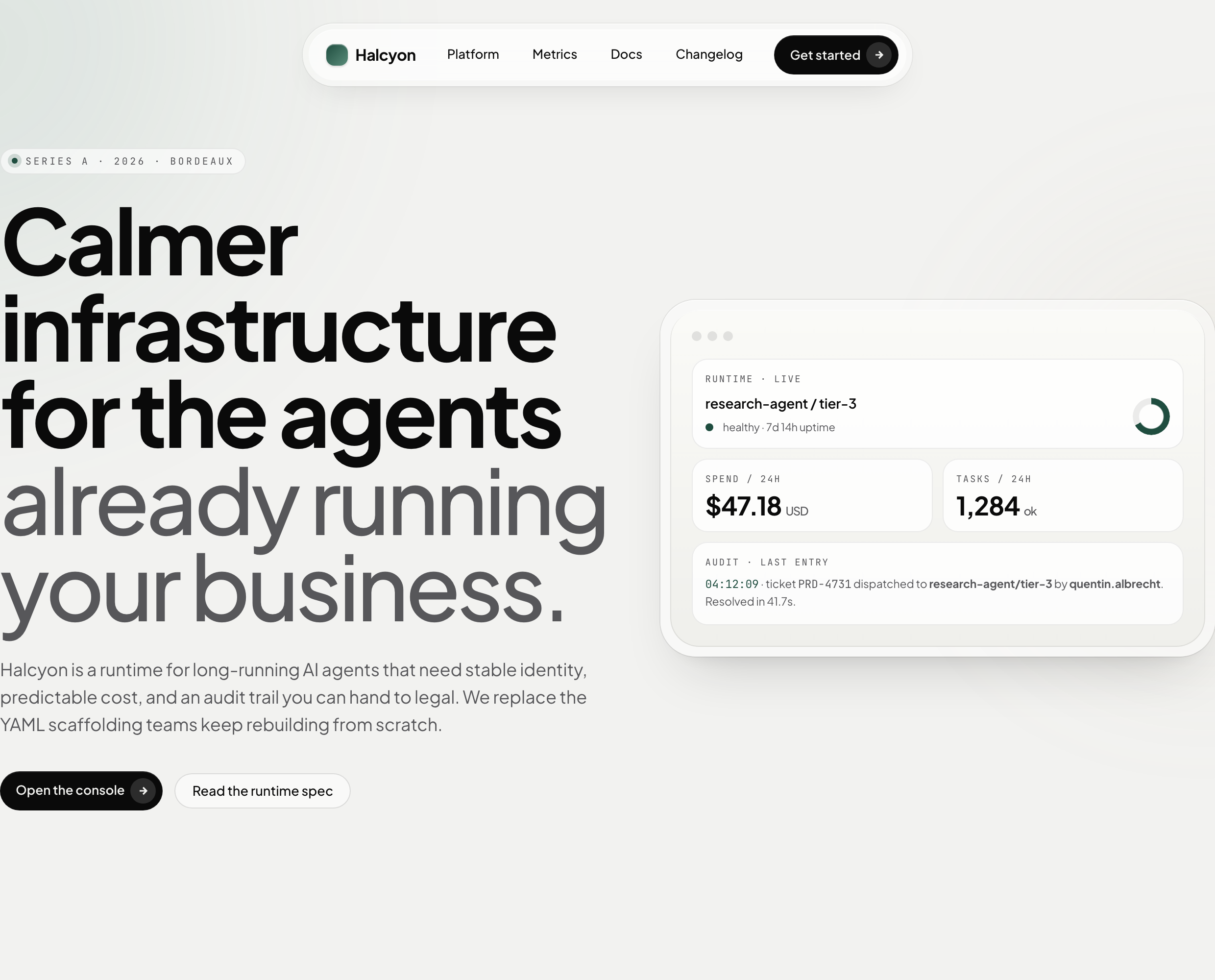
AI Infrastructure Website Design
A soft AI-infrastructure landing concept with sample runtime metrics, nested feature cards, subtle motion and a single sales invitation.
Website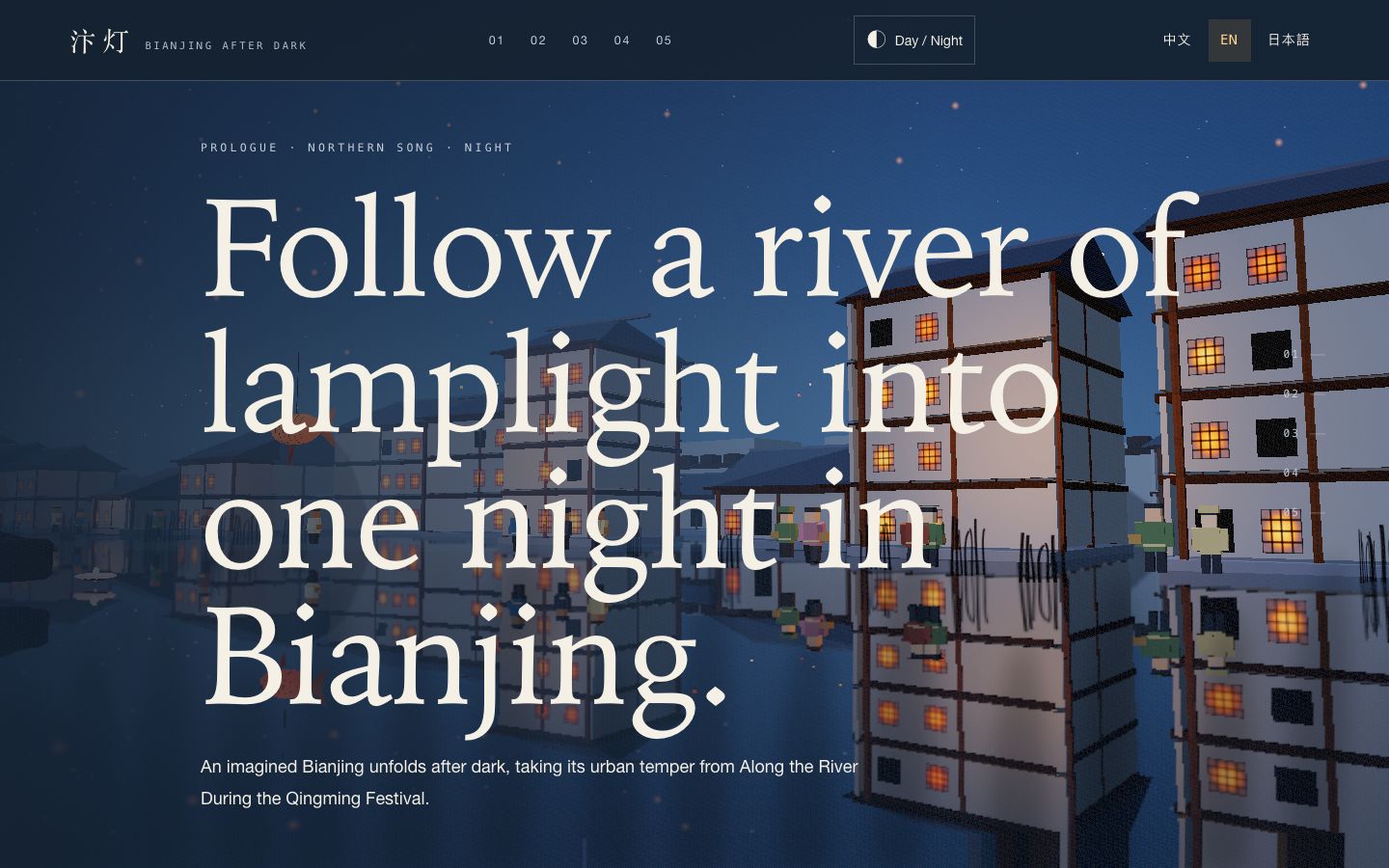
Bianjing Night Tour Website Design
An interactive night journey through an imagined Song-era Bianjing, combining a persistent river city, poetry, lanterns and multilingual chapter pacing.
Website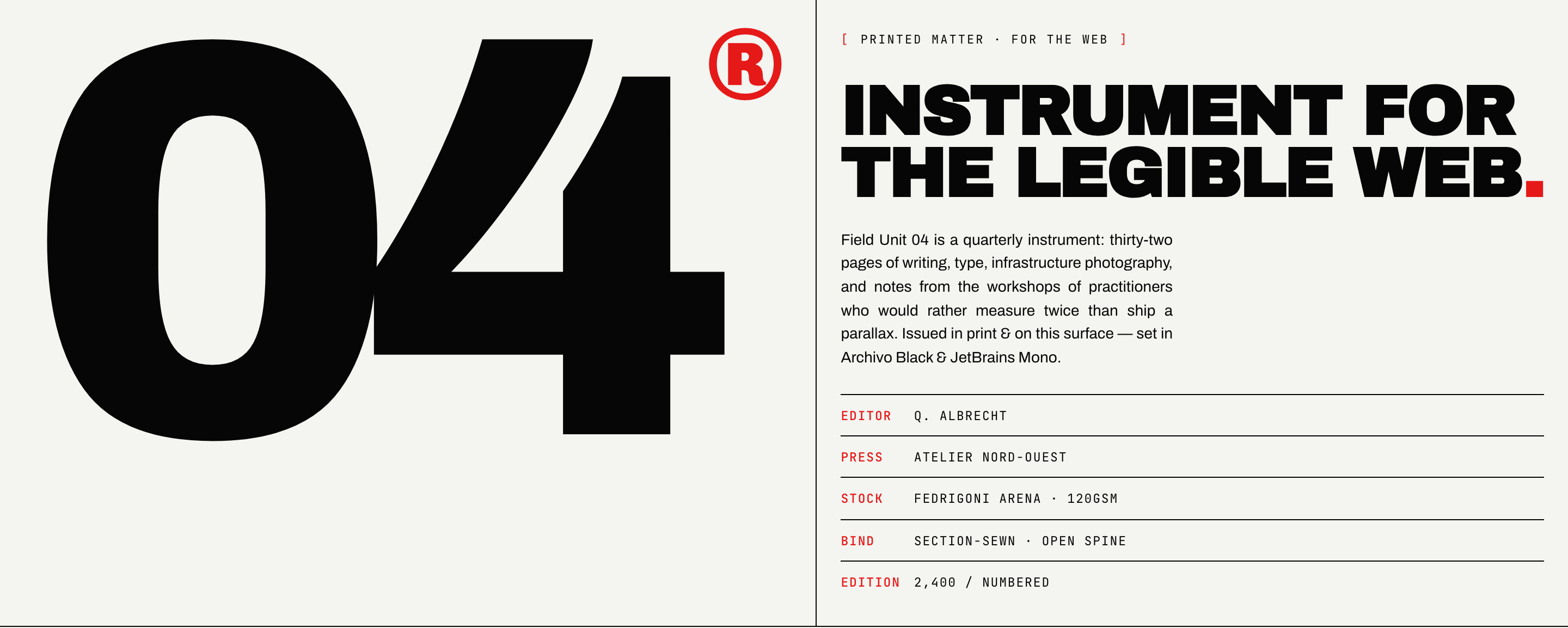
Brutalist Journal Website Design
Brutalist Journal Website Design turns a print-shaped issue into a legible web reading system, pairing bold type with measured editorial structure.
Website