Portfolio Website BuilderOpenDesign

AI Website Builder for Portfolios

Your work should set the rhythm. Bring selected projects and image assets into OpenDesign, choose a visual system, and generate the portfolio direction. Refine image scale, typography, and spacing in the HTML preview, then compare the desktop gallery with the mobile sequence.

Branded Frontend · Real Files · Continue With Your Coding Agent

Selected Work01 / OpenDesign
portfolio.website · Desktop Preview
Creative PortfolioWork   Studio   ContactView Projects
Selected WorkSpaces Shaped by Light, Material, and Use.

An editorial portfolio where every project keeps its true frame and the studio’s point of view stays visible.

View Projects
Illustrative desktop website direction for the AI Portfolio Website Builder workflow in OpenDesign.
Editorial Grid · Project Pages · Responsive Images
Editorial GridProject PagesResponsive Images
One Specific Brief↗

“An architecture portfolio with six selected projects, wide imagery, short captions, a restrained about page, and one direct contact route.”

Illustrative Website · Desktop CompositionReal Editable Frontend Files
01Project-Led HierarchyLet selected work establish the pace before biography, services, or contact details.
02Editorial Image TreatmentPreserve image proportions and sequence instead of cropping every project into one card shape.
03Reusable Project PagesKeep titles, captions, credits, galleries, and related work consistent across projects.
04Clear Contact ContextExplain what work you want and give visitors a direct, credible way to reach you.
Portfolio Website Example

Let the Work Lead Without Making Every Project Look the Same.

A strong portfolio needs editorial pacing, flexible image ratios, and enough context to make the decisions behind the work legible.

Creative Portfolio Website

A Portfolio Composition With Room for Different Kinds of Work.

This illustrative portfolio uses one large project and quieter supporting pieces to create hierarchy. OpenDesign’s HTML editing controls are useful for the refinements this composition invites: image dimensions, caption type, line height, and gallery spacing. Larger sequence changes can go back to the agent as marked feedback.

  • A clear primary project instead of a flat wall of equal thumbnails
  • Flexible editorial modules for imagery, roles, outcomes, and short notes
  • A responsive system that keeps the work readable across screen sizes
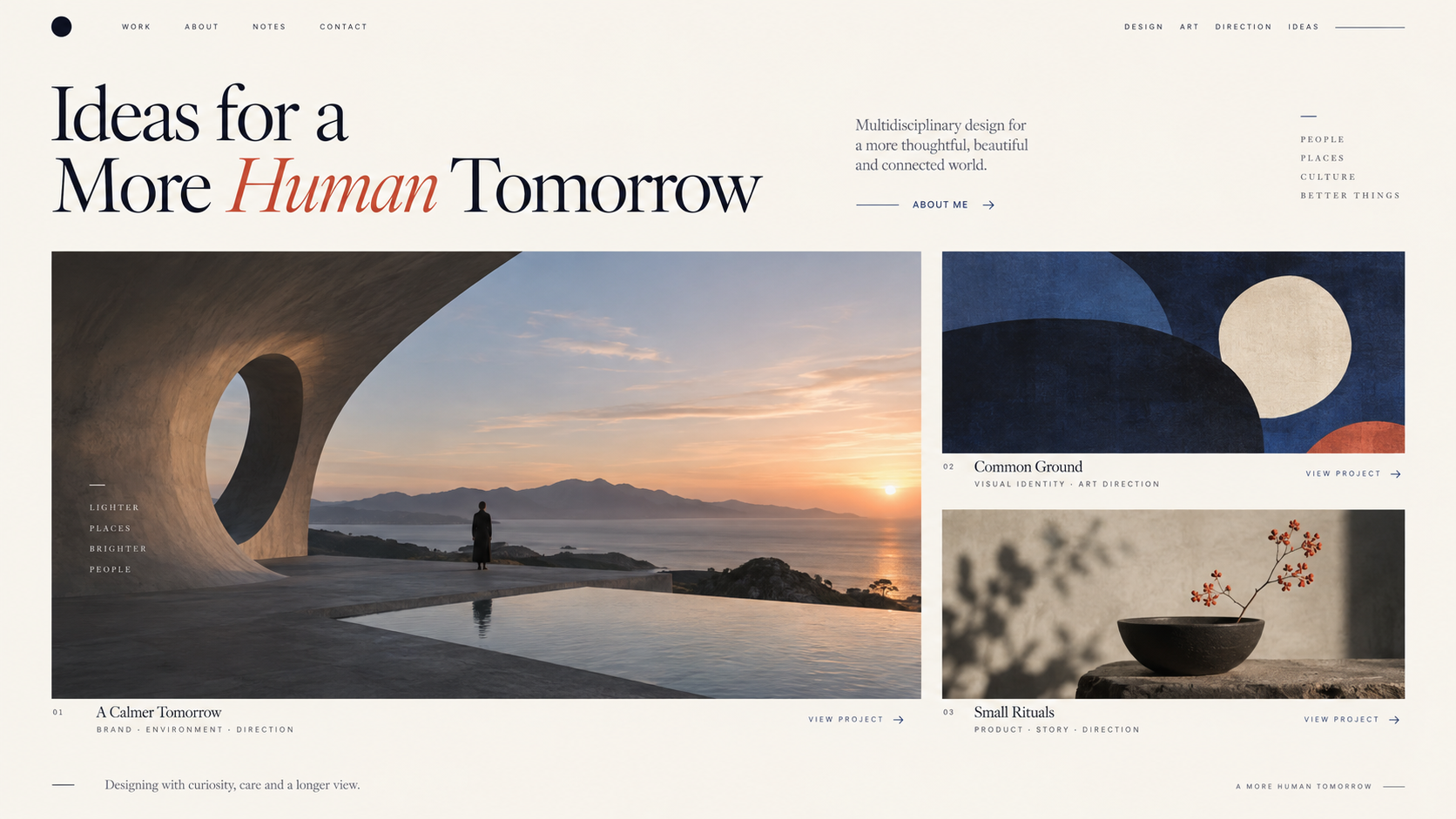
Editorial GridProject SystemEditable Portfolio
AI portfolio website builder example showing a complete desktop creative portfolio with a featured project, supporting case studies, varied image ratios, and editorial project context.
Illustrative Design · Not a Customer Build1672 × 941 · 16:9
Curate the Sequence

A Portfolio Is Edited Before It Is Designed.

Bring your own work, then refine its image frames, type, and sequence in the working portfolio rather than accepting a fixed gallery.

Portfolio DecisionOpenDesign ActionReview
01

Visual Direction

Choose or create the design system

The style supports the work
02

Image Frames

Refine dimensions and spacing

Important details remain visible
03

Project Context

Edit captions, credits, and type

The contribution is understandable
04

Reading Sequence

Send marked feedback and compare widths

Hierarchy survives the mobile layout
Portfolio System

Refine the Details With an AI Portfolio Website Builder.

Different project lengths can share one editorial system without becoming identical cards.

01

A Curated Work Index

Choose a hierarchy for featured and supporting projects rather than treating every item as equal.

02

Project Story Templates

Use flexible sections for overview, process, gallery, results, credits, and the next relevant project.

03

An About and Contact Path

Connect the work to a concise point of view, selected credentials, availability, and a direct next step.

OpenDesign Difference

Designed Around Your Work, Not a Portfolio Preset.

Portfolio quality often lives in small decisions: the scale of one image, the space around a caption, or the order in which projects appear. OpenDesign lets you combine a generated editorial direction with direct visual refinements instead of accepting the first gallery arrangement.

One Clear BriefWebsite System
Your Direction

“An architecture portfolio with six selected projects, wide imagery, short captions, a restrained about page, and one direct contact route.”

index.htmlstyles.csscomponents/CodexClaude CodeCursor
01

Image Treatment You Can Refine

Adjust supported HTML image dimensions, sources, and surrounding spacing, then review the actual composition rather than a thumbnail preset.

02

Type That Fits the Work

Use the visual editor to refine font, size, line height, and letter spacing on editable text targets.

03

Feedback on the Exact Project Section

Mark the gallery or case-study area that needs a different rhythm and send the requested change to the agent.

04

A Portfolio Beyond One Screen Size

Compare the same working page at desktop, tablet, and mobile widths before deciding that the project sequence is finished.

Curatorial Flow

Select → Sequence → Frame → Keep Updating.

The builder supports the presentation; it does not invent the work, role, results, or permissions.

  1. 1

    Choose the Work

    Select projects that support the kind of work, clients, or role you want next.

  2. 2

    Choose the Visual System

    Select a design system or create one from your existing references. Supply the project images, captions, credits, and intended image proportions.

  3. 3

    Generate the Portfolio System

    Create the work index, project-detail components, about page, and contact path as one responsive frontend.

  4. 4

    Refine the Frames and Sequence

    Select editable HTML images and text to tune sources, scale, typography, and spacing. Ask the agent for larger sequence changes, then check both desktop and phone previews.

A Focused Revision to Try

Keep the selected project order. Preserve the intended image ratios, bring the credits next to each project, and adjust the phone sequence so captions stay with the right images.

Scope · AI Portfolio Website Builder

Design the Presentation. Bring Your Own Work and Credits.

Project images and published outcomes need your approval. A generated portfolio layout does not establish authorship, permissions, or a content-management workflow.

Your Website Deliverables

  • A Curated Work Index
  • Project Story Templates
  • An About and Contact Path

Separate Services and Responsibilities

  • Image rights or sourcing
  • Automatic case-study facts
  • A managed CMS
  • Hosting and domain registration

You remain responsible for project accuracy, image permissions, credits, confidentiality, and the final production setup. OpenDesign provides the editable presentation layer.

AI Portfolio Website Builder FAQ

AI Portfolio Website Builder Questions About Work, Images, and Ownership.

Image proportions, project-specific layouts, visual editing, and keeping the portfolio current.

Can AI Build a Professional Portfolio Website?

It can create a strong responsive structure and visual direction when you provide real projects, images, captions, and goals. The quality of curation and factual project storytelling still depends on you.

Can Every Project Have a Different Layout?

Projects can vary in length, image rhythm, and content while sharing navigation, typography, spacing, credits, and related-work components.

How Do I Refine the Image Layout?

Provide the intended image ratios in the brief, then inspect the generated frames. In the HTML preview, adjust dimensions, image sources, and spacing; for a different gallery structure, mark the area and ask the agent to revise it. Check the final crop at desktop and mobile sizes.

Can I Add New Projects Later?

Yes. Keep the reusable project structure and frontend files, then extend them as the portfolio grows. A production CMS is optional and separate.

Does OpenDesign Supply Portfolio Images or Case-Study Results?

No. Use work you own or have permission to publish, and provide accurate roles, credits, and results.

Start Building

Build a Portfolio That Feels Like the Work.

Start from real projects, shape the sequence, and keep the frontend ready for everything you make next.

Download OpenDesign

Free and Open Source · No Lock-In · Works With Your Coding Agent

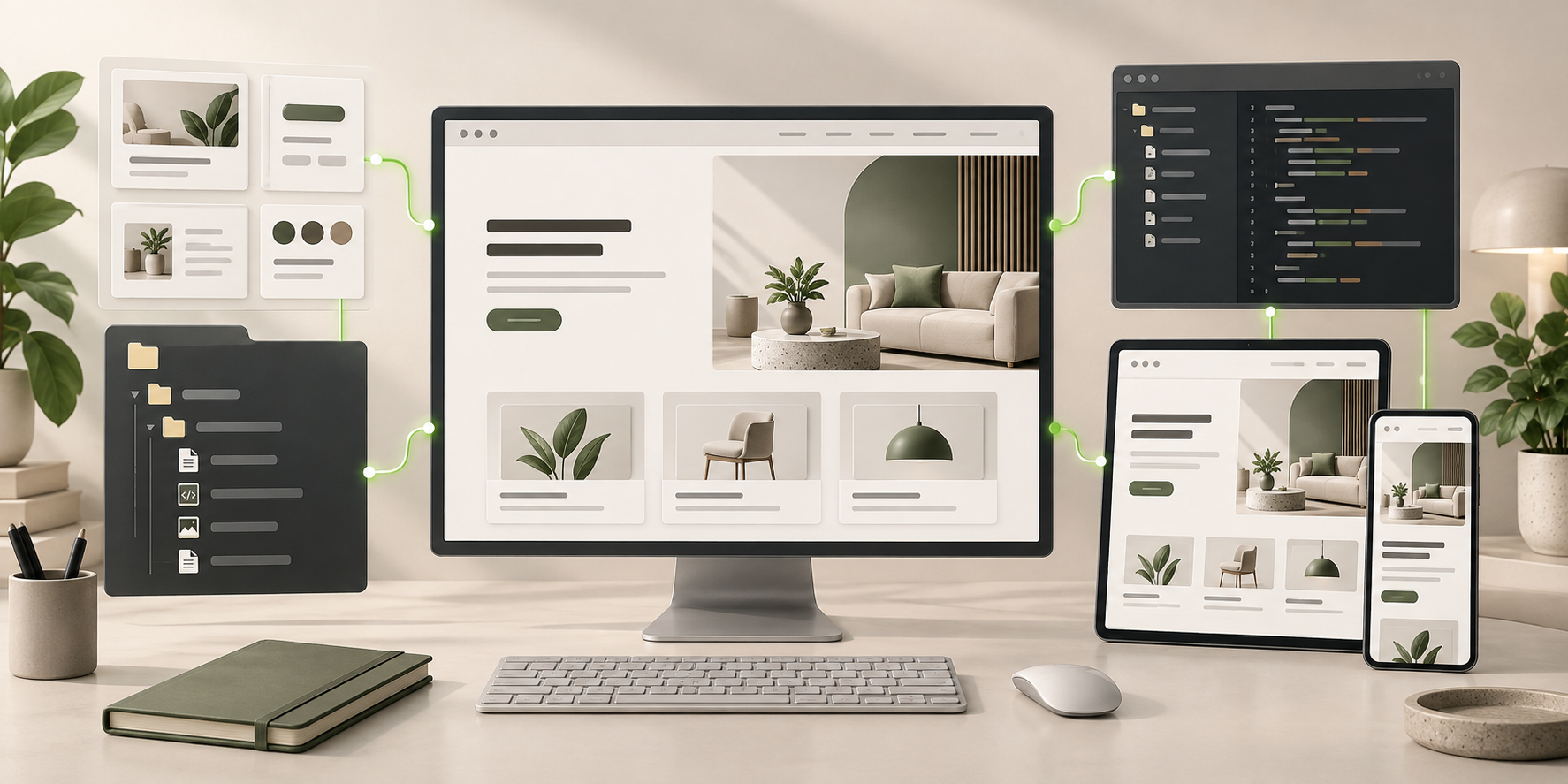
AI Portfolio Website Builder frontend connected to editable files, reusable components, and coding-agent continuation.
Ready to Keep EditingAI Portfolio Website Builder Frontend GeneratedHTML · CSS · JavaScript · Components