

Website
Luxury Real Estate Website Design
Velar is a luxury real estate website design that pairs cinematic architecture imagery with restrained typography and a deliberate editorial journey.

Real Estate Website Use Cases
- Luxury Property MarketingPresent distinctive estates through atmosphere, scale, and editorial restraint.
- Architecture-Led BrandingBuild recognition around buildings, materials, and carefully paced typography.
- Premium Portfolio StorytellingPair architectural mood with a brand statement and illustrative portfolio figures.
- Editorial Website DirectionShape a high-end landing page with controlled motion and contrast.
Architectural Website Highlights
- Oversized Hero TypeA bold LIVE IN IRREPLACEABLE headline anchors the opening composition.
- Editorial StatementLong-form brand language creates a deliberate pause after the hero.
- Illustrative MetricsThree sample figures extend the brand story through structured emphasis.
- Local Menu StateThe compact control opens a local overlay with four placeholder links.
Architectural Hero and Portfolio Statement
1 / 2Velar's Architectural Opening
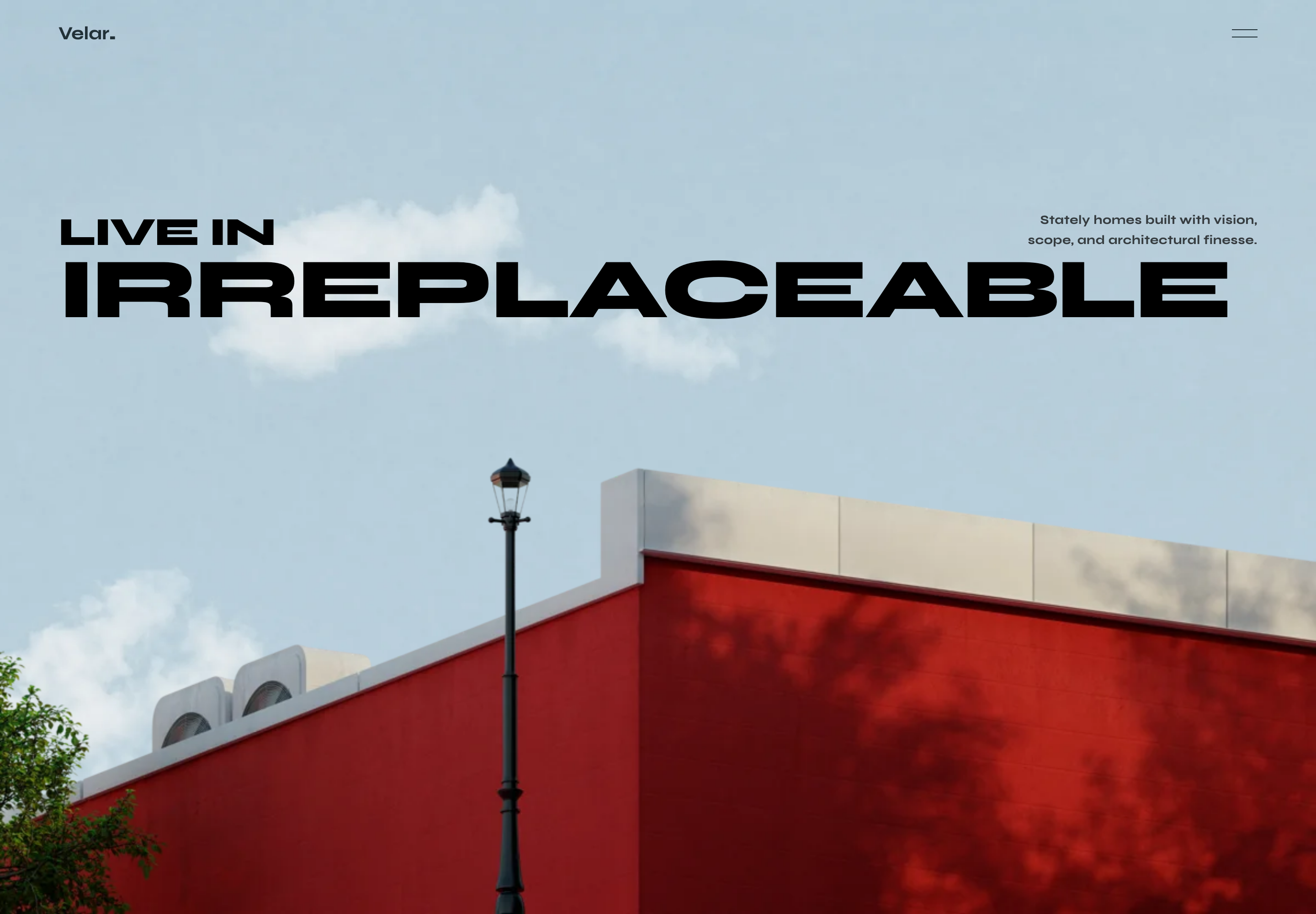
Velar opens with a compact wordmark, a two-line menu control, and a full-bleed architectural photograph. The image shows a red exterior wall, a pale roofline, and a central street lamp against open sky, giving the page a specific sense of place without introducing a property card or search interface.
The phrase "LIVE IN" sits above the oversized "IRREPLACEABLE" headline, while the supporting sentence remains on the right: "Stately homes built with vision, scope, and architectural finesse." This split gives the headline immediate visual priority and lets the supporting copy qualify the promise without competing for the same space.
A Brand Story For Selective Portfolios
The design suits a real-estate brand that needs to establish taste before asking visitors to browse listings. Its visible navigation labels are "Residences," "Story," "Listings," and "Inquire," so the page frames property discovery as one part of a broader brand narrative.
The sequence can inform a boutique brokerage or architecture-focused property studio. It gives the architectural image more opening space than a filter or property table. That emphasis establishes a visual point of view but leaves practical inventory search unavailable in this source; a production site would need verified property information and working destinations.
Brand Before Inventory
The opening establishes Velar's point of view before presenting residences, making the website feel curated rather than catalogue-led.
Narrative Before Inquiry
Story, Listings and Inquire name proposed destinations; all four overlay links point to # rather than separate pages or an inquiry form.
Selective Presentation
The language of hand-chosen estates supports a premium positioning, but any real-world selection claim would require independent verification.
From Hero To Statement And Metrics
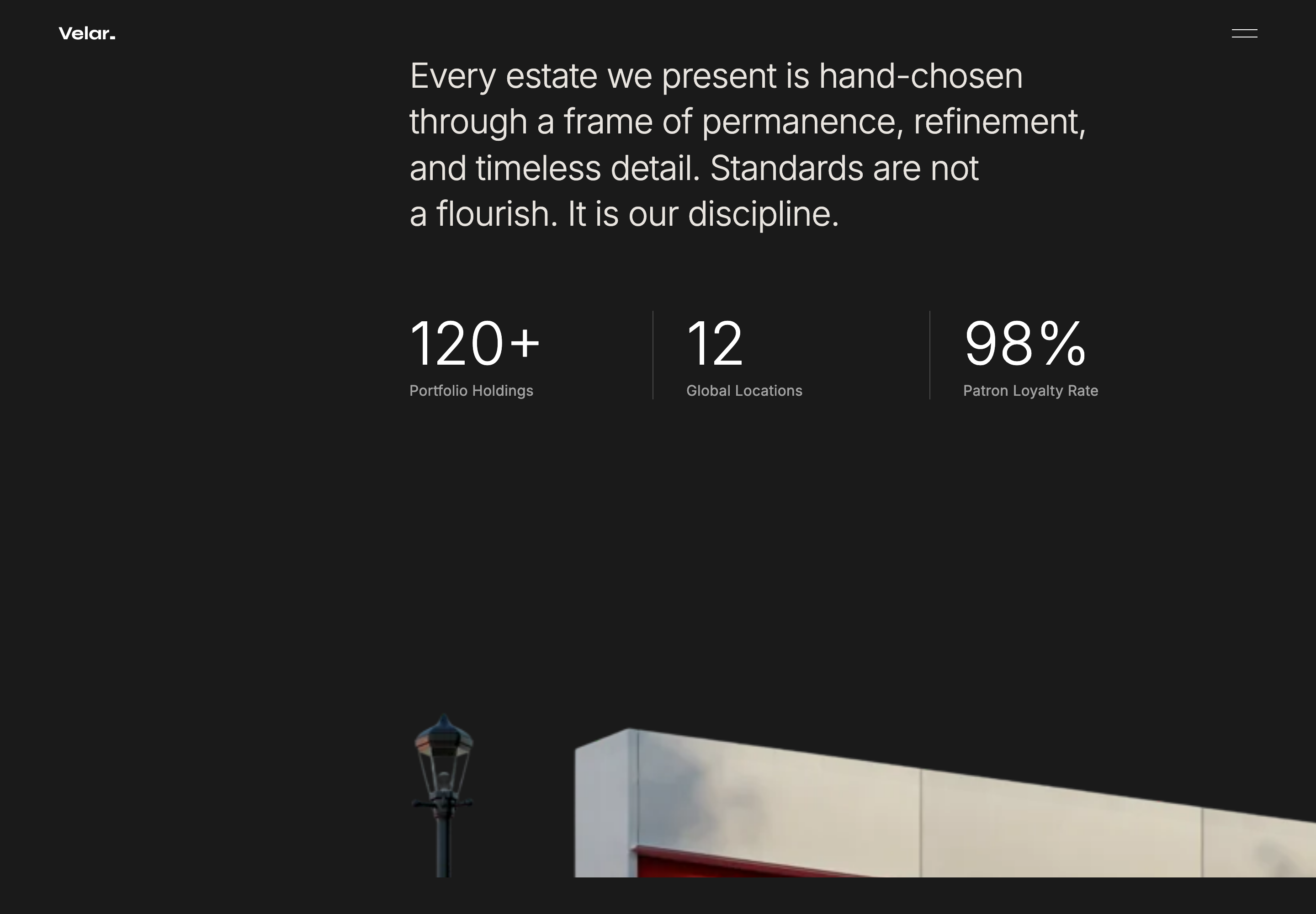
The next visible state changes the atmosphere from the pale hero to a nearly black field with light text. The statement reads, "Every estate we present is hand-chosen through a frame of permanence, refinement, and timeless detail. Standards are not a flourish. It is our discipline." Its centered, multi-line layout slows the reading pace and makes the brand's selection principle the subject of the section.
Below the statement, three columns show "120+ Portfolio Holdings," "12 Global Locations," and "98% Patron Loyalty Rate." These are authored sample figures, so their design role is structural: they create a measurable-looking pause after the manifesto. The vertical dividers clarify comparison, while the labels explain what each number is intended to represent.
| Sample Value | Source Label | Evidence Boundary |
|---|---|---|
| 120+ | Portfolio Holdings | An authored scale claim, not an inspected property inventory. |
| 12 | Global Locations | No location list or operating footprint is supplied. |
| 98% | Patron Loyalty Rate | No definition, sample period or calculation is supplied. |
Reading The Data Row
The metrics are ordered from portfolio scale to geographic reach to patron response. That progression moves from what the brand holds, to where it operates, to how its audience is described. Treat these figures as illustrative: the source provides no supporting dataset or calculation. Replace or remove them before publication rather than presenting them as validated performance evidence.
Visible Design And Capability Boundaries
The source implements a timed wordmark preloader, house-lift animation, scroll-positioned architectural cutout, navigation-color changes and a local menu overlay. Its menu links all point to #, not listings or inquiry destinations. An IntersectionObserver starts the three sample number animations. These local handlers do not establish smooth anchor navigation, connected inventory or business results. The two captures are separate runtime states, not a continuous-page screenshot.
The captures do not establish connected listings, inquiry processing, analytics, storage, or verified real-estate results. The numbers 120+, 12, and 98% are sample content, and the supplied MP4 files are not included in this Showcase. Treat the work as a visual and interaction reference until production data, services, accessibility behavior, and asset rights are supplied.
How to Create Luxury Real Estate Website Design in OpenDesign
Set The Editorial Frame
Start with a luxury real-estate landing page whose first screen uses a full-bleed architectural image, a compact Velar-style wordmark, a small menu control, and a two-level headline. Keep the supporting subtitle narrow and secondary.
Suggested PromptCreate a luxury real estate website design with a full-bleed red architectural wall and pale sky image, a compact wordmark, a two-line menu control, the headline LIVE IN IRREPLACEABLE, and a narrow supporting statement. Use local visual motion only; do not imply listings, inquiries, analytics, storage, or connected services.
Build The Brand Transition
Add a dark statement section after the hero. Use the supplied selection language as a reference for rhythm, then check that the long sentence wraps into readable lines rather than becoming an oversized text block on smaller screens.
Define The Metrics Carefully
Place three comparable metric blocks beneath the statement, separated by vertical rules. Keep the labels paired with their values, mark the content as illustrative during exploration, and replace every figure with verified data or remove the row before publication.
Check The Reading Sequence
Review the order from hero to statement to metrics, along with the local menu open and close states. Confirm that the architectural image remains legible behind the headline and that motion supports the transition without being mistaken for a connected media feature.
Export and Get a Share Link
Export your finished design, then use Share in OpenDesign to get a share link. Open the link in a separate browser window and check that the intended version and its assets are available before sending it.
AI Design Studio Website Design
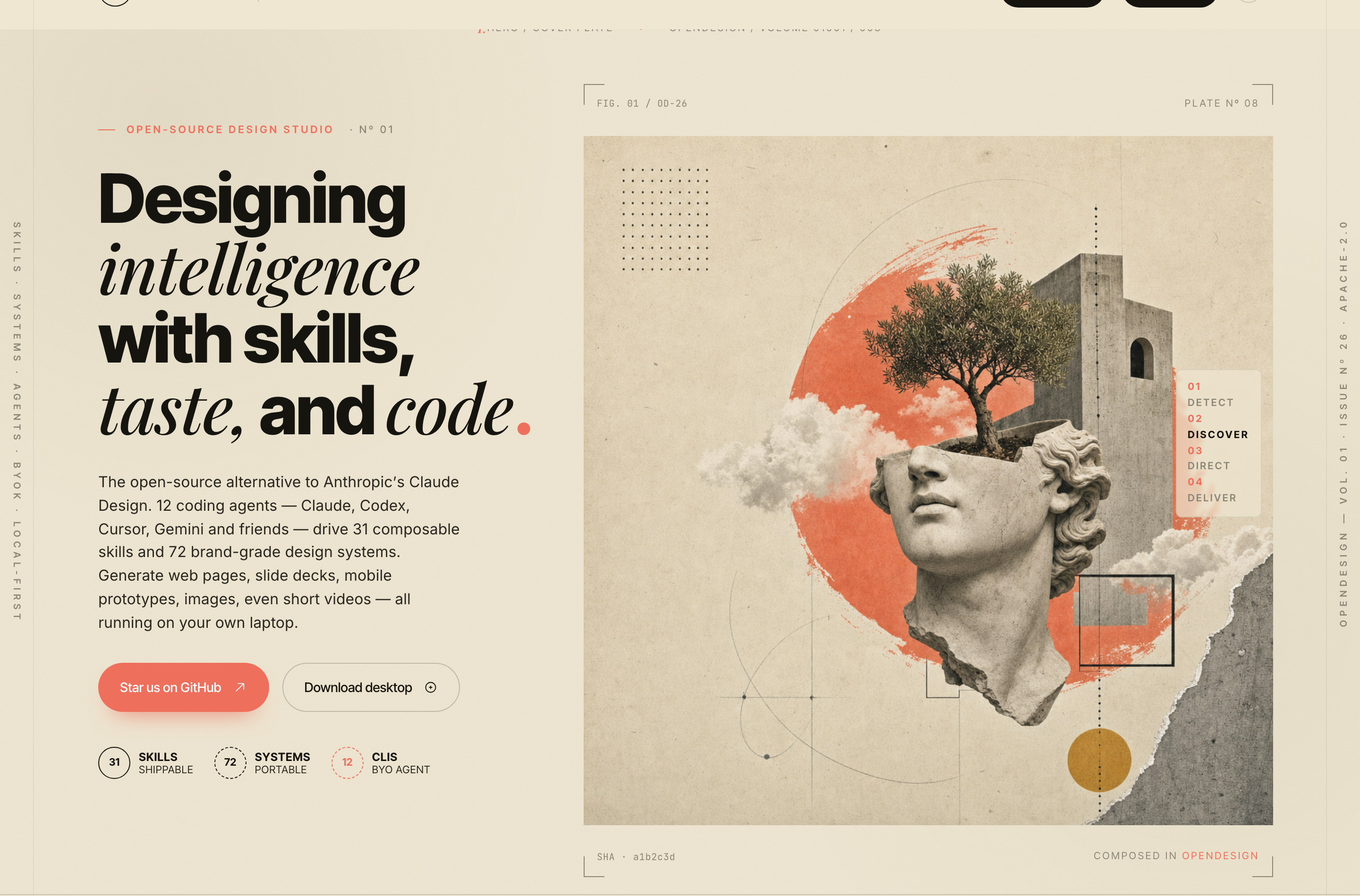
OpenDesign’s AI Design Studio Website Design turns a local-first studio concept into an editorial landing page that makes skills, experiments, and method easy to scan.
Website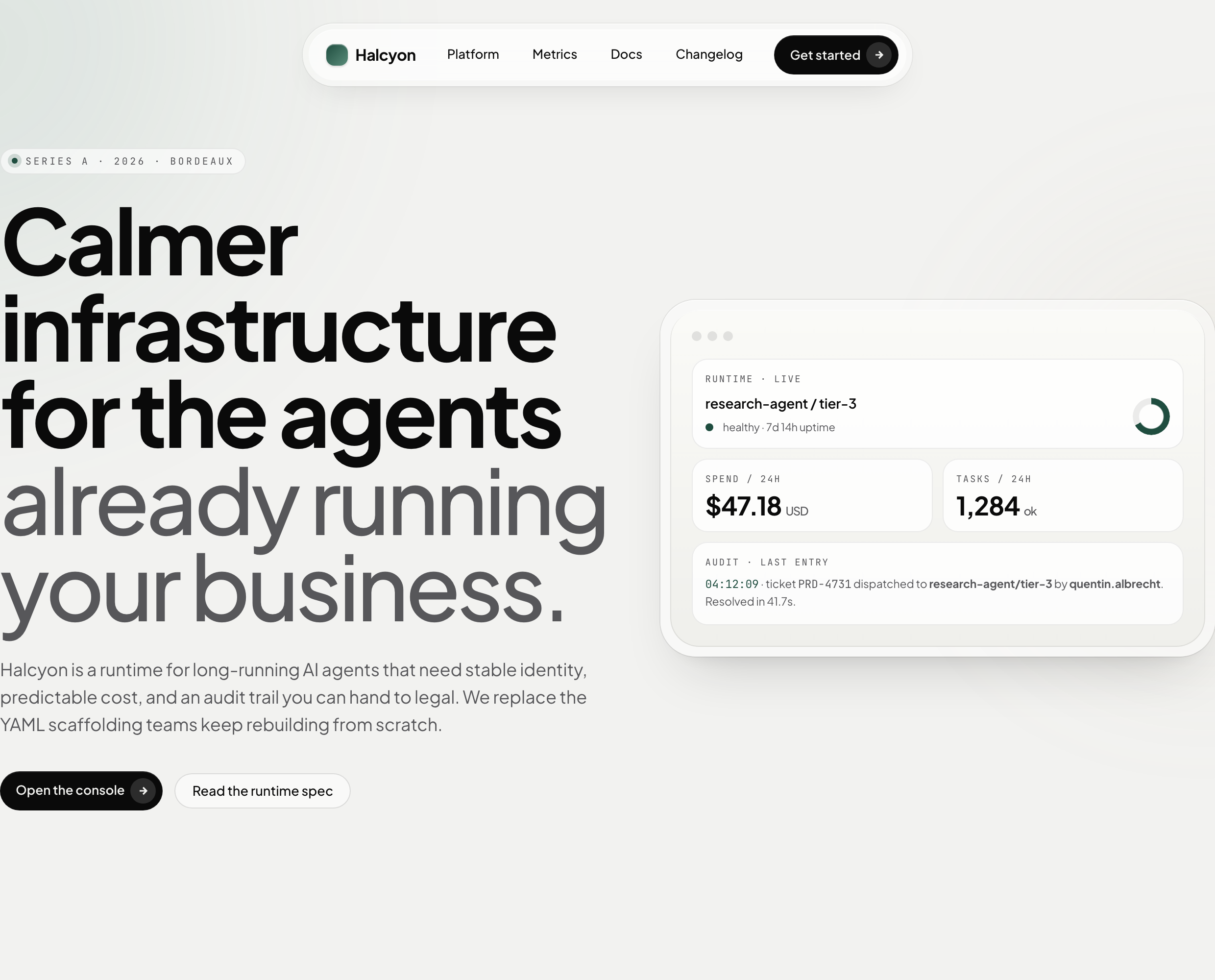
AI Infrastructure Website Design
A soft AI-infrastructure landing concept with sample runtime metrics, nested feature cards, subtle motion and a single sales invitation.
Website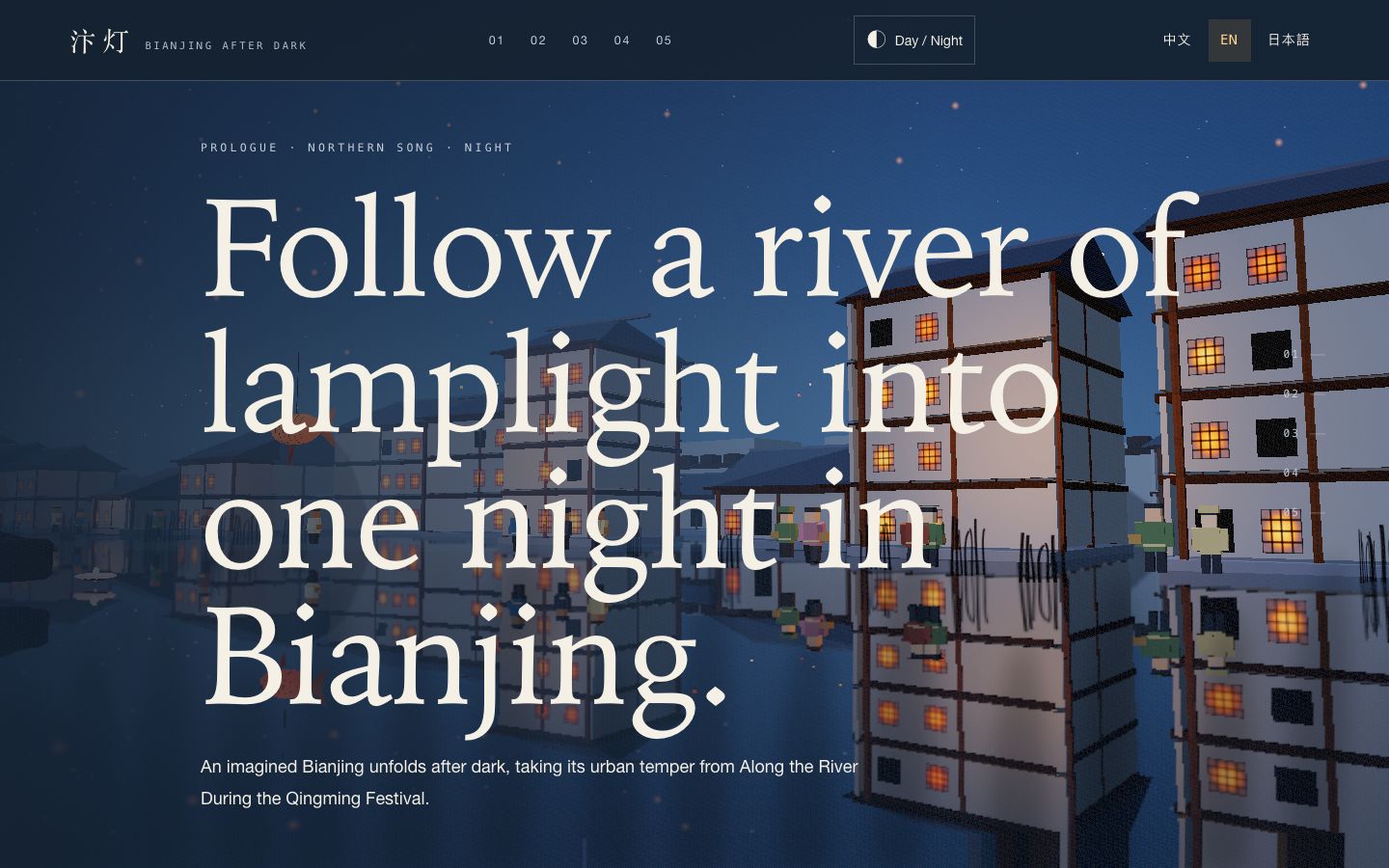
Bianjing Night Tour Website Design
An interactive night journey through an imagined Song-era Bianjing, combining a persistent river city, poetry, lanterns and multilingual chapter pacing.
Website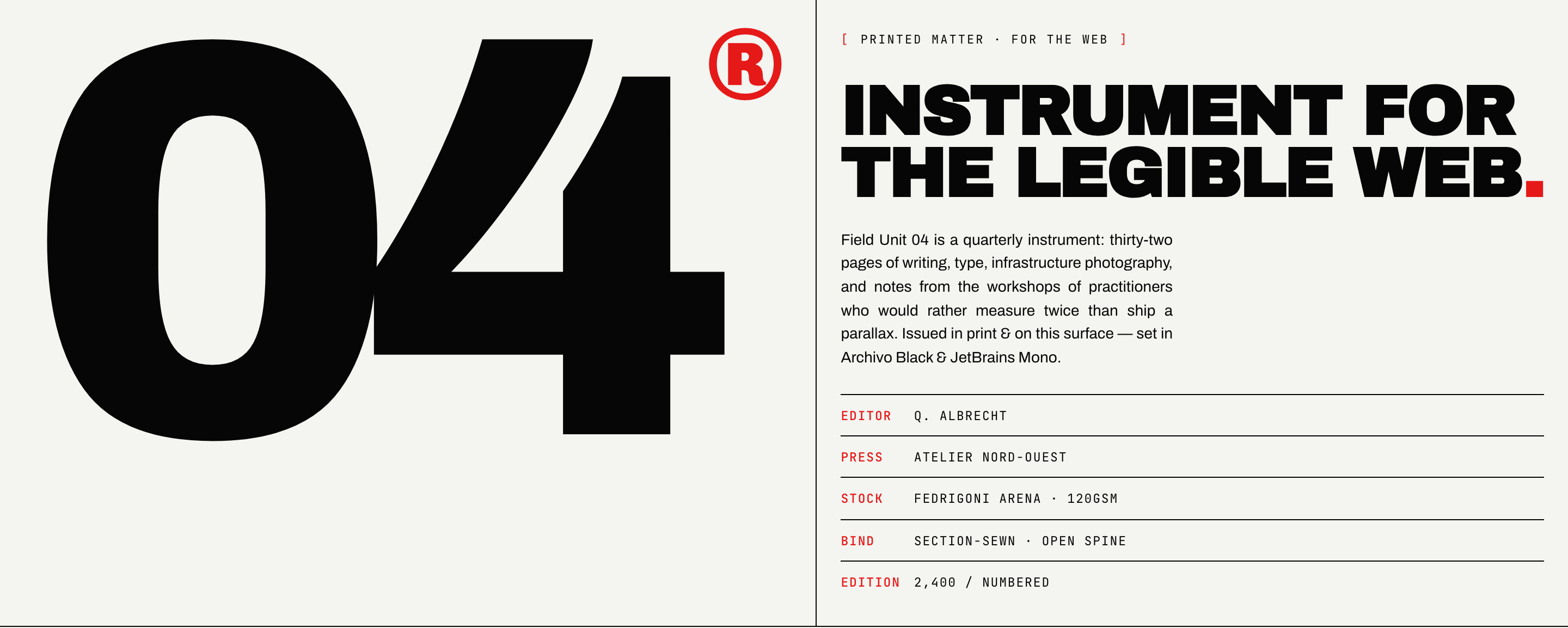
Brutalist Journal Website Design
Brutalist Journal Website Design turns a print-shaped issue into a legible web reading system, pairing bold type with measured editorial structure.
Website